Employee_ERP_System
Hello,
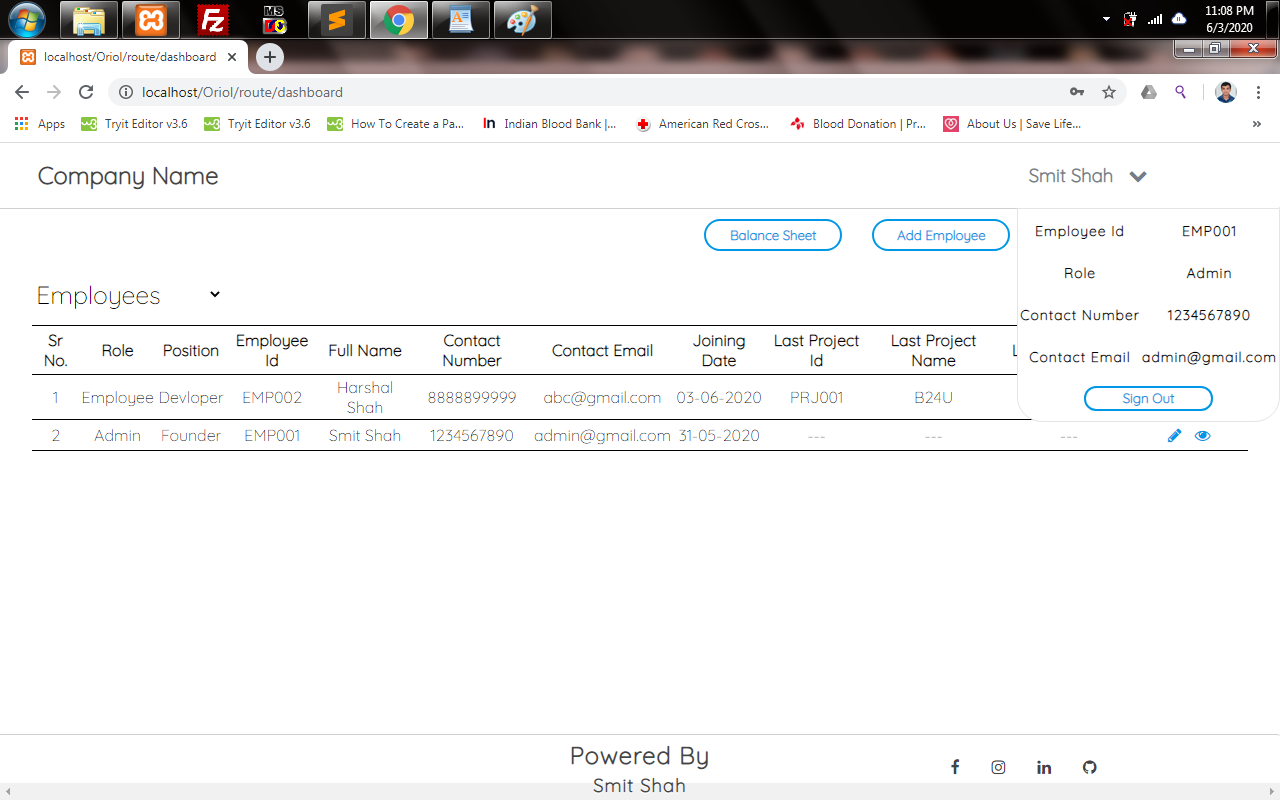
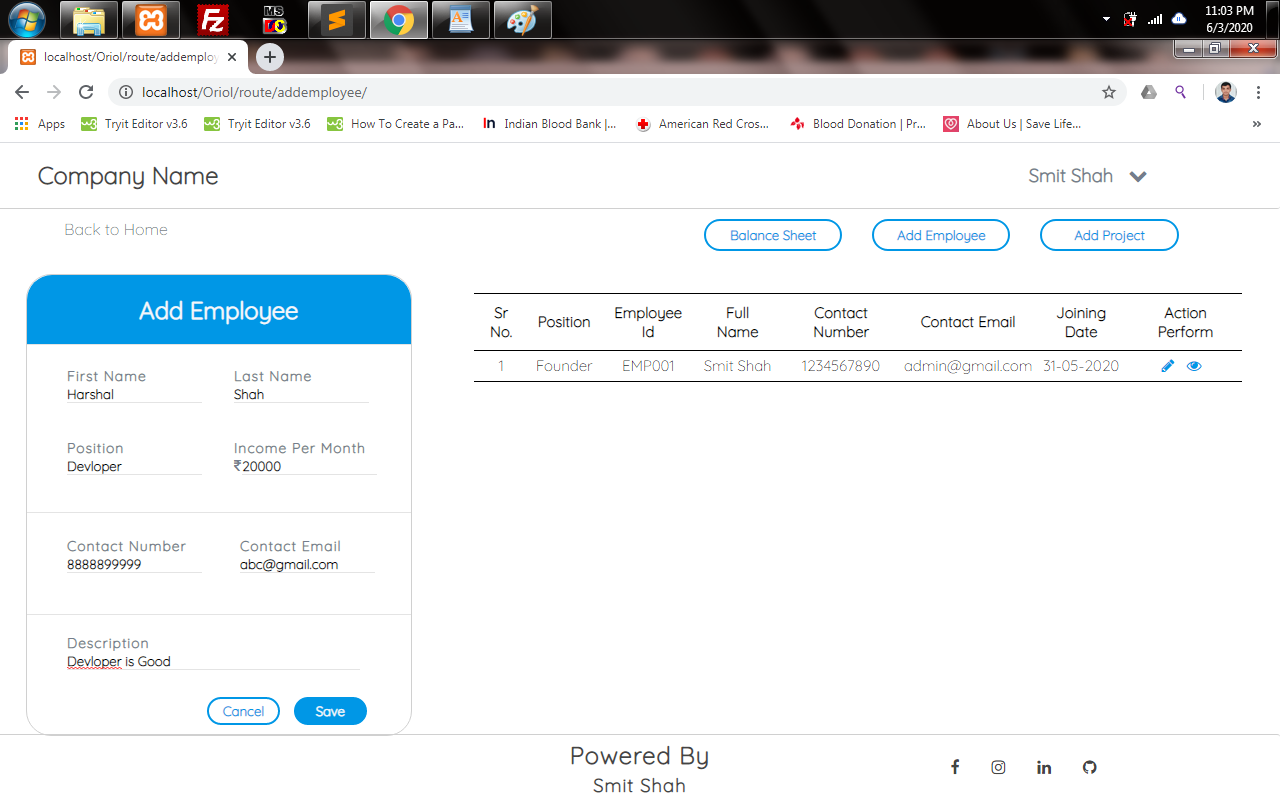
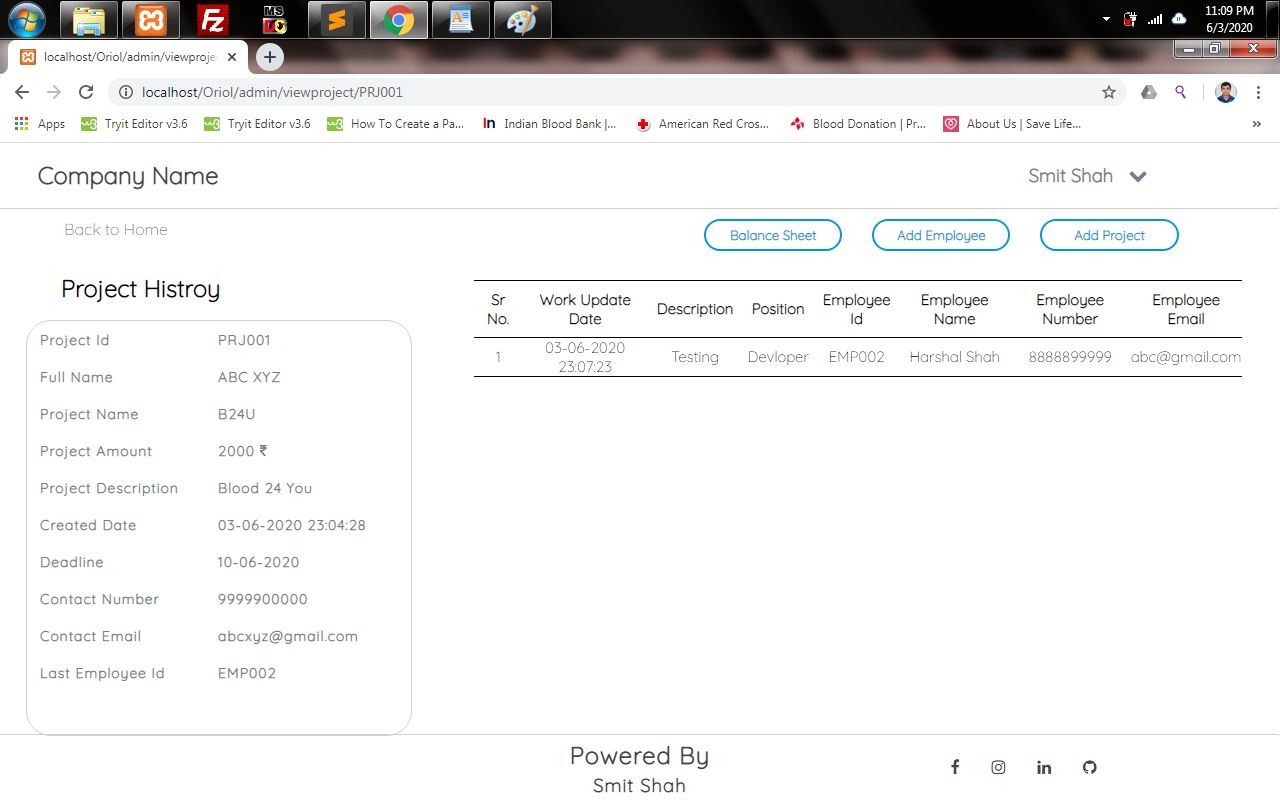
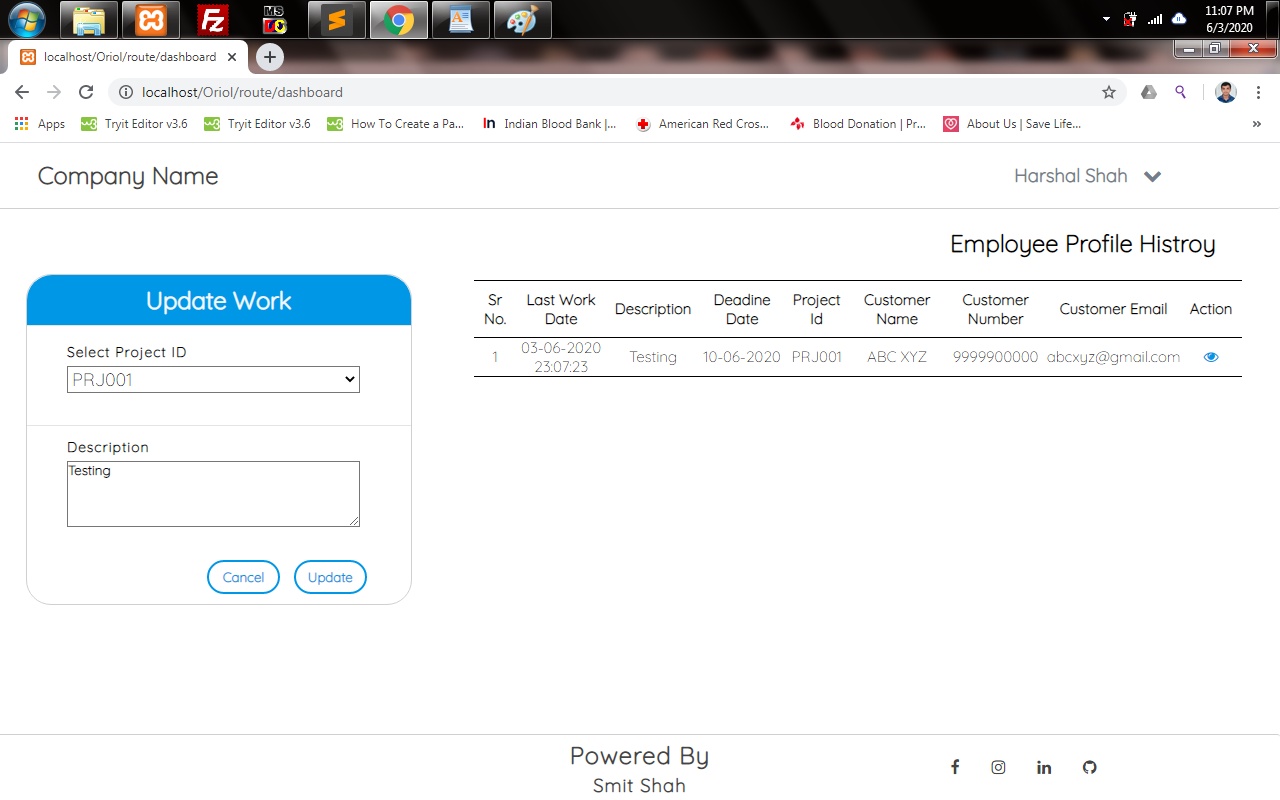
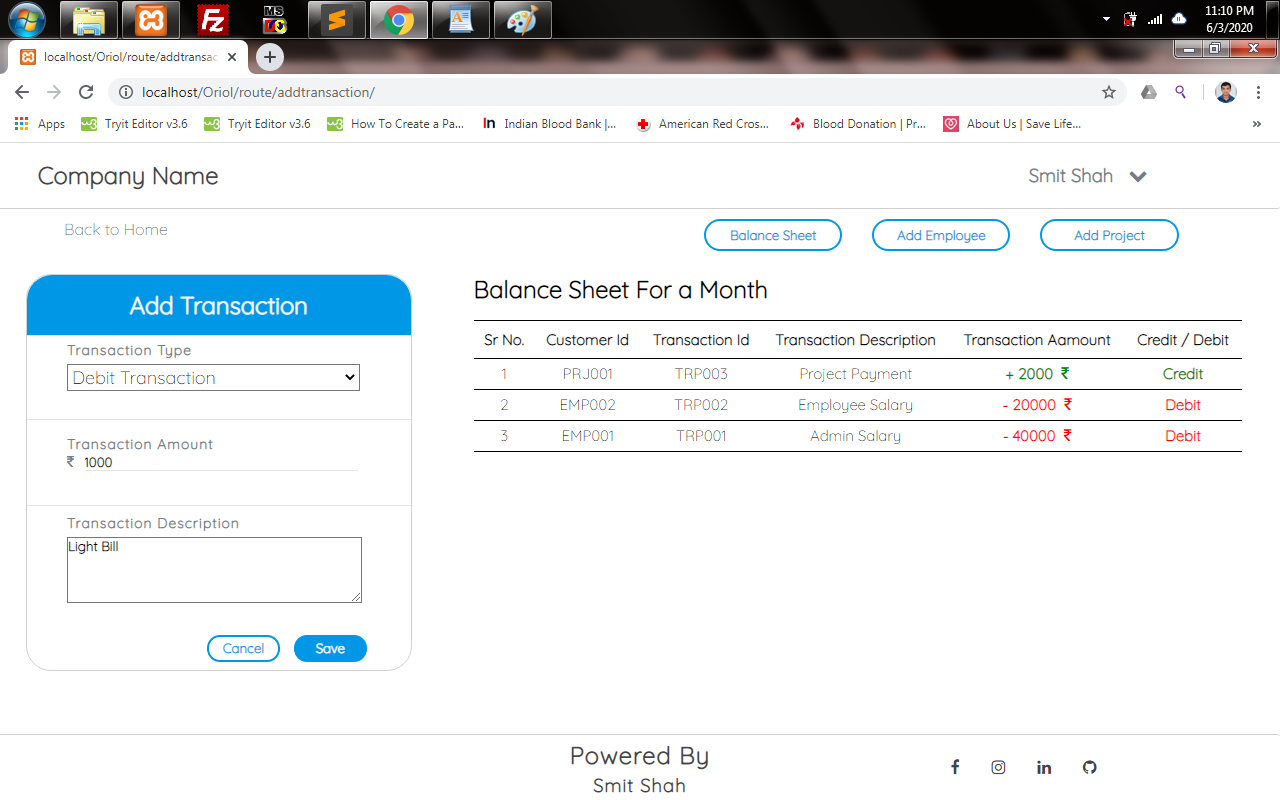
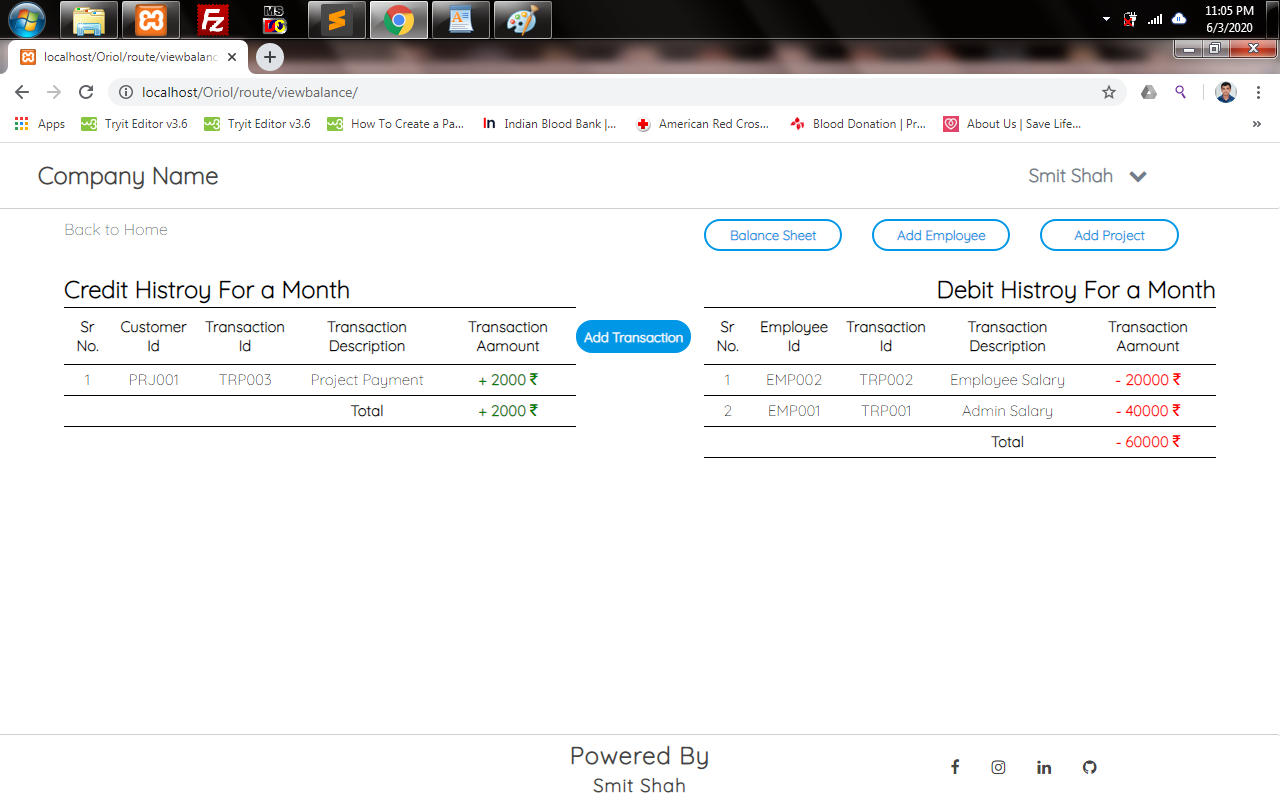
Introduction :-ERP is a business process management software that allows an organization to use an integrated application system to manage a business and automate many back office fee tasks. In this project the admin will be able to add, update and delete the details of the employees. The admin can also add a new employee and customer project and view employee details. As well as the employee can sign in to their own account and update their daily work.
Which technology is used …???
- PHP(CodeIgniter Framework)
- MySql
- HTML5
- CSS3
- JavaScript
Which Software is needed …???
- Xampp / Wampp Server
- Text Editor(eg Sublime,Notepad++)
How to Install the Software …???
- Xampp Server
https://www.apachefriends.org/download.html
- CodeIgniter FrameWork
https://api.github.com/repos/bcit-ci/CodeIgniter/zipball/3.1.11
How to Import the Folder …???
- Extract Download Framework Folder and Rename to ERP.
- Paste ERPFolder in C://>XAMPP/WAMPP>htdocs/www
- Goto htdocs/www>ERP> Paste Assest,application & .htaccess(Employee ERP Source File > Assest,application & .htaccess)
Note:- Rename htaccess to .htaccess.
How to Import the Database File ...??
- Open Browser > Search localhost/phpmyadmin >Click Create New Database > Database Name = ERP_System
- Open Browser > Search localhost/phpmyadmin > Click Import Button > Click ChooseFile Button > Go to Project Folder > Database >Database.sql > Click Open Button
How to run the Project …???
- Start Xampp/Wampp Server
- Open Browser > Search localhost/ERP/
Note:- jQuery,GoogleFont CDN used in project so that Internet is required.
Where is the Admin Details ...???
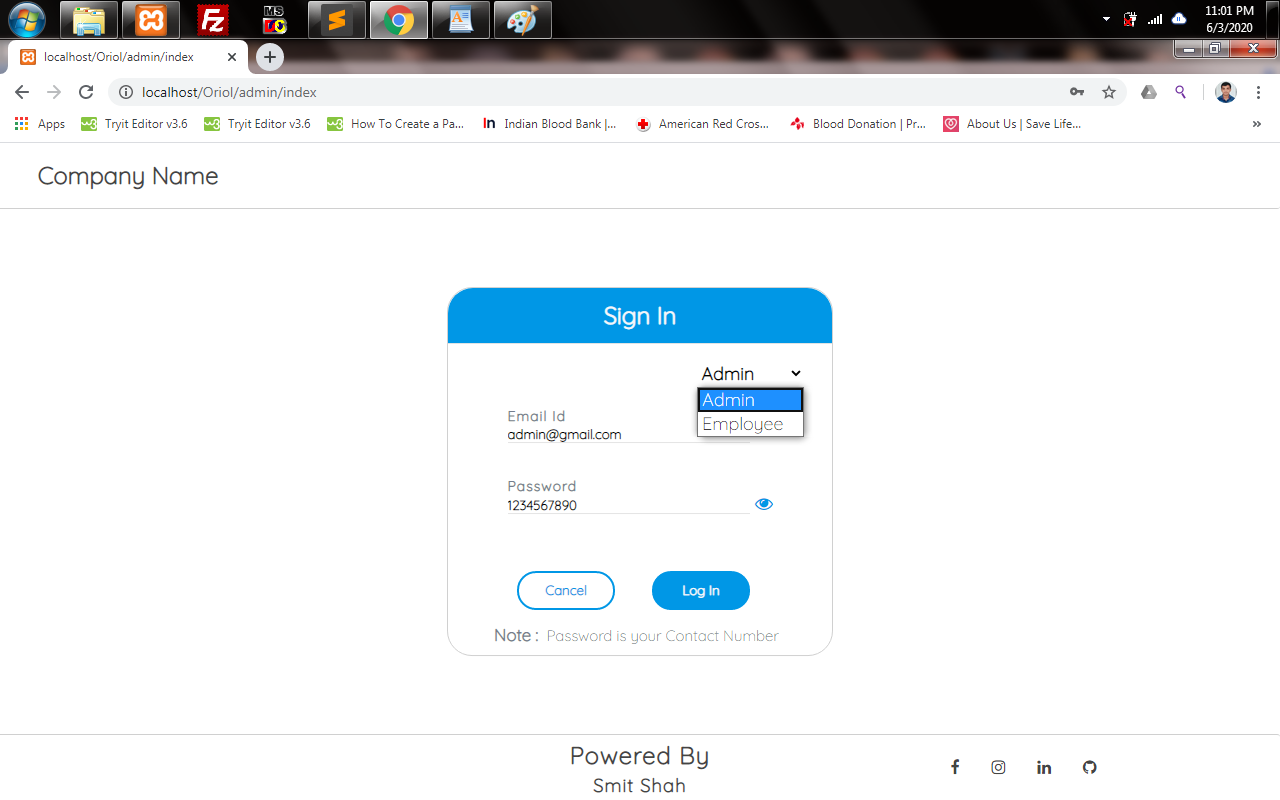
Admin Email Id:- [email protected]
Admin Password:- 1234567890
Note:- Password is User Contactnumber.
Where is the ScreenRecord of the project...???
Path :-ScreenRecord/
SnapShot of the project…!!!
Copyright & Powered By
Smit Shah
[email protected]
8849364239
Thank You..!!! :)









