Azure.IoTHub.IoTCore.FieldGateway.LoRa
1.0.0

AzureIoT Hub Windows 10 IotCore Field Gateway for LoRa capable devices
A Windows 10 IoT Core application based on my @RFM9X Library for uploading telemetry data from RFM9X/SX127X equipped devices to an @Azure IoT Hub or @Azure IoT Central
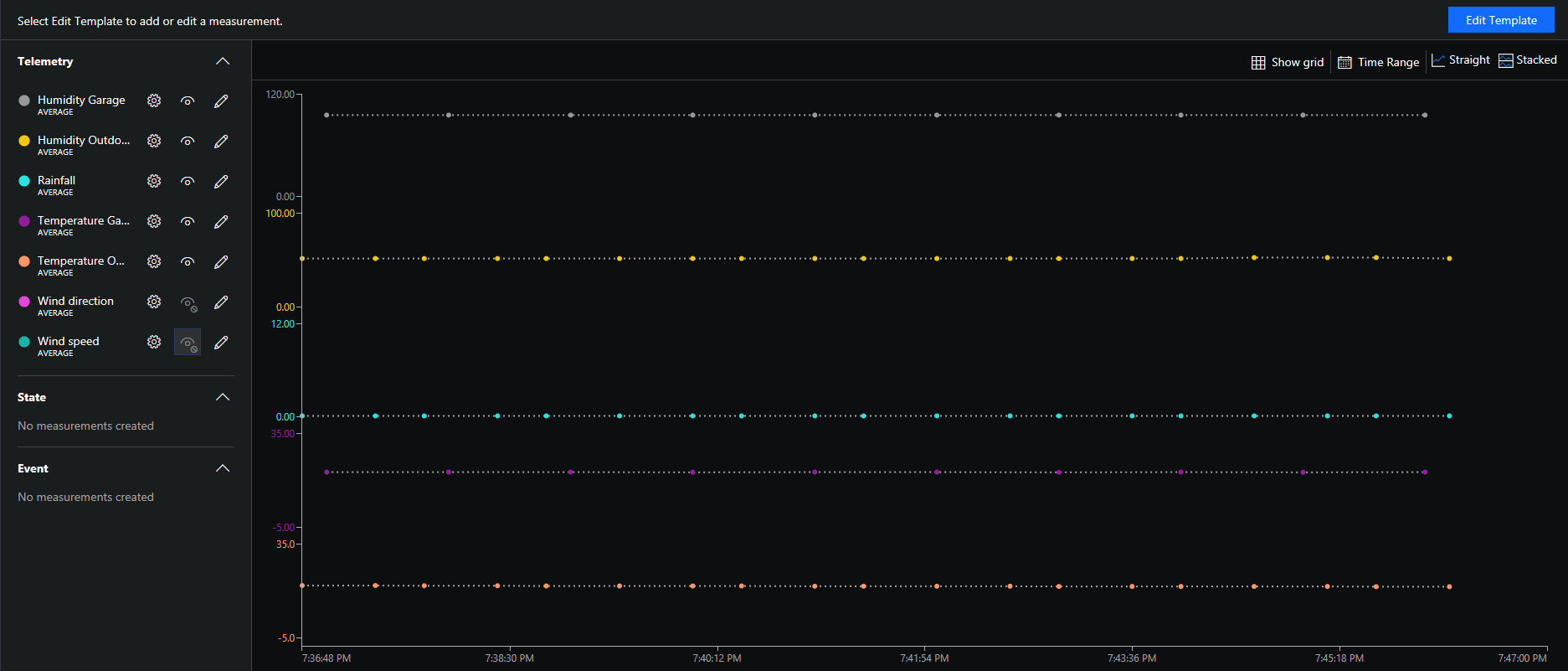
The field gateway will upload data to Azure IoT Hubs or Azure IoT Central
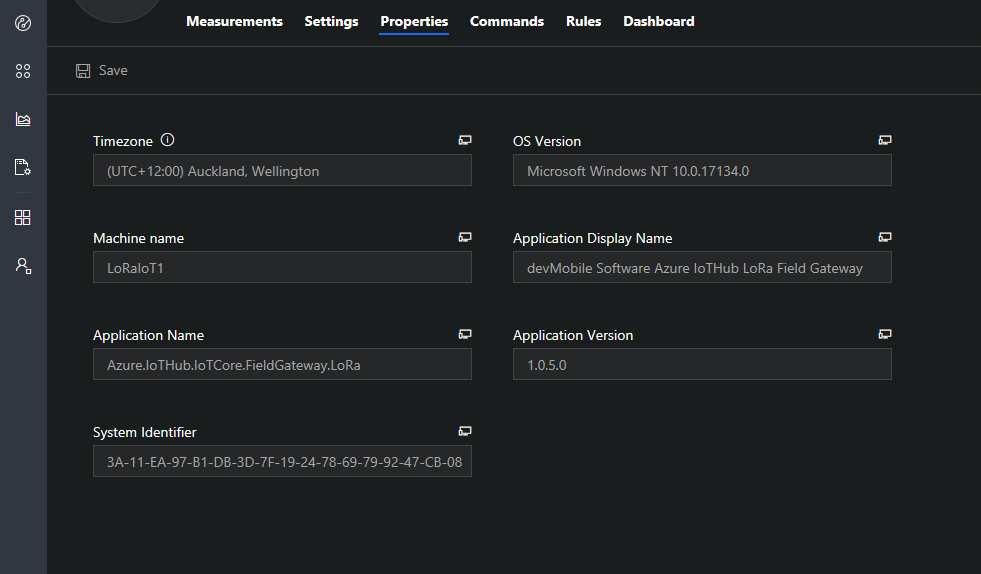
It has device properties for debugging and support
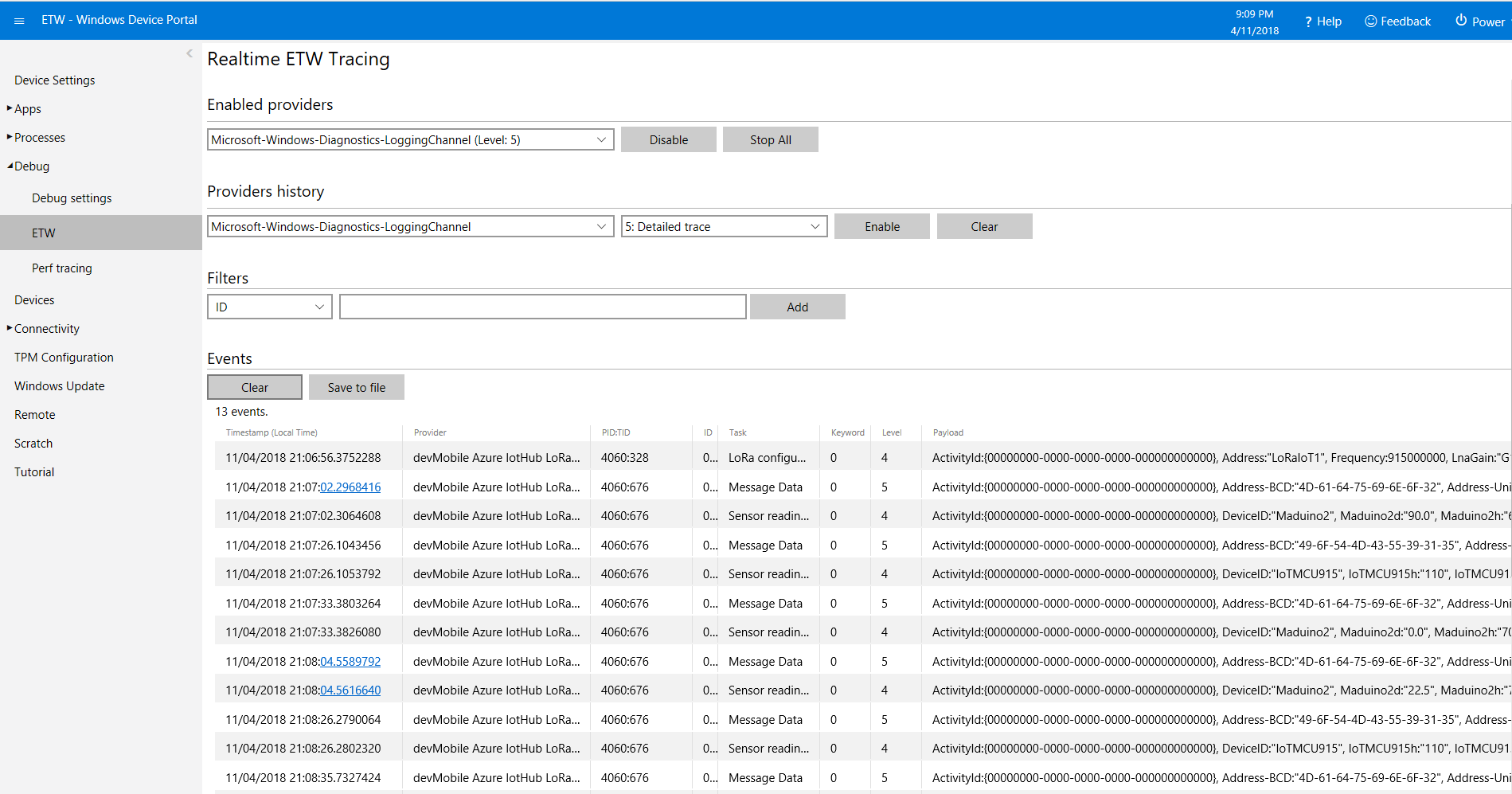
The application logs data to ETW for debugging and support
The field gateway currently supports these shields
@Dragino
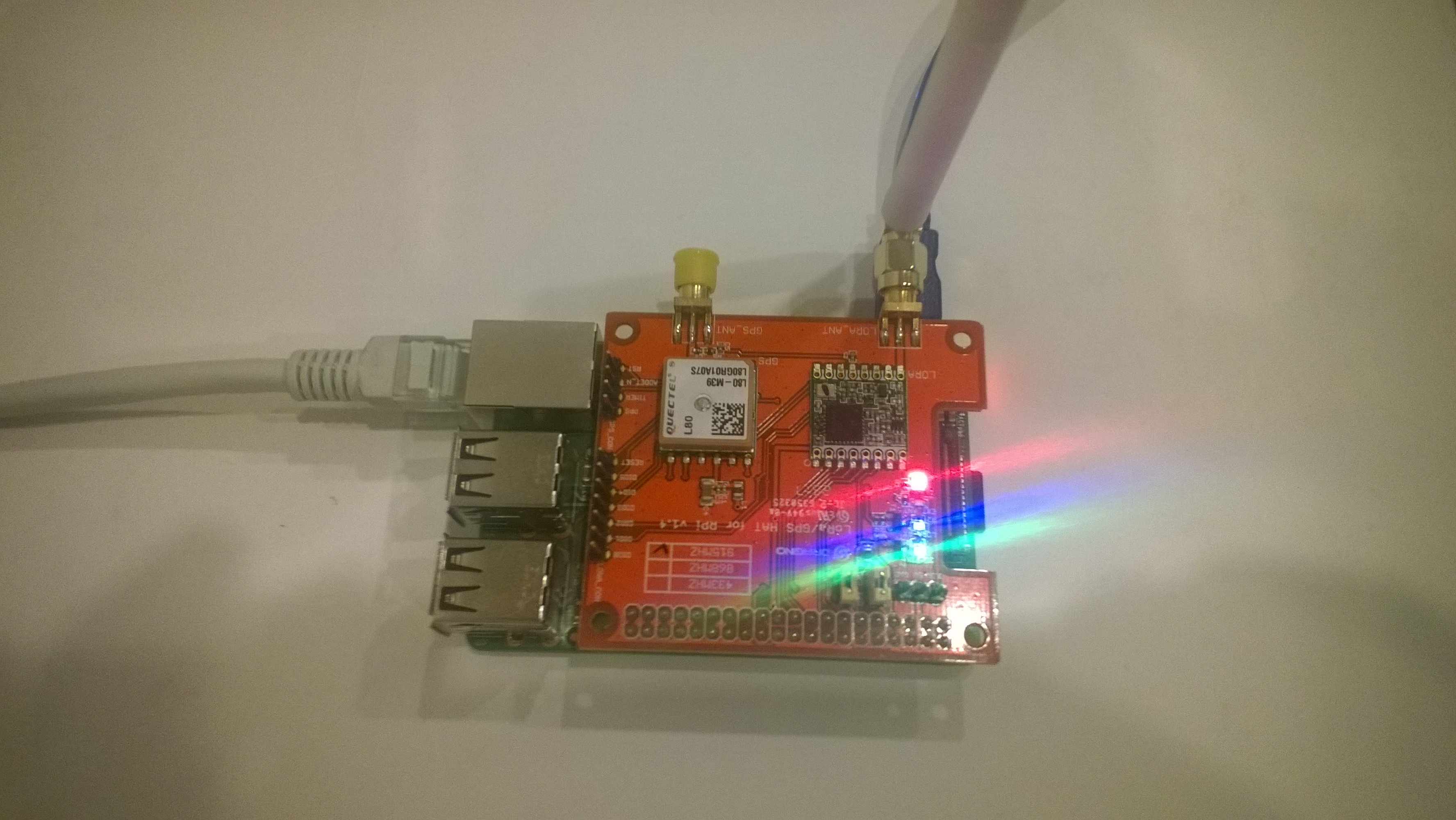
@ElectronicTricks
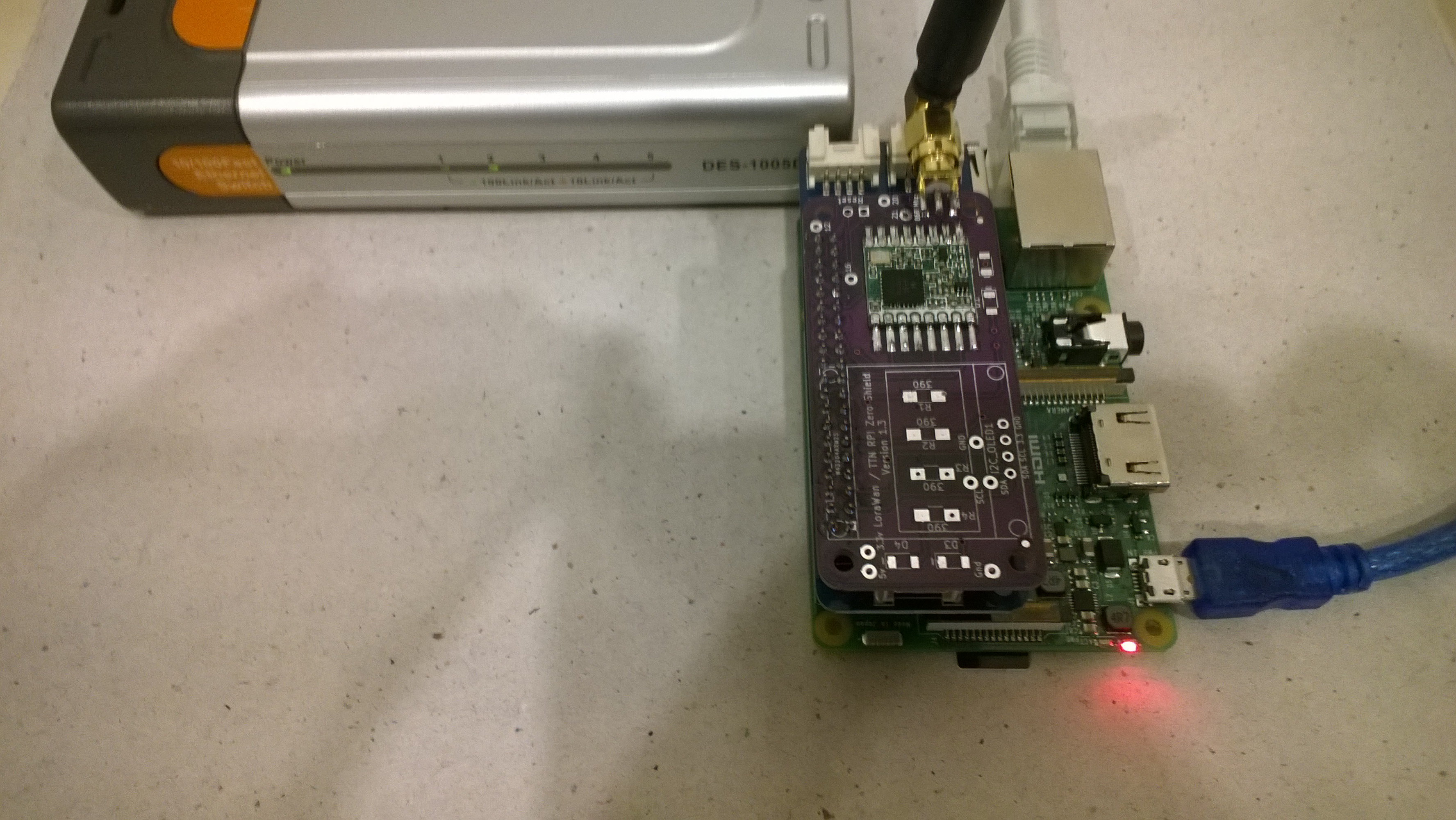
@Elecrow
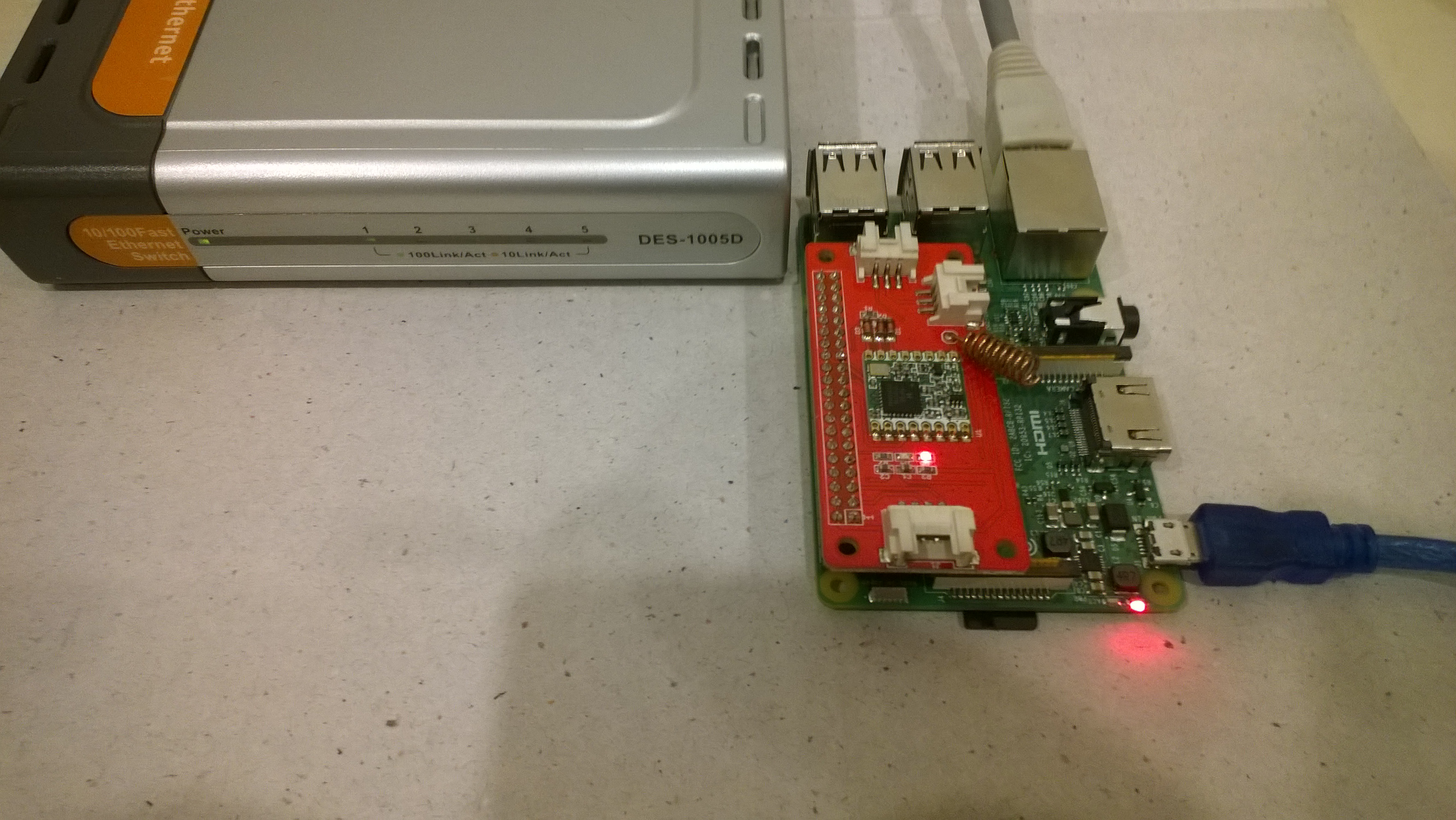
@M2M
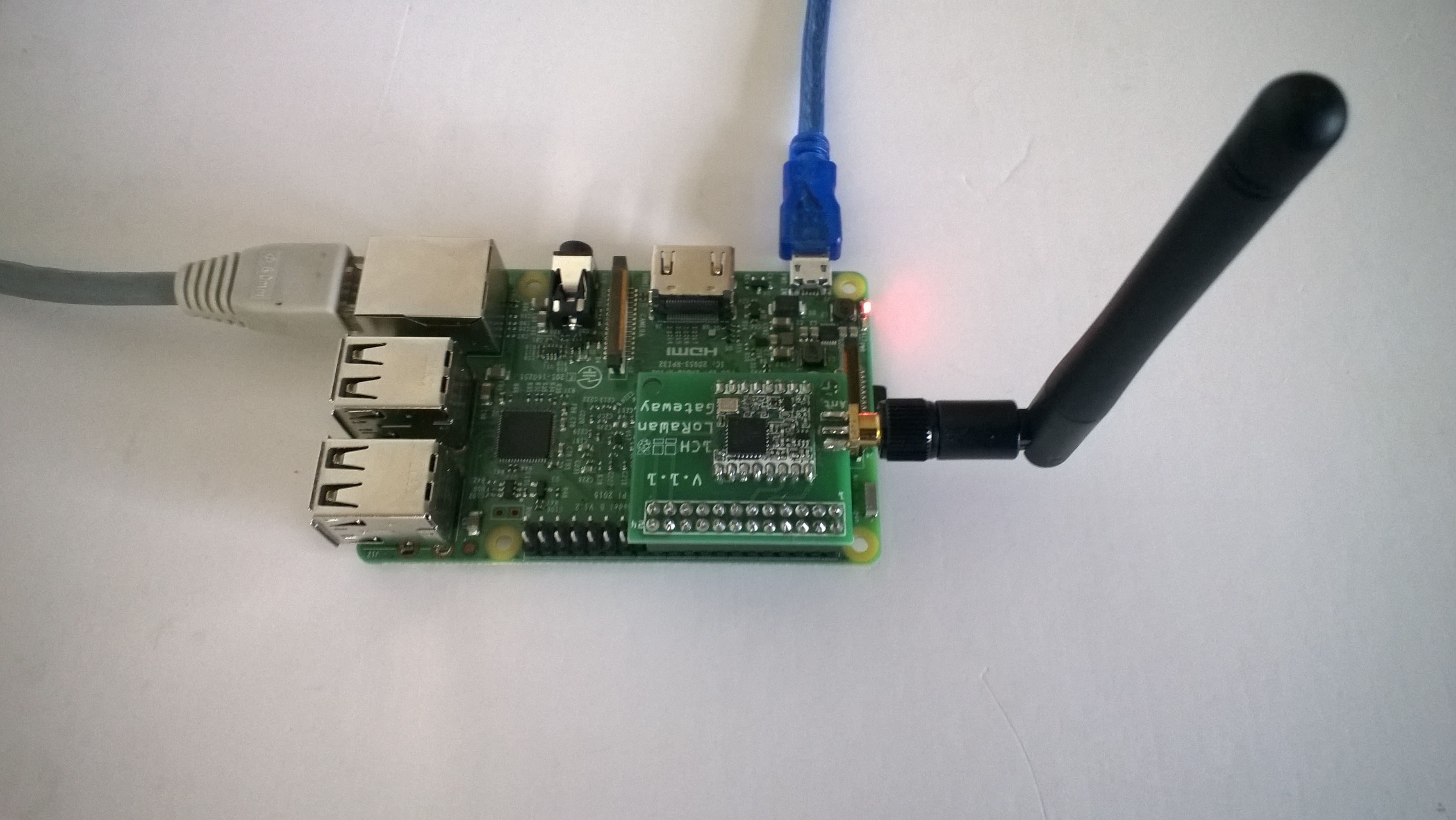
RPIZero Shield from @Uputronics
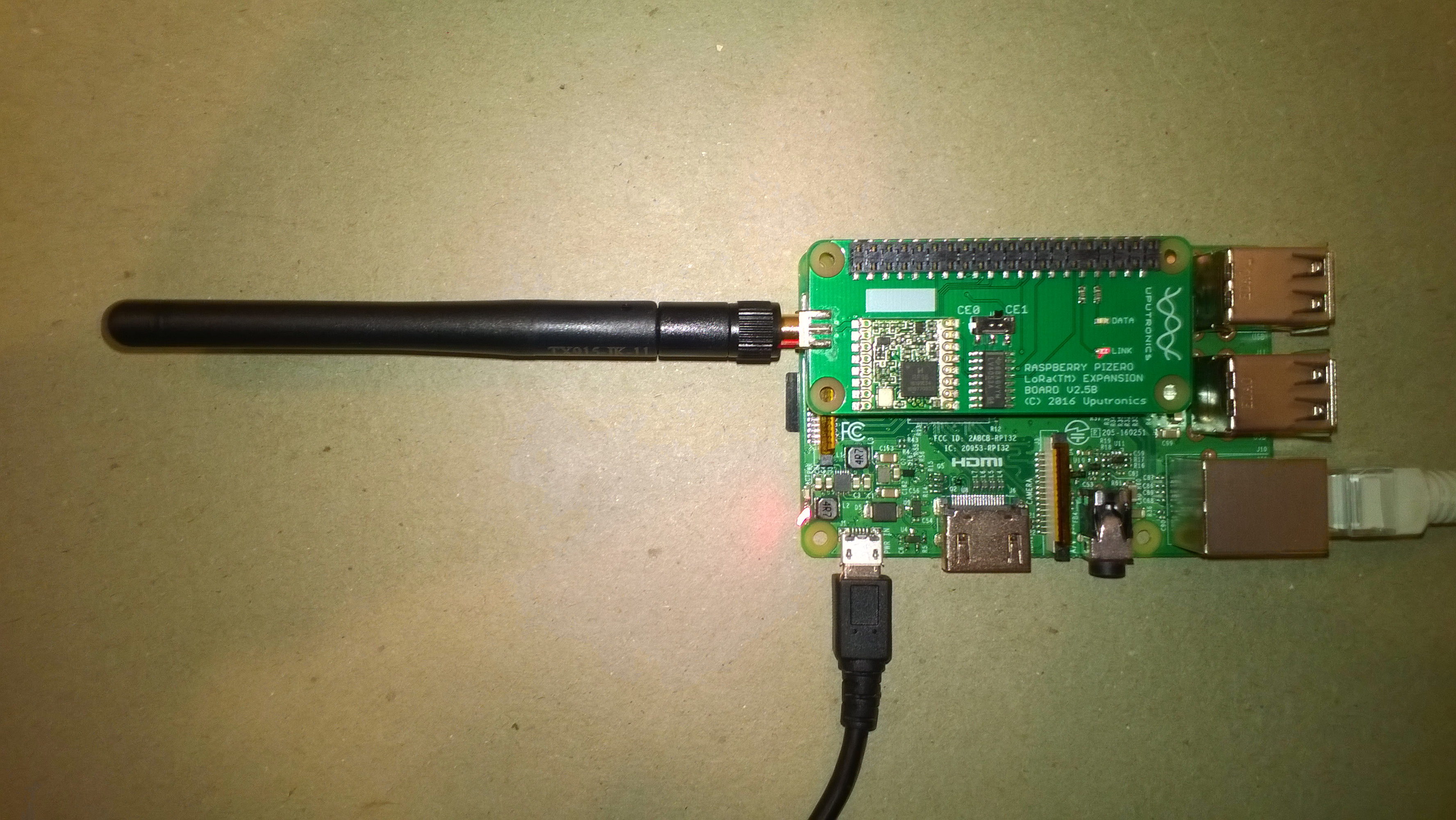
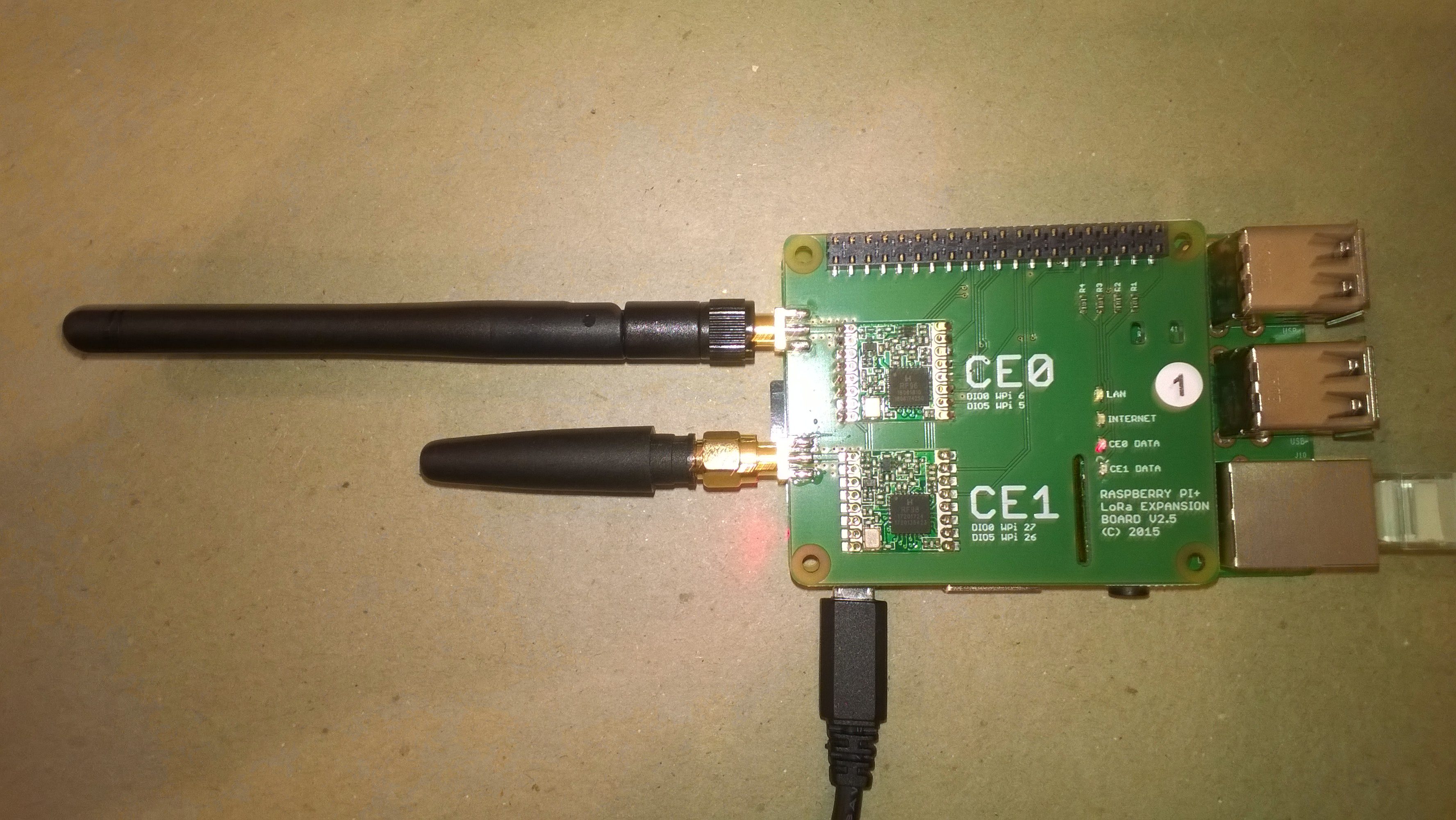
RPIPlus Shield from @Uputronics
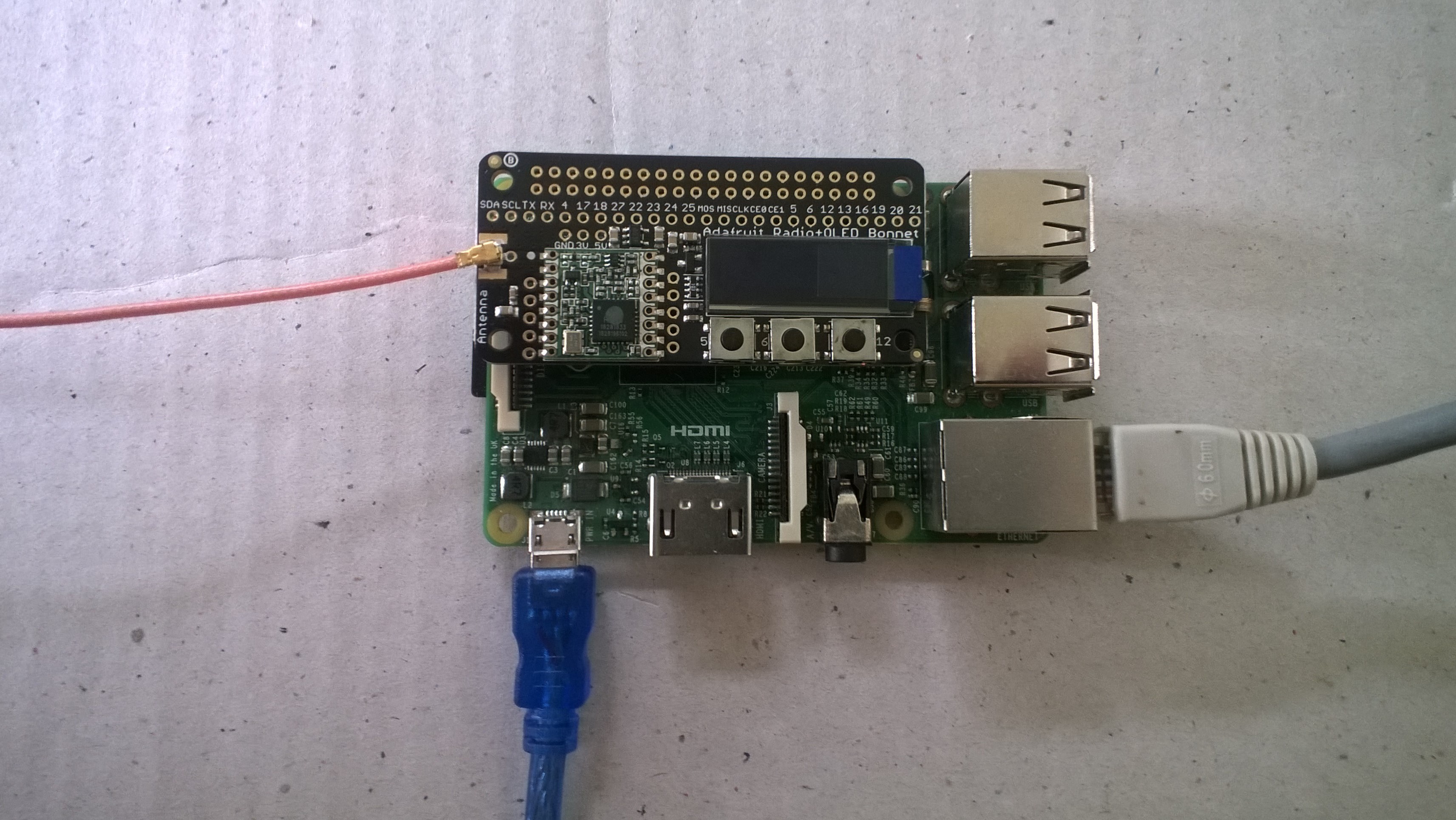
LoRa Radio Bonnet from @Adafruit
I have sample client applications which show how to send telemetry from
An empty configuration file is created the first time the application is run. A minimal configuration file has the device address, the Azure Device Client transport protocol, and the centre frequency.
{
  "AzureIoTHubDeviceConnectionString": "HostName=saas-iothub-12345678-9012-3456-7890-123456789012.azure-devices.net;DeviceId=b1234567890d;SharedAccessKey=qwertyuiopasdfghjklzxcvbnm1234567890qwertyu=",
  "AzureIoTHubTransportType": "amqp",
  "SensorIDIsDeviceIDSensorID": true,
  "Address": "LoRaIoT1",
  "Frequency": 915000000.0
}
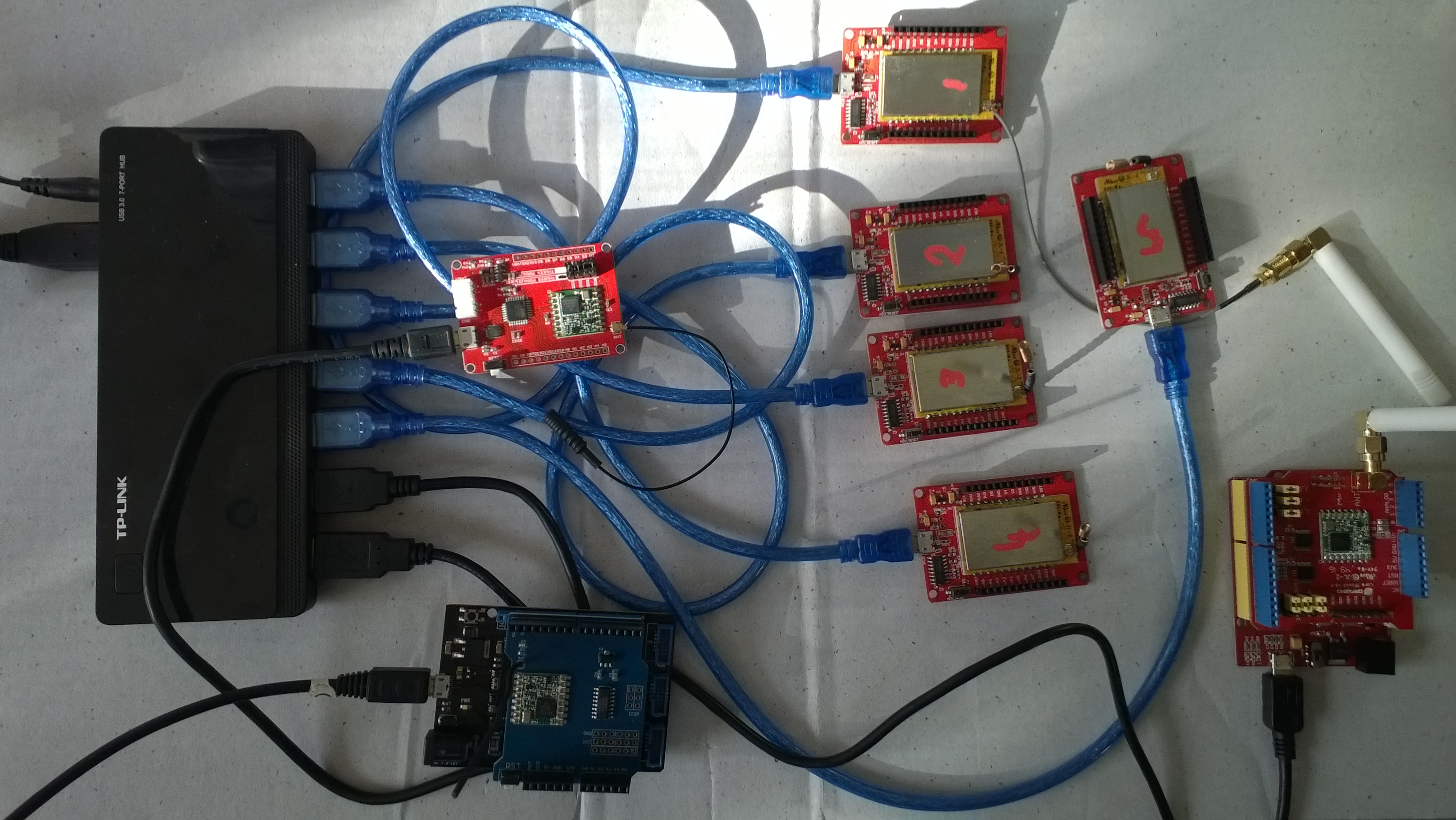
The application has been tested with 433MHz and 915MHz devices and stress tested with a number of clients
The "SensorIDIsDeviceIDSensorID" flag concatenates the deviceID and SensorID together so the device can work with Azure IoT Central.
The packet format is detailed in these blog posts @IoTCore and @NetMF. It was intentionally kept simple to make it easier for students to user and debug.
Future proposed enhancements include







