LoRAdo
1.0.0

Prepare datasets for Kohya_ss (a UI for https://github.com/kohya-ss/sd-scripts.)
We plan to integrate training directly into this tool
Welcome to LoRAdo. This toolkit is designed to streamline the process of LoRAs image generation. Suitable for both beginners and experienced developers, it simplifies dataset creation. Initially designed with portraits in mind, LoRAdo is adaptable and works well for various subjects. Key features include face detection and user-friendly cropping tools, ensuring a practical balance between user experience and results.
With LoRAdo, creating datasets for image training is straightforward and efficient.
We wanted to provide an easy way to train LoRAs for different use cases. During research, we decided to build a few small helper functions to help us gather images and crop them as well as create caption files. This UI offers an easy way to create LoRAs without overthinking it.
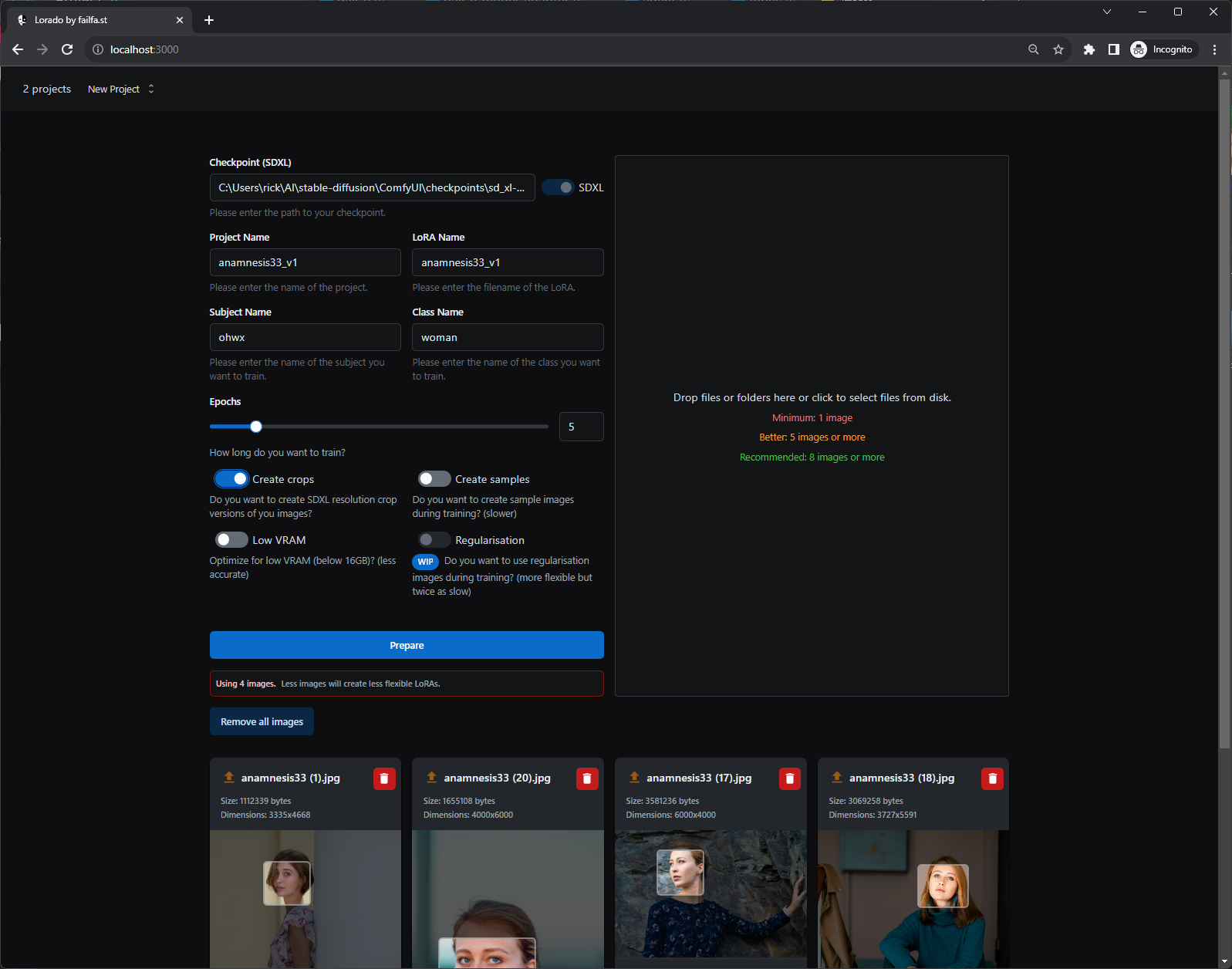
The user interface |
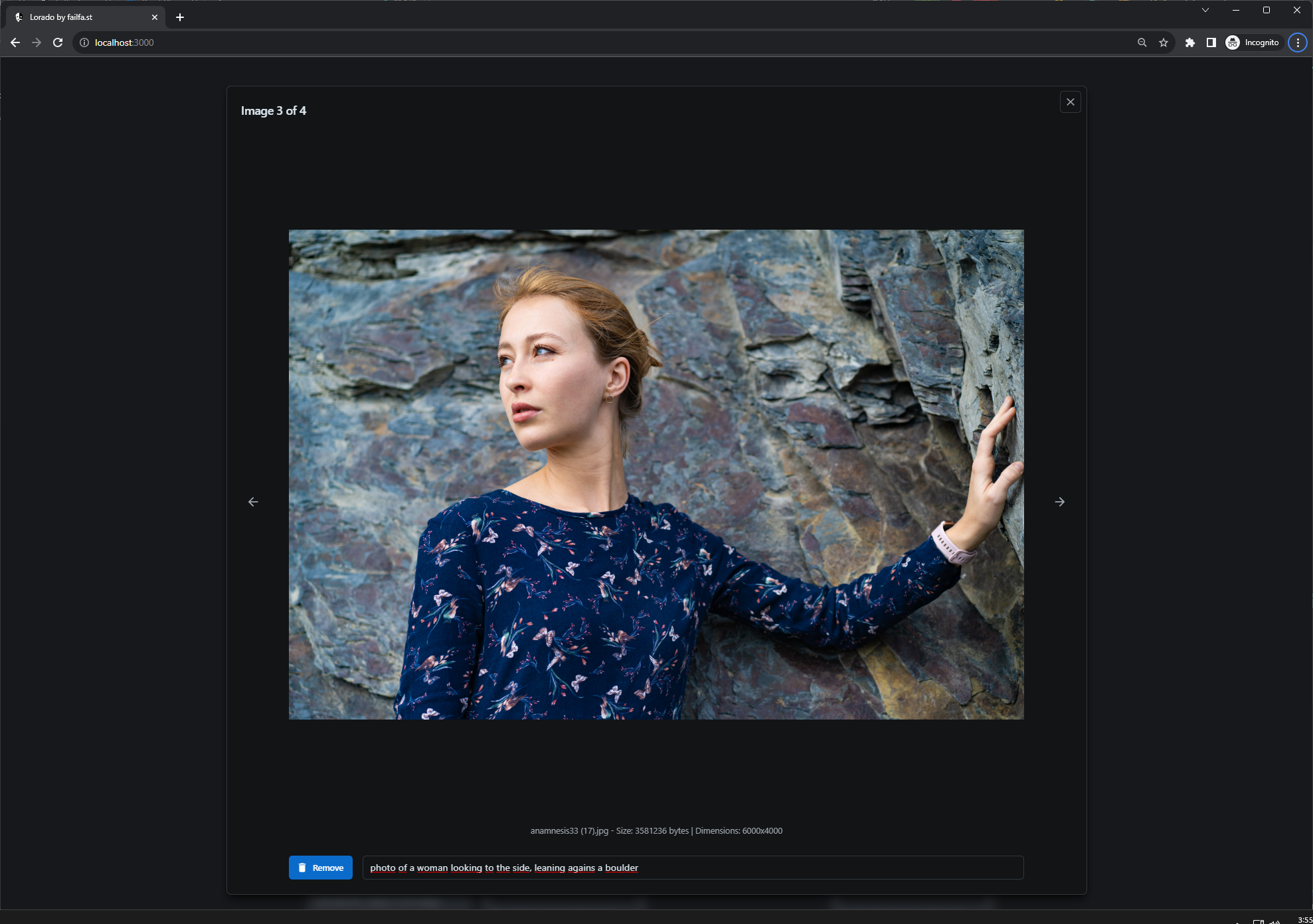
View and configure images |
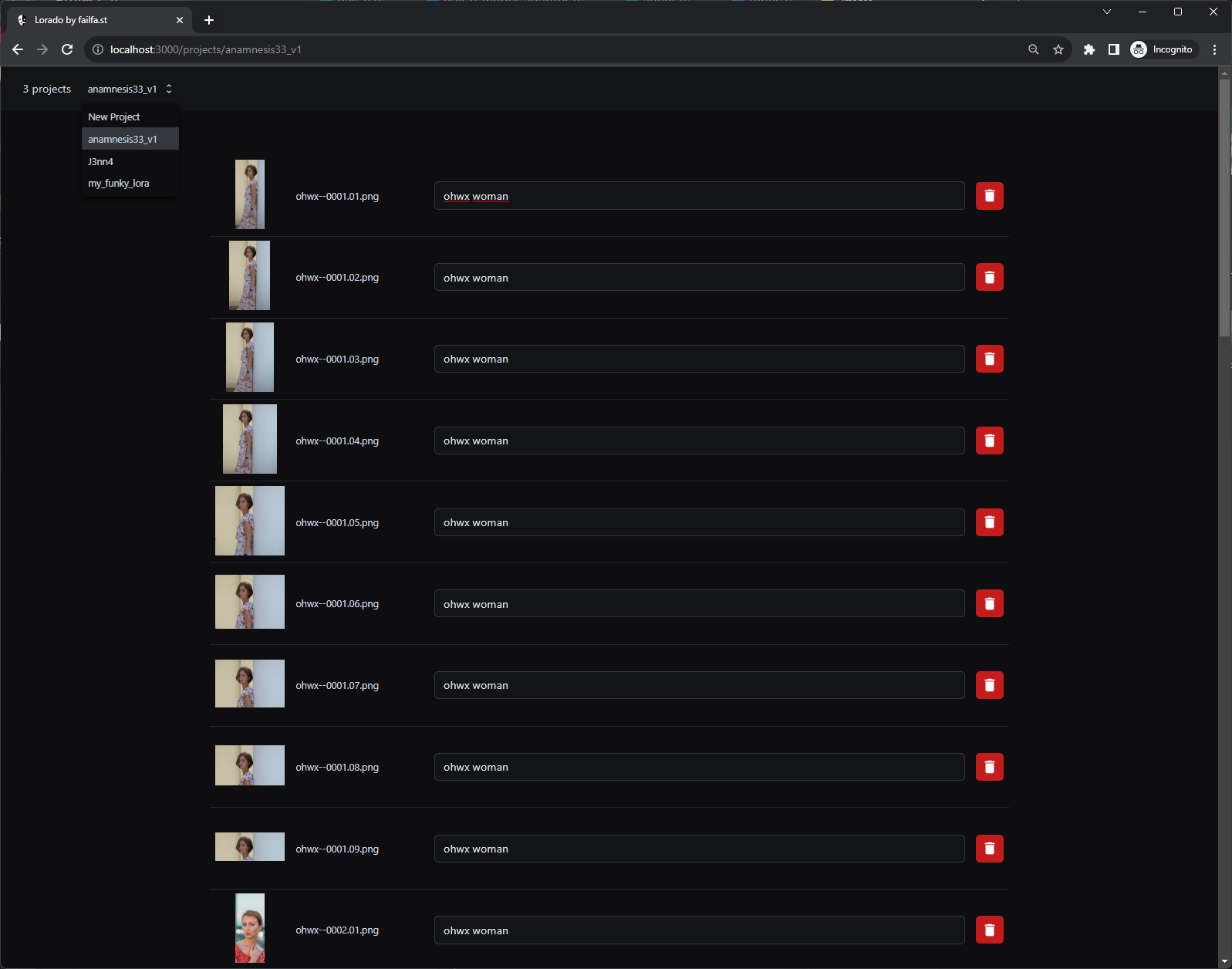
Project view |
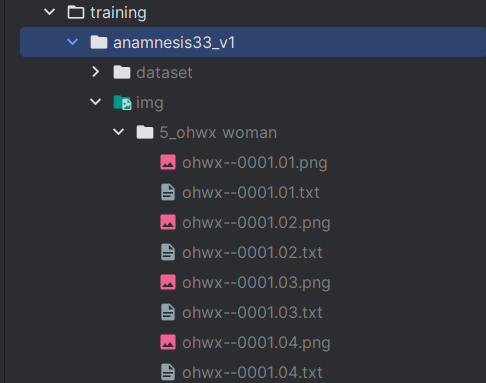
The prepared folder |
Prerequisites:
node.js (v18.5.0) installed. If not, you can download it from
Node.js official site. (use a node version manager) to quickly switch to a different version.Clone and Install Dependencies:
git clone https://github.com/failfa-st/LoRAdo.git
cd LoRAdo
npm install
Running the App:
npm run build
npm run start
Your app should now be running on http://localhost:3000. Navigate to this URL in your browser to explore the LoRAdo UI.
Stop LoRAdo if it's already running
Update the code and dependencies:
git fetch origin
git reset --hard origin/main
npm install
Run the App:
config.json file.At the heart of LoRAdo is the intent to simplify the complex.
Image Optimization: Start with any image. LoRAdo smartly crops it to fit the ideal SDXL resolution. For images with faces, they become the focal point, ensuring the best visual result. Without a face? No worries, we center-crop it perfectly.
Multiple Resolutions: Beyond the default, you have the option to generate images in all 9 SDXL resolutions, as an attempt to increase flexibility without compromising on quality.
Configuration Made Easy: LoRAdo generates a configuration file tailored for Kohya_ss. Once your project is set, integrating it with Kohya_ss is a breeze. Simply load the config under the LoRA tab, and you're all set to begin training. And if you wish, Kohya_ss offers more granular configuration options.
While our approach is guided by a strong opinion on usability, it still leaves room for customization. As we evolve, expect enhanced configurability. But rest assured, simplicity will always be our guiding star, ensuring that interacting with LoRAdo remains intuitive.
Example images via @anamnesis33
| Image | Link |
|---|---|
 |
https://unsplash.com/photos/mqcYKihgfAo |
 |
https://unsplash.com/photos/06TuQM7RSP4 |
 |
https://unsplash.com/photos/AUJhl146mBY |
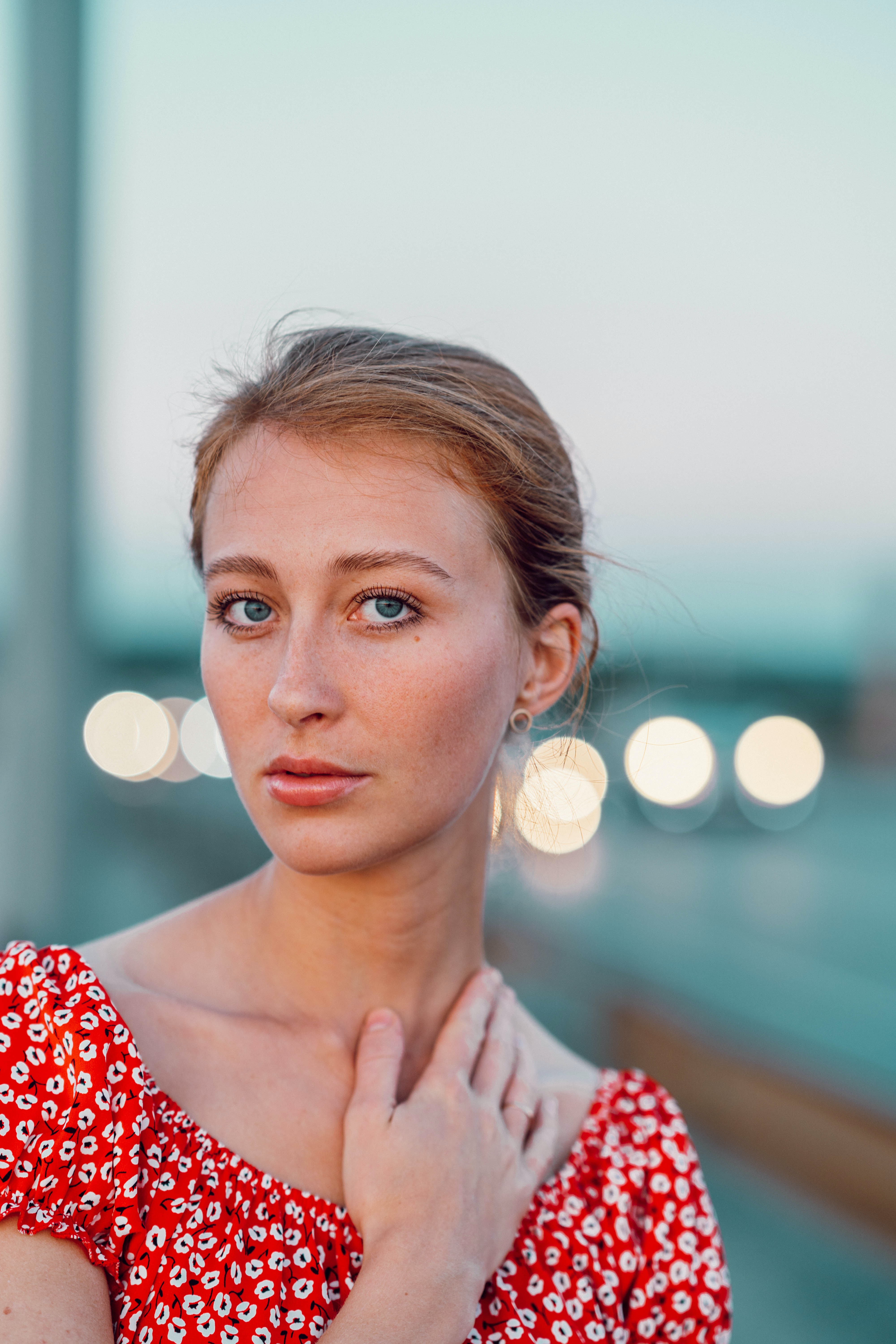 |
https://unsplash.com/photos/8OWttYqN47I |
This tool provides an opinionated configuration and approach to training flexible LoRAs. We are constantly researching to improve the default settings provided by this tool. Advanced (detailed) configuration is planned for future releases.
These examples were generated from a LoRA, trained on a dataset that was prepared with this tool/approach






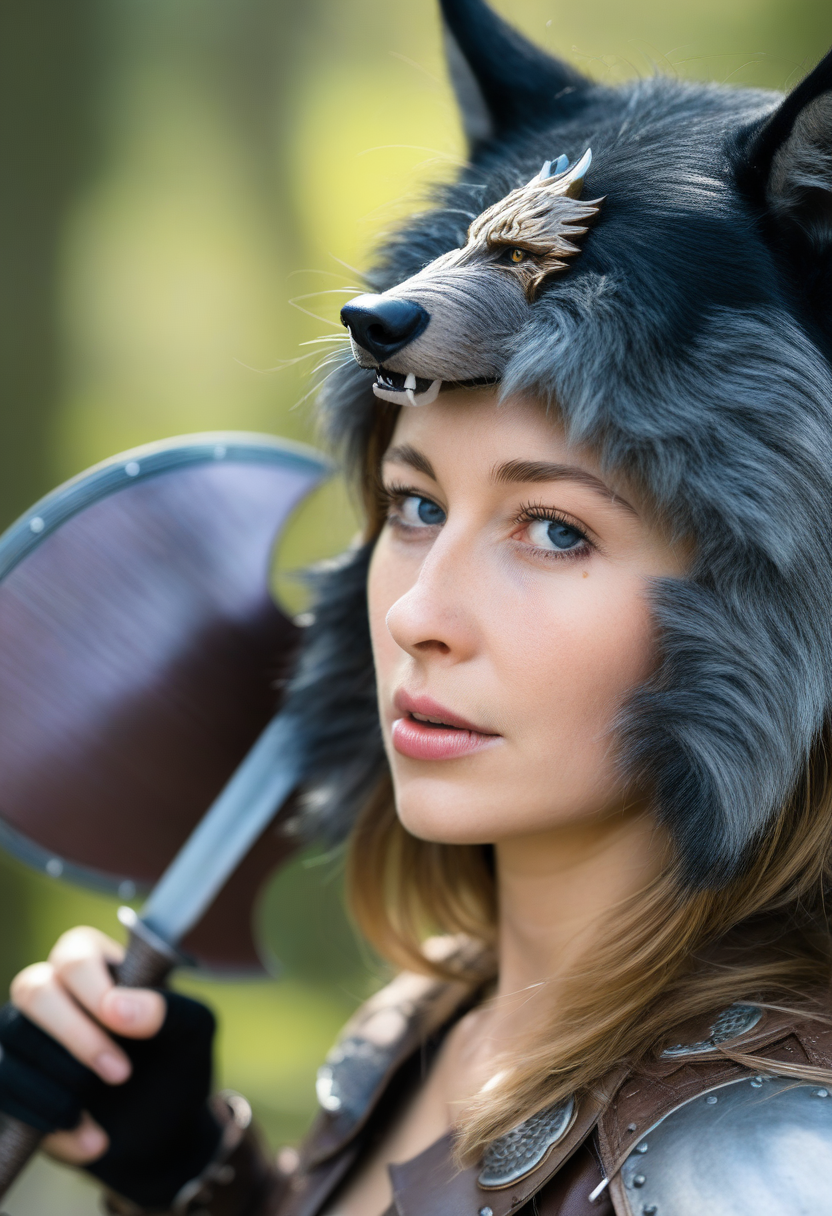

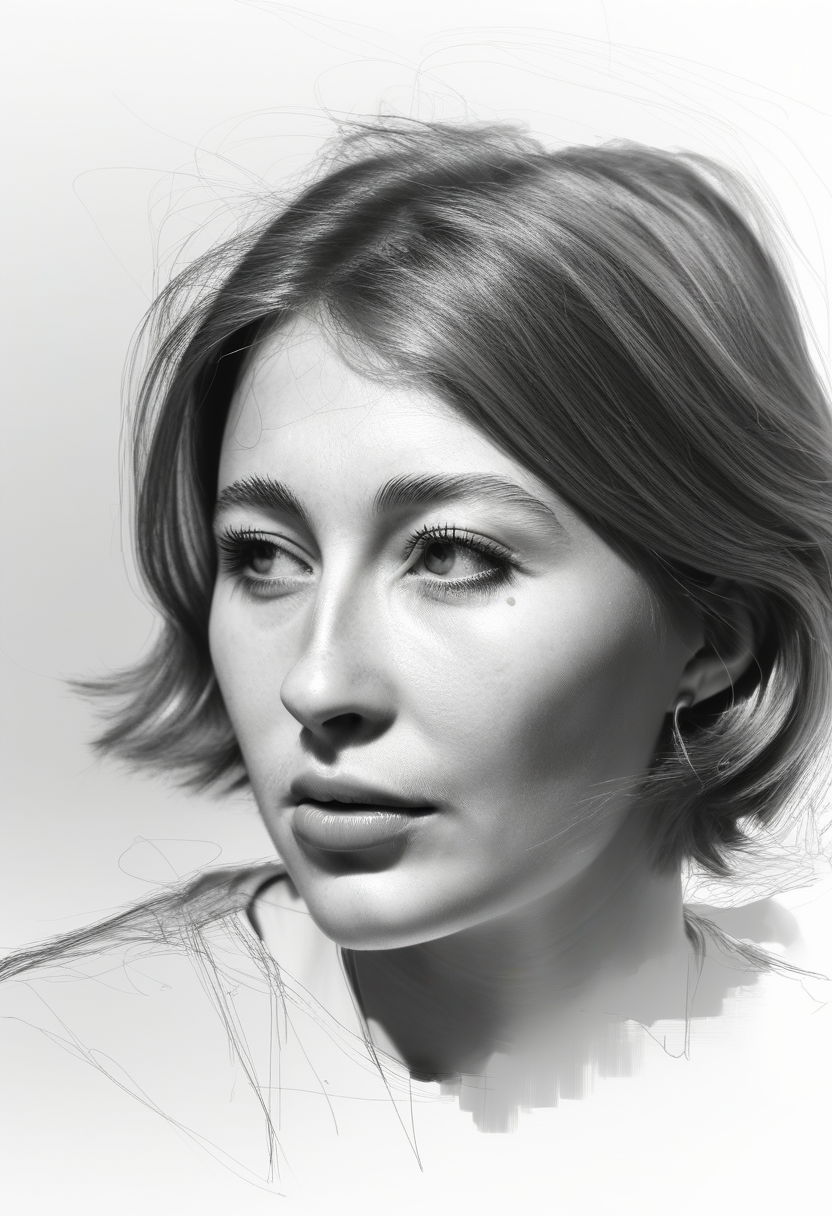

Feedback and Support: Encountered an issue or have a suggestion? Join our Discord community or open an issue on GitHub. We'd love to hear from you!
Node.js has a list of alternative installation options.
Cross Platform
Windows
macOS/Linux







