ChatGPT_Maya
1.0.0

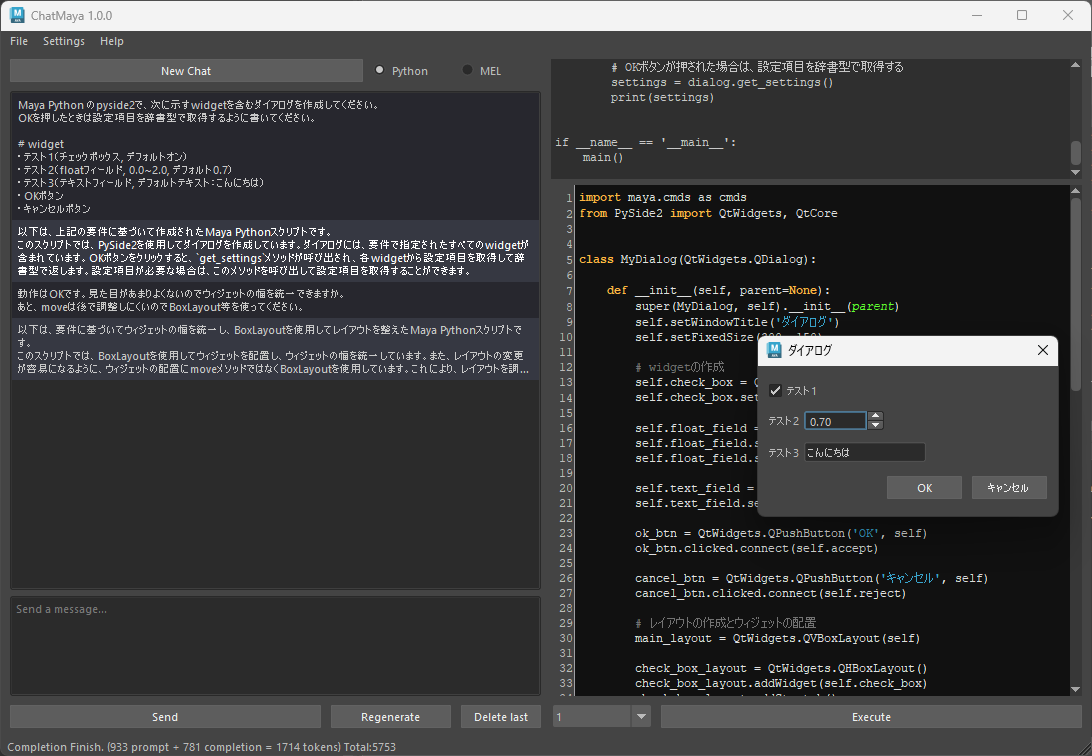
This is a GUI that calls the ChatGPT API (gpt-3.5-turbo/gpt-4) from Maya to generate and execute Python/MEL scripts.
When VOICEVOX ENGINE is running, it will be read out at the same time.
Test environment:
- Windows 10/11
- Maya 2023 (Python3.9.7)
- Maya 2024 (Python3.10.8)
Account API Keys - Get the API Key from the OpenAI API and set it to the environment variable OPENAI_API_KEY
Download Code in zip and unzip it anywhere.
Run install/install_maya20XX_win.bat without Maya running.
Account API Keys - Get the API Key from the OpenAI API and set it to the environment variable OPENAI_API_KEY
Download Code in zip and unzip it anywhere.
Install the required packages
mayapy.exe -m pip install -U -r requirements.txtmayapy.exe -m pip install -U -r requirements.txt --target C:/Users/<ユーザー名>/Documents/maya/<バージョン>/scripts/site-packagesAre the required packages written in install/requirements.txt? If the specifications are not significantly different, there is no need to strictly match the version.
Note: Managing Python packages using mayapy and pip
chatmaya :chatmaya folder to C:/Users/<ユーザー名>/Documents/maya/<バージョン>/scriptschatmaya parent folder to the environment variable PYTHONPATHPYTHONPATH=<chatmayaの親フォルダ> to C:/Users/<ユーザー名>/Documents/maya/<バージョン>/Maya.env import chatmaya
chatmaya . run ()C:Users<ユーザー名>DocumentsmayaChatMaya .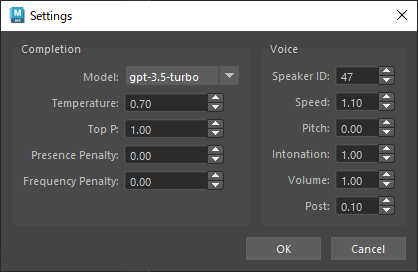
If you are installing using bat, you can uninstall the following folder by deleting it.
C:Users<ユーザー名>Documentsmaya<Mayaバージョン>scriptschatmayaC:Users<ユーザー名>DocumentsmayaChatMaya Please do the additional packages individually with pip uninstall or delete the entire folder below.
C:Users<ユーザー名>Documentsmaya<Mayaバージョン>site-packages *This is an explanation at the time of beta







