Drifty
v2.1.0 Stable Release

See the video below to know how to use the application. For any help, you can open an issue.
For Batch Downloading via Drifty CLI, the path to a YAML file has to be provided to it. It should have the following structure :
links: ["", ""] # [REQUIRED] - Links to the files to be downloaded
# Below parameters are OPTIONAL
fileNames: [""] # Will be auto-retrieved if not provided
# If the directory is not provided, the files will be downloaded in the default downloads folder.
directory: [""] # Use 'directory' when all the files to be downloaded in the same folder.
directories: [""] # Use 'directories' when the download folder is different for each of the filesThe Application Drifty is built using the following technologies :
The Website of Drifty is built using the following technologies :
Drifty is released in 4 phases, namely Alpha, Beta, Release Candidate, and Stable. If you want to test the unstable (Alpha or Beta) or the mostly stable versions (Release Candidate), you can download the executables for the respective phases from the Drifty website or try the Docker images for the respective phases.
If you find any issues during the testing period, please open an issue or join our Discord Server to share your feedback.
For Users :
Visit the Drifty website
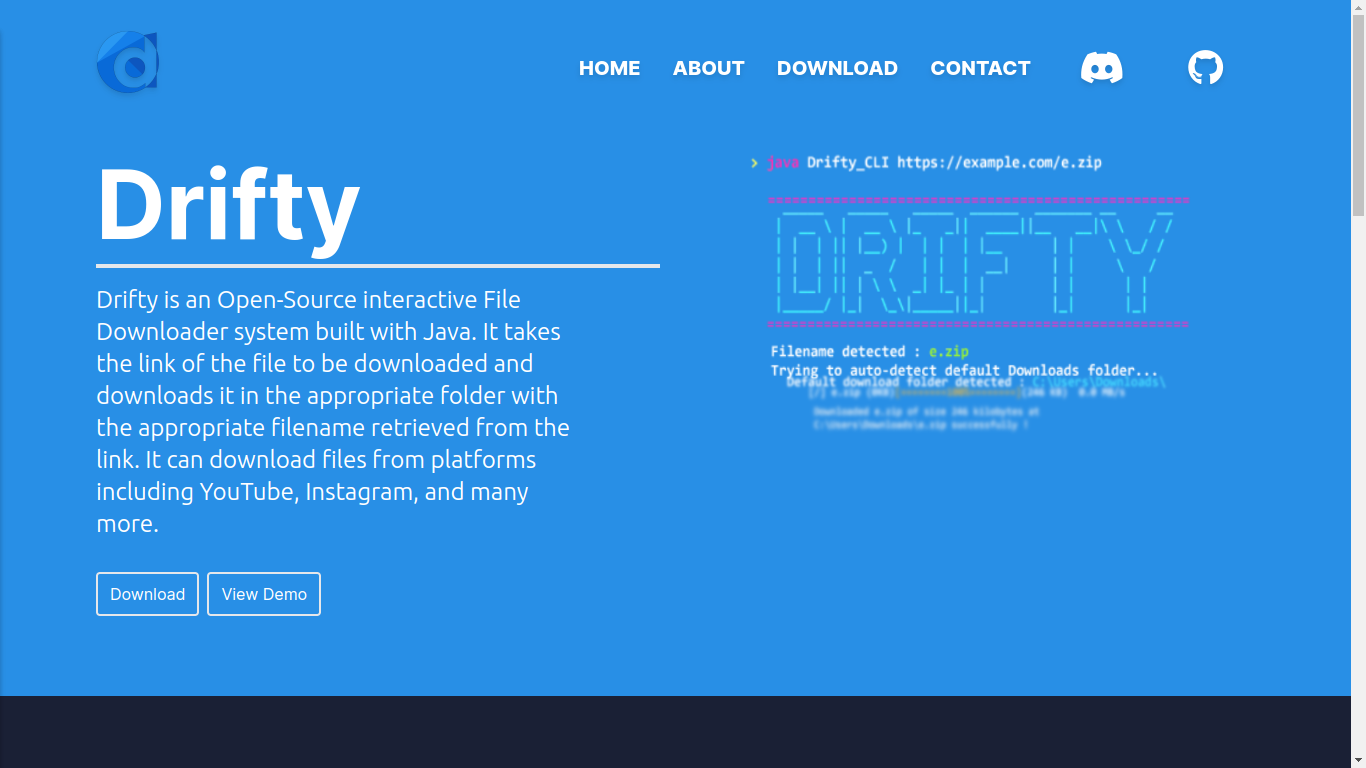
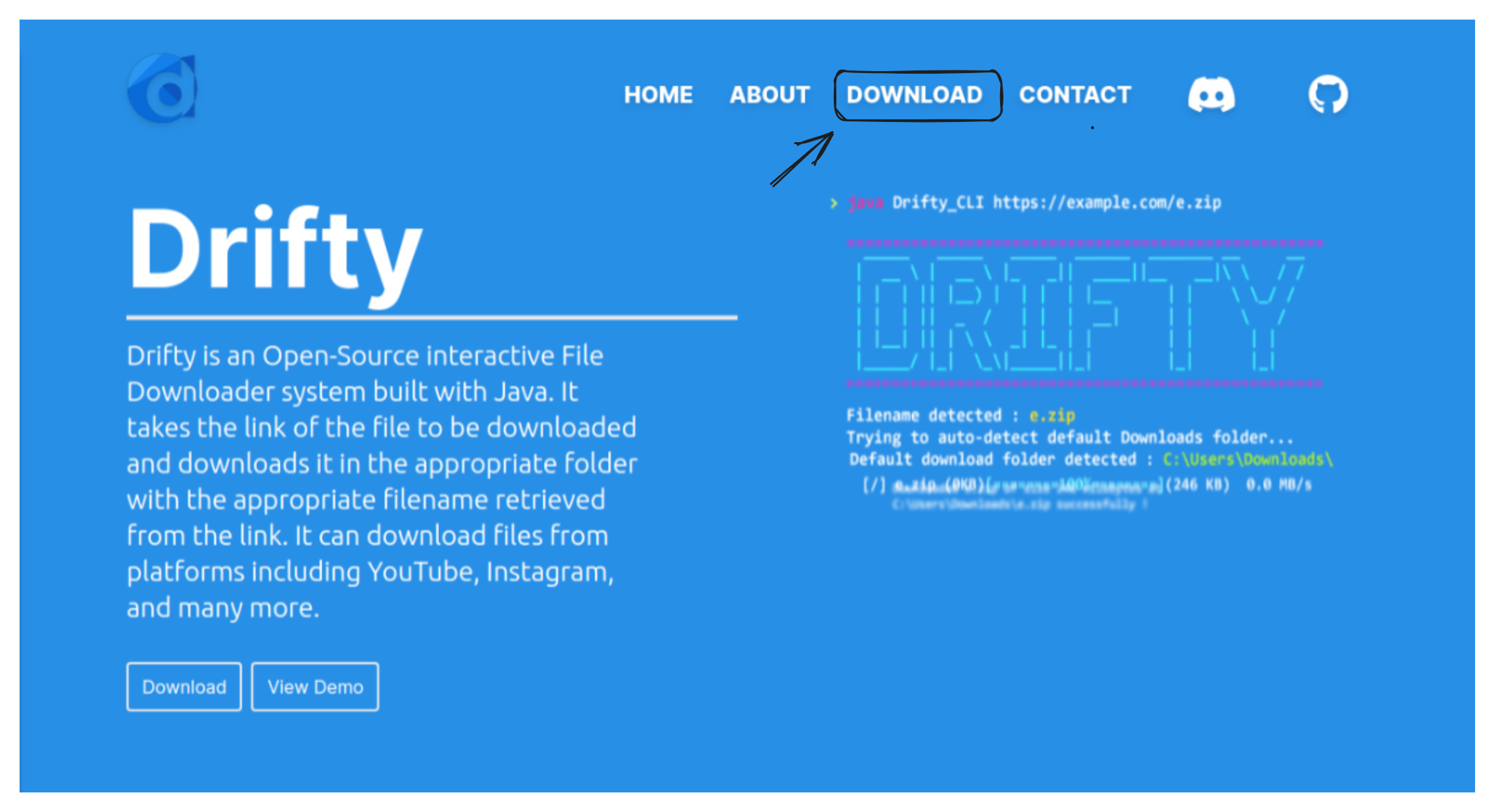
Click on Download
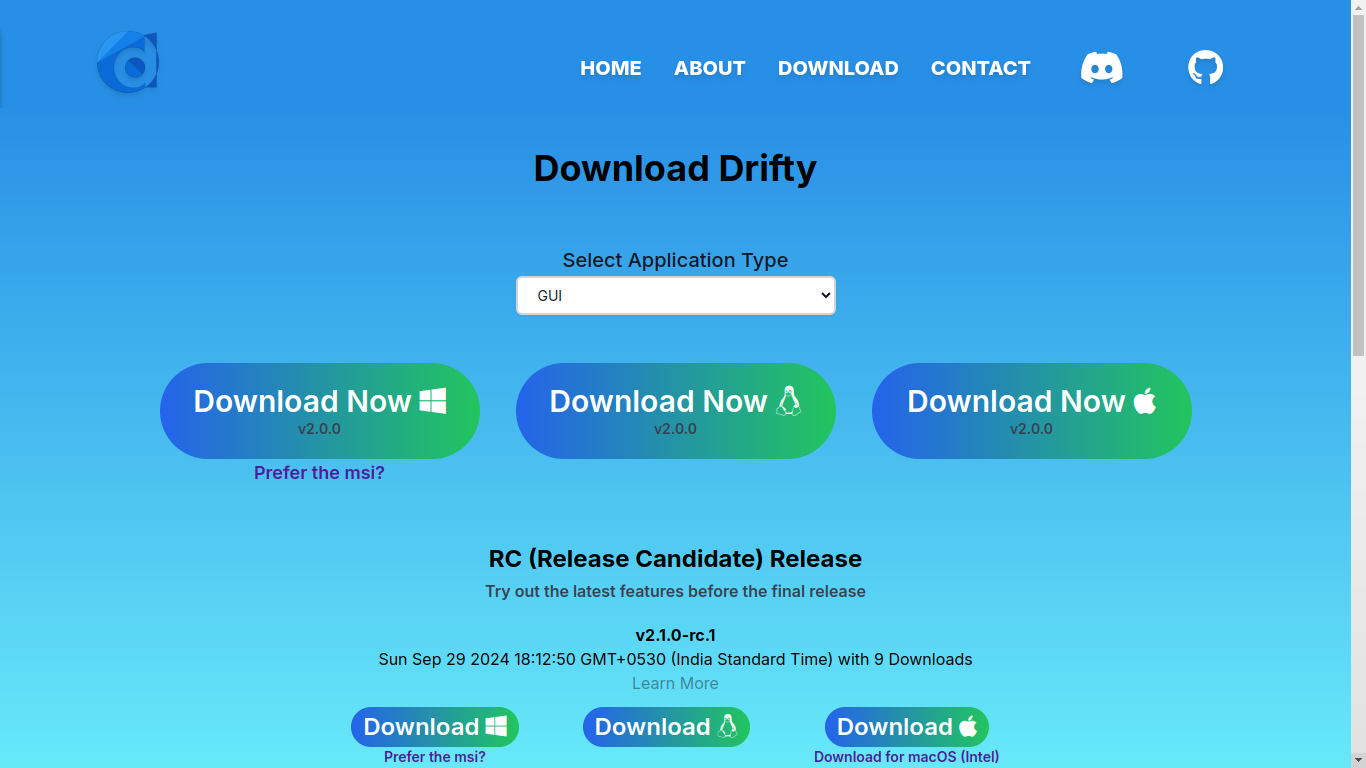
Choose the Application Type from the dropdown menu (Default option is GUI). To download Drifty CLI, select CLI and to download Drifty GUI, select GUI. Then, click on the Download Now button based on your Operating System (Windows, Linux, macOS). For Windows user, there is an MSI file available for Drifty GUI. You can click on the Prefer the msi? text to download the latest MSI file ?. If you want to test the unstable (Alpha or Beta) or the mostly stable versions (Release Candidate), you can click on the download button of the respective phase.
Navigate to the Downloads folder and execute the downloaded file. If you are installing Drifty GUI, complete the steps in the macOS or Windows MSI installer wizard that appears on your screen.
Check out the Demo section for examples of how to use the application.
If you like the project, please leave a star on GitHub.
For any issues or feature requests, you can join our Discord Server and share your feedback.
Tip
home/username/Downloads directory, then, you need to use the volume flag -v /home/username/Downloads:/root/Downloads with the docker command.-v /home/username/.drifty:/root/.drifty to enable the docker container to store Drifty's data in your local directory, which will make Drifty initialize much faster ⚡.sudo before the docker commands.beta like ghcr.io/saptarshisarkar12/drifty-cli:beta or ghcr.io/saptarshisarkar12/drifty-gui:beta.Important
xhost +local:docker before running the GUI docker image.docker pull ghcr.io/saptarshisarkar12/drifty-cli:masterdocker pull ghcr.io/saptarshisarkar12/drifty-gui:masterdocker run ghcr.io/saptarshisarkar12/drifty-cli:masterdocker run -e DISPLAY=$DISPLAY --net=host -v /tmp/.X11-unix:/tmp/.X11-unix ghcr.io/saptarshisarkar12/drifty-gui:masterFor Contributors :
project link on GitHub, fork this repository and clone your fork into your local directory by running this command in your terminal.
git clone [email protected]:SaptarshiSarkar12/Drifty.git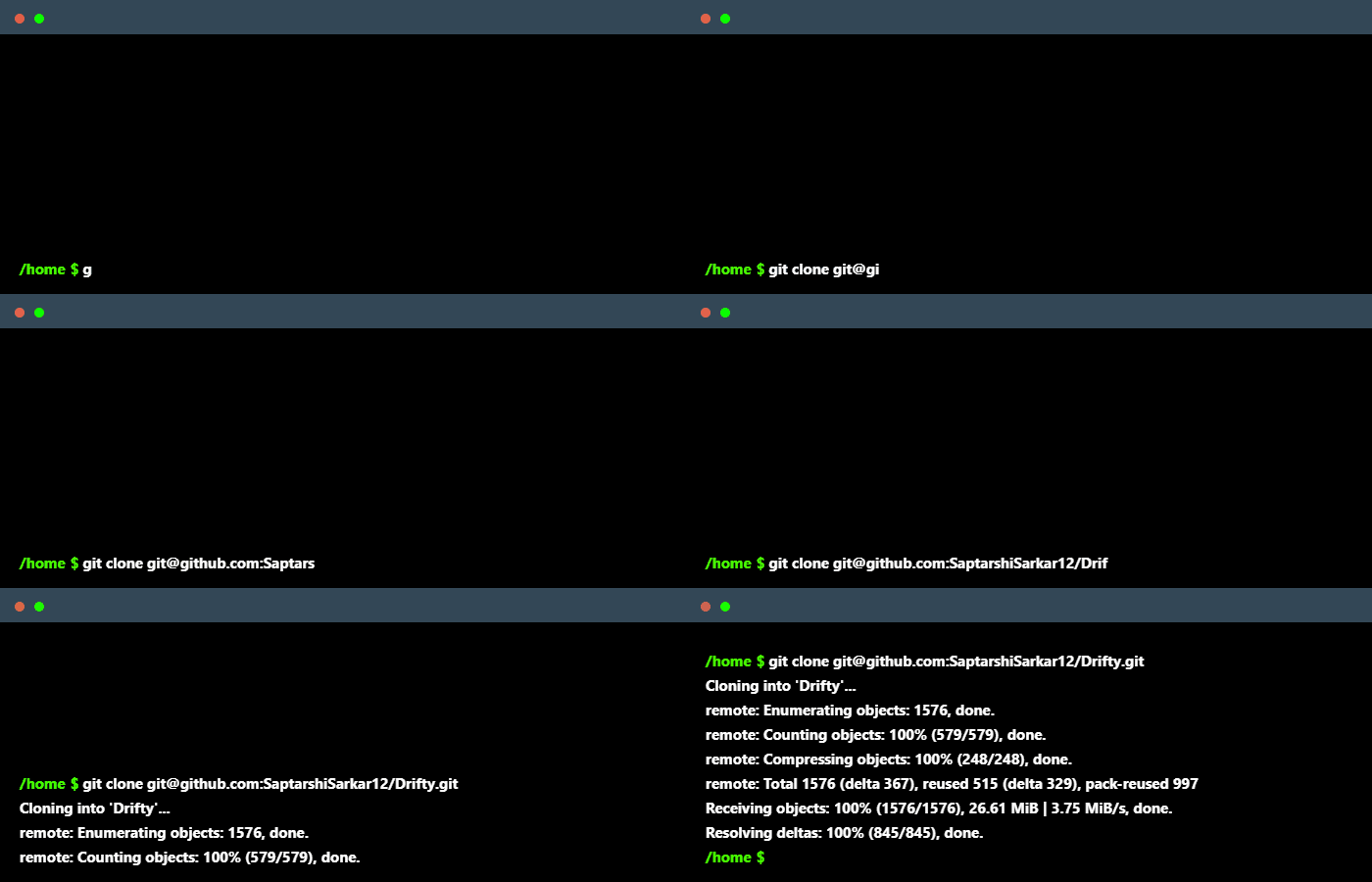
issue ❕ describing the changes you want to make. Intellij Idea) and open a Pull Request. Ensure that you have linked the issue to the Pull Request.star on GitHub if you liked the project. Discord Server to discuss on the changes that you want to bring.Important
For Linux and Windows, please run xhost +local:docker before running the GUI docker image.
For macOS, please follow these instructions to run Drifty GUI docker image.
docker compose run gui and docker compose run cli respectively.
It is because Microsoft Defender could not verify it is safe as it is not commonly downloaded. Feel free to proceed with the following steps:
Click on the three dots.
Click on keep.
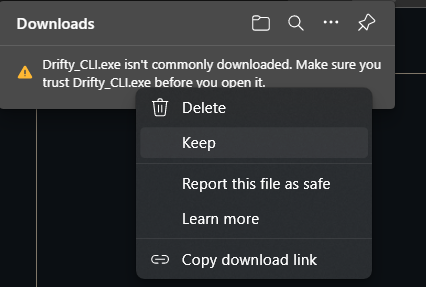
Click Show More.
Click Keep anyway.
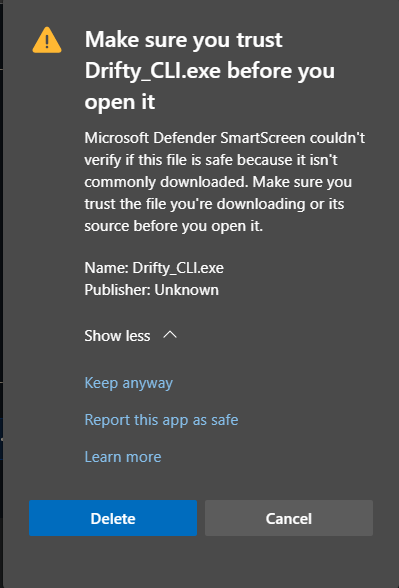
Now it is downloaded, you can proceed.?
You can also provide your feedback to Microsoft Defender by reporting it to be Safe, by following the below steps:
Click on three dots.
Click on Report this file as safe instead of clicking on Keep.
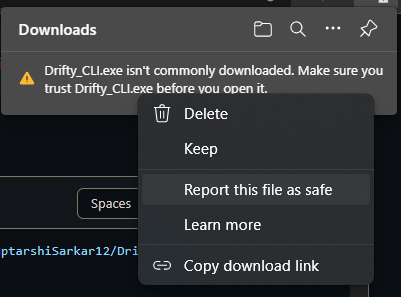
It will take you to Report a download page. You can provide your feedback there.?
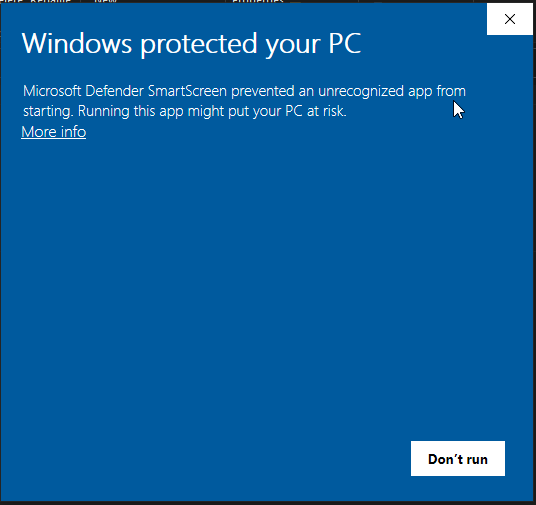 |
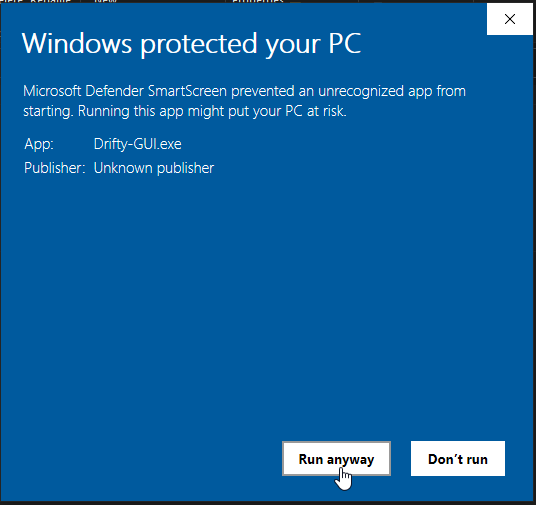 |
sudo spctl --master-disable in your terminal to allow running unsigned apps. Try running Drifty again. 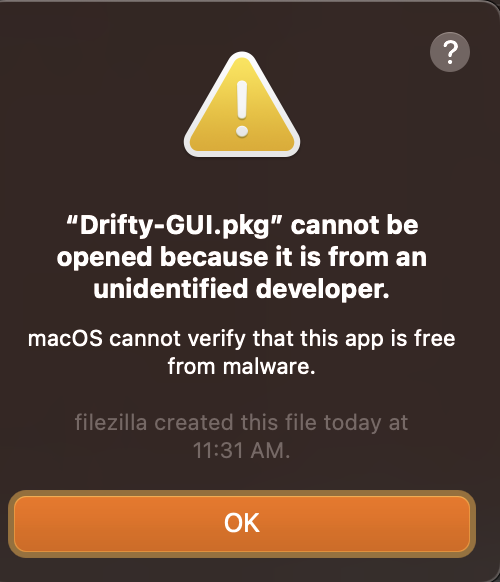
Contributing Guidelines and the Roadmaps for ways to get involved.issue to report a bug ?, request a feature , or suggest an improvement ?.Code Of Conduct to maintain a respectful and inclusive environment.Semantic Versioning for its releases.Discord Server to stay updated on this project and chat with the maintainer and the other contributors.Please leave a star on this project to support us.







