bilibili_manga_downloader
哔哩哔哩漫画下载器 V3.2.2


Fast download speed!
Good interactive interface!
The volume has been reduced!
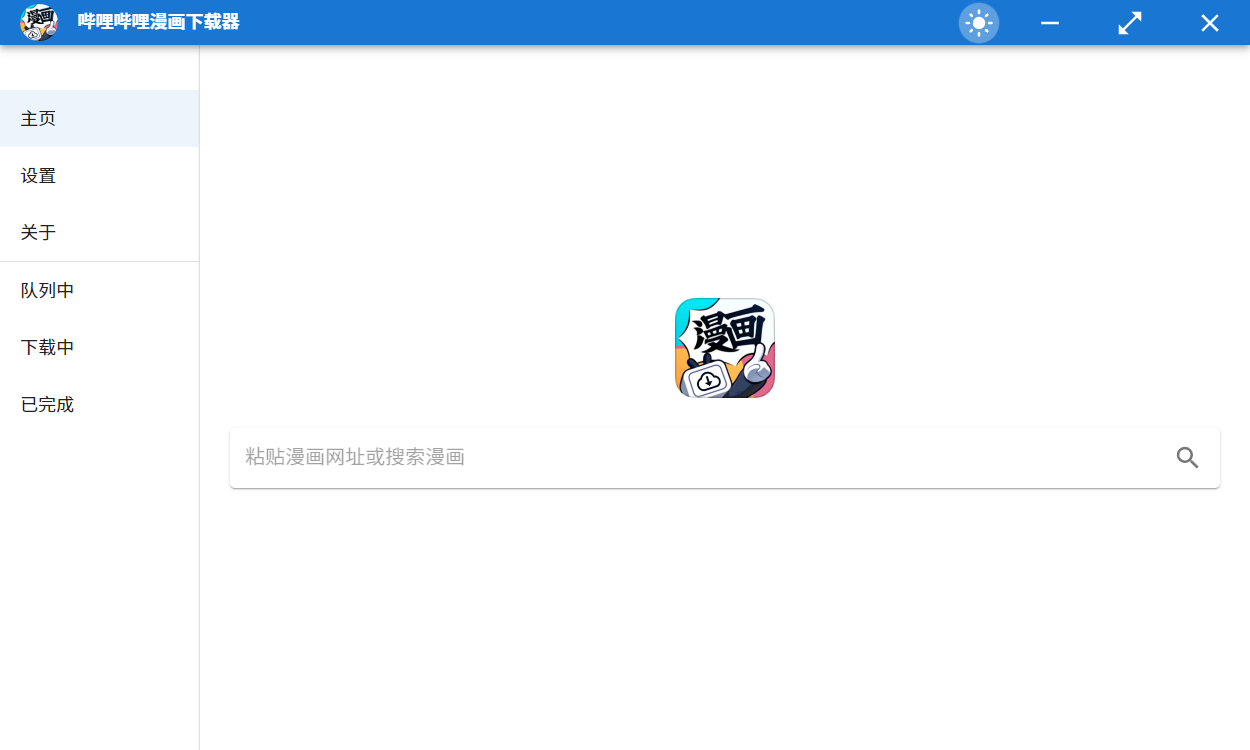
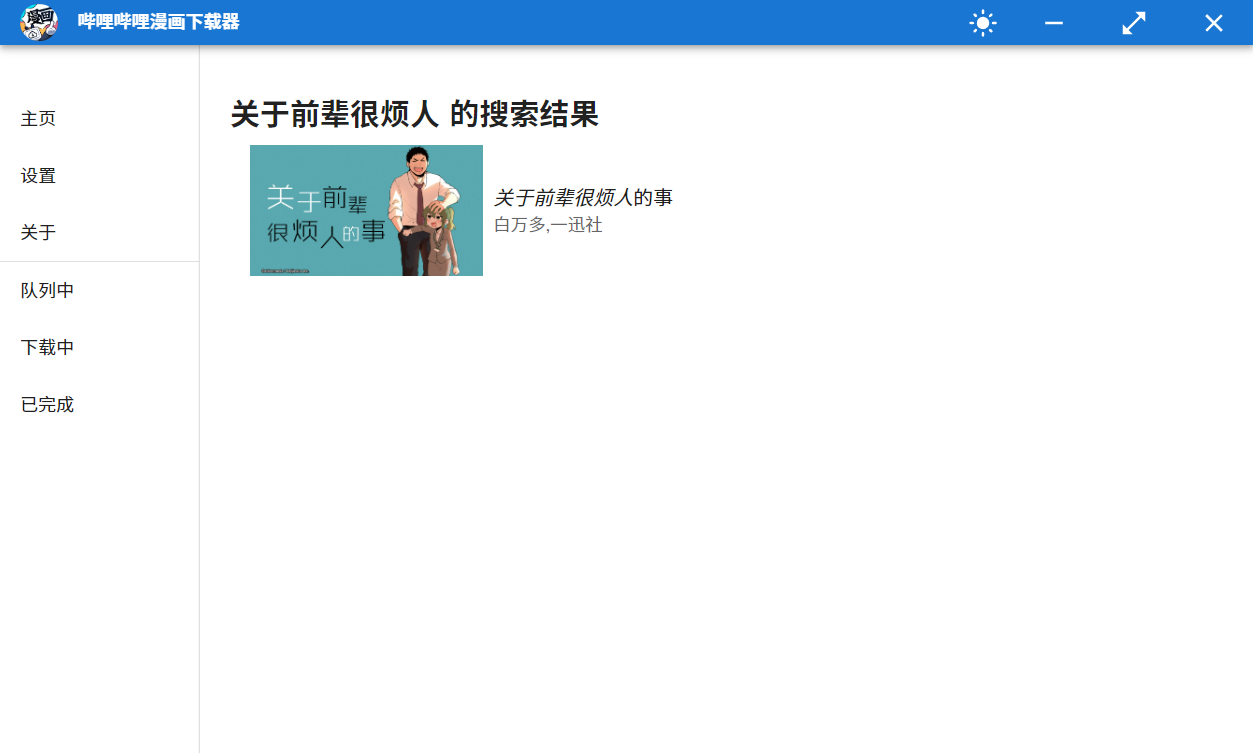
Fill in the comic website in the column to search to get comic information, and you can also directly search for keywords
Currently, the comic detailed page URL is supported, such as https://manga.bilibili.com/detail/mc28528?from=manga_person
Comic single-talk website, like https://manga.bilibili.com/mc26731/329893?from=manga_detail
Keywords, like关于前辈很烦人
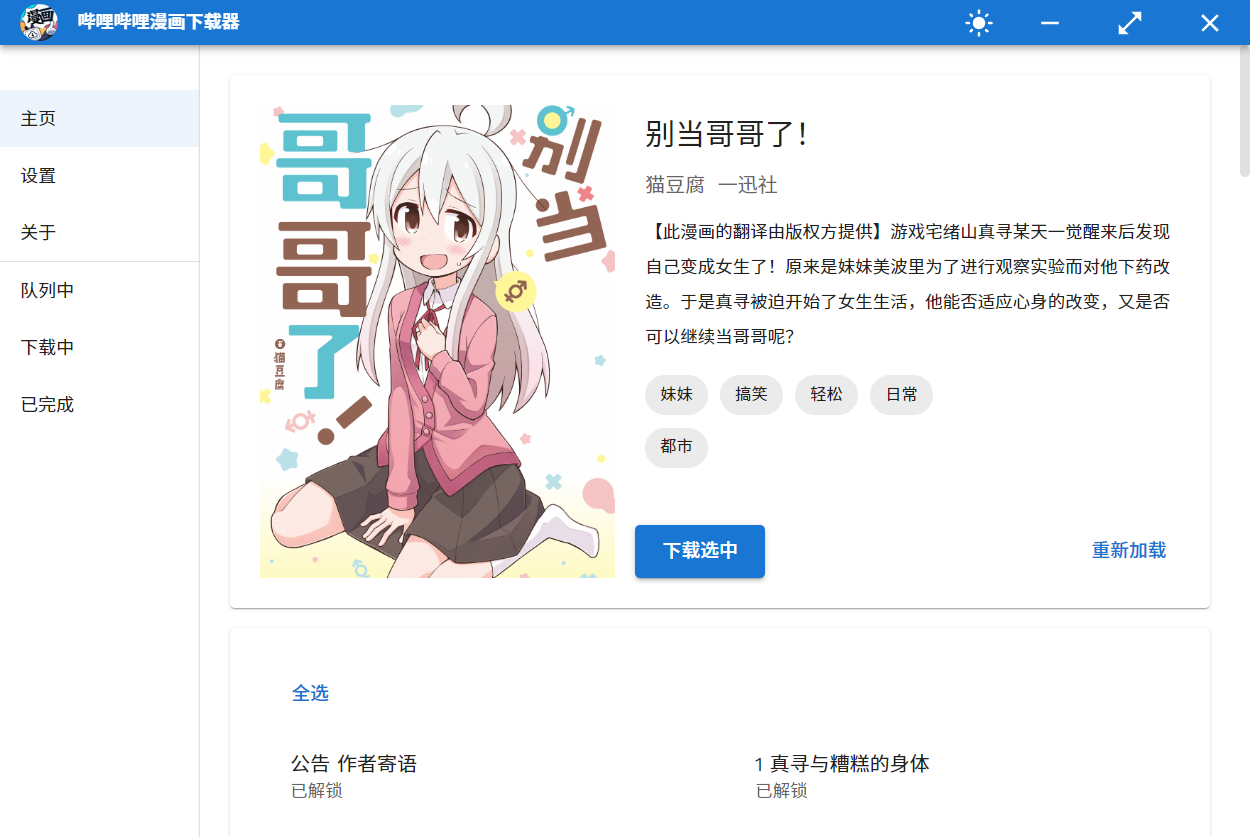
Select the comic that can be downloaded, click Start Download to add it to the download list
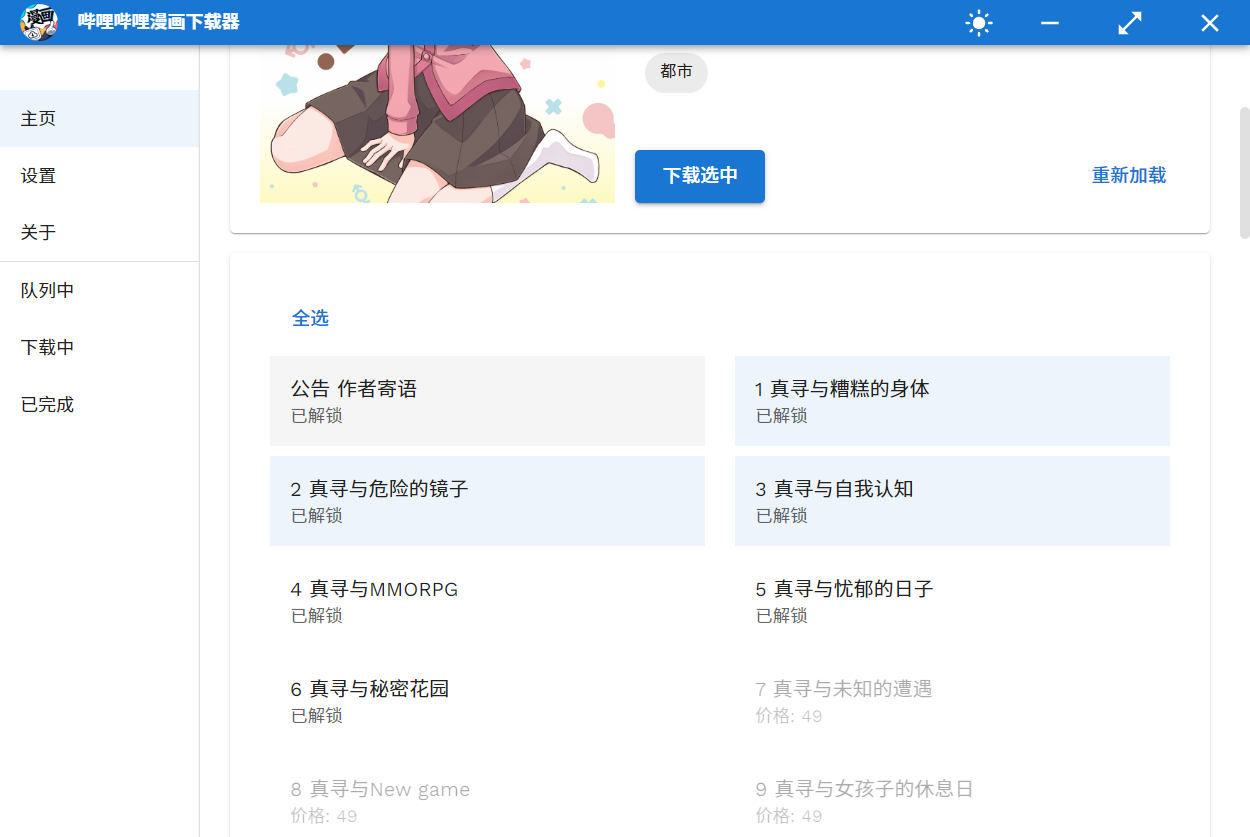
For comics with special characters , the special characters information will be appended to the end of the list, please pay attention.
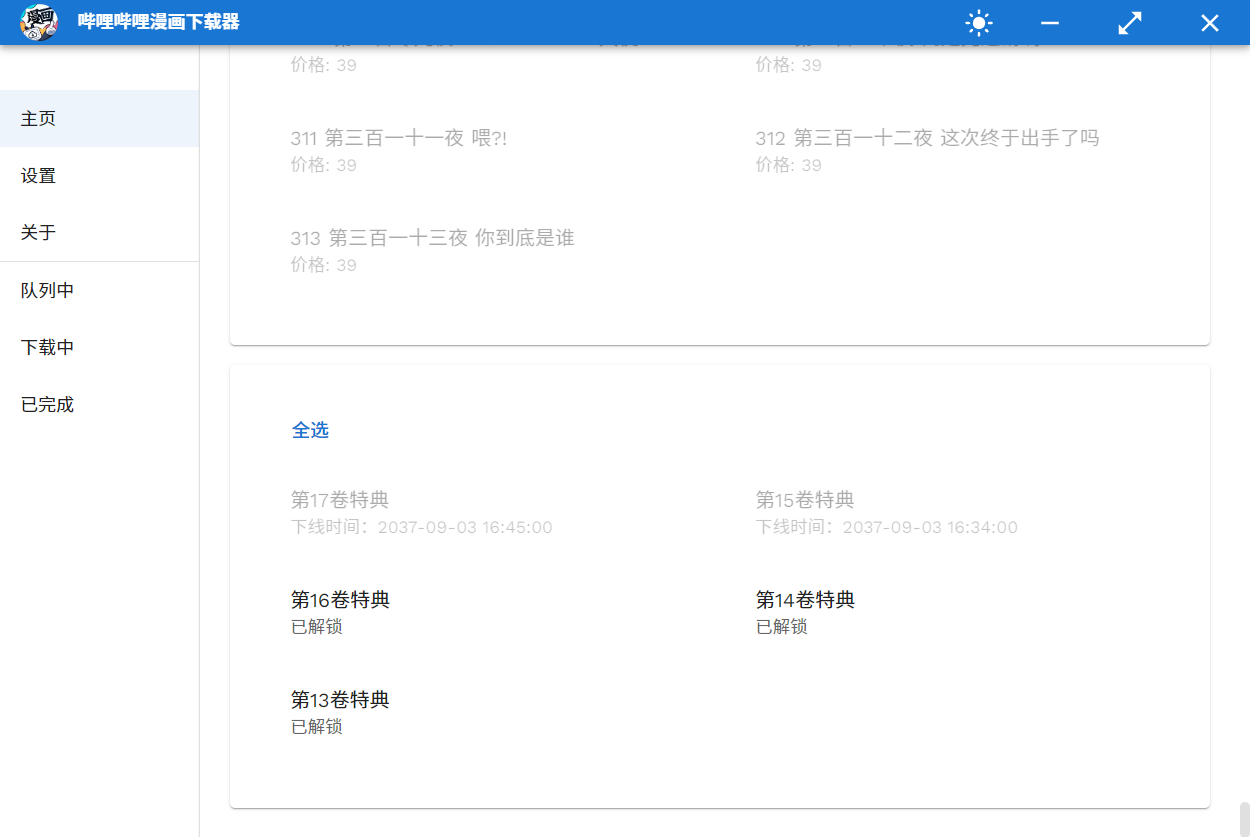
About the special
According to the official introduction, there are currently three forms of special products: video, animation, and pictures. Currently, videos and pictures have been supported, but since the animation has not been encountered yet, it cannot be tested.
I speculate that the animation is a video without sound, so theoretically the current version can also be downloaded. However, if anyone encounters a problem, please ask it in the issue.
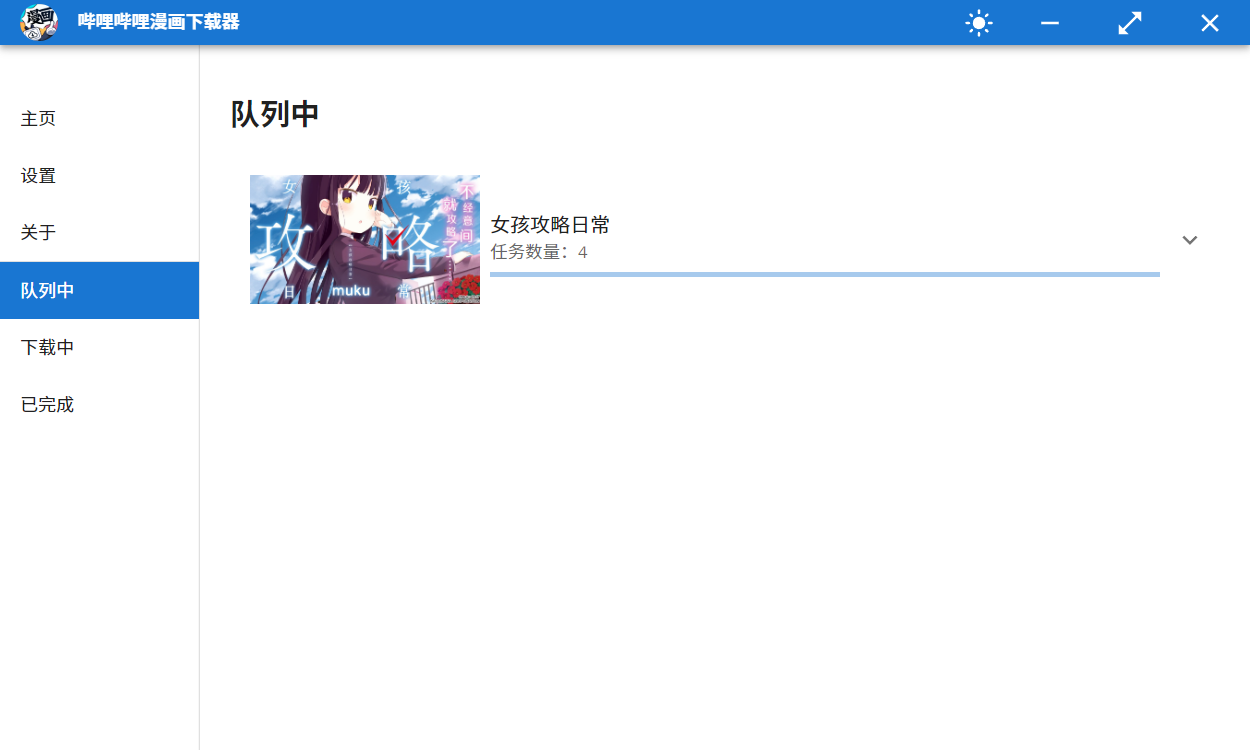
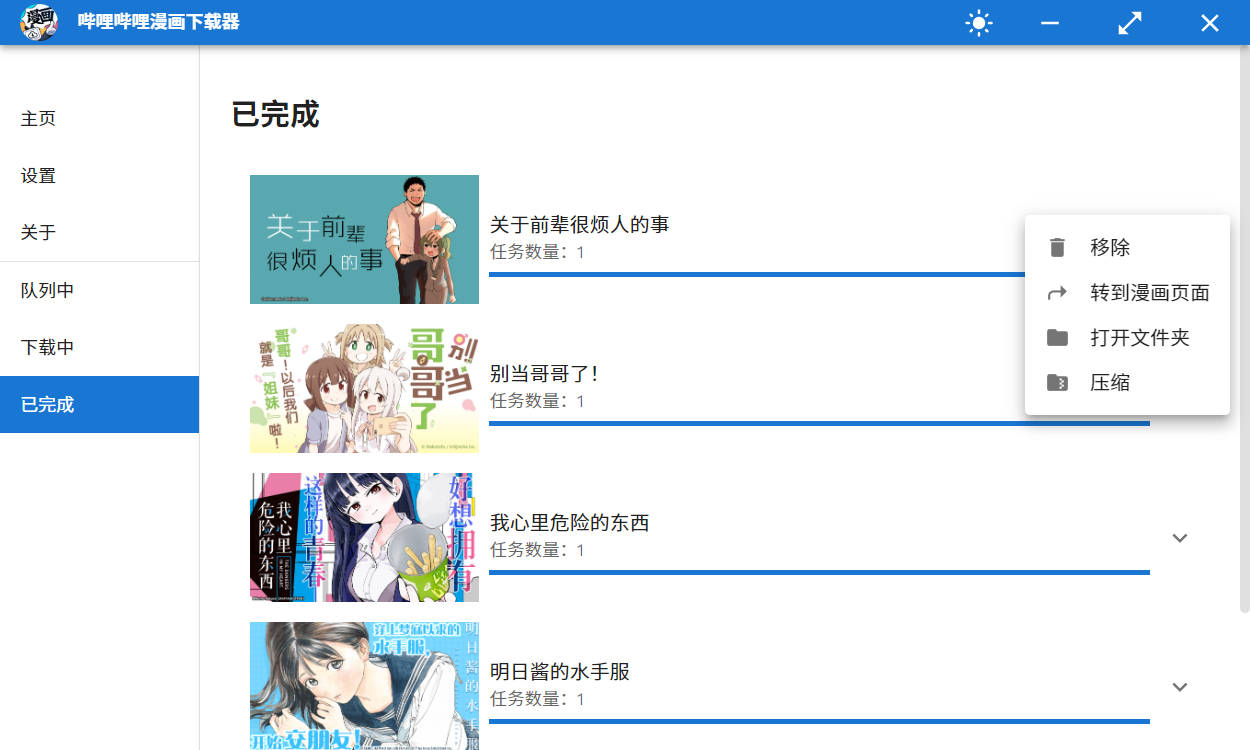
During the download process, you can click on the task to open the details window.
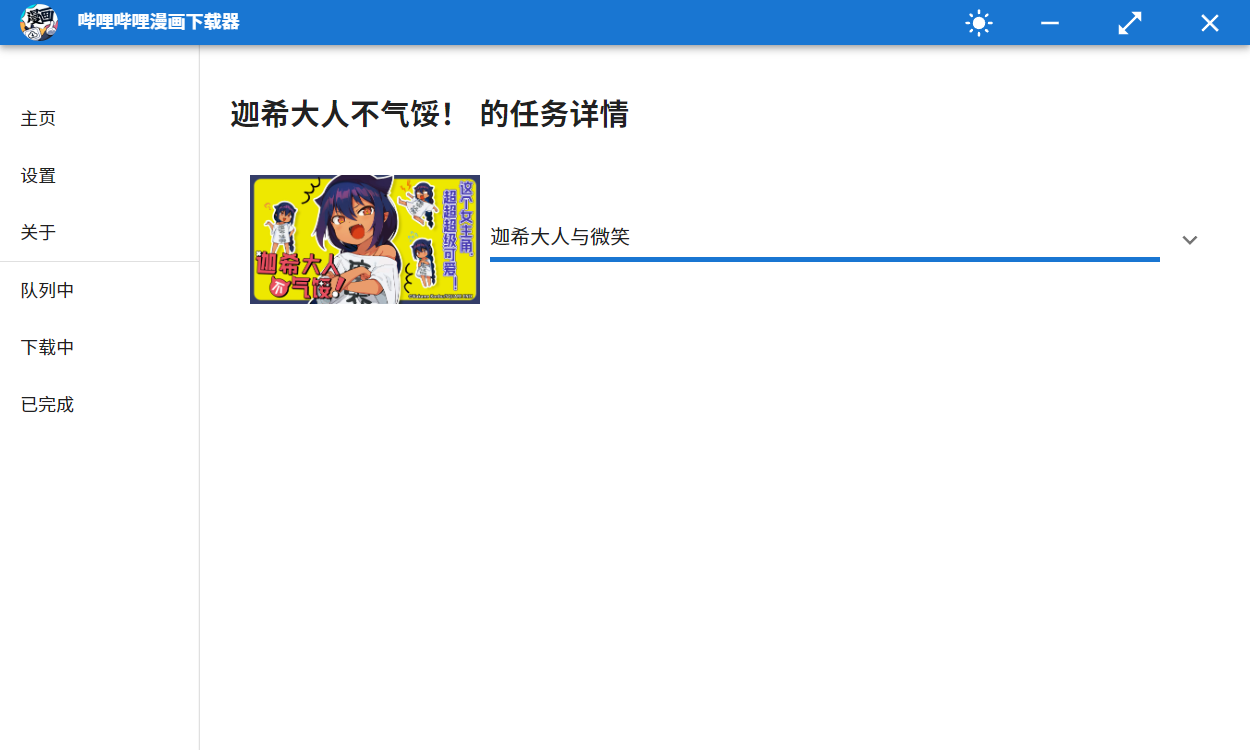
Since B station downloads images do not support breakpoint continuous transmission, there is no pause function designed, so you can cancel the download during the download process.
The download record will be saved to the file when the program is closed normally.
Regarding settings, the new version setting item becomes the following
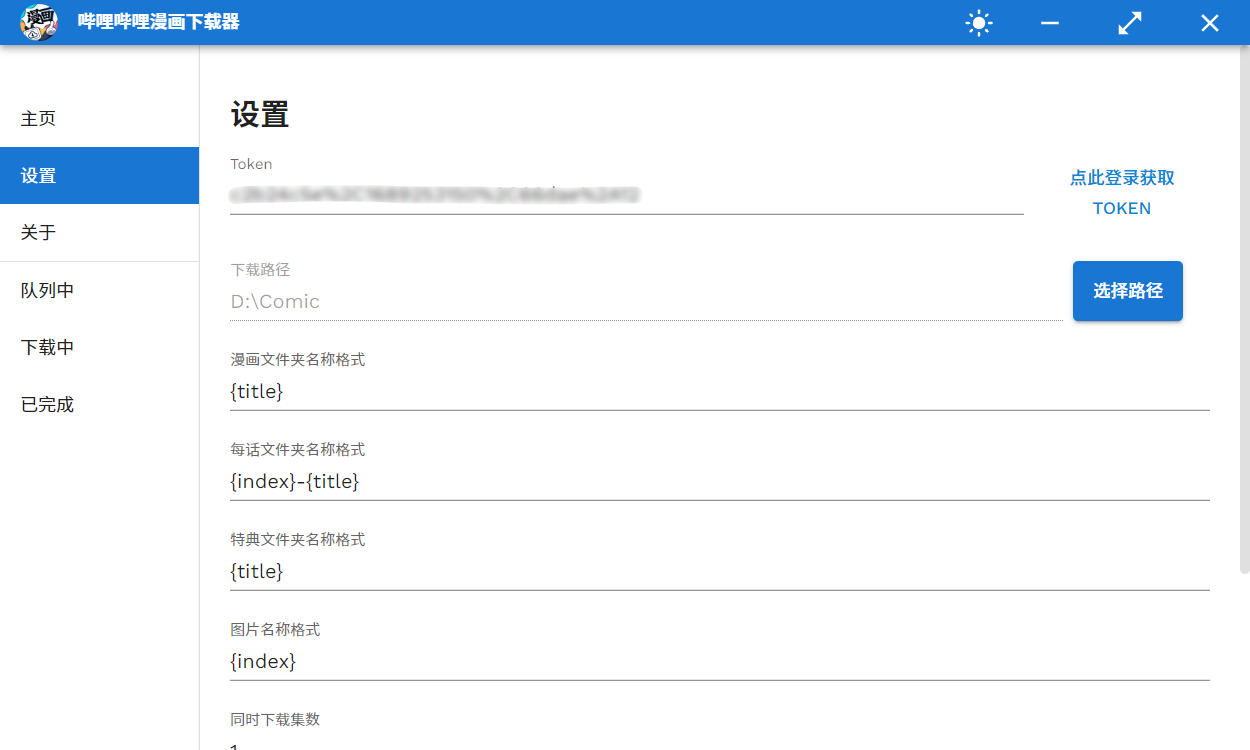

Token: The SESSDATA item cookie value after the user logs in, now supports direct automatic acquisition. Click the Get Token button, log in to the B station account in the open window, and close it after completion. It should be noted that after logging in within the program, the cookies will be updated, which will cause the account on the web page to be logged out. This value can also be set manually, see below for details.
Download path: Select the image storage location.
Comic folder name format:
{title} means comic title{id} means comic ID{authors} means the authorFolder name format per episode:
{title} means the title of each episode{short_title} means short title for each episode{id} means each episode ID{index} represents the serial number of each episodeAt the same time, the number of downloads controls the download speed, and the default is 1.
==Whether to compress after downloading is completed==, after this option is enabled, the comic folder will be compressed after each episode is downloaded. As the number of comic folders contains more and more, the compression speed will gradually slow down. Therefore, it is recommended to manually compress after all the download tasks are completed.
It can also be used when opening the agent in the new version without manual settings.
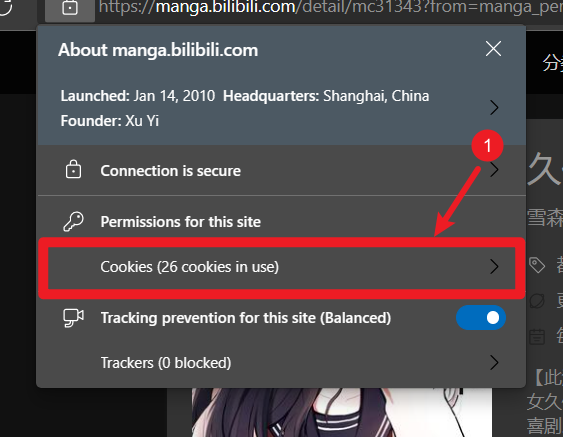
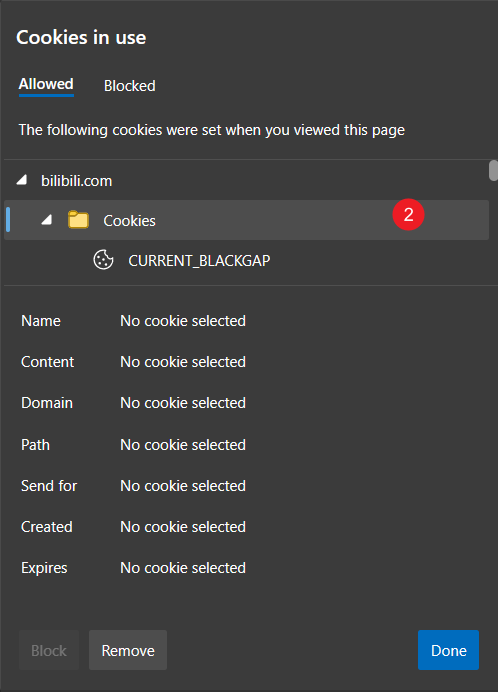
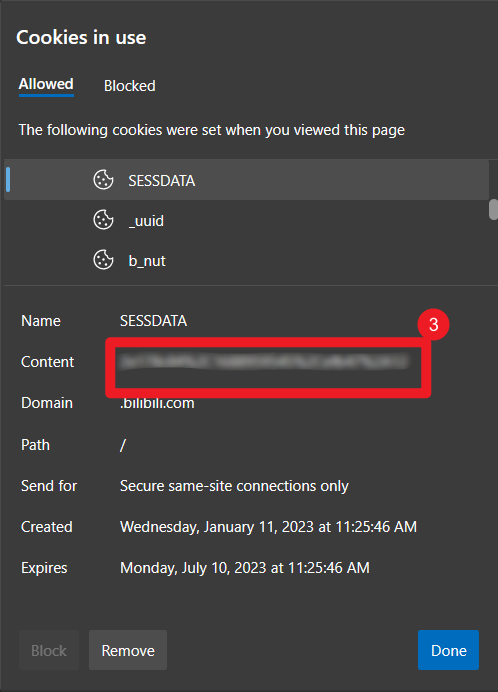
Getting login cookies
After logging in on the web page, perform the following operations for the edge browser
Just fill in the resulting SESSDATA value into the settings as
你的SESSDATA值Please note that this value must not be leaked
Currently, the program is automatically checked for updates. When a new version is checked, it will be automatically downloaded in the background. After the download is completed, a prompt pops up to inform the user that the new version will be installed when exiting the program.
Inheriting the previous version, the new version also has two themes: bright and dark. Click to switch.
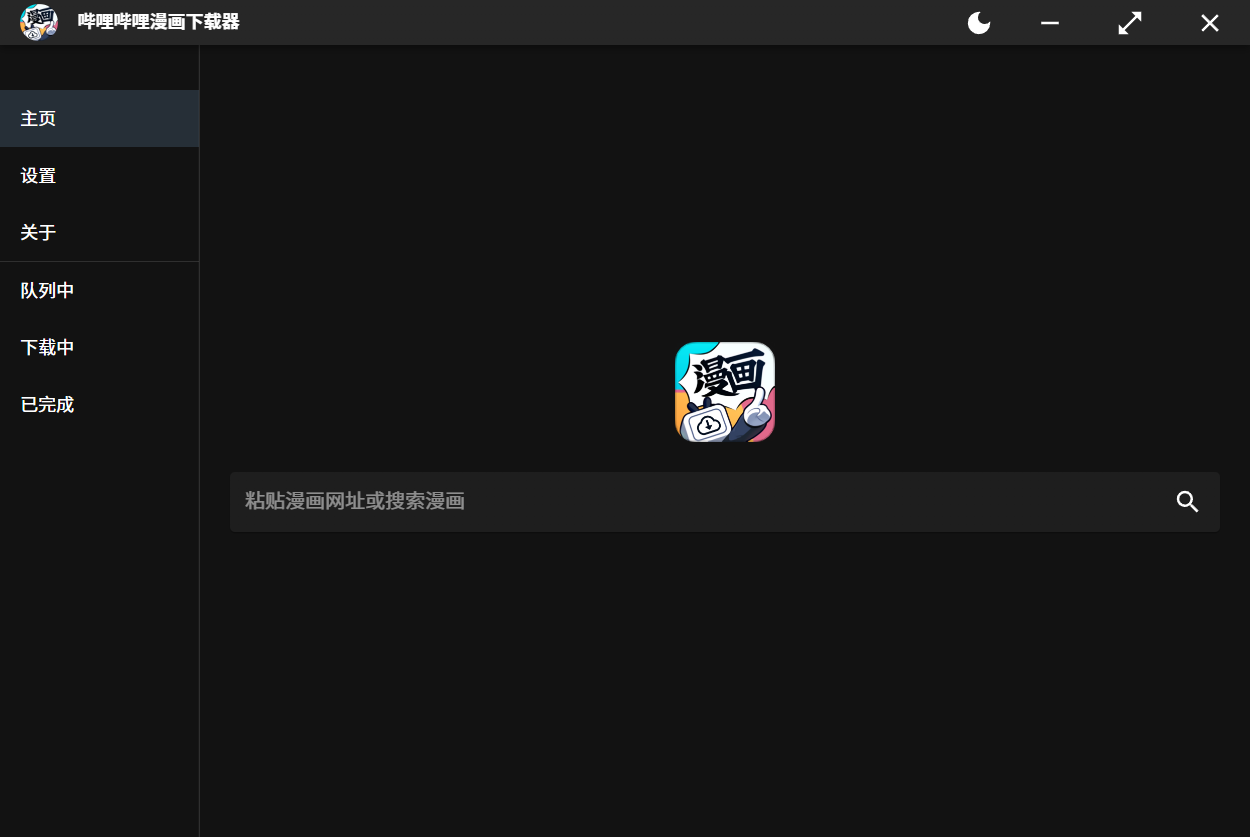
Configuration dependencies
 $ cd src/v3

# using yarn or npm
$ yarn (or `npm install`)
Running in debug mode
$ yarn dev (or `npm run dev`)
Compilation
$ yarn build (or `npm run build`)
Note: MacOS users please query the electron-builder configuration electron-builder.yml file
This project (hereinafter referred to as the "Software") is for learning and research purposes only and does not encourage or support copyright infringement, law or use policies that violate any website.
Users who use this software shall bear their own risks. The author shall not be responsible for any losses, legal disputes or other consequences caused by the use of this software.
This software may cause a certain load on the server of the target website, and users should use it with caution to avoid unnecessary interference or damage to the target website.
This software is provided "as is" and the author does not provide any warranties of any express or implied, including but not limited to warranties of merchantability, fitness for a particular purpose, non-infringement, etc.
The author is not responsible for the user's use of this software, including but not limited to the user's violation of the law or any third party's rights and interests.
By using this software, you agree to comply with this disclaimer and any applicable laws and regulations.
The author reserves the right to modify and update this disclaimer, please check the latest version.
V3.2.2