briefkasten
1.0.0

Briefkasten (EN: Mailbox) - am Haus- oder Wohnungseingang angebrachter Behälter für die dem Empfänger zugestellten [Post]sendungen
Self-hosted bookmarking application. Works with any Prisma compatible database (MySQL, Postgres, SQLite, etc.)
Warning
Briefkasten v2 is currently available in beta at https://dev.briefkastenhq.com
After the beta period, the database will be dropped, so that we can migrate all existing data from the current (v1) briefkastenhq.com over to the new version. I'm working on the new docs already, but the v1 docs are of course still available. If you find any bugs, or otherwise want to help, you can contribute at ndom91/sveltekasten or ndom91/briefkasten-docs.
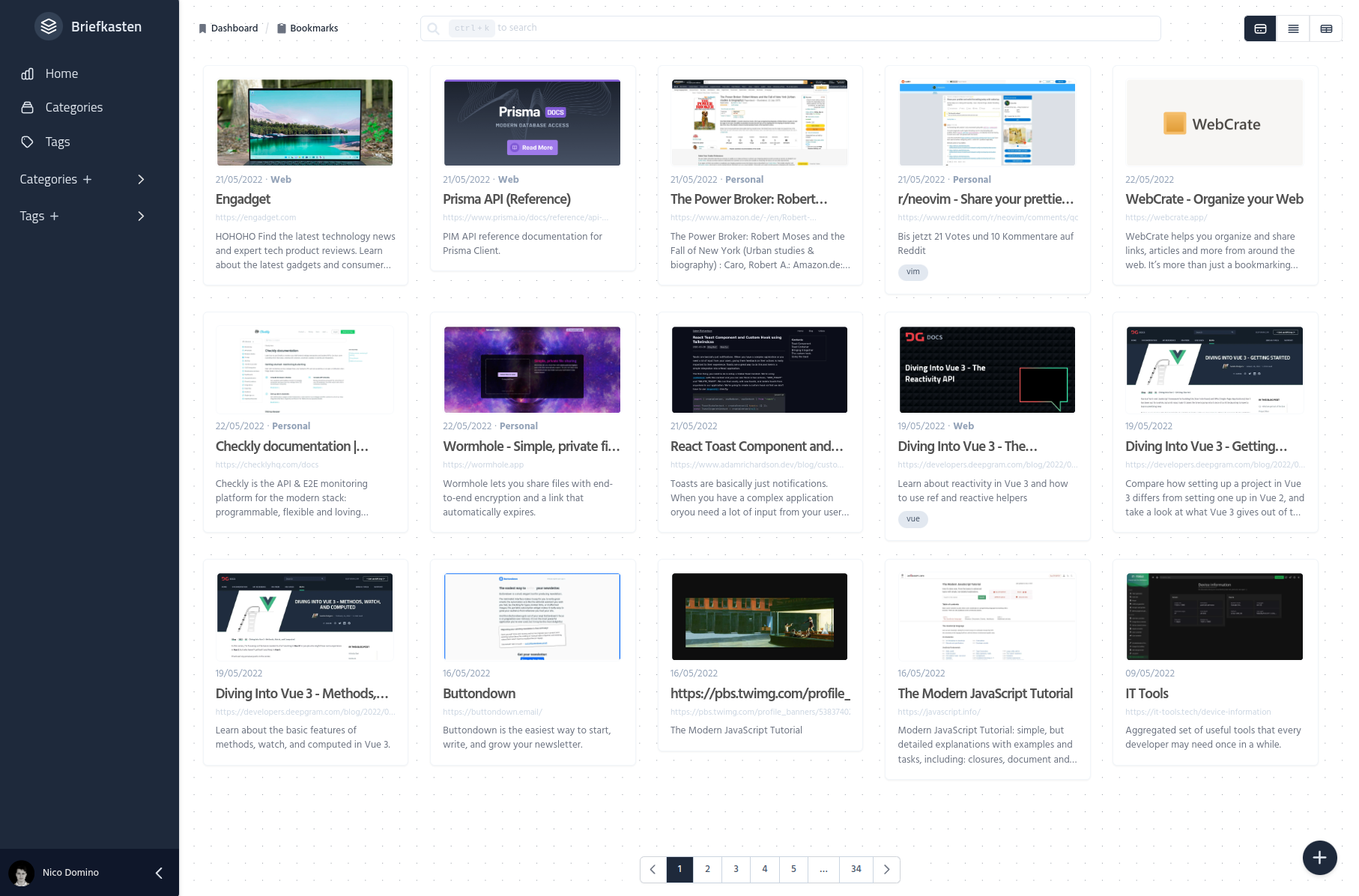
|
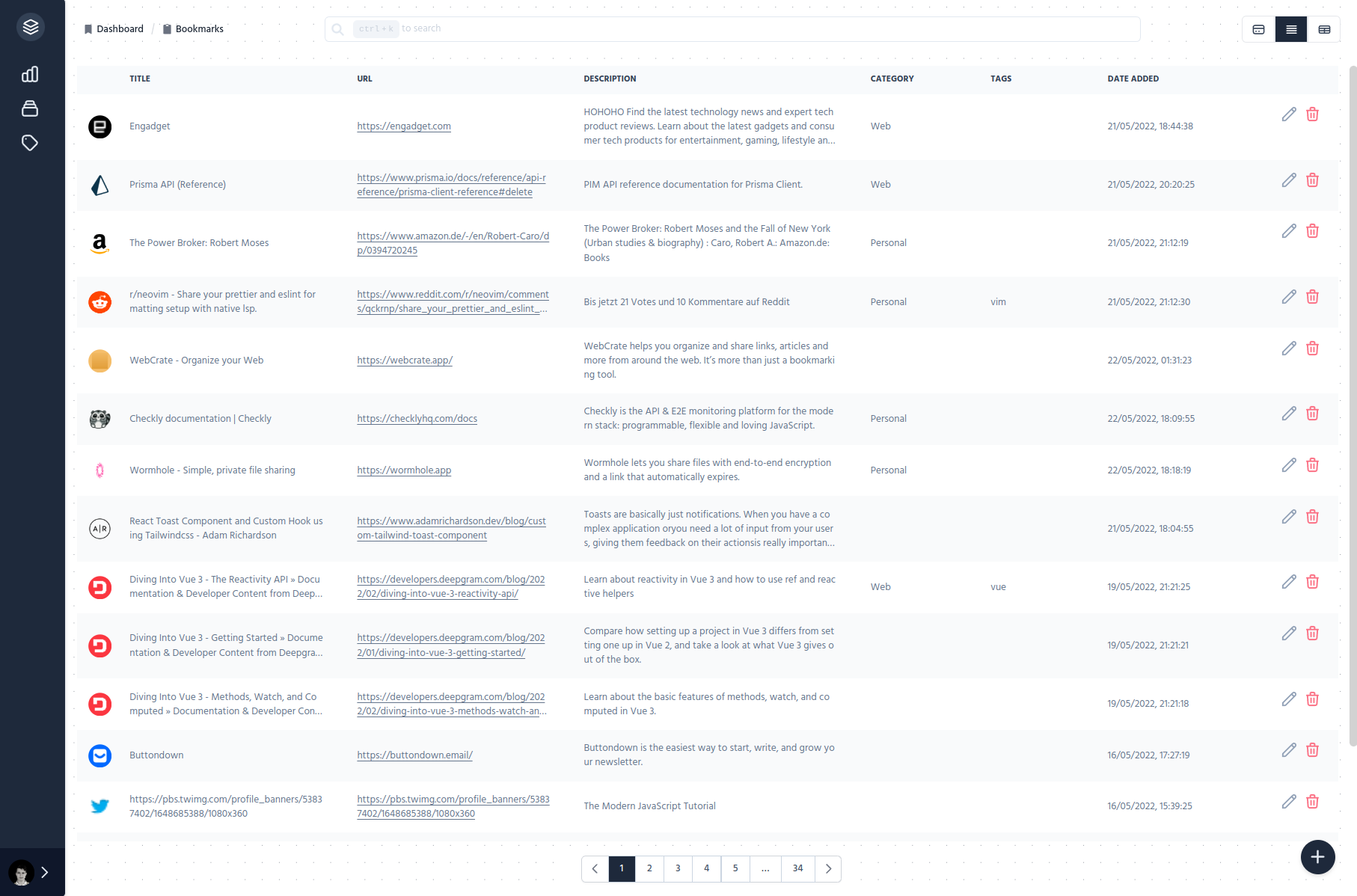
|
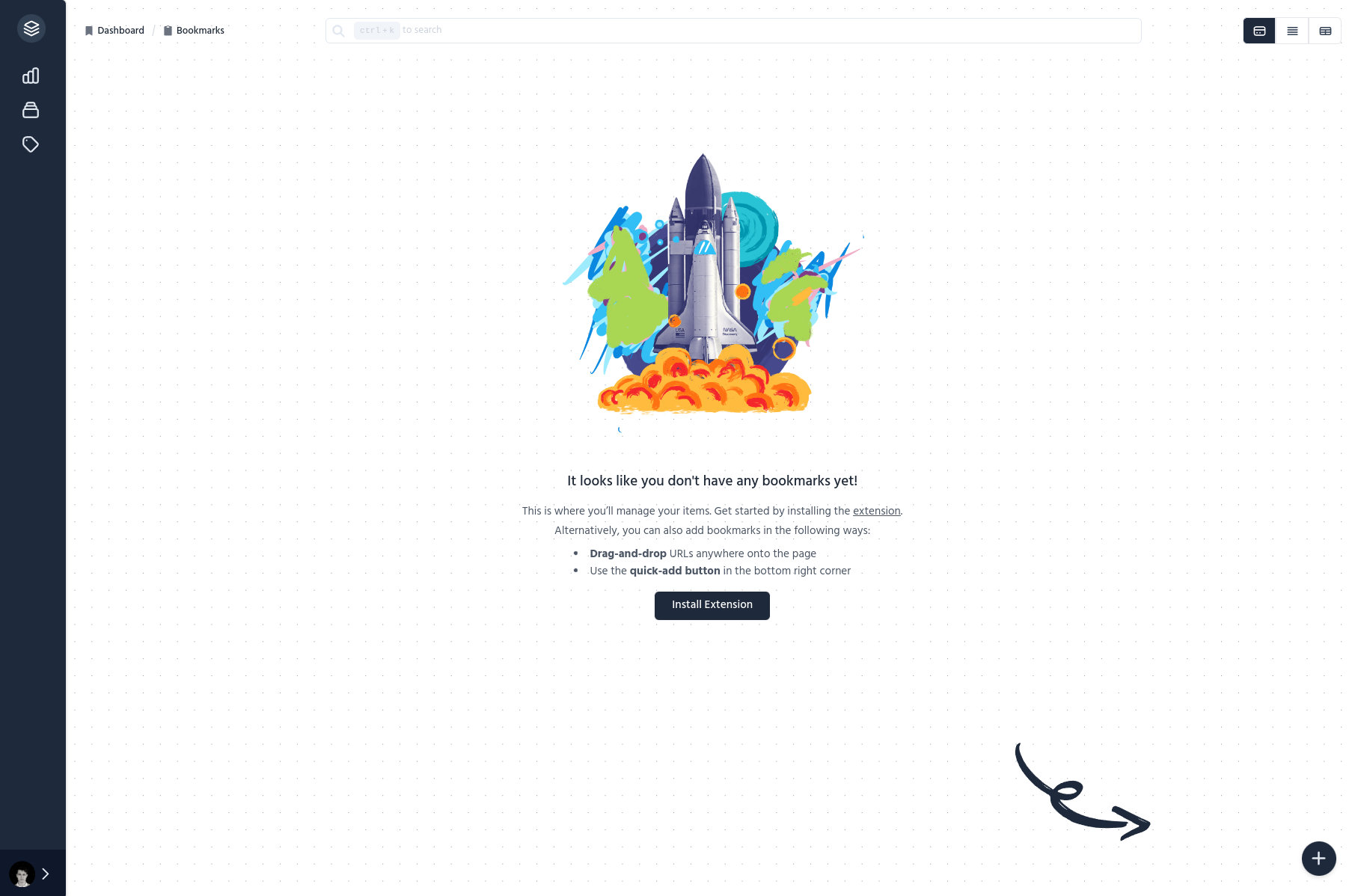
|
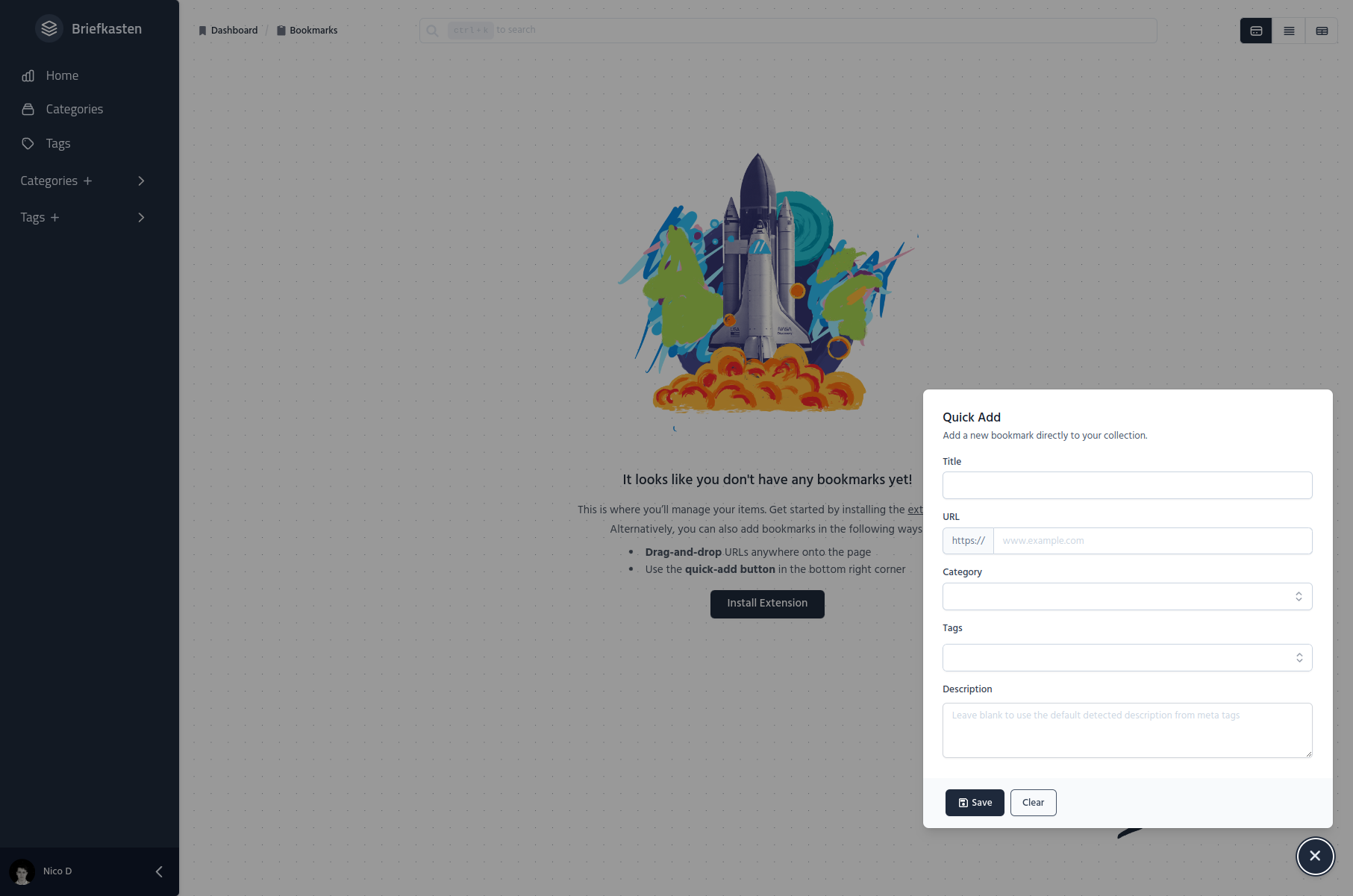
|
To self-host this application, you'll need the following thins:
These are all relatively straight forward, other than the image hoster. This was chosen to avoid putting the images in the database. The example application at briefkastenhq.com is using Supabase Storage, but any other similar provider like Cloudinary or a simple S3 Bucket would also do the job. I chose Supabase, because they have an easy to use SDK, a decent free tier, and I was already using their Postgres service.
After you've got an account setup at all of the above providers, or have your own infrastructure ready to go, you can continue on to the next steps below.
$ git clone [email protected]:ndom91/briefkasten.git && cd briefkasten$ pnpm install.env.example file to .env, and open it with your favorite text editor to fill in your environment variables.$ cp .env.example .env
$ vim .envIn this environment variables file, make sure to at least fill in the DATABASE_URL, NEXTAUTH_URL and NEXTAUTH_SECRET. The rest of the environment variables depend on the services / features you want to use. For example, Google/Github for OAuth login and/or Supabase for object storage.
// First time only
$ pnpm db:push

// dev
$ pnpm dev

// prod
$ pnpm build
$ pnpm startYou can also self-host Briefkasten with Docker. To do so, you must:
docker and docker-compose..env.example to .env file.
DATABASE_URL and NEXTAUTH_* environment variables at minimum.DATABASE_URL for the postgres container should be DATABASE_URL=postgres://bkAdmin:briefkasten@postgres:5432/briefkasten?sslmode=disabledocker-compose up -d in the root of the repository. This will start the application as well as the database for you.bk-app).
docker exec -it bk-app /bin/bash to enter a terminal session inside the container.pnpm db:push inside the container. This will push the database schema from prisma to the configured database.http://localhost:3000More details can be found in the Docker section of the docs.
With this open-source application HTTP Shortcuts, you can create a "Share Menu" item which executes a POST request with dynamic input, i.e. a web page's URL and title. This makes it super easy to share items from your phone to Briefkasten! More information in the docs.
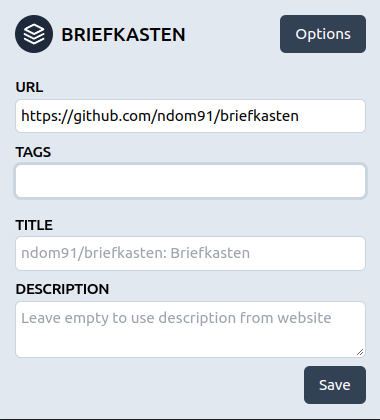
There is a companion browser extension in the works which you can use to add websites to your vault while browsing the web. It can be found at ndom91/briefkasten-extension and in the Chrome Extension Store. More details in that repository.
There is also a background job to fill in bookmarks which do not have a valid image. It can be found in the ndom91/briefkasten-scrape repository. This job runs every 2 hours in a Github Action and processes 10 bookmarks at a time.
This project is open to any and all contributions! Please stick to the ESLint / Prettier settings and I'll be happy to take a look at your issue / PR ?
MIT







