OneStopShop
1.0.0

Warning This app is a work in progress and shouldn't be considered production ready. It uses new technologies that are yet to be stable such as Server Actions and Drizzle ORM.
Online marketplace built using Next.js App Router, which allows users to purchase products, sign up and list their own products for sale. Users can create a seller profile, manage products and collect payment.
Key features:
To demo the checkout experience, checkout with a test card number such as 4242 4242 4242 4242 and use any future date for the expiry and any 3 digits for the CVC. You will only be able to checkout with products from sellers that have a Stripe account connected to their store (such as Tim's Toys). You can also create your own seller account and connect it to Stripe for the full experience.
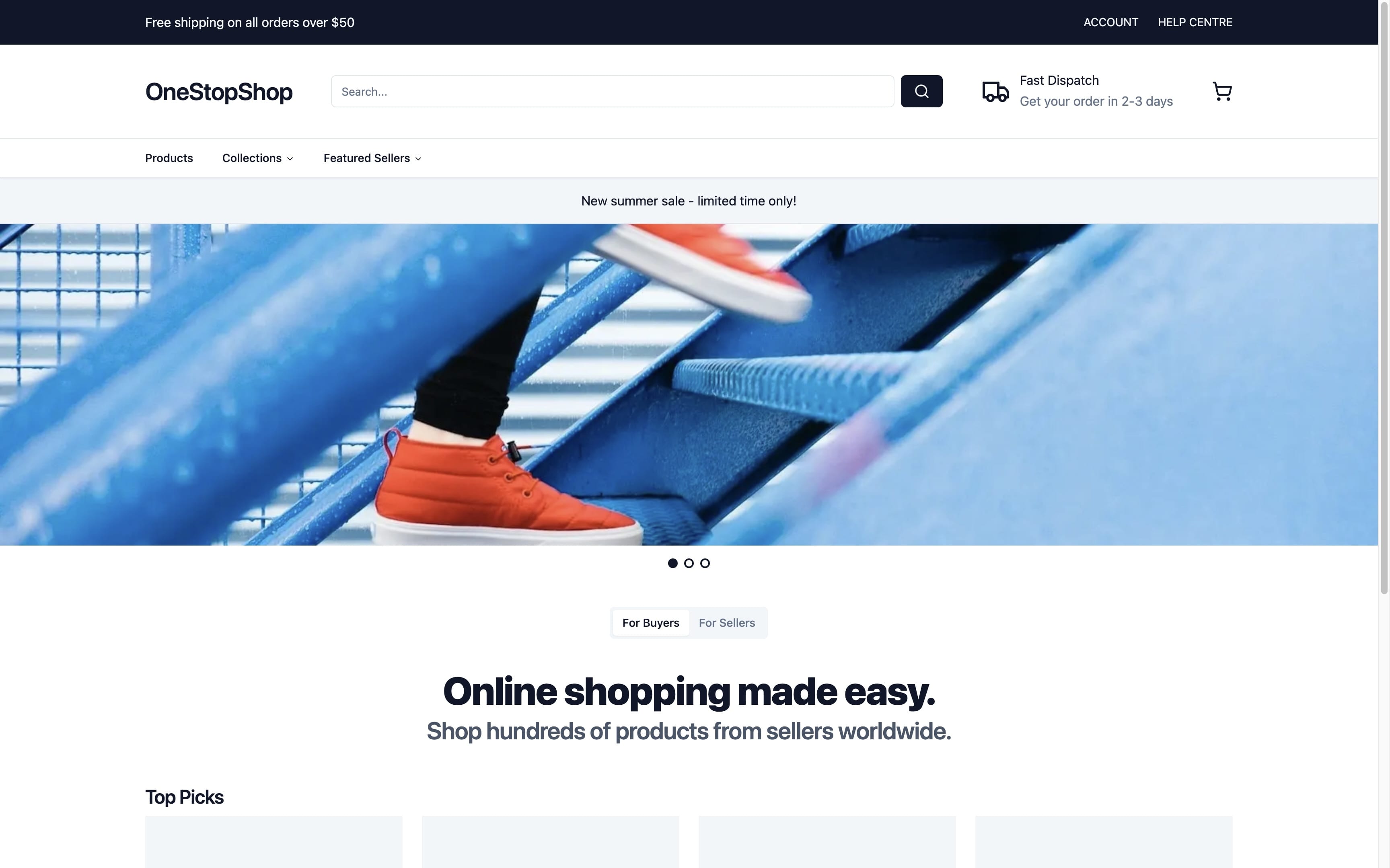
Home page
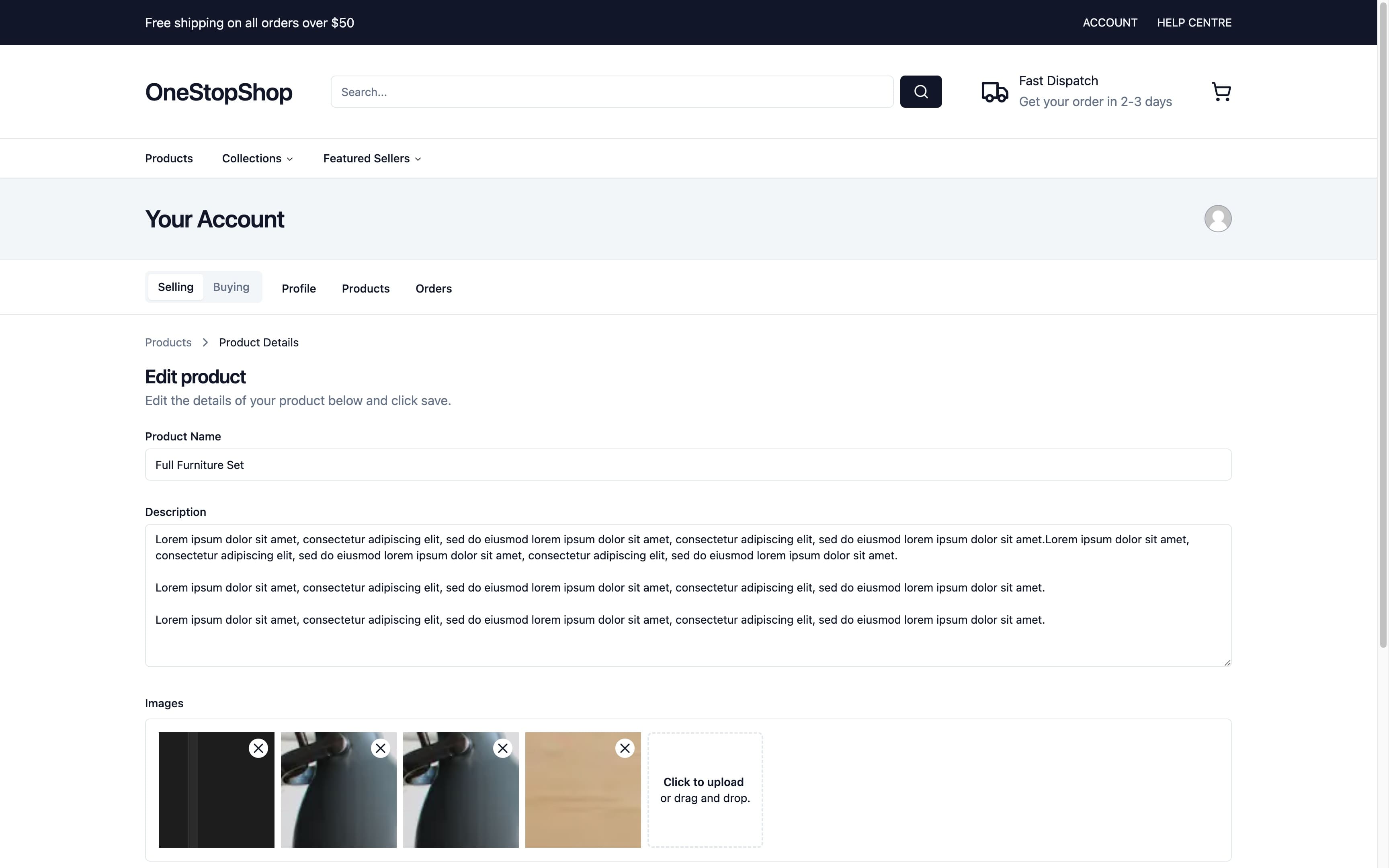
Admin Product Page Editor
Follow the below steps to run the app locally:
.env file with the variables as per the .env.example file.npm install.npx drizzle-kit generate:mysql. This creates a new folder called migrations-folder in the root which contains the SQL queries to create the database tables. Migrations are automatically synced with the database through the migration function in db.ts. Alternatively, you can run the generated SQL queries from the migration manually through the PlanetScale console and remove the migration function in db.ts.npm run dev to open the app in development mode.That's it. You should now be able to access the app at http://localhost:3000.
migrations-folder in the root is empty or doesn't exist.Storybook has been added to this app, however, hasn't been actively worked on since the initial creation of the app. Regardless, it can be ran using the following commands:
Run the tailwind build script to create an output file for tailwind classes (after it's ran and completed, you may have to 'kill' the terminal (ie ctrl + c) to stop the process if it doesn't automatically stop).
Command: npm run tailwind
Run Storybook (this will use the tailwind output file created in the previous step and run on http://localhost:6006).
Command: npm run storybook
If you see an error relating to a table not existing in PlanetScale (likely being thrown in app/(storefront)/(main)/page.tsx as this is the first use of the database), this is due to the database not being in sync. Revisit the 'running the app' steps above and check the 'Insights' tab in PlanetScale to check that table creation queries have ran.
Feel free to make issues and PR's for new features/fixes







