reactpress
v1.6.0



Issues · Pull Request · English · 中文
Content Management
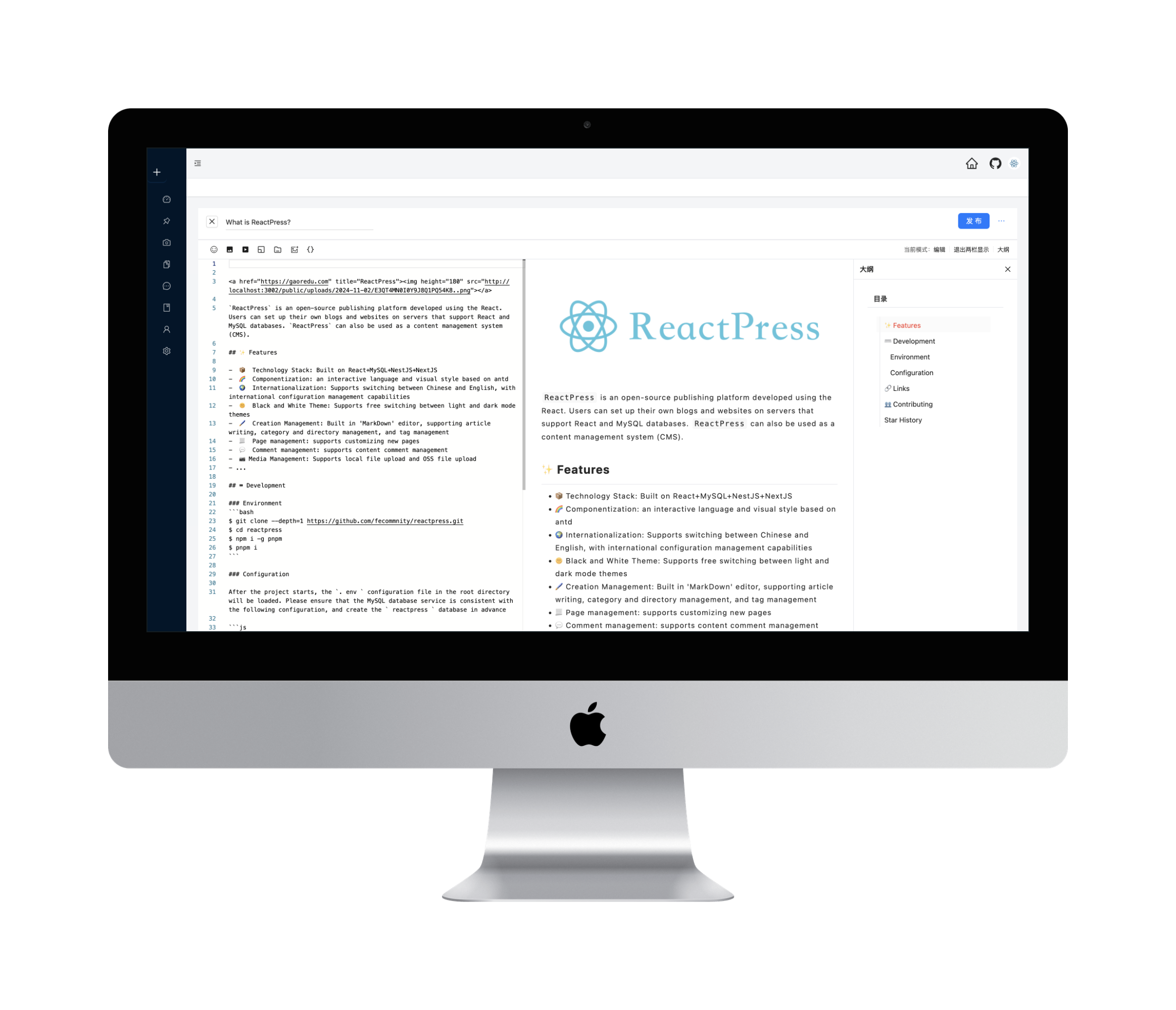
Home Page

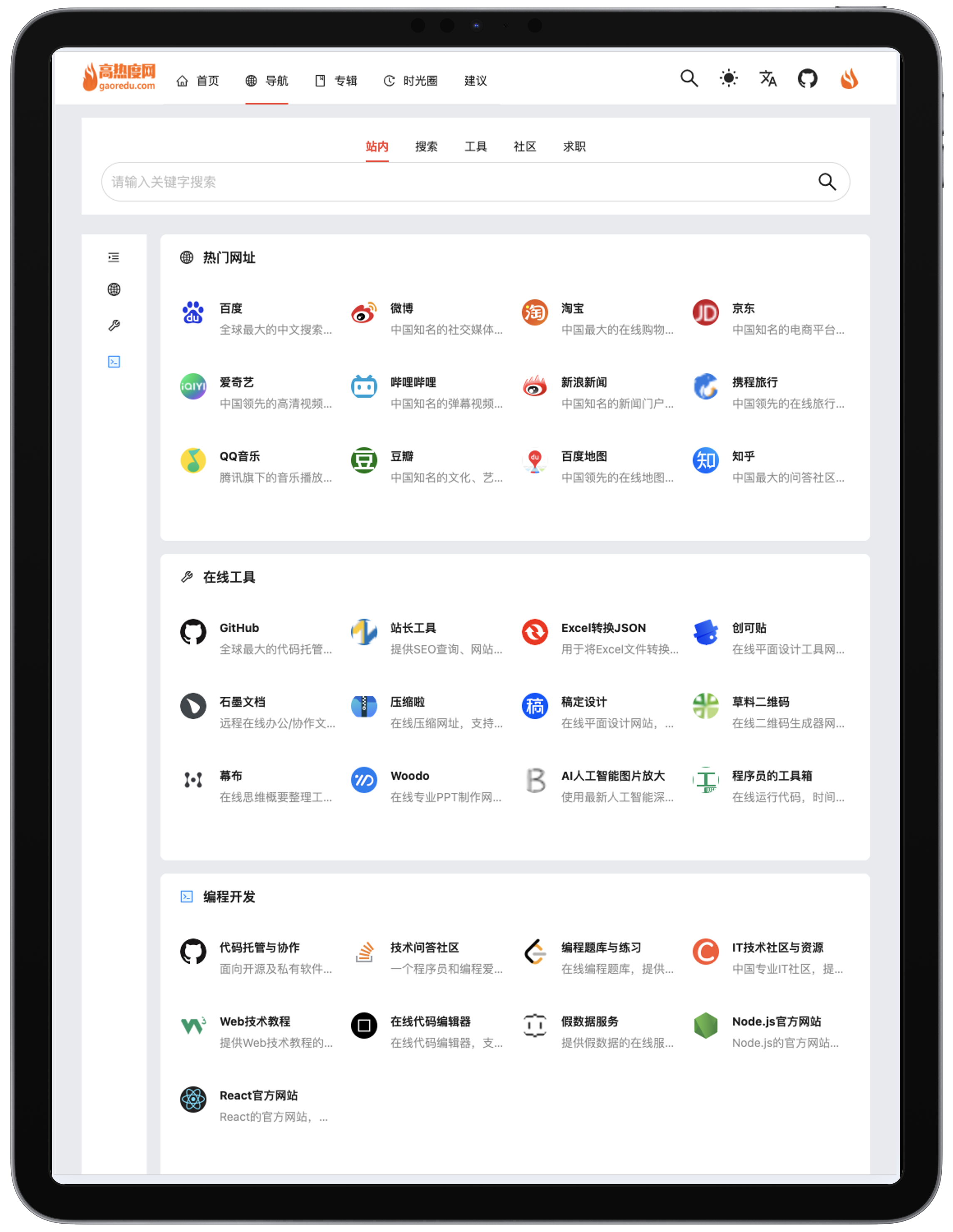
Navigation
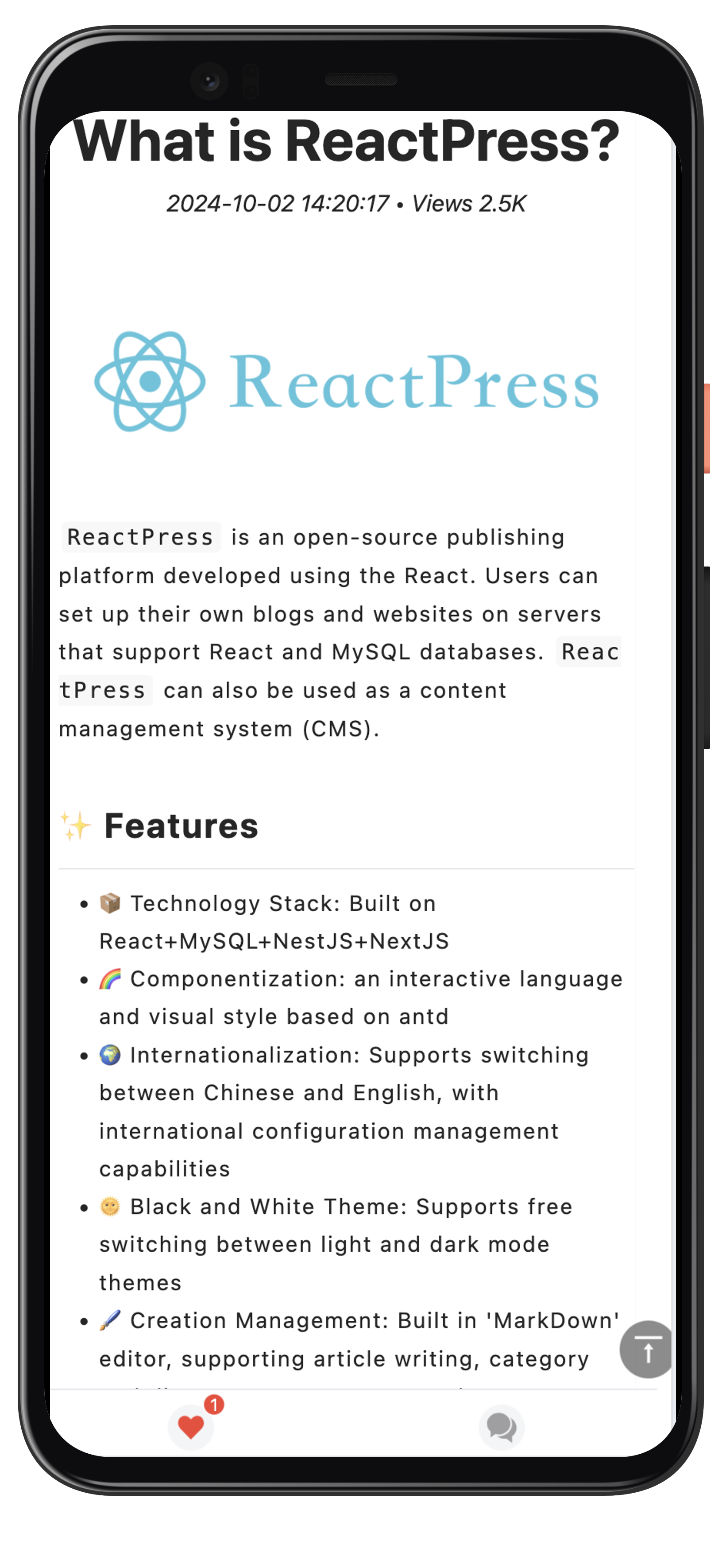
Mobile Phone
Comparison of ReactPress, WordPress, and VuePress
| Feature | ReactPress | WordPress | VuePress |
|---|---|---|---|
| Technology Stack | React + NextJS + MySQL + NestJS | PHP + MySQL | Vue.js |
| Type | Open-source publishing platform / CMS | Open-source publishing platform / CMS | Static site generator / Documentation tool |
| Front-end & Back-end Separation | Supported | Not supported (traditional approach) | Supported |
| Component-based Development | Supported | Limited support (via plugins and themes) | Supported |
| Performance Optimization | Virtual DOM, Code Splitting, Lazy Loading | Plugin-dependent optimization | Static page generation, excellent performance |
| SEO Performance | Excellent (SSR support) | Good | Outstanding (static pages) |
| Customizability | High (fully customizable themes and styles) | High (via plugins and themes) | Moderate (theme and component customization) |
| Extensibility | Strong (API interfaces, independent front-end and back-end extensions) | Strong (plugin extensions) | Moderate (plugin and theme extensions) |
| User Interface | Modern, component-based design based on React | User-friendly backend interface | Minimalist, optimized for technical documentation |
| Security | Depends on the security of the framework and database | Depends on plugin and theme updates and maintenance | Static site, high security |
| Application Scenarios | Complex functionality, high concurrent access, SEO optimization needs | Quick website setup, content publishing, and management | Technical documentation, static blogs |
| User Groups | Developers, technical teams,Personal blogs,small businesses | Personal blogs, small businesses, startups | Technical documentation writers, developers |
| Community Support | Active and growing | Very active, with a large user base | Supported by the Vue.js community |
ReactPress Demo
$ git clone --depth=1 https://github.com/fecommunity/reactpress.git
$ cd reactpress
$ npm i -g pnpm
$ pnpm iAfter the project starts, the .env configuration file in the root directory will be loaded. Please ensure that the MySQL database service is consistent with the following configuration, and create the reactpress database in advance
DB_HOST=127.0.0.1 // Default Database Host
DB_PORT=3306 // Default Database Port
DB_USER=reactpress // Default Username
DB_PASSWD=reactpress // Default Password
DB_DATABASE=reactpress // Default Database Name
After the environment is ready, execute the startup shell:
$ pnpm run devOpen your browser and visit http://127.0.0.1:3001
We warmly invite contributions from everyone. Before you get started, please take a moment to review our Contributing Guide. Feel free to share your ideas through Pull Requests or GitHub Issues. If you're interested in enhancing our codebase, explore the Development Instructions and enjoy your coding journey!
You can also send me an email: [email protected]
The ReactPress project has been greatly inspired and assisted by the following open-source projects:
[fantasticit] - [wipi] - [https://github.com/fantasticit/wipi]
[Lrunlin] - [blog] - [https://github.com/Lrunlin/blog]
[biaochenxuying] - [blog-react] - [https://github.com/biaochenxuying/blog-react]
[MrXujiang] - [next-admin] - [https://github.com/MrXujiang/next-admin]
[lfb] - [nodejs-koa-blog] - [https://github.com/lfb/nodejs-koa-blog]
……
We extend our heartfelt gratitude to the authors and contributors of these projects!







