abc user feedback
6.2451.72


ABC User Feedback is a standalone web application that manages Voice of Customer (VoC) data. It allows you to gather and sort feedback from your customers. The product is being applied and used in services worth 10 million MAU.
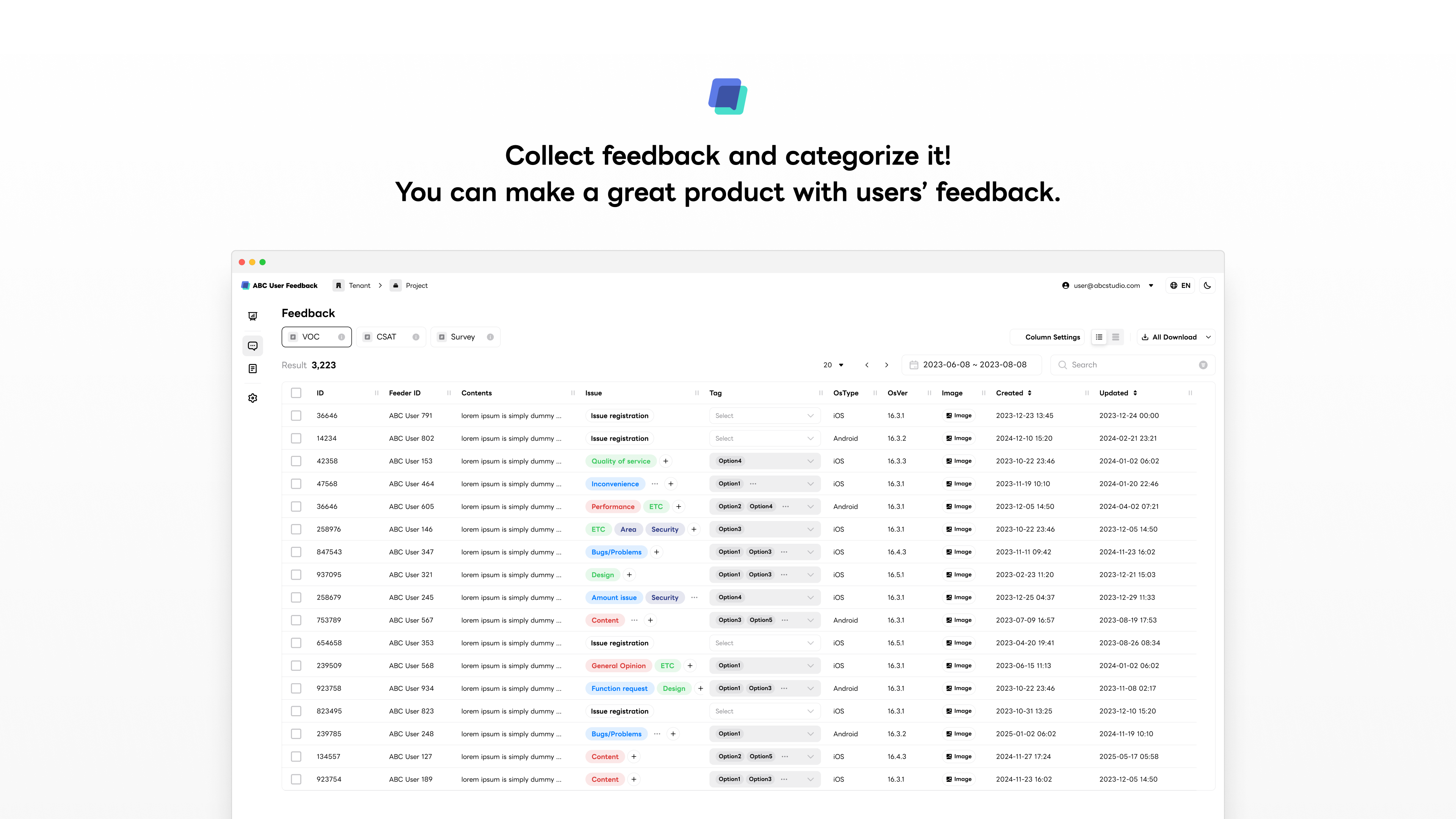
ABC User Feedback provides the following features:
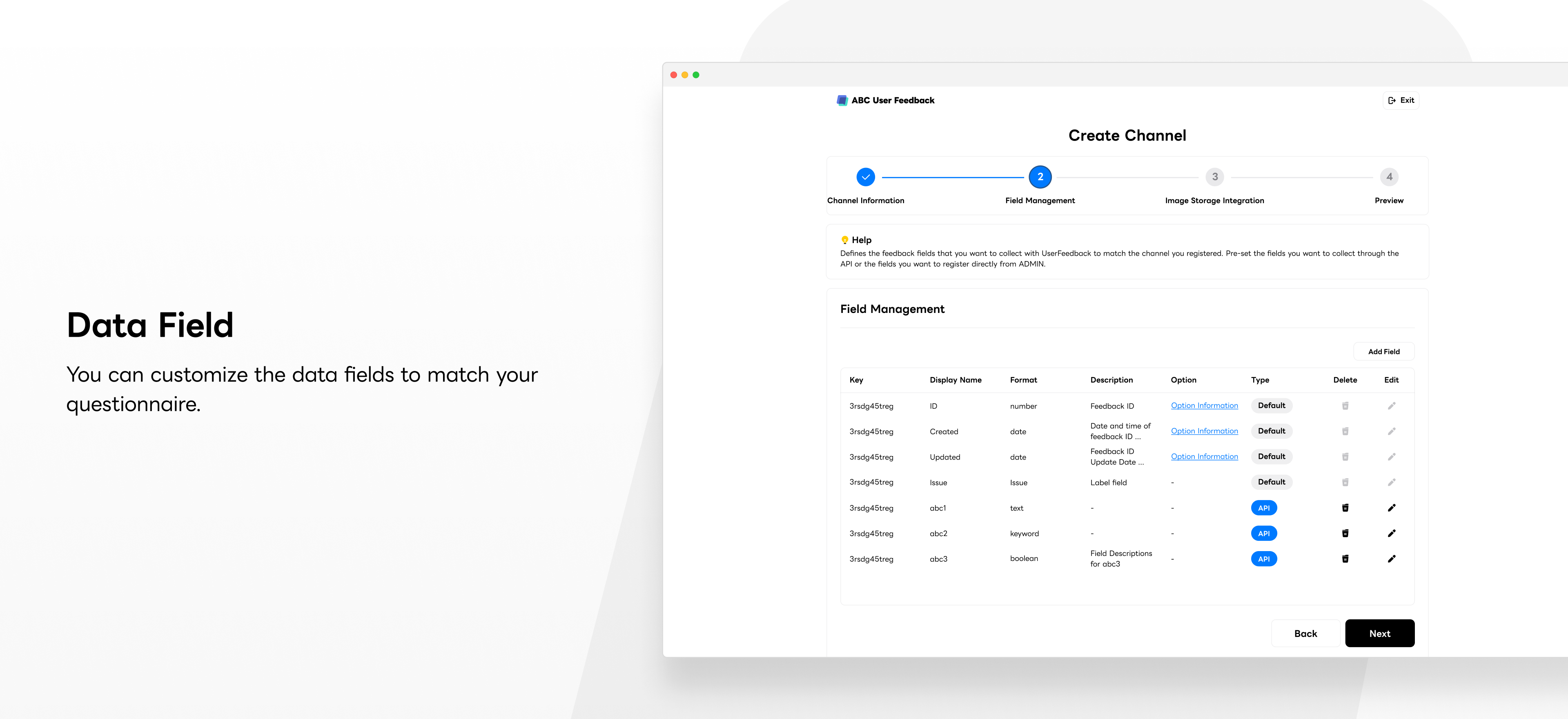
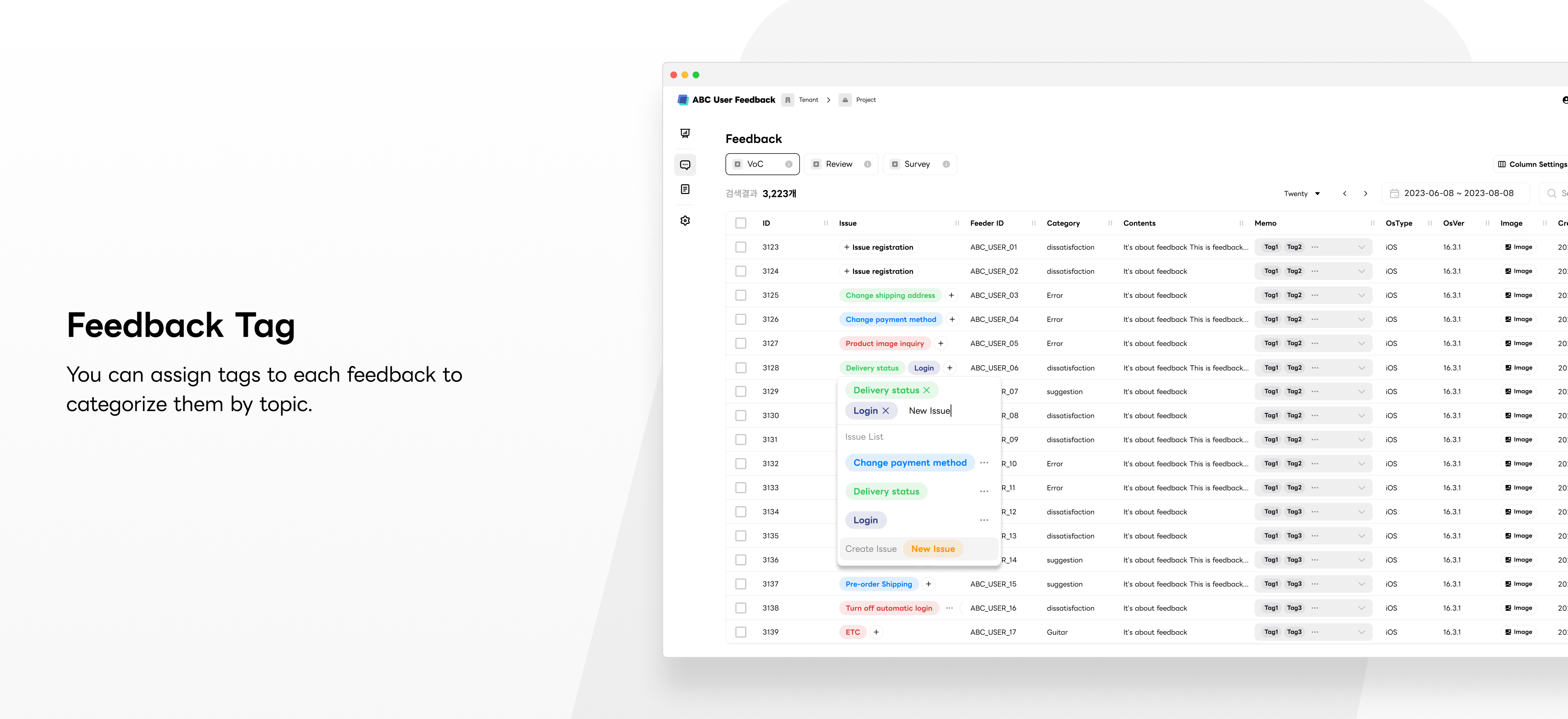
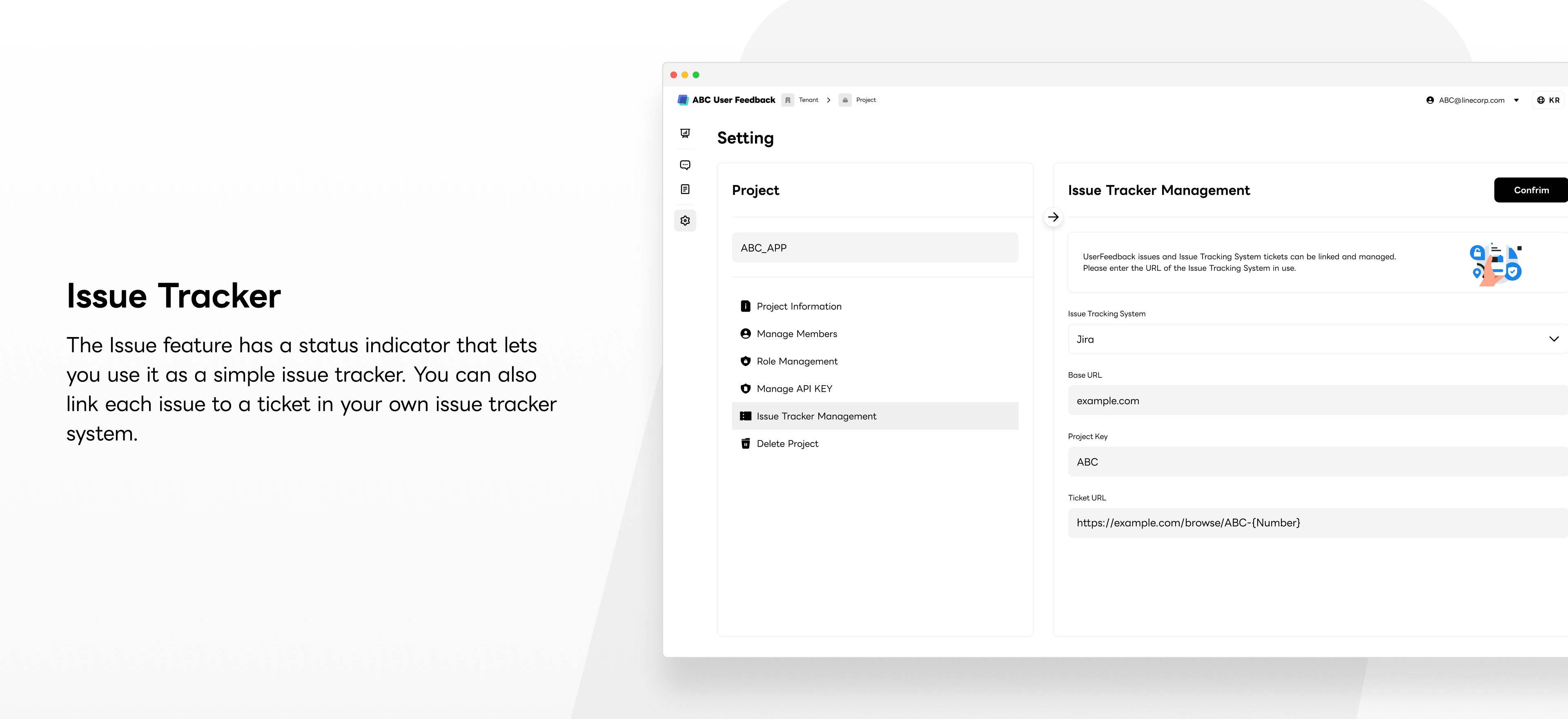
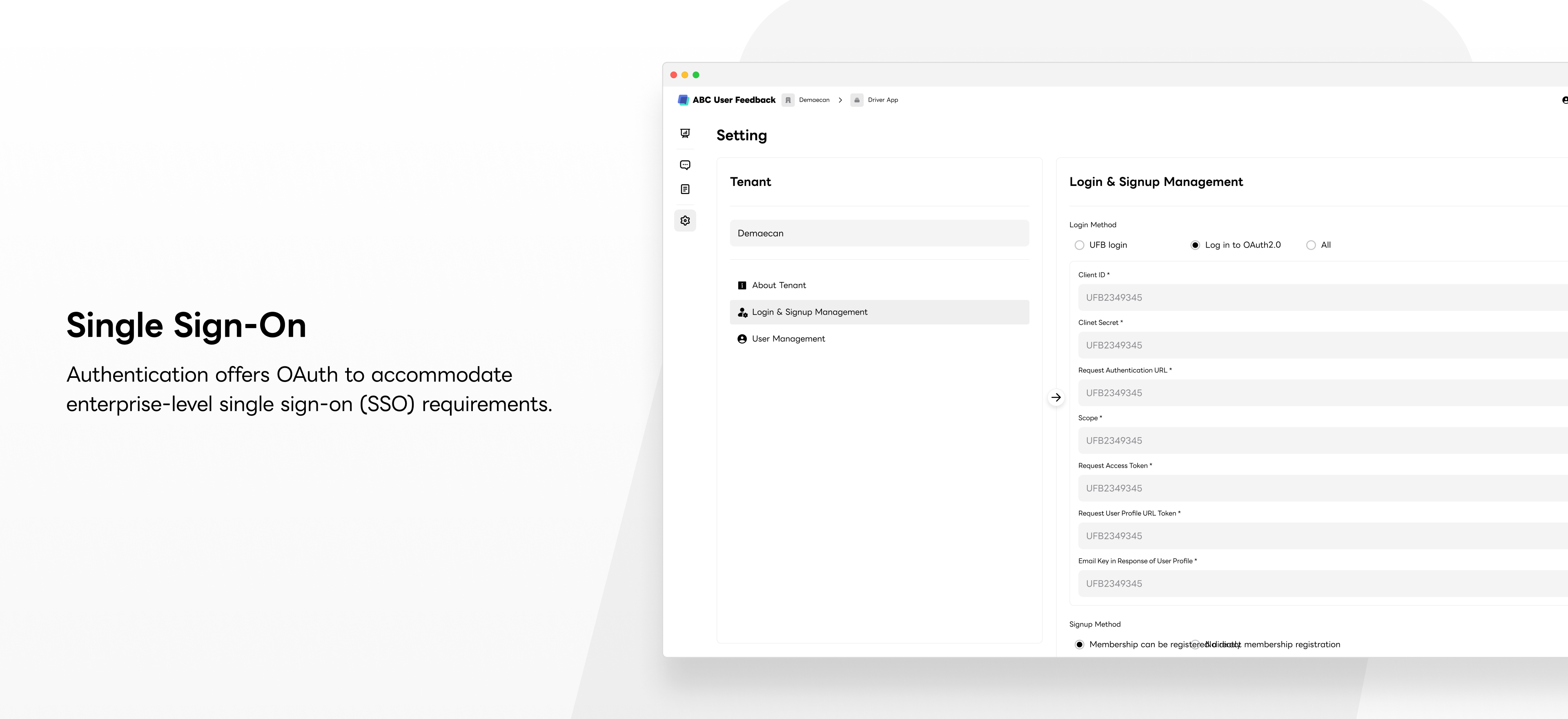
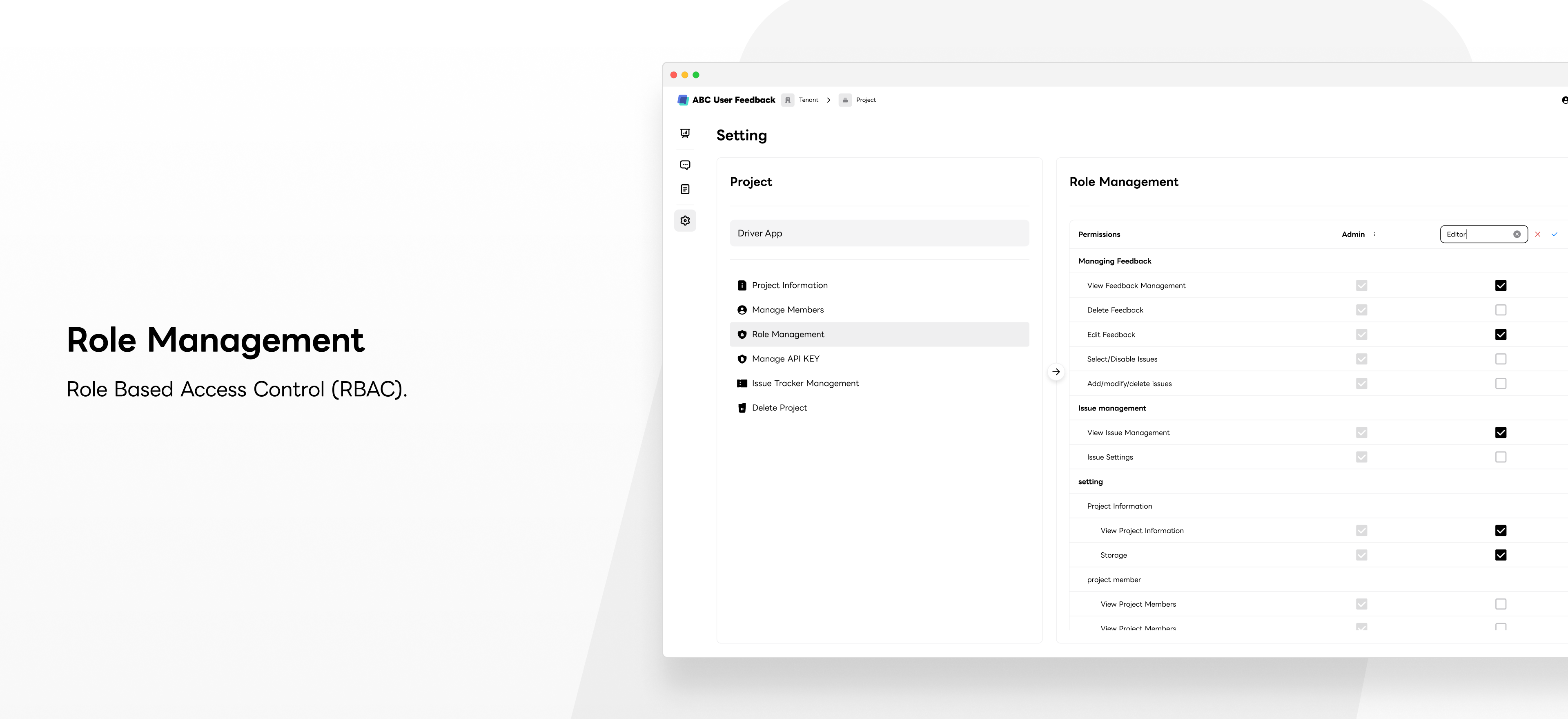
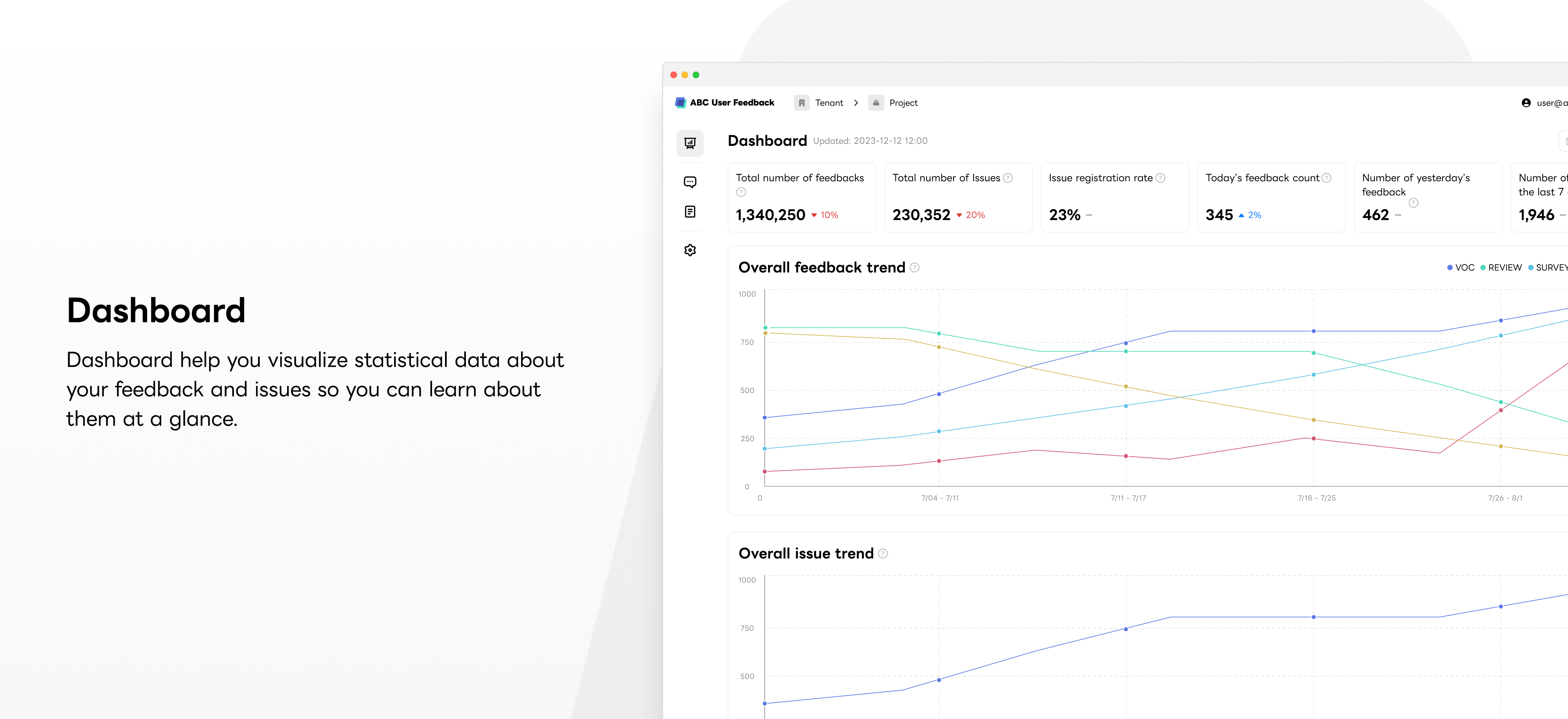
The frontend is built with NextJS and the backend is built with NestJS. We provide Docker images for fast and easy setup.
Before you begin, make sure you have the following installed:
Required
Optional
You can use docker-compose.infra-amd64.yml file for requirements.
for arm architecture, use docker-compose.infra-arm64.yml file
We publish two images to https://hub.docker.com at every release.
docker pull line/abc-user-feedback-webdocker pull line/abc-user-feedback-apiGo to Frontend README
You can configure the frontend for session password, maximum time span to query, etc.
Go to Backend README
You can configure the backend for MySQL, SMTP for email verification, OpenSearch-powered improved search experience, etc.
If you want to integrate ABC User Feedback with your service, you can use the following features:
ABC User Feedback supports a command line tool(auf-cli) that easily runs both the frontend and backend.
With this command line tool, you can initialize the infrastructure and run the app powered by a pre-configured Docker image. Since the CLI is executable with npx, only an npm environment is required, and no other dependencies are necessary.
npx auf-cli init # initialize infrastructure
npx auf-cli start # start app
npx auf-cli stop # stop app
Please refer to the following npm package site: https://www.npmjs.com/package/auf-cli
ABC User Feedback is using a monorepo (powered by TurboRepo) with multiple apps and packages.
Follow the instructions below to set up a local development environment.
git clone https://github.com/line/abc-user-feedback
cd abc-user-feedback
pnpm installdocker-compose -f docker/docker-compose.infra-amd64.yml up -dMake an .env file in apps/api and apps/web by referring to .env.example (web environment variables, api environment variables)
Apply database migrations:
cd apps/api
npm run migration:rundev target of both of apps in root directory:pnpm devdev target of one of apps in root directory:# web
pnpm turbo run dev --filter=web
# api
pnpm turbo run dev --filter=apiFor your code build, you can build docker image using docker-compose. Please refer to remote caching and deploying with docker using turborepo.
docker-compose build
Then, run docker-compose
docker-compose up -d
Please follow the contributing guidelines to contribute to the project.
Copyright 2024 LY Corporation

LY Corporation licenses this file to you under the Apache License,
version 2.0 (the "License"); you may not use this file except in compliance
with the License. You may obtain a copy of the License at:

  https://www.apache.org/licenses/LICENSE-2.0

Unless required by applicable law or agreed to in writing, software
distributed under the License is distributed on an "AS IS" BASIS, WITHOUT
WARRANTIES OR CONDITIONS OF ANY KIND, either express or implied. See the
License for the specific language governing permissions and limitations
under the License.
See LICENSE for more details.







