string is
v1.37.6

string.is is an open-source, privacy-friendly toolkit for developers. You can see it in action here.
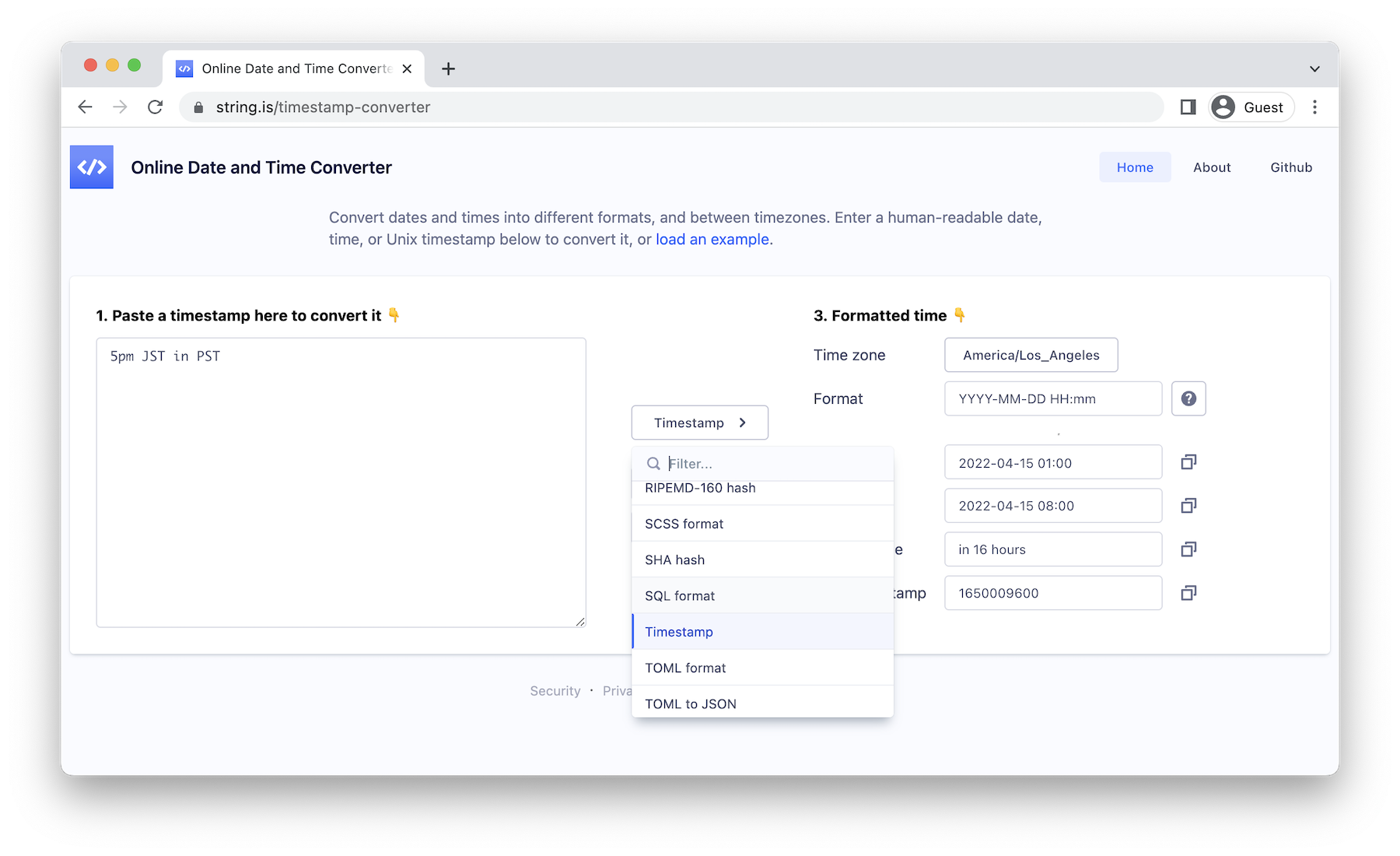
string.is is an opinionated conversion tool, with the following goals:
string.is has been confirmed to work on Chrome, Safari, Firefox, and Edge. Internet explorer is not supported.
Install dependencies:
yarn installSet up git hooks:
yarn husky installRun the development server:
yarn dev... and then open http://localhost:3000 in your browser.
To run all linting checks, type checks, tests, and build for production:
yarn allBuild the docker image:
yarn docker-buildor
docker build -t string-is .... and then run it:
yarn docker-runor
docker run -p 3000:3000 string-isAlternatively you can build and run it with docker-compose:
docker-compose up... or even run it directly from Docker Hub:
docker run -p 3000:3000 daveperrett/string-is:latestCurrently linux/arm64 and linux/amd64 platforms are supported.
The src/lib folder contains most of the conversion logic, and is pure TypeScript, with no React knowledge required.
src/lib/identities contains identifiers that take an input string and return the confidence level that the input is in a particular format. For example, JwtIdentifier returns a number indicating the confidence level (between 0 and 100) that a given input string is a JWT token.src/lib/inputs contains parsers that load strings from different formats. For example, the JsonInput parses a JSON string and returns an object.src/lib/outputs takes parsed data and formats it into a specific output format. For example, JavaScriptOutput takes a JavaScript string, formats it according to the formatting options provided, and returns the result.src/lib/converters are input → output pairs - the glue that performs a conversion between formats. For example, CsvToJsonConverter takes a CSV string as input, feeds it into the CsvInput for parsing, and pipes the result into the JsonOutput for formatting.To add a new converter:
identity (under src/lib/identities) for the from format. In this case we are converting from plain text, and we already have a PlainIdentity, so we don't need to add a new identity. An identity should export (a) a confidence function which, given an input string, returns a number out of 100 describing the confidence that the given input matches the identity, and (b) an array of converters that the identity can be used with.identity in step (2), make sure to export it in src/lib/identities/index.ts.output (under src/lib/outputs) for the to format. An output should should export an output function which, given an input string (or possibly object, depending on the conversion taking place) and an options object, will convert the input into the desired output string.output in step (4), make sure to export it in src/lib/outputs/index.ts.converter (under src/lib/converters) for the input + output pair. A converter should export (a) an operation function which passes the input string and an options object to the appropriate output, and (b) an outputId, which defines which output is being used.converter in step (6), make sure to export it in src/lib/converters/index.ts. Also make sure to add entries to locales/en/pages-converter.json] so that the auto-generated landing page will have the correct heading, intro text and example.outputId in step (6), add a React output component (under src/components/domain/convert/outputs) to render the new kind of output. If you are re-using an existing kind of output (eg. converting to JSON or YAML) you can re-use an existing output component here.If the appropriate inputs, outputs, converters and React components are in place and exported correctly, you should be able to use your new converter, given the appropriate input string that triggers a non-zero confidence.
If you want to be 100% confident that your privacy is protected, you can easily set up a string.is instance for your own personal or organizational use.
The quickest way to deploy string.is is to use the Vercel Platform (it's free for non-commercial use). Check out their Next.js deployment documentation for more details. Click the Deploy button below to deploy this application with Vercel:
Netlify and Heroku are also good options for free hosting. Click the Deploy button below to deploy this application with Heroku:
Unfortunately string.is doesn't currently support static builds via next export (which would allow hosting on eg. S3), because the i18n feature it uses is not currently supported for static builds.
Set the NEXT_PUBLIC_BASE_PATH environment variable to the sub-path, then build the project before deploying. This value must be set at build time and cannot be changed without re-building as the value is inlined in the client-side bundles.
For example, if you're deploying to https://tools.example.com/string-is, you'll need to set NEXT_PUBLIC_BASE_PATH to /string-is. You don't need to set this variable if you're deploying to the root of a domain.
Build and run with Docker:
docker build -t string-is --build-arg NEXT_PUBLIC_BASE_PATH="/string-is" .
docker run -p 3000:3000 string-is
Or build and run with docker-compose:
export NEXT_PUBLIC_BASE_PATH="/string-is"
docker-compose up --buildstring.is supports full localization. New languages should be added under the locales/ folder in JSON format (see locales/en/ for an example). English is currently the only locale provided, but support for new languages is welcome.
string.is includes support for Plausible Analytics, a privacy-friendly, cookie-less analytics service. To enable it, set an environment variable specifying the domain:
NEXT_PUBLIC_ANALYTICS_DOMAIN=string.is
Analytics is disabled by default unless process.env.NODE_ENV === 'production' and a NEXT_PUBLIC_ANALYTICS_DOMAIN domain is set.
Once you've made your changes:
git checkout -b feature/add-my-new-convertergit push origin feature/add-my-new-converter@davemetrics
See the LICENSE for details.







