cometchat sample app react native
v4.3.6

This is a reference application showcasing the integration of CometChat's React Native UI Kit in React Native. It offers developers practical examples for incorporating real-time messaging, as well as voice and video calling functionalities, into their React Native-based applications.
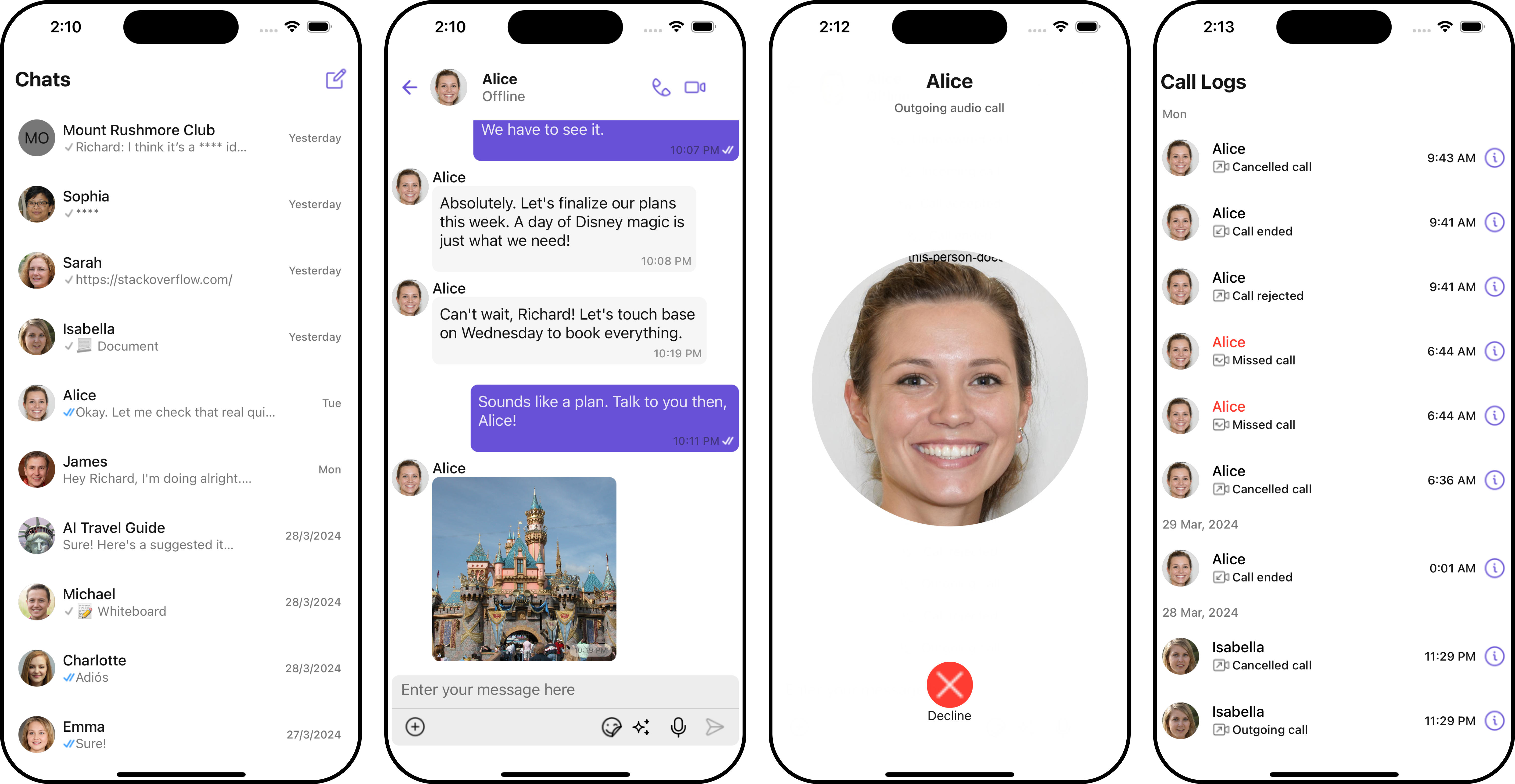
React Native: iOS
|
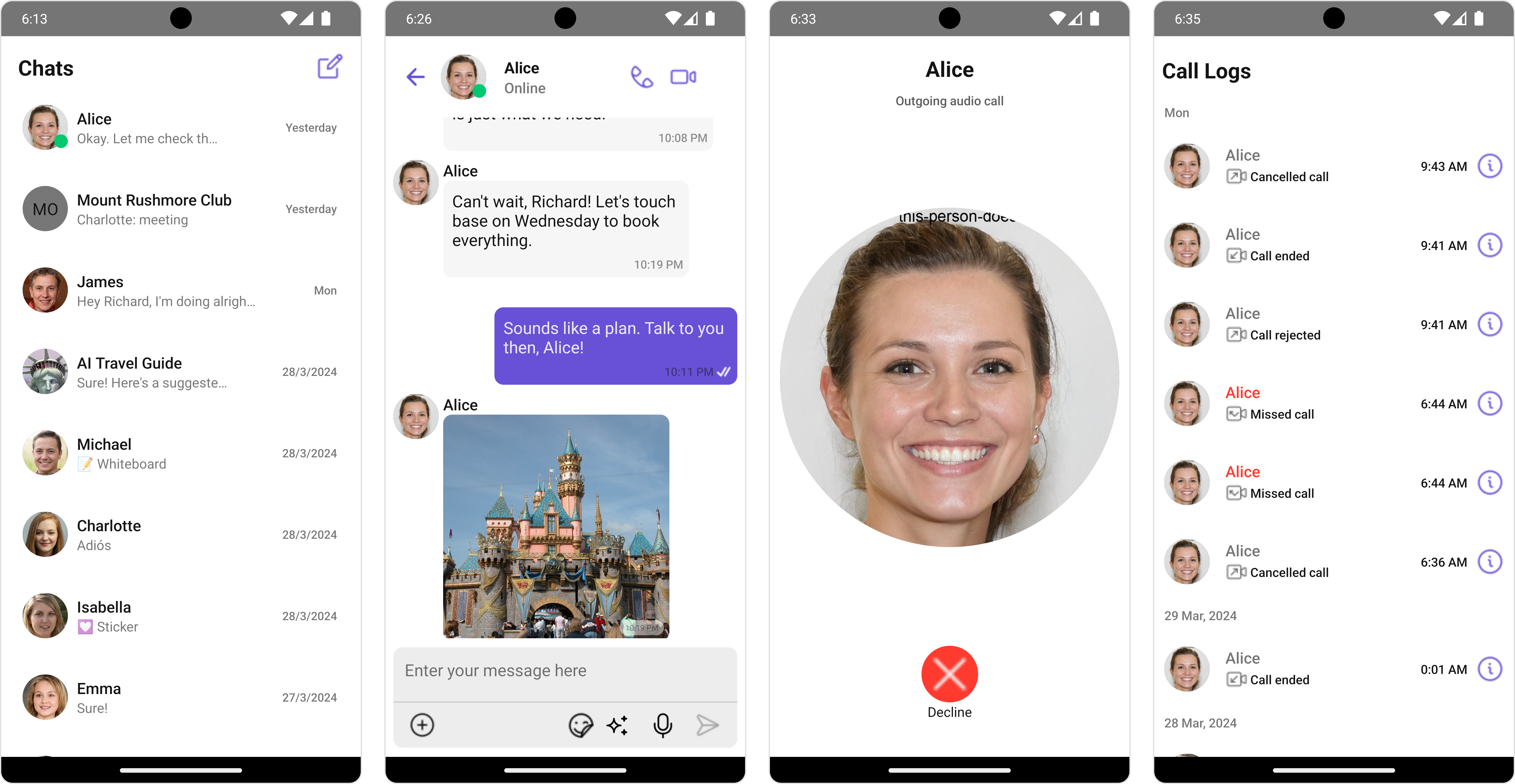
React Native: Android
|
App ID, Region, and Auth KeyClone the repository:
git clone https://github.com/cometchat/cometchat-sample-app-react-native.git
Navigate to the cloned directory:
cd cometchat-sample-app-react-native
Install dependencies:
npm install
For iOS, install dependencies after navigating to ios:
  cd ios
  pod install
Enter your CometChat App ID, Region, and Auth Key in the AppConstants.ts file:
cometchat-sample-app-react-native/AppConstants.ts
Lines 1 to 5 in f2910c2
If your app is created before August 12th, 2024 then change the sample data URL to https://assets.cometchat.io/sampleapp/v1/sampledata.json in the src/components/login/Login.tsx file:
cometchat-sample-app-react-native/src/components/login/Login.tsx
Lines 20 to 22 in f2910c2
Run the app on a device or emulator from the repo root.
npm start
npm run android
npm run iosFor issues running the project or integrating with our UI Kits, consult our documentation or create a support ticket or seek real-time support via the CometChat Dashboard.







