

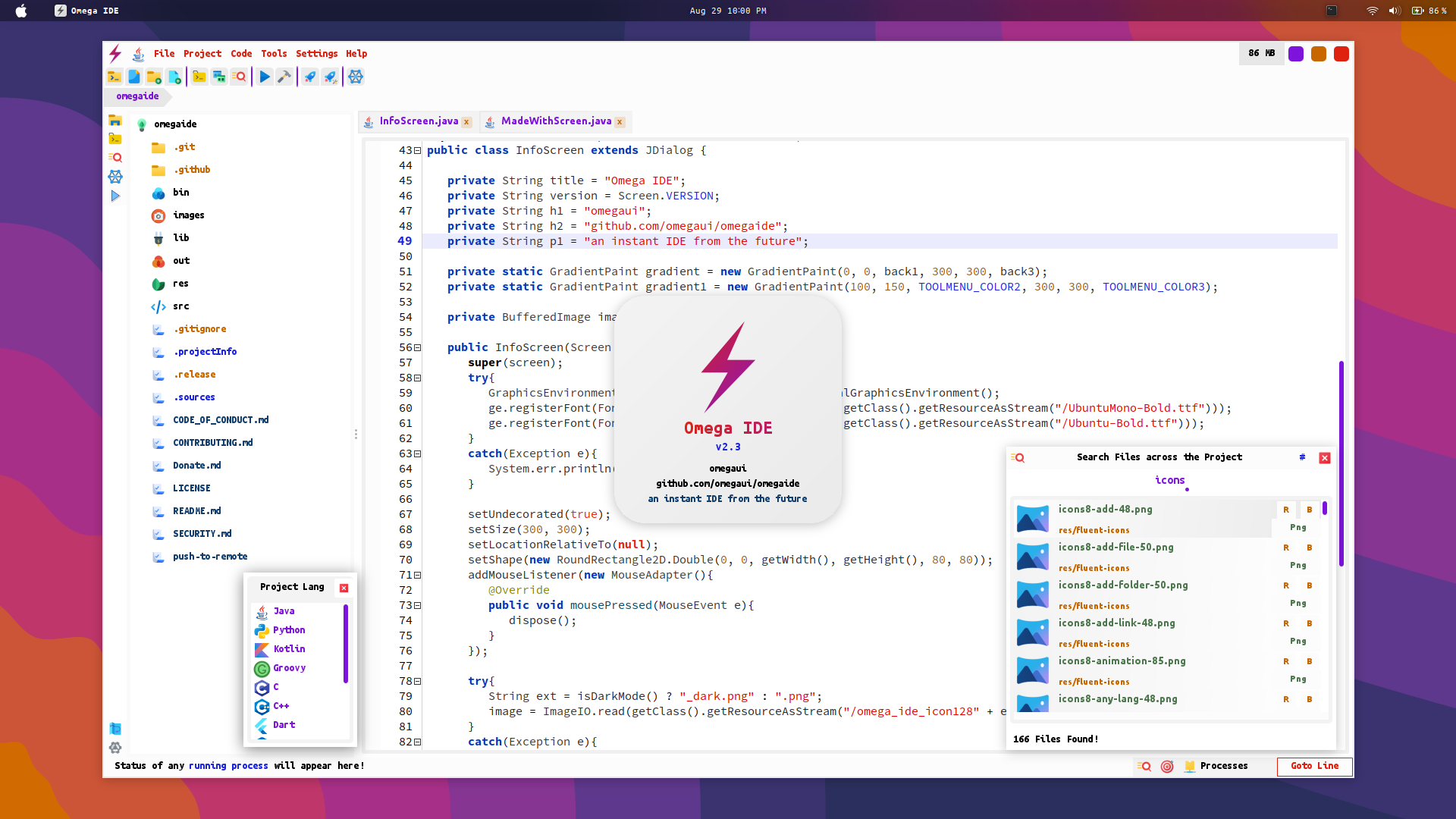
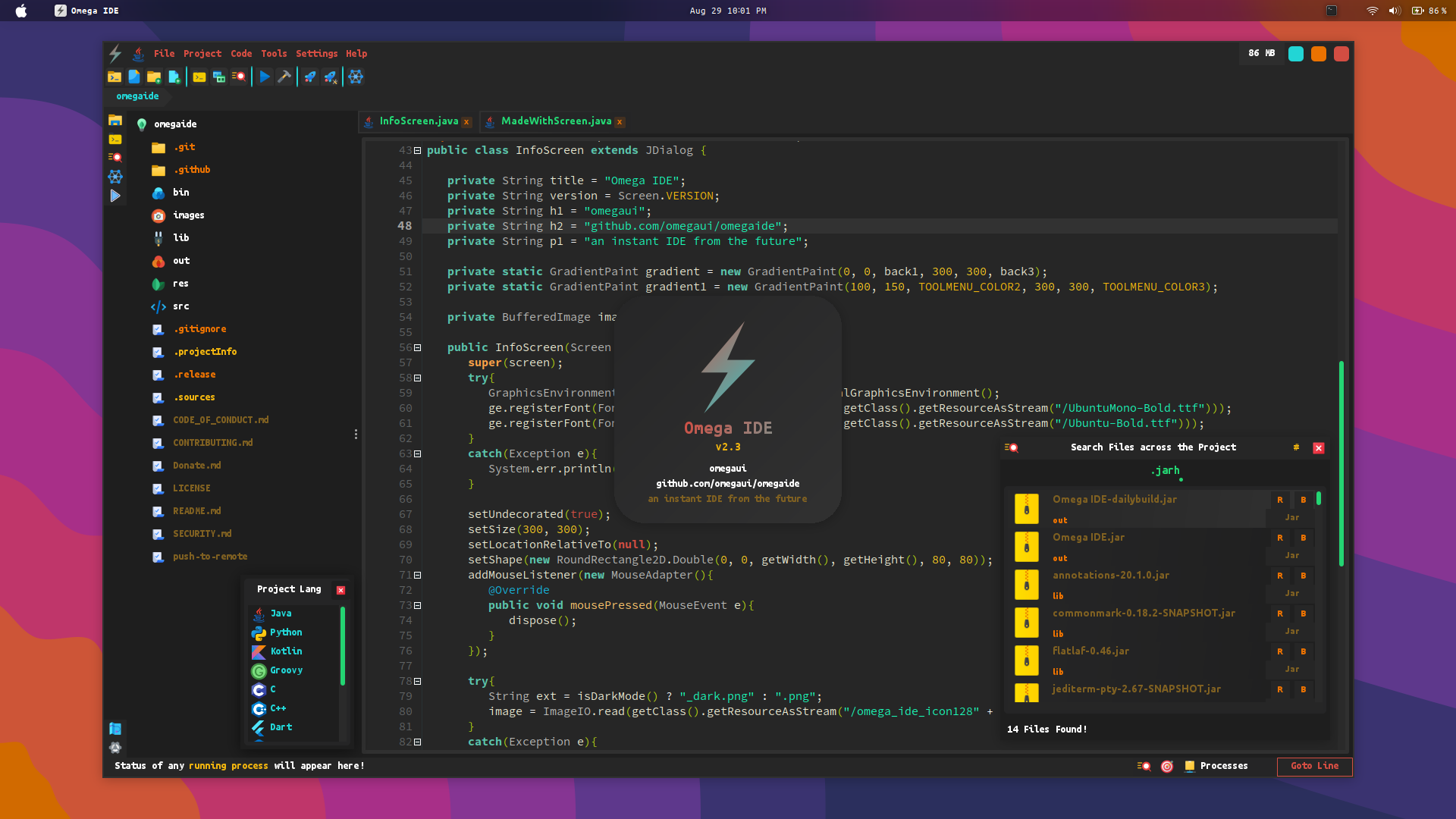
Just another IDE? No
omegaide is much more than that ... ️
view it in action on the official github page ?️
Let us cover major things it offers
Why omegaide?
if(have_descent_experience_in_coding):
getReadyForDIY() # Do It Yourself
exerciseTotalControlOverProject() # Compile and Run your way
learnSomethingNew() # How about some shell scripting? ??️️
getMoreAvailableRAM() # Now thats some real speed ?️
doThingsOnYourOwn() # Learn What building a project is
Built Different
Compile Any Number of Changes in a matter of seconds (Java)
- Keep your changed editors opened
- Hit the Button or press
Ctrl + SHIFT + F1 to trigger dynamic launch
- ?️ What just happened? Thats omegaide's instant dynamic compilation algorithm
- It has two modes ACCURACY and SPEED where DEFAULT_MODE = SPEED
- Modes can be changed from Settings Menu
Instantly manage class-path and module-path for Java
- Settings up class-path isn't difficult any more
- Click the icon at the bottom left on the side menu or Click project and click Manage Build-Path
- Add your files and close the dialog
- What? Nothing happened?, Ultra Fast Indexing already finished when you close the dialog ️.
Instant Universal Mode, Use omegaide for any programming language
- Create a Universal Project
- Write a Shell Script to Manage run / build process
- Specify it in Settings
- Now, Every time triggering run / build will execute that script
Launch any file right from the Editor
- Press
Ctrl + SHIFT + L in the Editor and Write your own magic spell
Create Automatic Backups before every save operation without triggering git
- Activate Source Defender to create backups of your each save operation
- Activate it from Tools Menu
Highly Customized UI Library with Super Smooth Animations
- Java Swing was never so beautiful
Projects made with omegaide are entirely portable
- That
.projectInfo file in your project's root is the key to portability
Tiny Plugin API
- Plugins are super easy to write
- See the samples
Entirely Portable
- the
.omegaide folder generated next to the jar file is all you need to change your workspace
Beauty and Accessiblity on its peak
- See the Instructions window from the Help Menu
Create an issue if you have any question
What users say
This is exactly what I needed for so long, an ide written in Java for java which doesn't consumes half of system ram! Will definitely use it for my small java projects. Since ... But anyways thanks for an awesome project ?
#opensourcerules
- IDE's Beautiful Text Editor is rsyntaxtextarea
- The Native Terminal Emulation is provided by jediterm
- Those Amazing Icons are from icons8.com
- The Default Java Swing Components use FlatLAF
- The UI Library, DataBase Management and the entire IDE is written by me
Dependency
JDK 17 or above is required to build / run omegaide
Build from Source
omegaide can be developed on itself.
To Build from source
git clone https://github.com/omegaui/omegaide
- open the cloned folder omegaide in omegaide (v2.0 or above)
- Hit Run
Run / Install
- Download the .jar from the release section
- Integrate into your system (optional, omegaide looks the best on gnome)
- Execute
java -jar "Omega IDE.jar"







