Swap Text Styles
This is a private figma plugin to test how the use of different font families would appear in a given design. It uses local text styles to identify the font family and styling to swap with. It's open for anyone to duplicate this and test it out on their files.
How to Use
This plugin relies on text styles for swapping. To get started:
- Create the text styles for each font family you want to explore. Make sure to have a hierarchy (heading 1, heading 2, etc)
- Create a design using one of the text styles
- Set up your environment to run Figma plugins (see Figma's documentation)
- Replace the following areas of the code with your needs:
- Add the font families and styles on lines 16-74 in code.ts.
- Add the style IDs on lines 93-271 in code.ts. You can find these in the file by opening the console in Figma and running figma.getLocalTextStyles(), then checking the ID for each node.
- Adjust the styles on lines 291-353 on code.ts.
- Adjusts the languages on lines 5-13 in ui.html.
- Select the frame(s) and run the plugin!
Demo
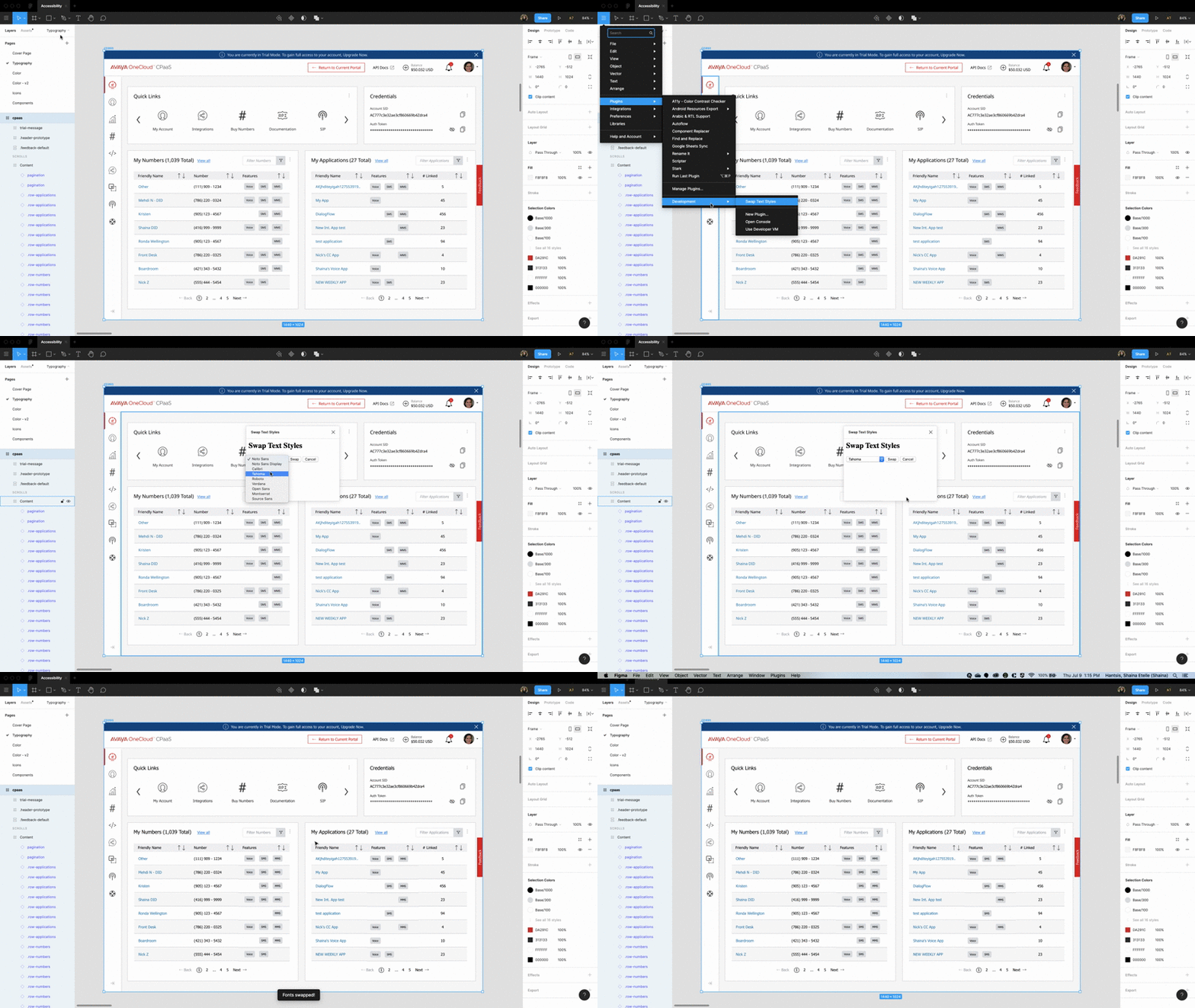
For my file I have 9 fonts ranging from heading 1 to tiny body. This example shows flipping from Noto Sans to Tahoma.