PleckJP
v1.4.0

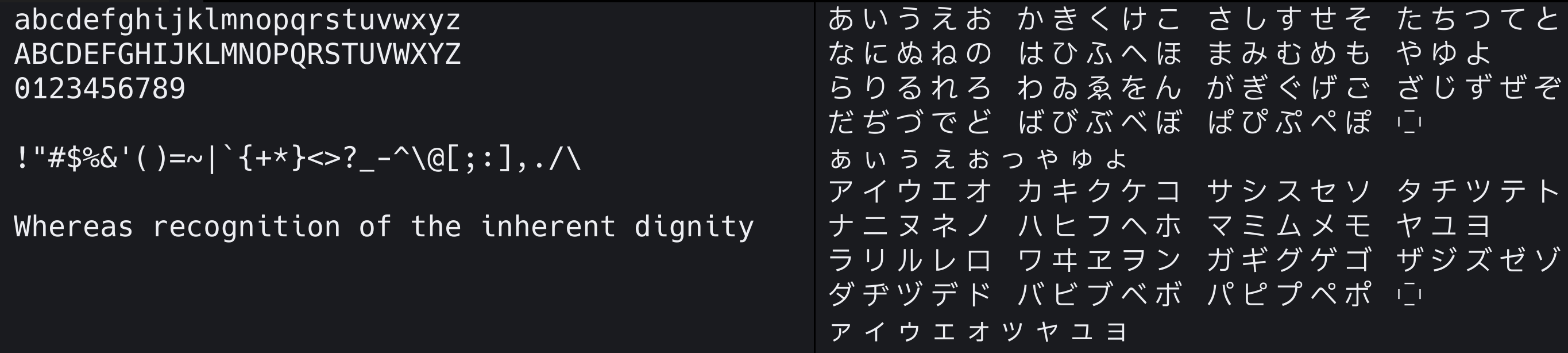
Japanese programming fonts that combine Hack and IBM Plex Sans JP
There are four styles available:
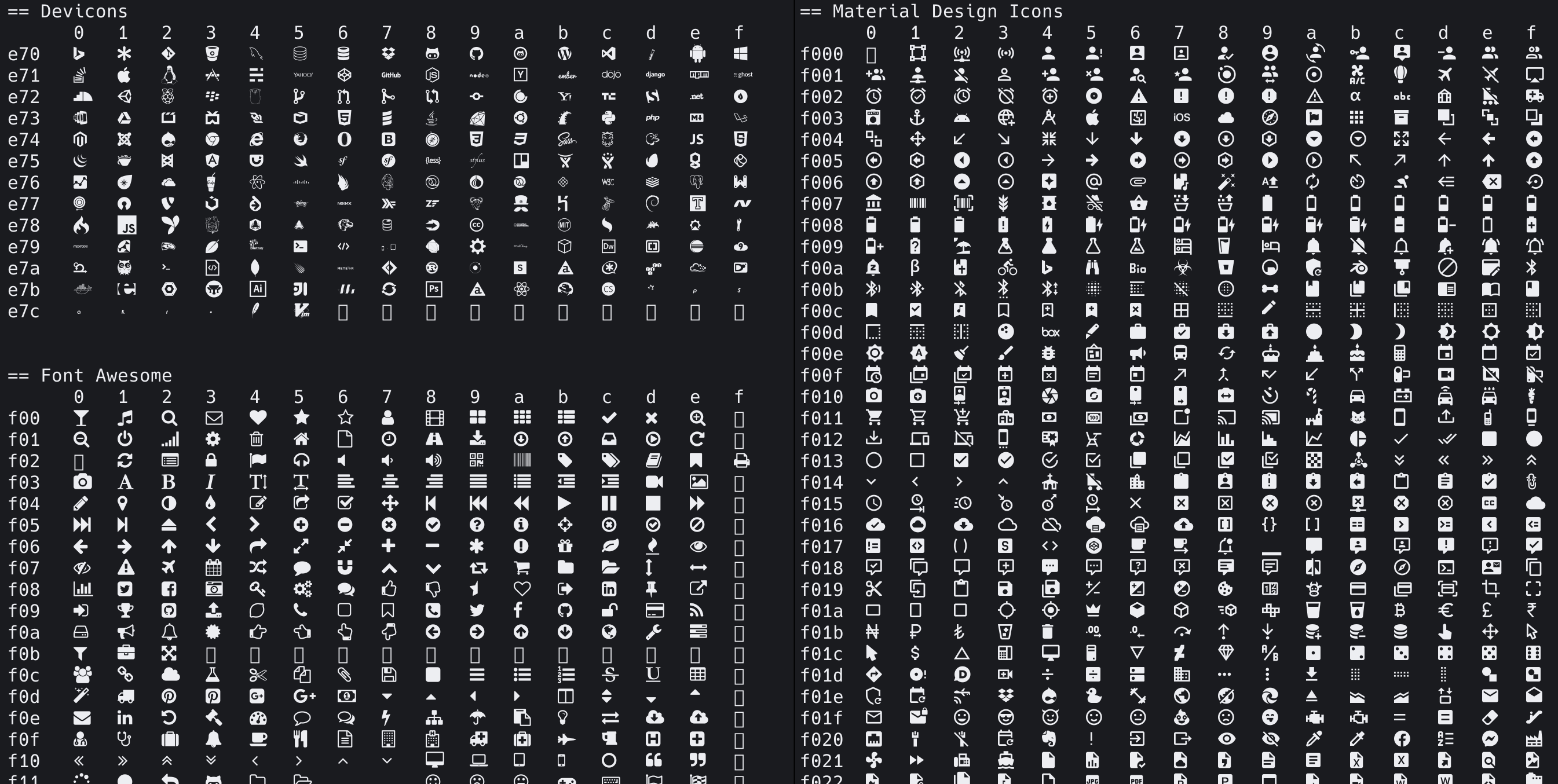
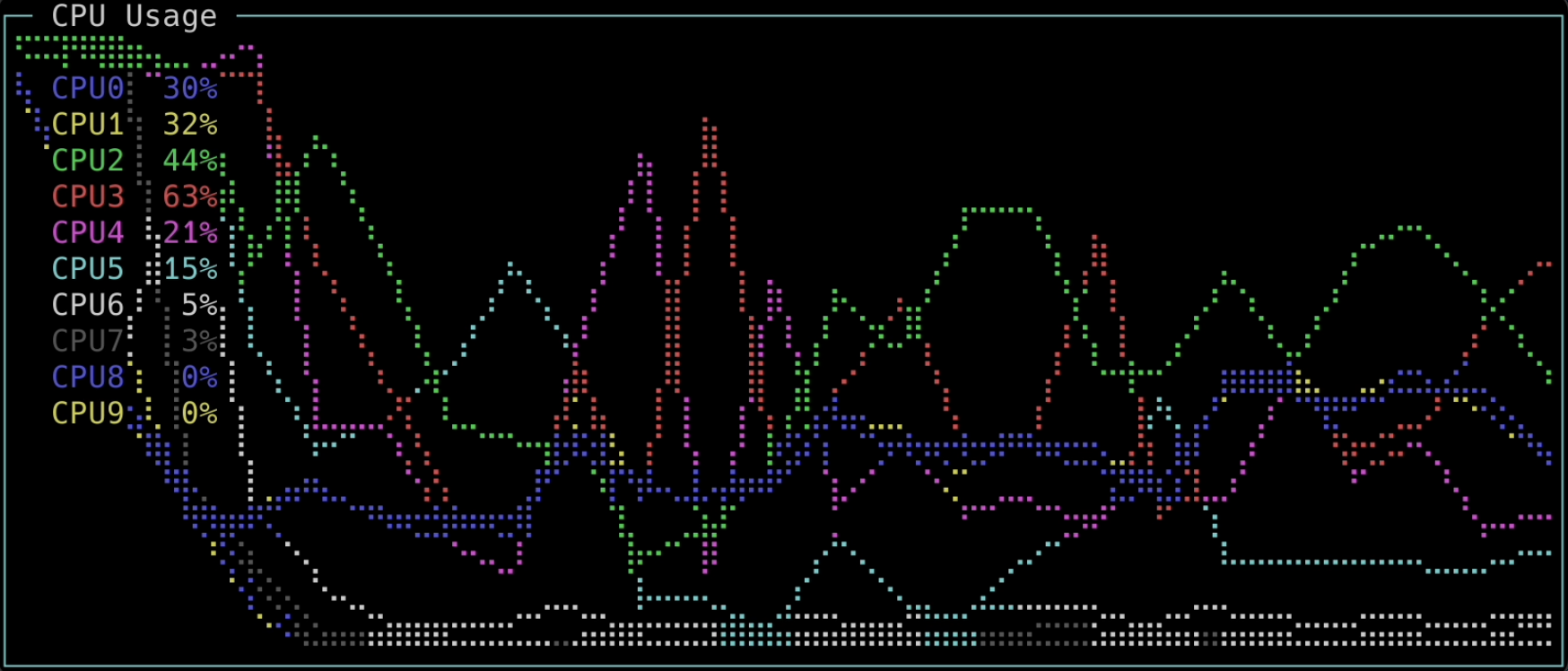
All styles have Nerd Fonts synthesized.
You can download the zip file from Release.
The latest version of the zip file, SHA256 checksum, can be checked at build/PleckJP_v*.sha256 .
For Homebrew (Mac), you can also download it from the following command:
brew tap ryota2357/pleck-jp
brew install pleck-jp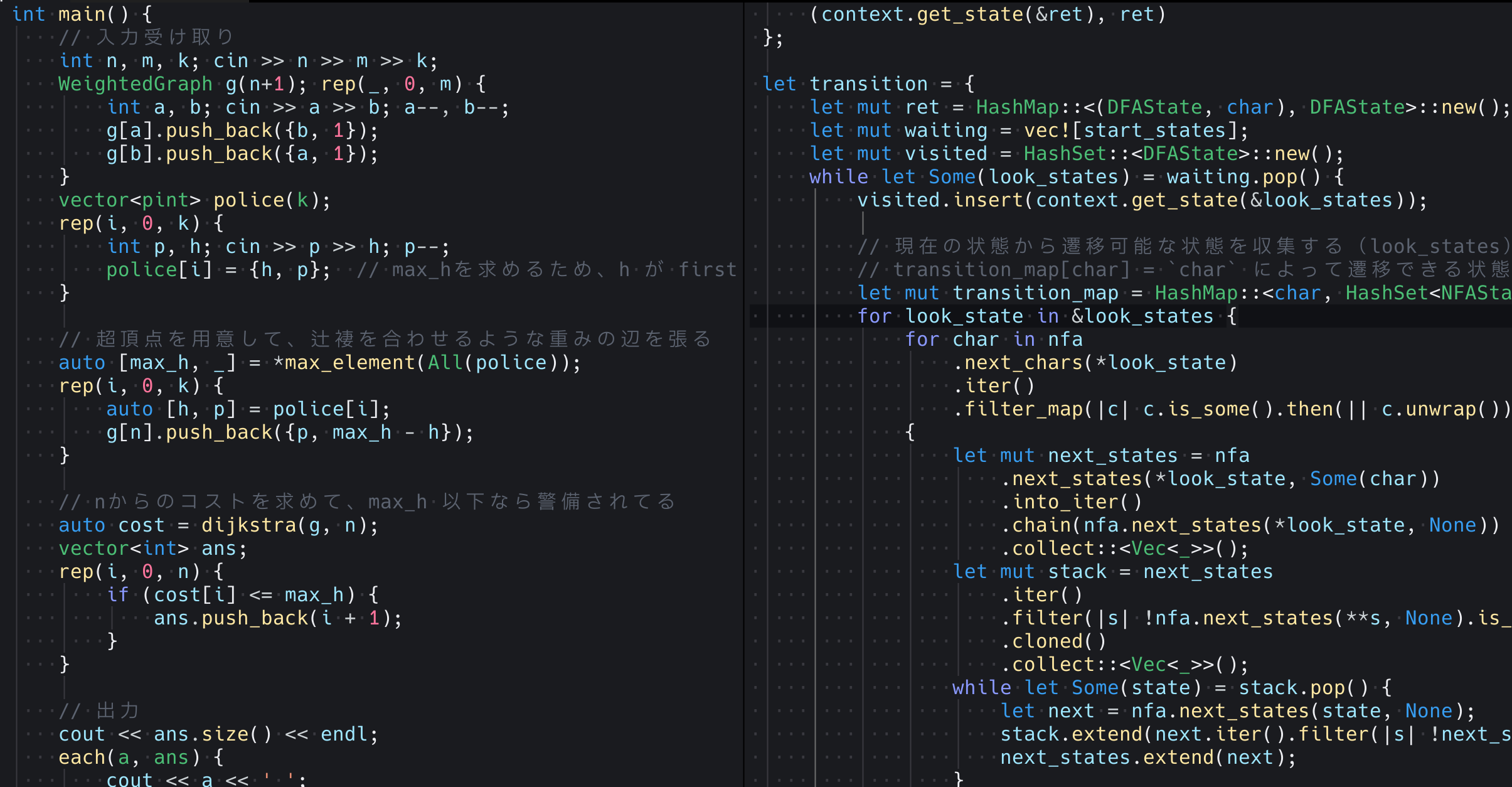
Build in an environment where docker is installed with the following command:
make Once the build is complete, the ttf file will be generated in build/ directory. For more information, please see HowToBuild.md.
In addition to docker, you will need python, sed (GNU sed), zip, sha256sum, etc.
The recommended way to build an environment is to install docker and nix and launch the shell with nix develop . Using nix-direnv, the environment will be automatically created just by entering a directory ( direnv allow required).
It also includes the process of publishing the release image to Docker Hub's ryota2357/pleck-jp. If not needed, please modify Makefile as appropriate.
Use the following command to build the release:
make release Once the build is complete, the .ttf, .zip, .sha256 files will be generated in build/ directory.








