pixelarticons
1.0.0

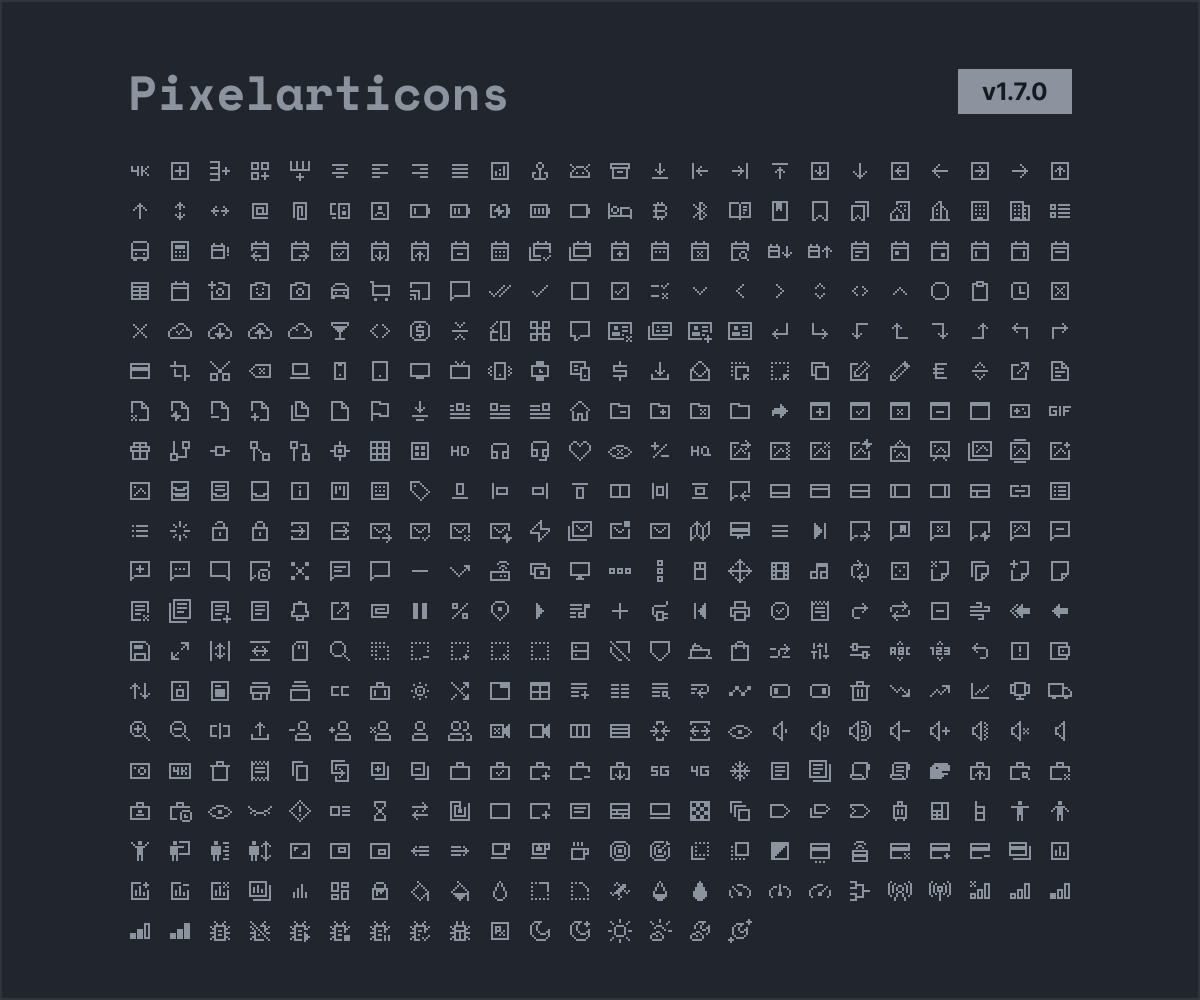
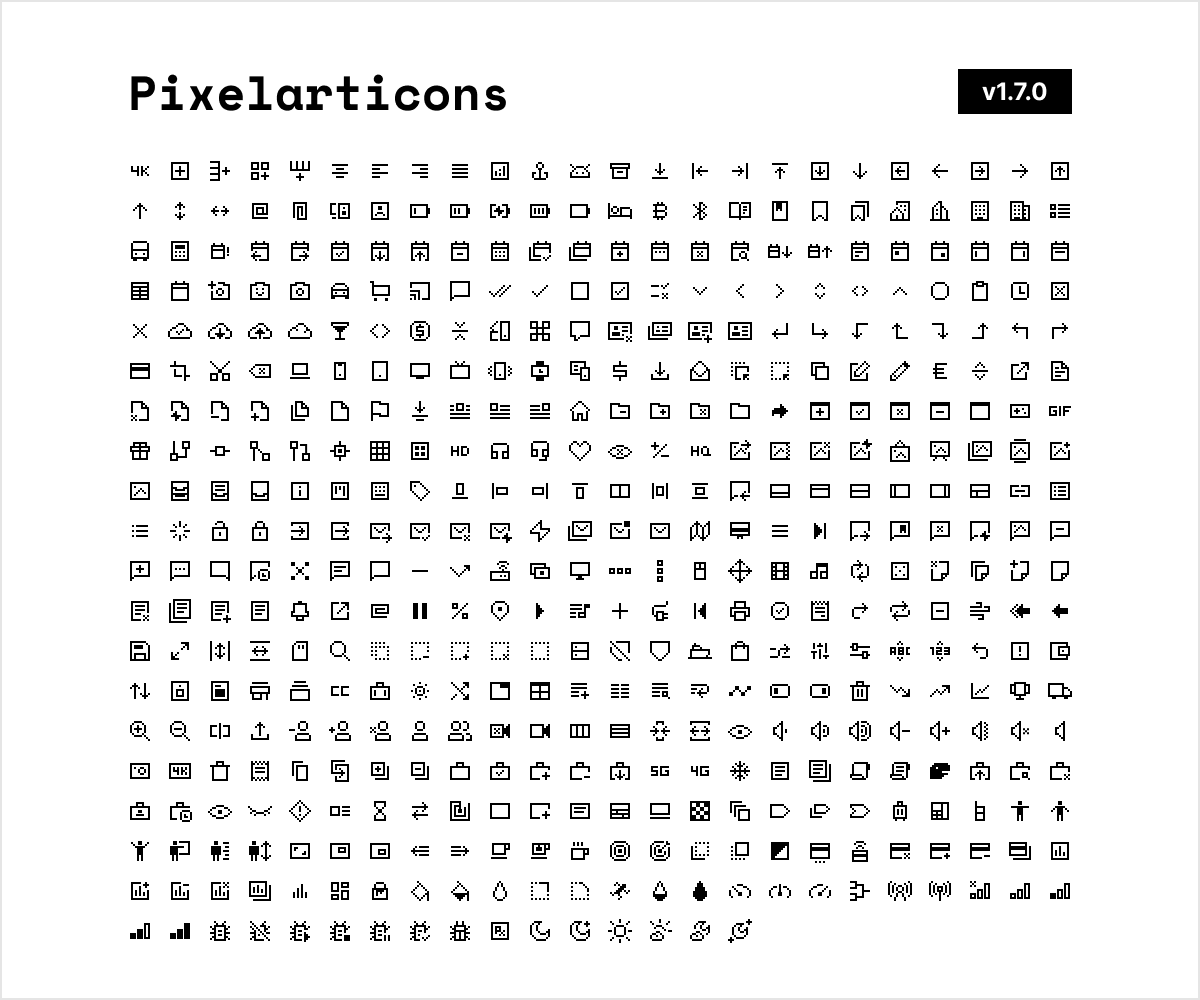
This package provides a set of pixel art icons as font for Flutter, it can be used in the same way we use Icons class.
Icon set created by @halfmage, if you like this free icon set you will also like the premium ones.
You can check the latest version on pub.dev/pixelarticons.
dependencies:
  # ...
  pixelarticons: <latest-version>
  # ...
or run:
flutter pub add pixelarticonsImport wherever you want:
import 'package:pixelarticons/pixelarticons.dart';IconDatapixelarticons package uses the IconData class, so the usage is pretty much the same of the Icons class but renamed to Pixel.
Be aware:
card-plus is written as Pixel.cardplus.4k, 4k-box, 4g are prefixed with k.switch are prefix with k as well.So use k4k, k4kbox, kswitch instead.
Icon full list https://pixelarticons.com/free/.
/// 4k icon:
Icon(Pixel.k4k)

/// switch icon:
Icon(Pixel.kswitch)

/// align-left icon:
Icon(Pixel.alignleft);The process of including svgs as icons in Flutter is really boring:
This library automates this process for pixel art icons.
Use the issues tab to discuss new features and bug reports.
First we check if there's a new update available from the pixel art icons repository:
pixelarticons/autoupdate/lib/has_new_release.dart
Lines 8 to 10 in 96354a3
We use a custom key in the pubspec.yaml file to compare the current published version of pixel art icons with the latest repository pixel art icons version.
If there is no update available, ignore it:
pixelarticons/.github/workflows/flow.yaml
Lines 12 to 31 in 96354a3
Otherwise, update the pubspec.yaml with the latest pixel art icons repository version and push the new commit:
pixelarticons/.github/workflows/flow.yaml
Lines 40 to 53 in cfc1919
Now that we are up-to-date with the latest repository version in theory (since we just updated the version info), lets actually download the pixel art icons svgs, generate the font and the Dart font class:
pixelarticons/.github/workflows/flow.yaml
Lines 55 to 65 in cfc1919
Note that the fontify library knows how to find the files because we defined the configuration in the pubspec.yaml:
pixelarticons/pubspec.yaml
Lines 29 to 43 in 96354a3
Now, the package is ready to be published, so we do it right after:
pixelarticons/.github/workflows/flow.yaml
Lines 67 to 84 in 96354a3
Note that the pub credentials are generated after you publish the package for the first time, so the first release of your automated tool must be manual, then you copy the credentials generated in your local machine to the GitHub secrets. I did this several years ago, so I don't know if there is a new method to auth on pub.dev.
This flow is triggered by a cron that runs every 15 days or manually:
pixelarticons/.github/workflows/flow.yaml
Lines 1 to 6 in 96354a3
To run locally, follow the same steps as the flow.yaml action.
The working directory is the repository root.
Required environment:
Dart SDK version: 2.14.4 (stable)
Python 3.9.9
This means that this tool can't find the latest release of the pixelarticons repository.
But this can have several causes, so the best way to fix that is to first figure out where the icons are located in the original repository and then update the ~/download/download.py script to fix/cover the breaking changes if they exists (this error can also be caused by a simple python exception).
Please fill a issue to see what is going wrong and do not worry: all current releases and versions will be available.
Copyright © 2022-present, Alex Rintt.
Pixel Art Icons Dart Wrapper is MIT licensed









