alfred font awesome workflow
v5.15.3.1

? Would you need Bootstrap Icons workflow?
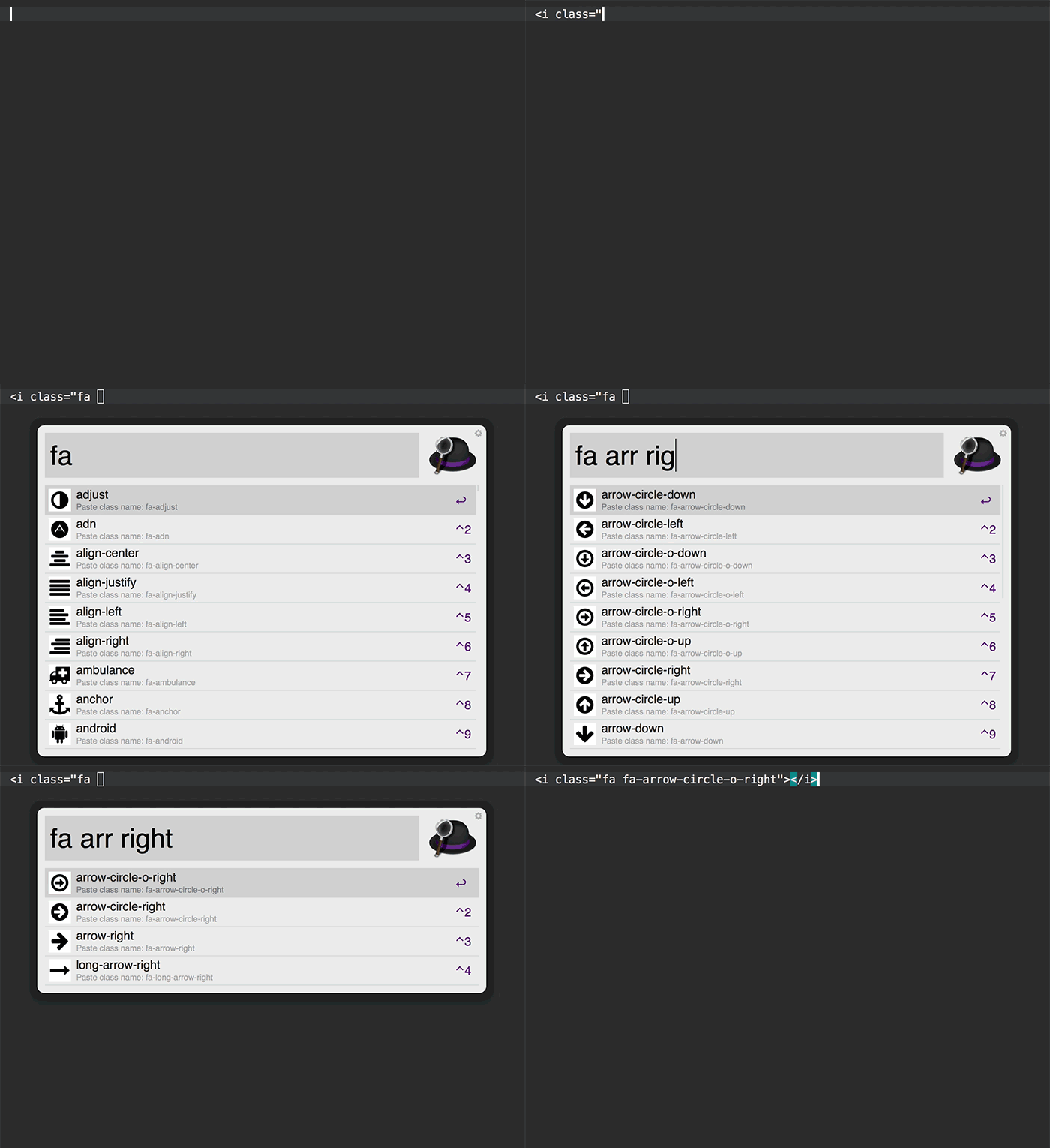
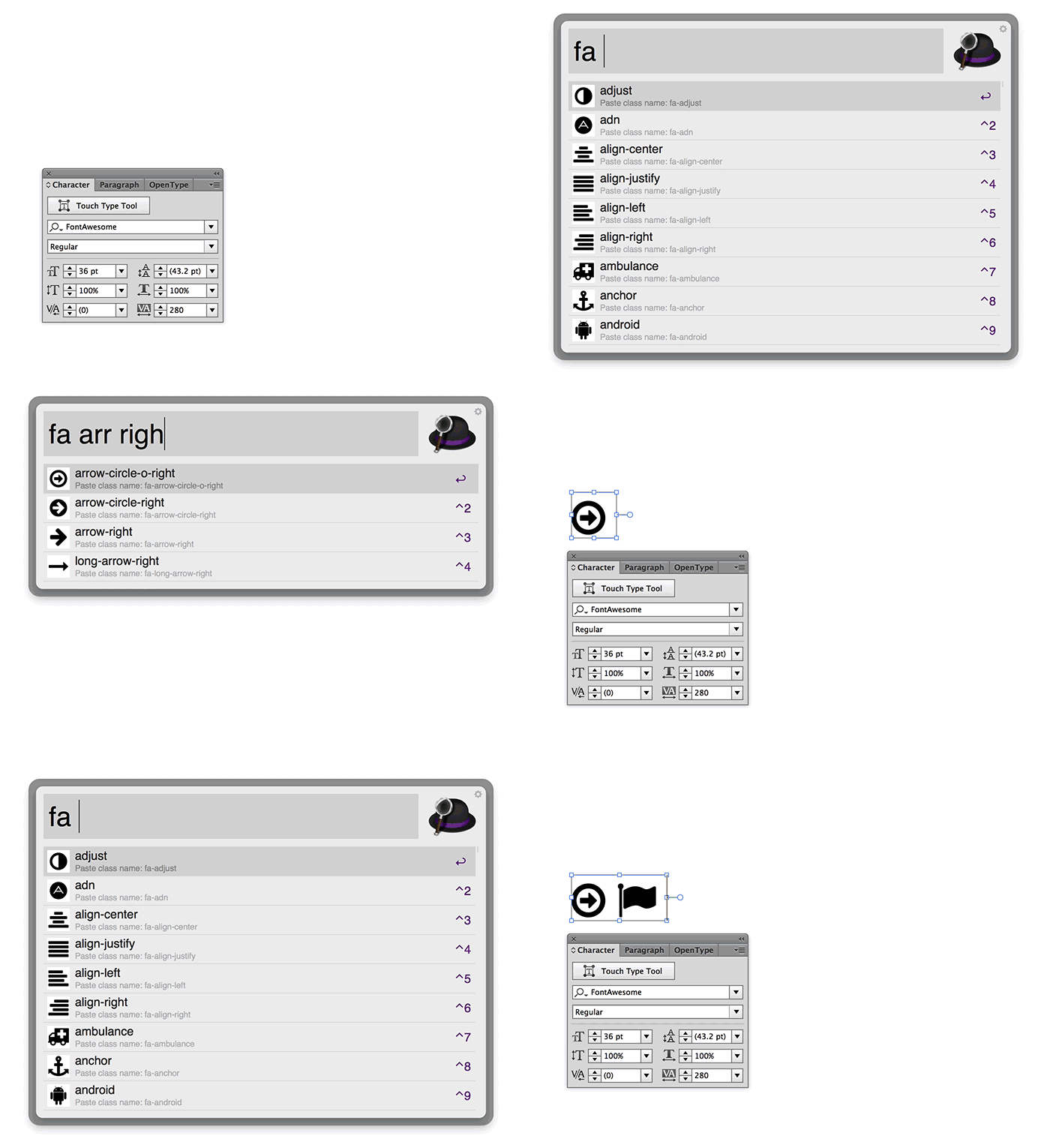
You can incrementally search for Font Awesome icons and paste it to front most app.
? See also: Font Awesome Workflow with Sketch 3 — QuickCast.
Download Font-Awesome.alfredworkflow and import to Alfred (requires Powerpack).
The current supported version is Font Awesome 5.15.3 Free. Previous versions are available here.
There are a few ways to allow such programs to run. See: #119
Keyword fa: Search through Font Awesome icons.
Enter: Paste class name (for coding HTML/CSS. e.g. fa-arrow-circle-o-right)Ctrl + Enter: Paste character name and ligatures shoud convert the letter into the correct symbol. (for designing in Photoshop, Illustrator, etc)Shift + Enter: Paste character code (e.g. f18e)Command + Enter: Open in browser (e.g. http://fontawesome.io/icon/arrow-circle-o-right)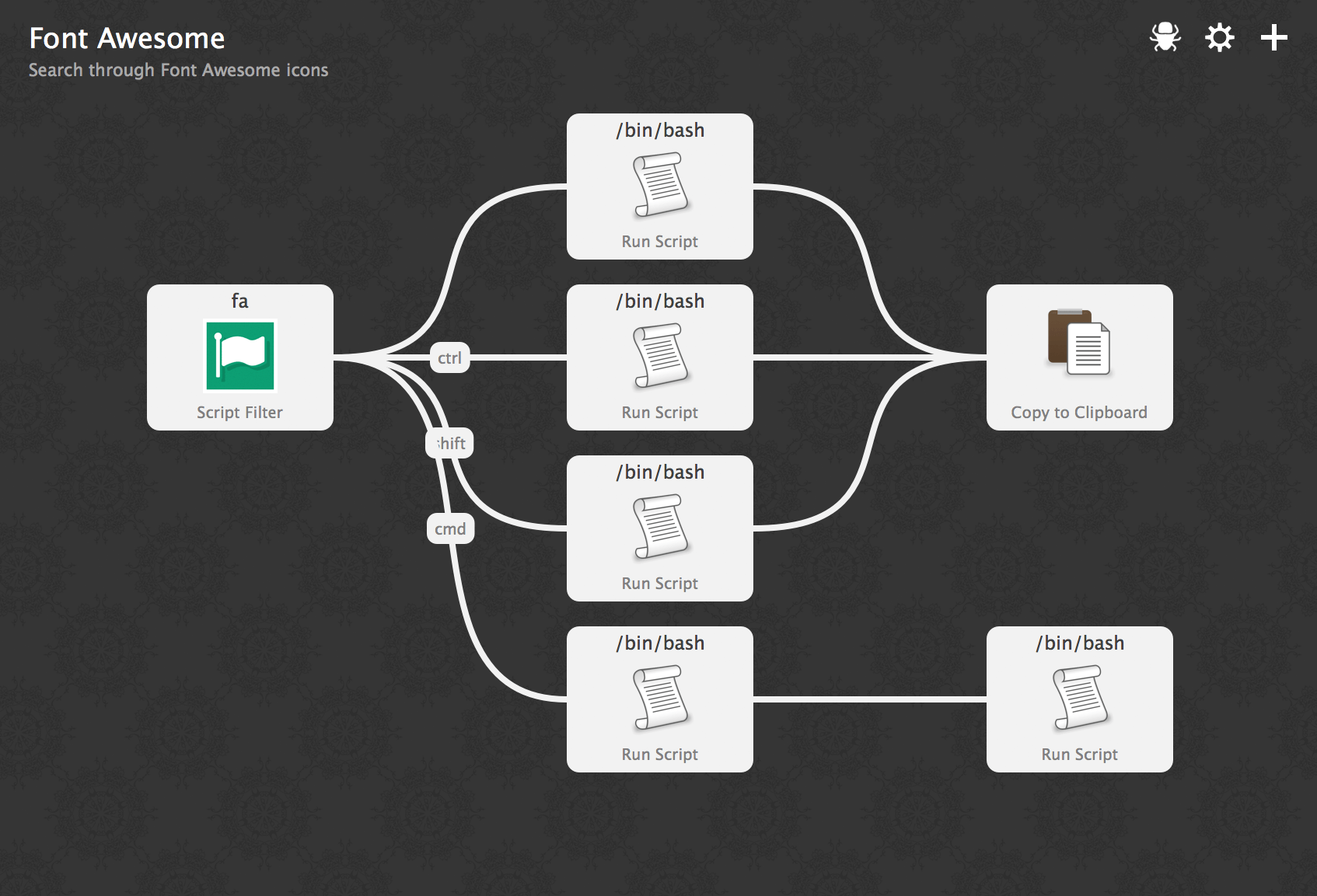
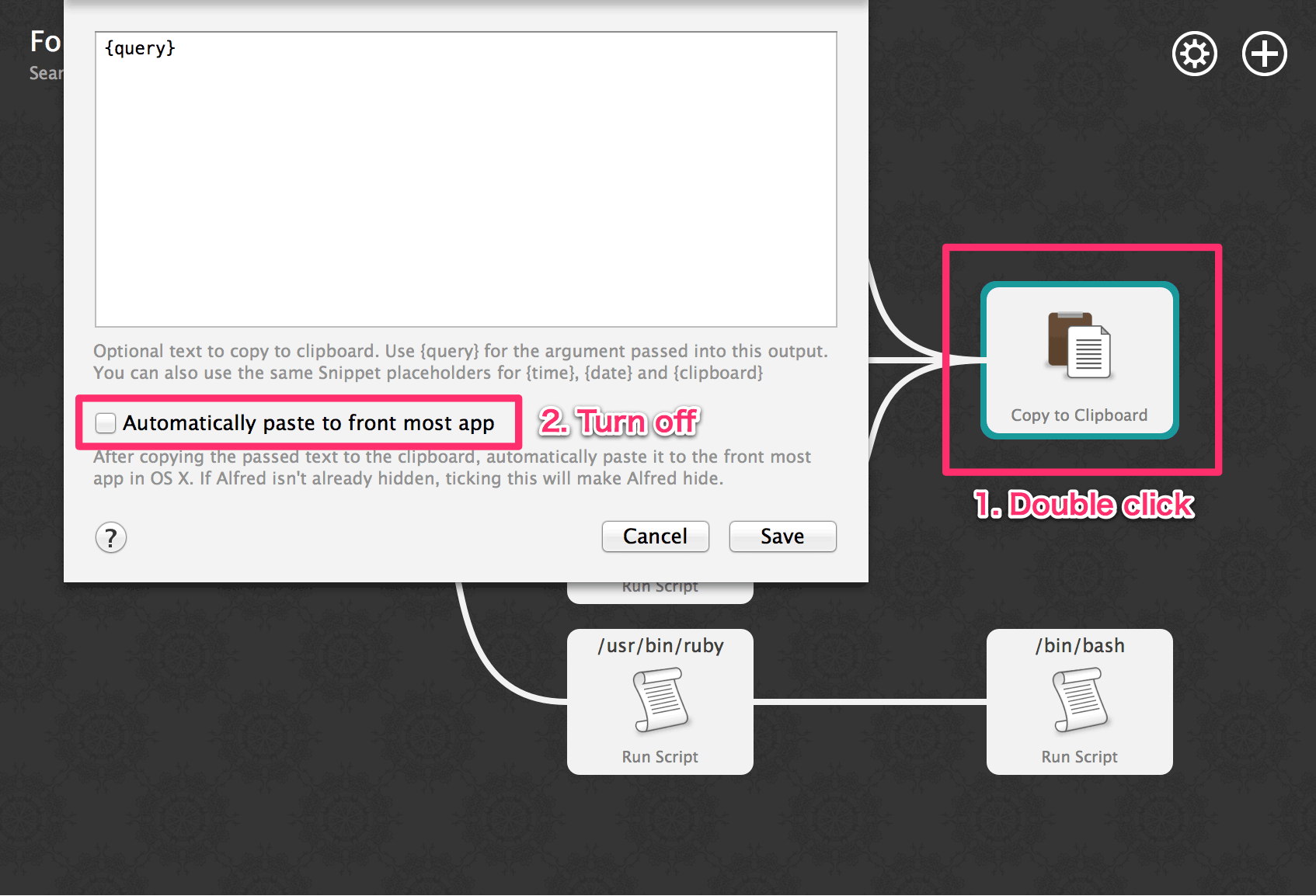
Disable pasting: Turn off "Automatically paste to front most app" in Workflow's Preferences.
See details changes for each version in the release notes.
$ npm i
$ npm t
$ npm run build
$ npm run openReleased under the MIT license.








