fZend
1.0.0


fZend is a open source product and is the created by Accidental Engineer.fZend is a windows application for file sharing over WiFi or Ethernet. It provides a web-based interface for authorization and file selection. fZend comes with a solution of plug and play portable server based file sharing application, to ease the file transfer from PC to any device vice versa. It is easy to setup also support sharing of large file upto 2GB.
git clone https://github.com/tarunk04/fZend.gitor click Download ZIP in right panel of repository and extract it.
fZend--> start
http://localhost:8088, you can check it by opening the
address in your web browser or the browser will autometically be opened by fZend application.MAKE SURE THAT YOUR FIREWALL IS OFF
IP ADDRESS of your device using fZend command:fZend--> show-ip
192.168.XXX.XXX then type http://192.168.XXX.XXX:8088 in the
browser of the other device from which you want to send the file make sure that device is connected to the same network.Server to Client :server side open http://localhost:8088 in your browser.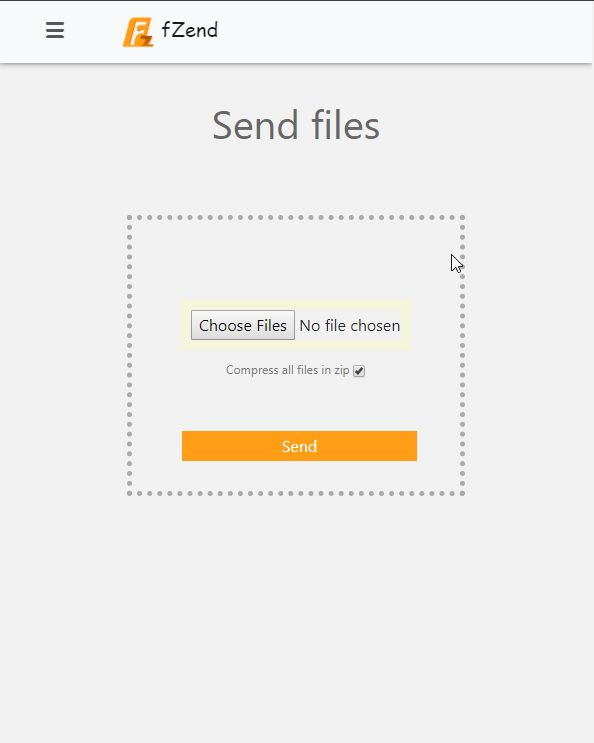
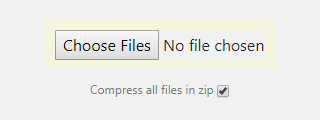
checkbox if you want to zip the files before sending.client side open http://192.168.XXX.XXX:8088 in the browser.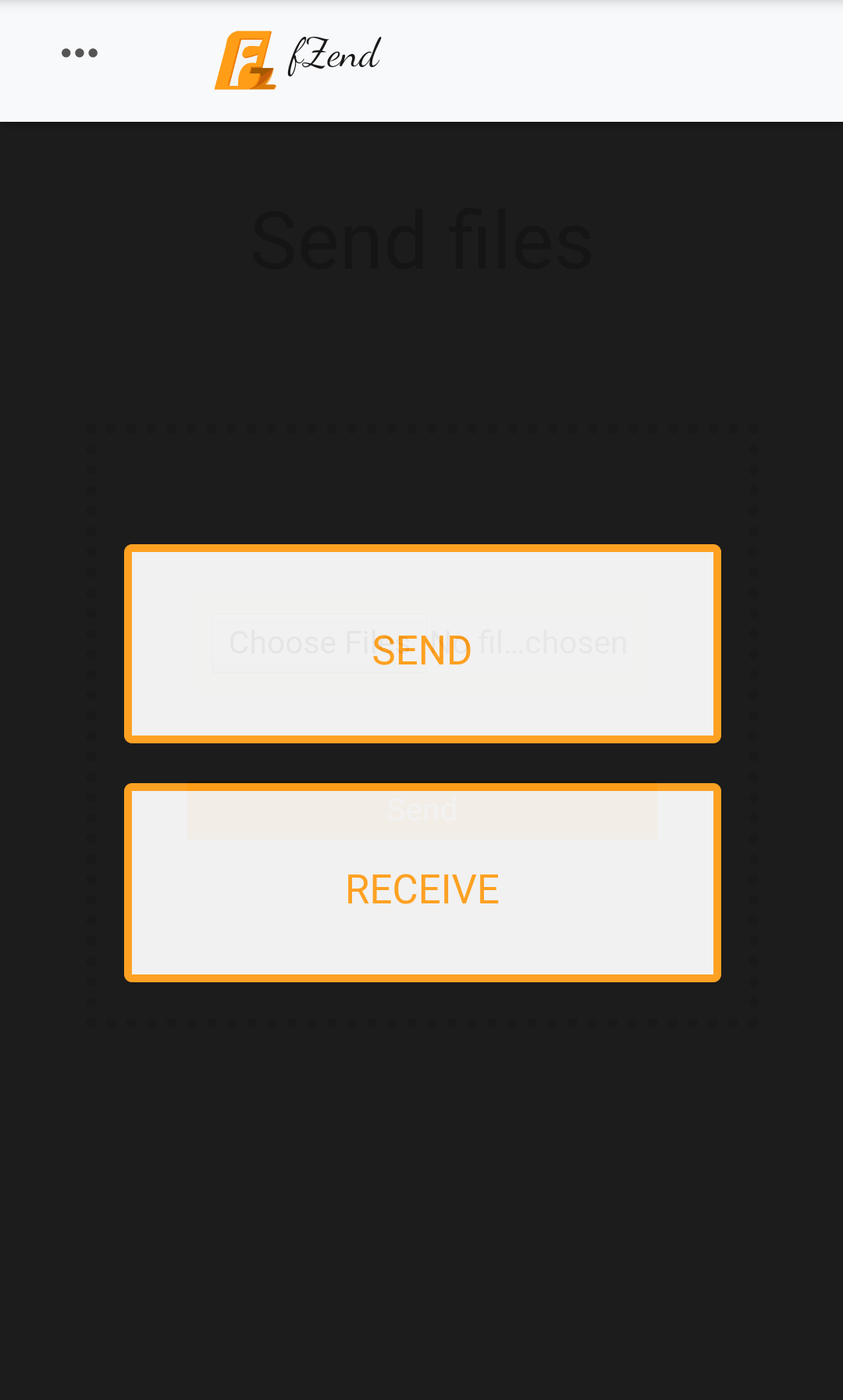
000000.Receive.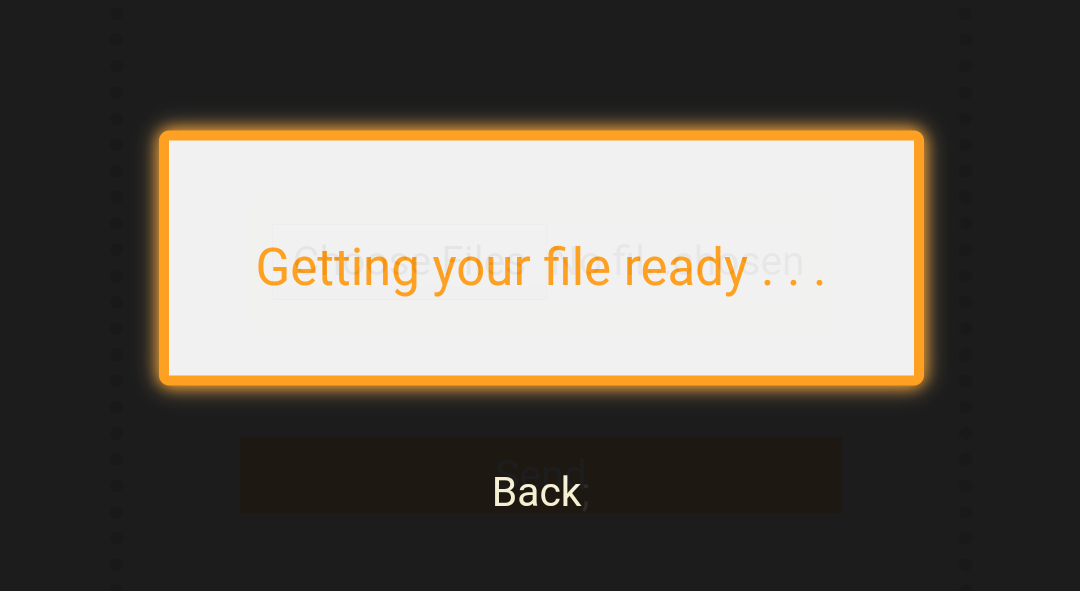
Client to Server :client side open http://192.168.XXX.XXX:8088 in the browser.Send option and then select single or multiple files.server side open http://localhost:8088 in your browser and wait for incoming request.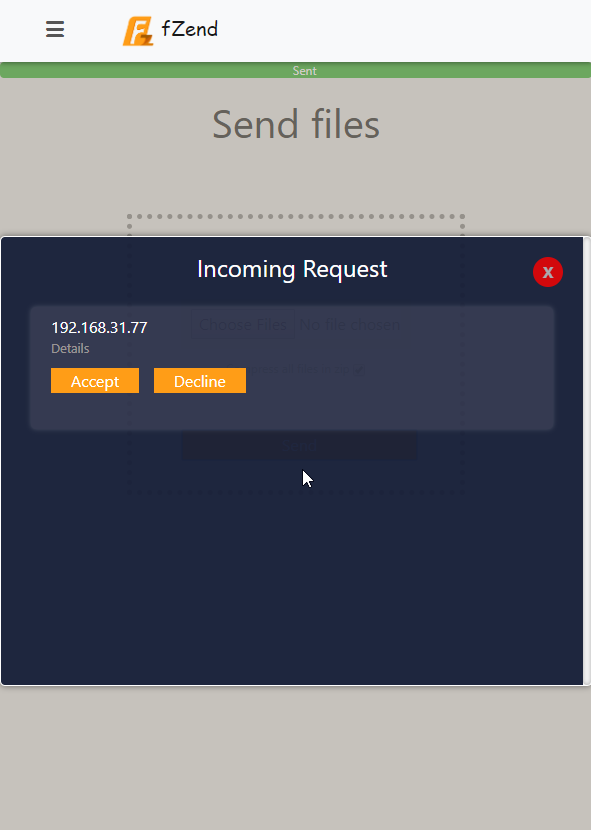
Accept to receive files.To shut down the server run the fZend.exe as Administrator and run fZend command:
fZend--> stop
Open file httpd.conf located in folder : udriveusrlocalapache2conf
Locate the lines:
  Listen 8088
  ServerName localhost:8088
Change to:
  Listen 8080
  ServerName localhost:8080
This moves the server to the standard secondary web server port
If port already in use try any value above 2000
Accidental Engineer
The authors were trying to make the best product so they cannot be held responsible for any type of damage or problems caused by using this or another software.







