studentsplanner
1.0.0

available for free on pinboards.halb.it
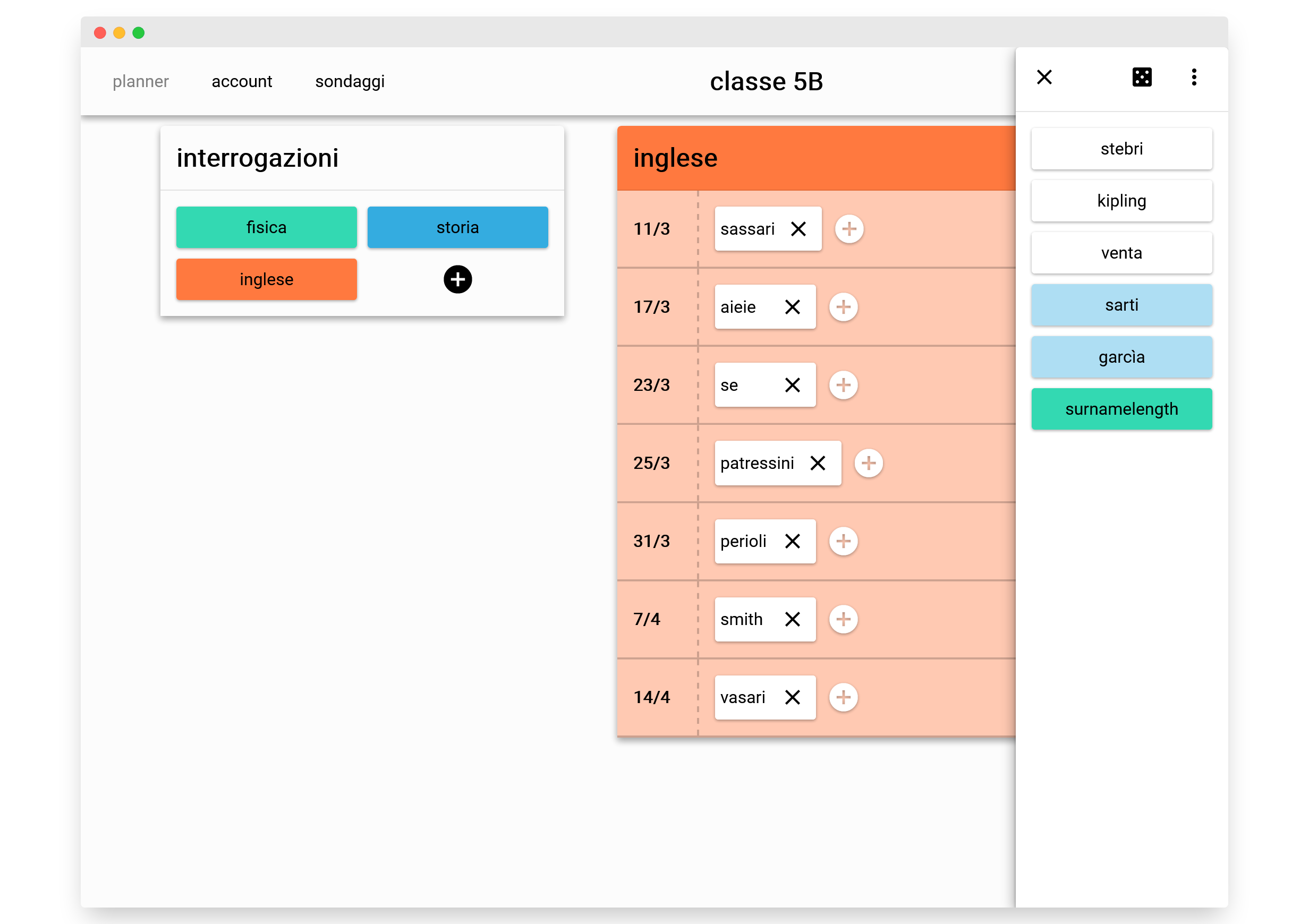
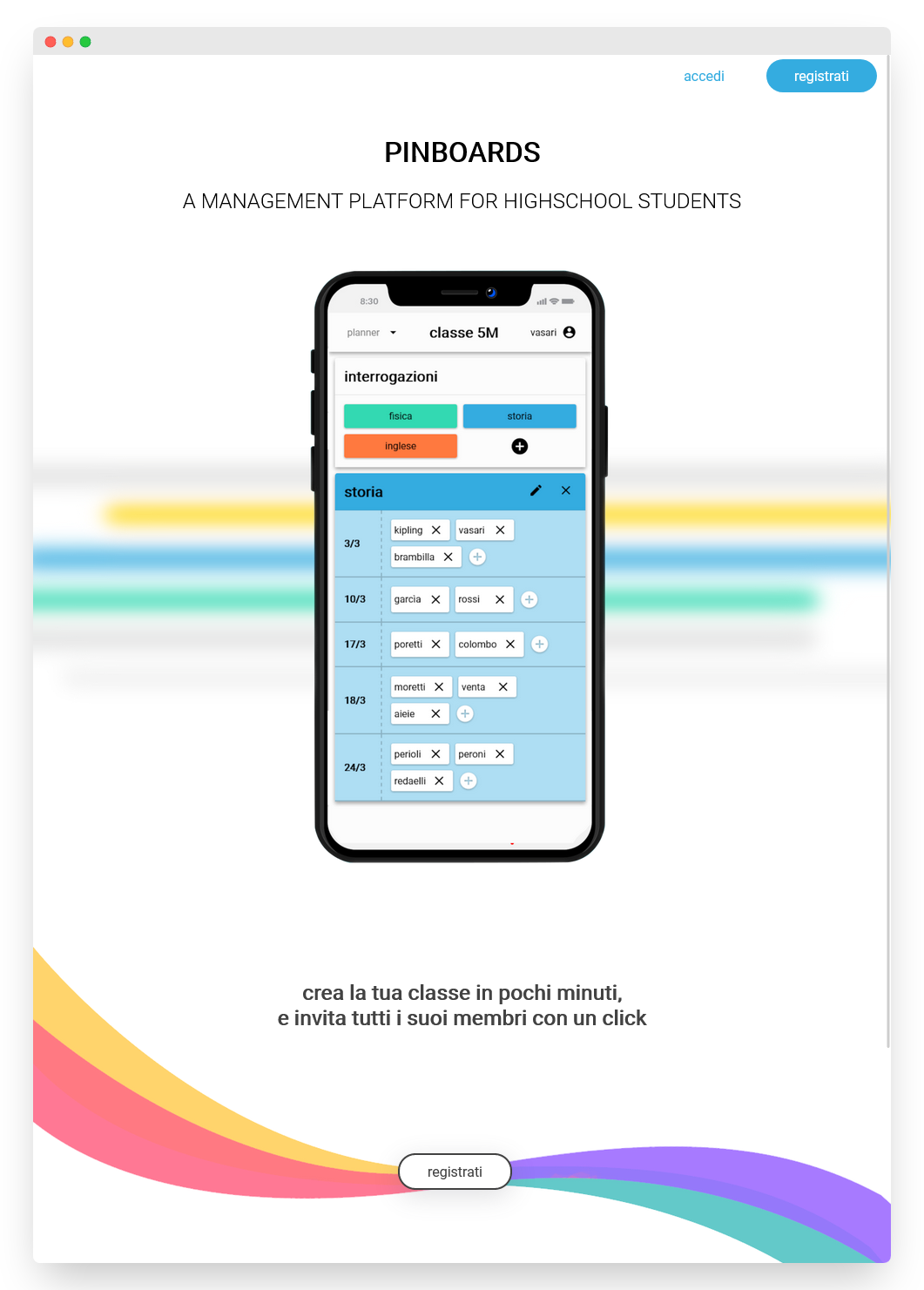
You can use the provided Docker image for a quick production deployment. The following environment variables are required:
  MARIADB_HOST: mariadb server hostname
  MARIADB_USER: mariadb server username
  MARIADB_PASSWORD: mariadb server password
  MARIADB_DATABASE: database name
  BASE_URL: 'https://pinboards.it'
Use the docker-compose file to spin up an instance of the app listening on port 5000, with a preconfigured mariadb database
cp env.example .env
docker-compose up --build
Requirements: php, a mariadb/mysql server.
These instruction are for a generic wamp / lamp local setup. The provided dockerfiles are only designed for testing and production deployment.
clone this repository into the public folder of your webserver
in pinboards.itwwwcoreconfig copy config.php.example into a new file config.php and configure
the local database credentials.
requirements: Node.
Navigate into /pinboards.it and run npm ci to install the project dependencies. then run npm start or npm run build
pinboards.it/neutrinorc.js configure the variable ENV_BASE_PATH to contain the application base path of your local webserver.
This is expecially useful in LAMP/WAMP setups, where the hosted app is not located at http://localhost/index.php and instead is at
http://localhost/local/base/path/index.phpTODO







