Library Management System & Website
Welcome to the Library Management System & Website! This project provides a comprehensive solution for managing library operations through a desktop application for librarians and a website for students. Built with C#, HTML, PHP, CSS, and JavaScript, it offers efficient book and student management, as well as an intuitive online interface for students to explore available books.
Features
Librarian (Library Management System)
- Manage Books and Categories:
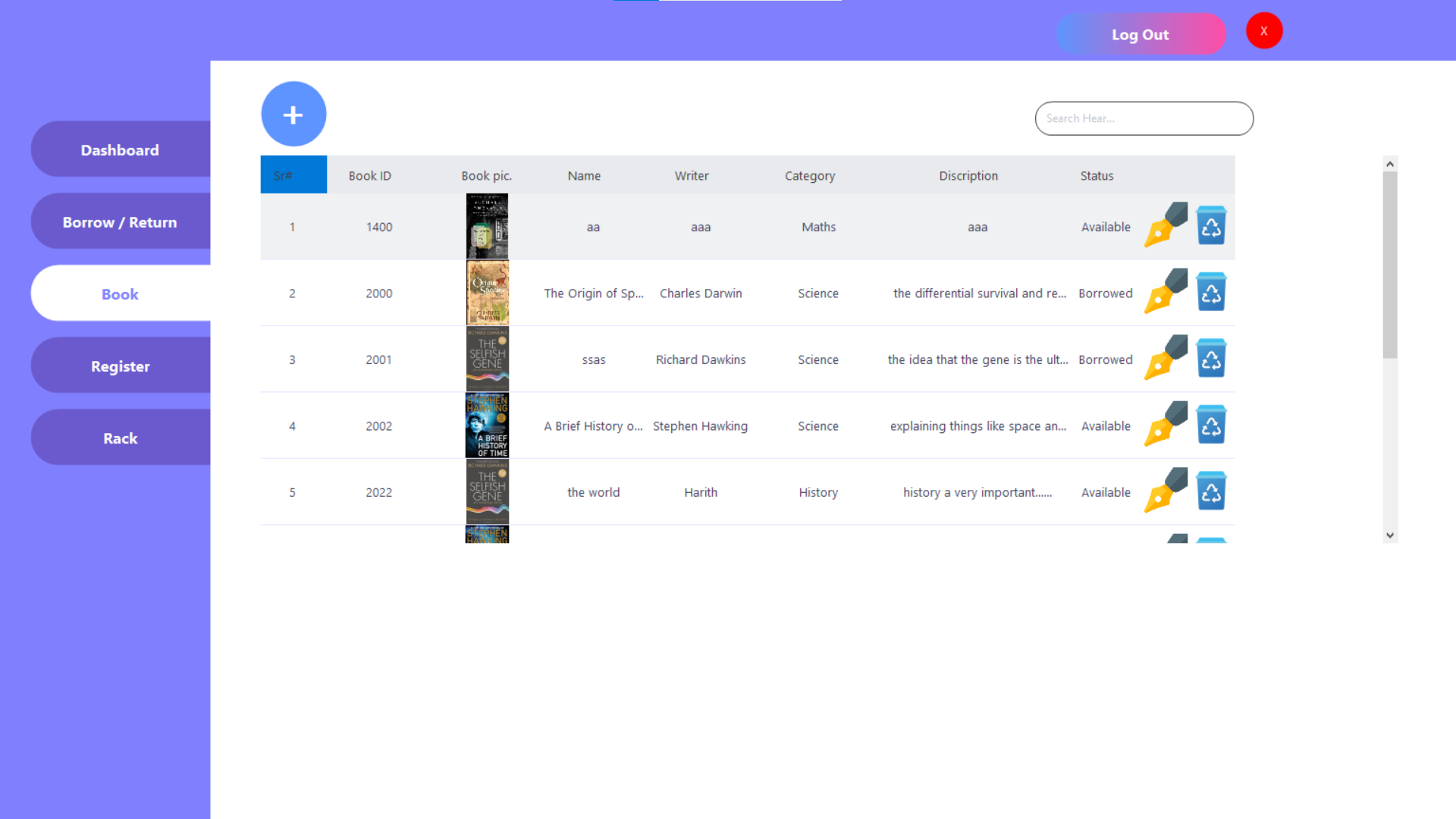
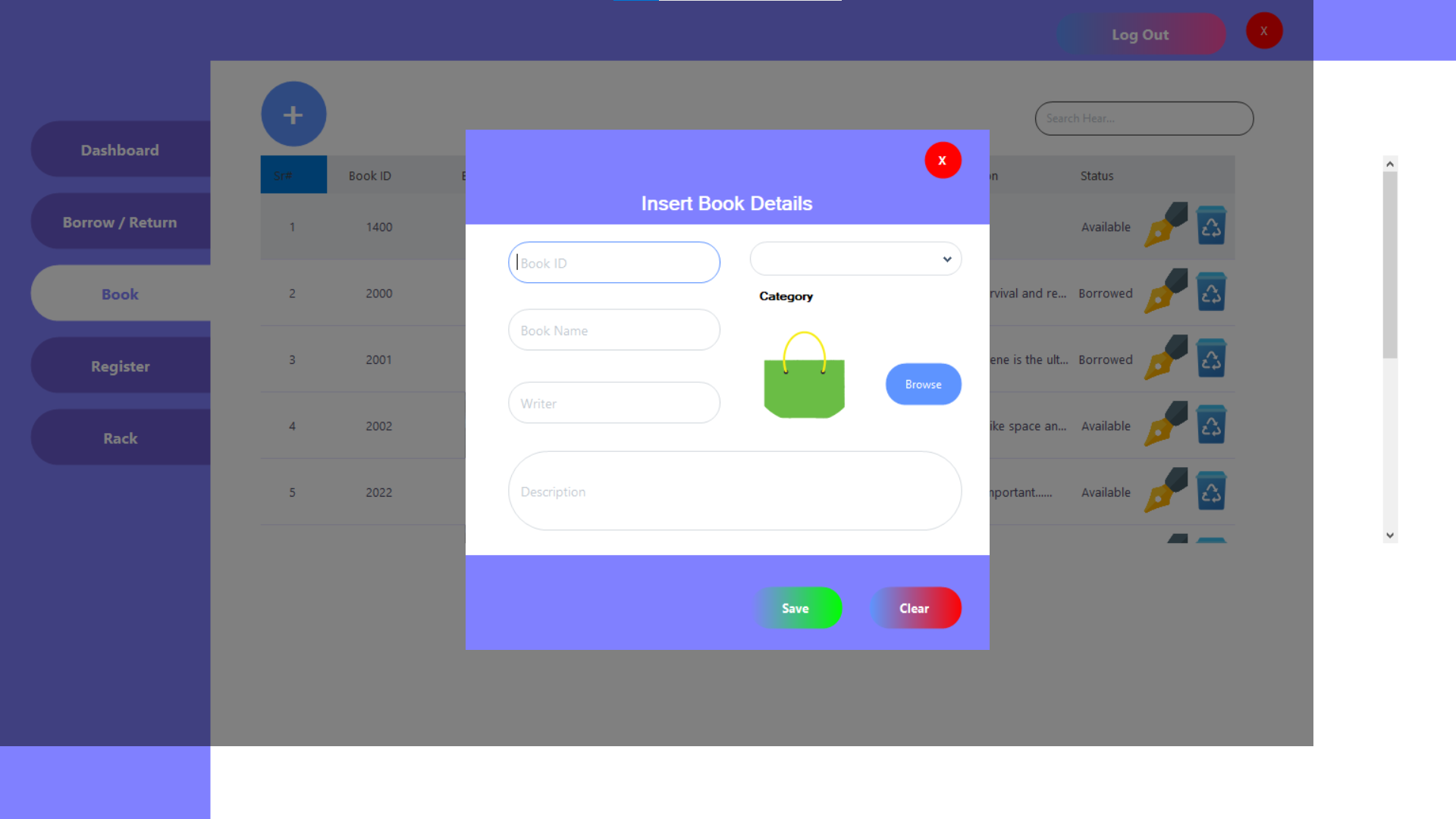
- Add, update, delete, and edit books and their categories.
- Student Management:
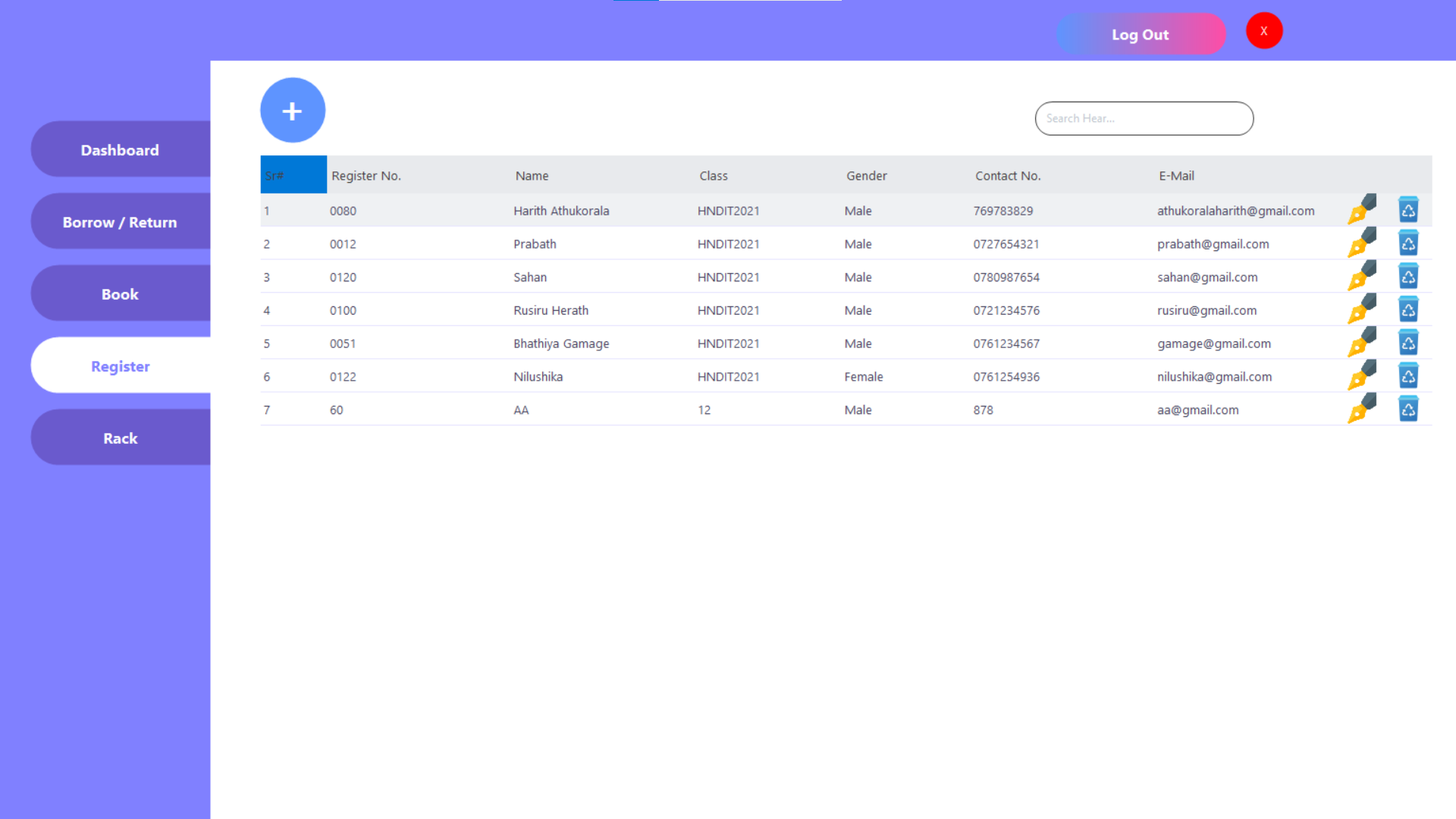
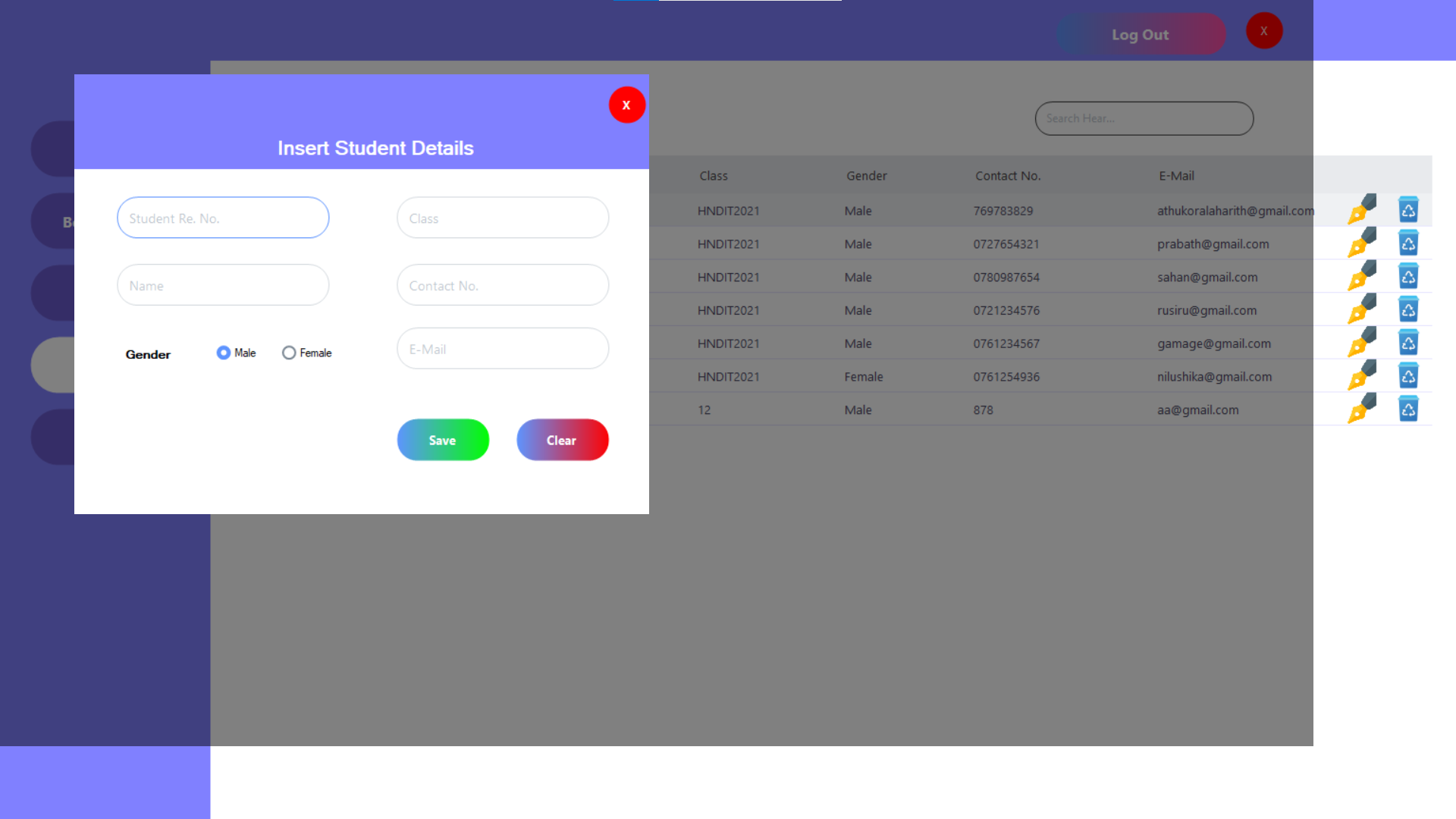
- Add, update, delete, and edit student details.
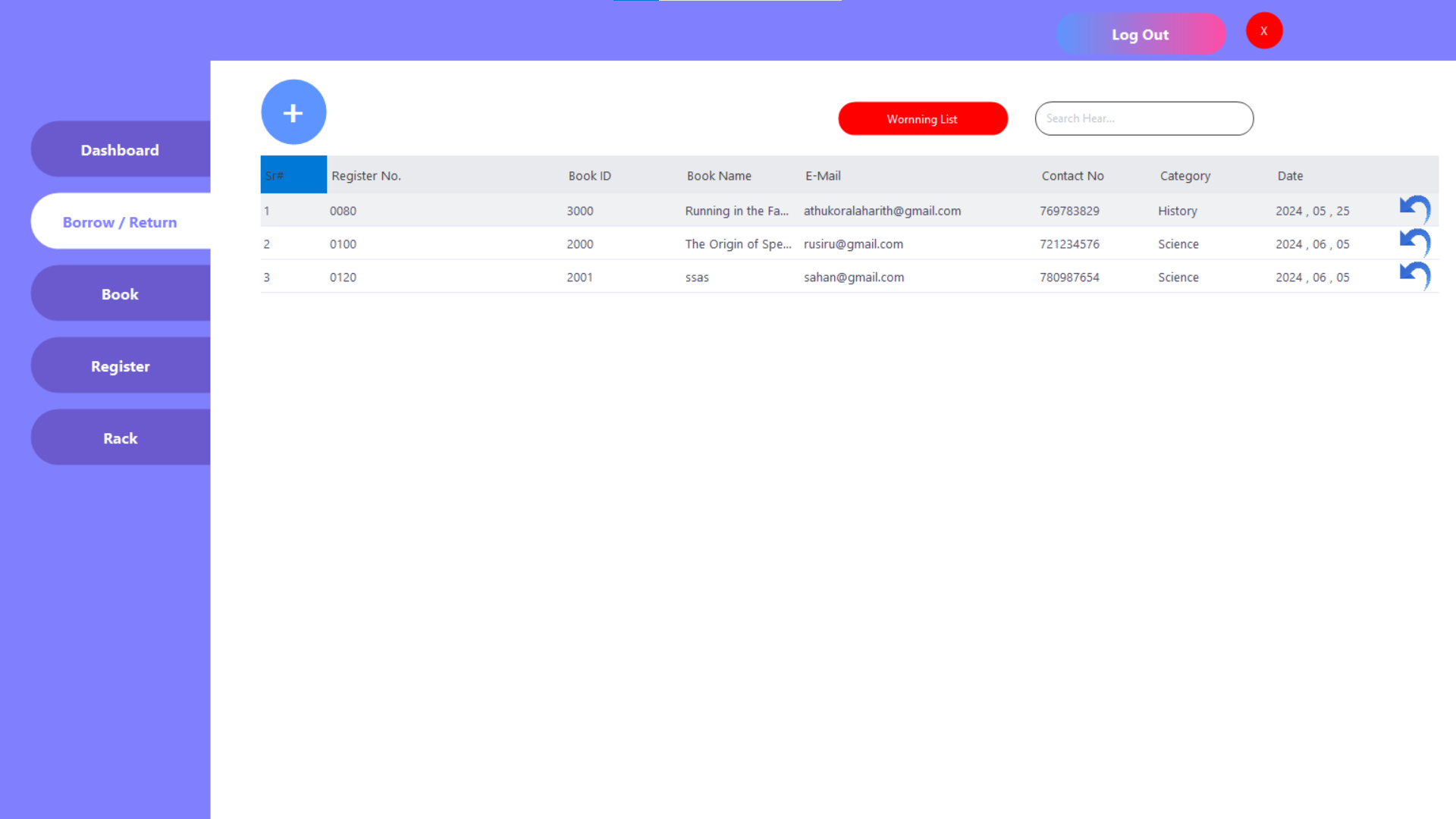
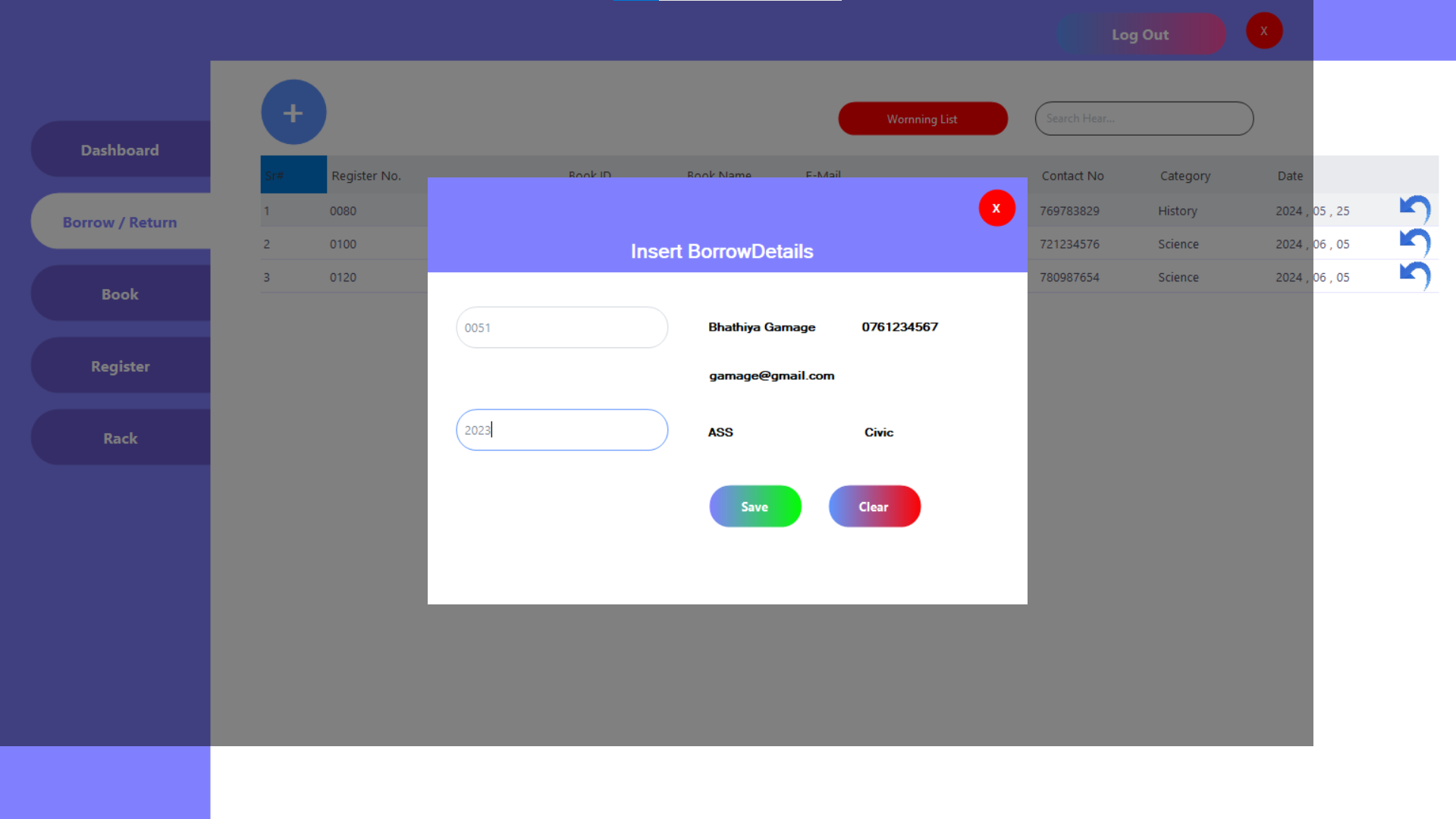
- Book Borrowing and Returning:
- Update book status to 'Borrowed' when a student borrows a book.
- Change status to 'Available' when a book is returned.
- Fine Management:
- Charge fines for books not returned within one week.
- Notifications:
- Send email alerts for overdue books.
Student (Website)
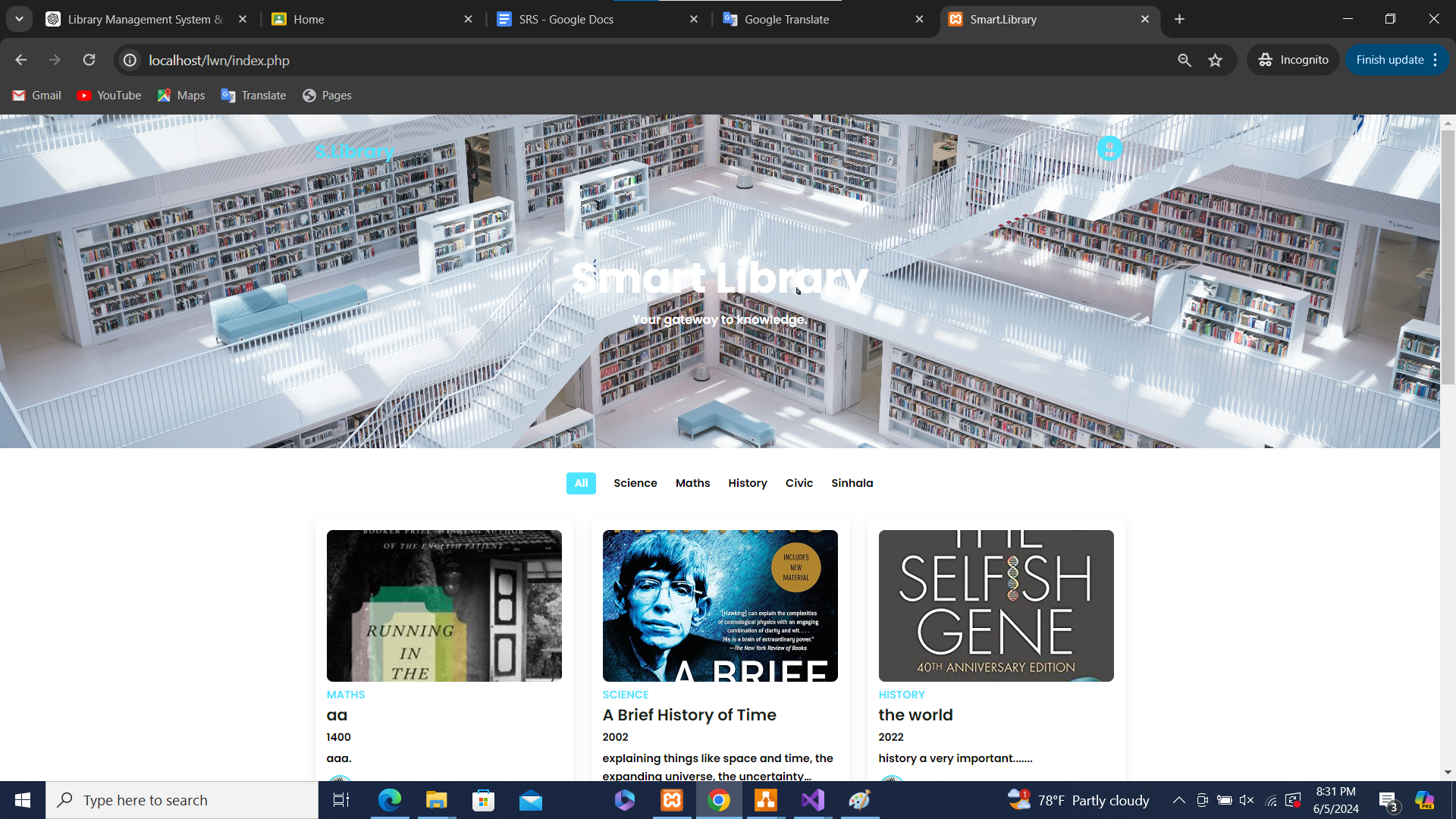
- Book Browsing:
- View only available books.
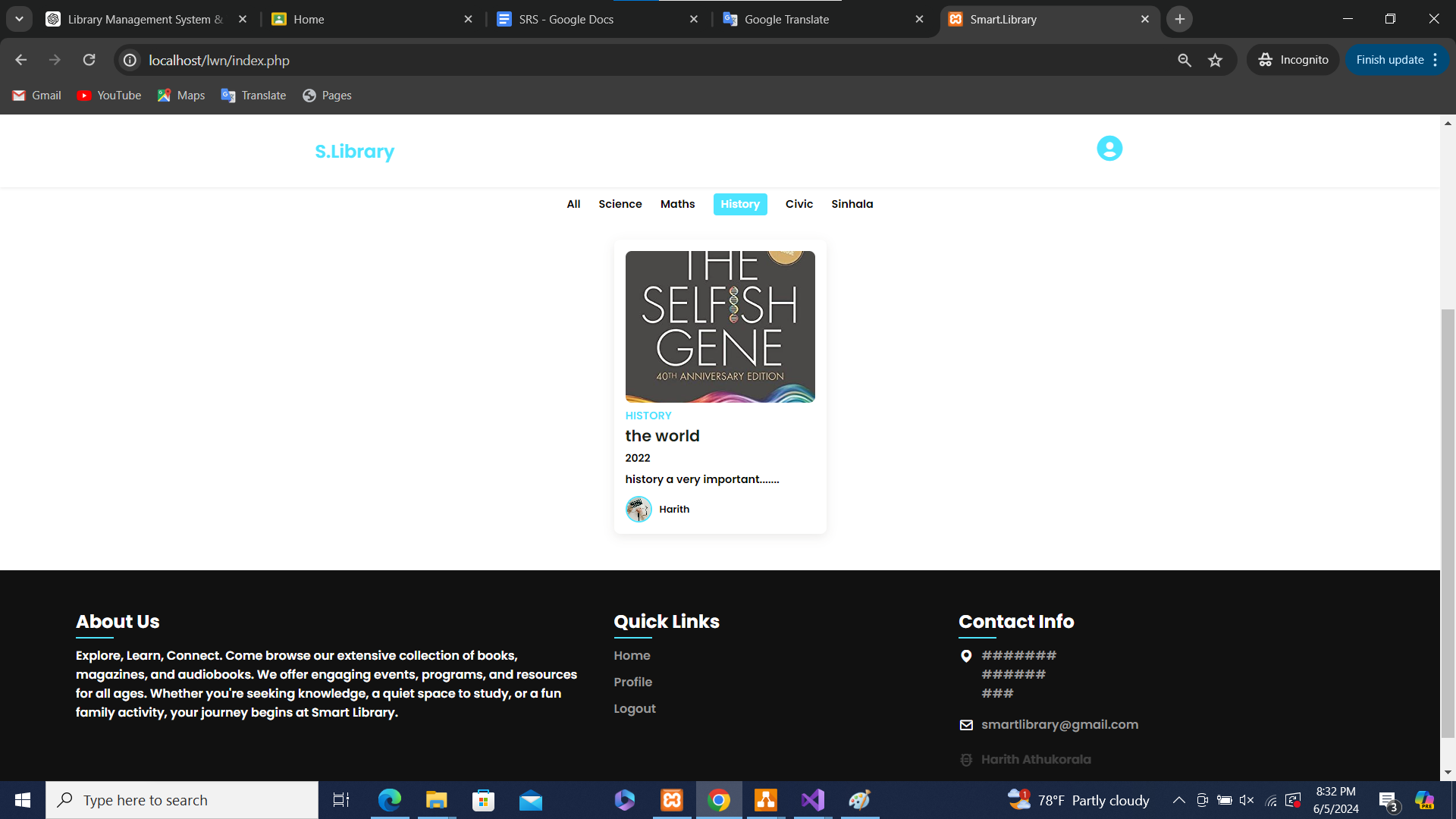
- Filter books by category.
- Profile Management:
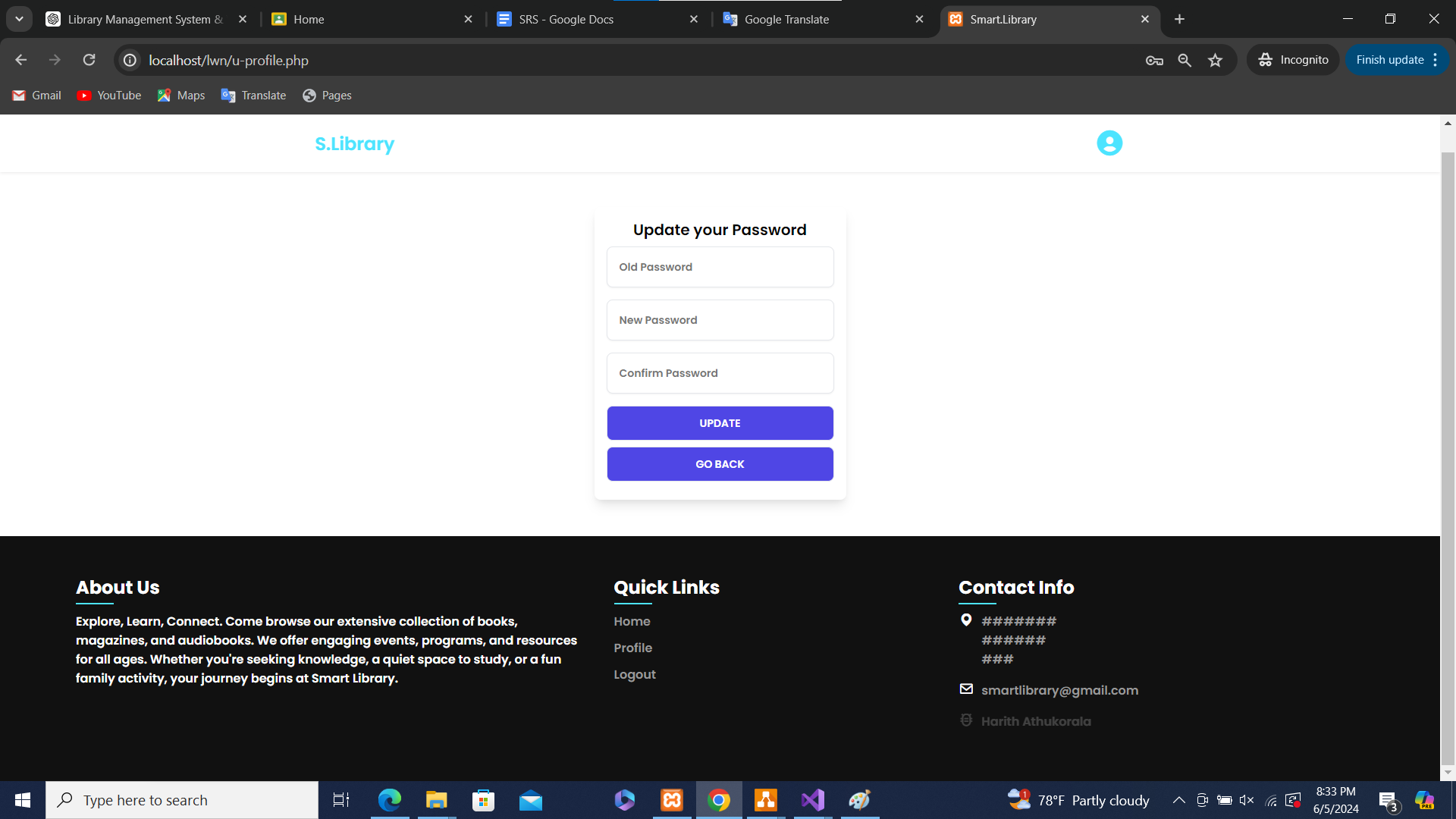
- Edit login password.
- View personal profile details.
Technologies Used
- Languages: C#, PHP, HTML, CSS, JavaScript
- Database: MySQL
- Tools: Visual Studio, VS Code, XAMPP
Setup and Installation
Follow these steps to set up the project on your local machine:
Prerequisites
- Visual Studio
- VS Code
- XAMPP
Installation
-
Clone the repository:
git clone https://github.com/Athukorala99/SmartLibrary.git
-
Set up the database:
- Launch XAMPP and start Apache and MySQL.
- Open phpMyAdmin and create a new database named librarySystem.
- Import the provided SQL file (librarySystem.sql) to set up tables and initial data.
- Configure the application:
- Open the solution in Visual Studio for the Library Management System.
- Open the website files in VS Code.
- Run the application:
- Start the library management system in Visual Studio.
- Launch the student website using a local server in XAMPP.
Usage
Librarian
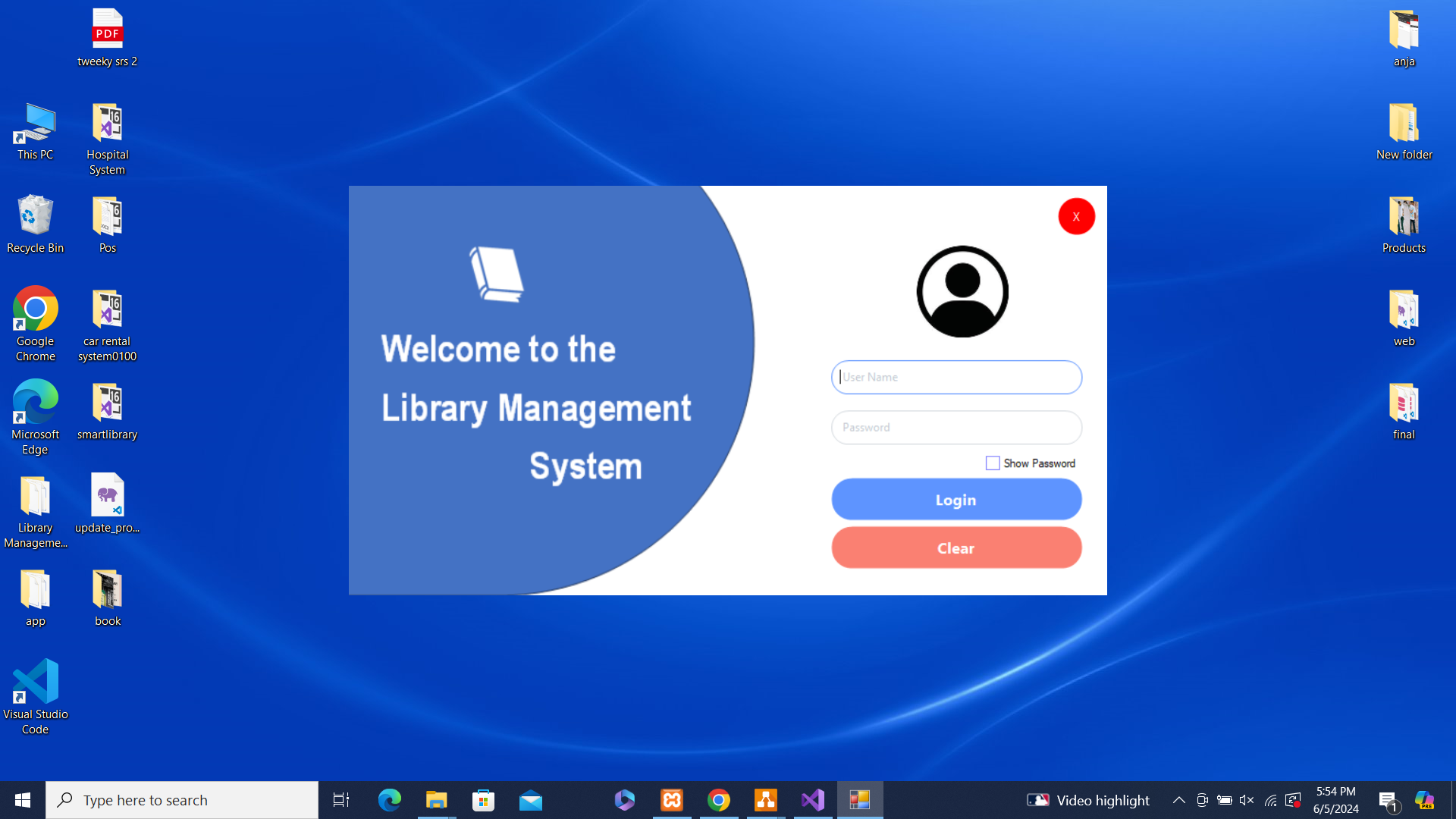
- Launch the Library Management System application.
- Log in with your credentials.
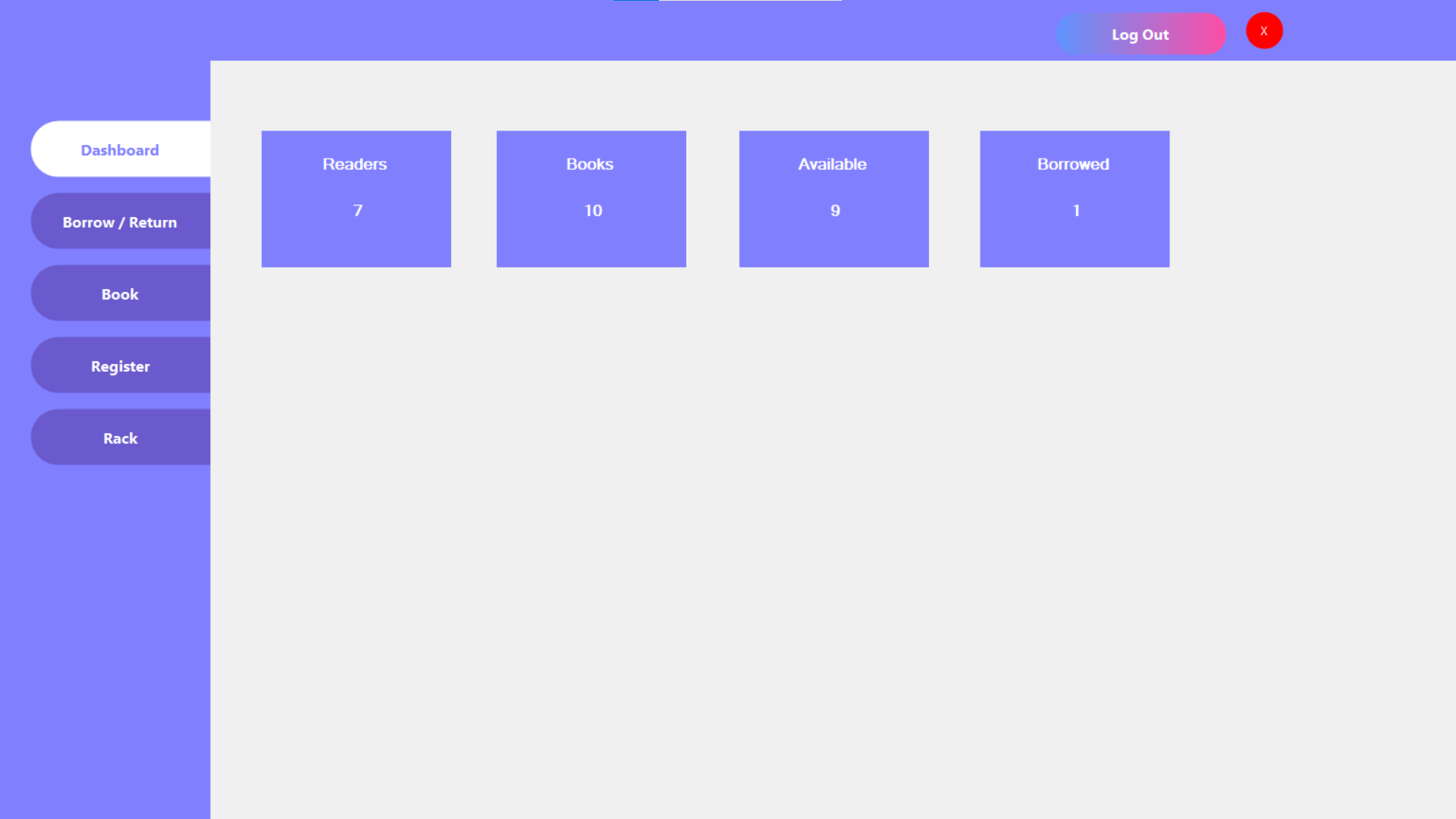
- Use the dashboard to manage books, categories, and students.
- Monitor borrowed books and manage fines efficiently.
Student
- Visit the website and log in with your credentials.
- Browse available books and filter them by category.
- Edit your profile and change your password as needed.
? Contact
For any questions or support, please reach out to me at [email protected].
? ScreenShot
Library Management System
| Login |
Dashboard |
|
|
| Borrow |
|
|
| Books |
|
|
| Student |
|
|
| Category (Rack) |
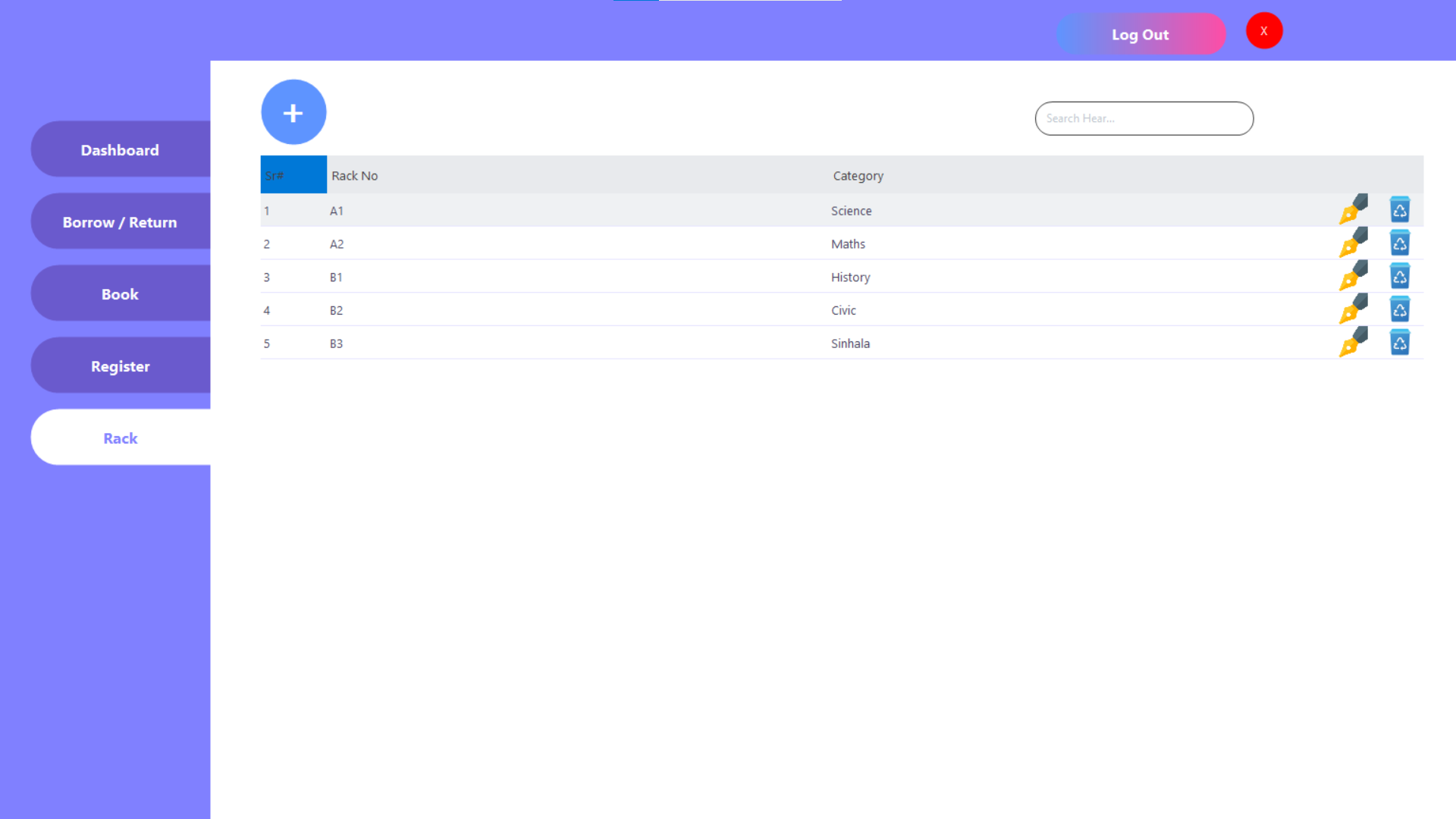
|
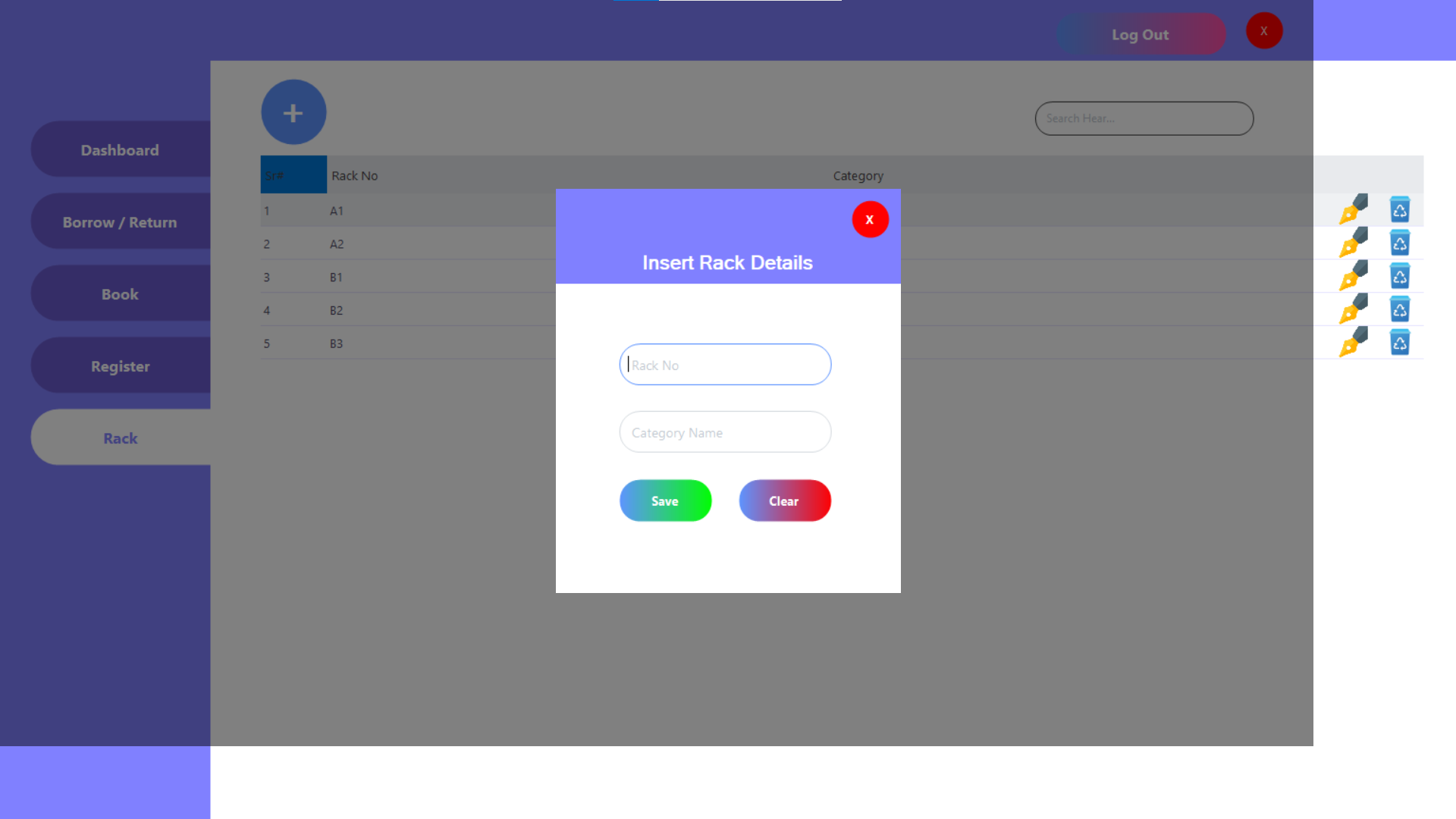
|
| Warning List |
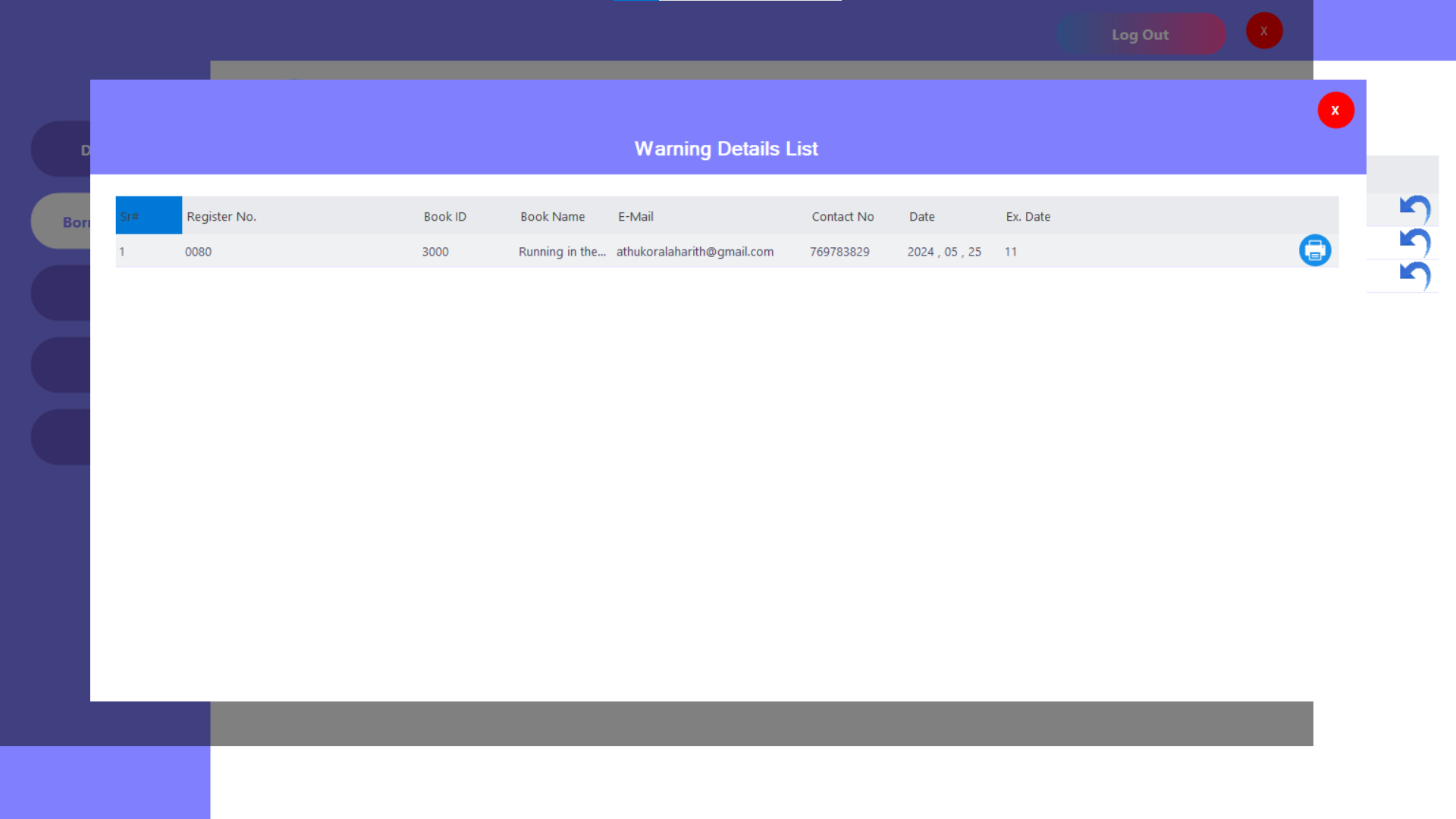
|
Website
| Login |
Profile Update |
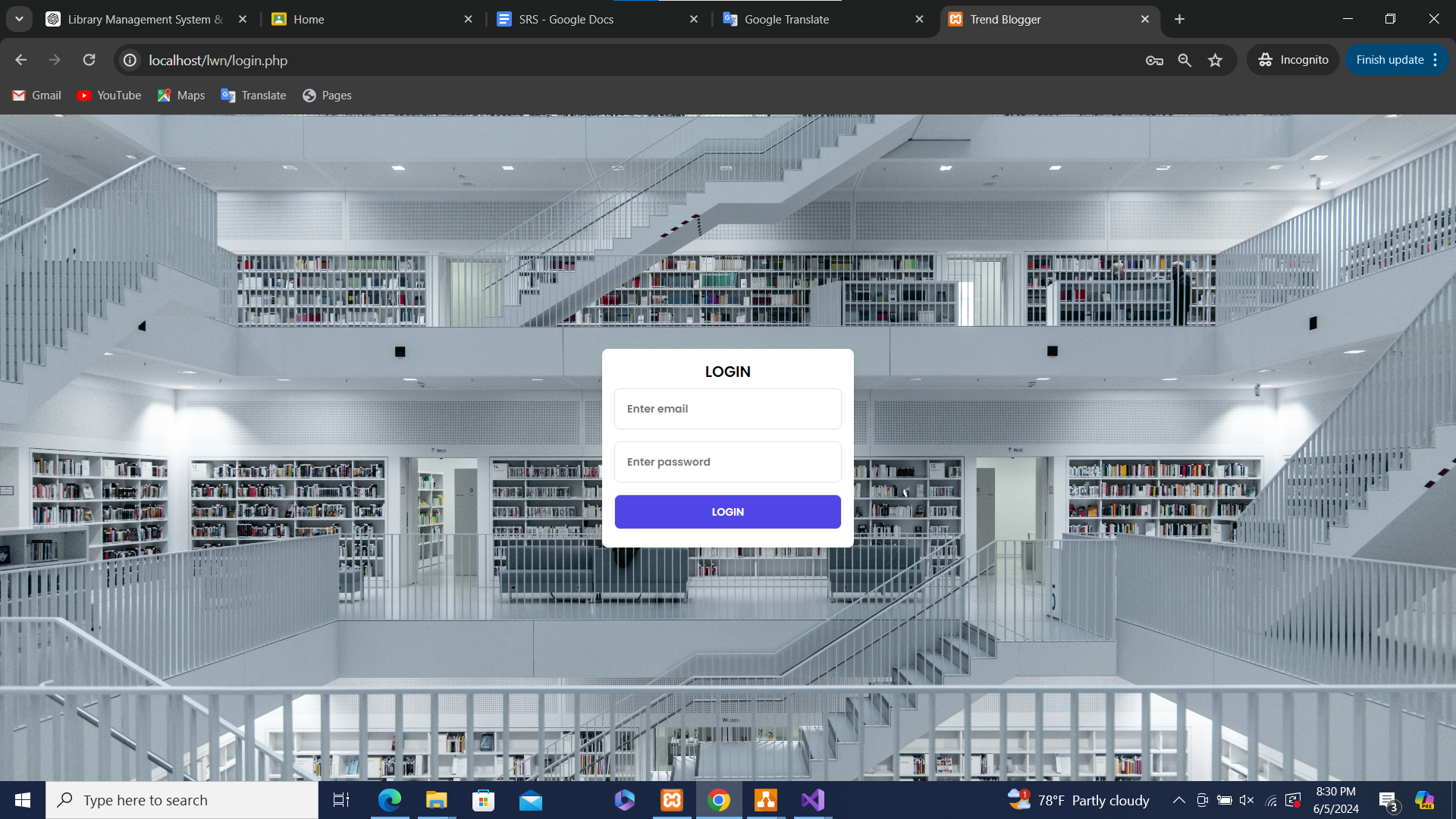
|
|
| Dashboard |
|
|








