Laracoffee
Laracoffee is a web application built using the Laravel framework that allows users to browse and order coffee products online.
Table of Contents
- Features
- Installation
- Usage
- Contributing
- License
- UI
- In Summary
Features
Admin
- Authentication Page: This page allows admin to log in.
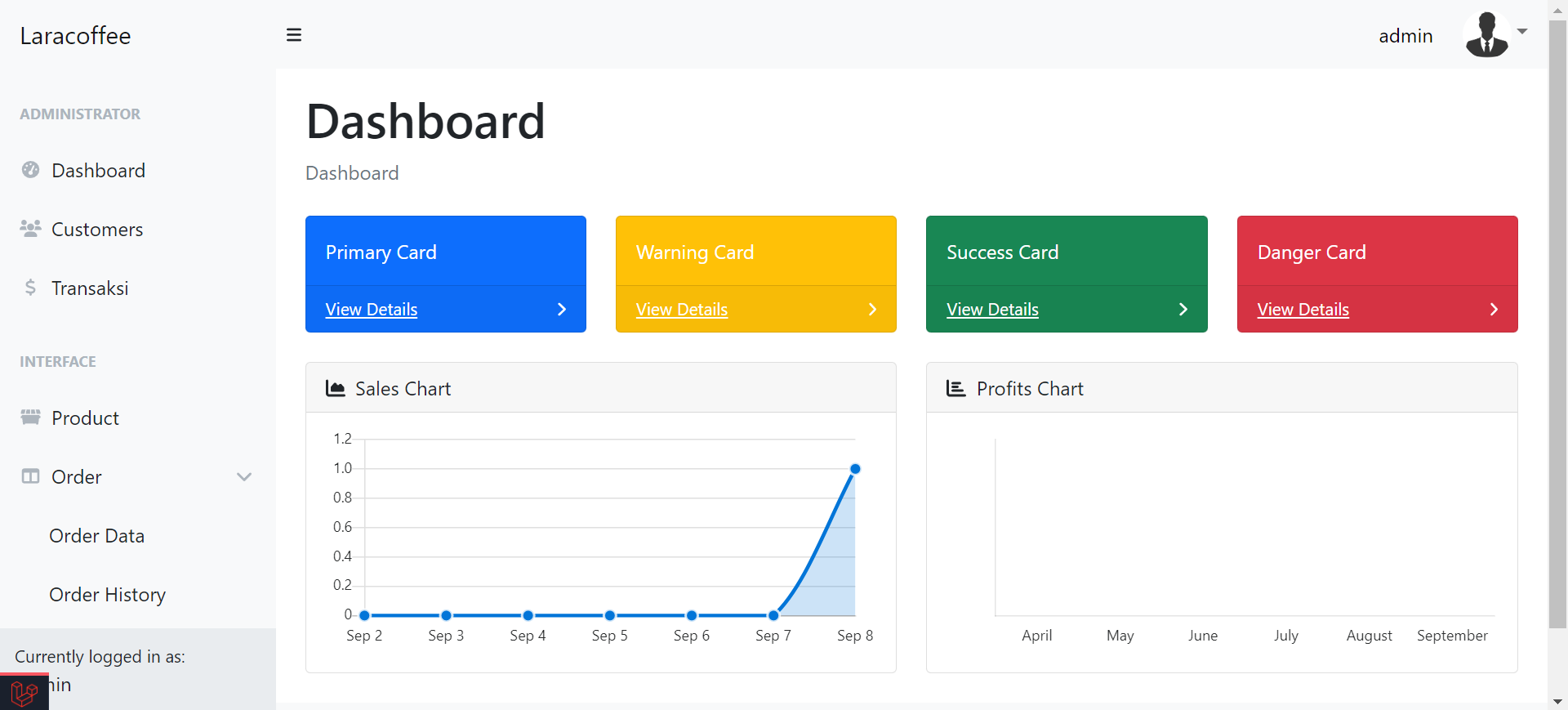
- Dashboard Page: Admin have access to a dashboard for an overview of system activities.
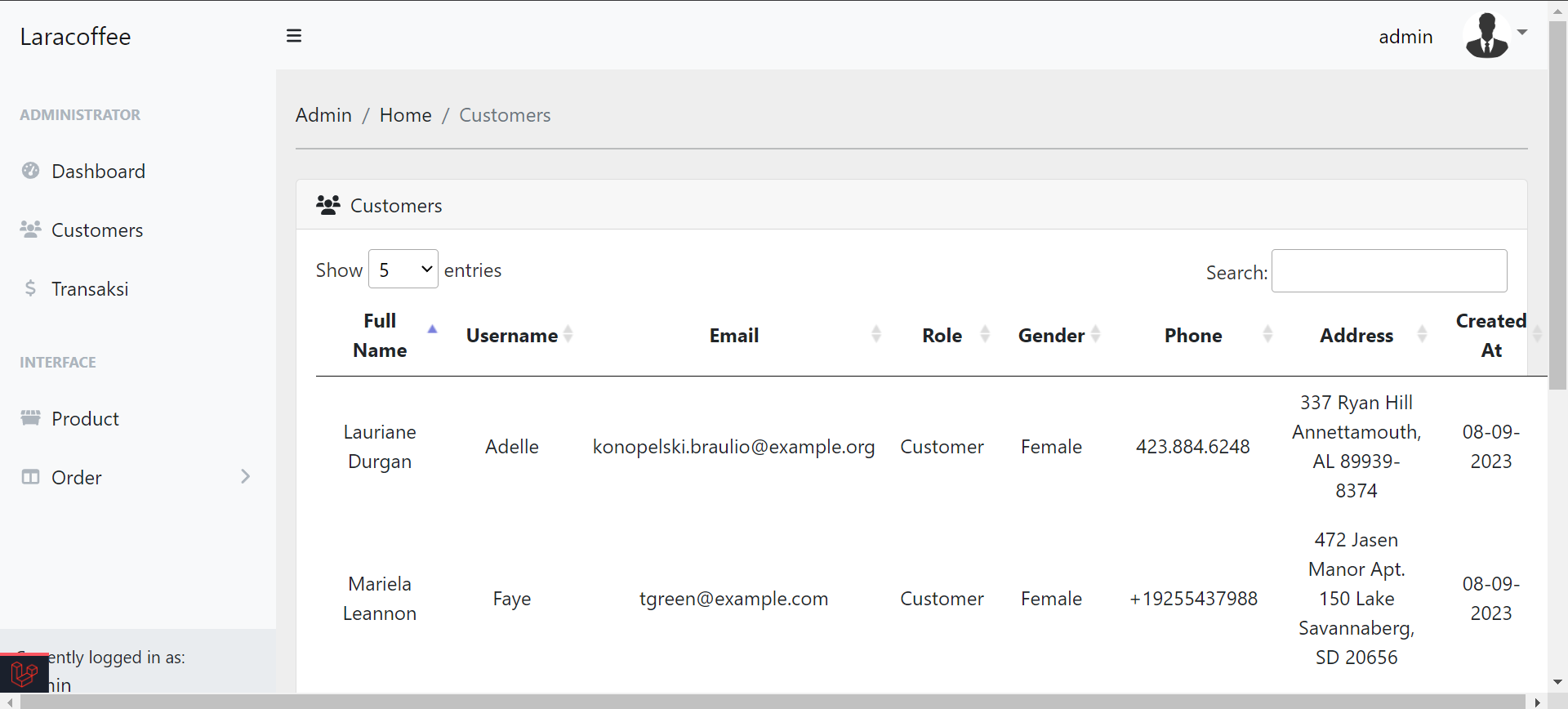
- Customer Page: Provides a list of registered customer details for admin to view.
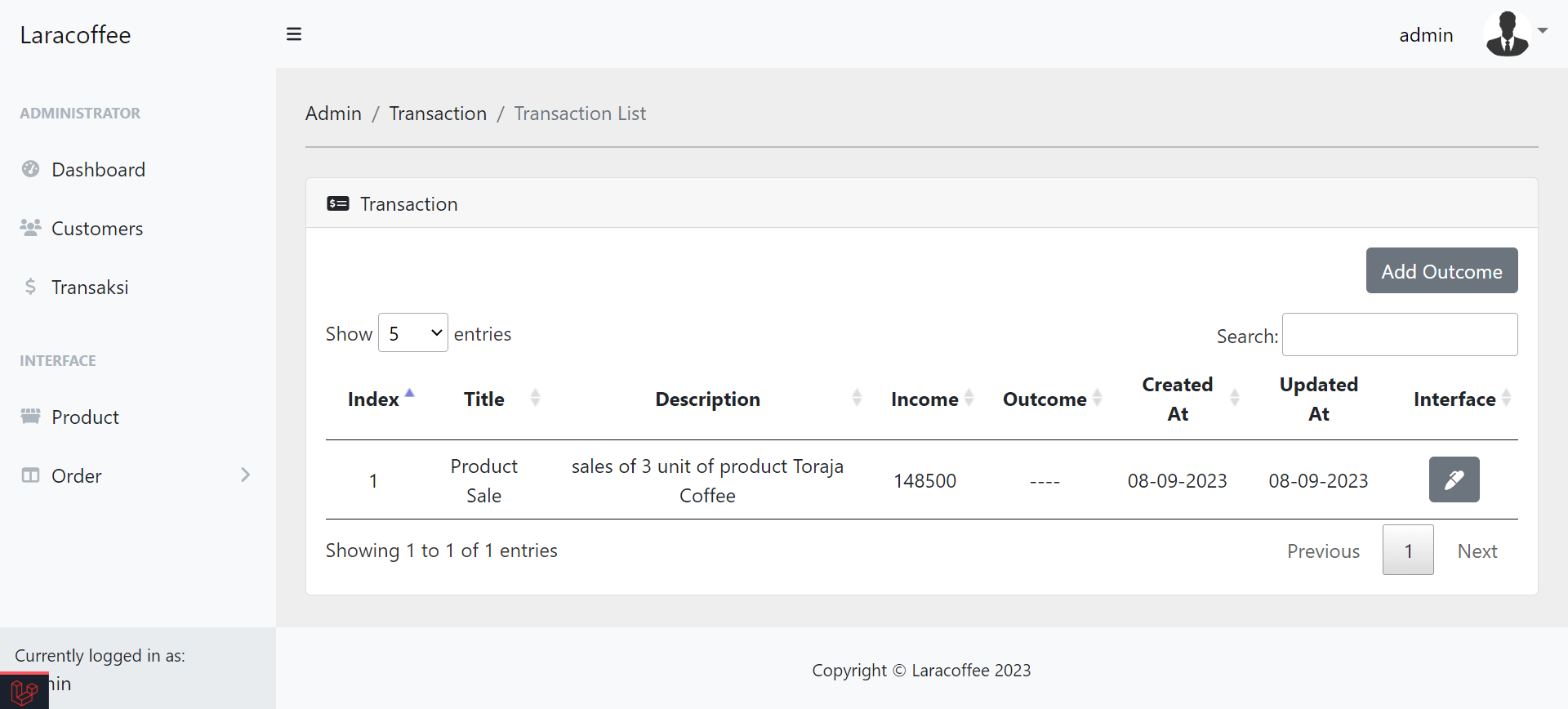
- Log Transaction Page: Admin can monitor transaction logs.
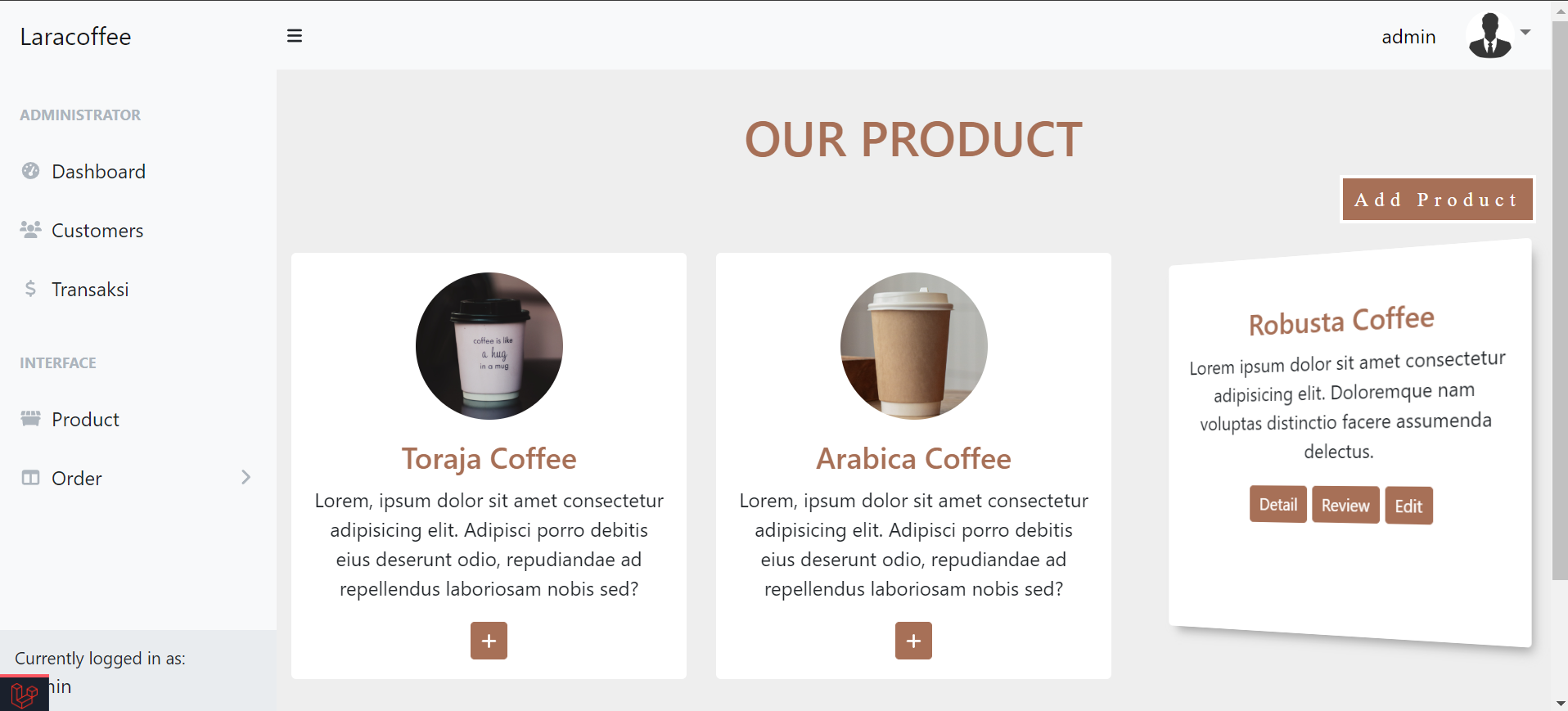
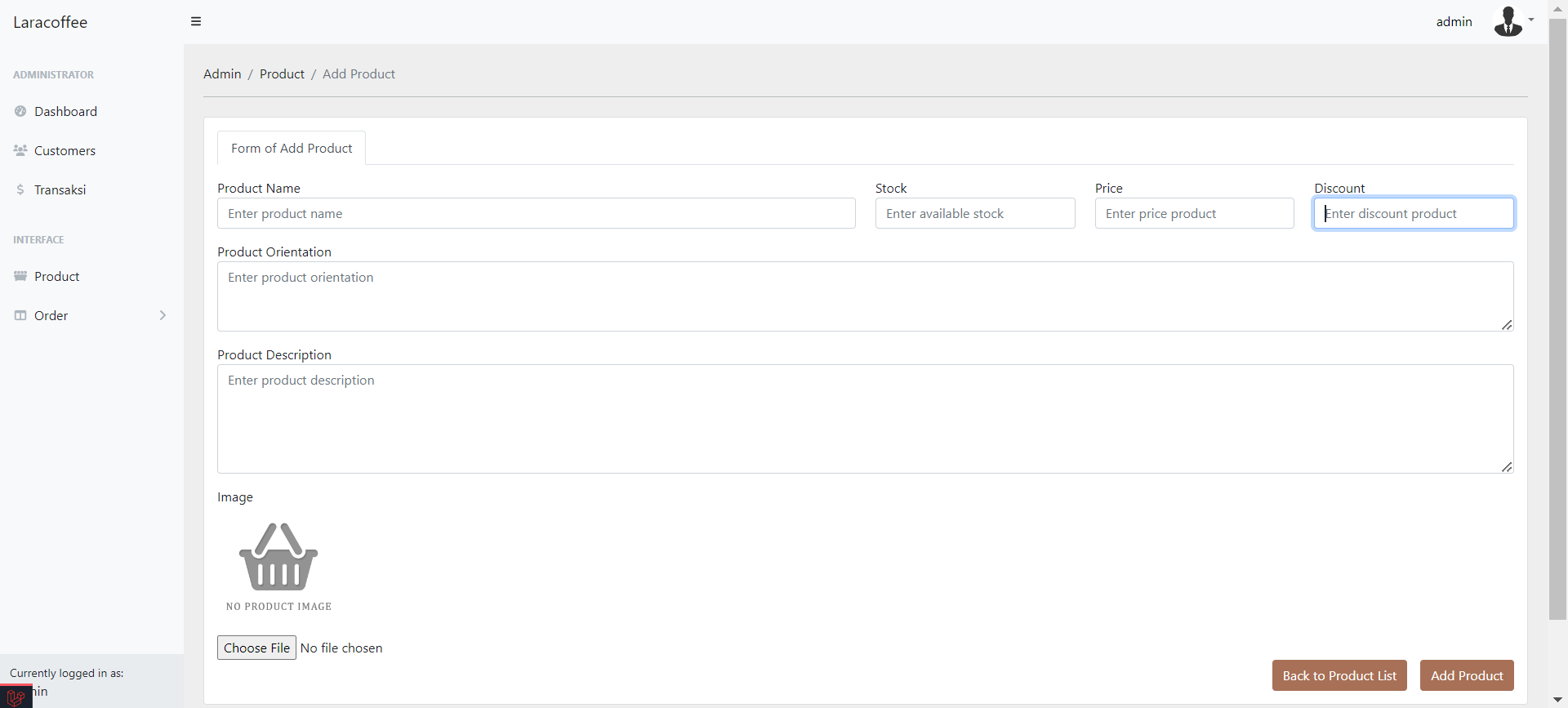
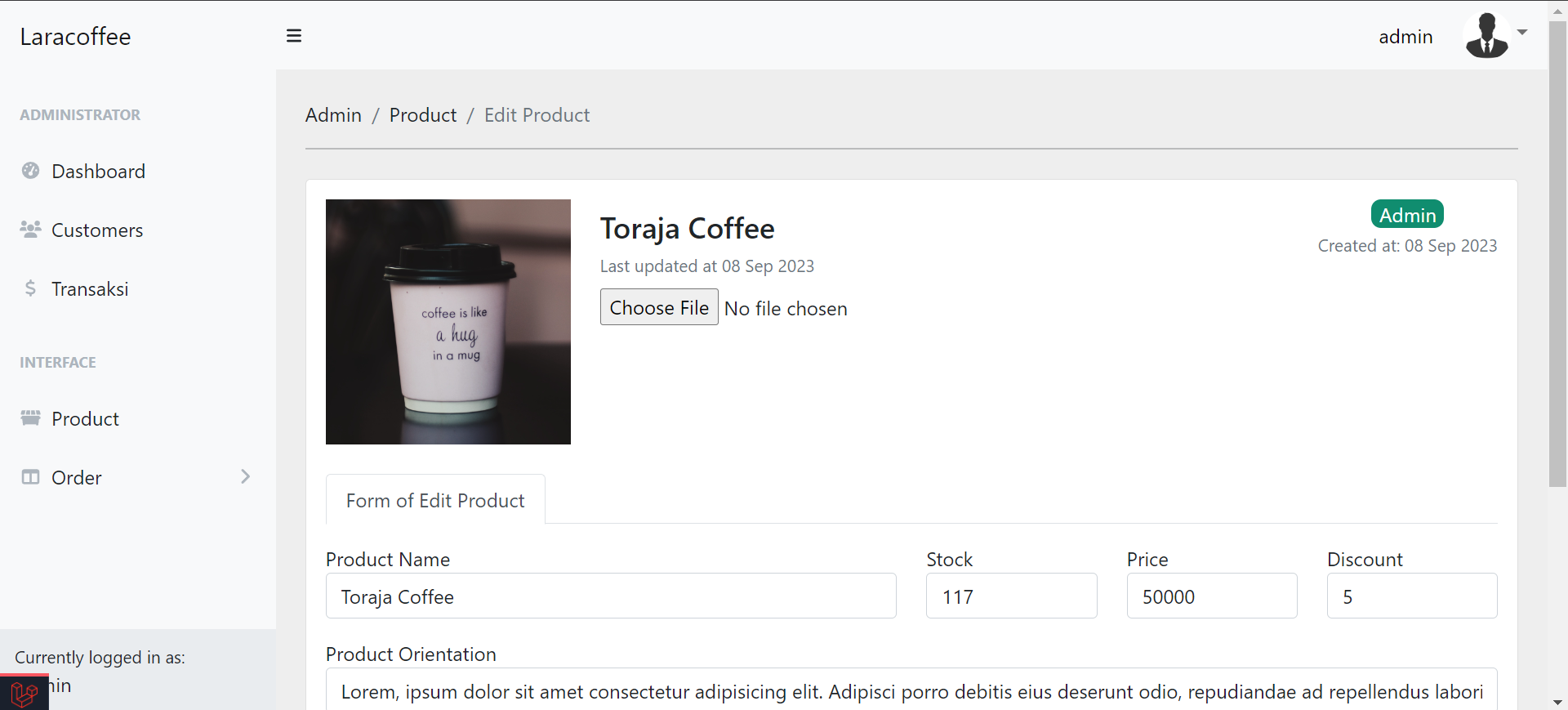
- Product Page: Admin can view, add, edit, and remove product details.
- Product Review Page: Admin can view product reviews.
- Profile Page: Admin can edit their profile data and change passwords if needed.
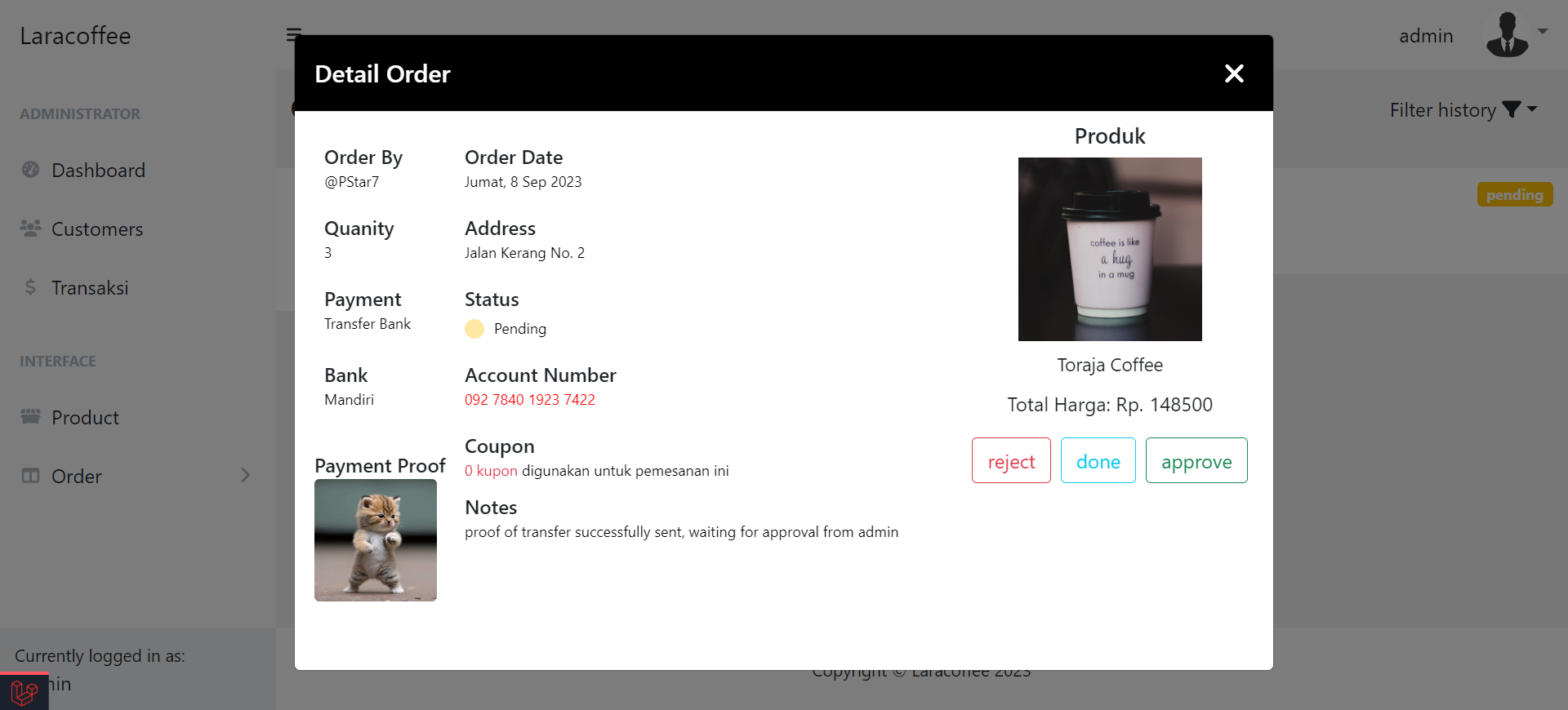
- Order Page: Admin can manage user orders, including changing order status (rejected, done, approved).
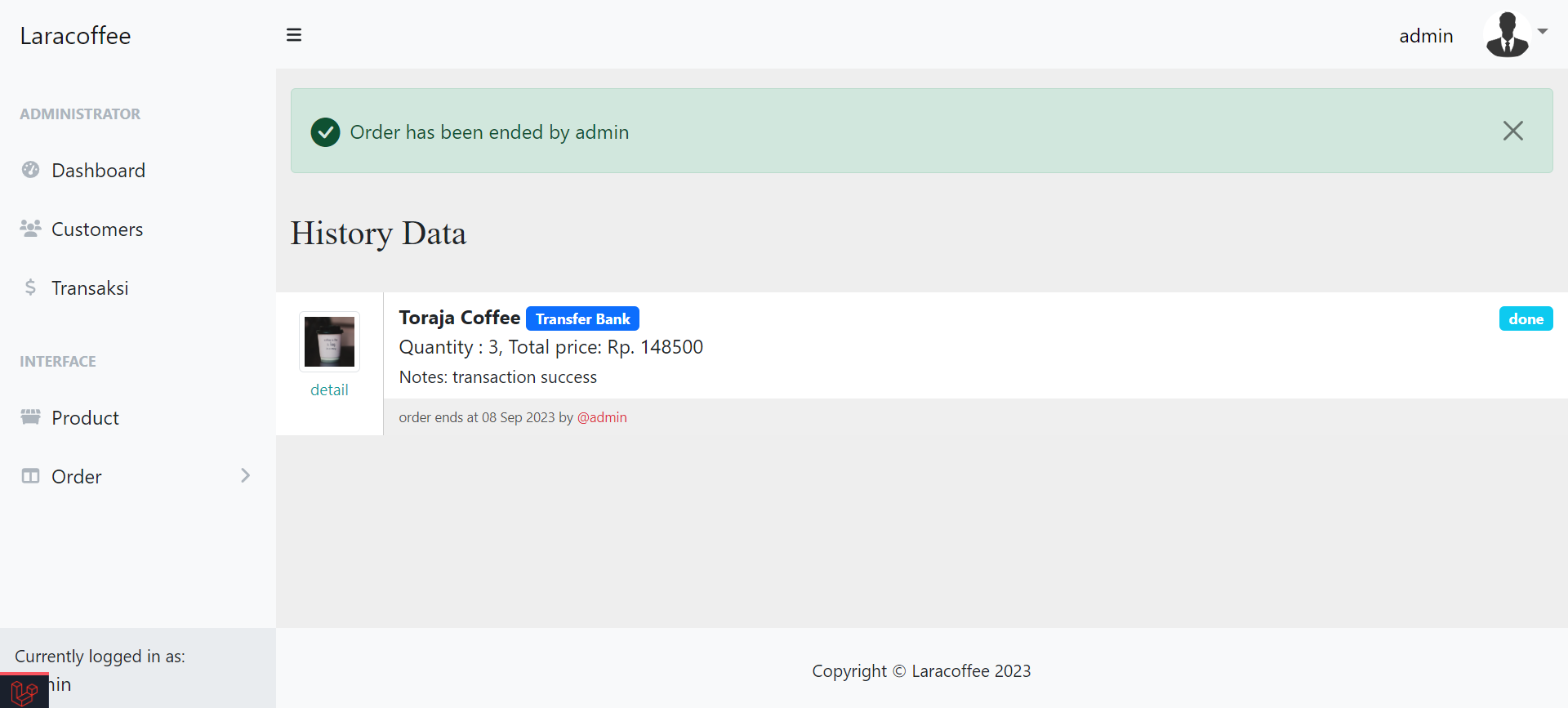
- Order History: Admin can review the history of orders.
General User
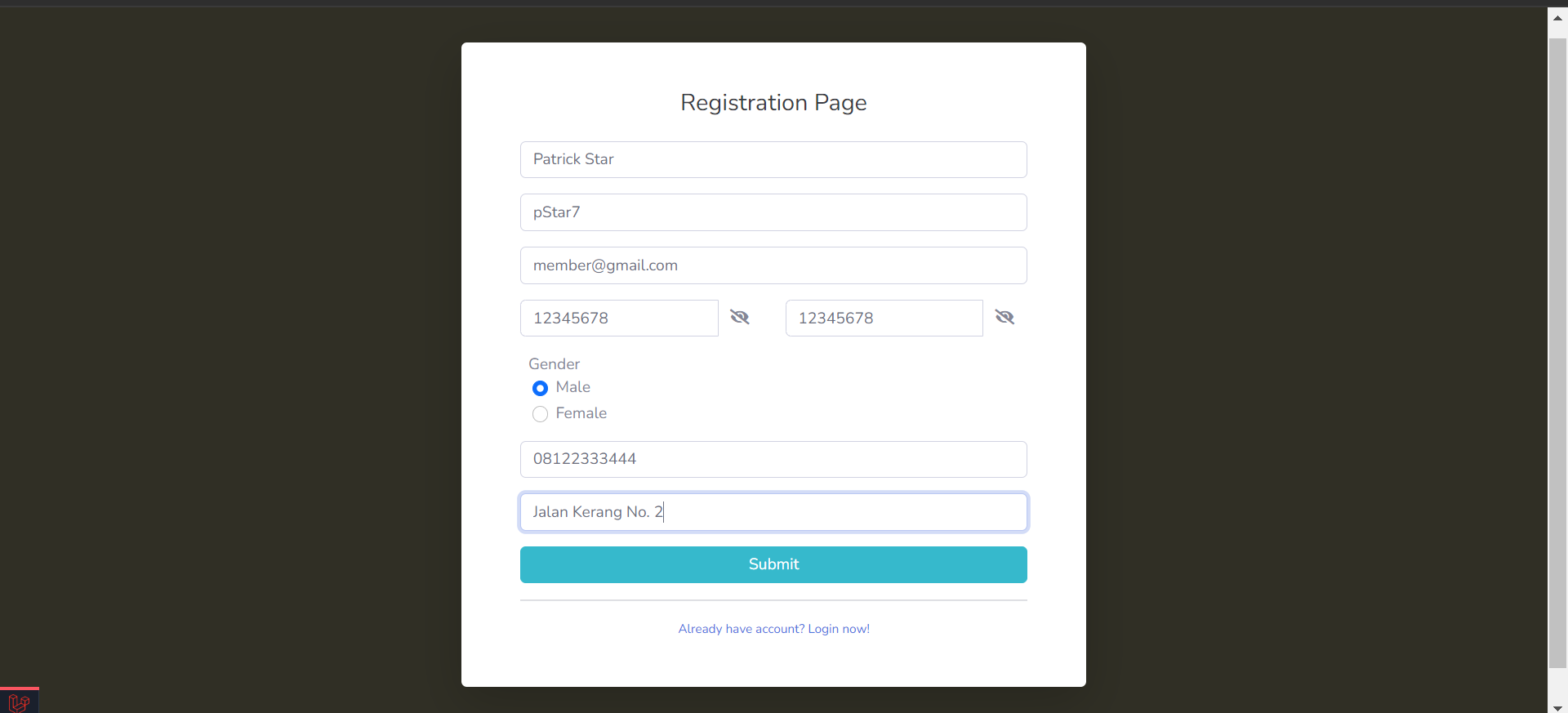
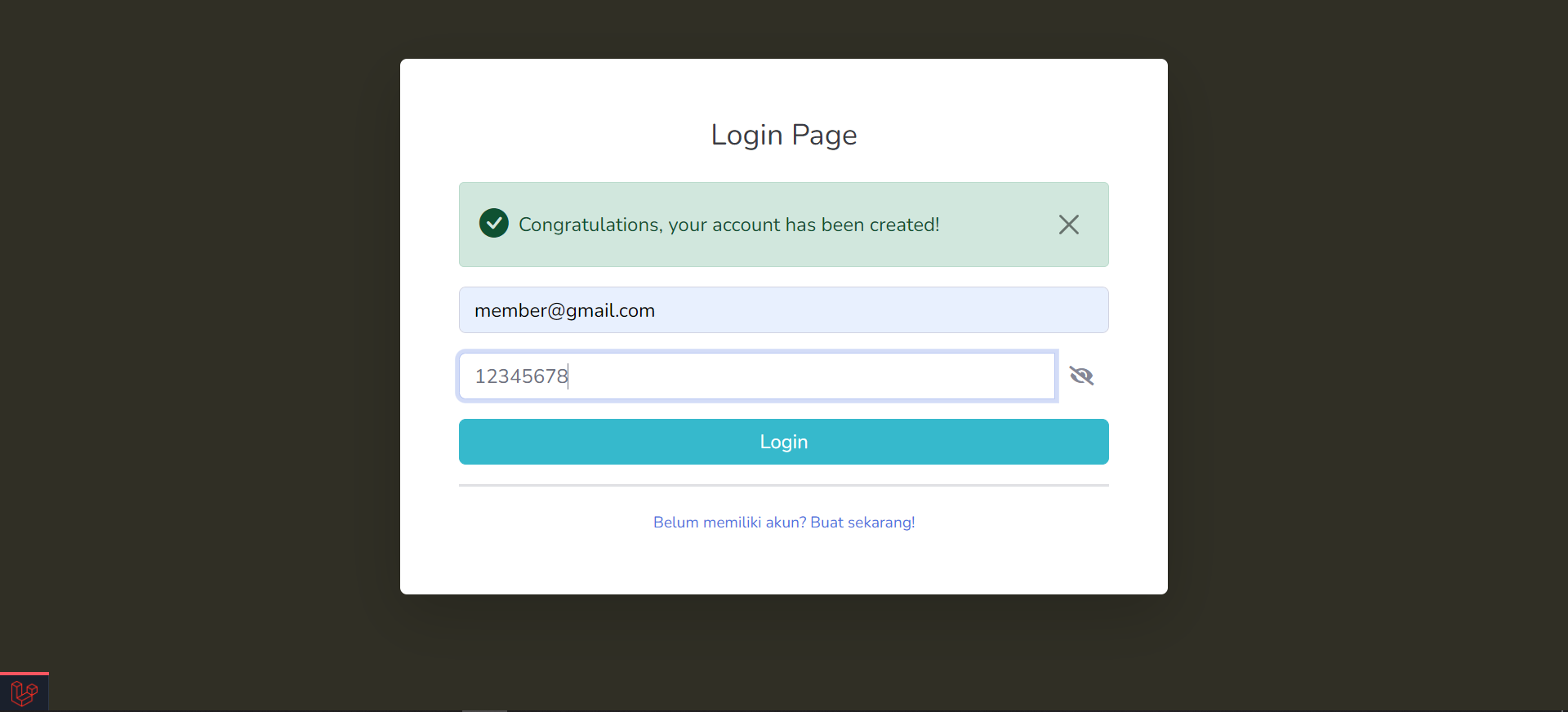
- Authentication and Registration Page: Users can log in or register for an account.
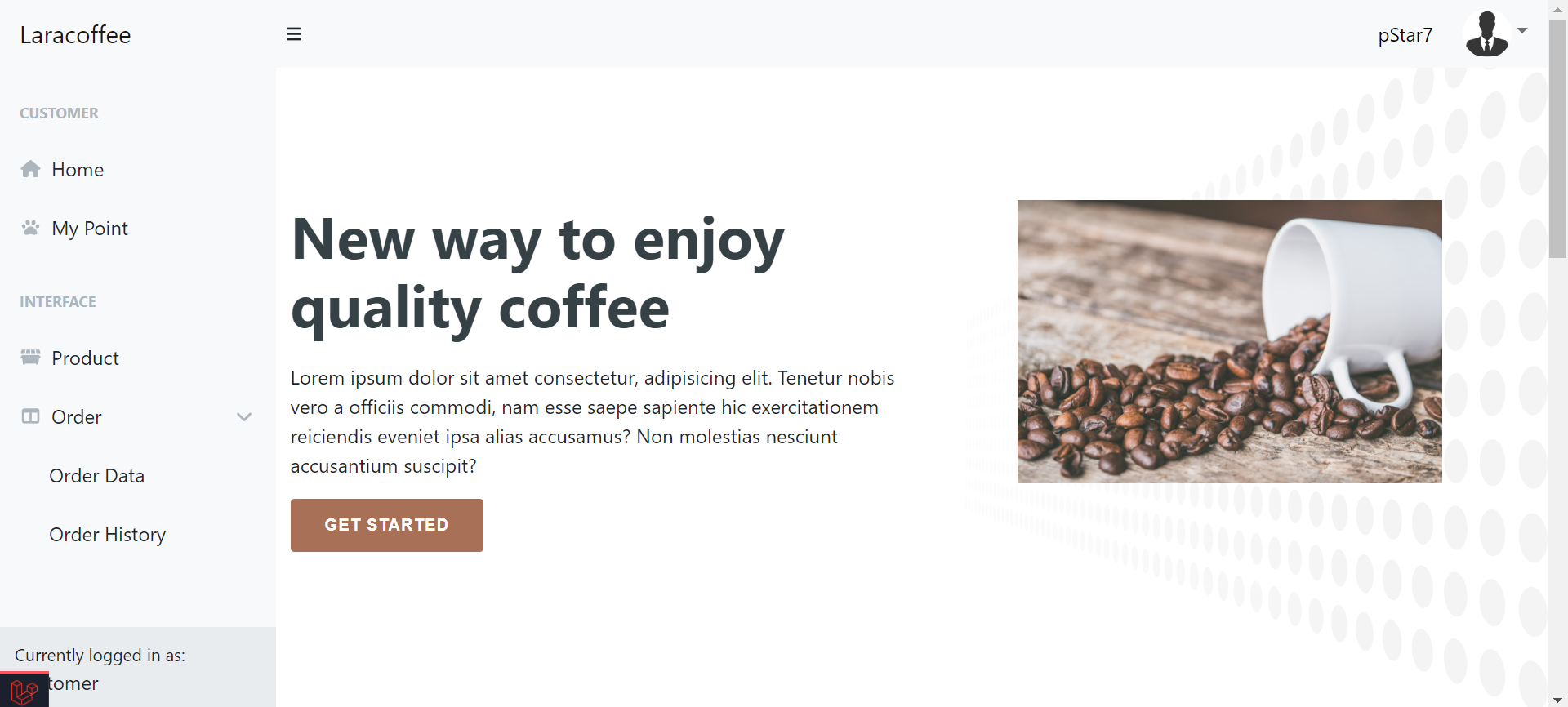
- Home Page: The main landing page for users.
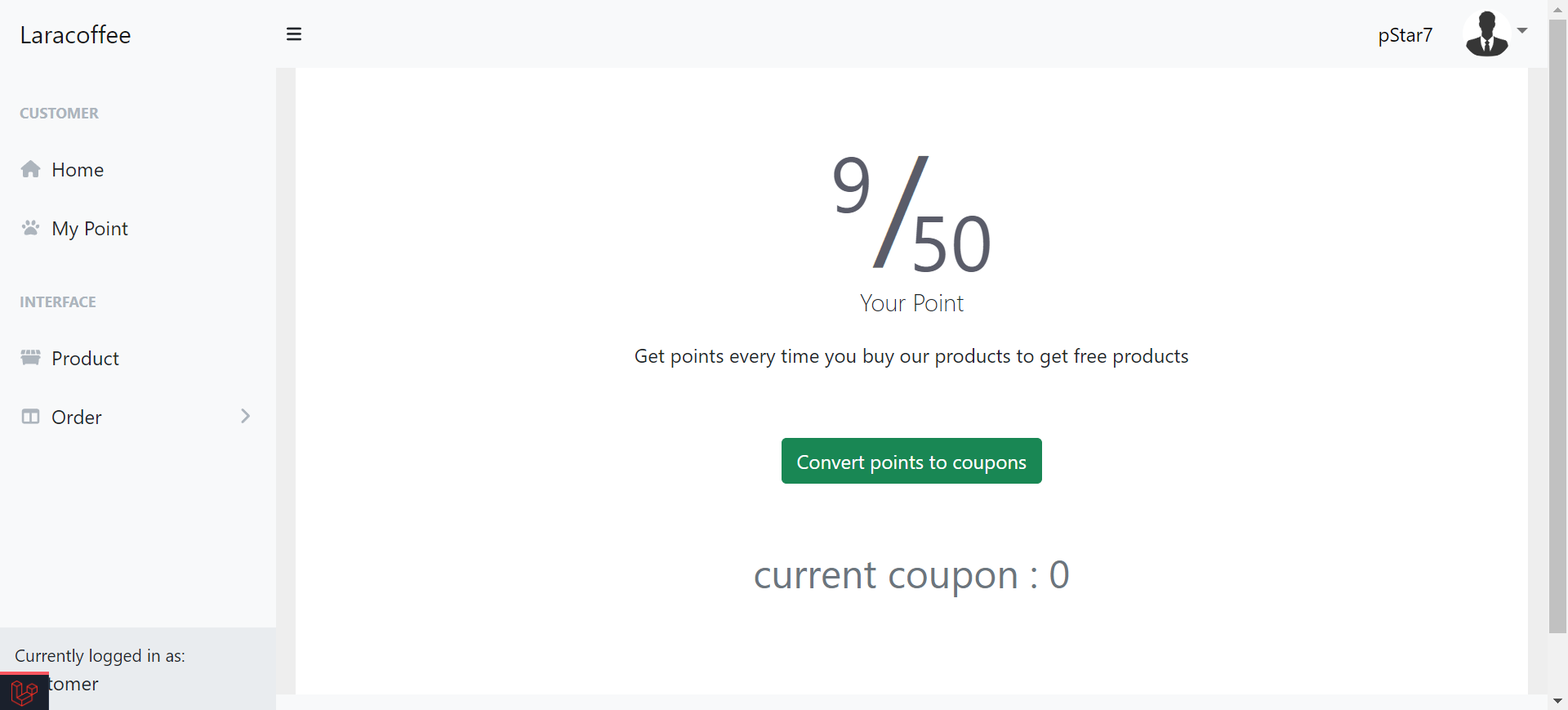
- Point Page: Users can track loyalty points earned through transactions.
- Profile Page: Users can edit their profile data and change passwords if needed.
- Product Page: Users can purchase products, view product details, and leave product reviews (after completing the purchase).
- Order Page: Users can view and manage their shopping cart, including editing and canceling orders.
- Order History: Users can review their order history.
Installation
To run Laracoffee locally, follow these steps:
-
Clone this repository:
git clone https://github.com/snykk/Laracoffee.git
-
Change to the project directory
-
Install the project dependencies
composer install
npm install
-
Copy the .env.example file to .env and configure your environment variables, including your database settings and any other necessary configuration.
-
Generate an application key
-
Create a symbolic link for the storage directory
-
Set the filesystem disk to public in the .env file
-
Migrate the database
-
Seed the database with sample data (optional):
-
Start the development server
-
Access the application in your browser at http://localhost:8000
Usage
- Visit the website and register for an account.
- Browse the available coffee products, add them to your cart, and proceed to checkout.
- Make a test order to see the order processing workflow.
- Access the admin panel by log in with admin credentials (if seeded).
- Manage products and orders through the admin panel.
Contributing
Contributions are welcome! If you'd like to contribute to this project, please follow these steps:
- Fork the repository.
- Create a new branch for your feature or bugfix:
git checkout -b feature-name.
- Make your changes and commit them:
git commit -m 'Add some feature'.
- Push to your fork:
git push origin feature-name.
- Create a pull request on the original repository.
License
This project is licensed under the MIT License.
UI
Admin Page
Dashboard
Customer Lists
Transaction Lists
Product Page
Add Product
Edit Product
Detail Order
History Order
General User
Registration Page
Authentication Page
Home
User Point
Detail Profile
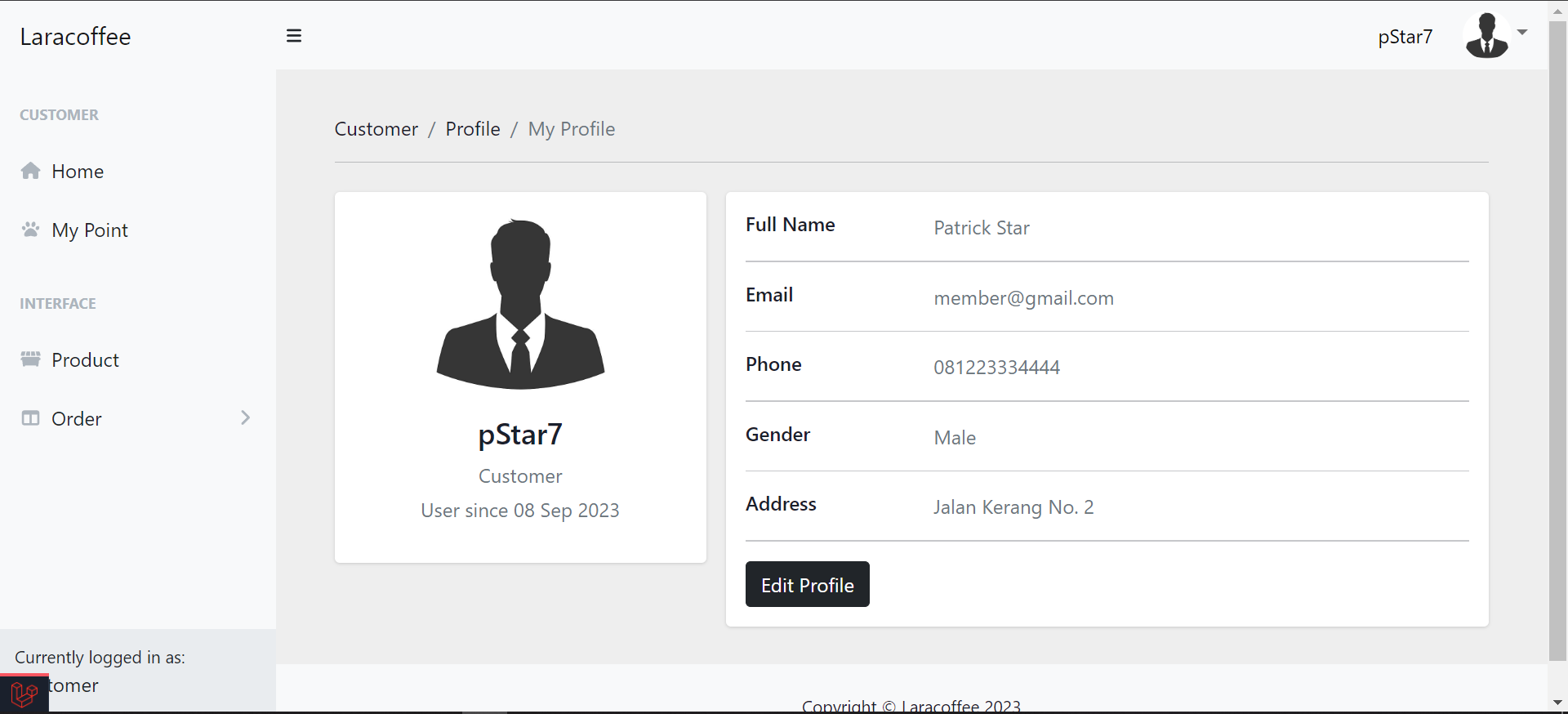
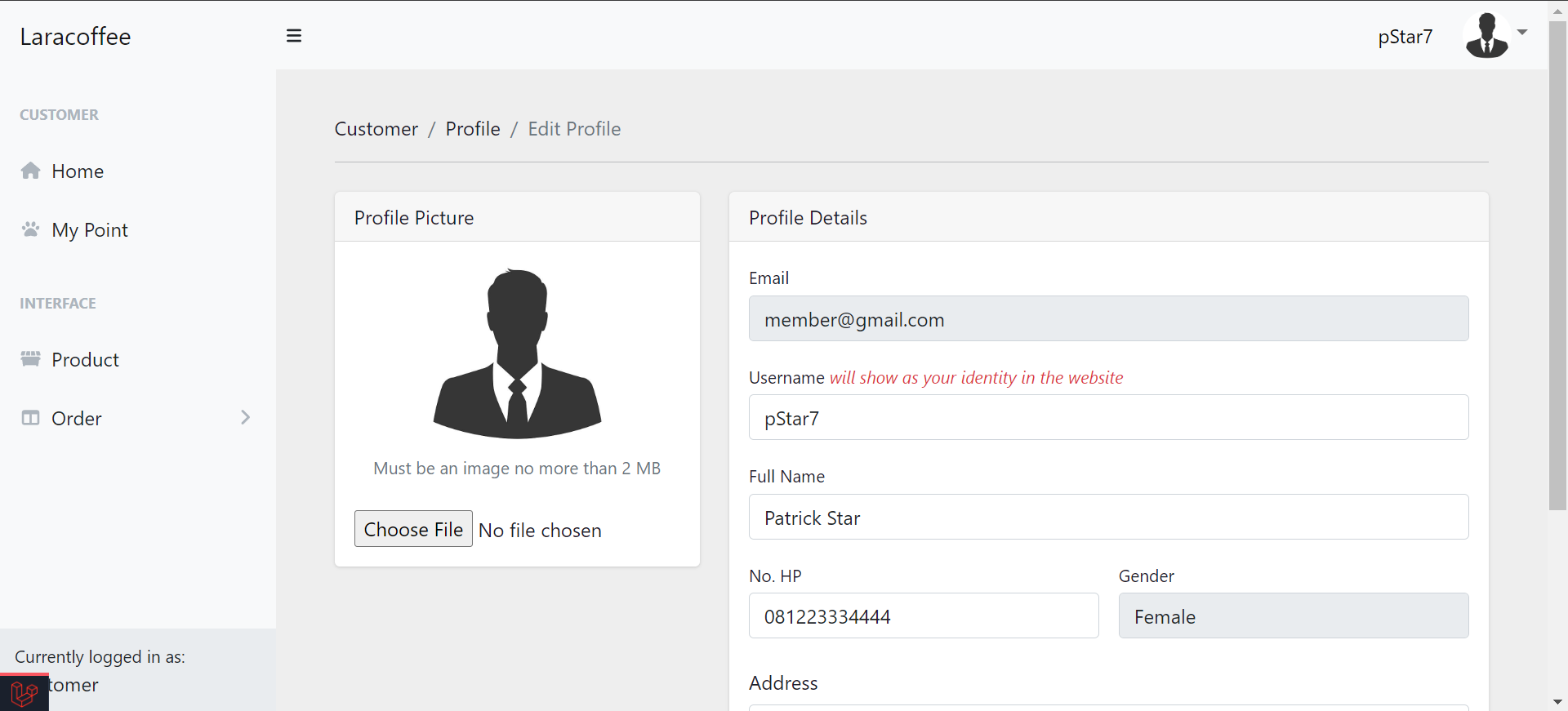
Edit Profile
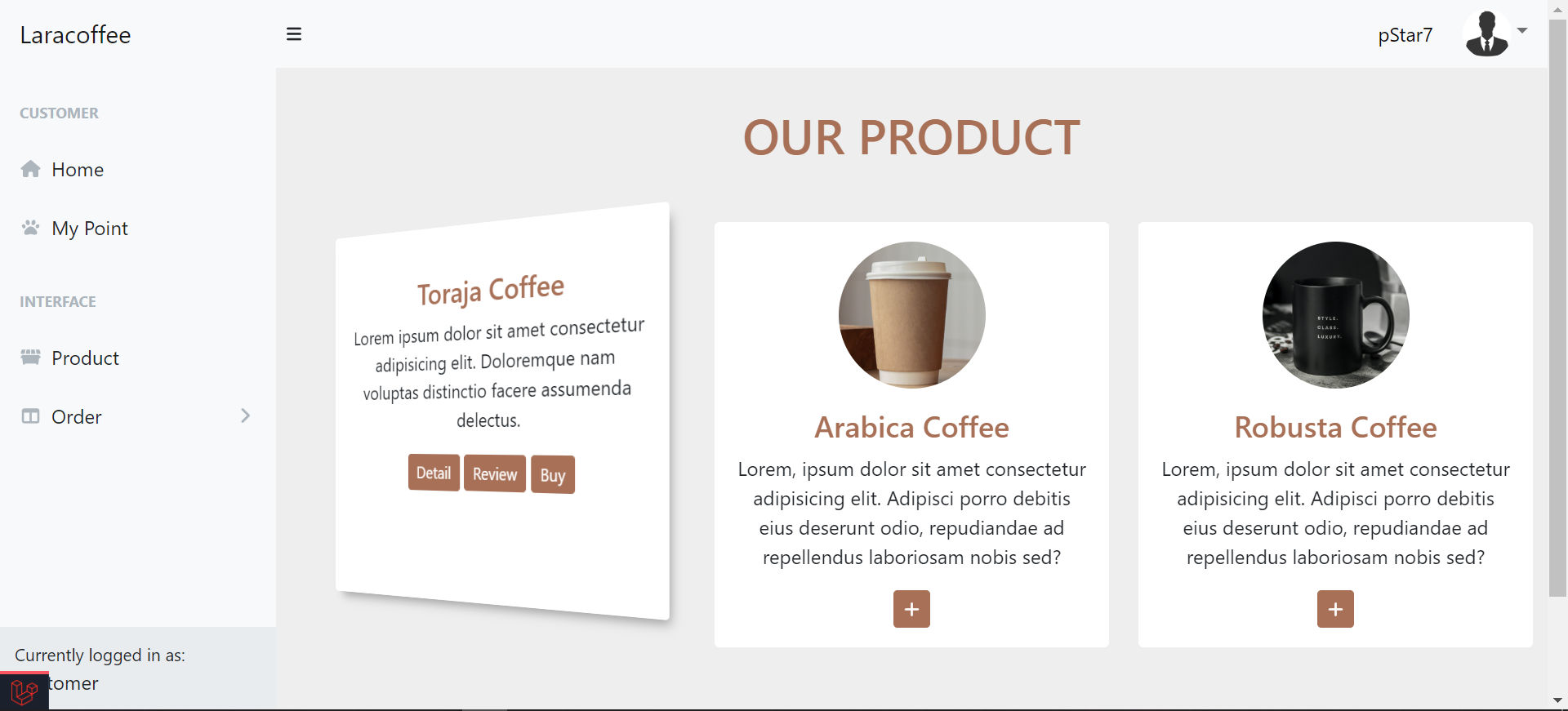
Product Page
Product Detail

Make an Order
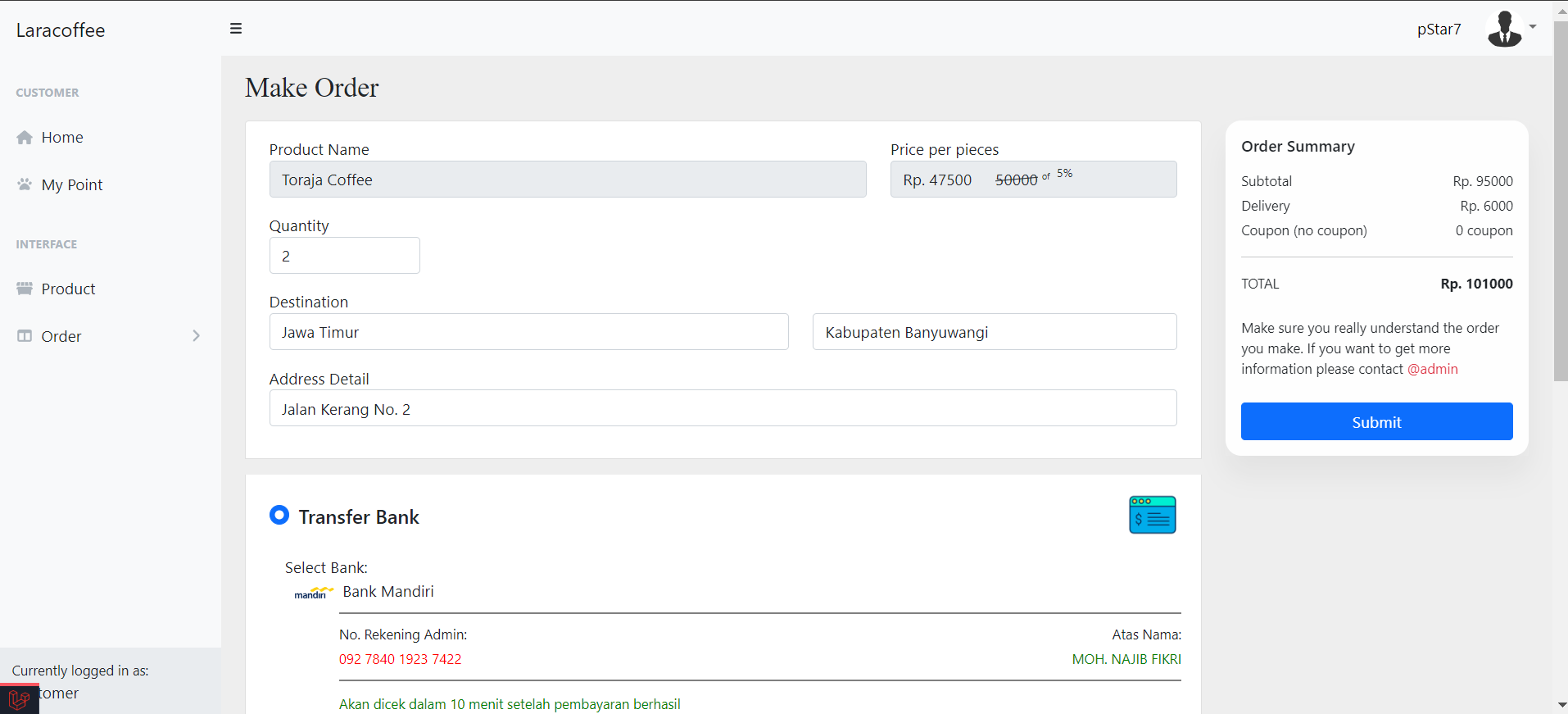
List of Order
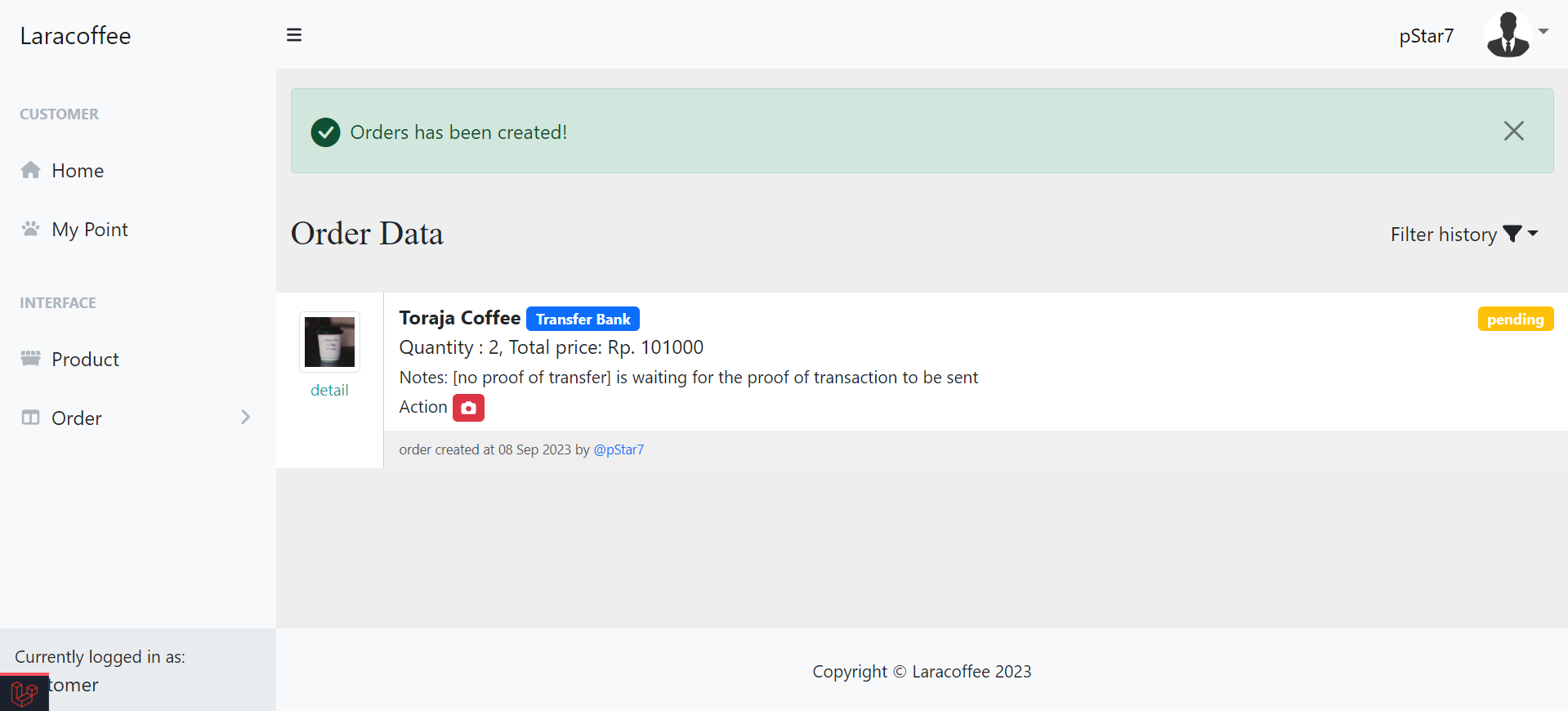
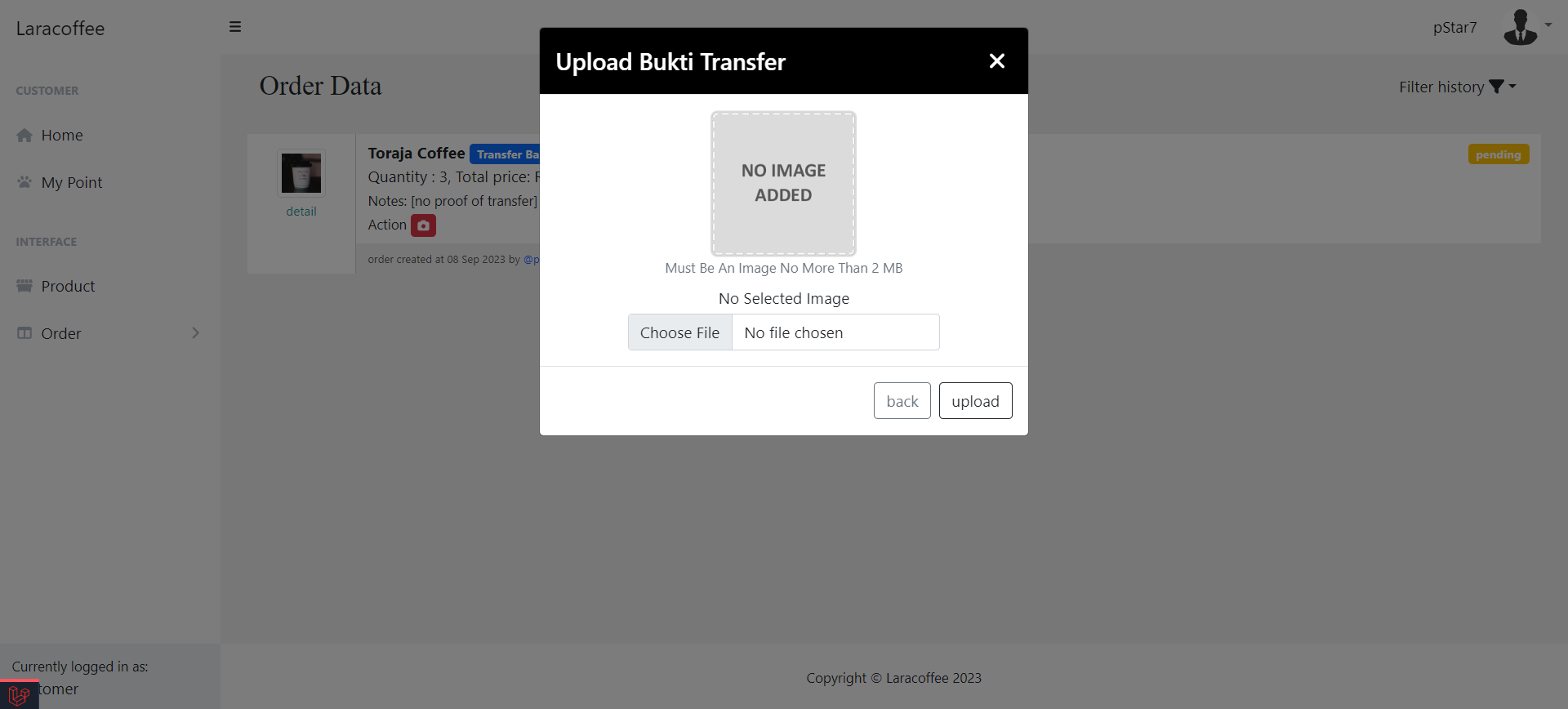
Upload Proof of Transfer
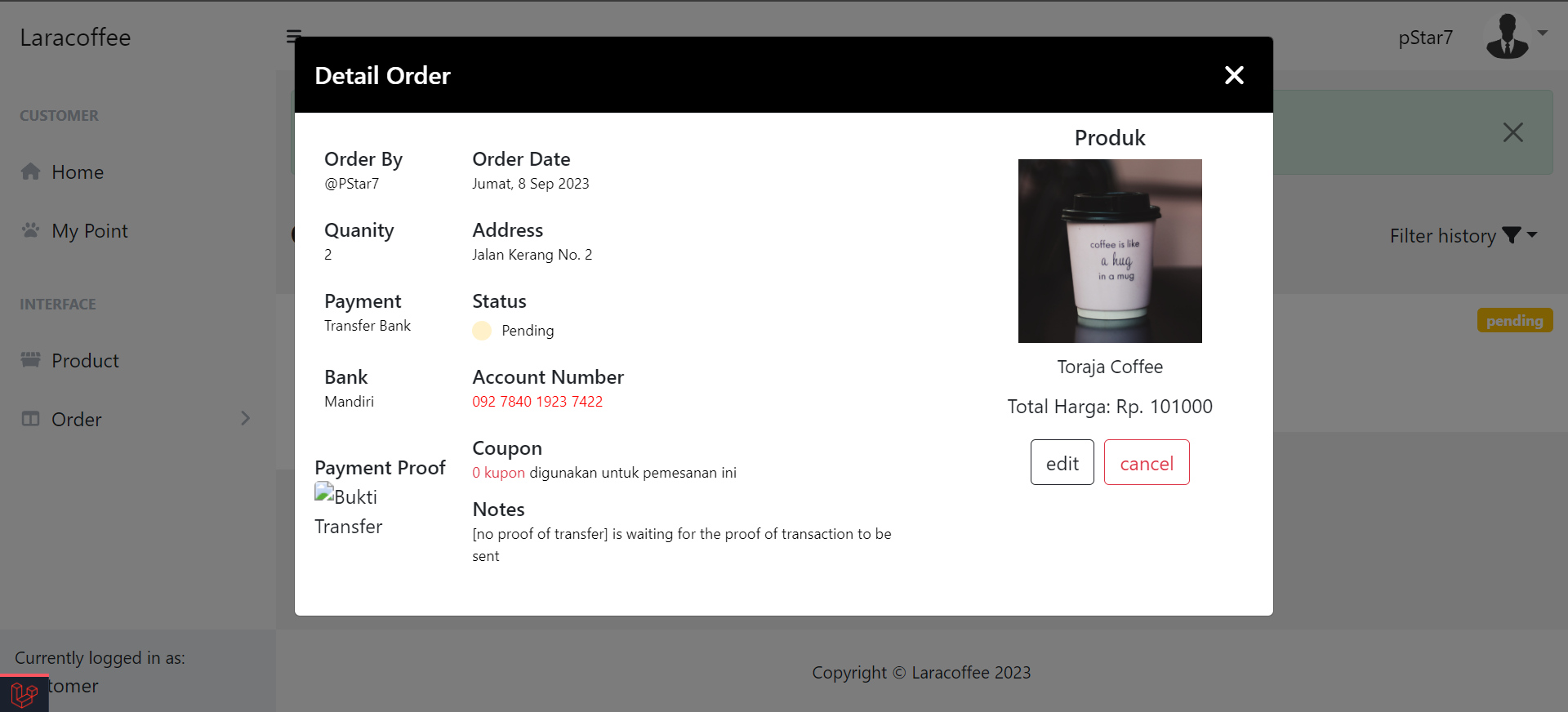
Order Detail
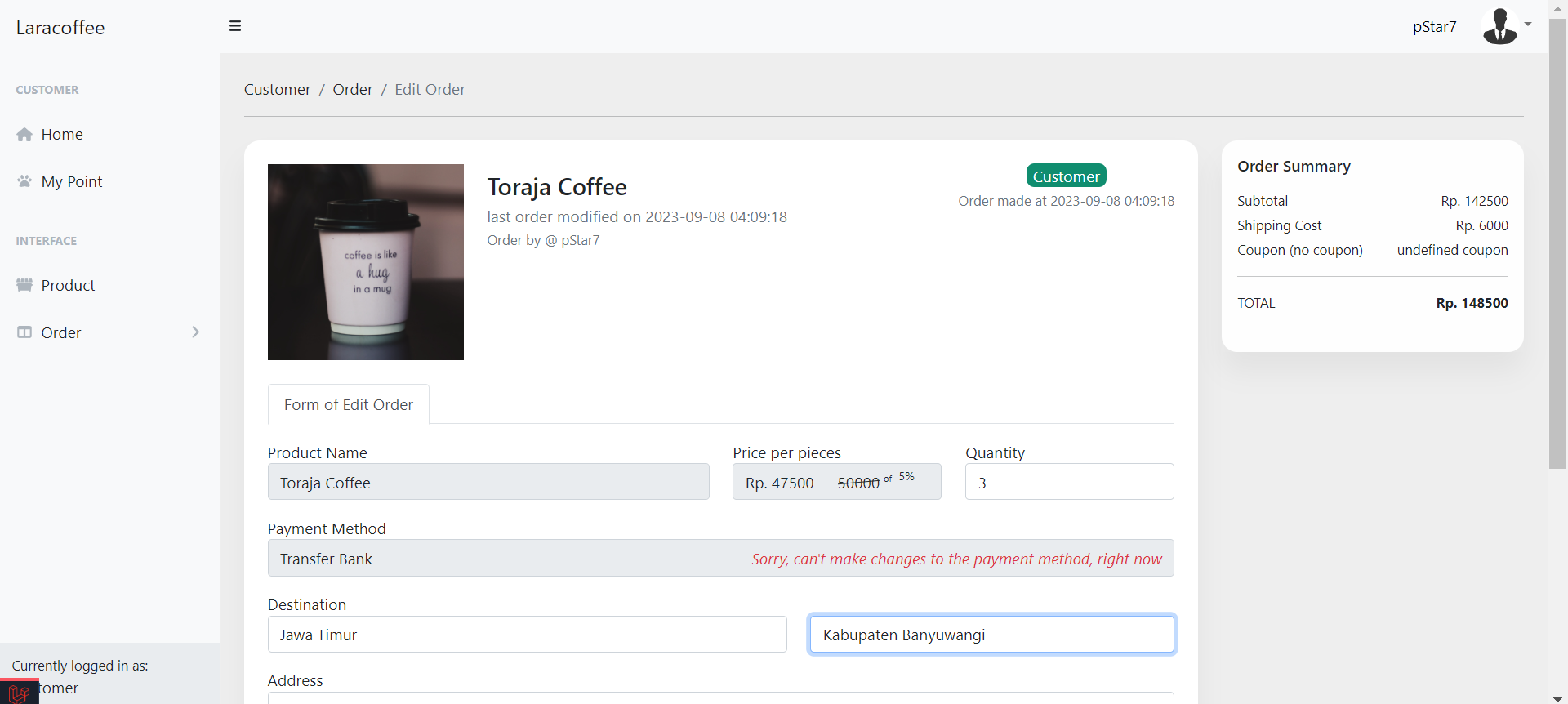
Edit Order
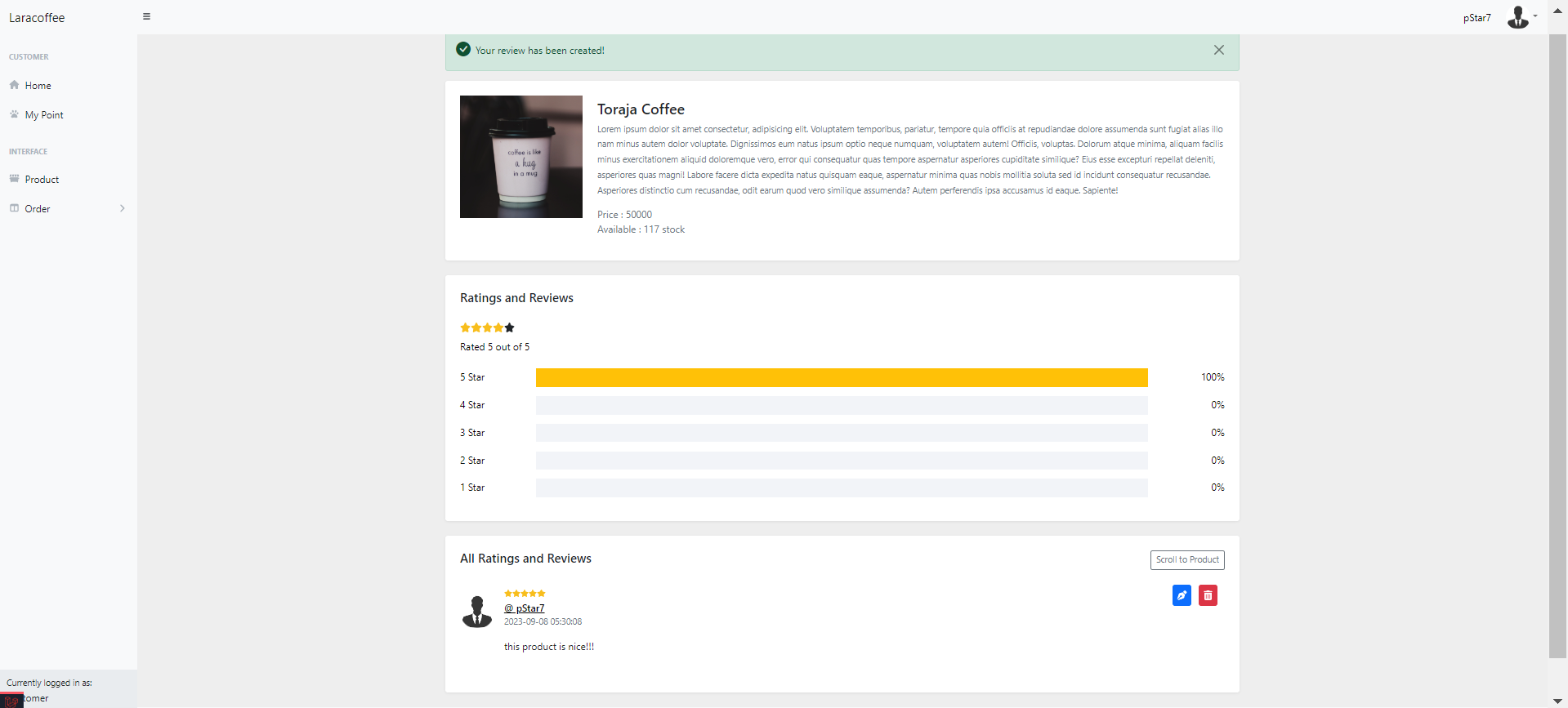
Submit a Review
In Summary
Feel free to explore the application and give it a try yourself. If you have any questions or encounter any issues, please don't hesitate to reach out. Your feedback is greatly appreciated. Happy exploring!!!








