Flexi Store KMP
1.0.0

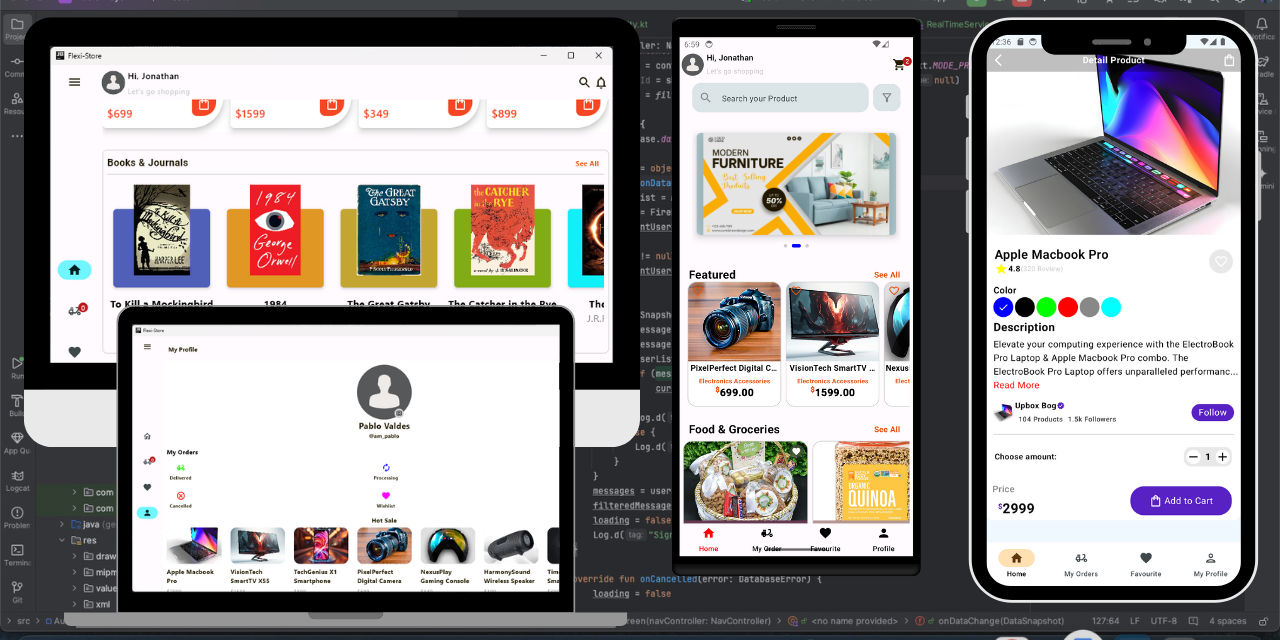
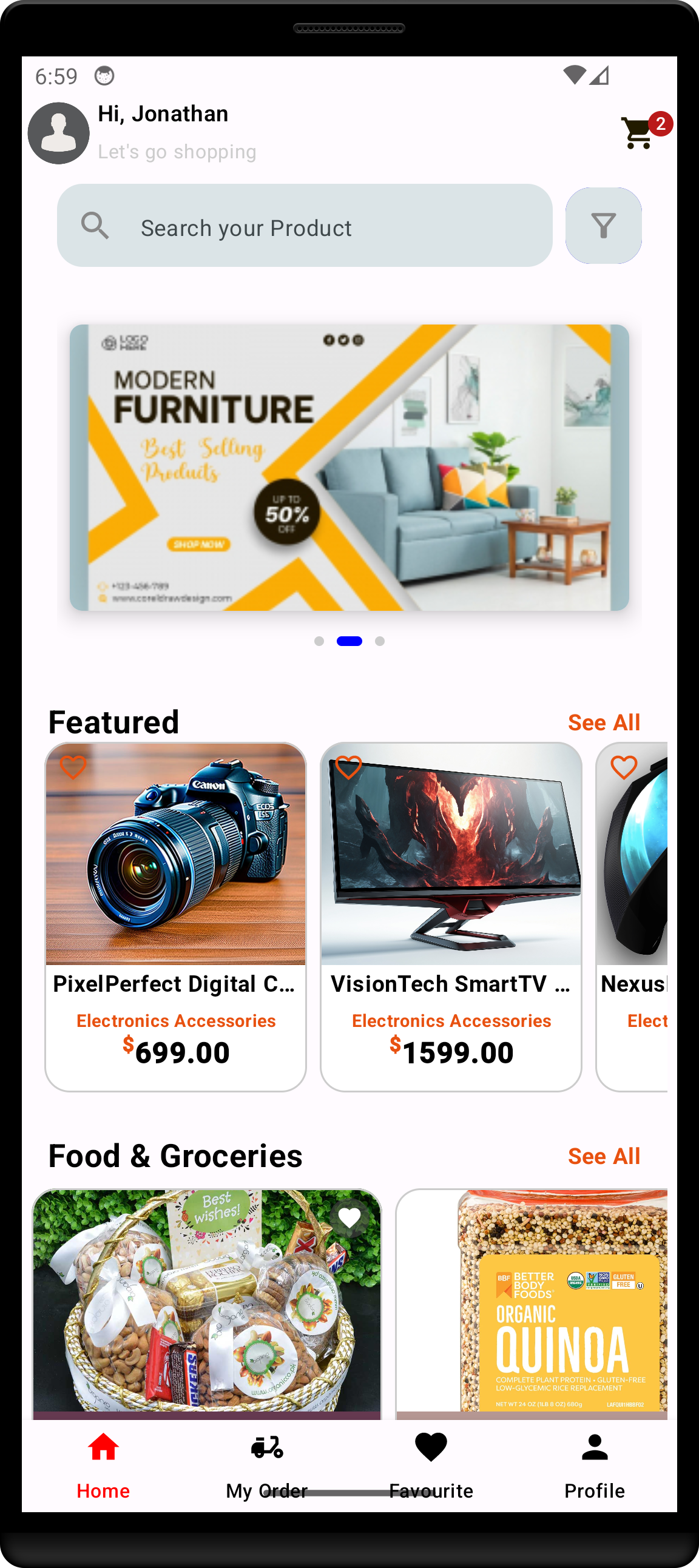
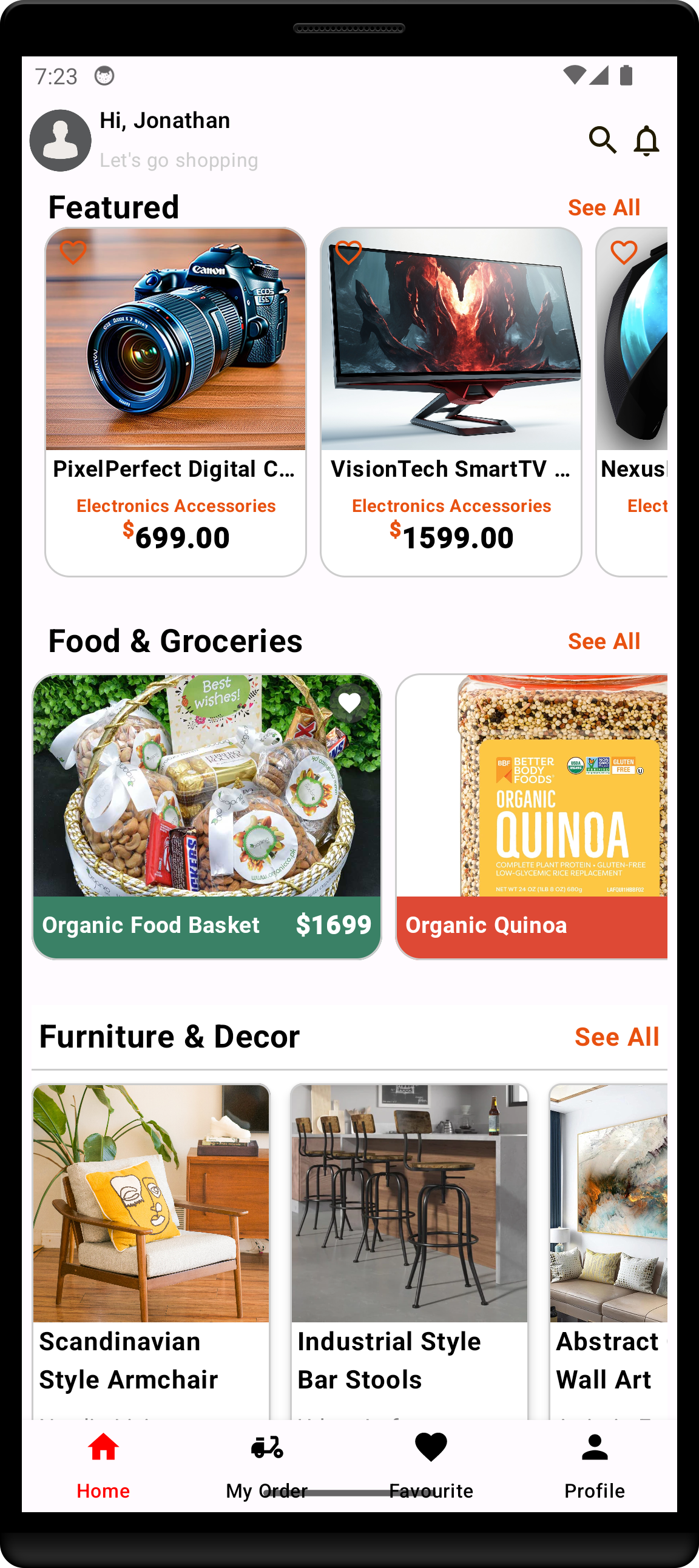
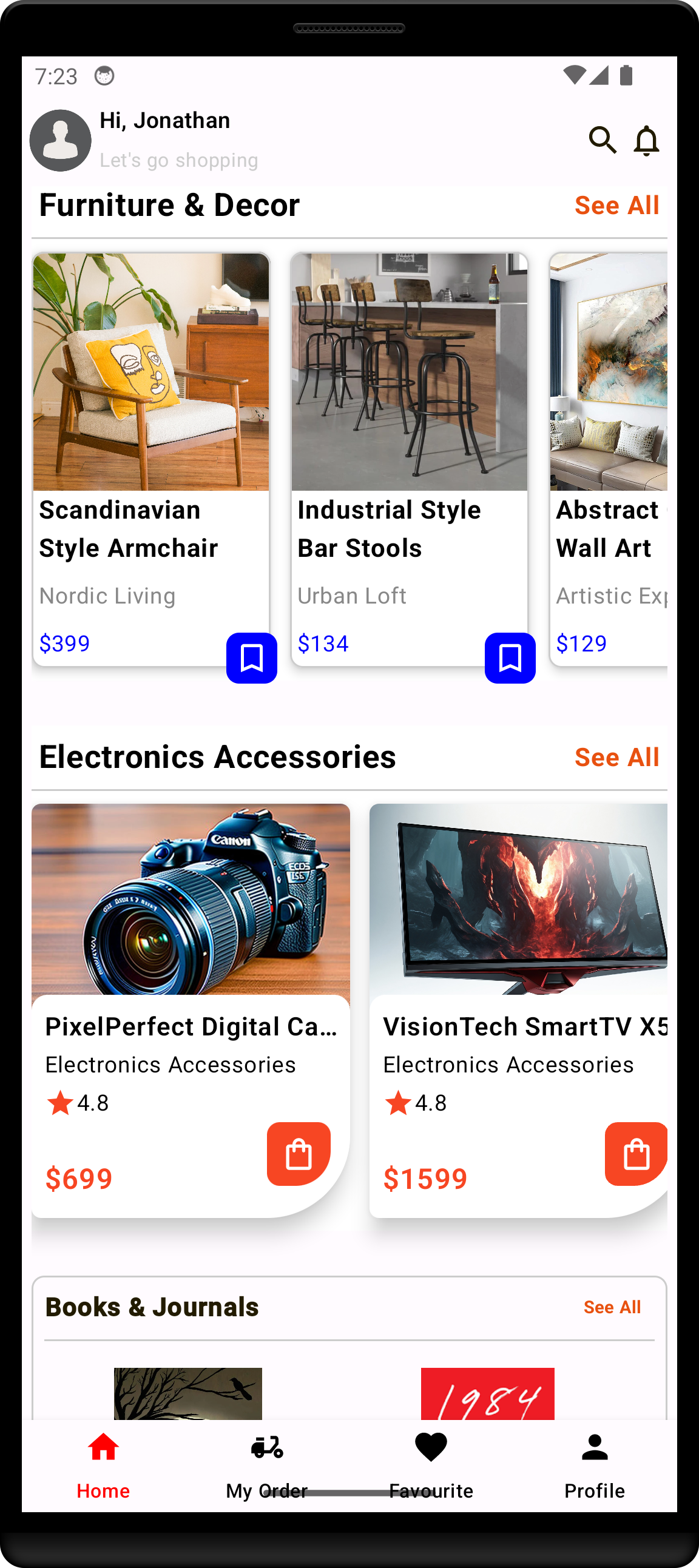
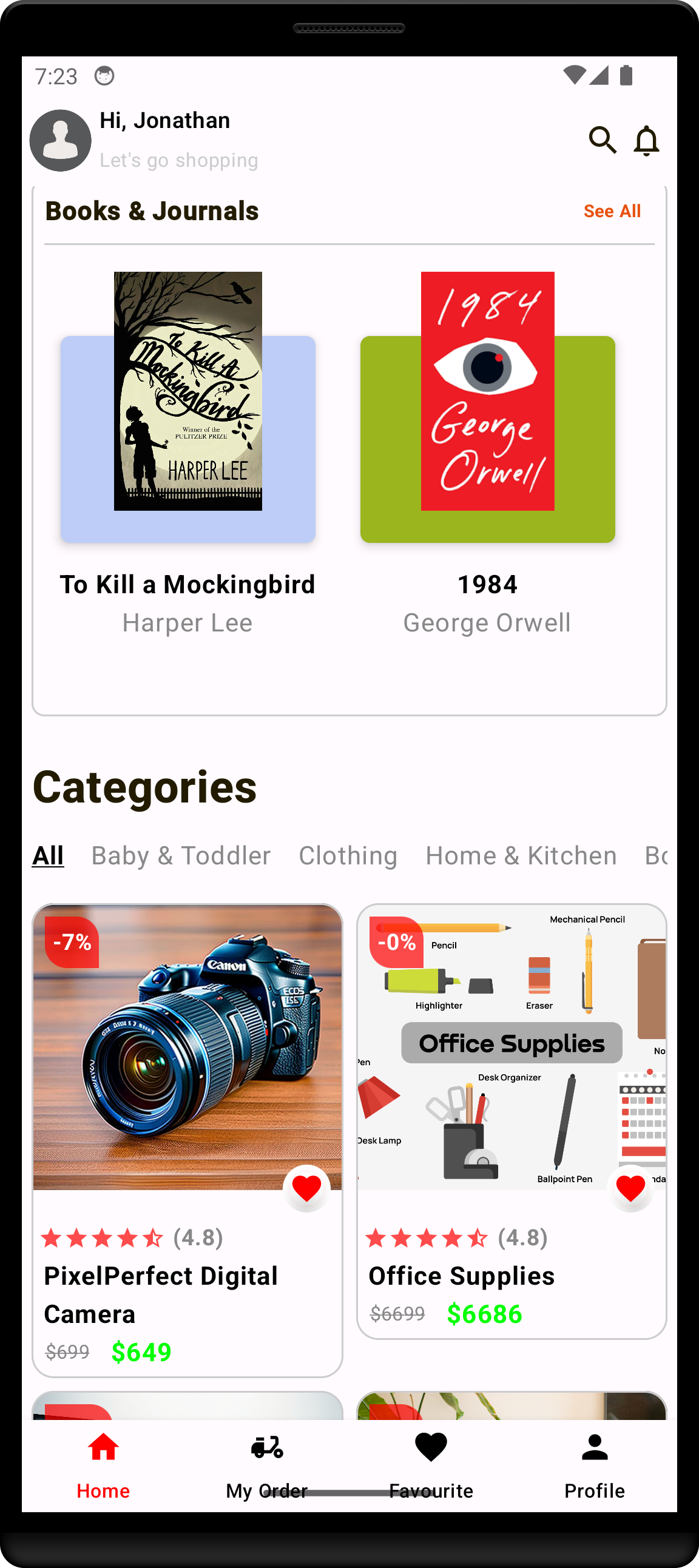
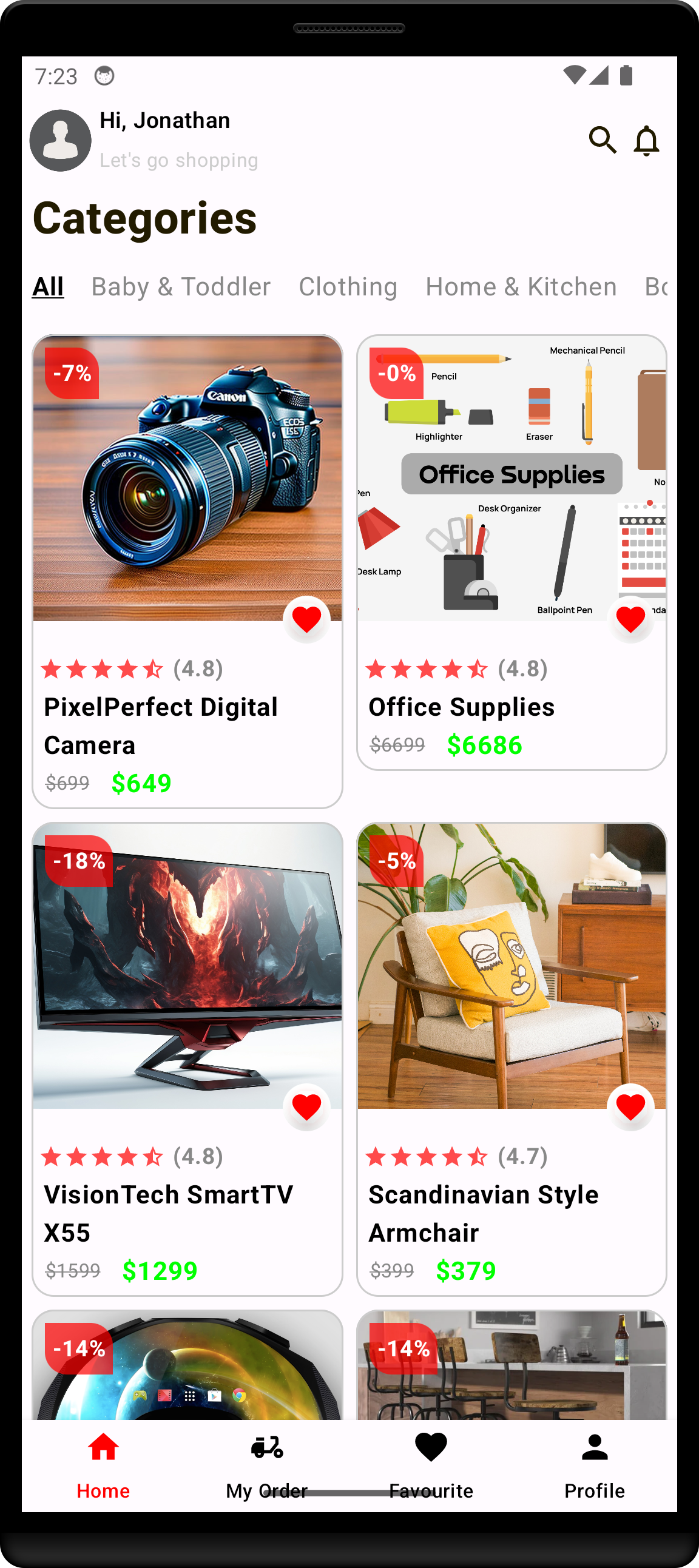
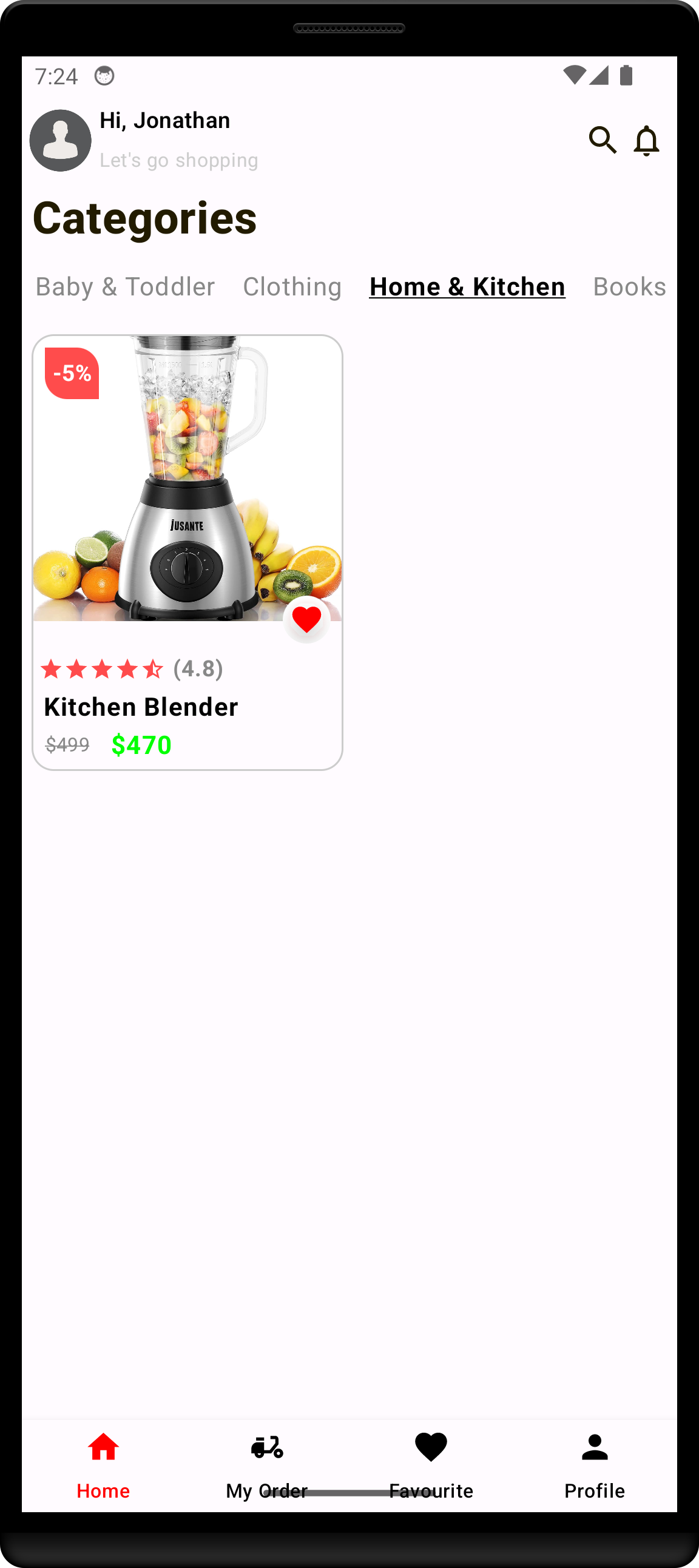
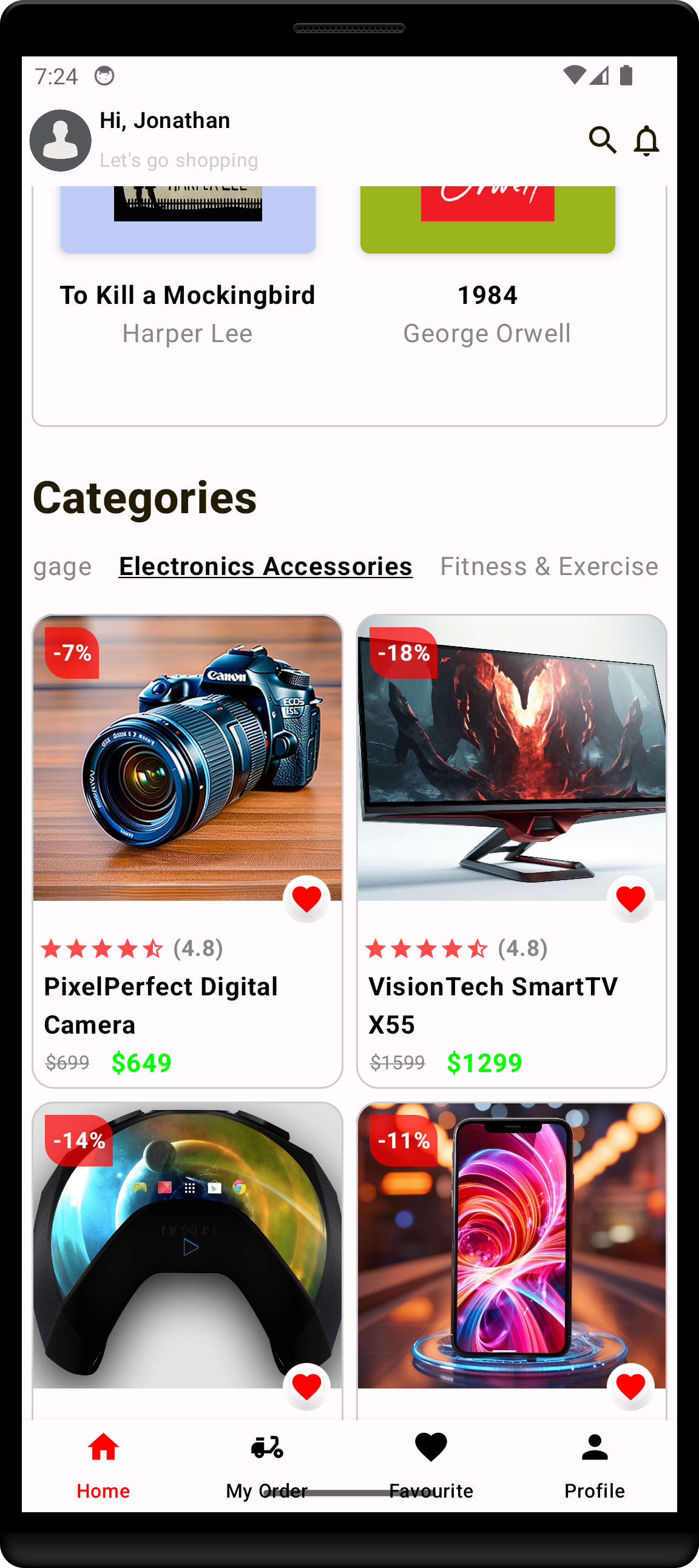
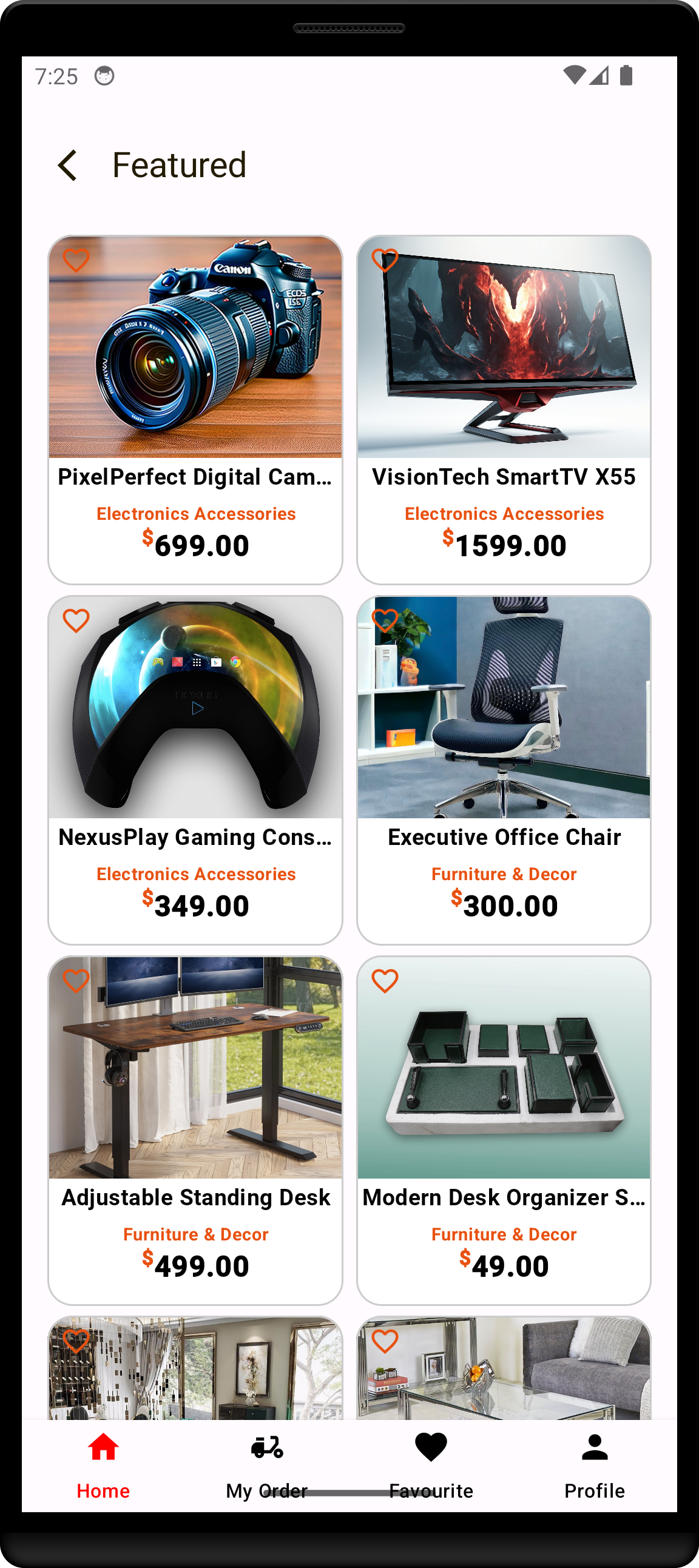
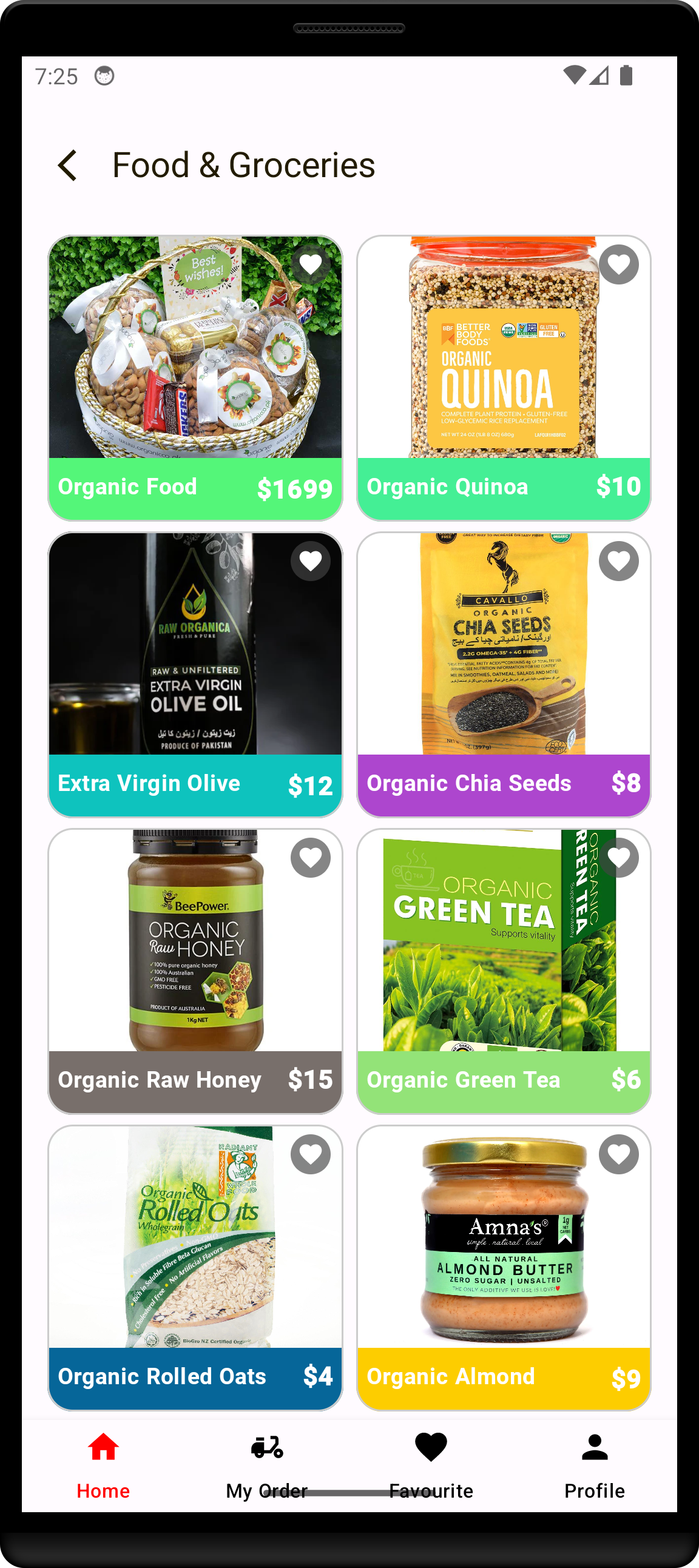
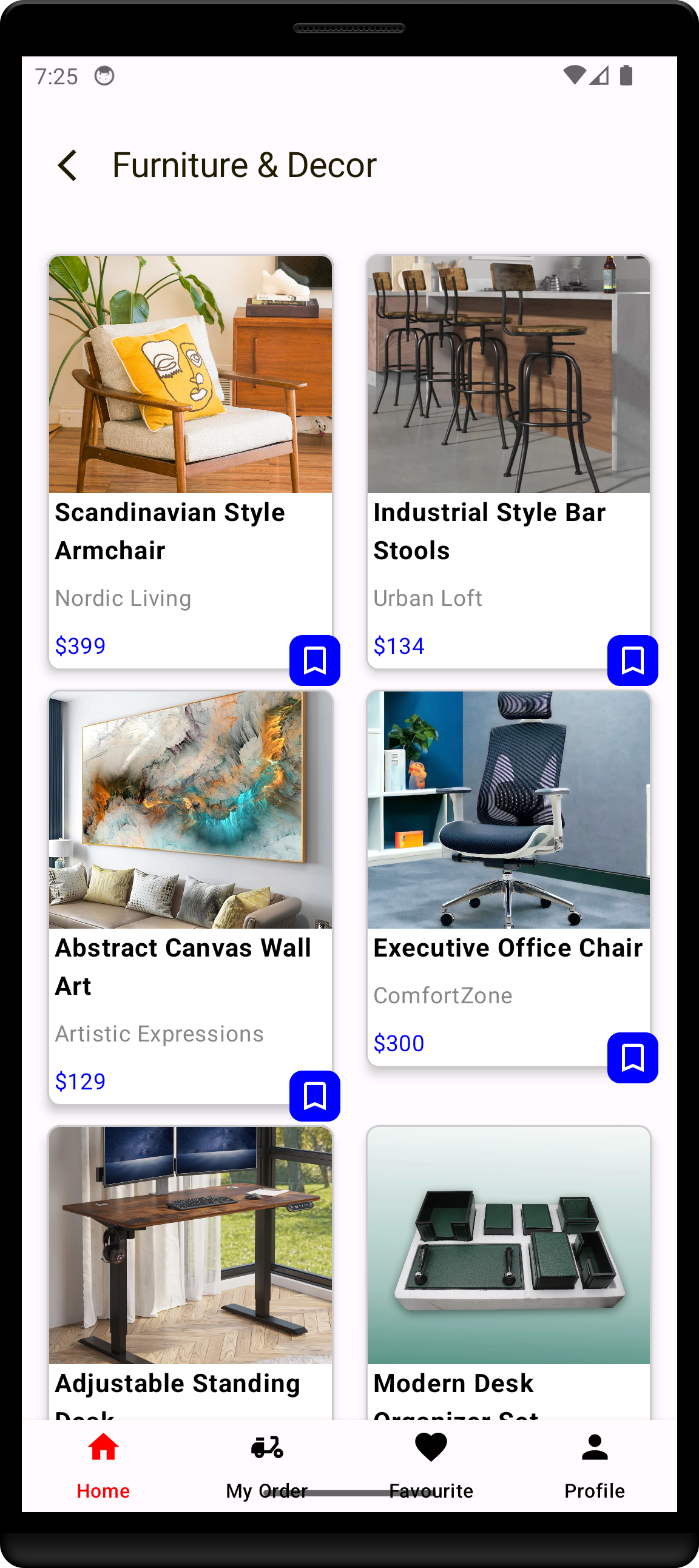
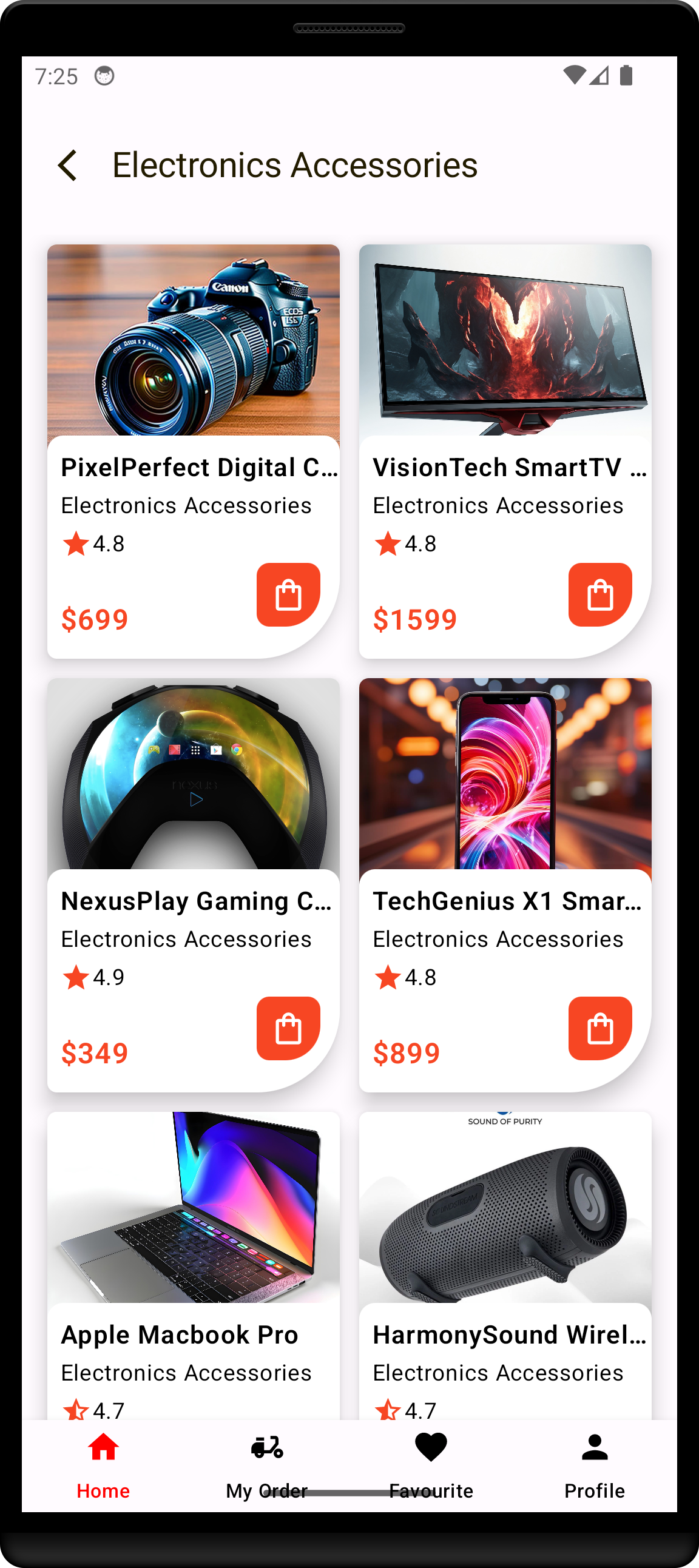
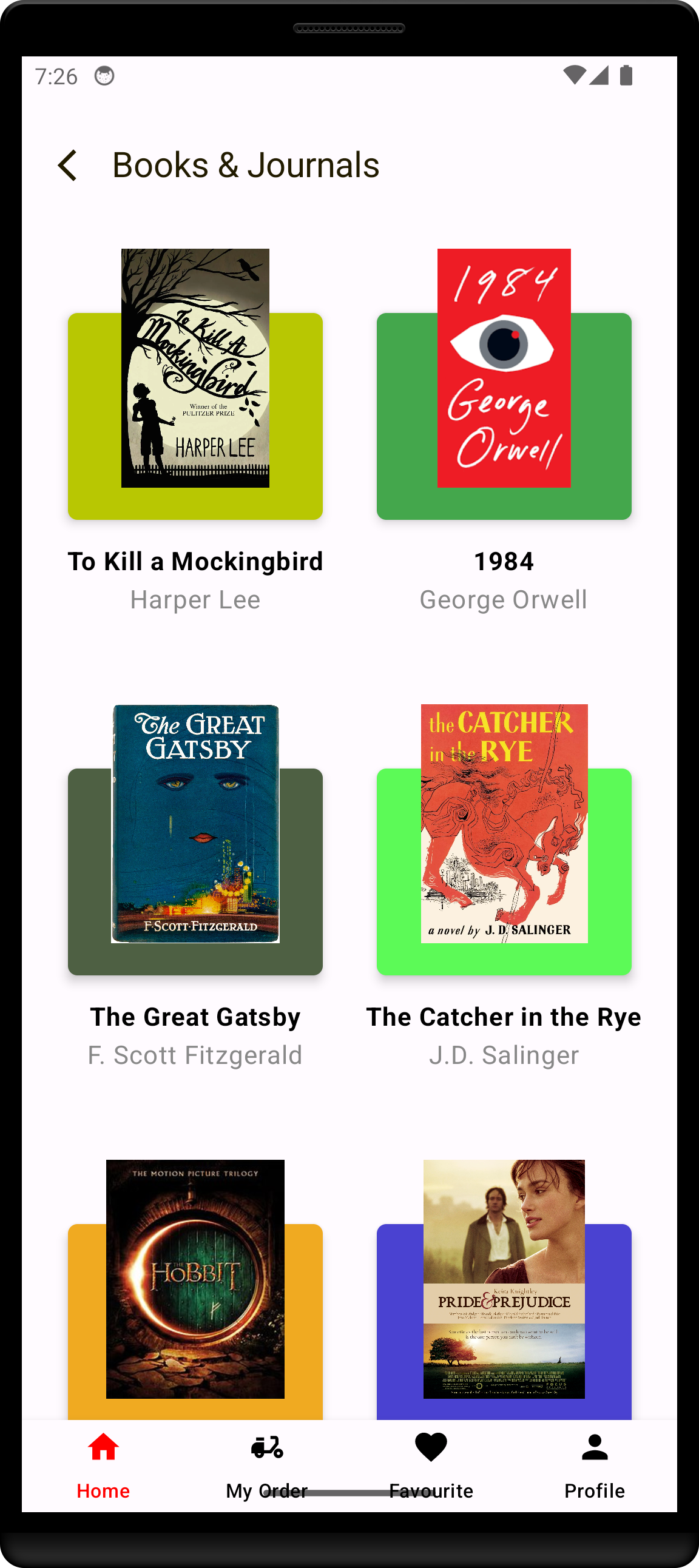
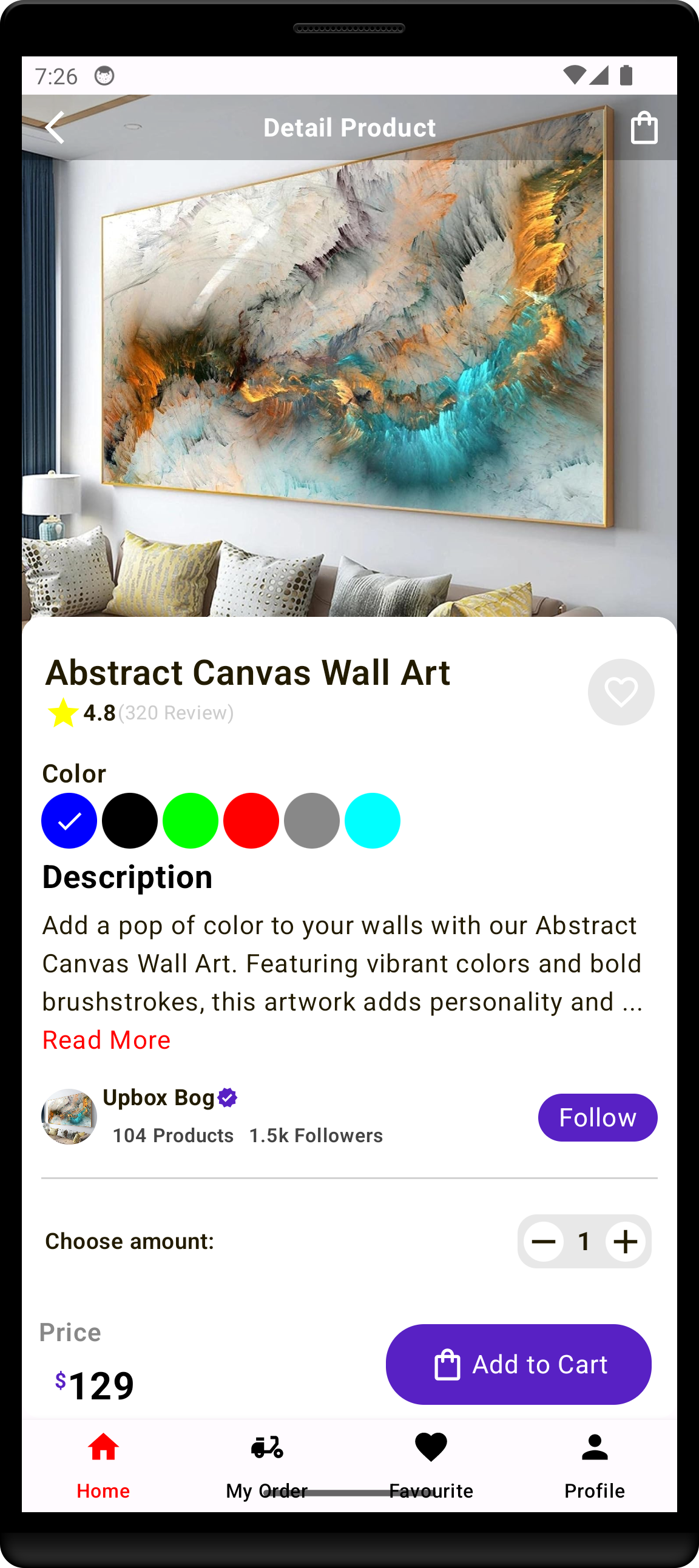
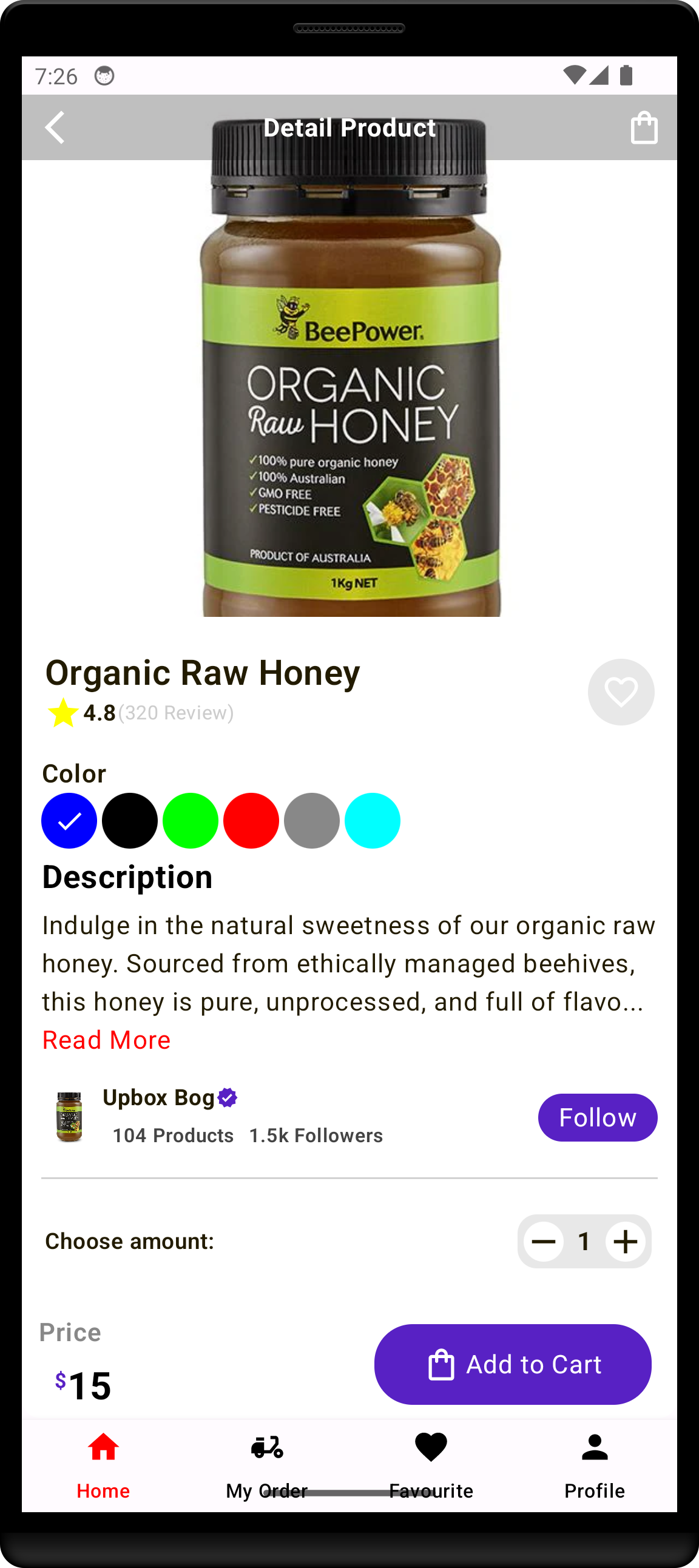
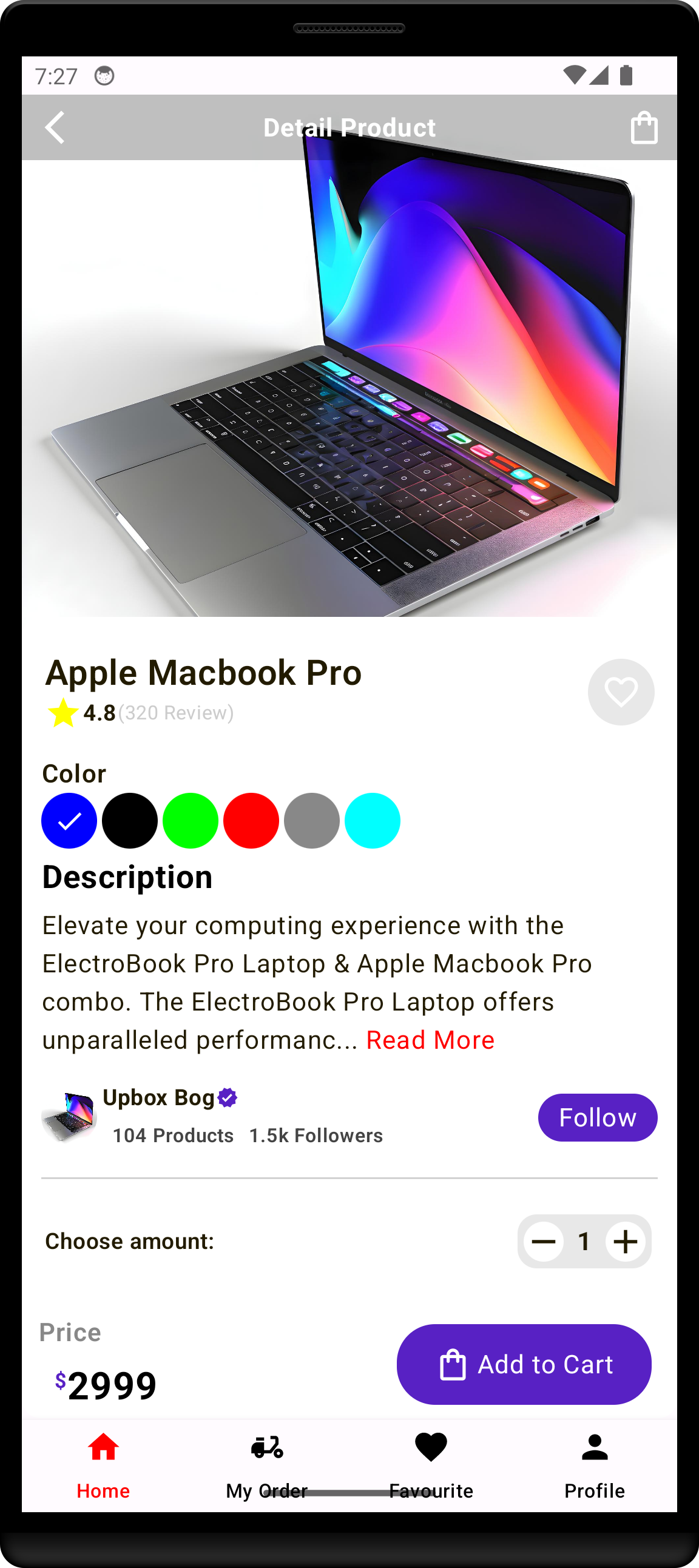
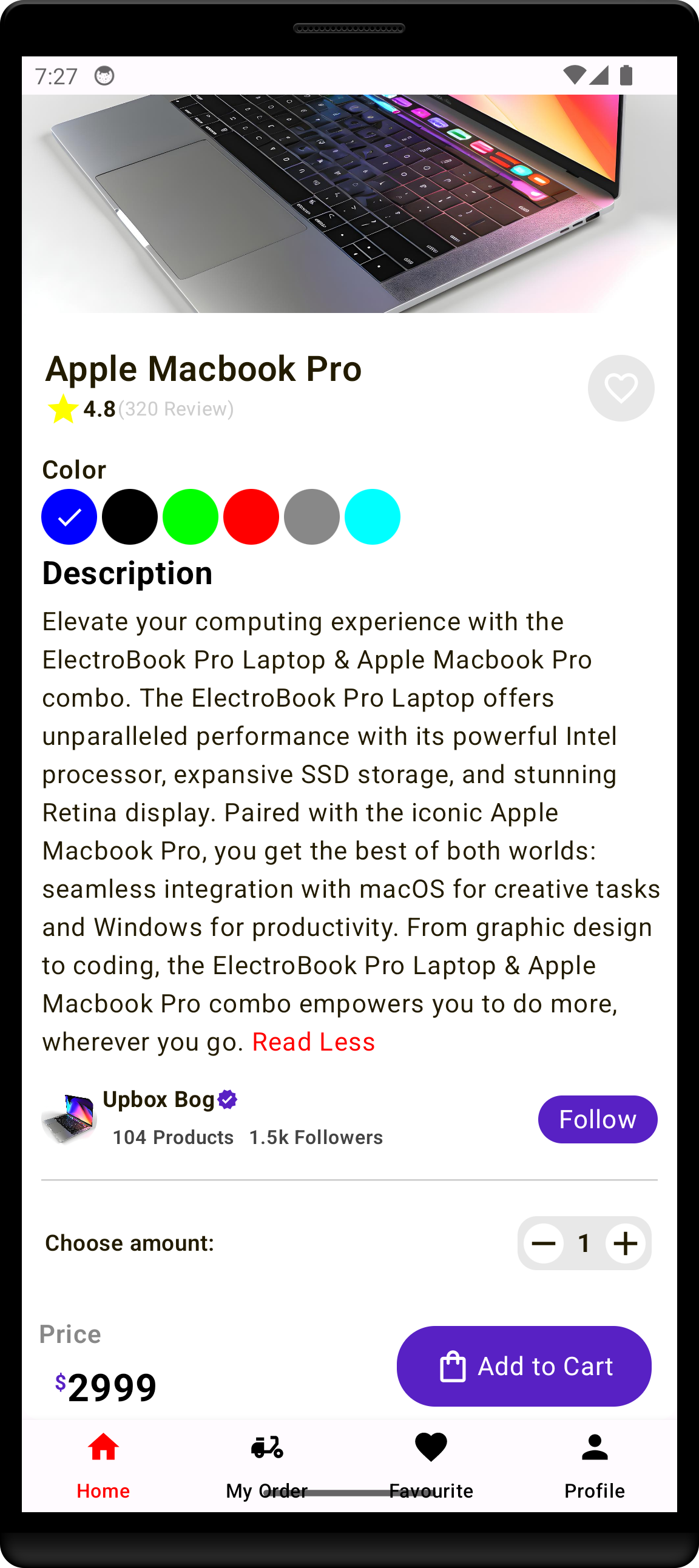
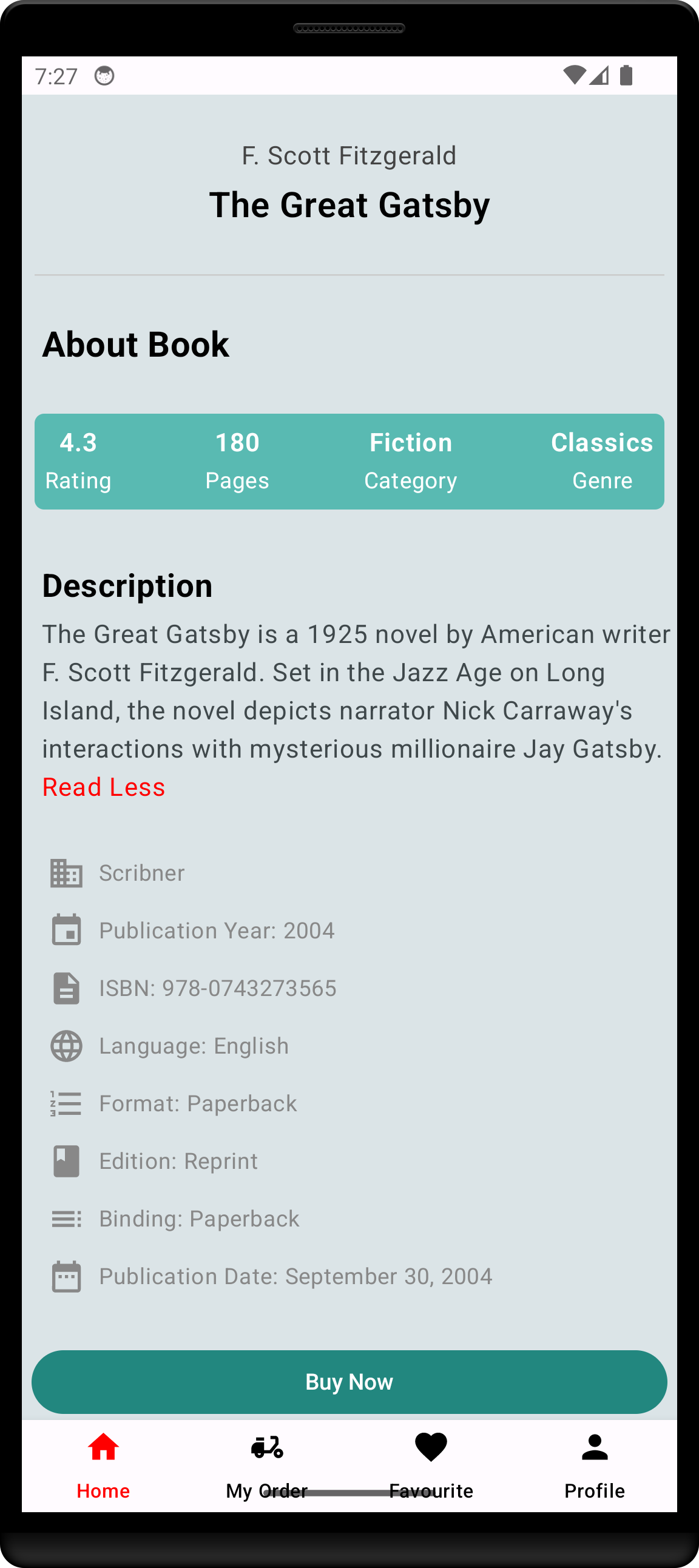
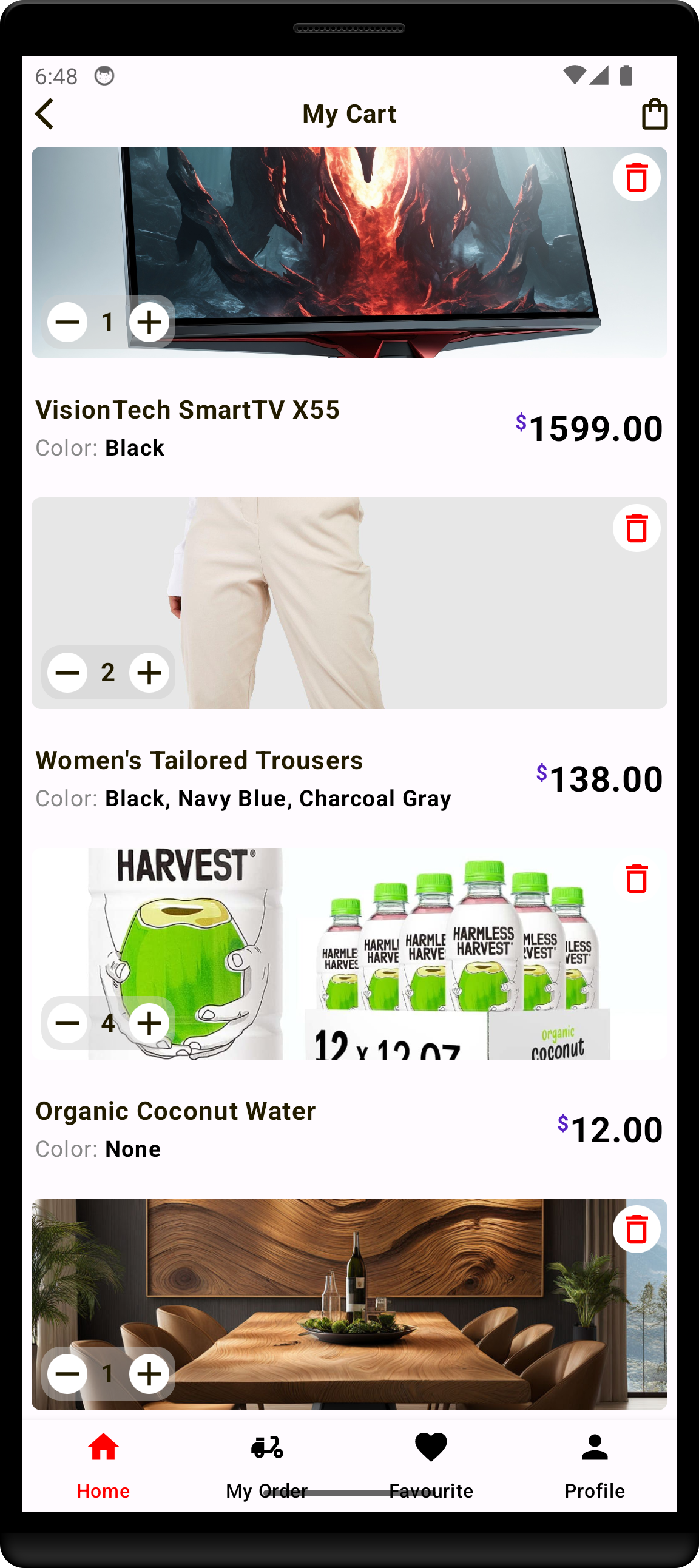
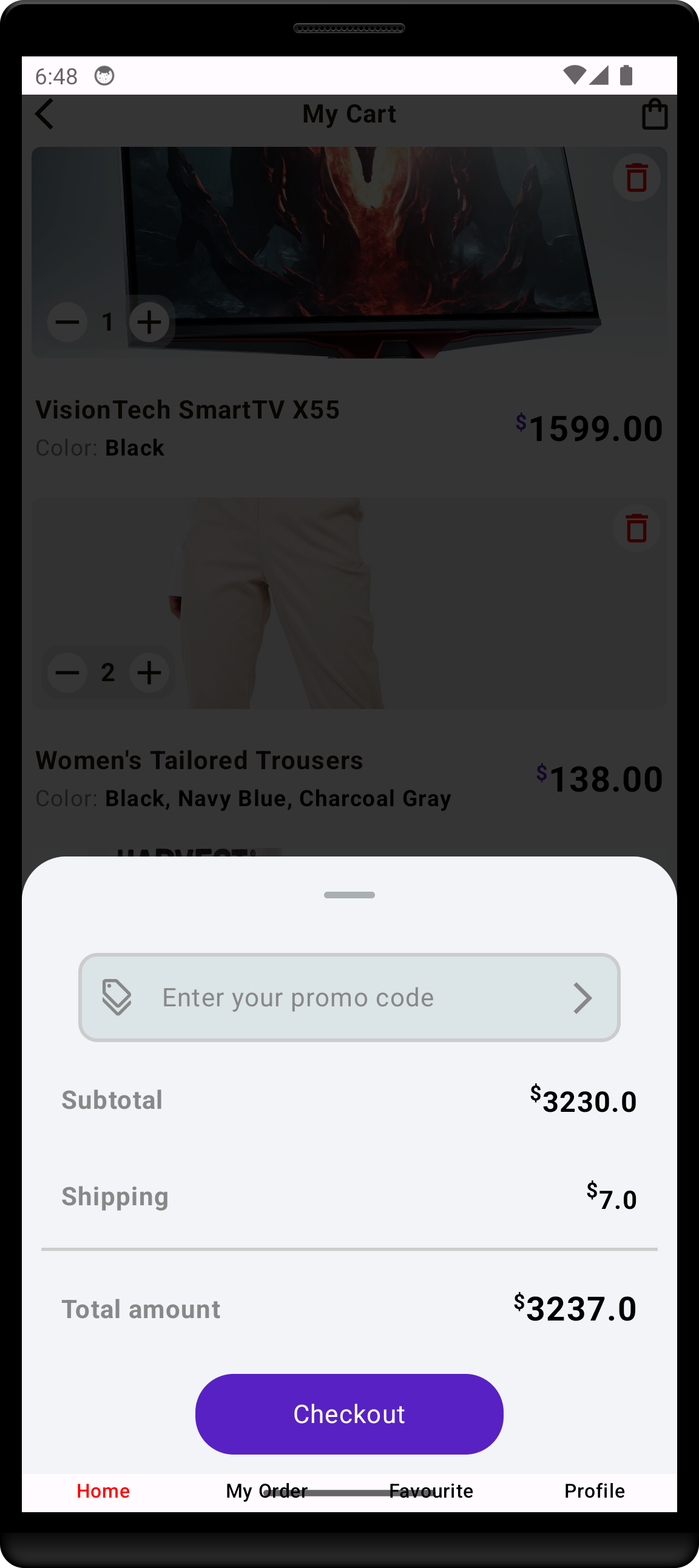
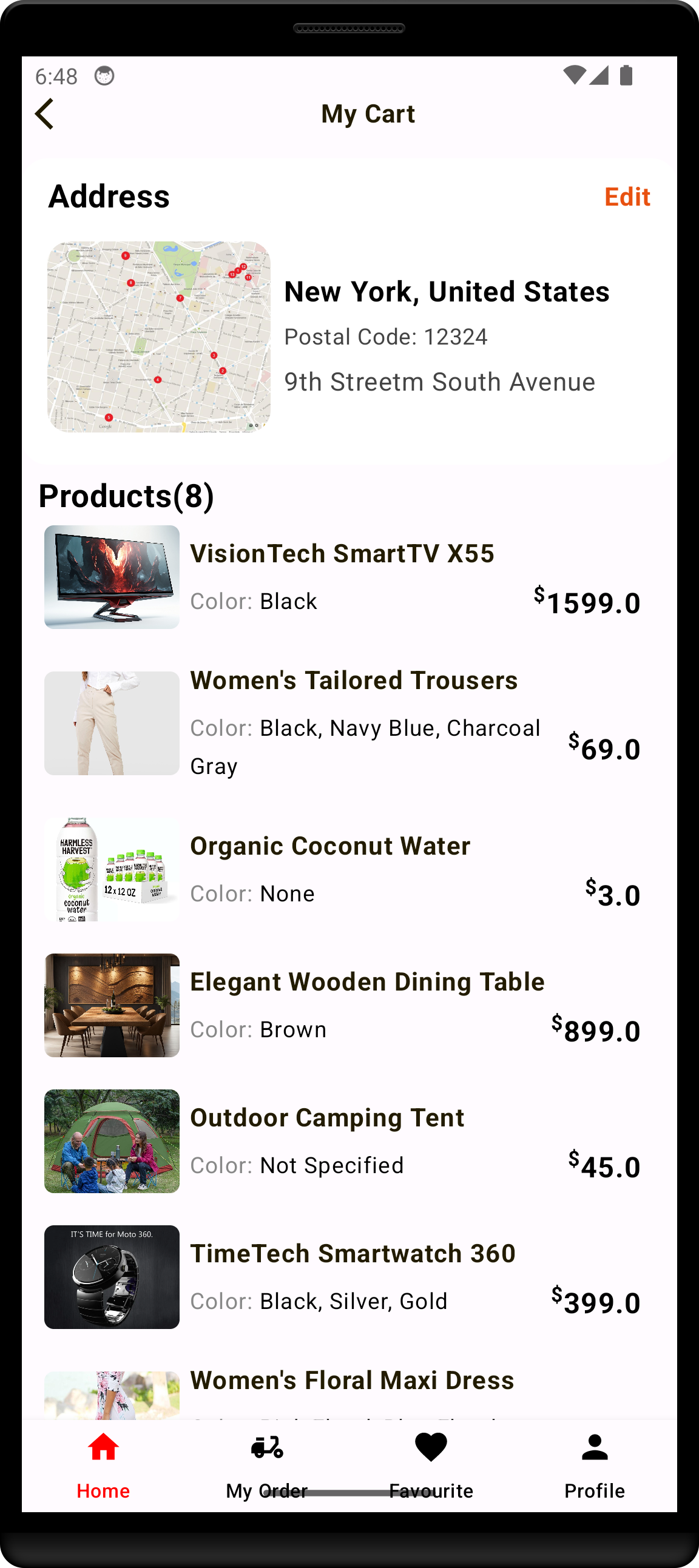
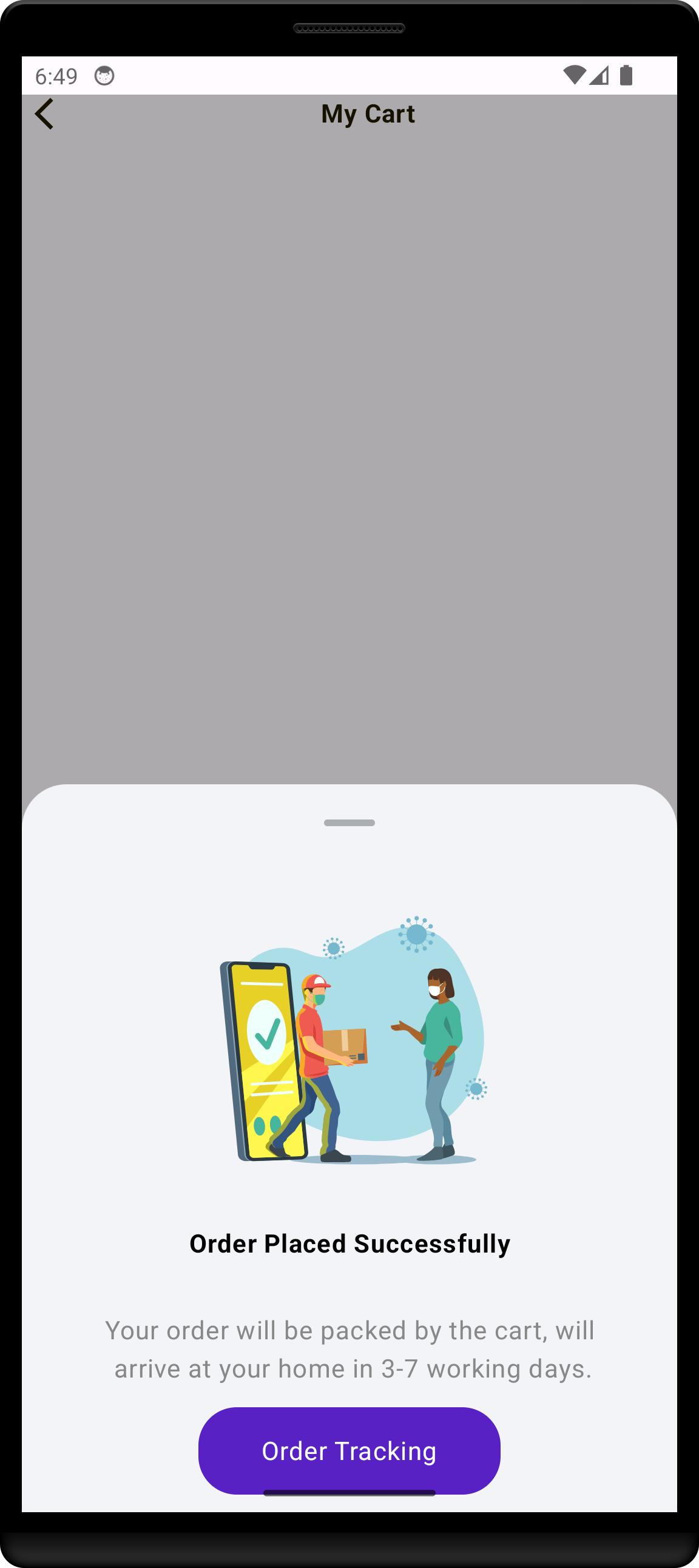
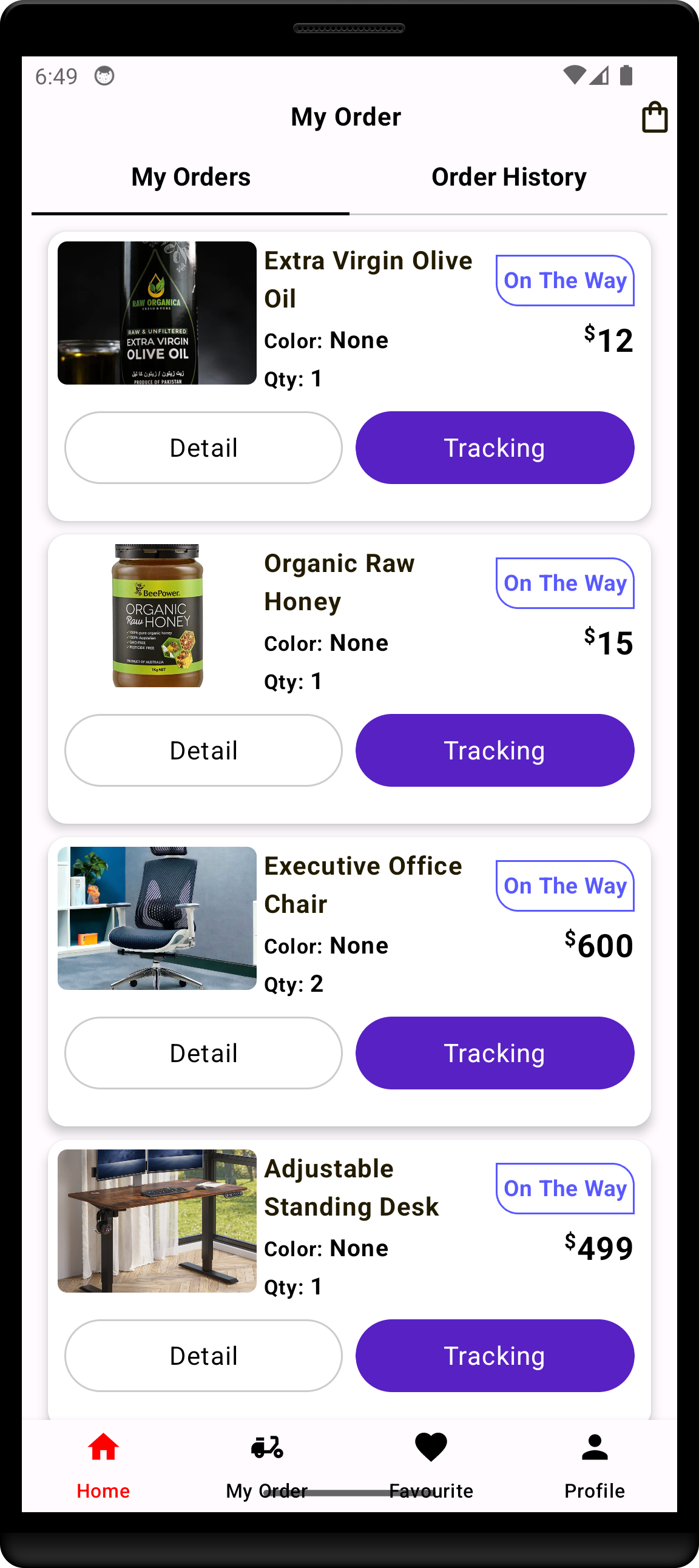
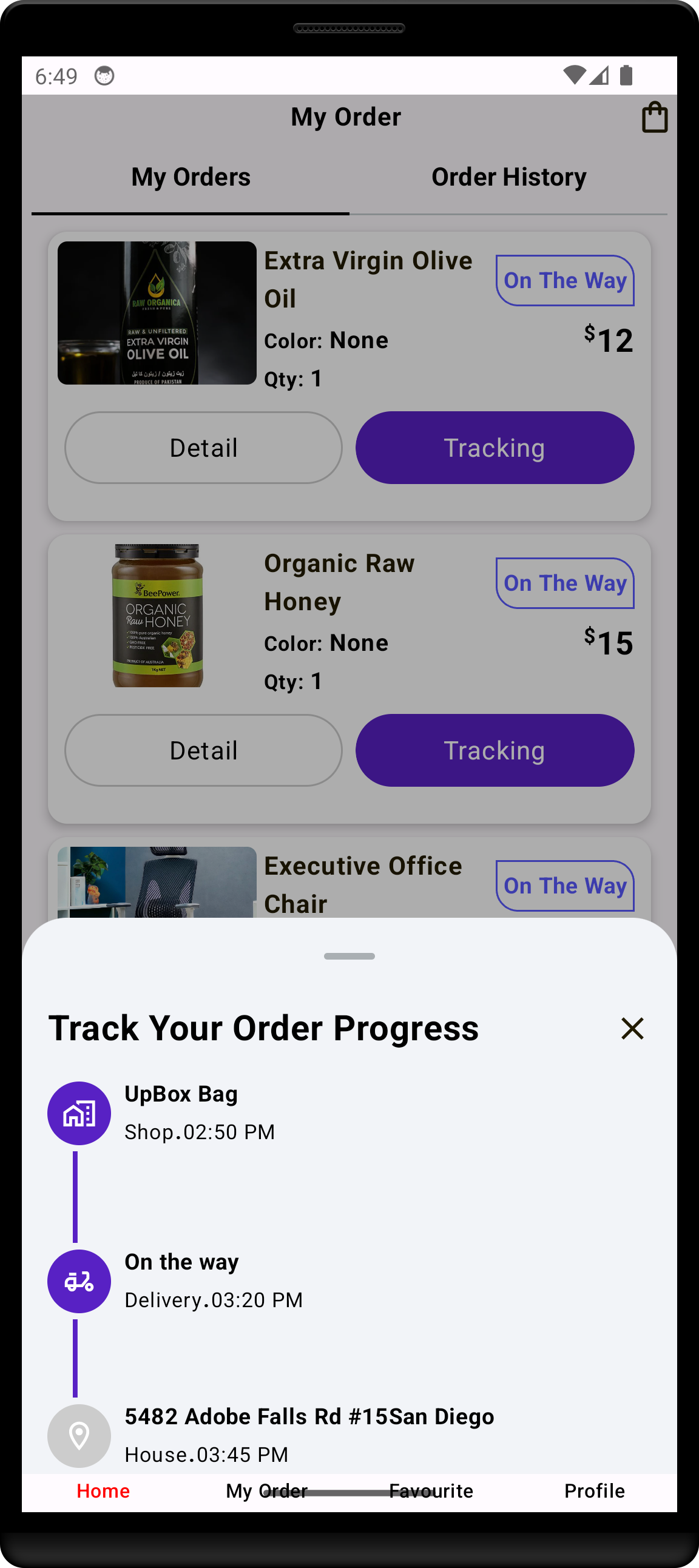
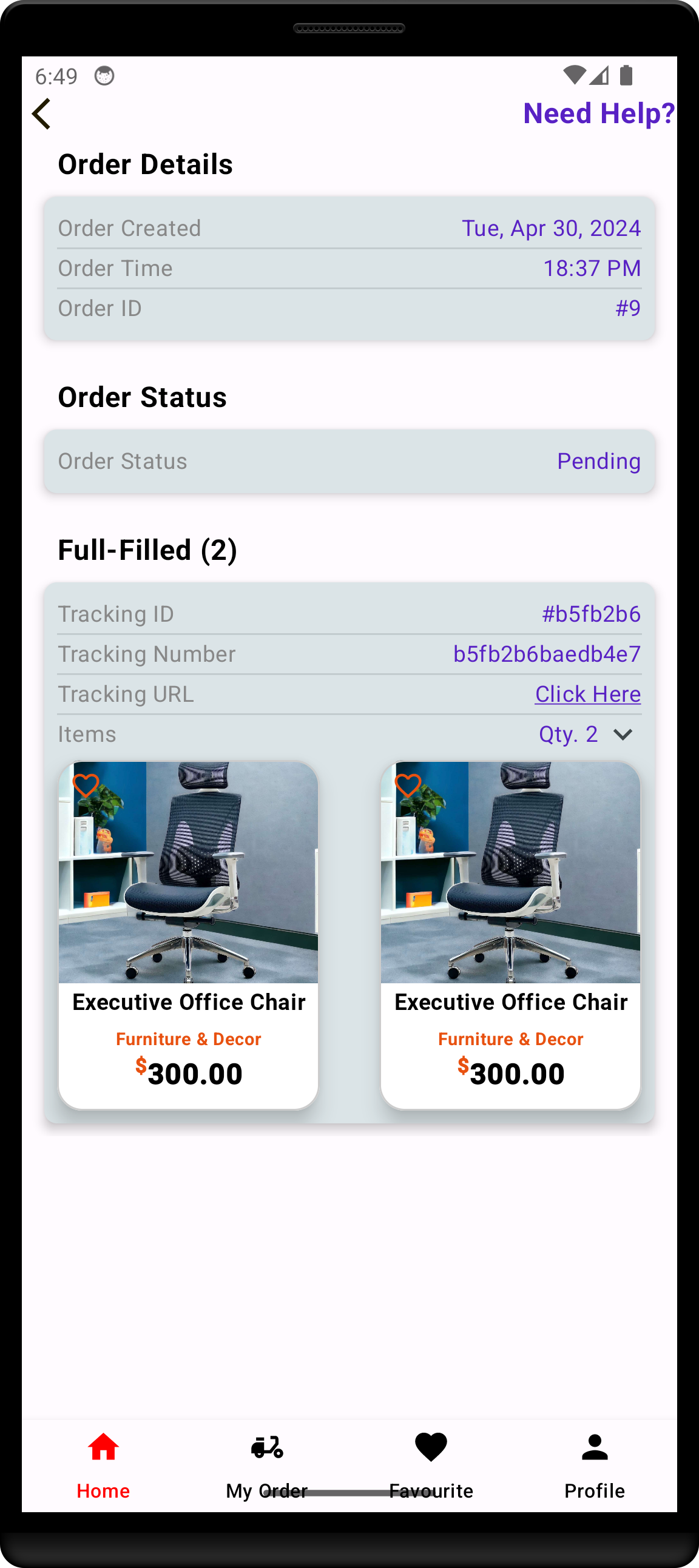
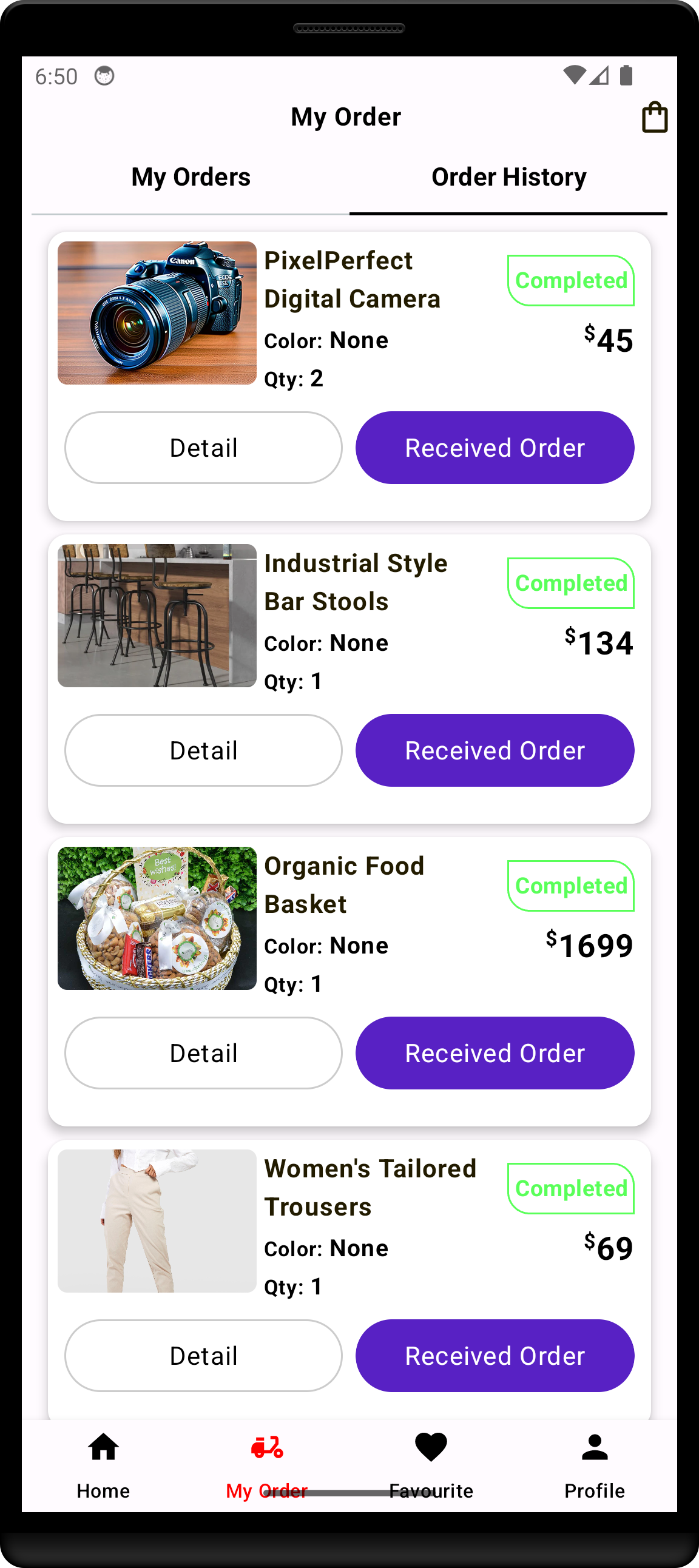
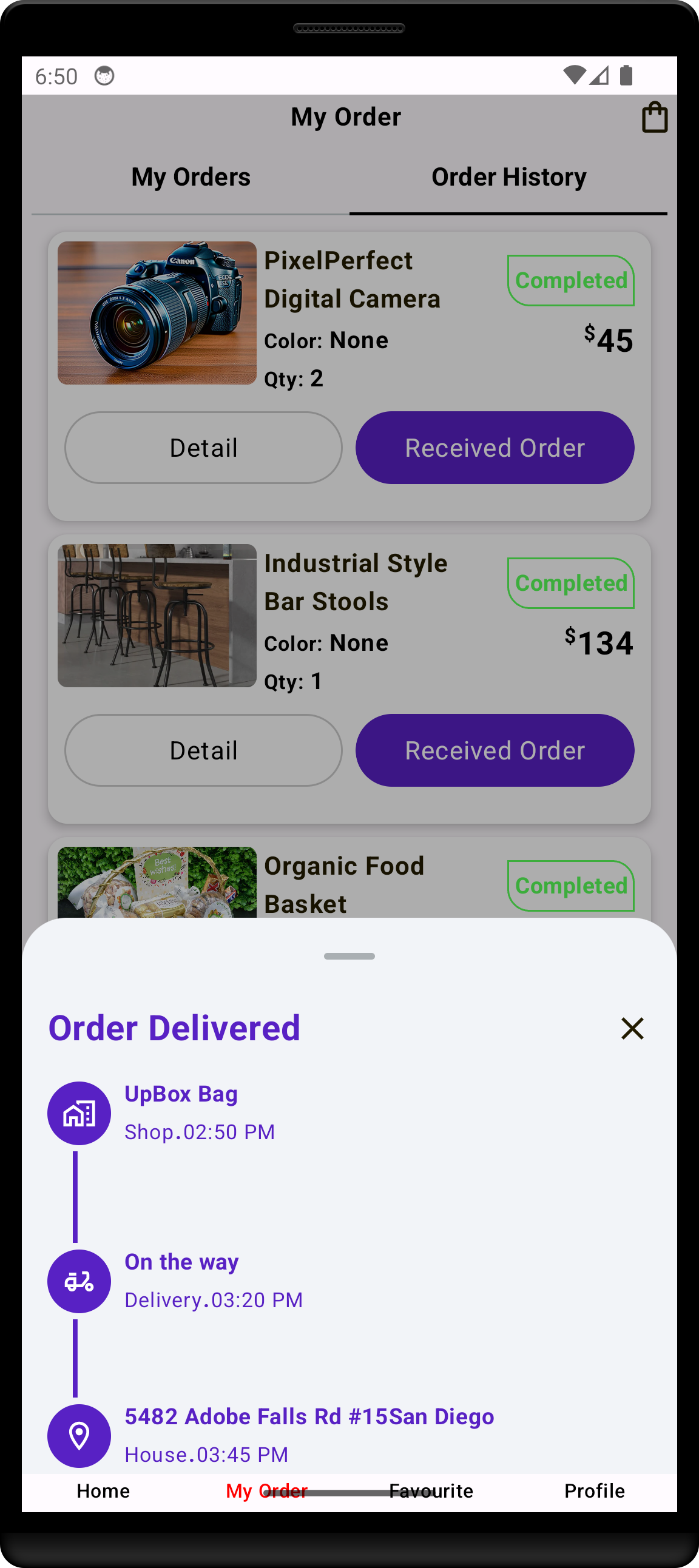
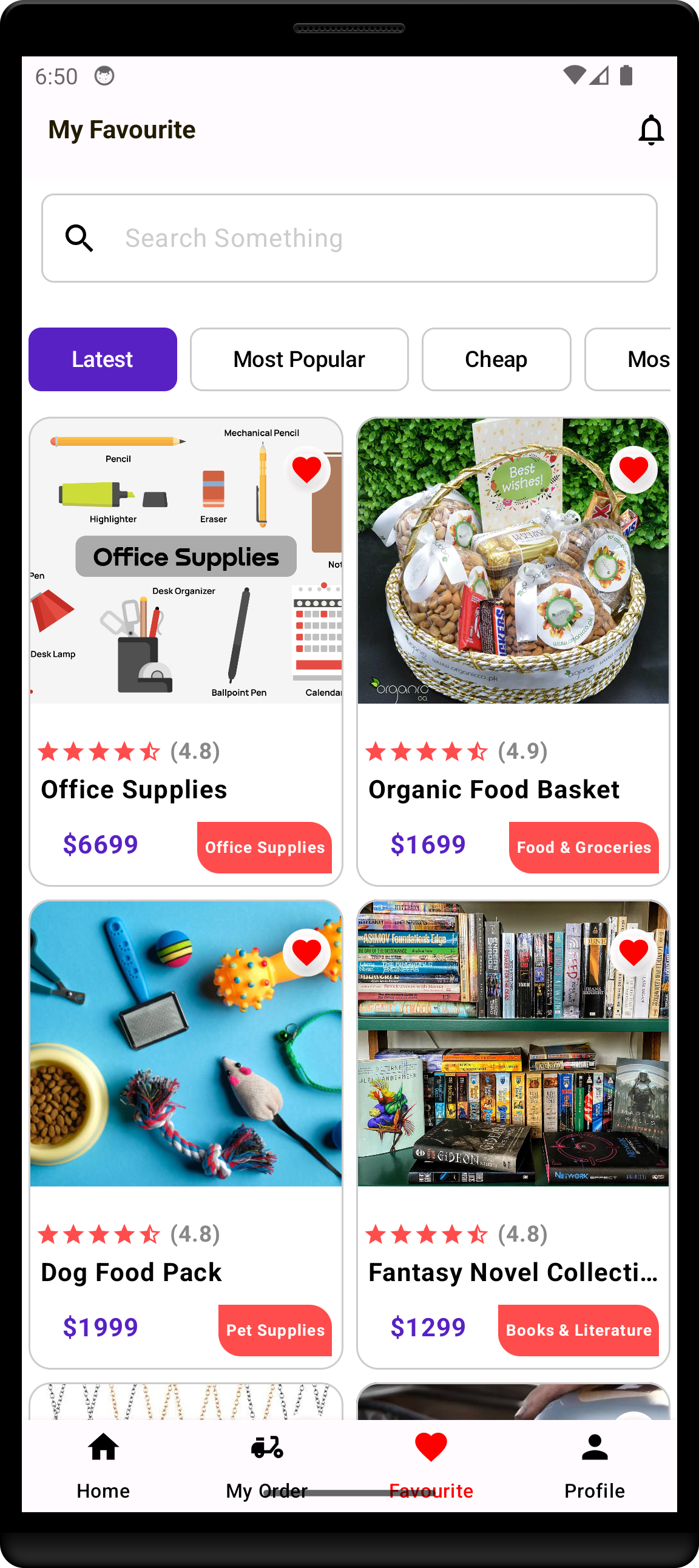
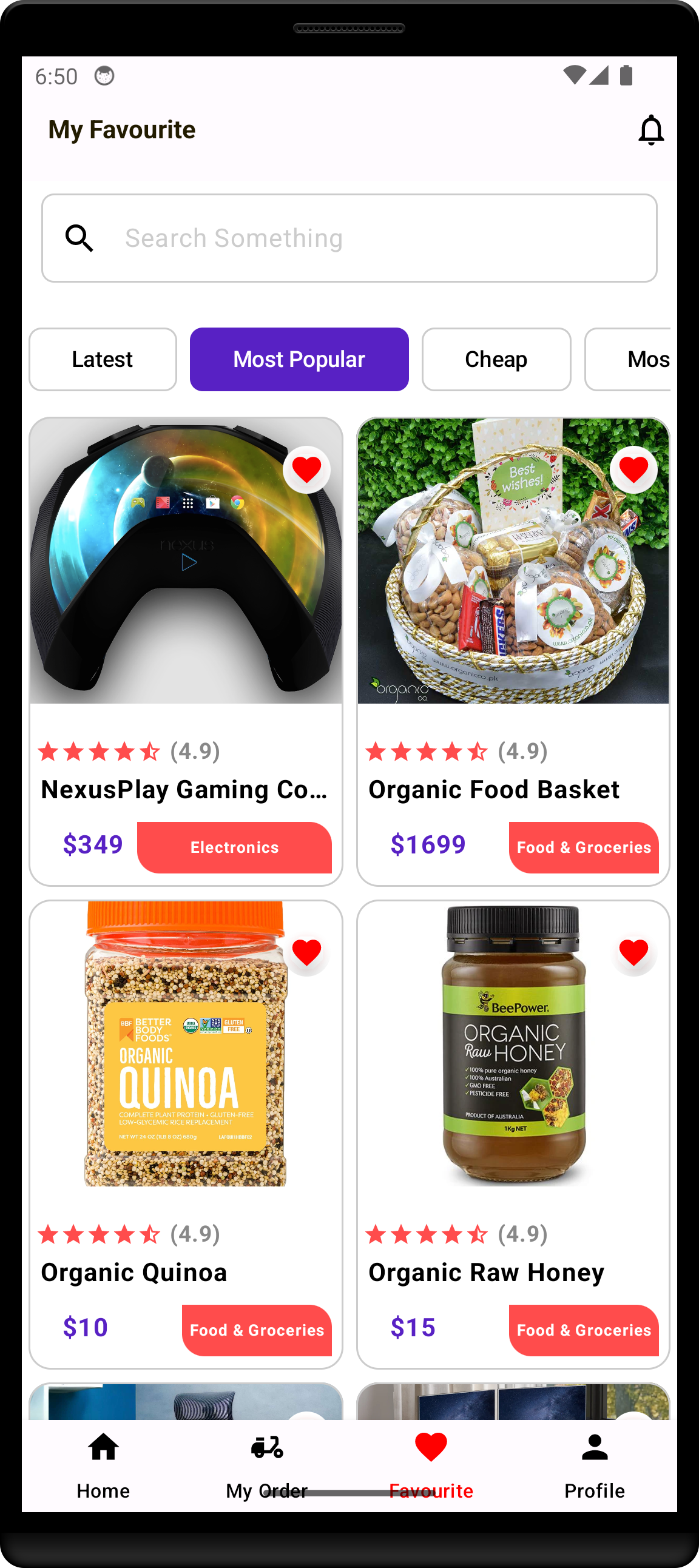
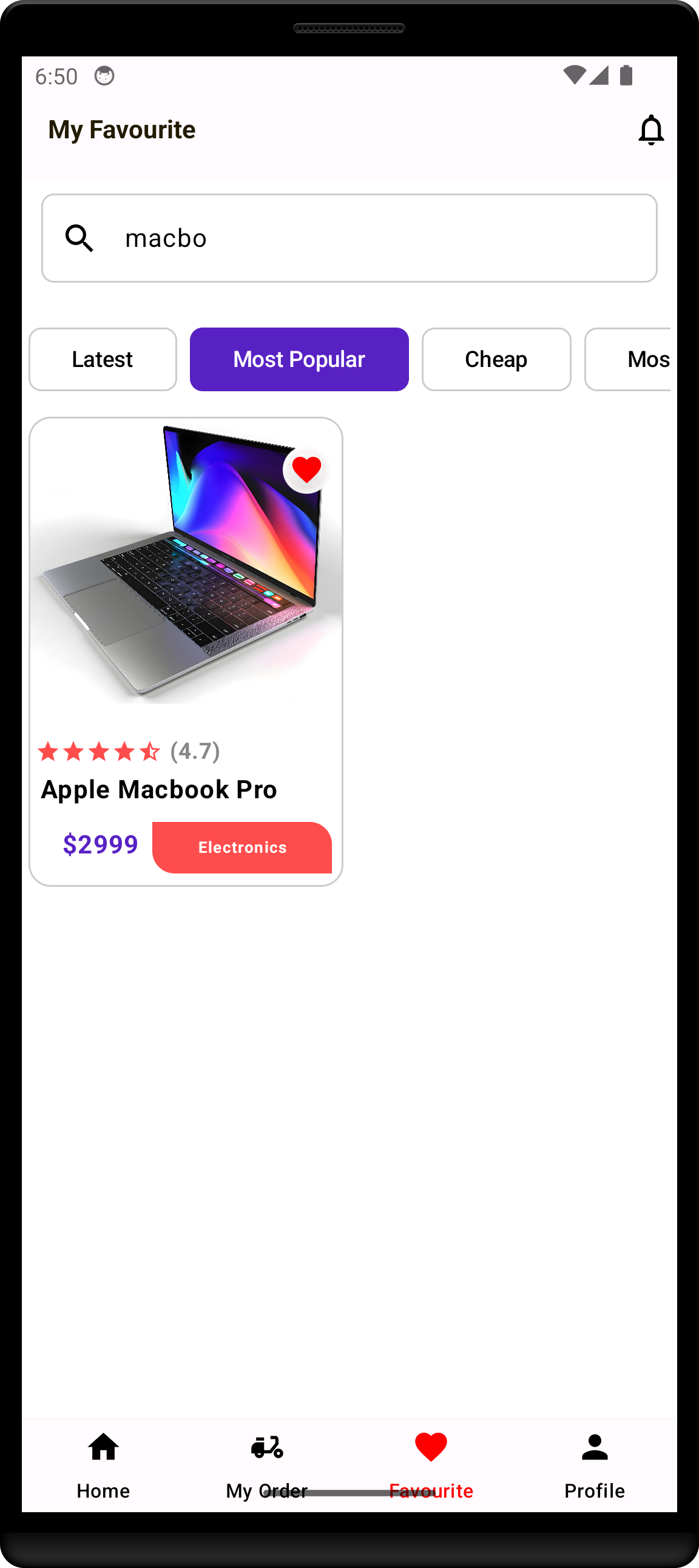
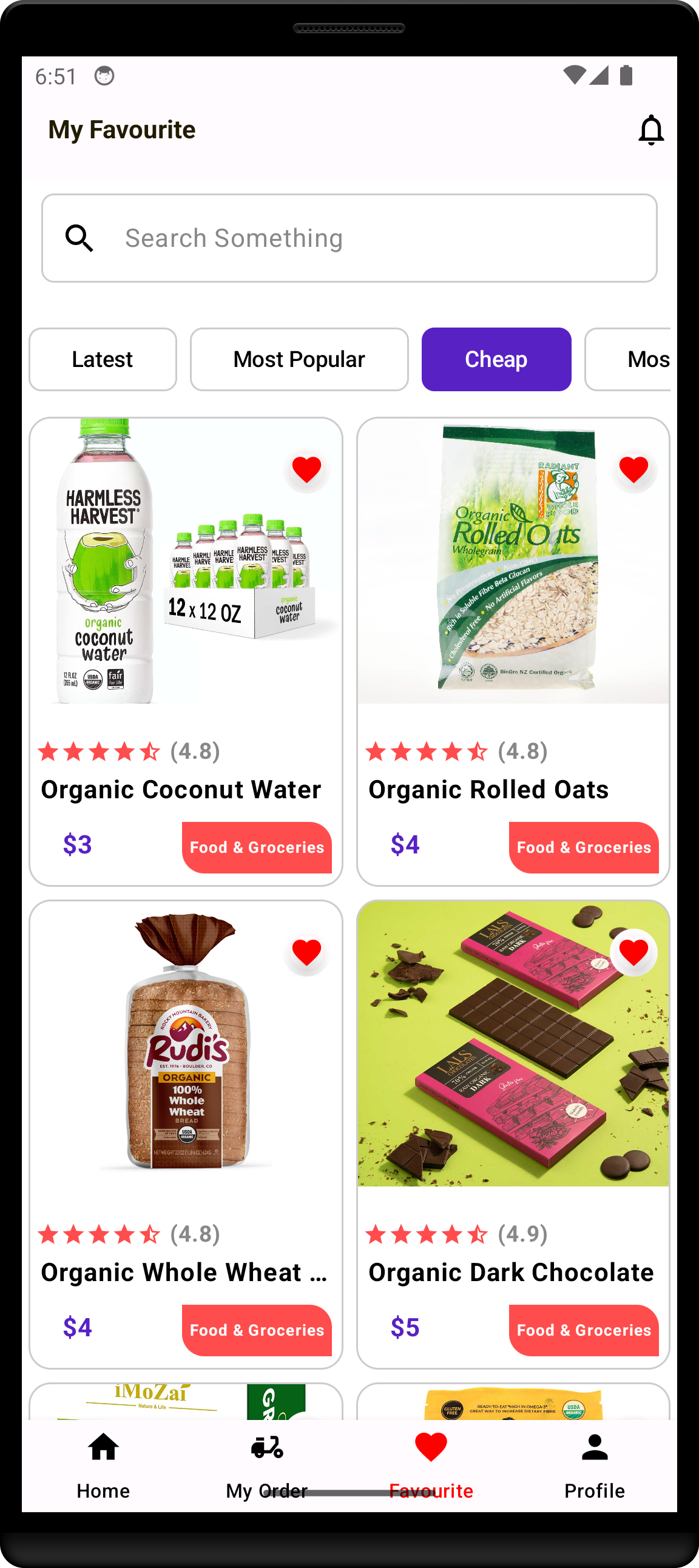
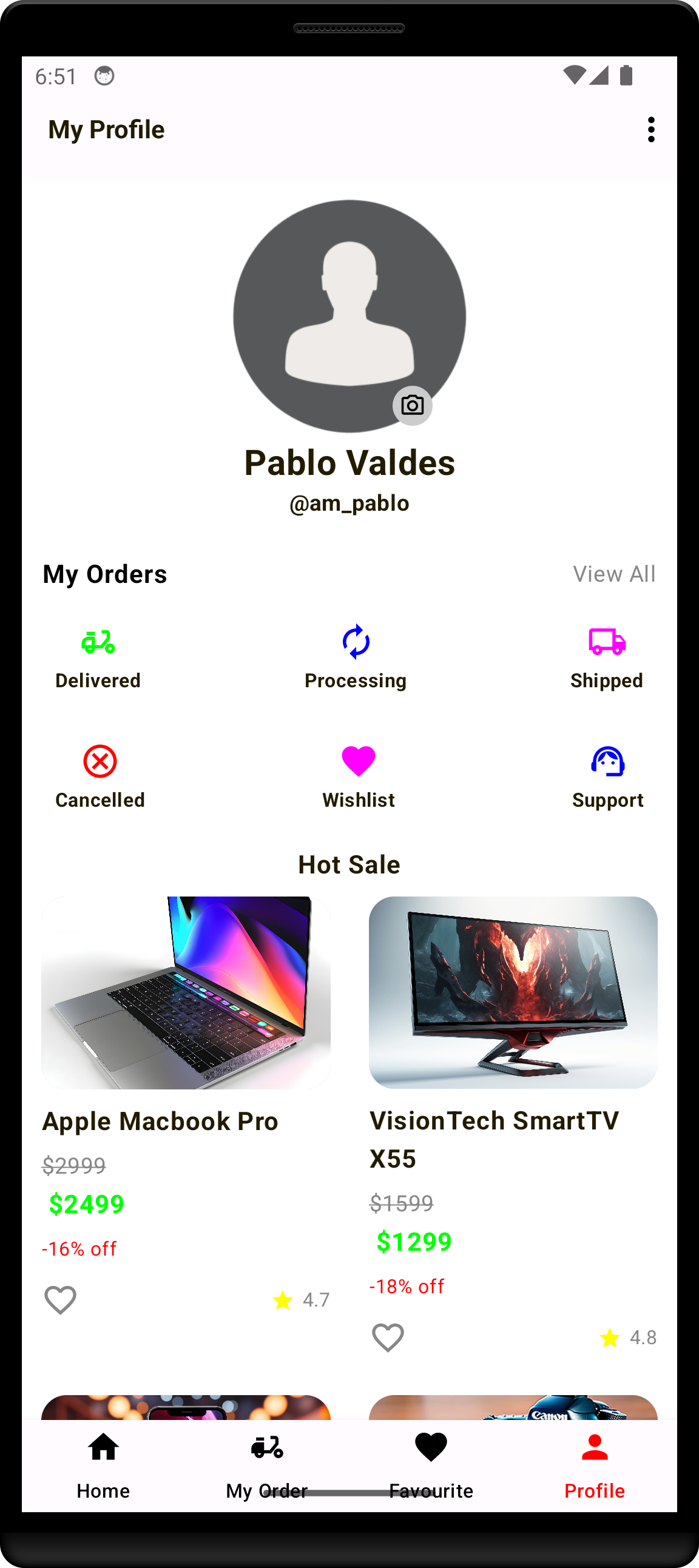
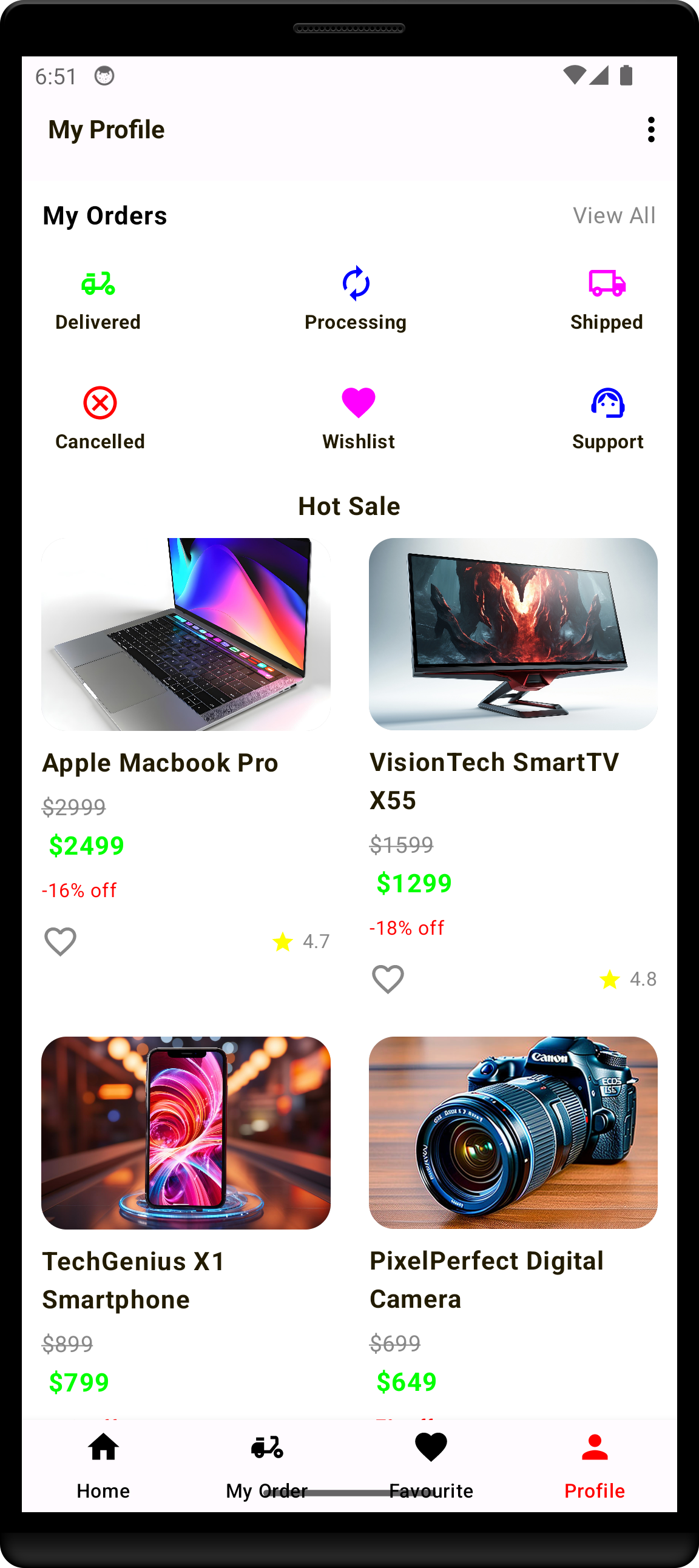
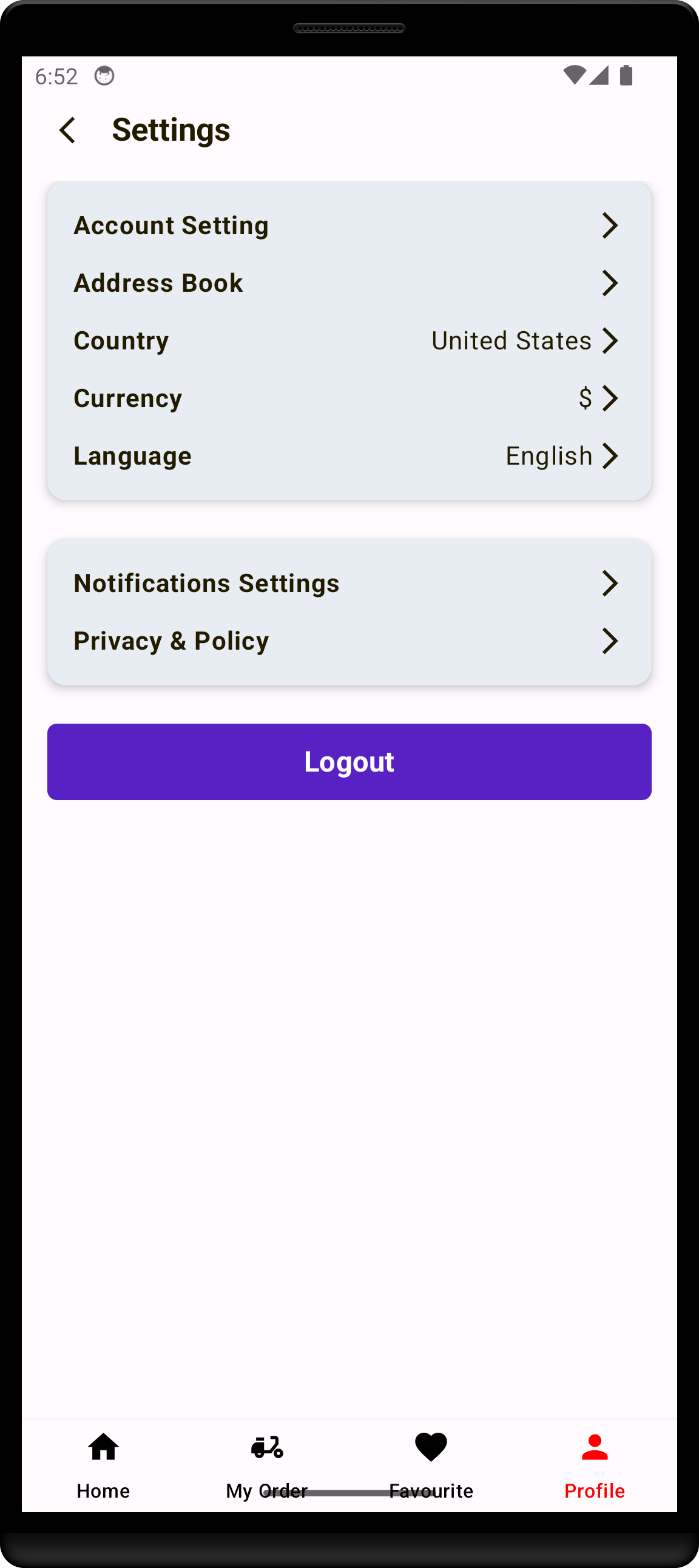
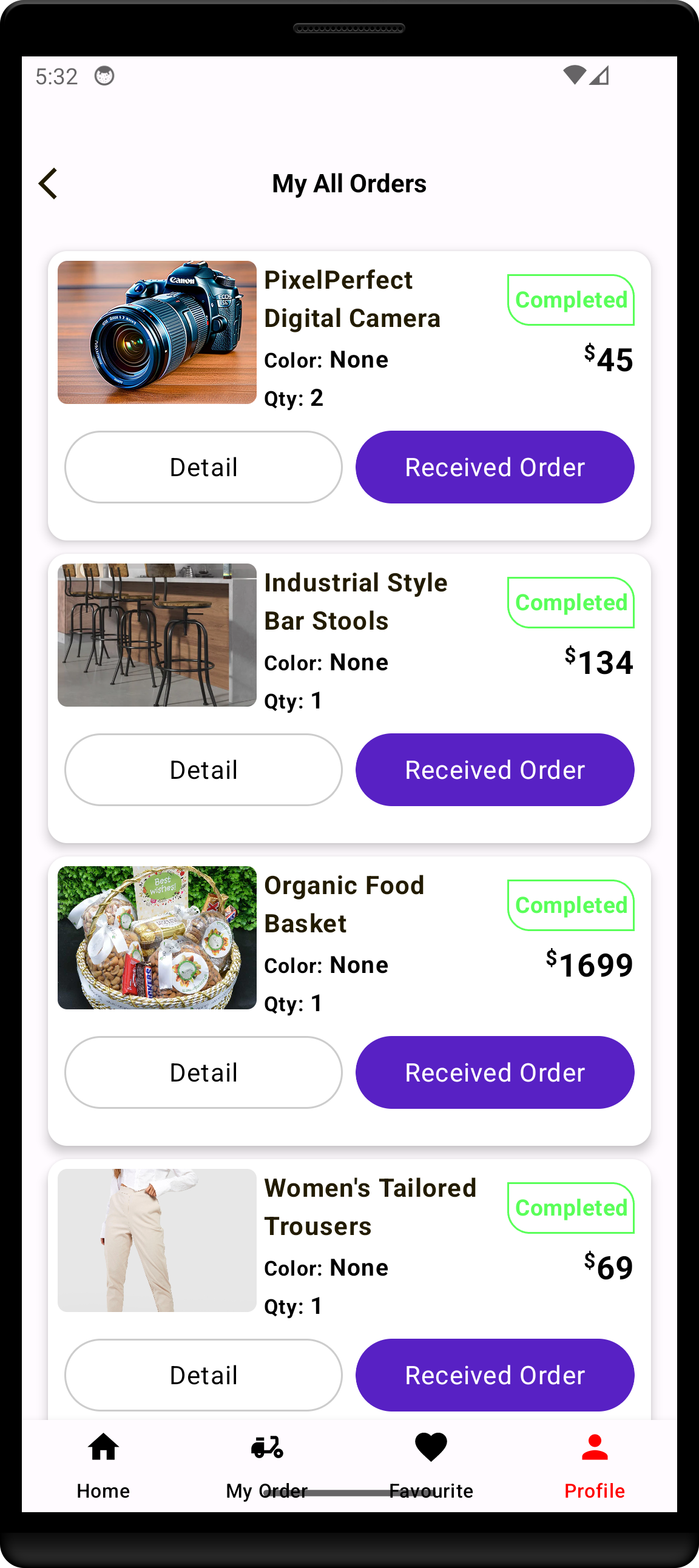
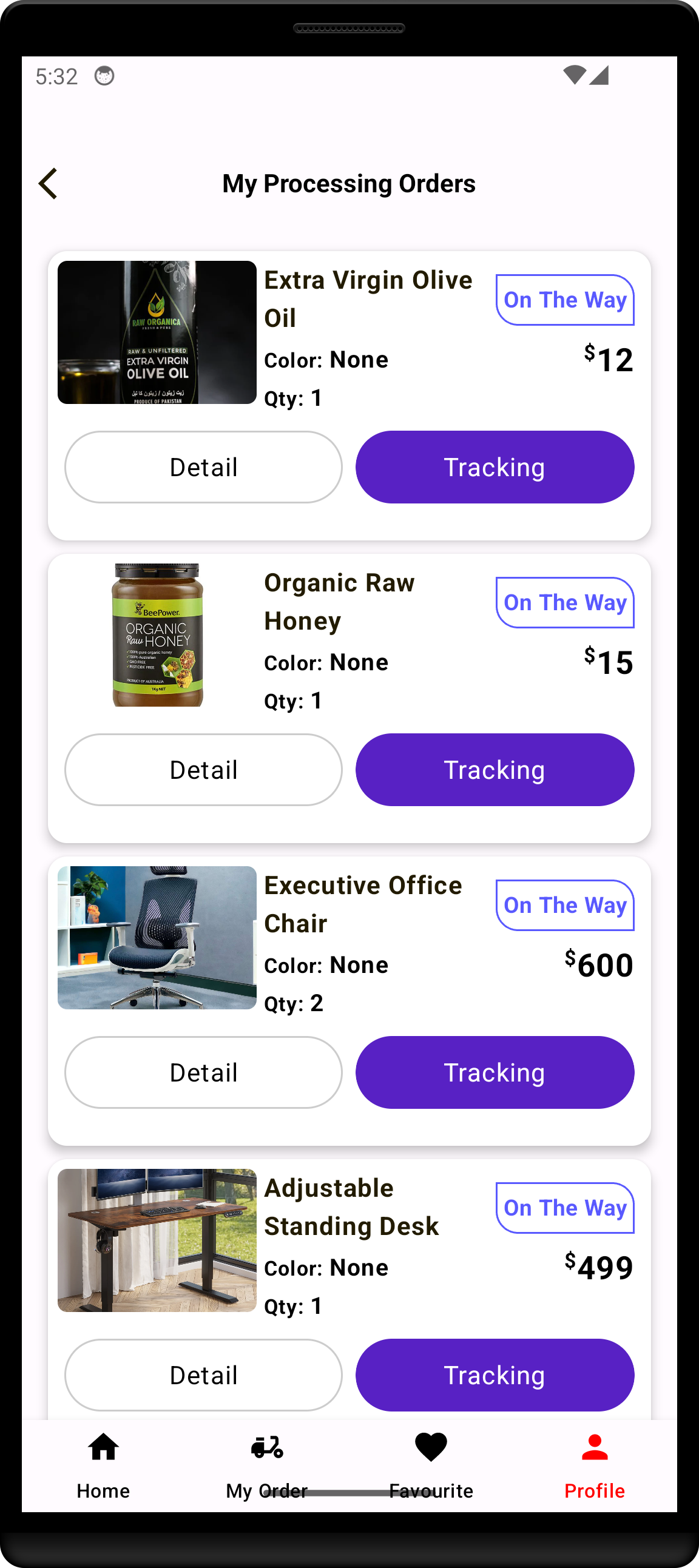
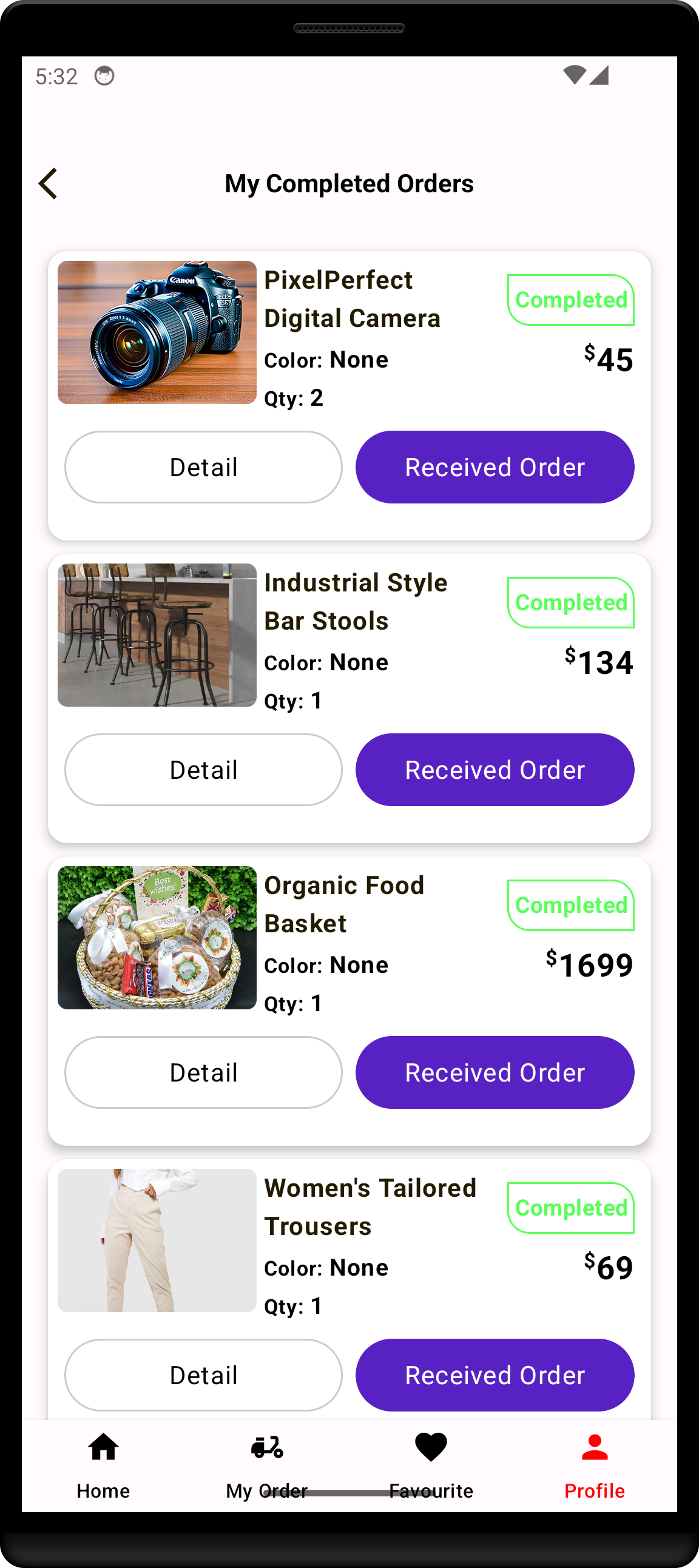
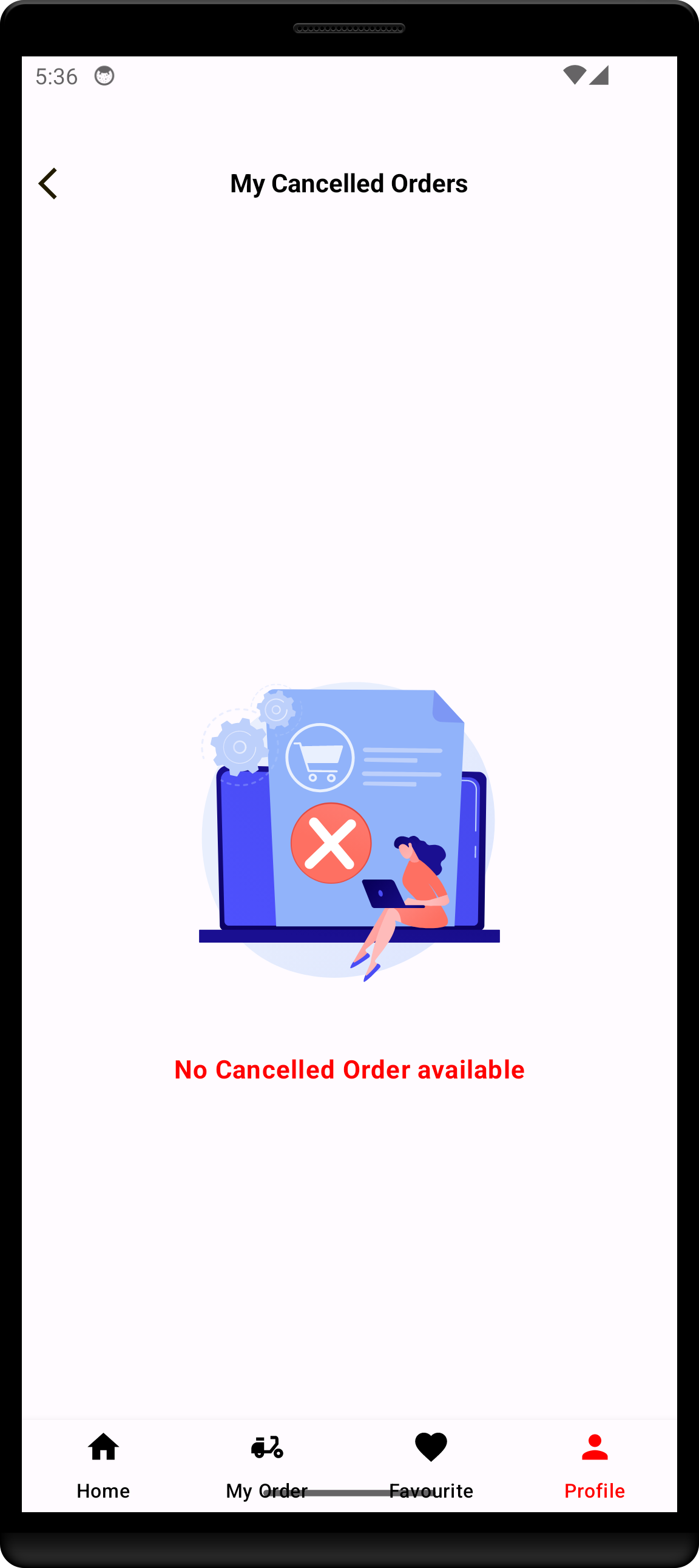
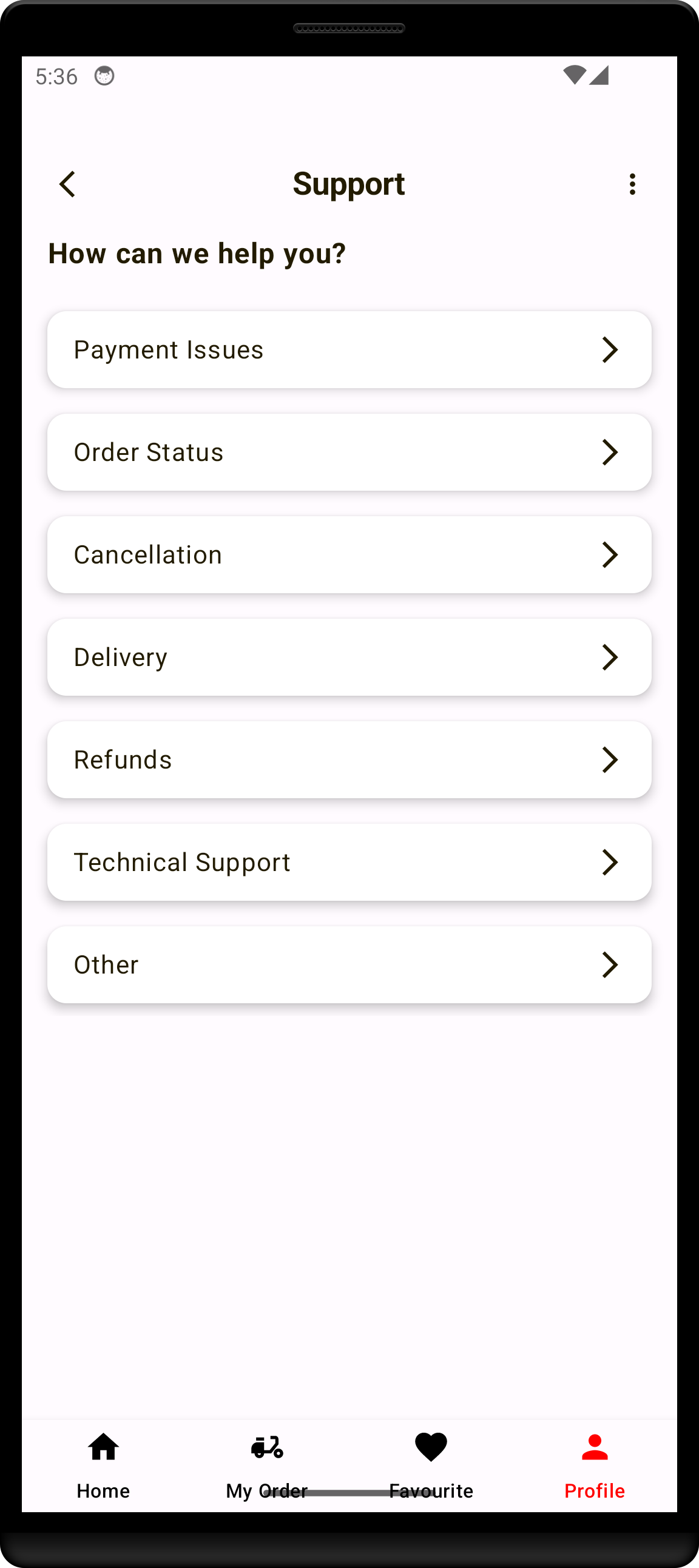
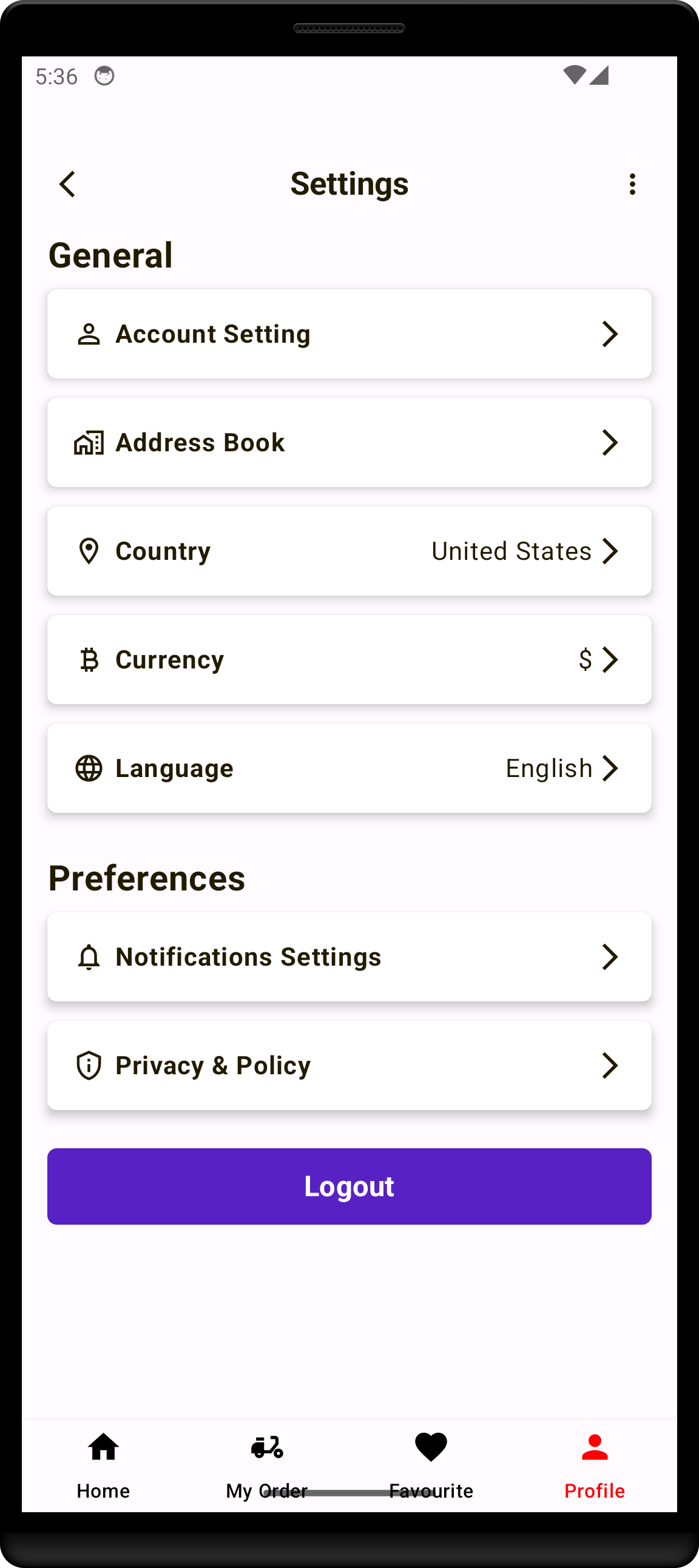
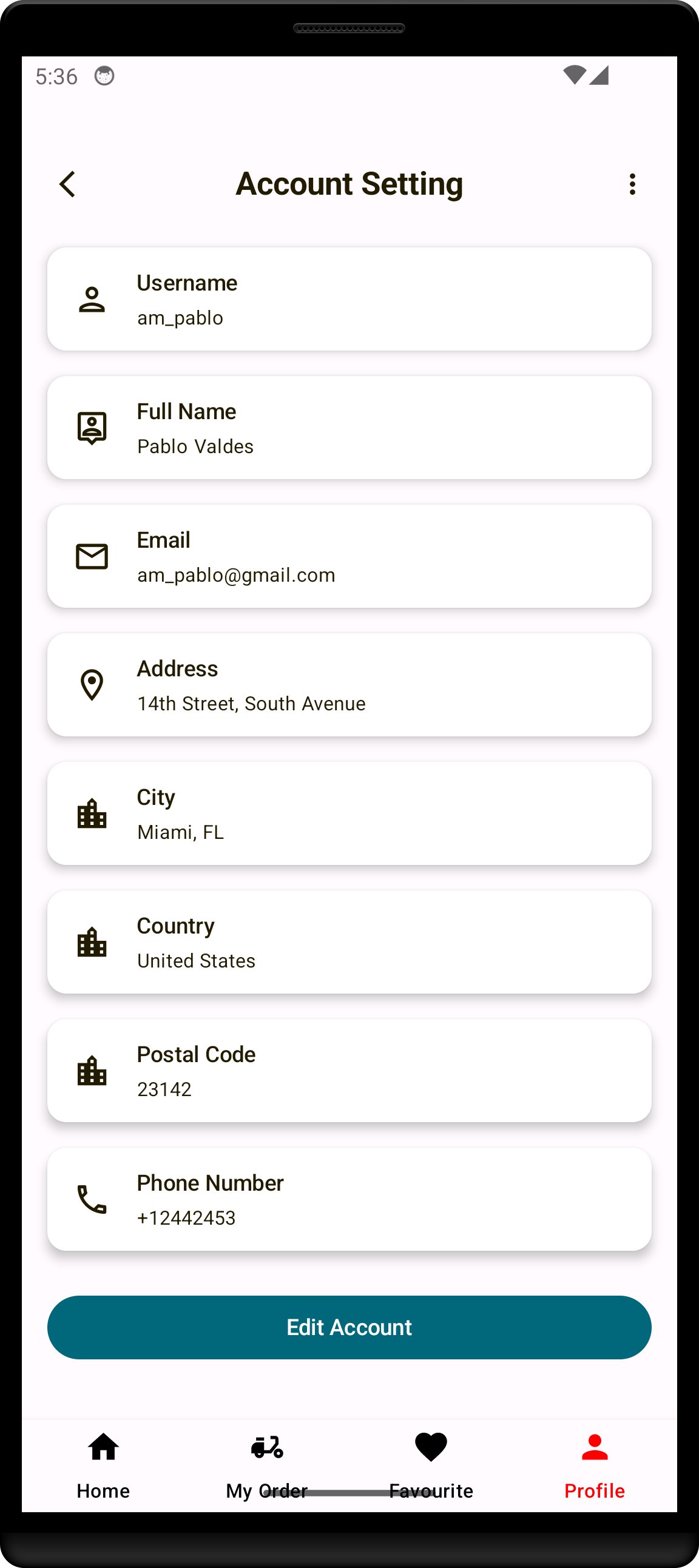
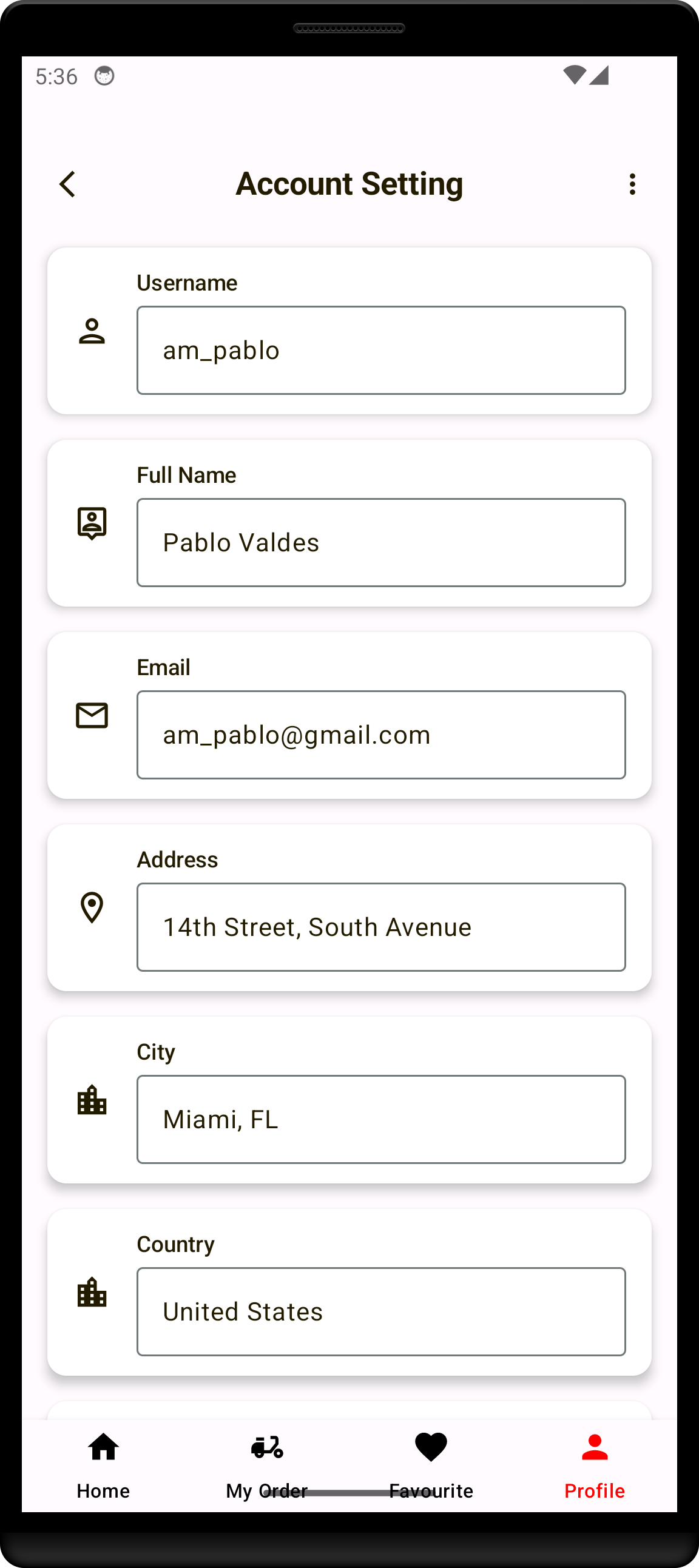
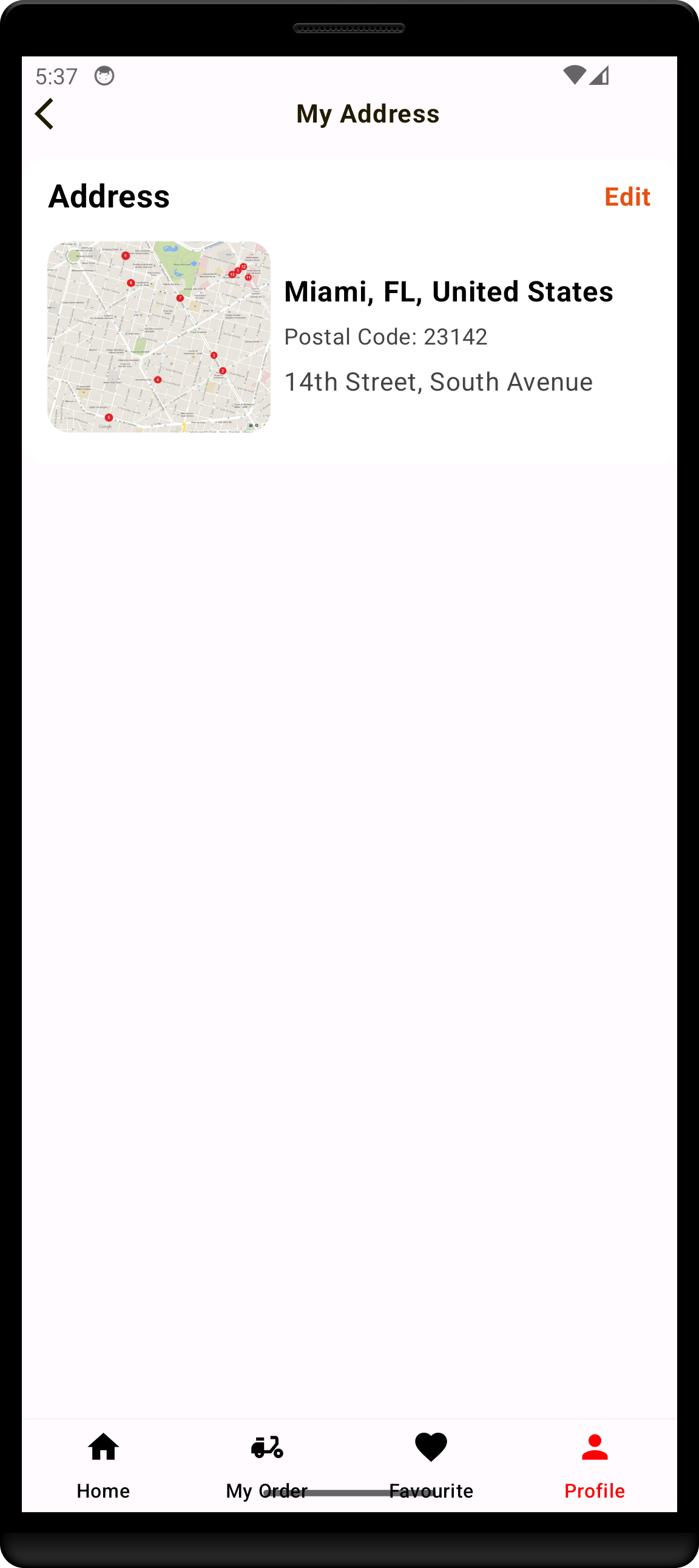
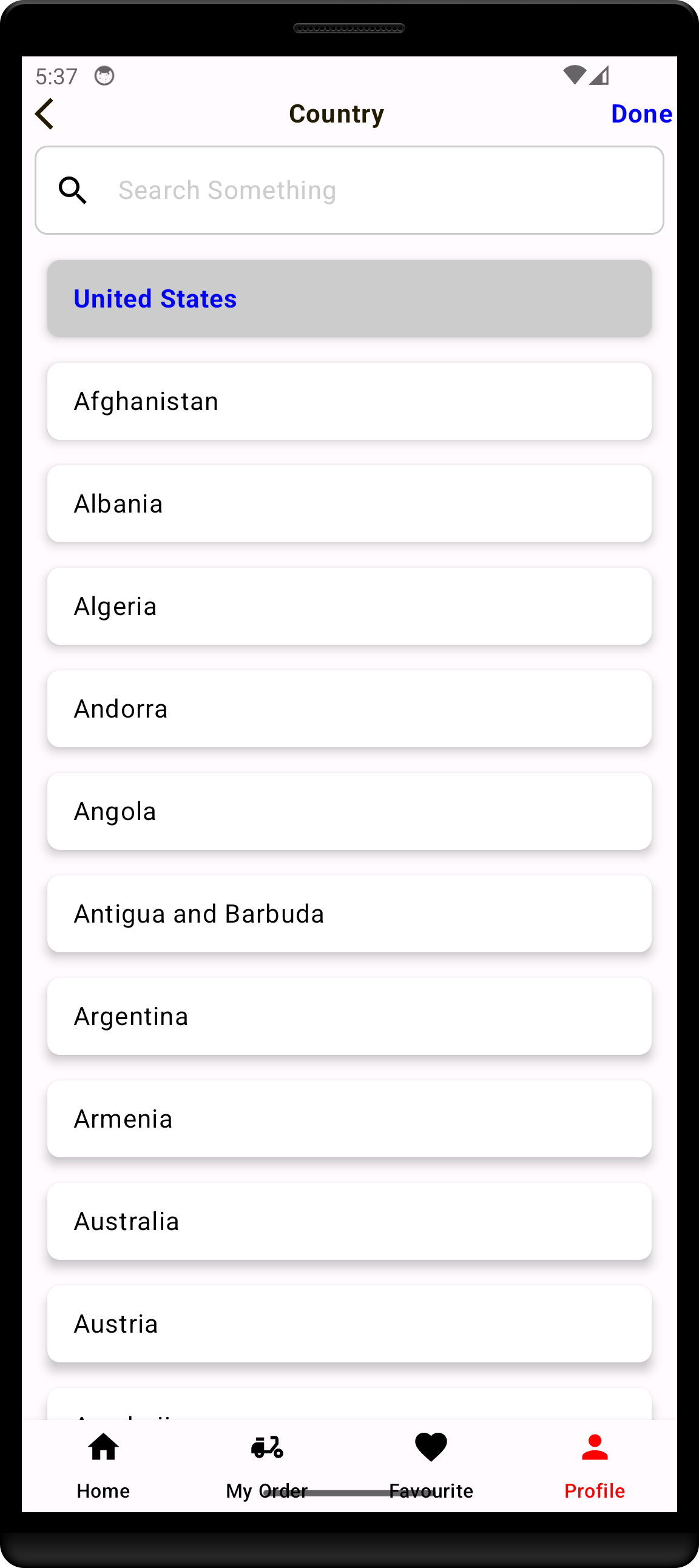
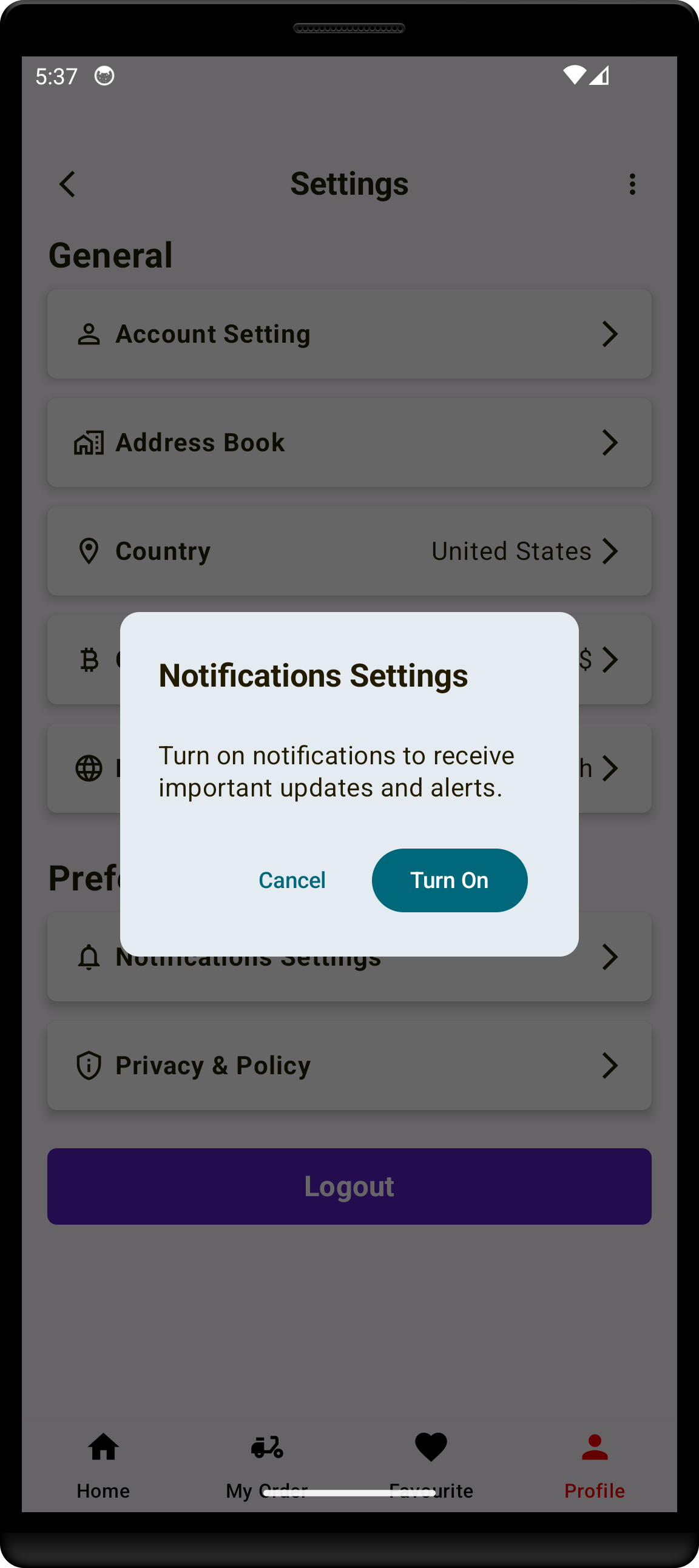
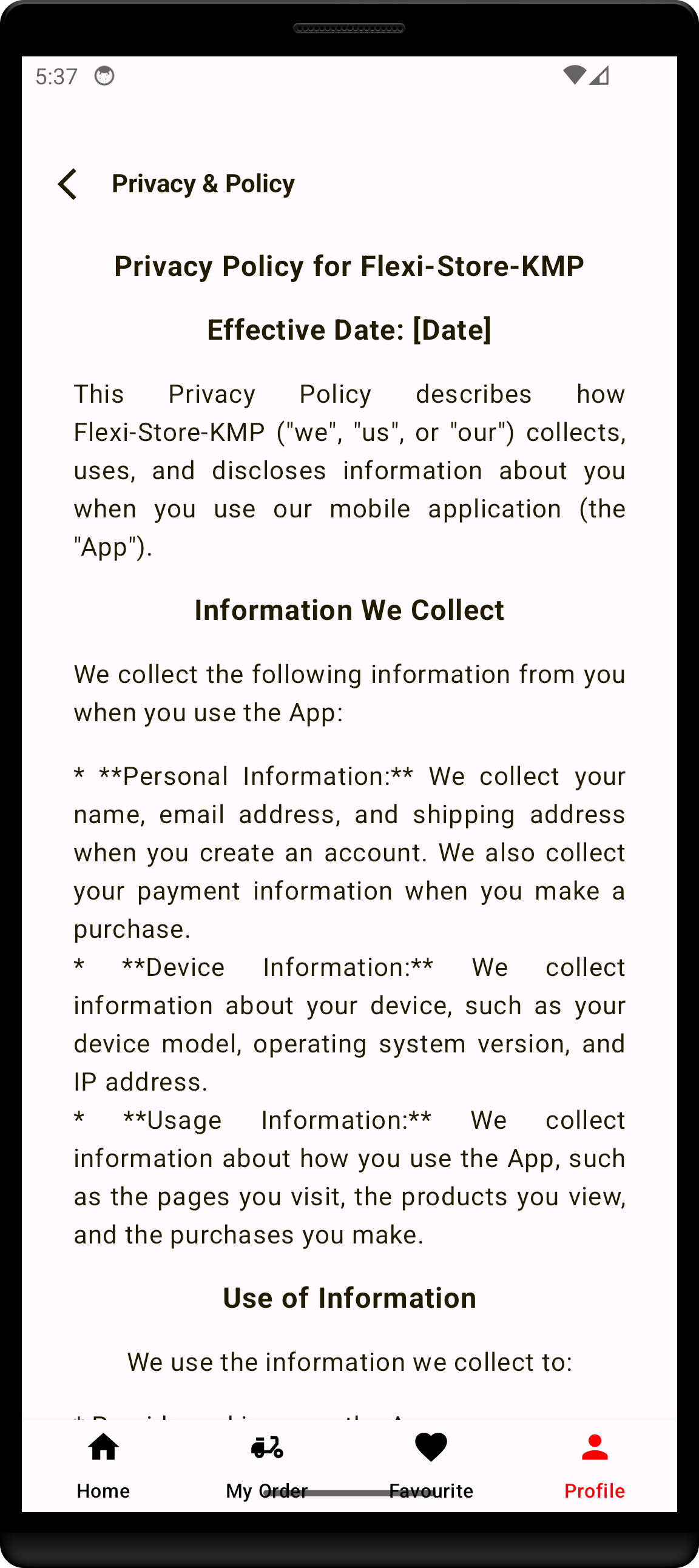
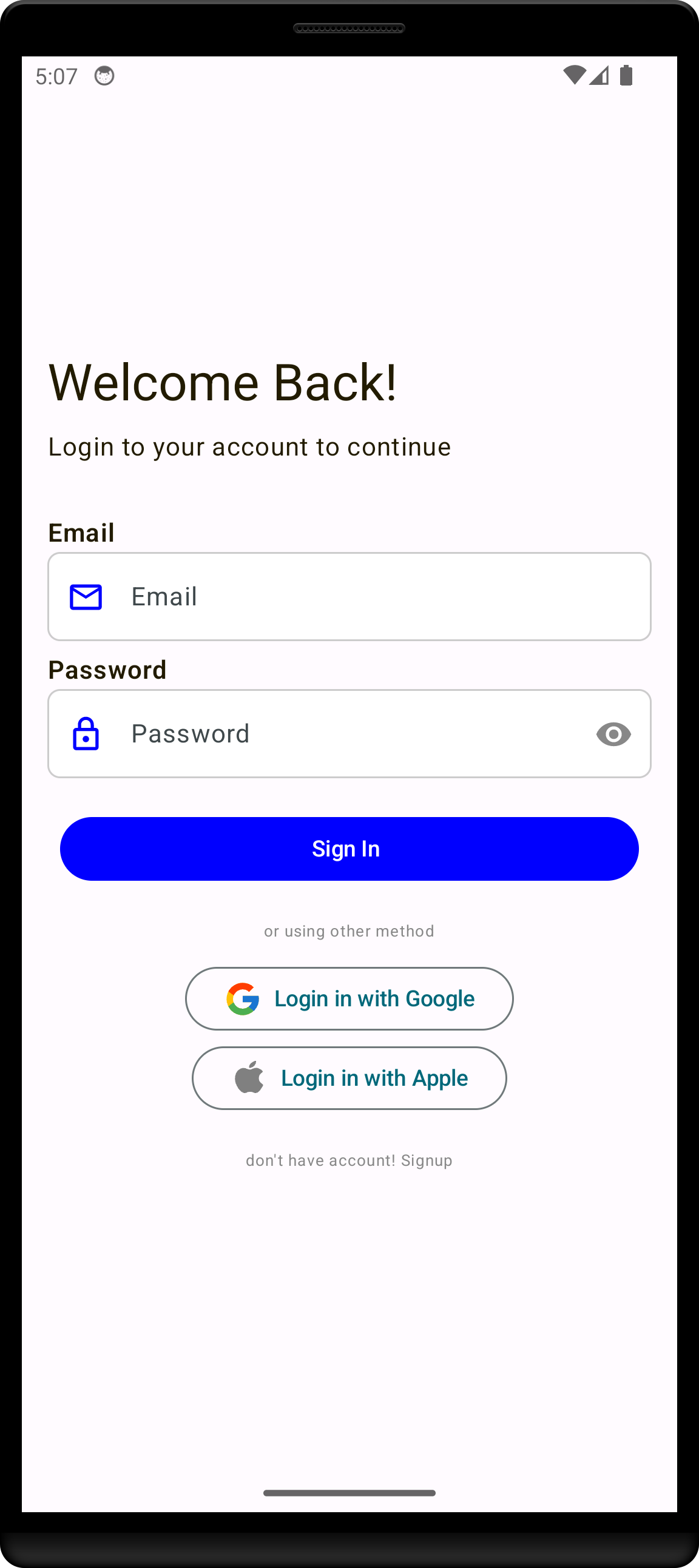
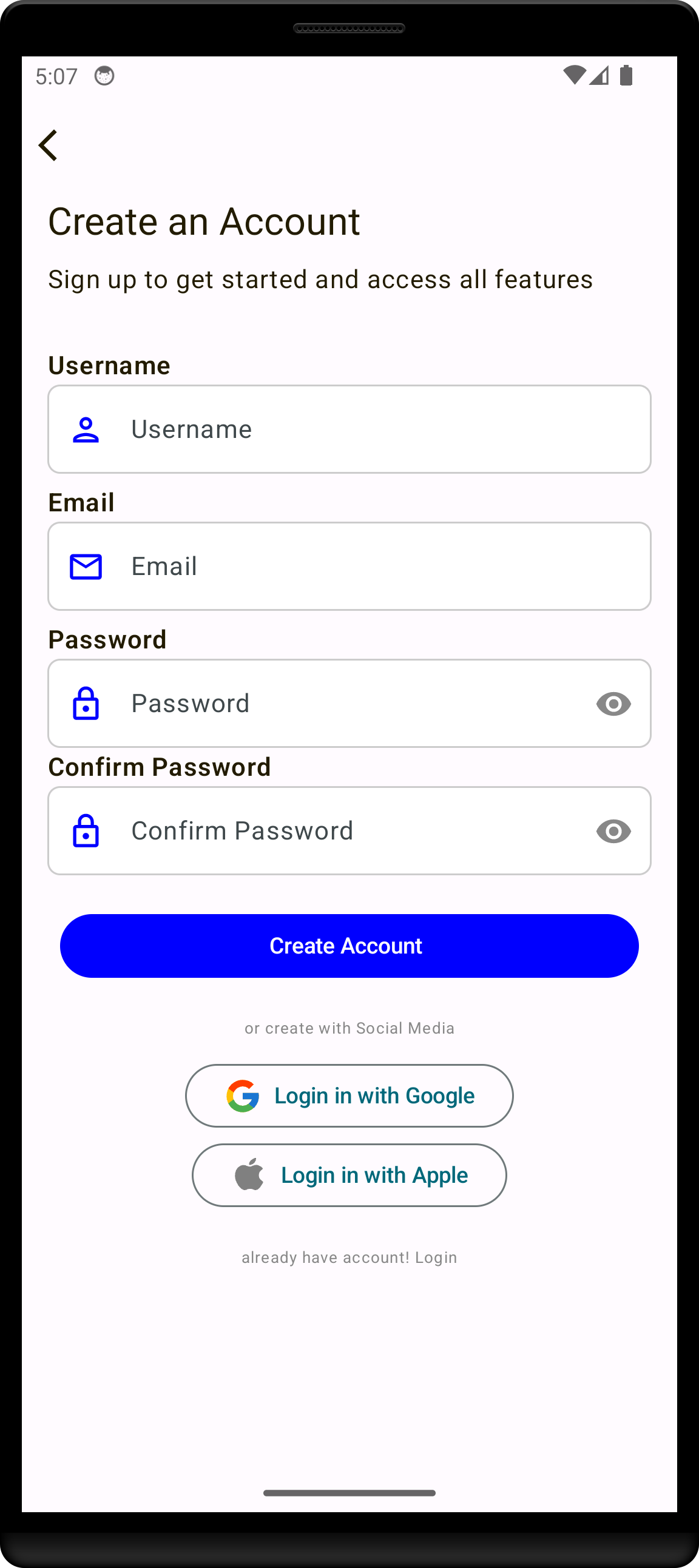
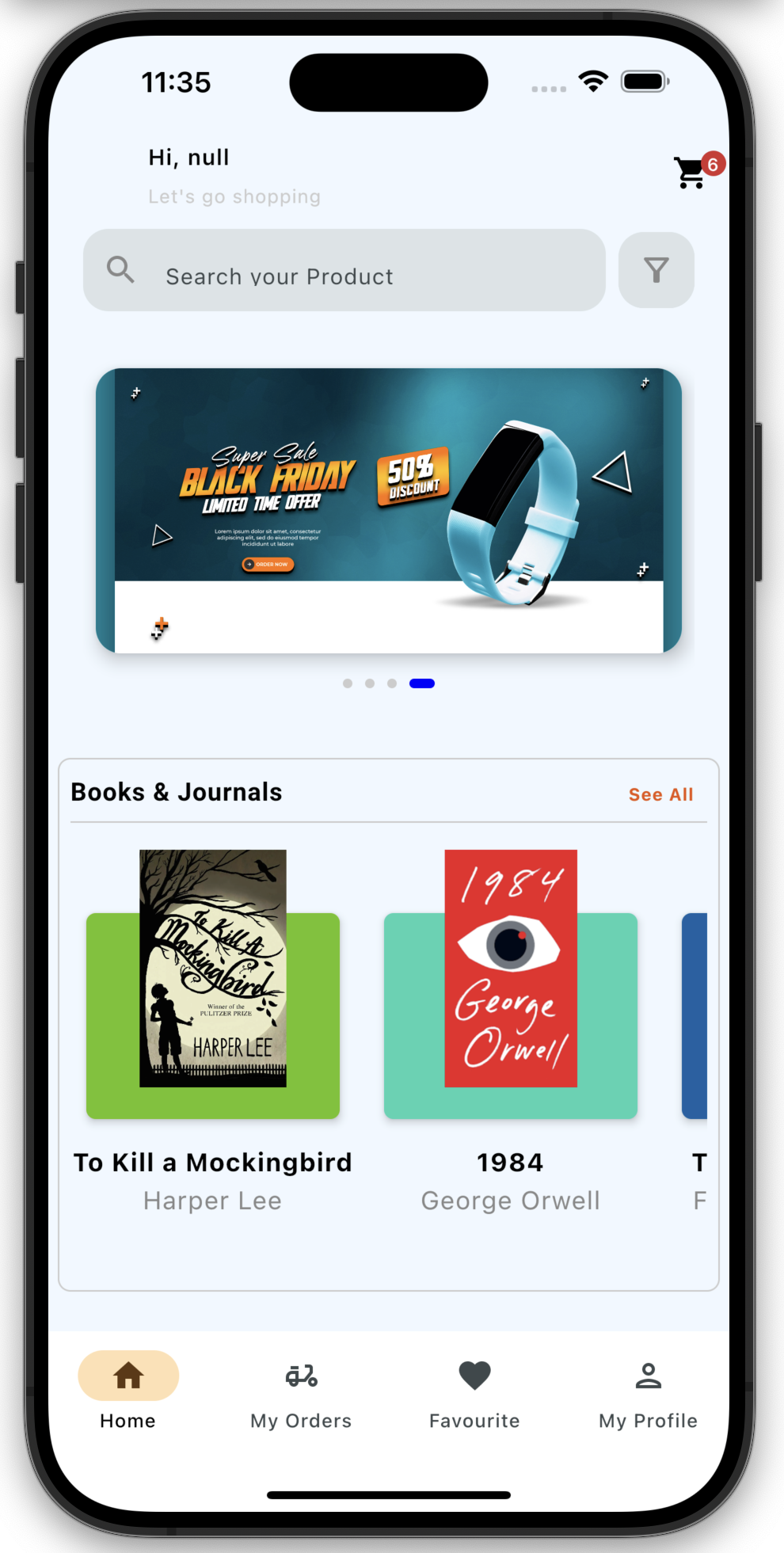
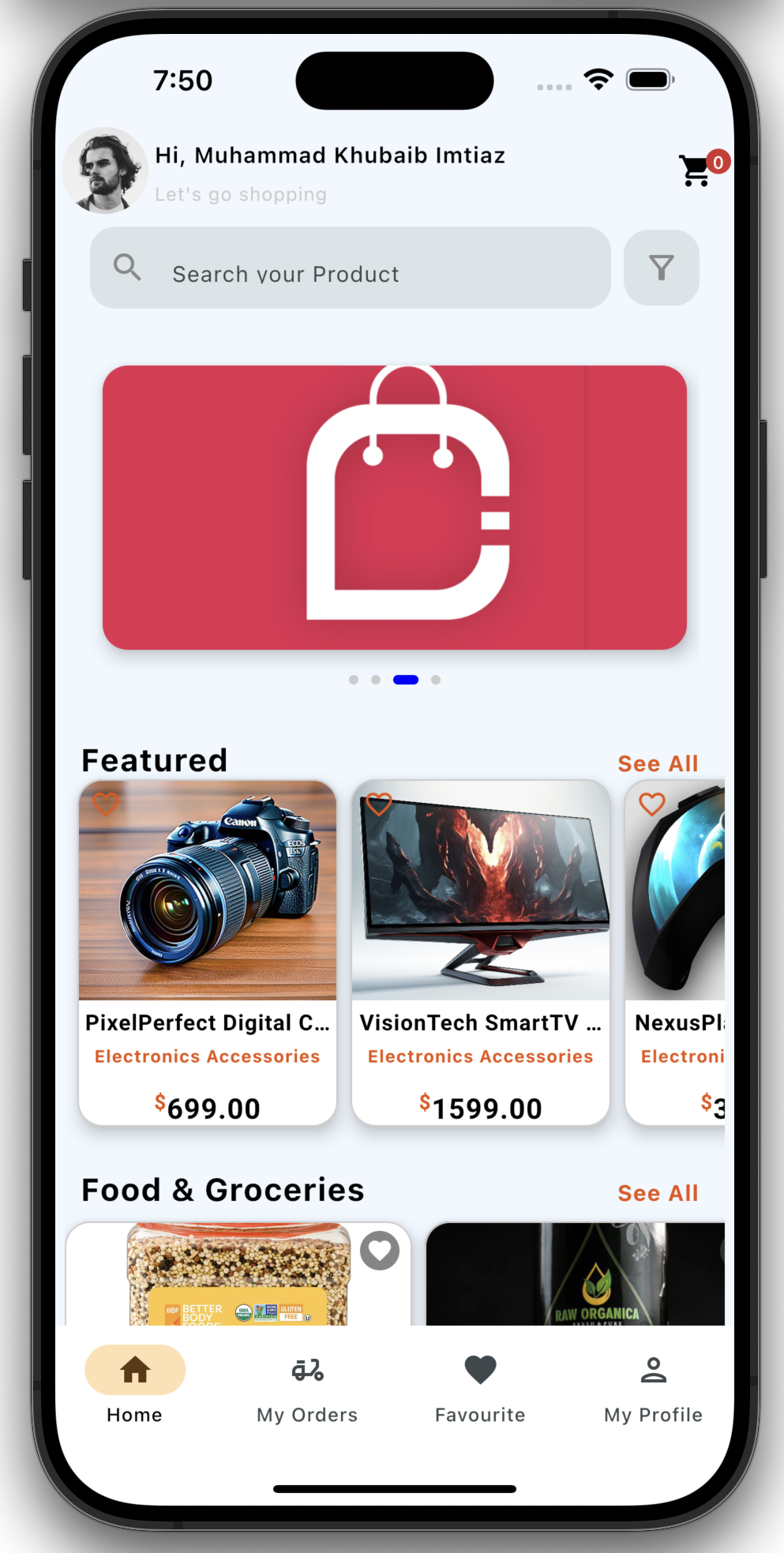
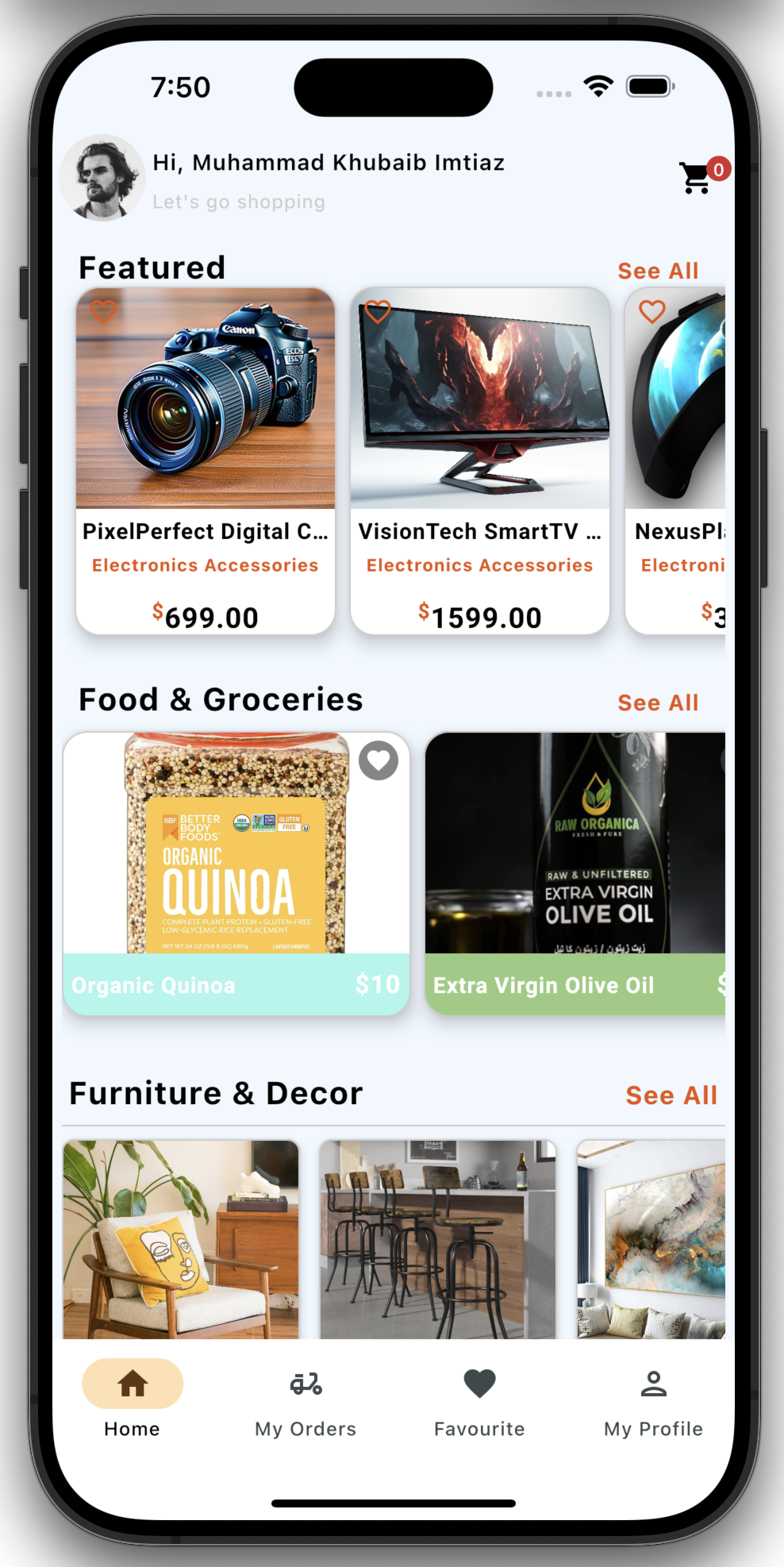
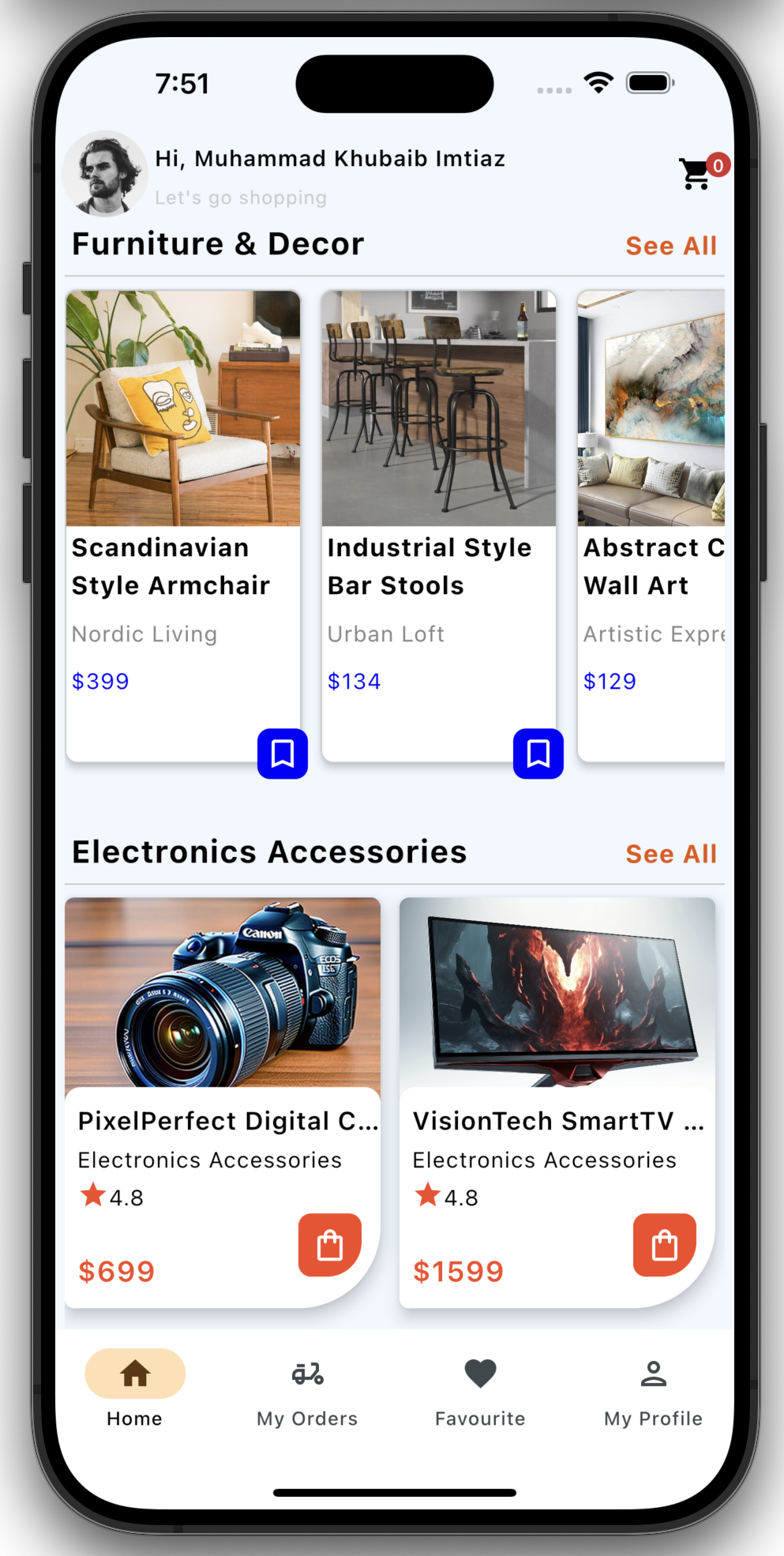
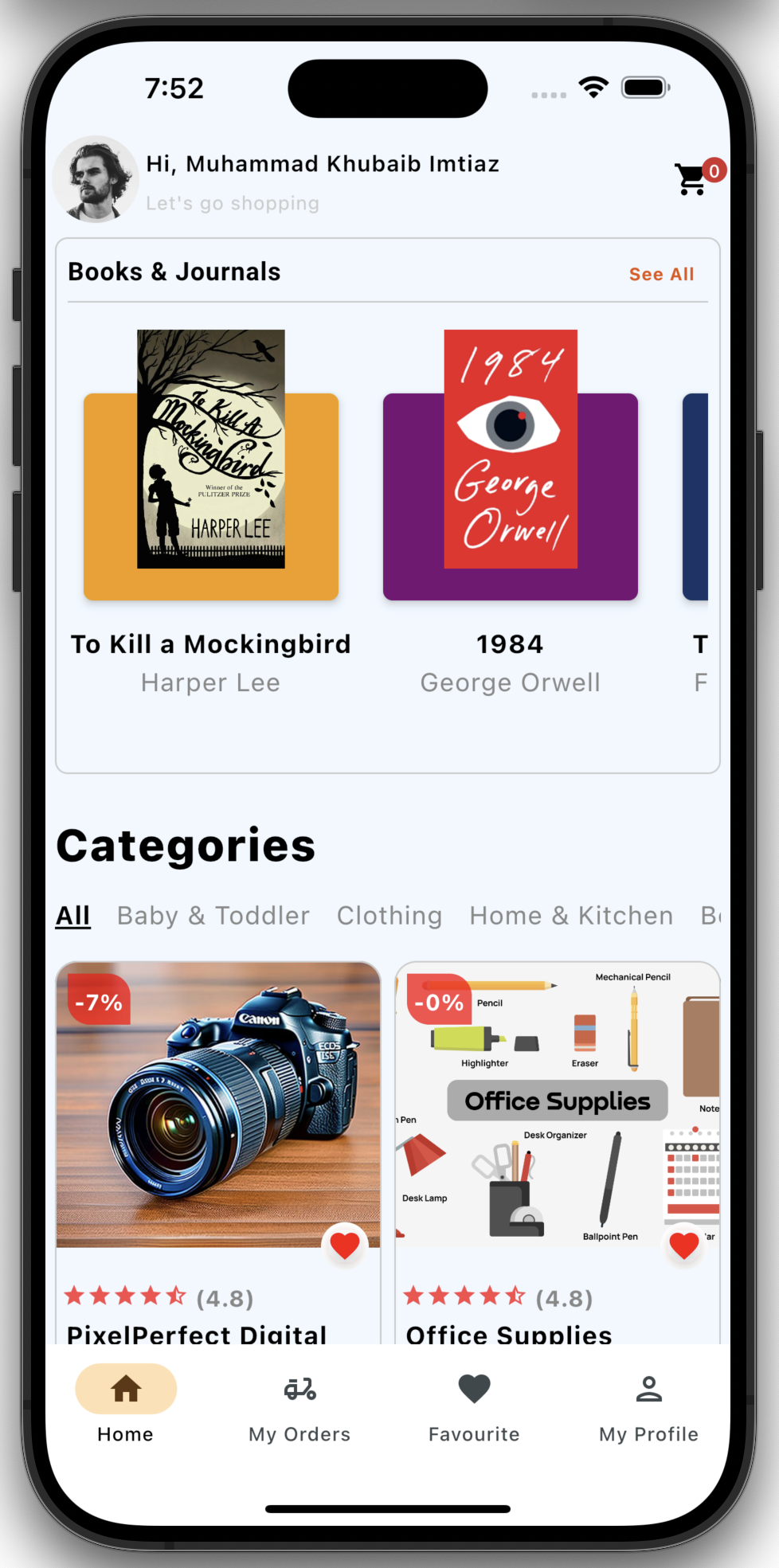
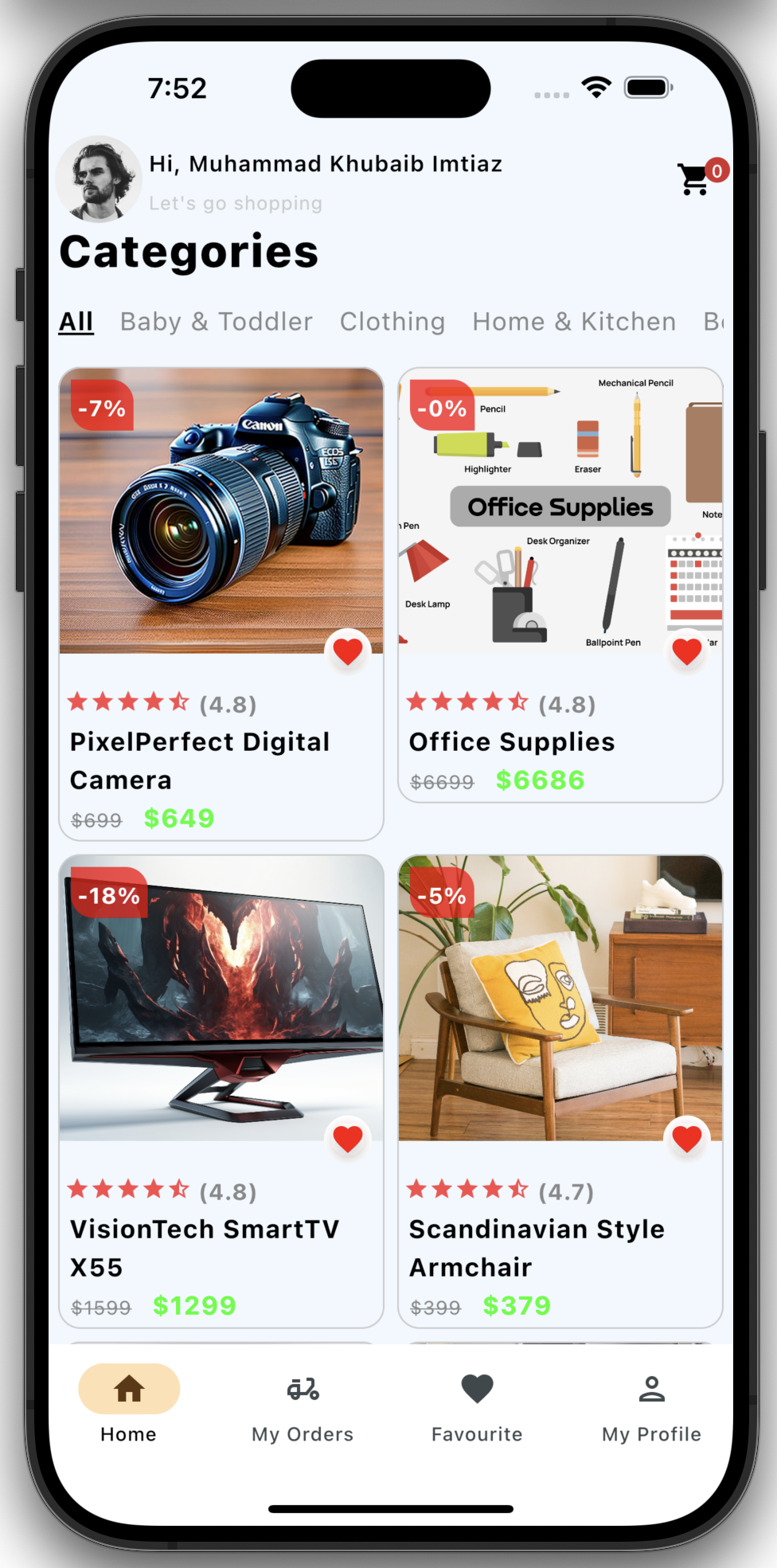
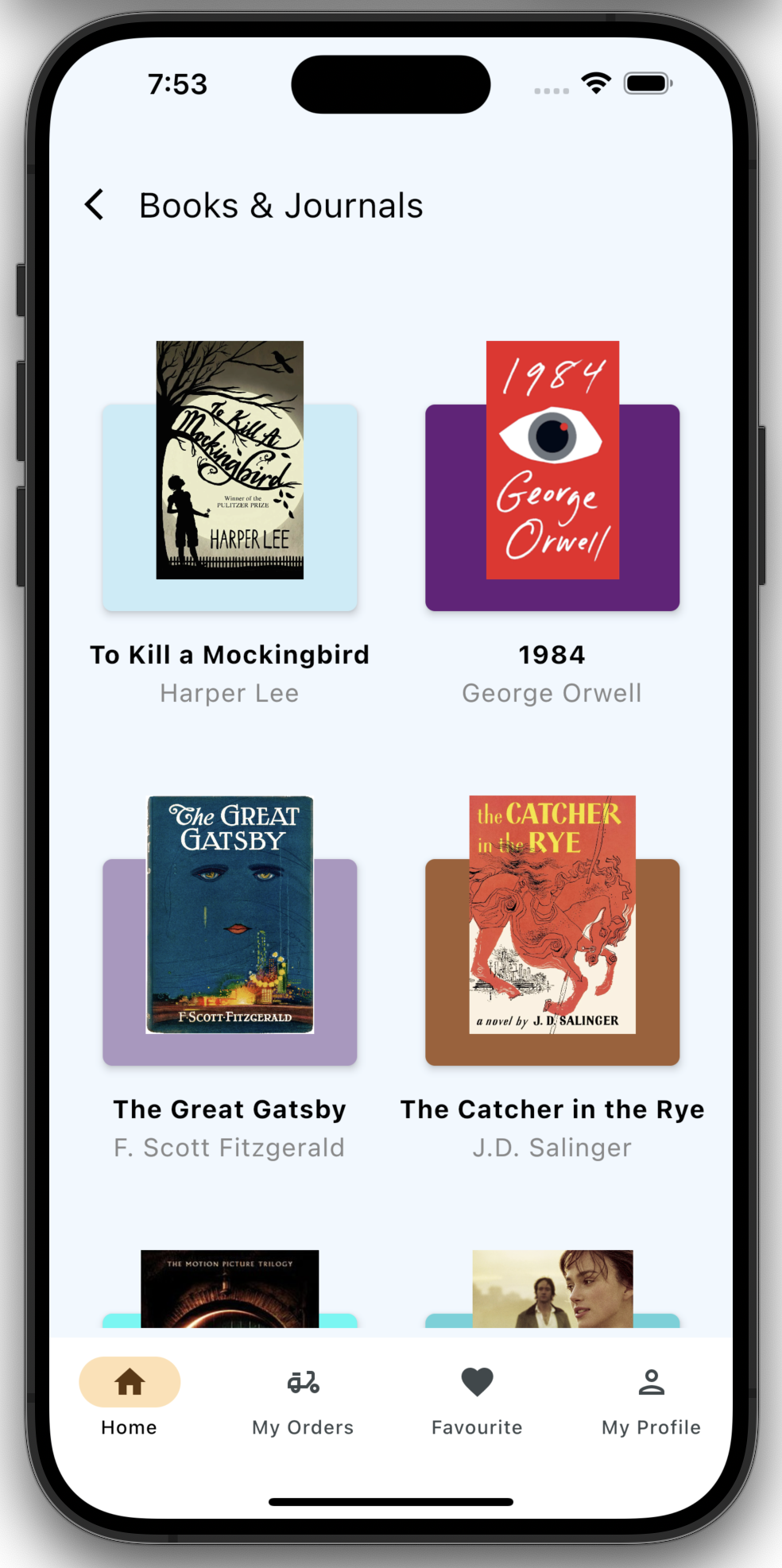
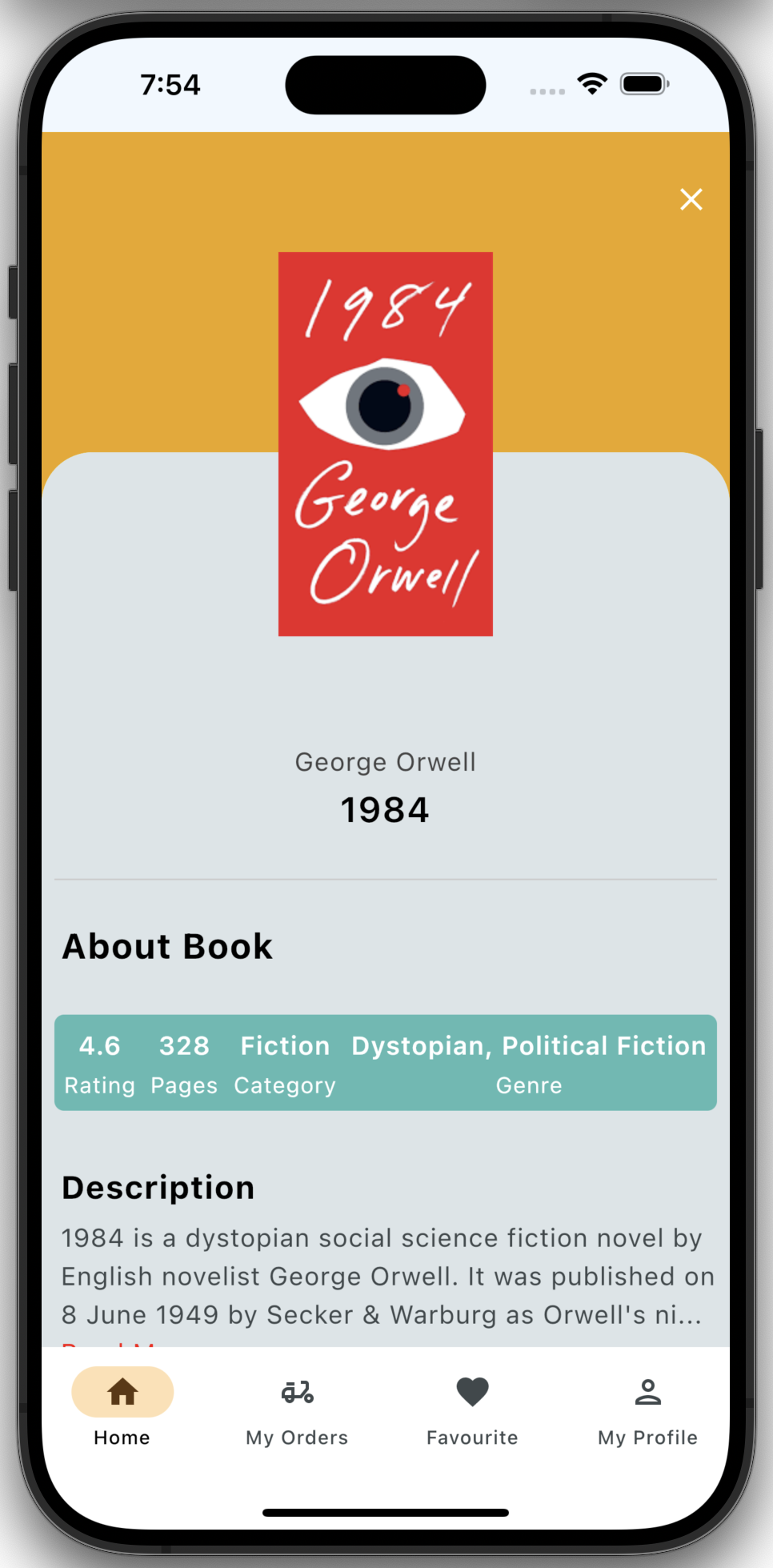
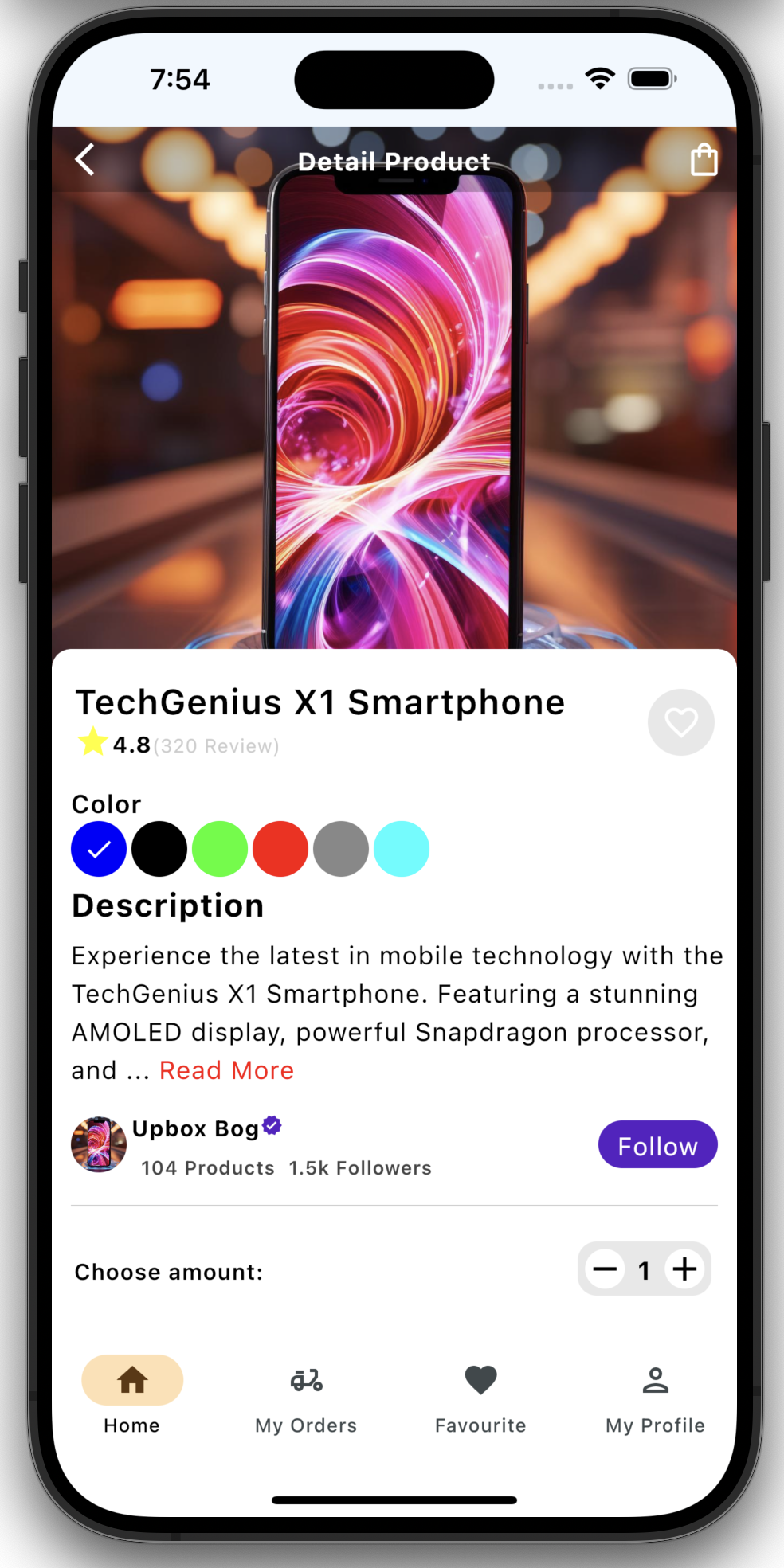
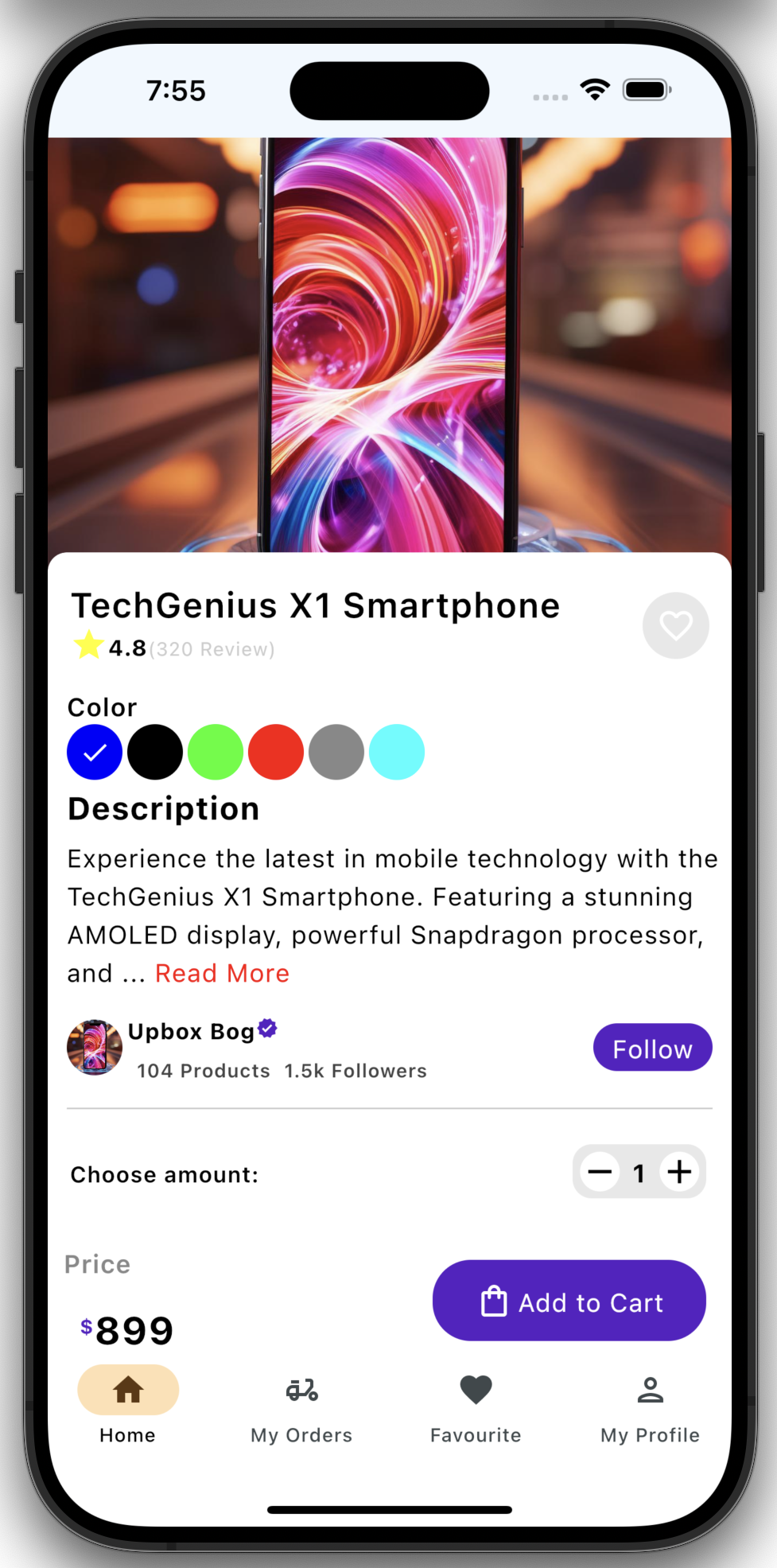
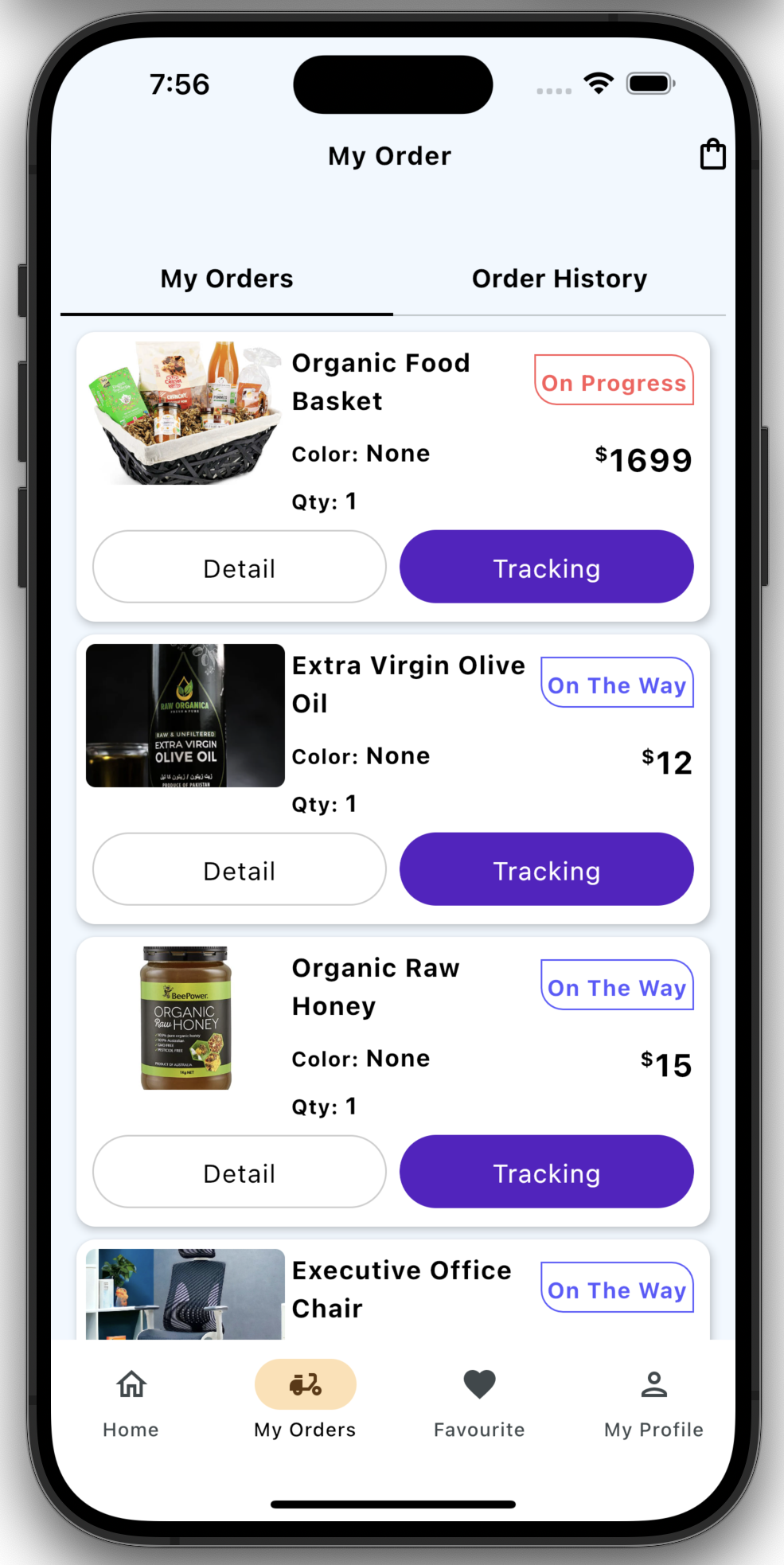
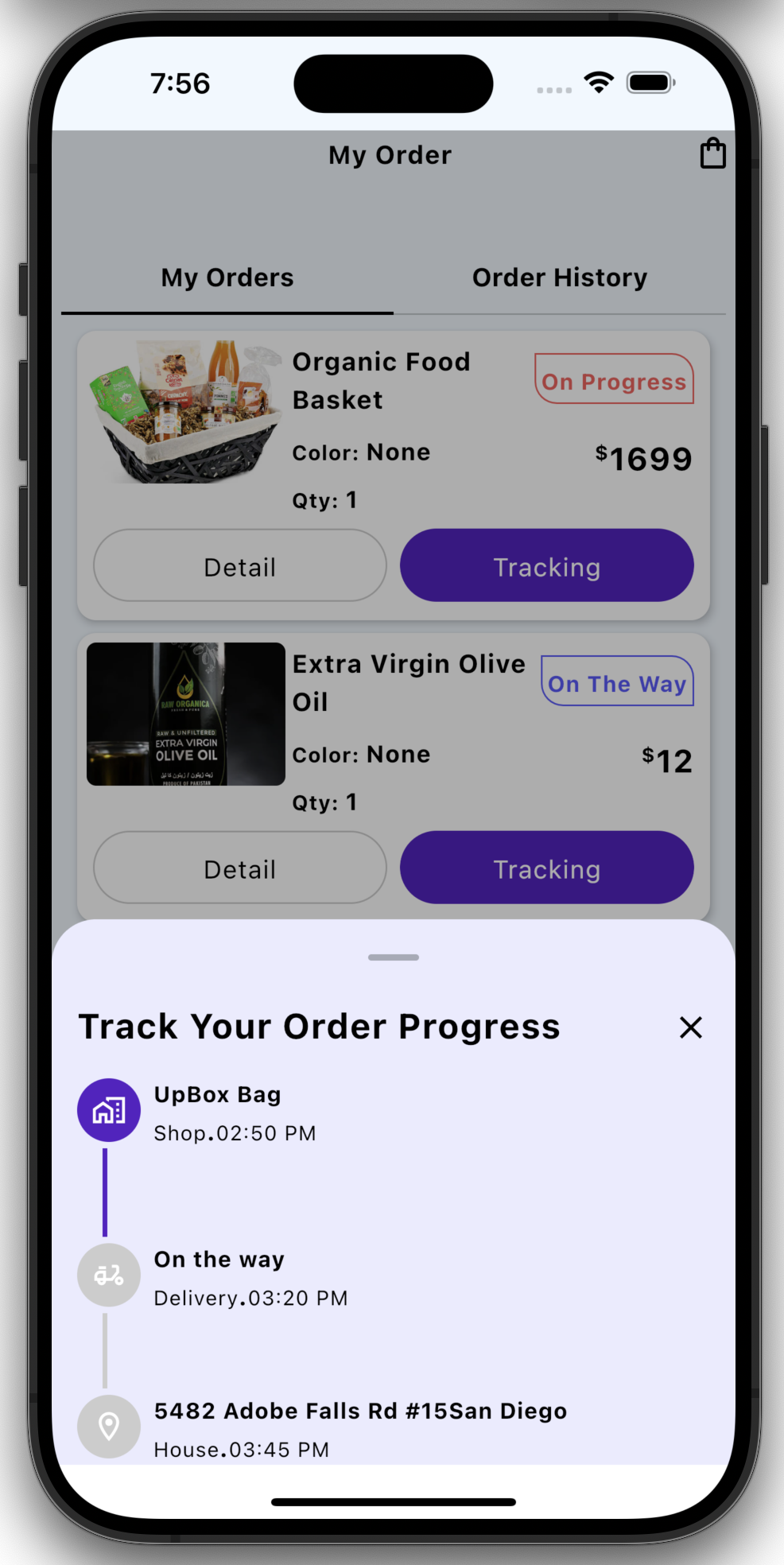
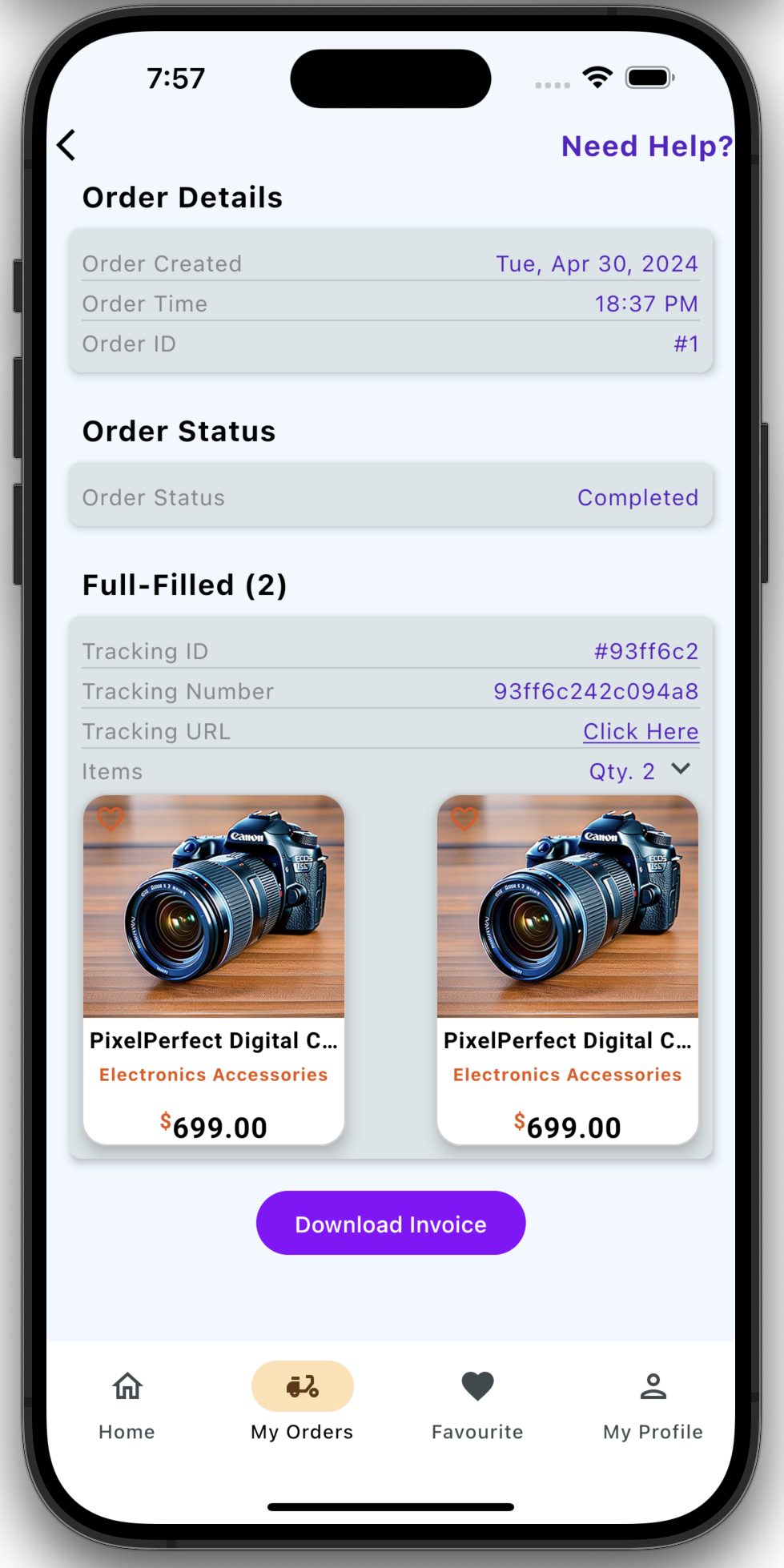
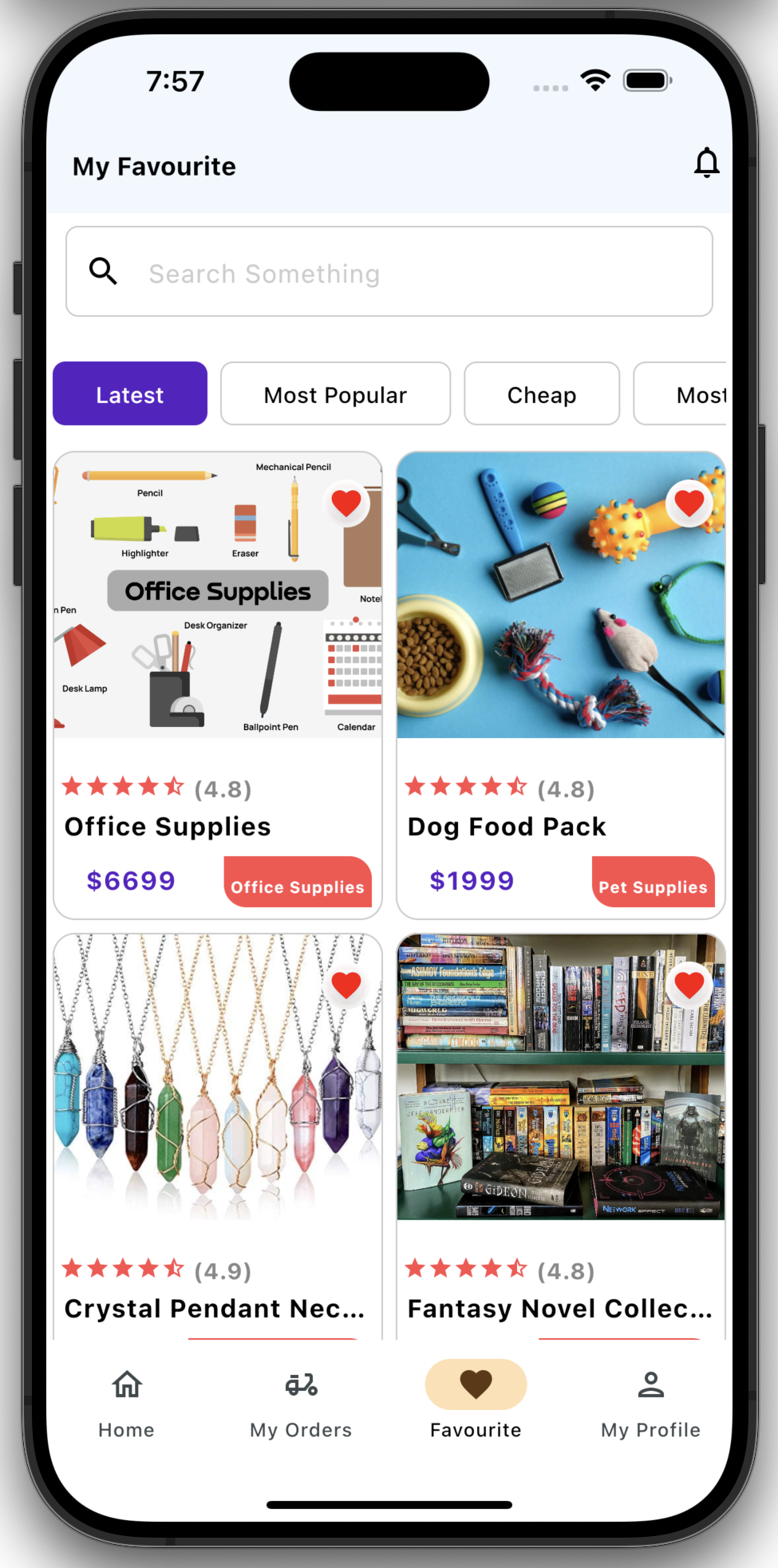
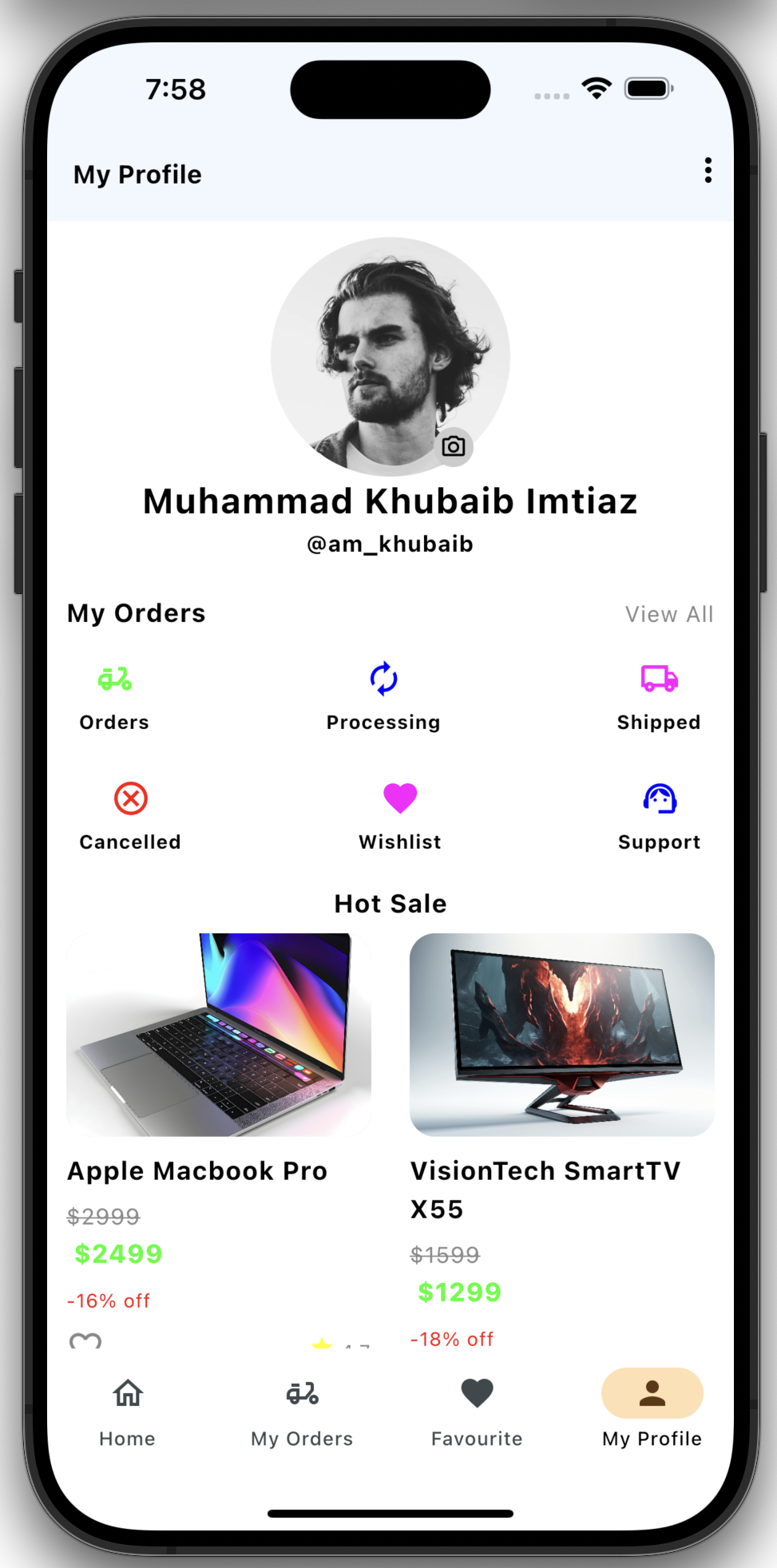
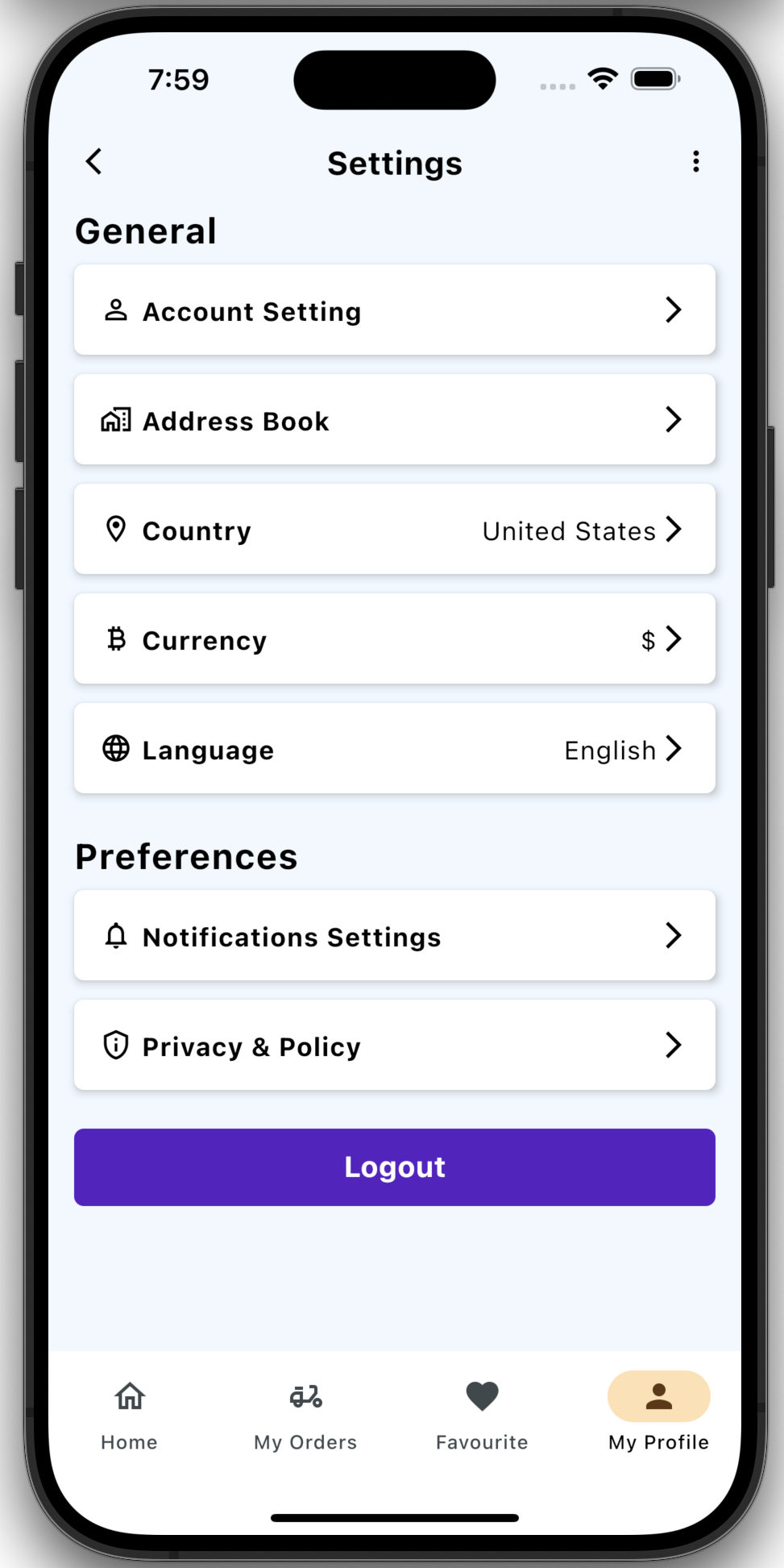
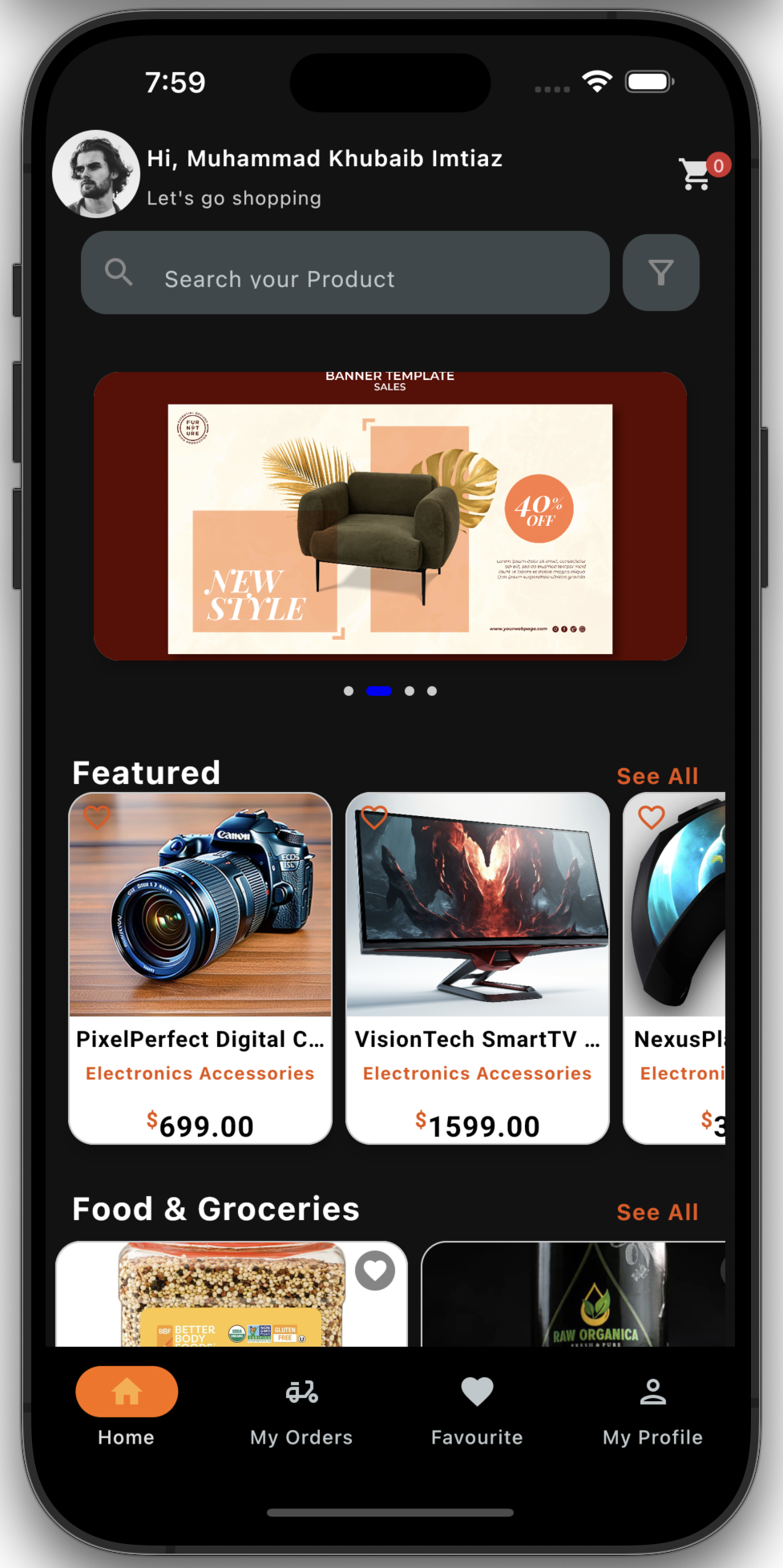
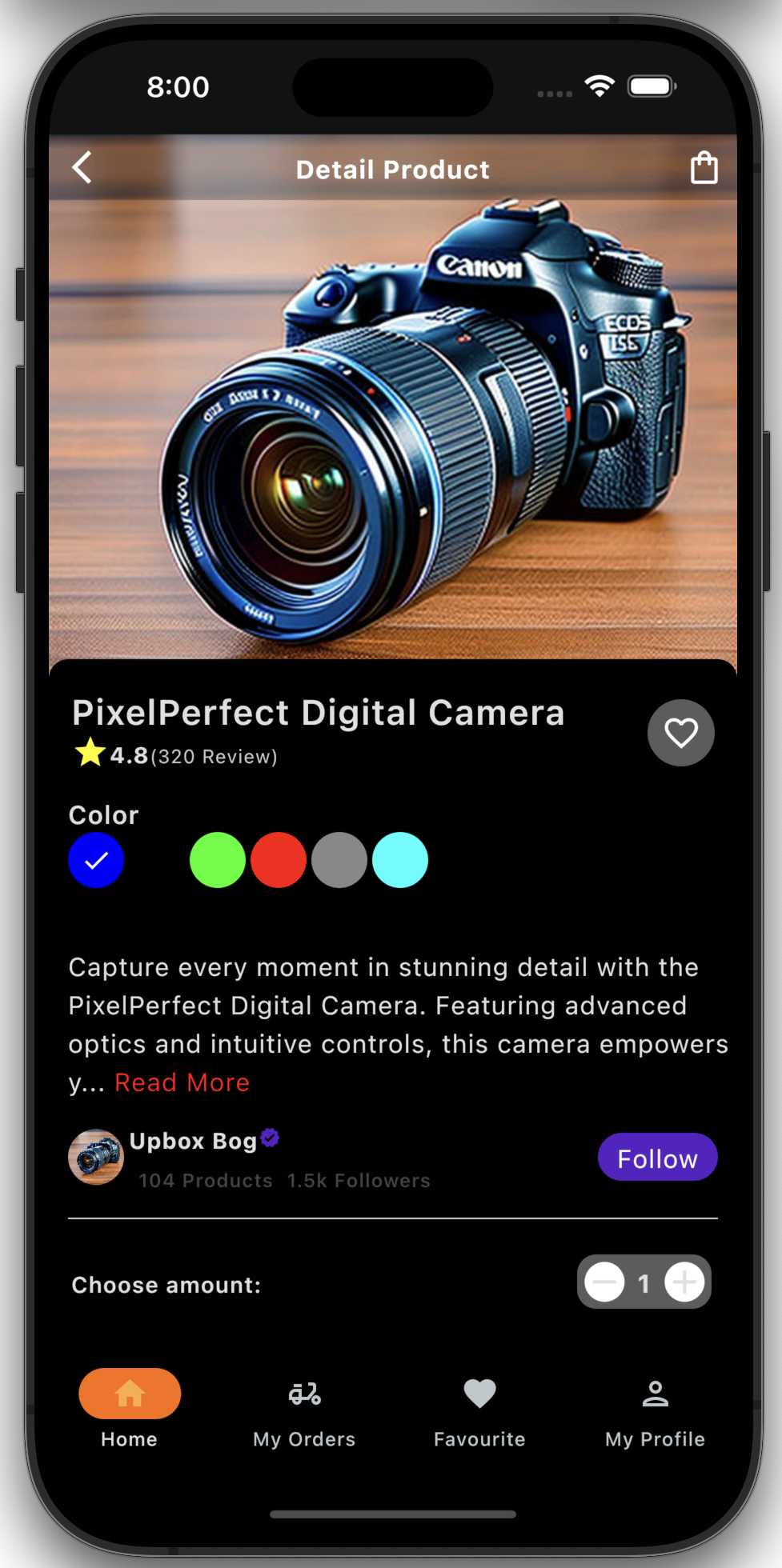
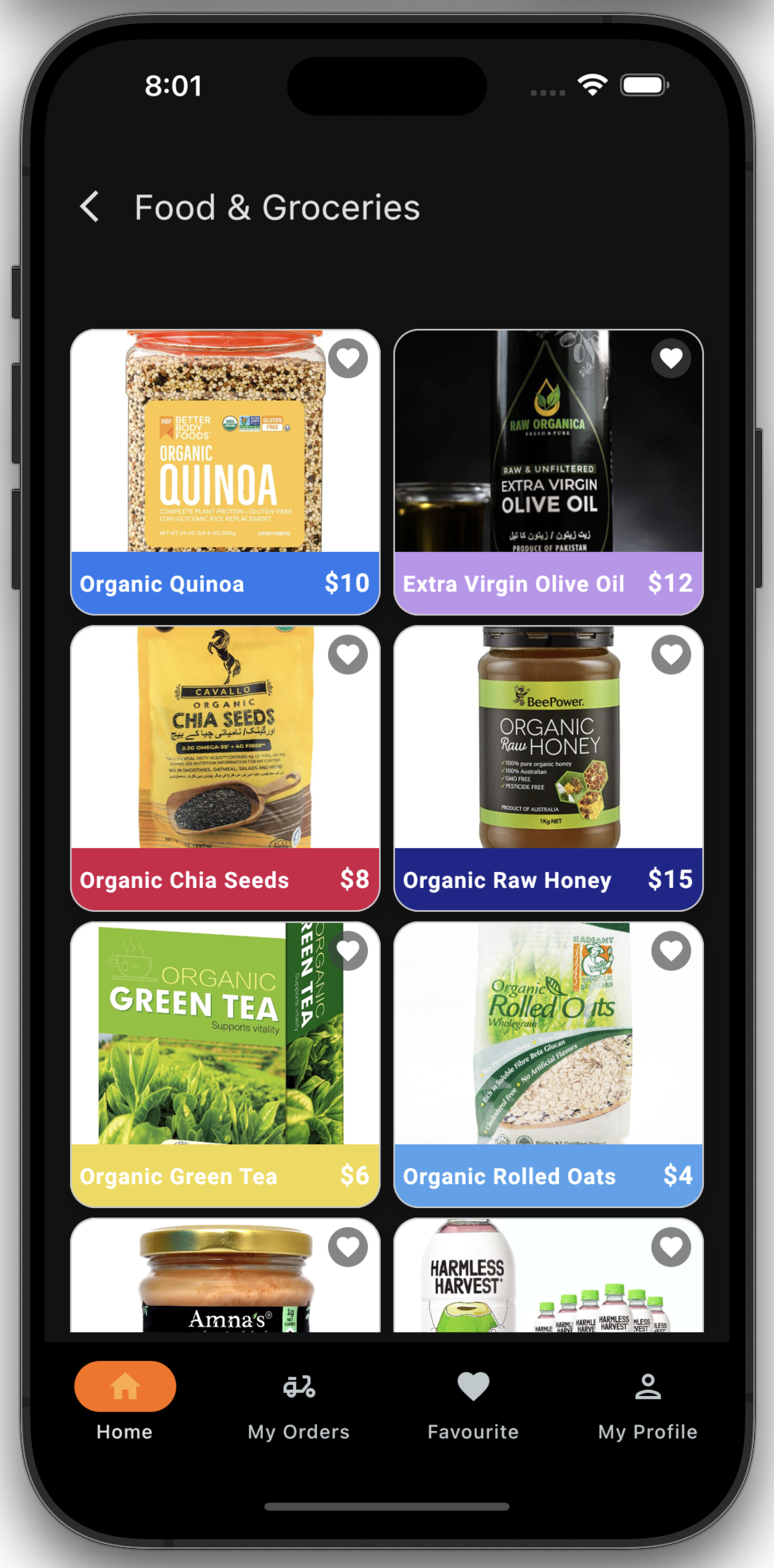
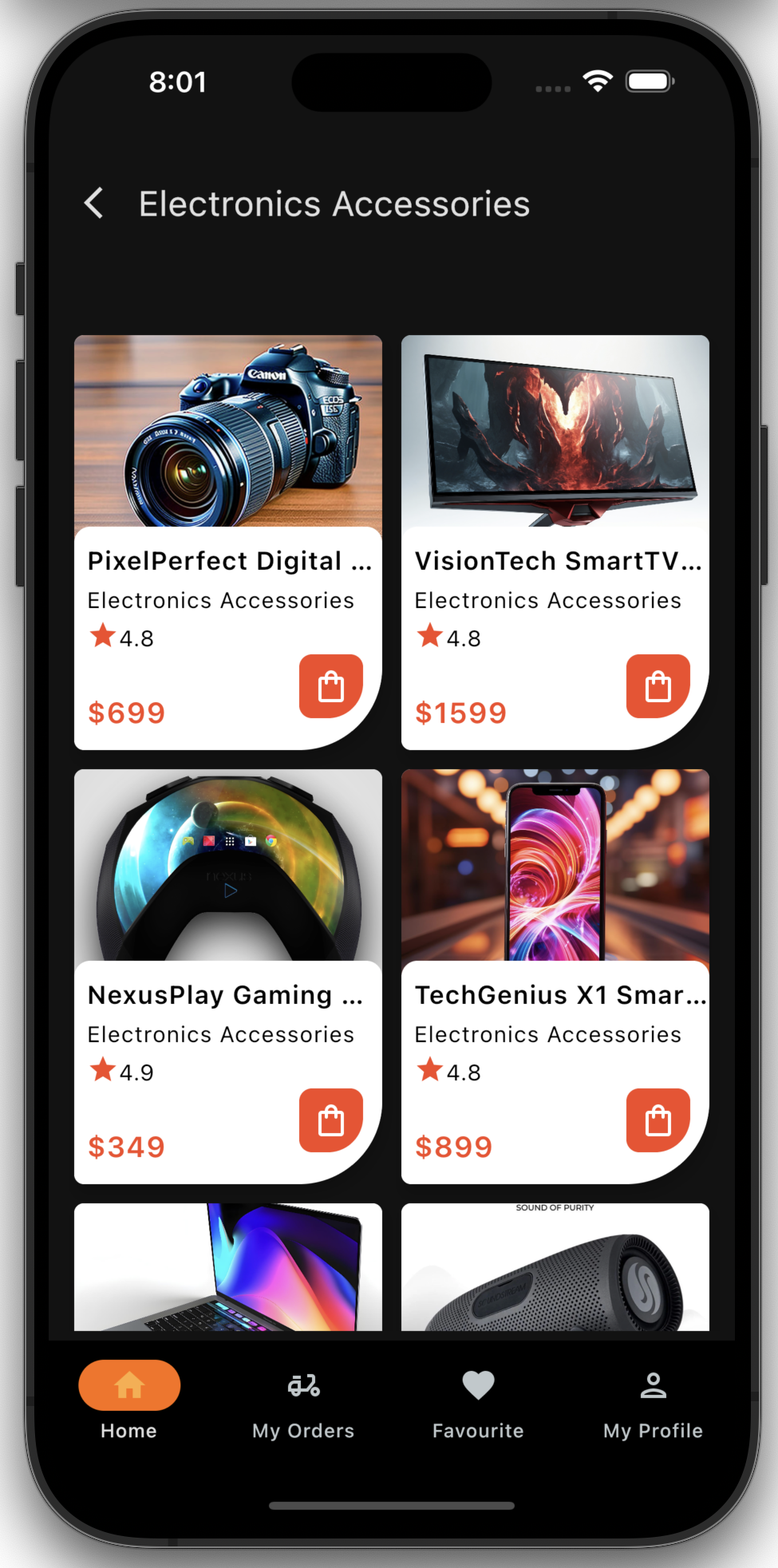
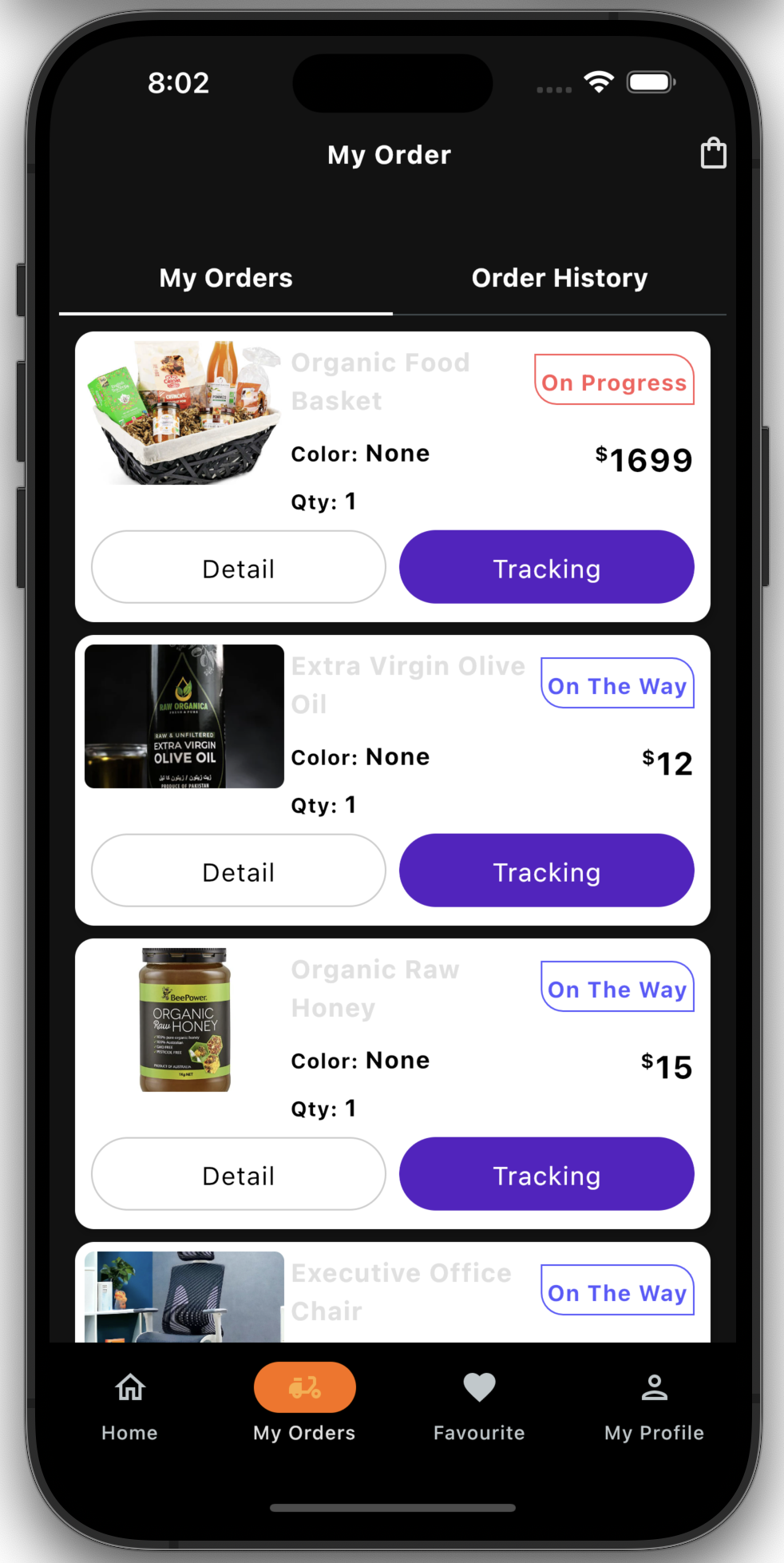
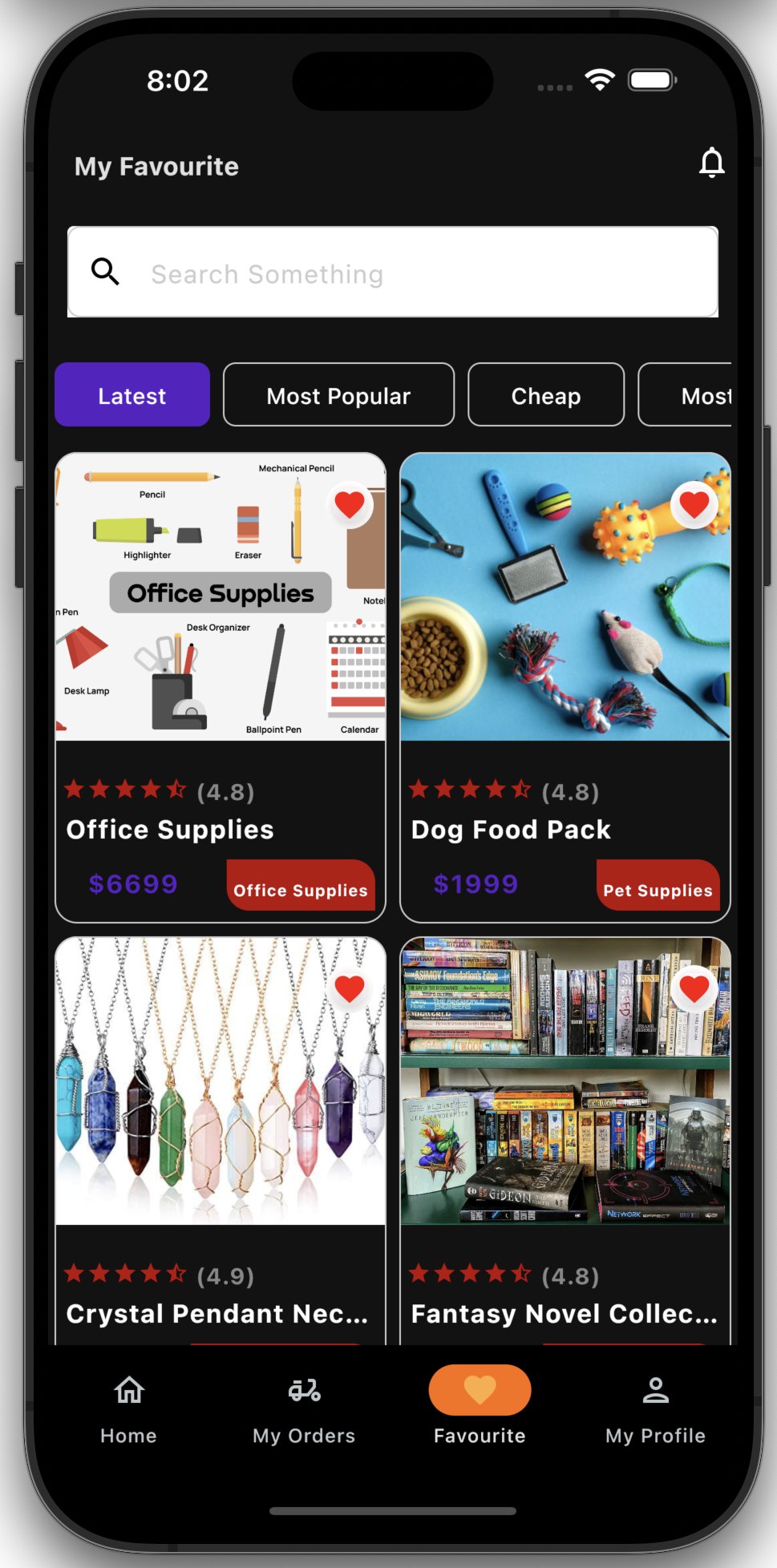
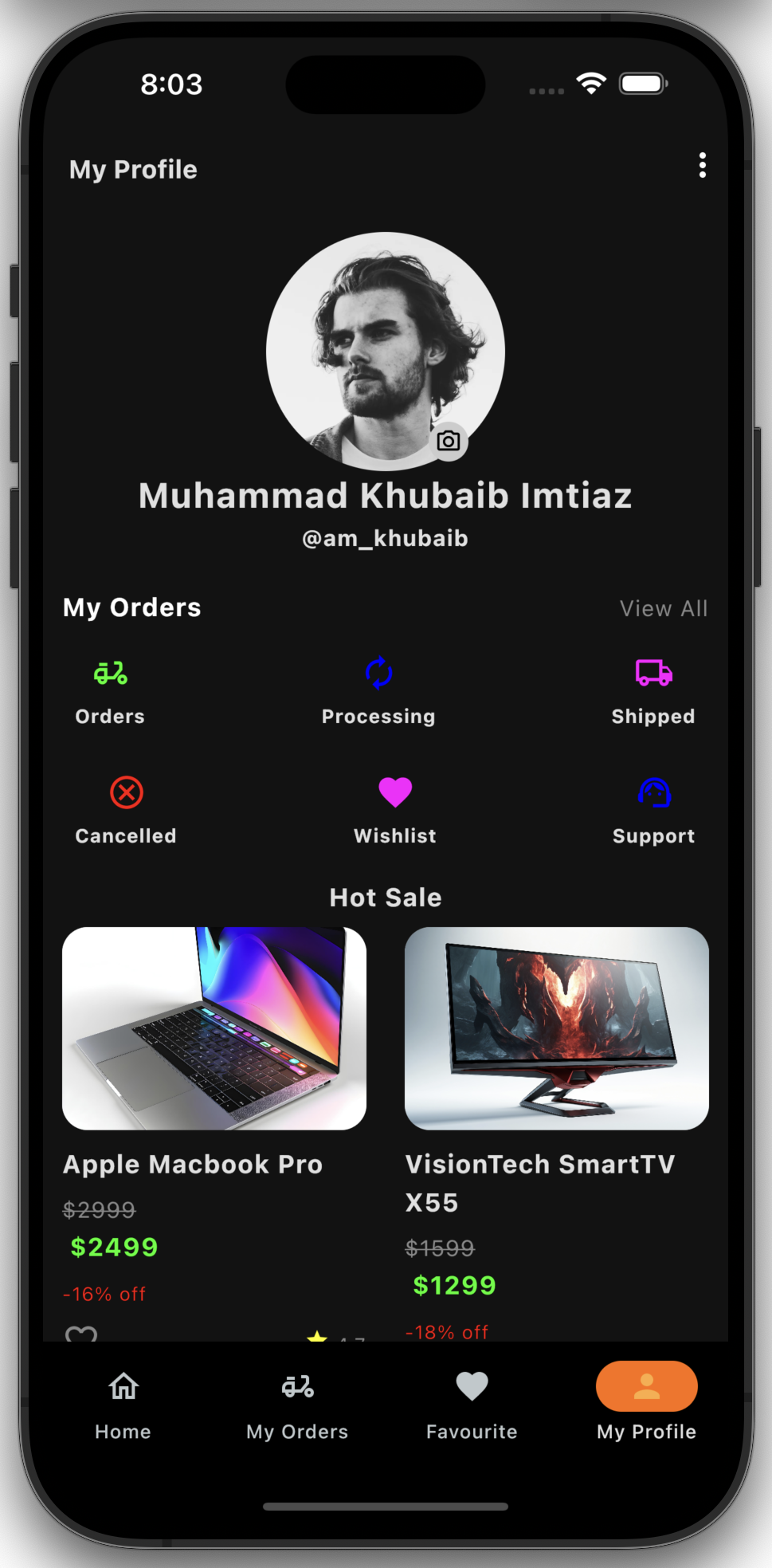
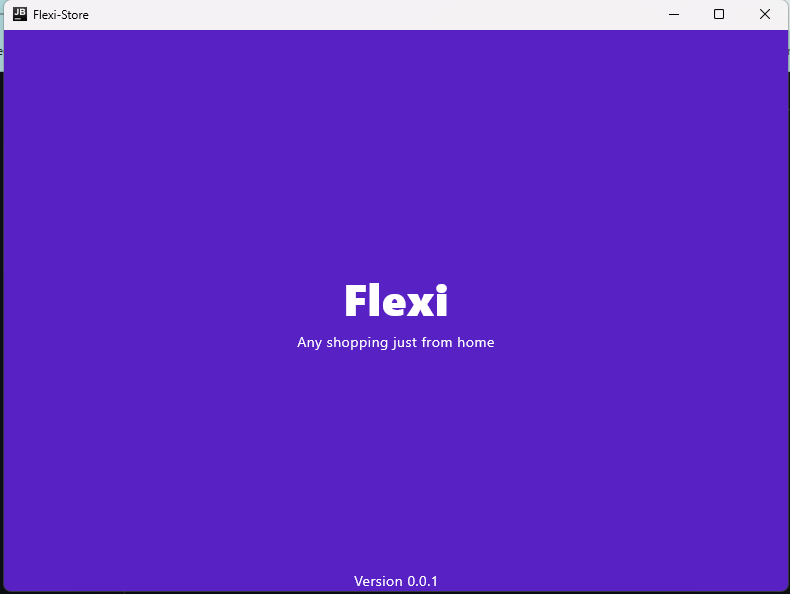
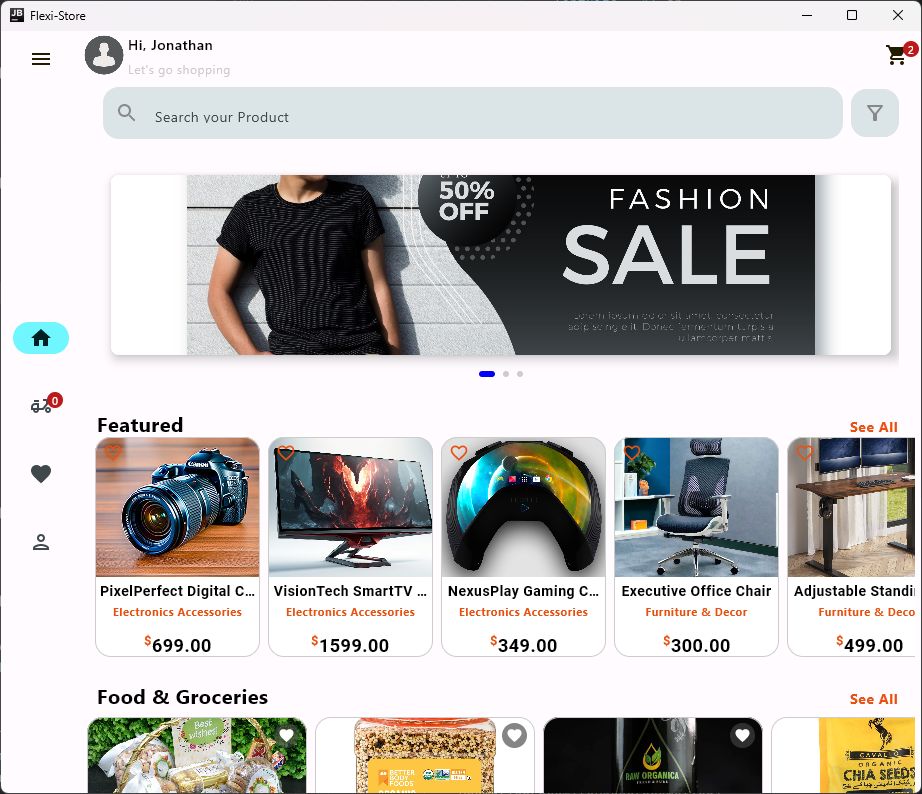
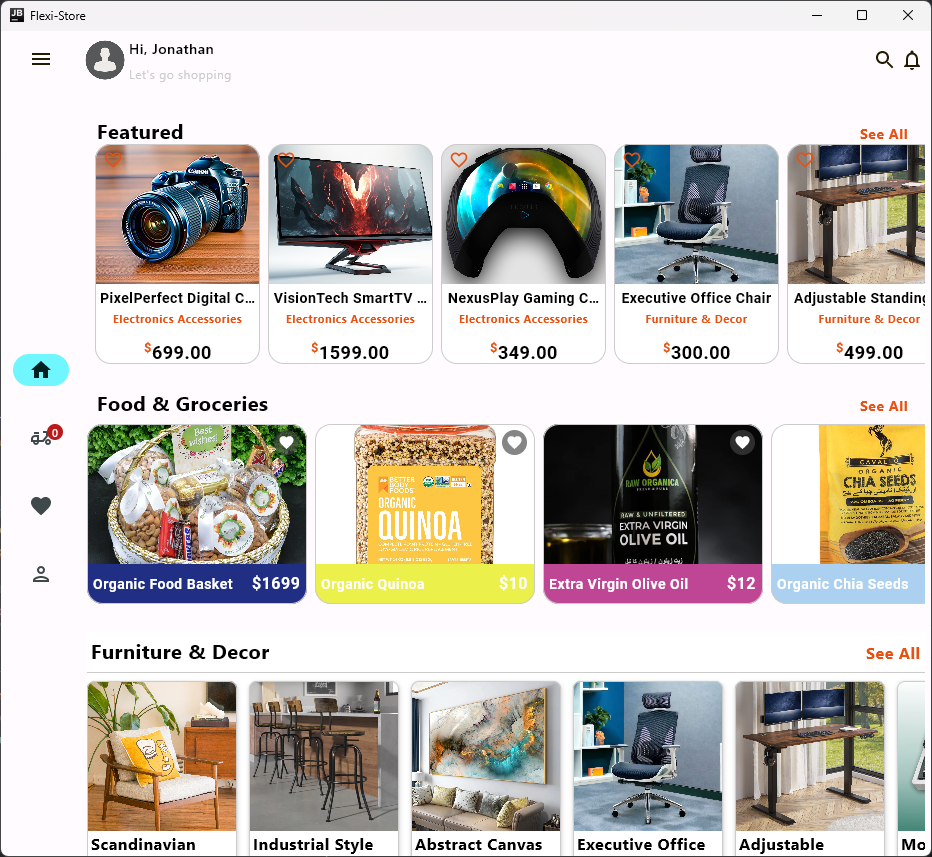
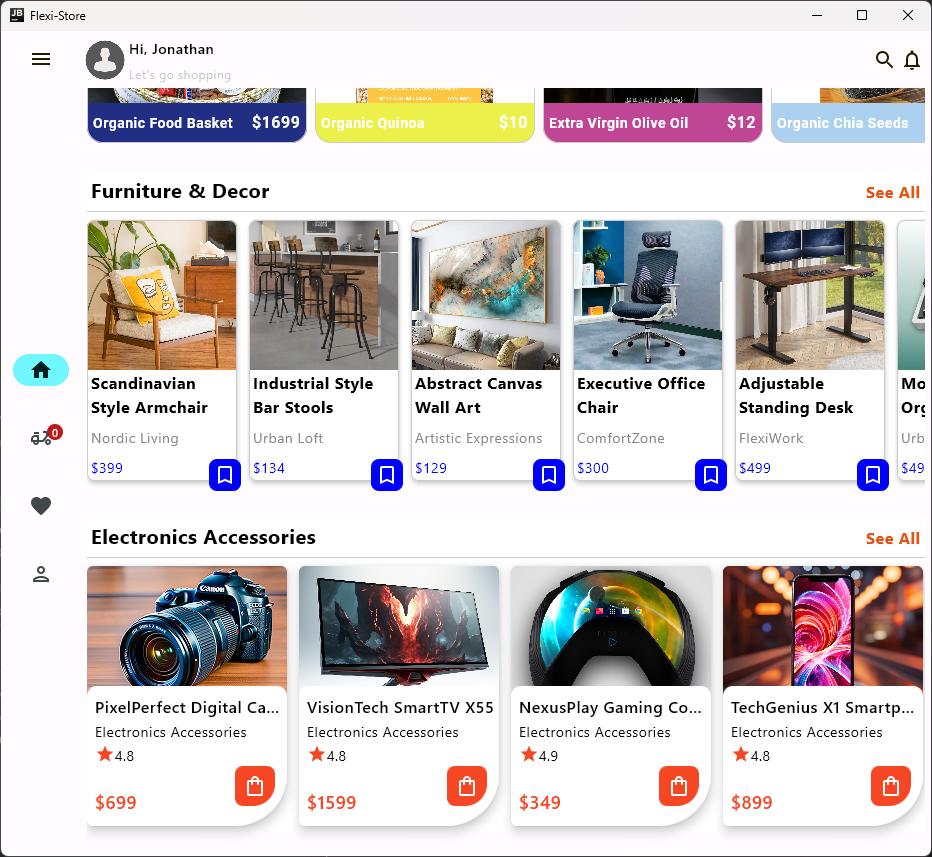
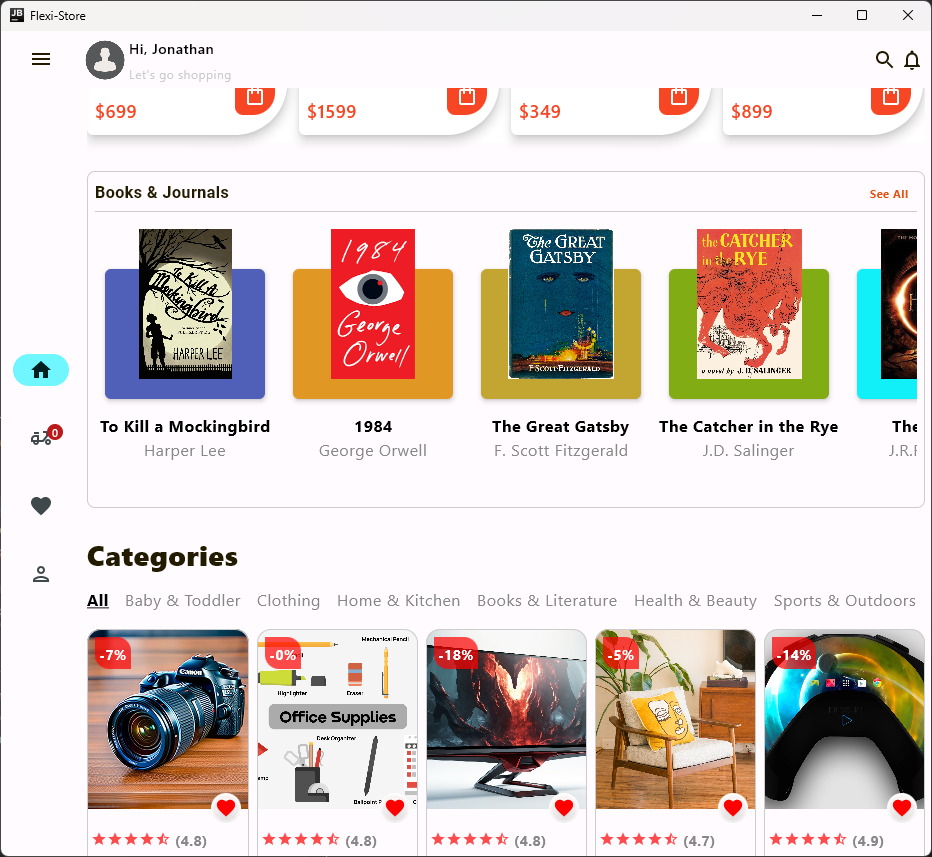
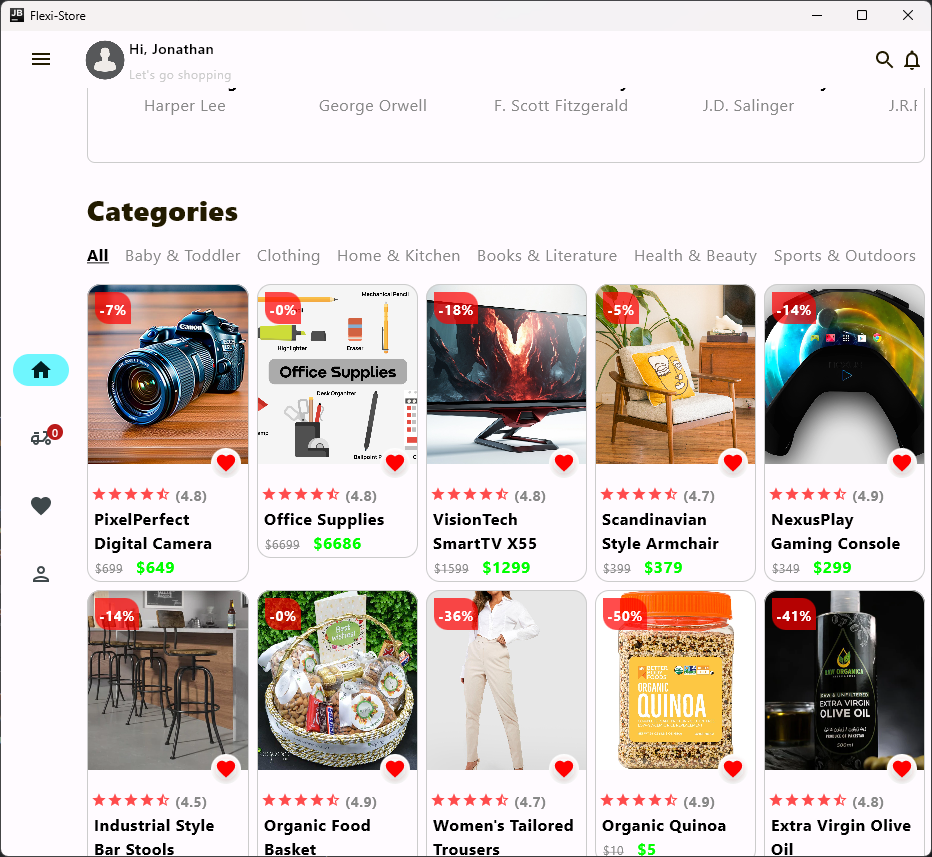
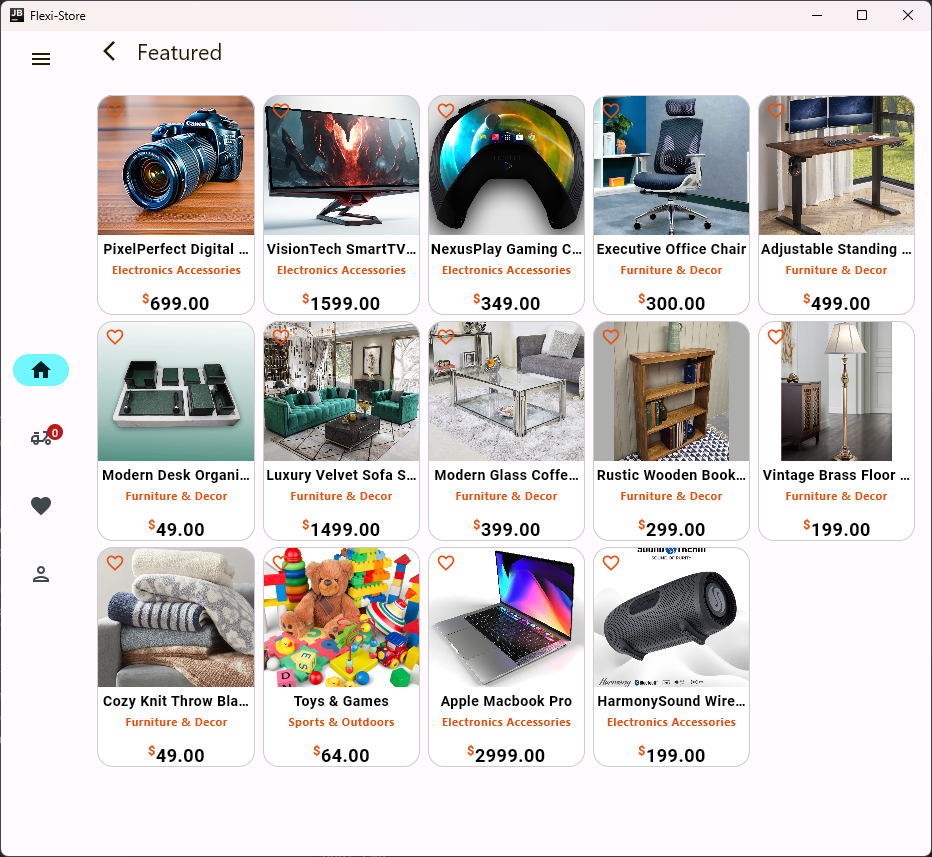
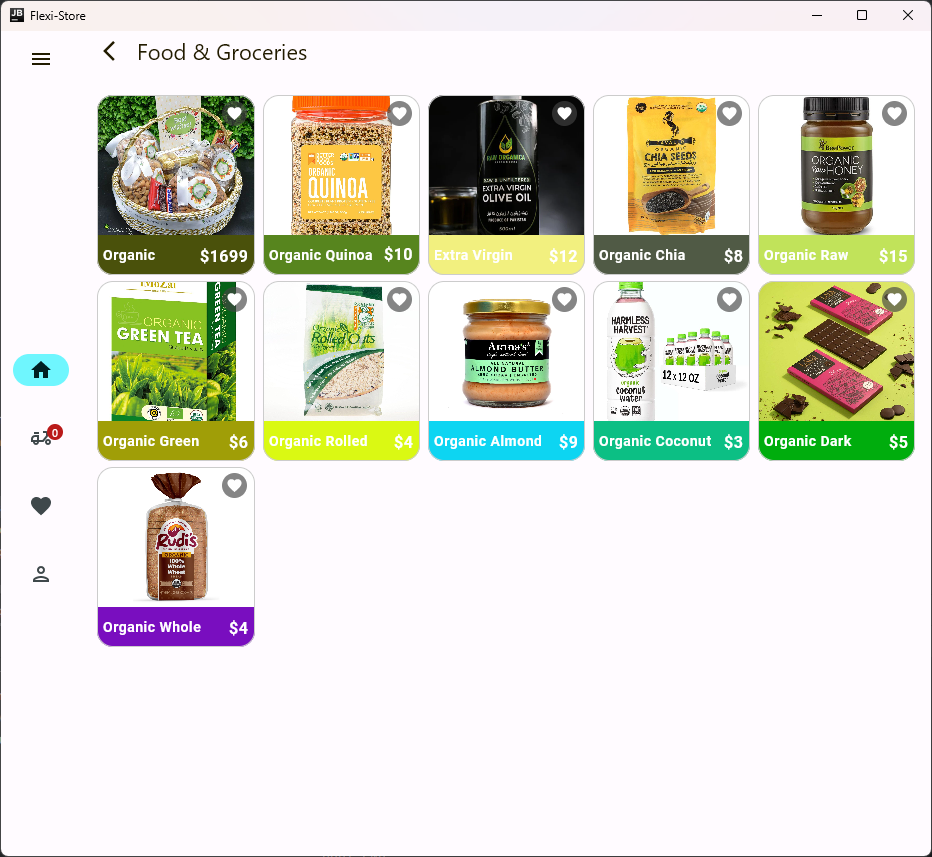
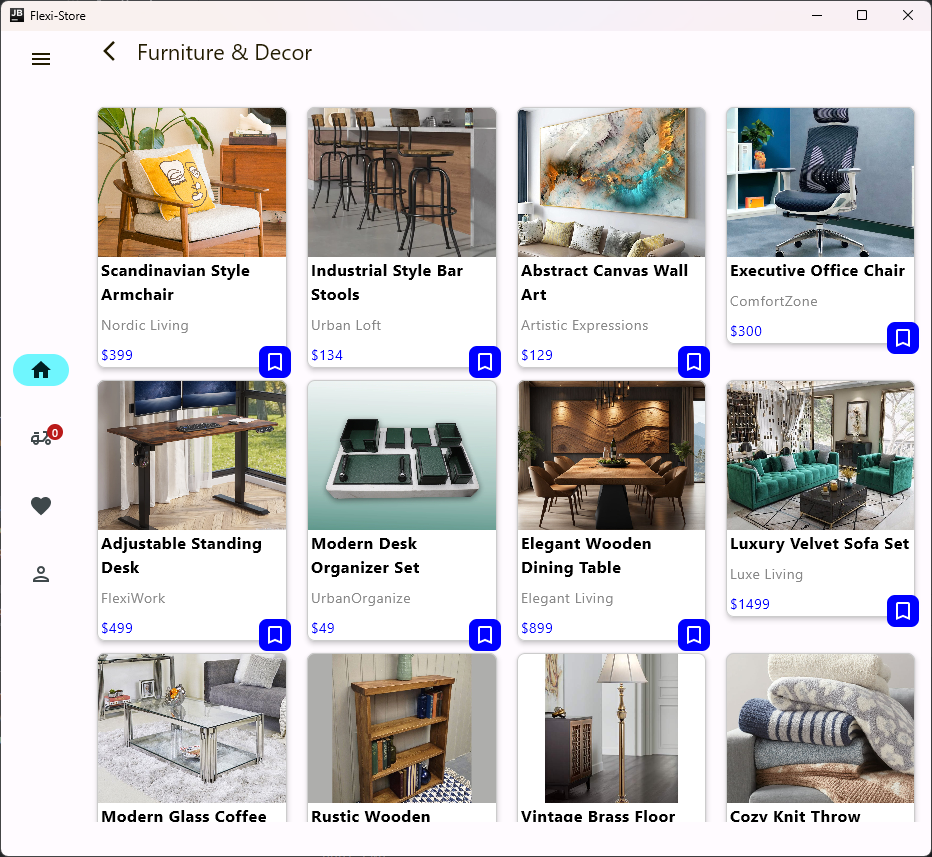
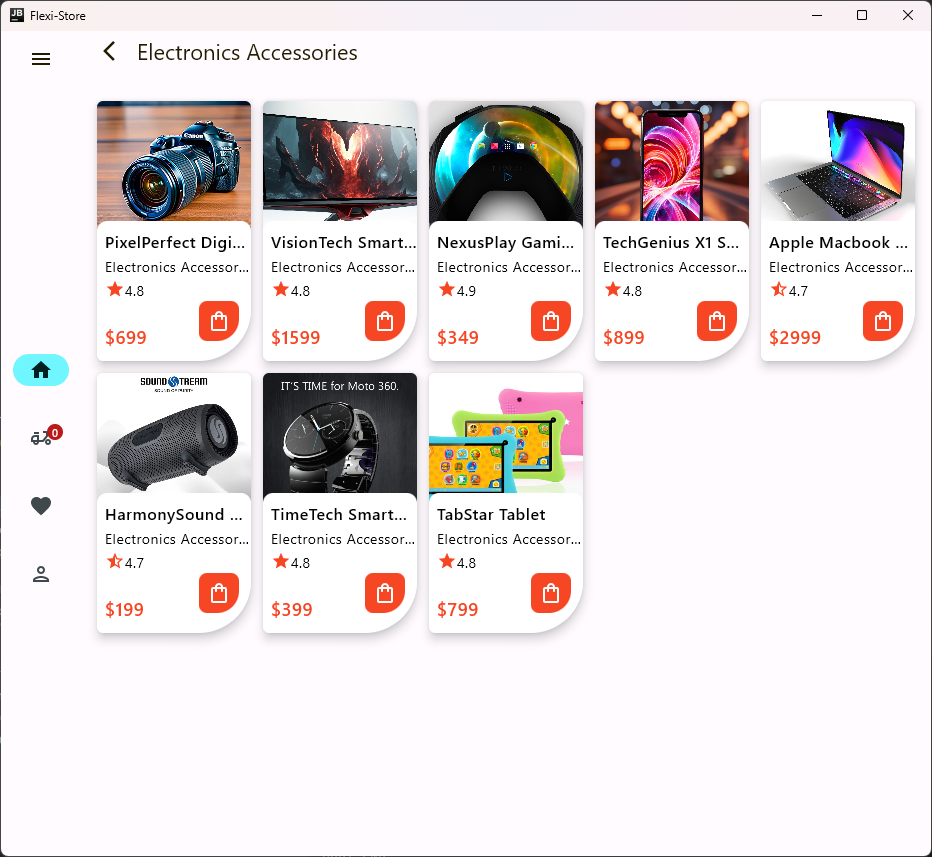
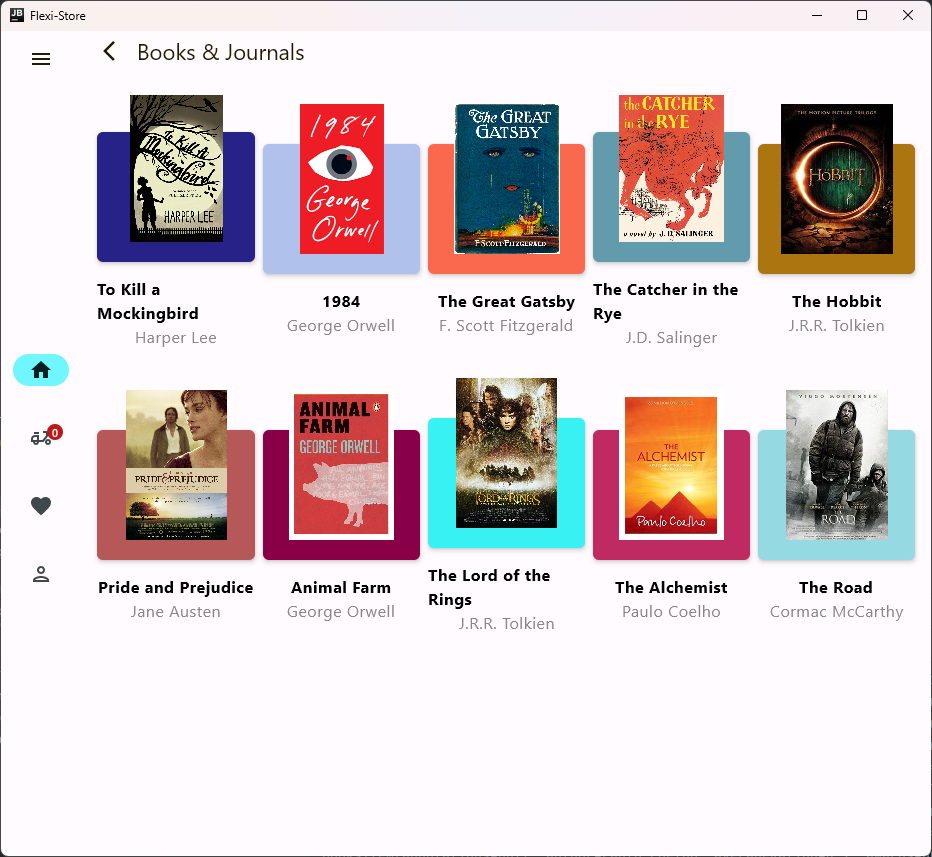
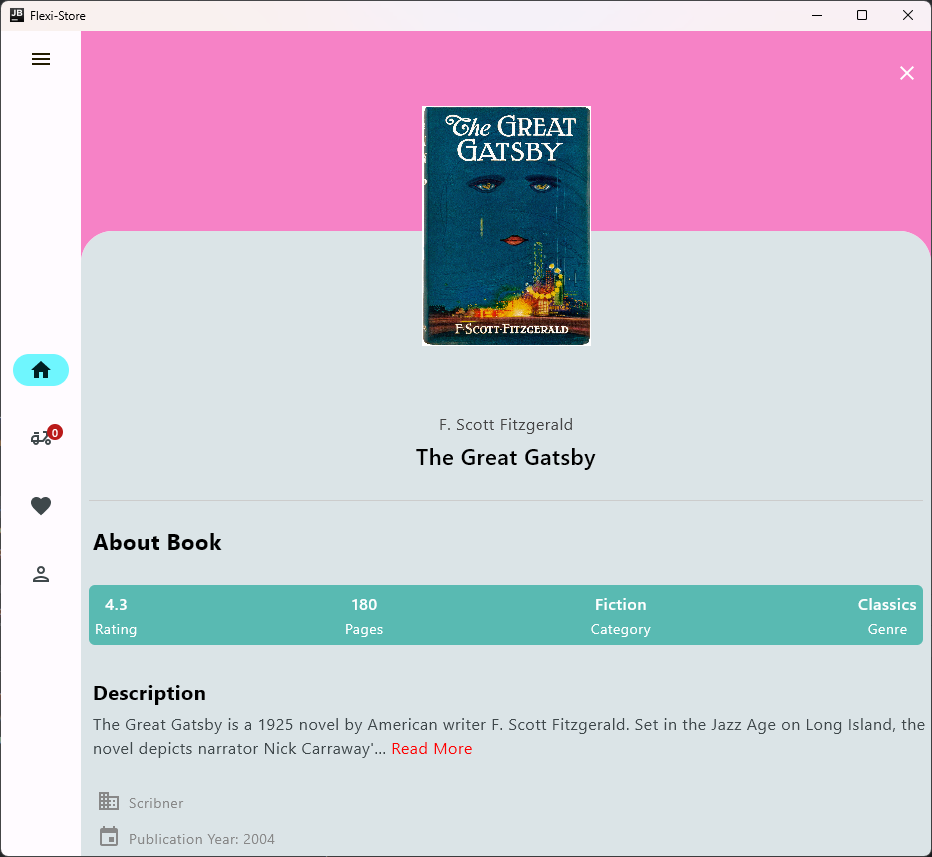
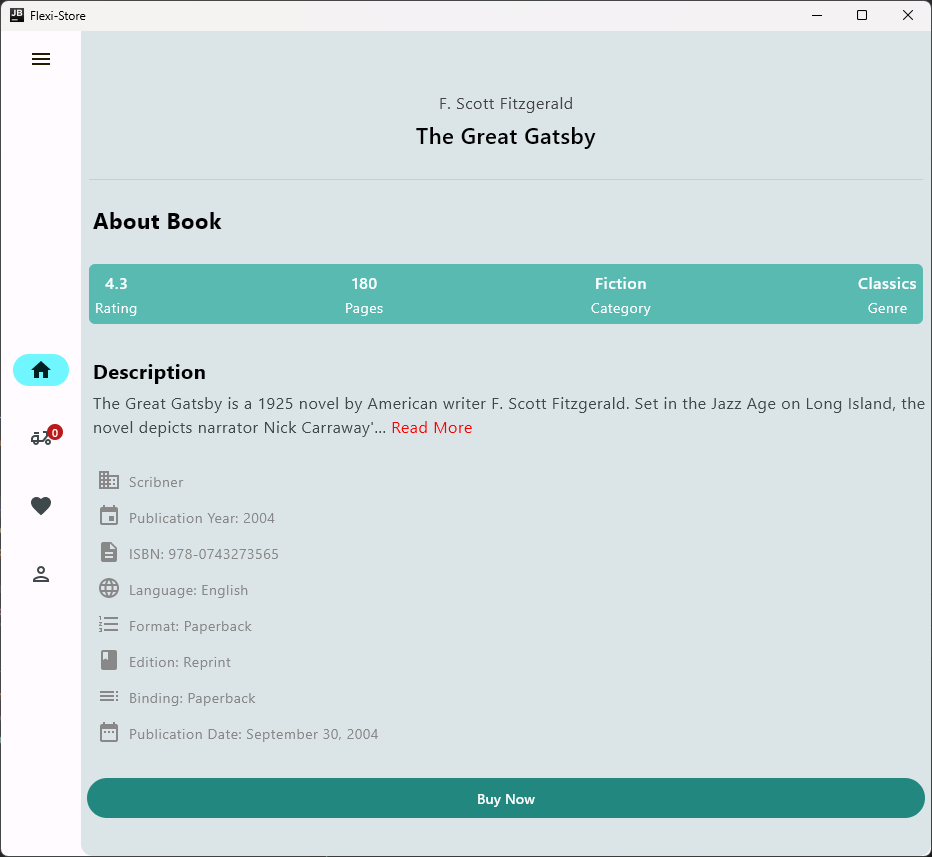
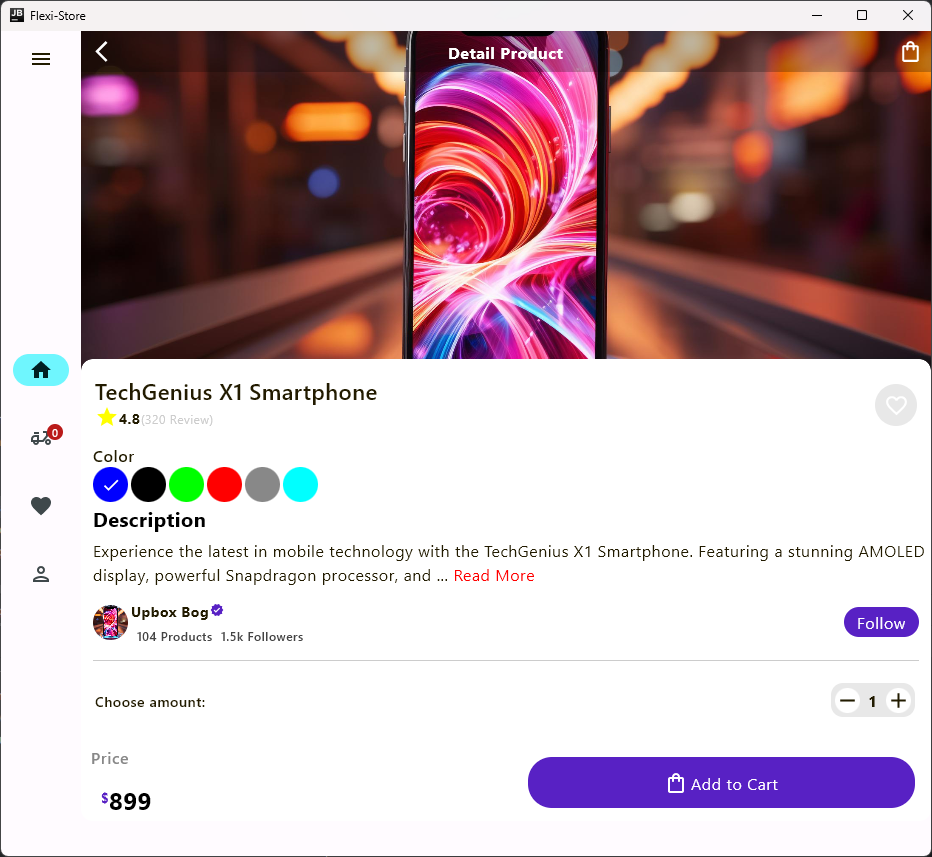
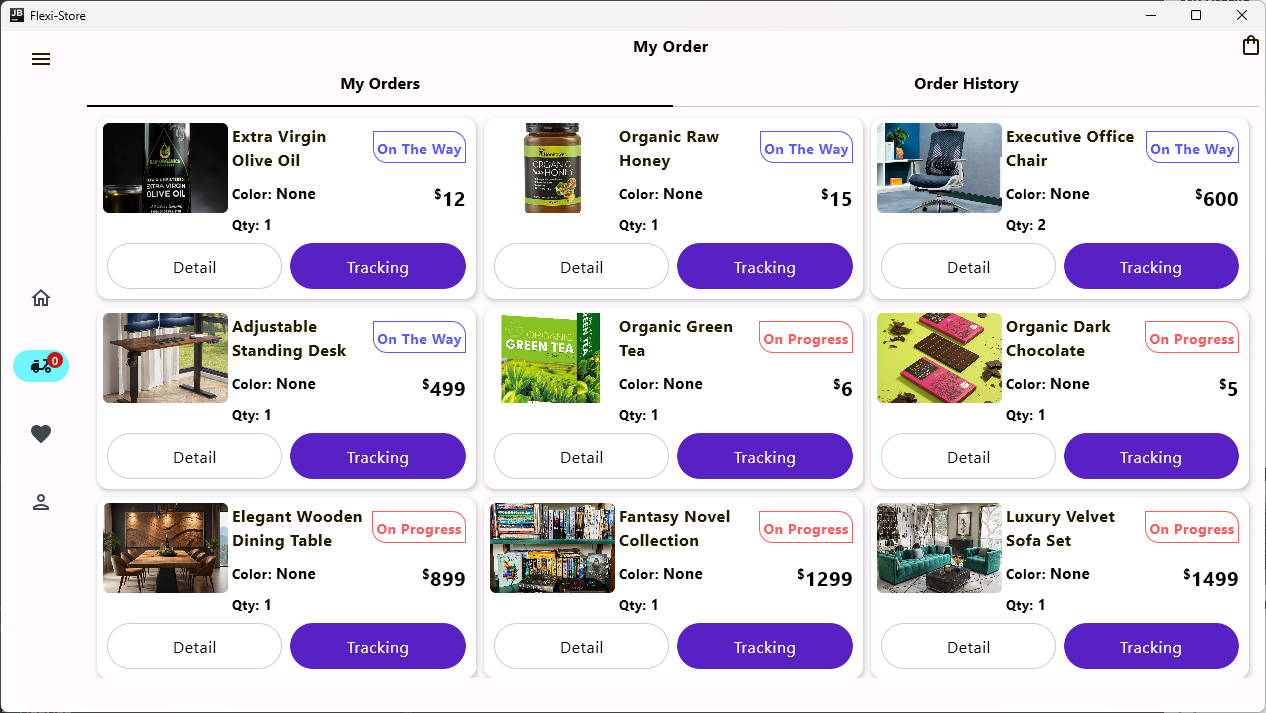
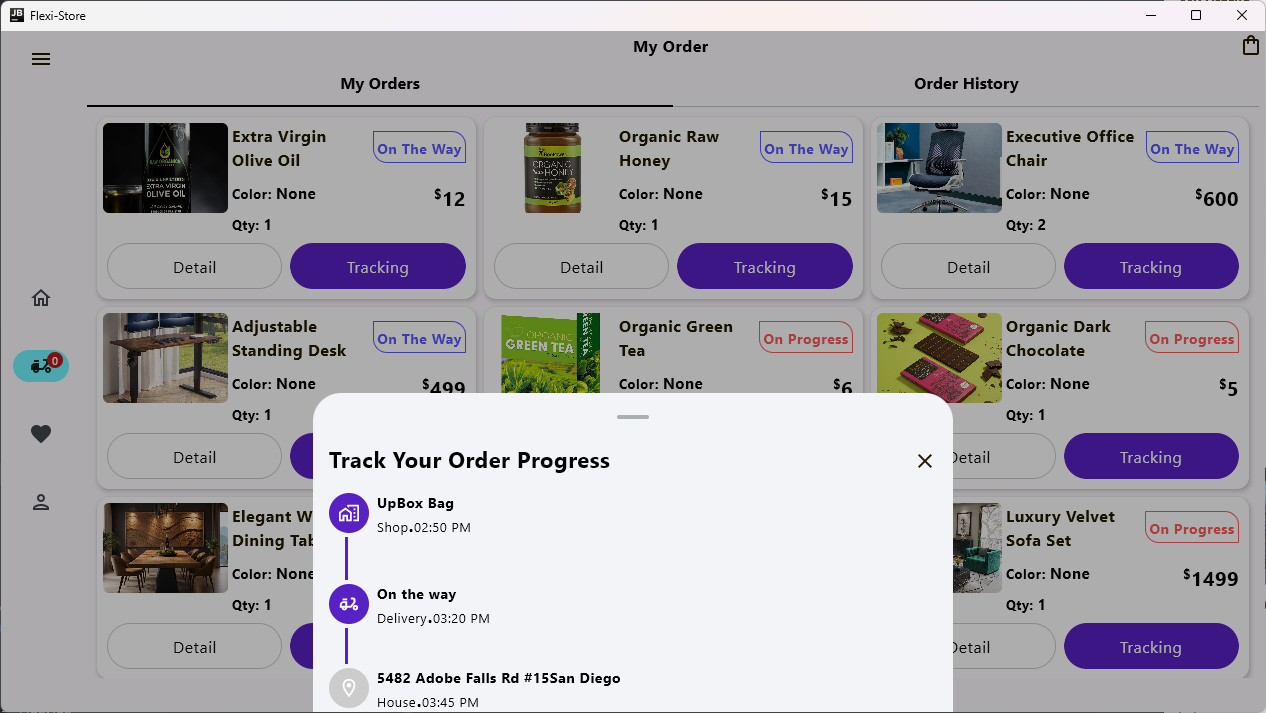
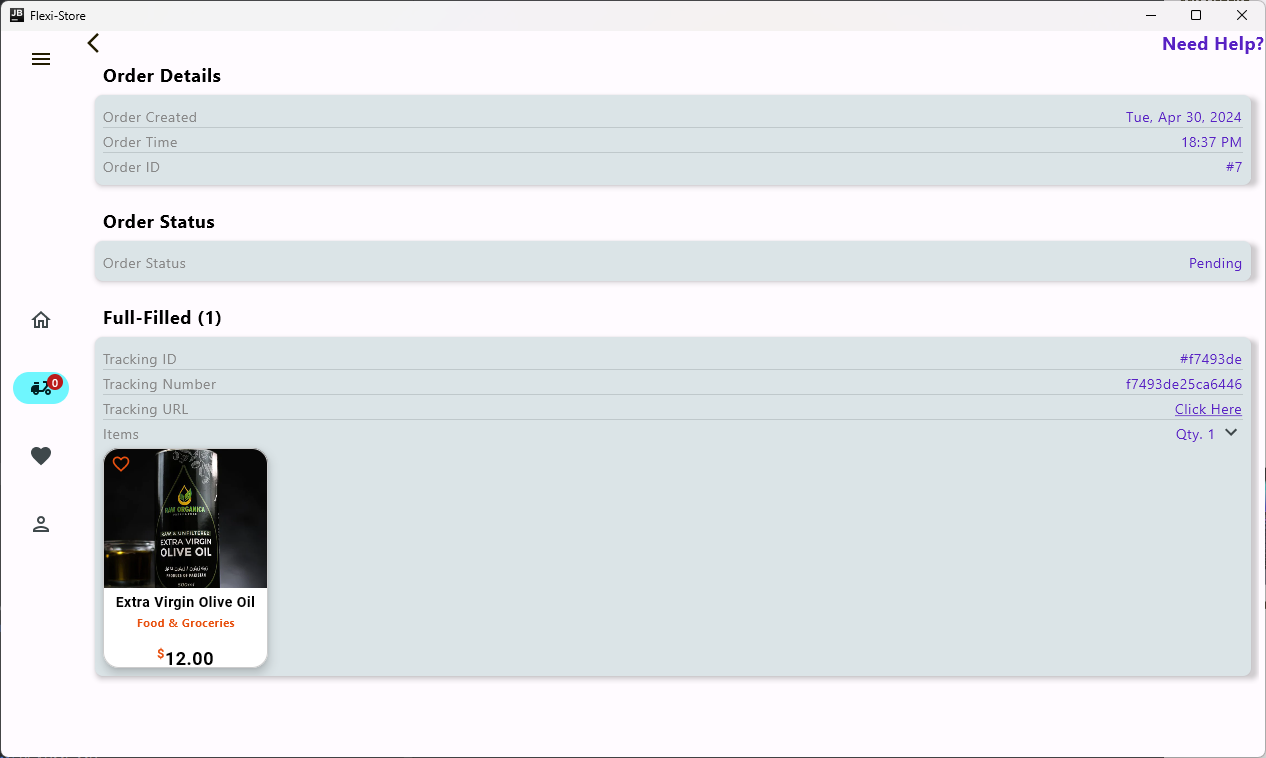
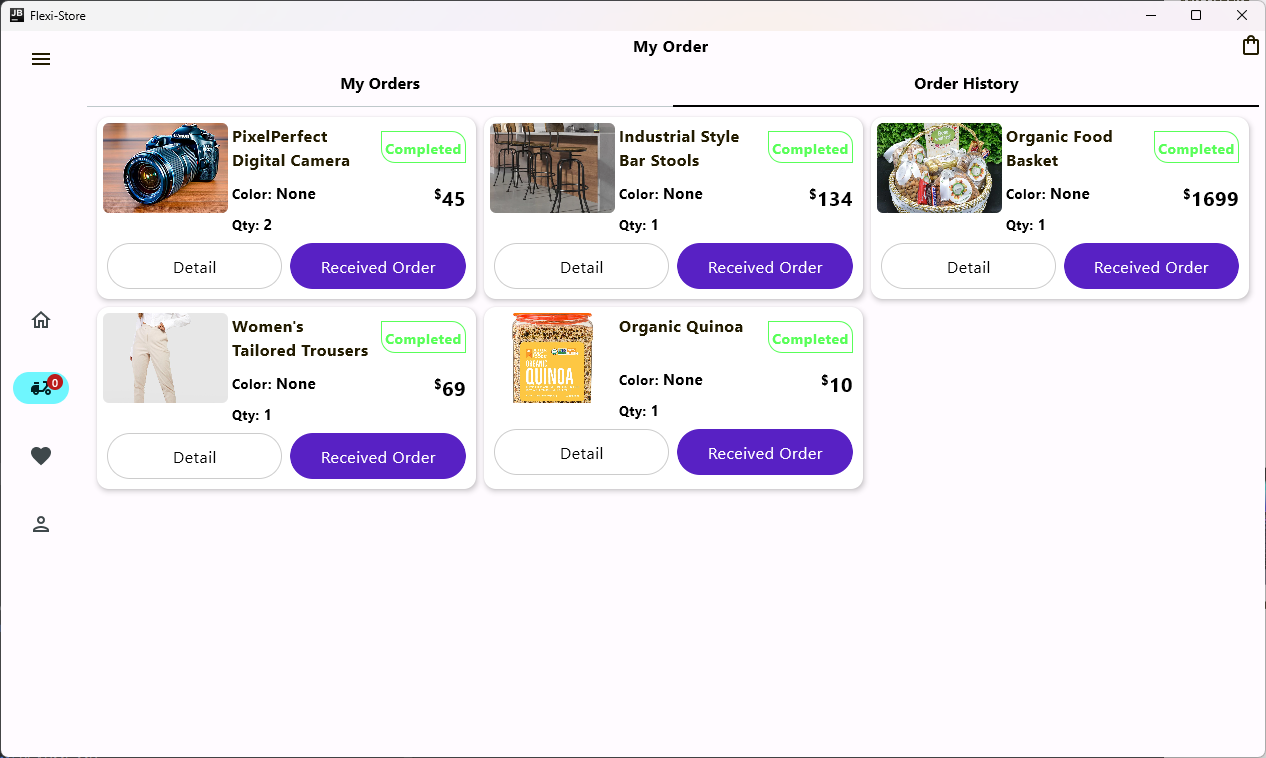
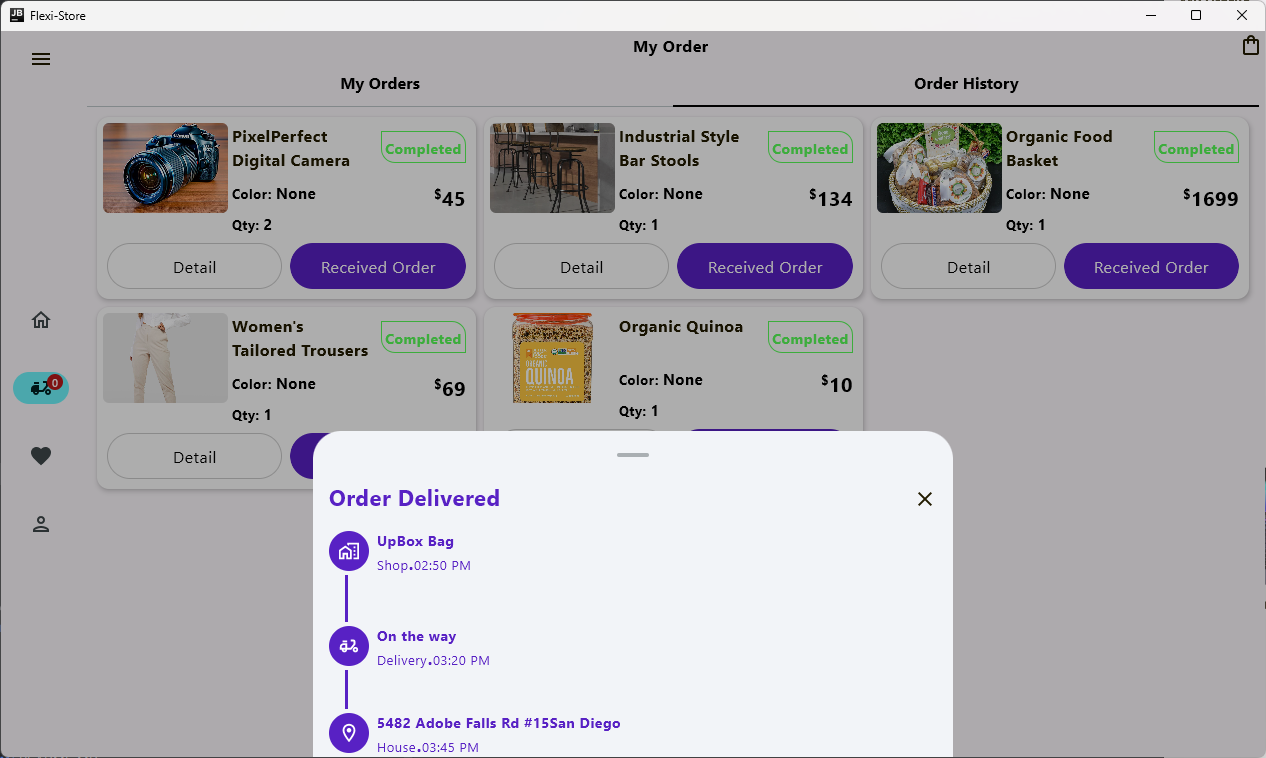
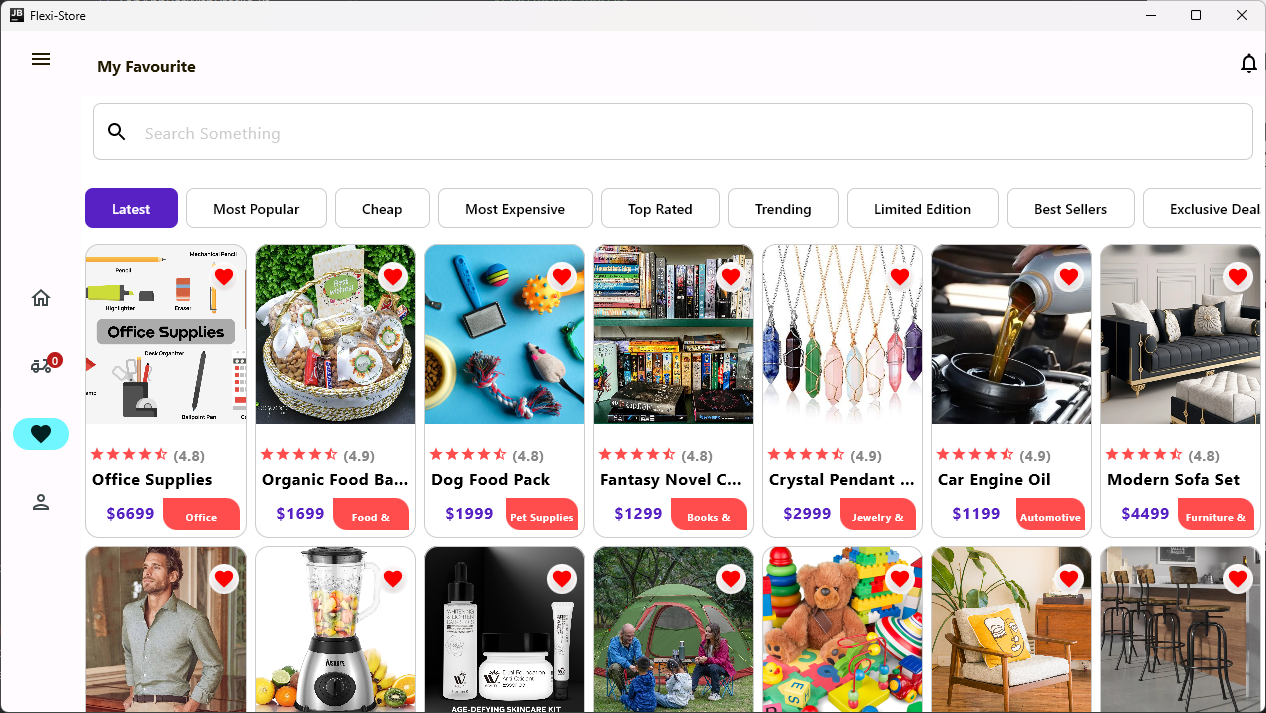
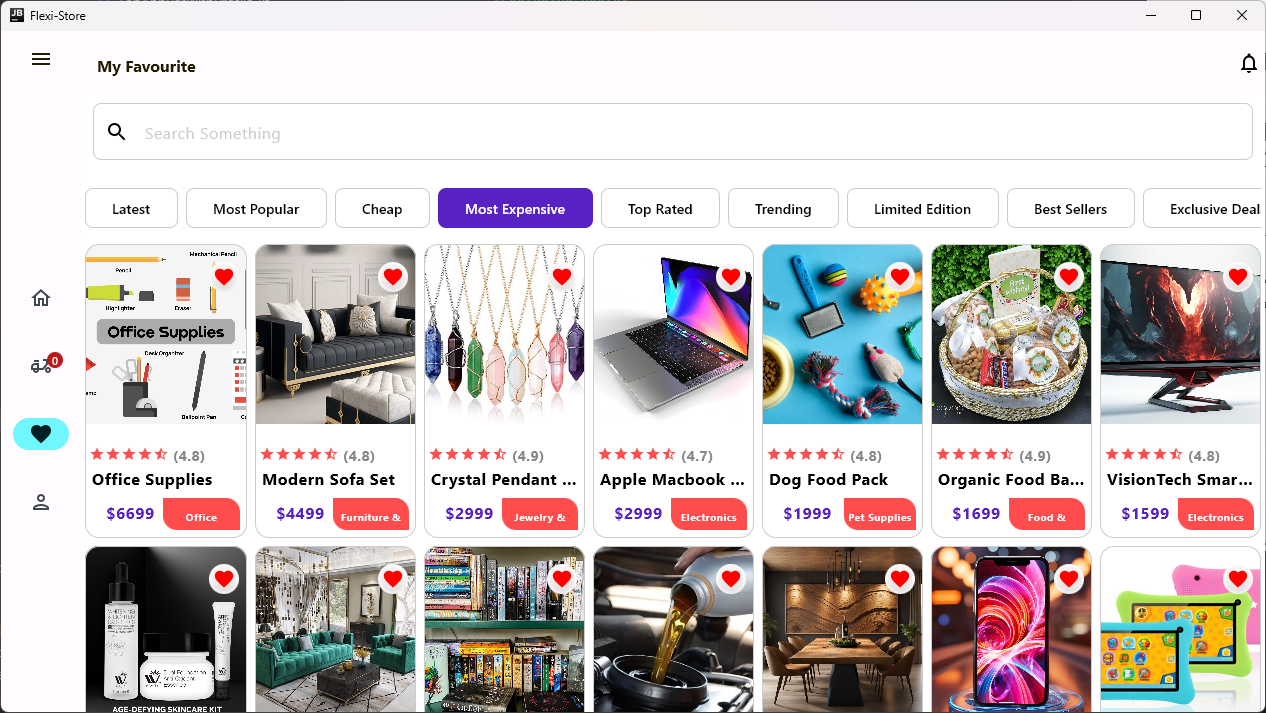
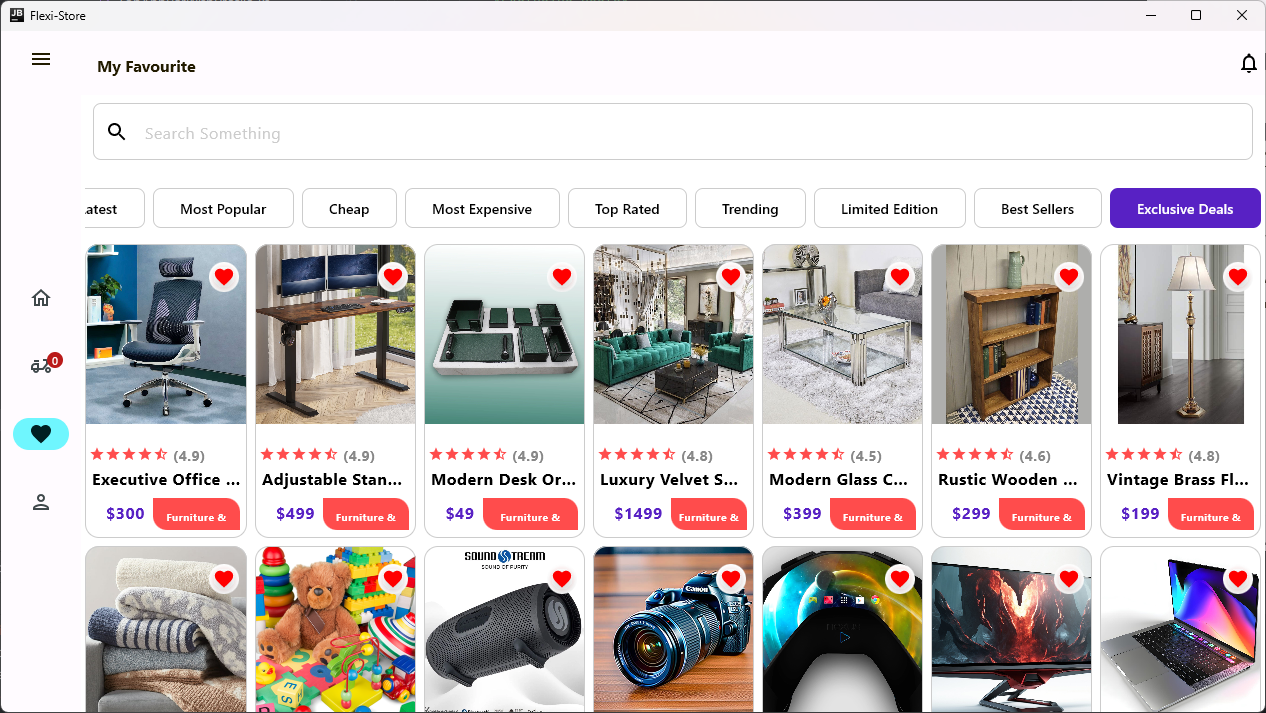
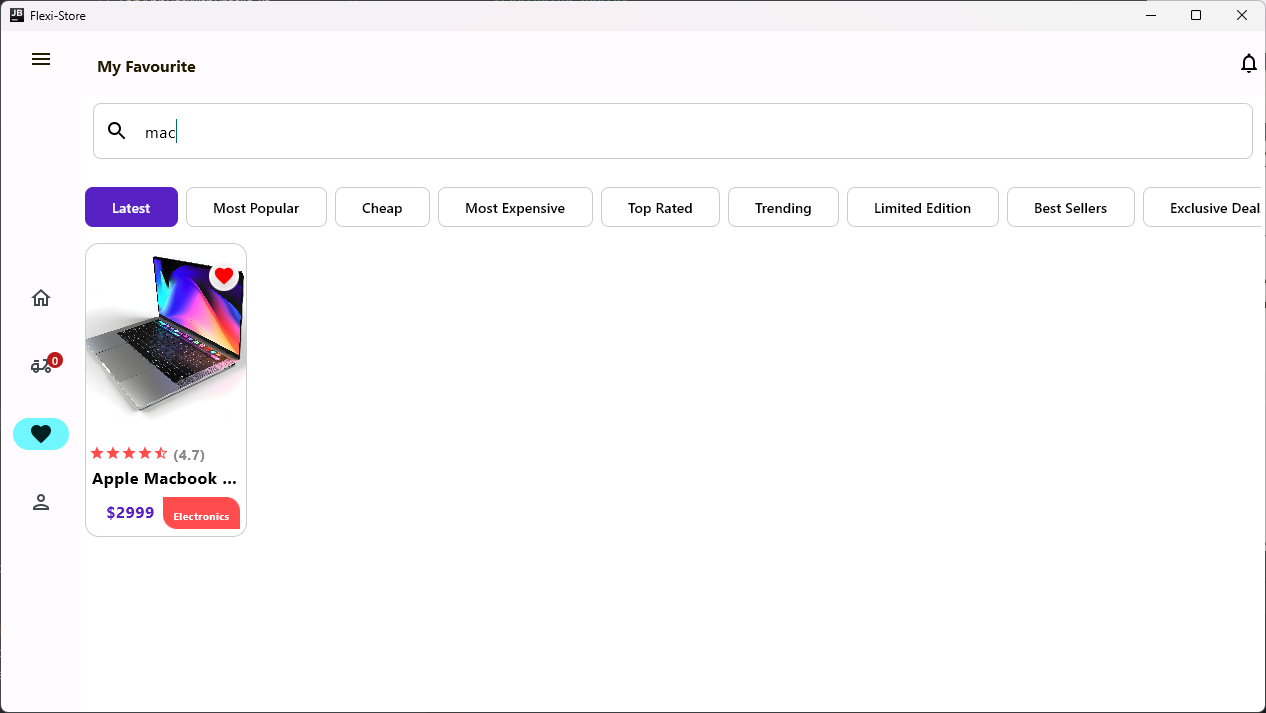
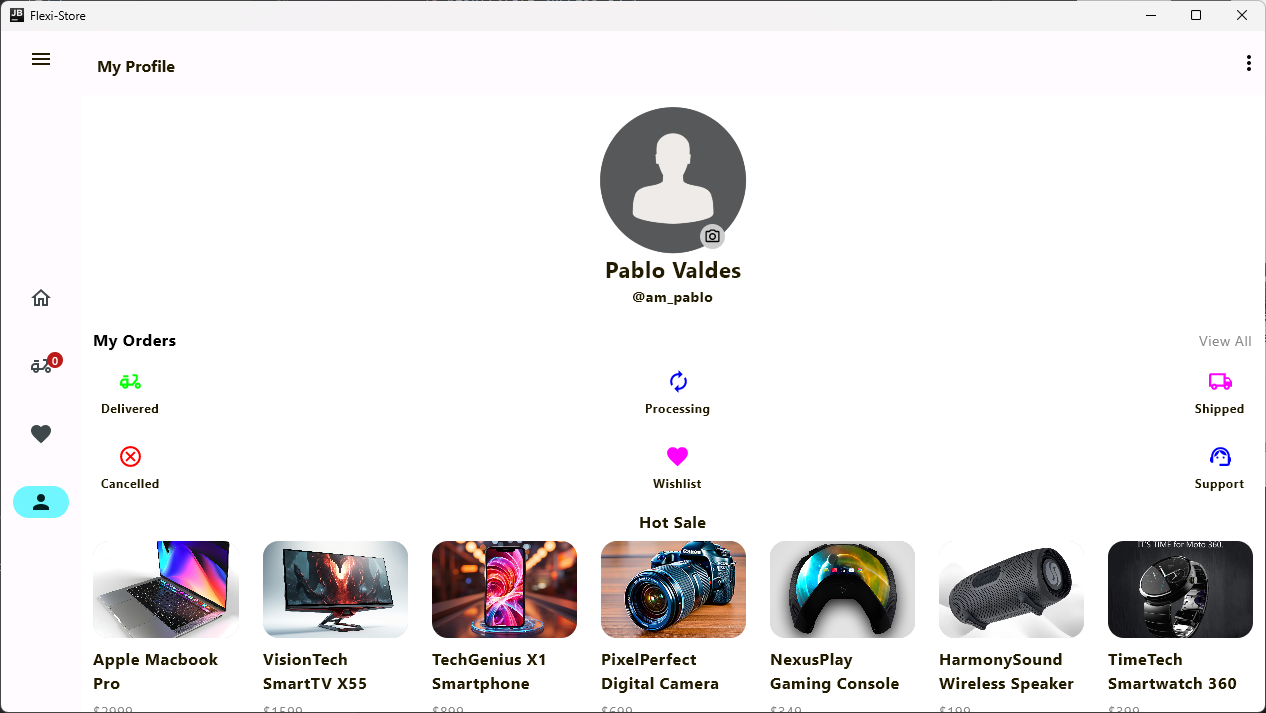
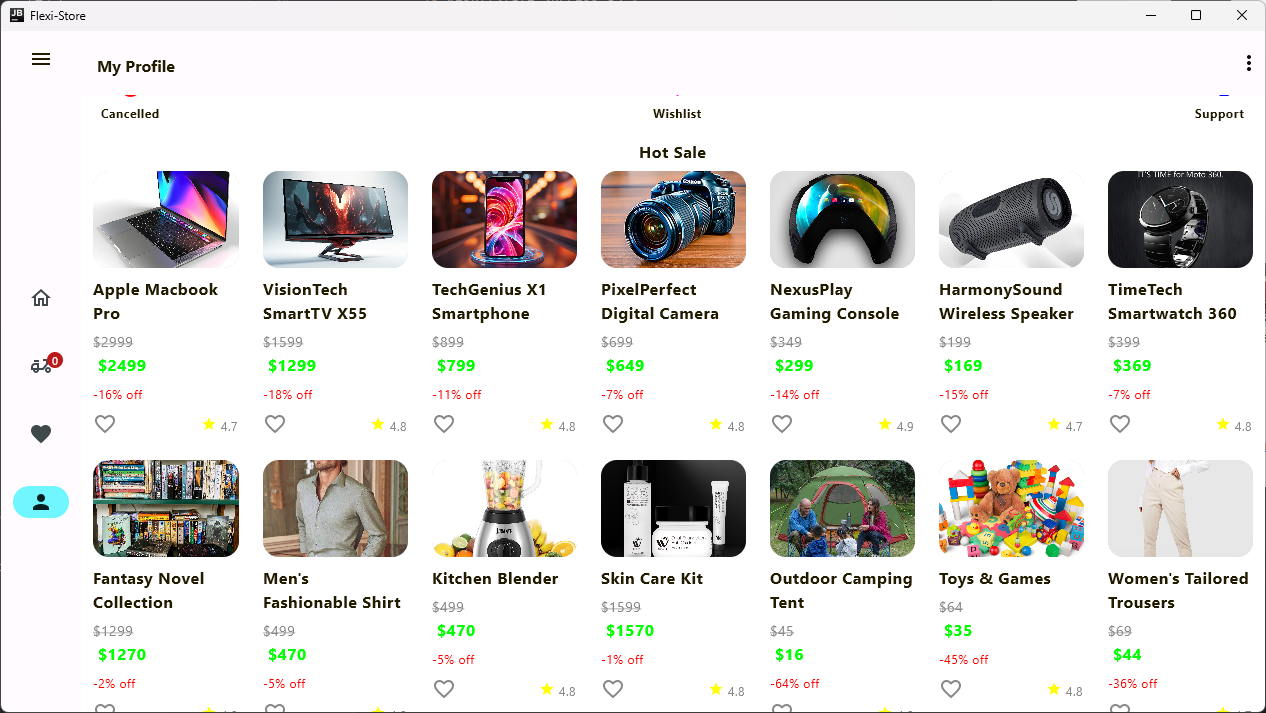
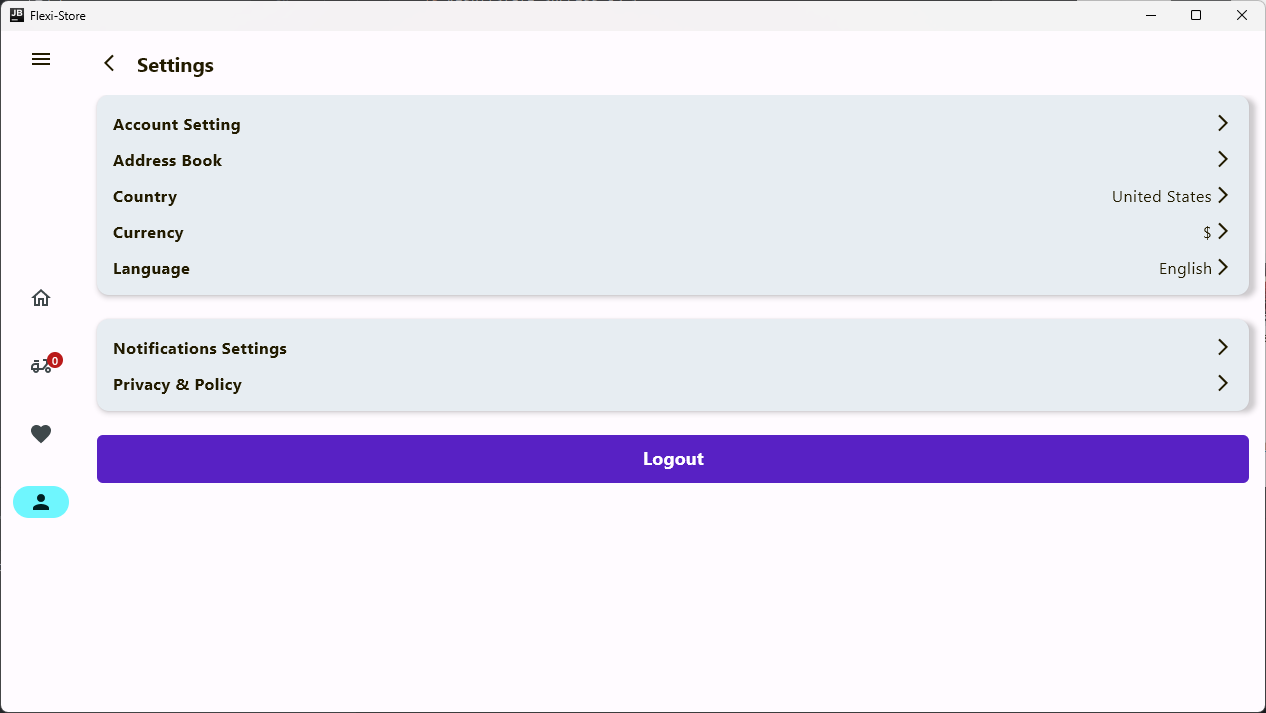
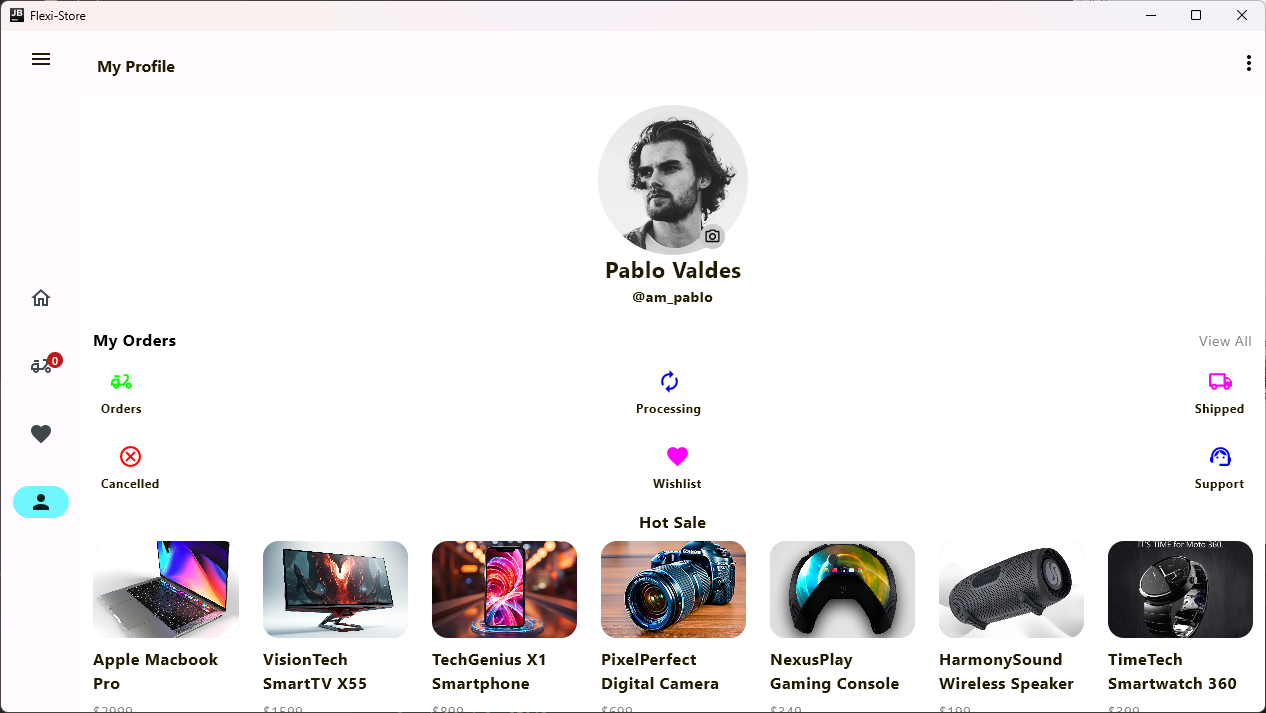
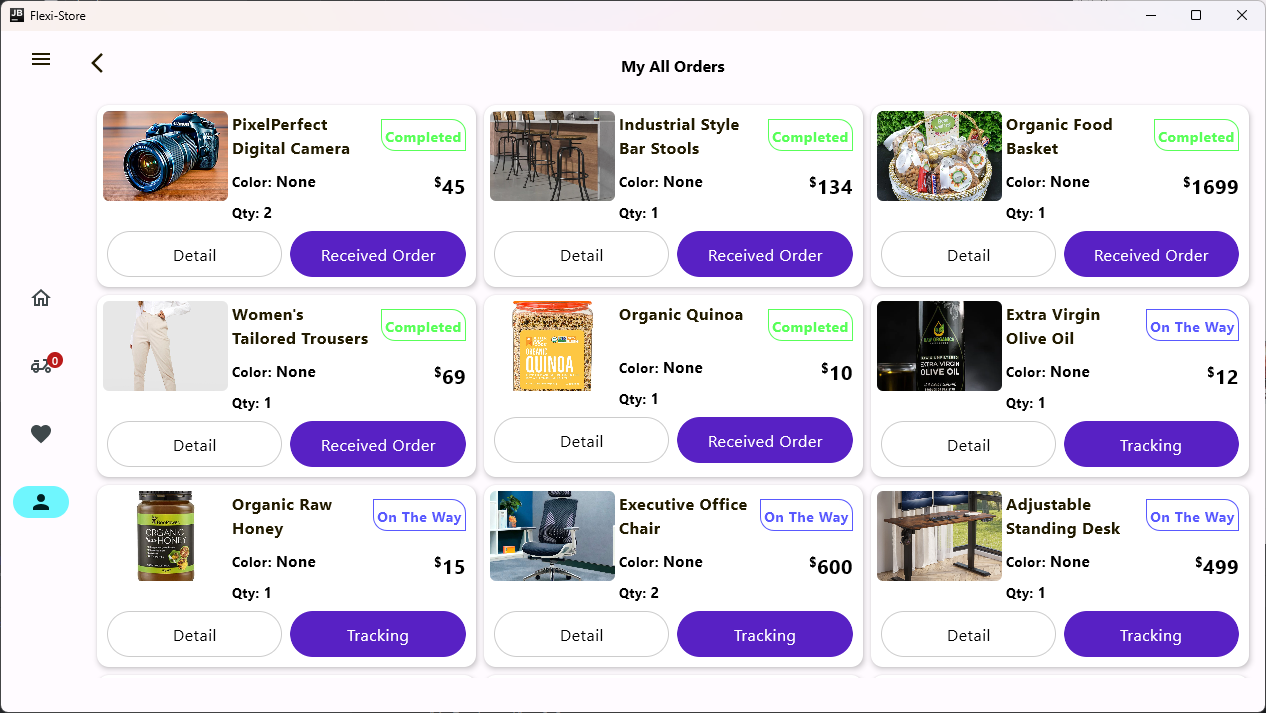
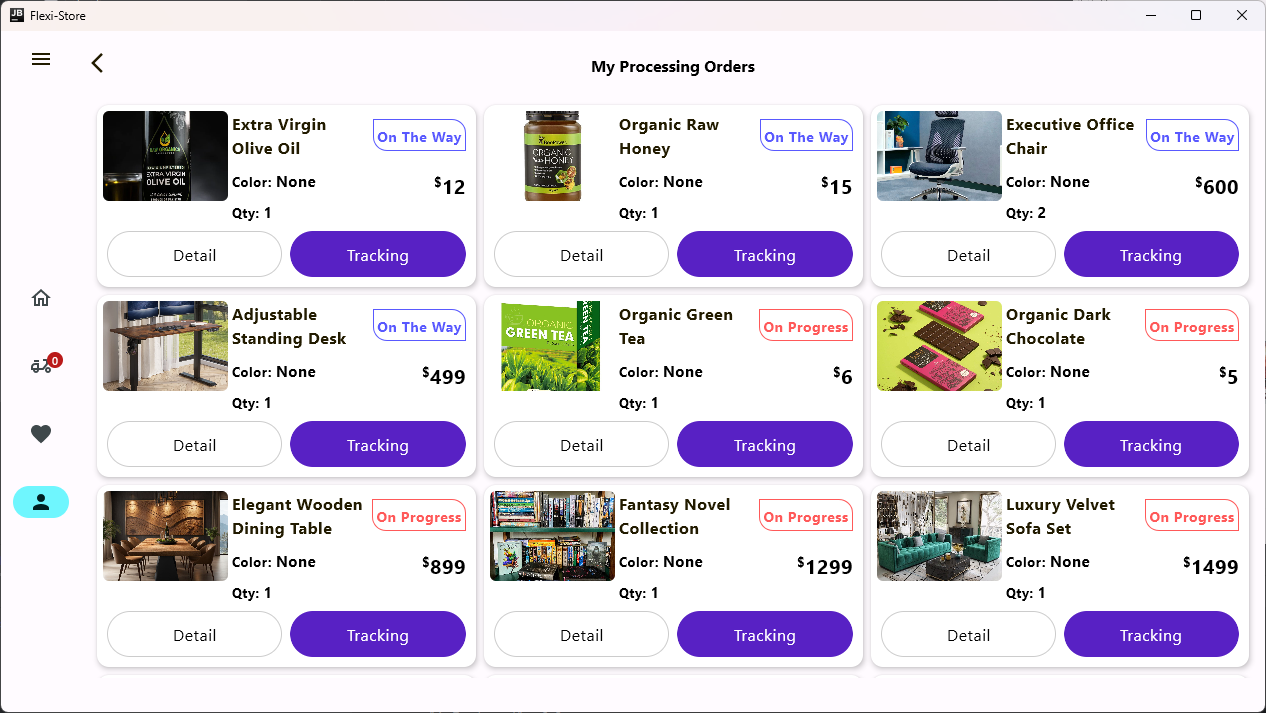
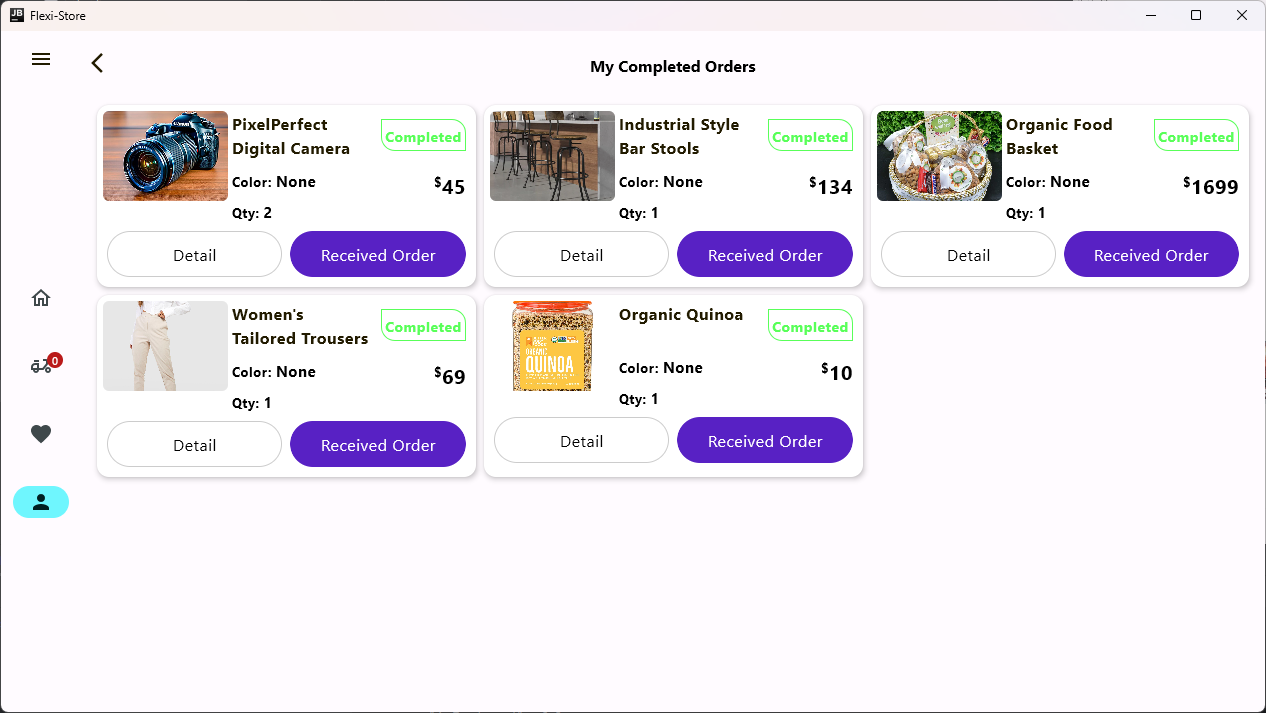
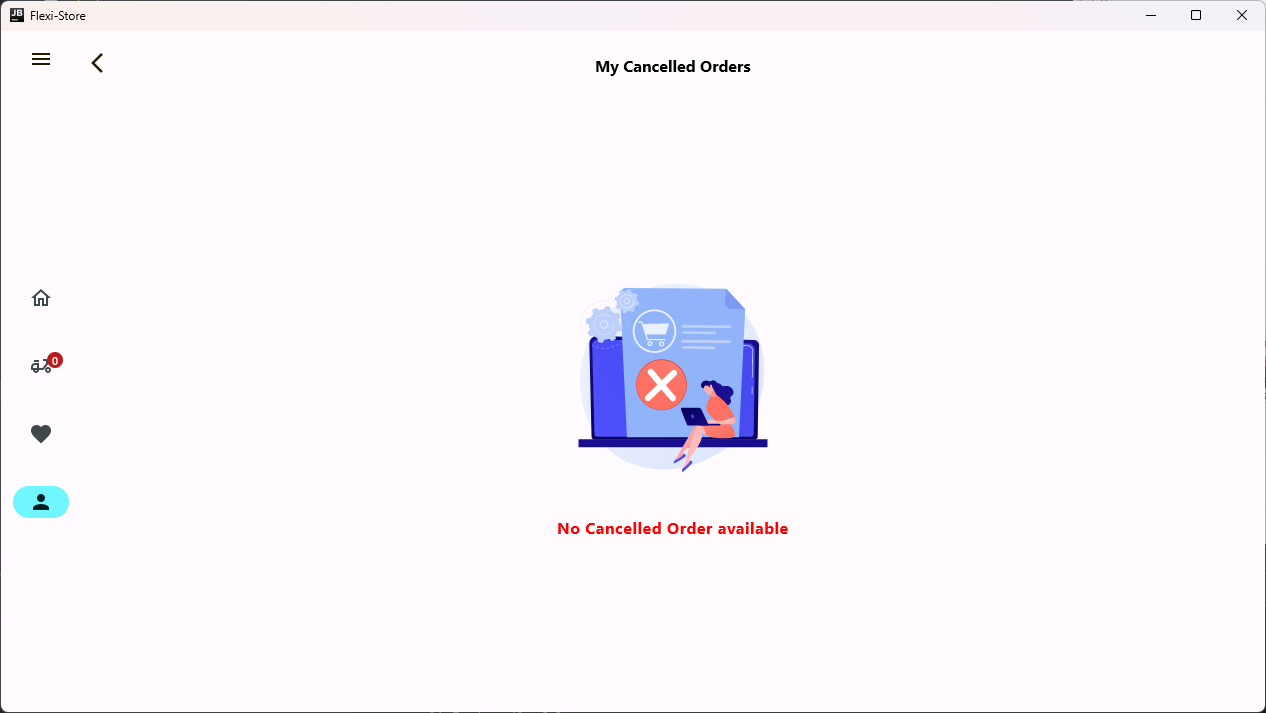
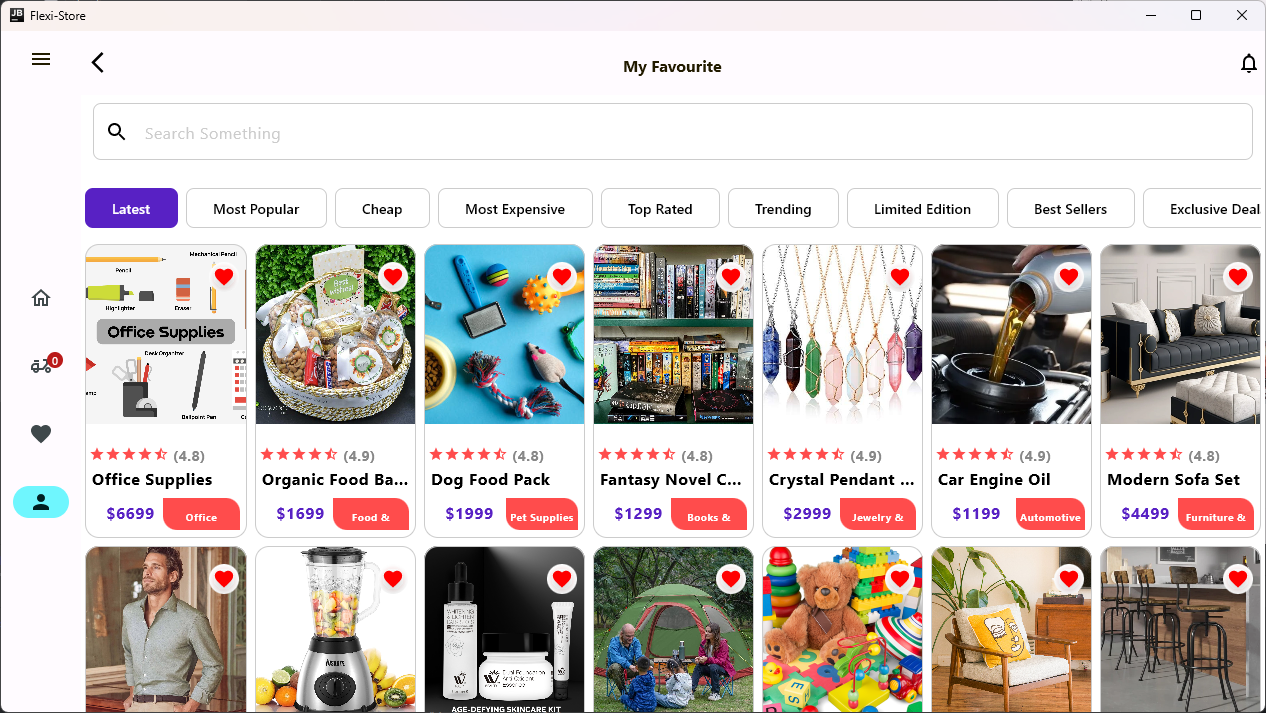
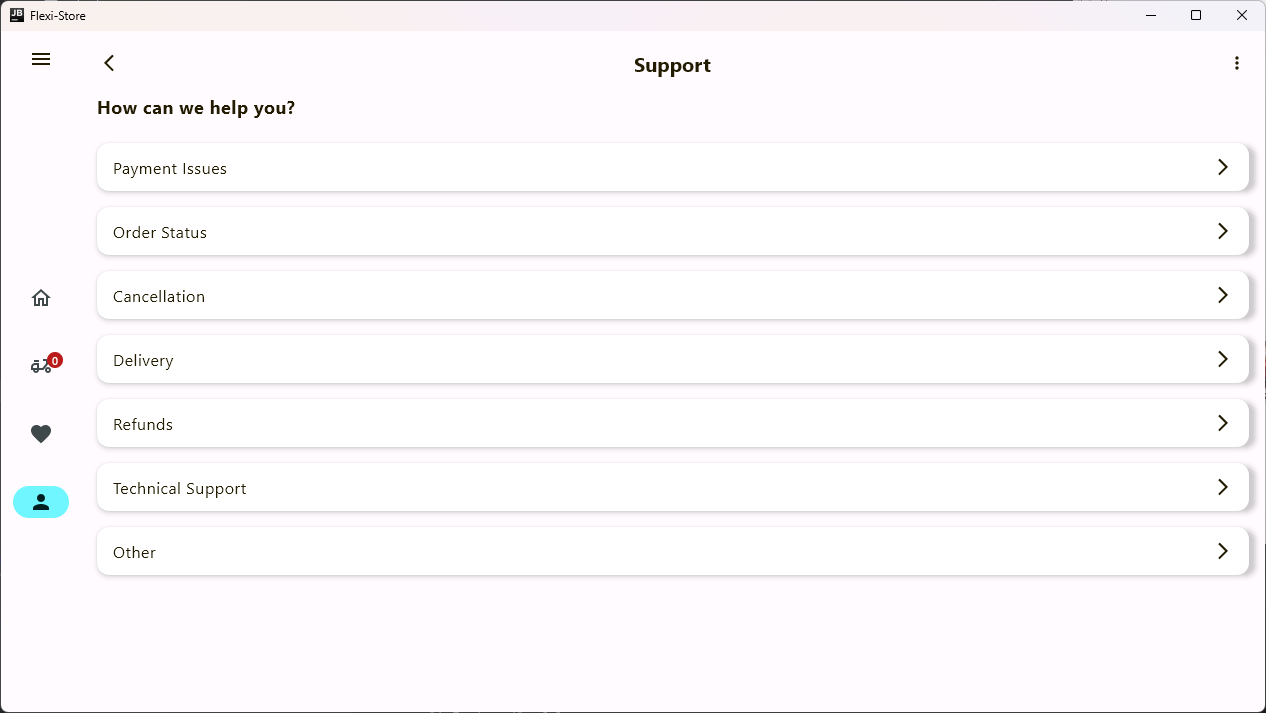
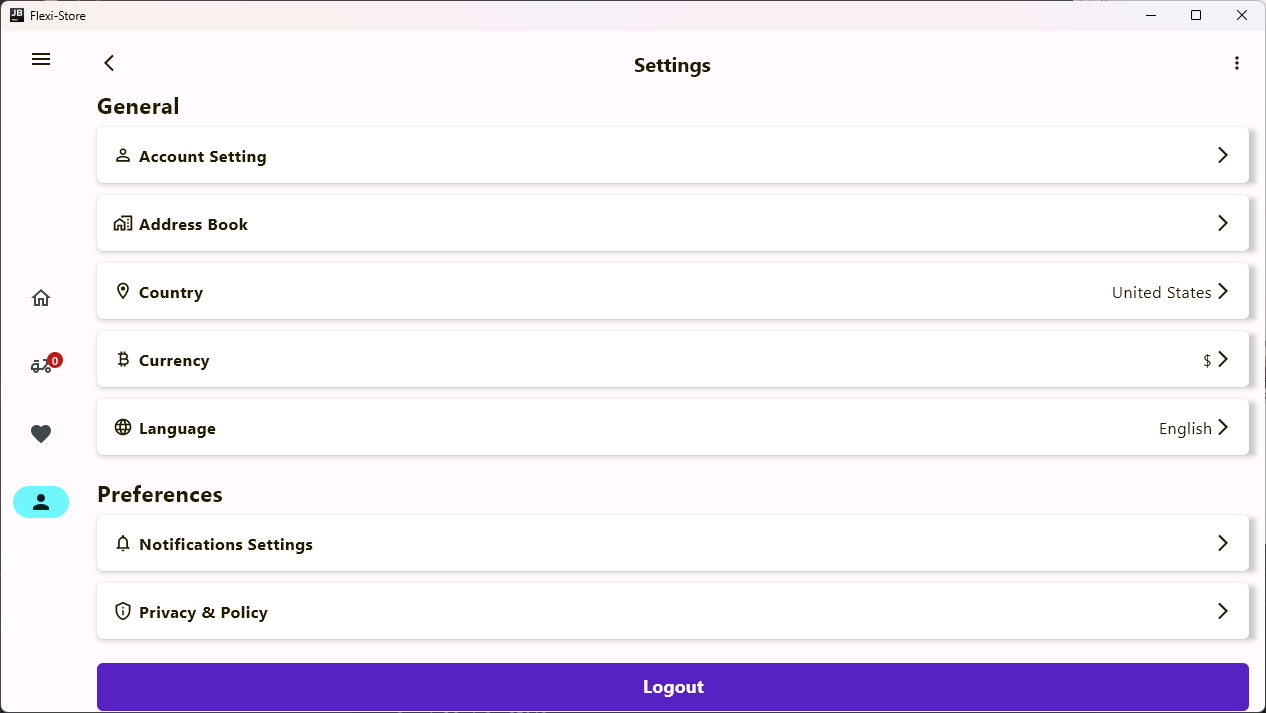
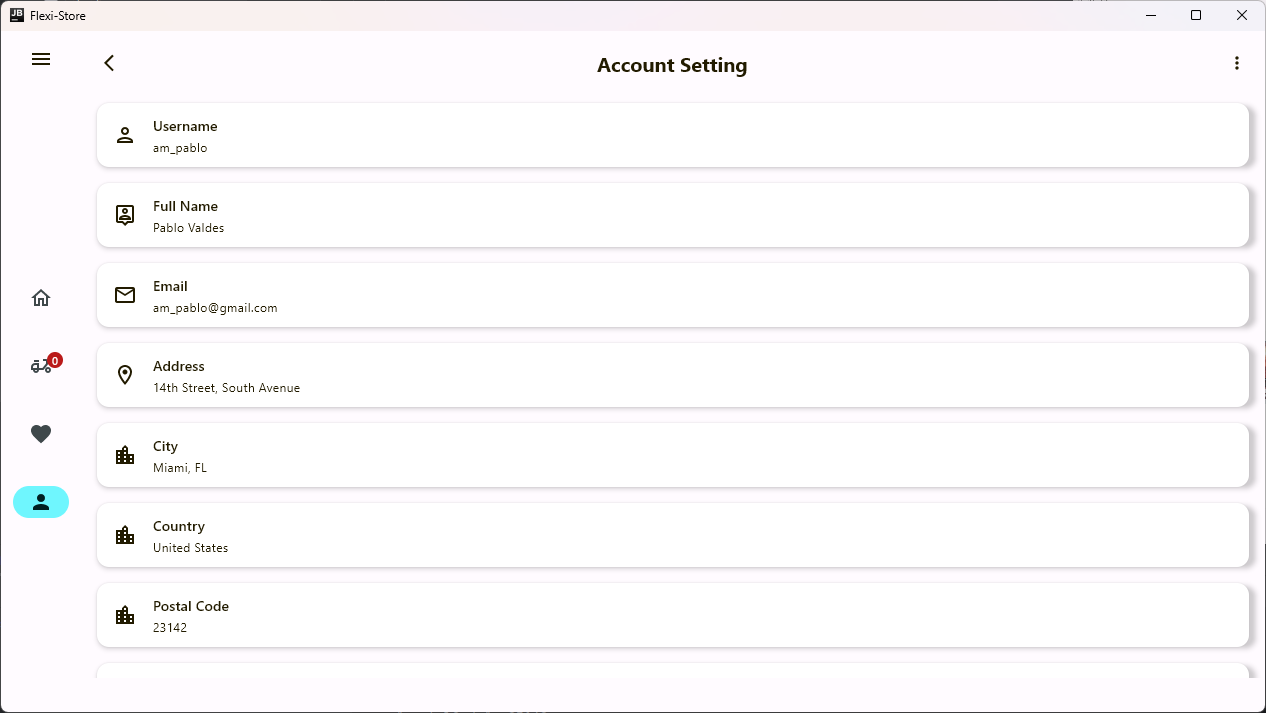
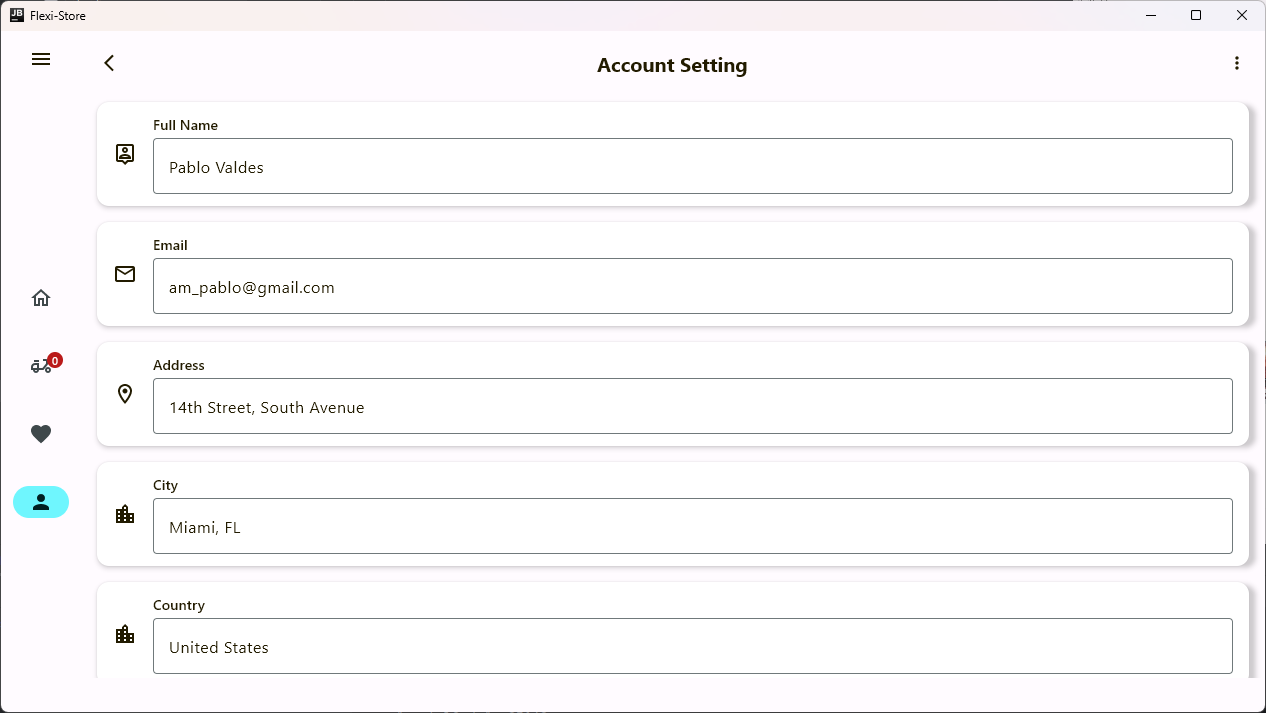
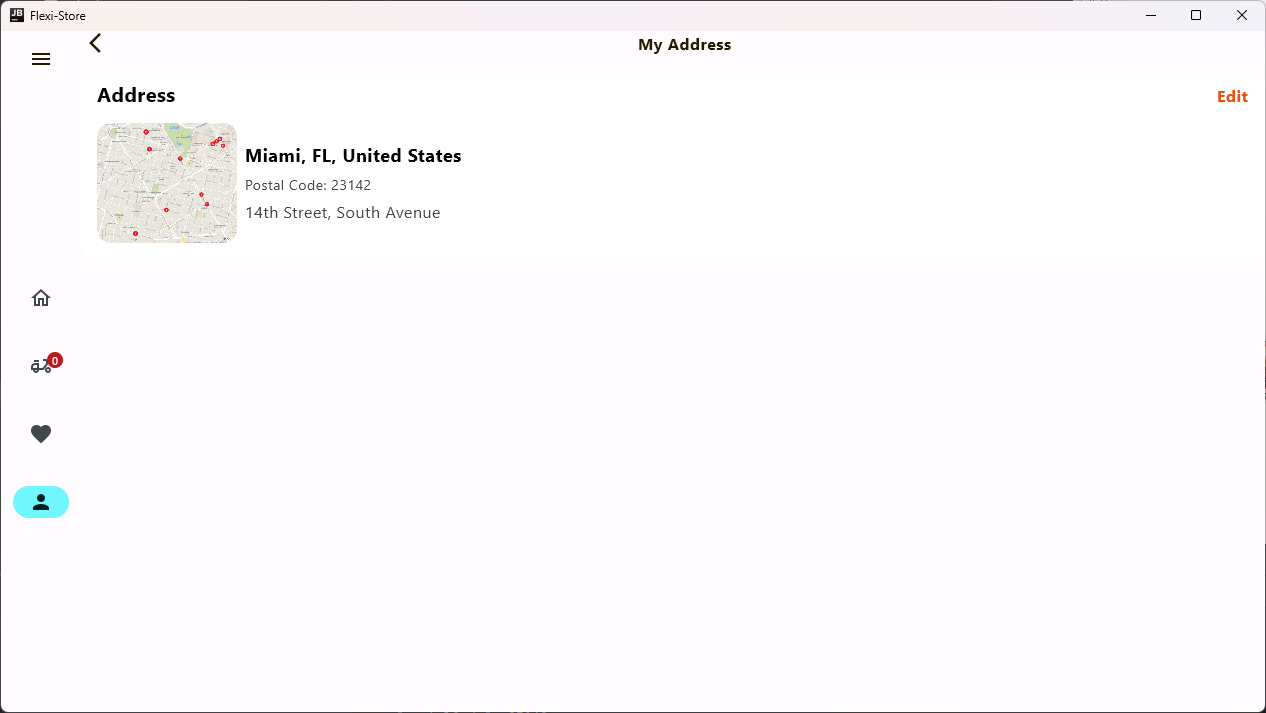
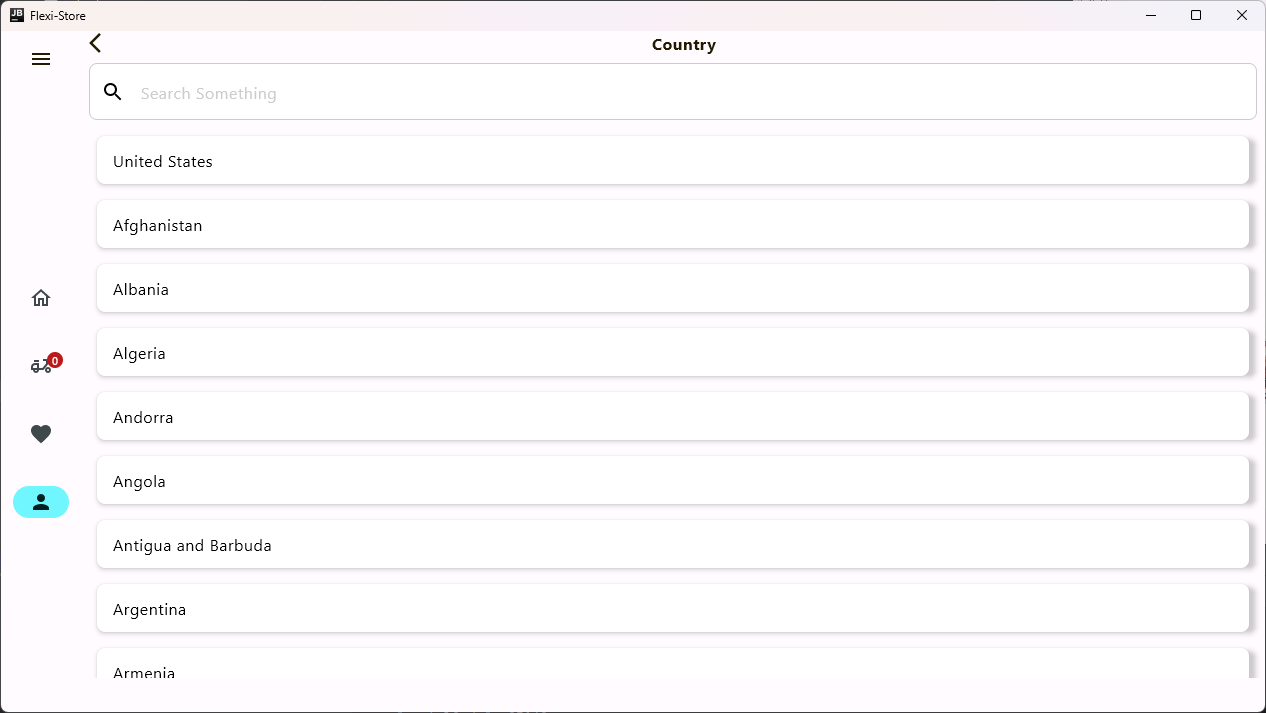
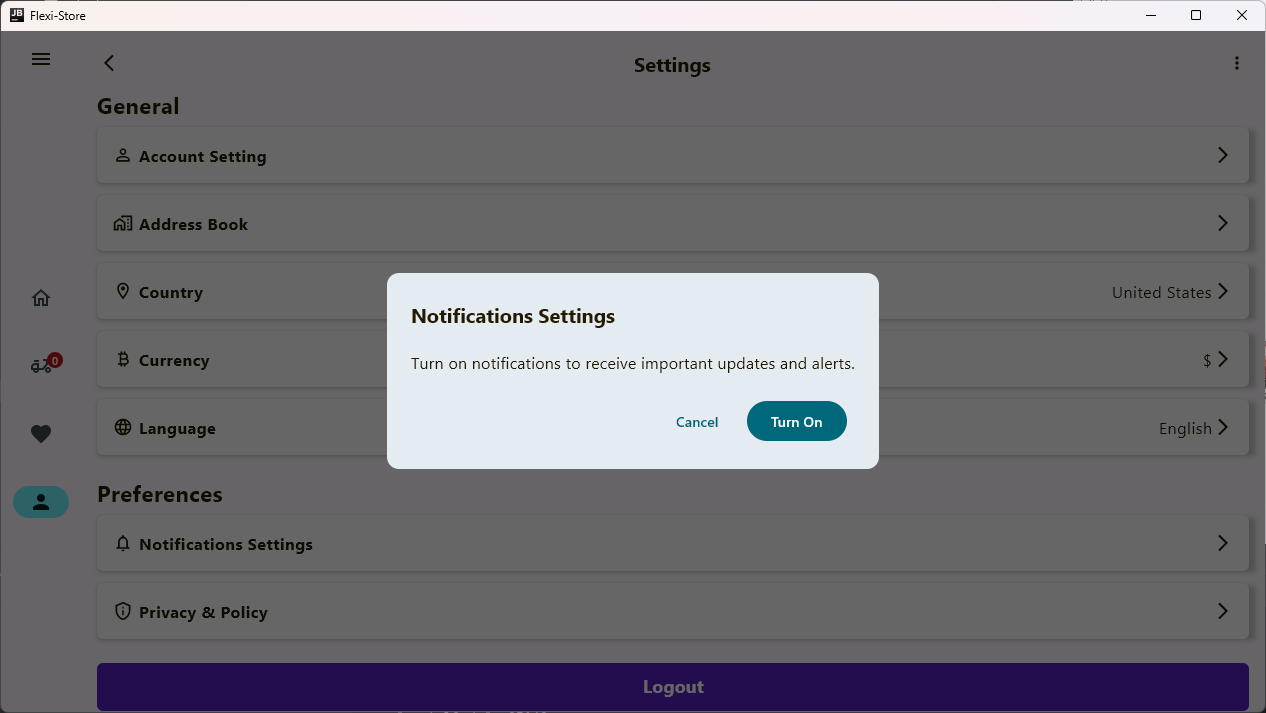
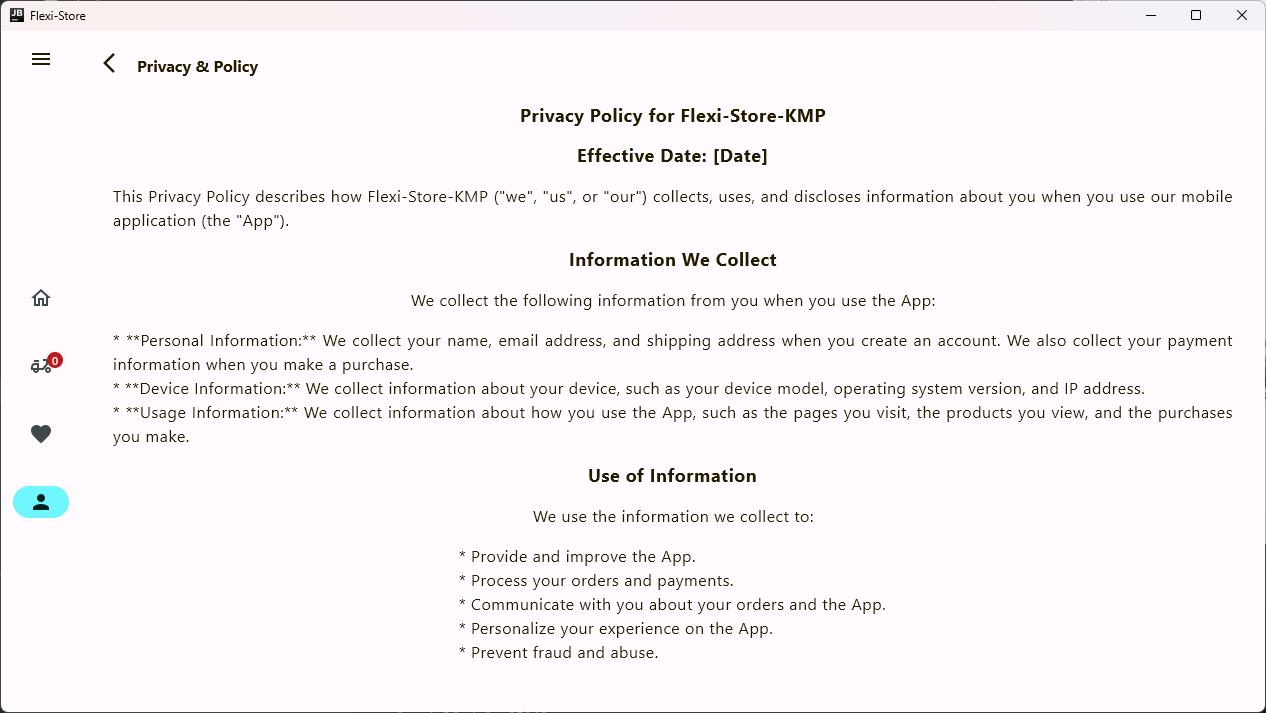
Flexi Store KMP is a Compose Multiplatform Project that uses the Custom Ktor Server as a Backend & Supports Android, iOS, Web & Desktop. It contains a Custom Backend Server with a Admin Dashboard. Admin Dashboard help us to track orders, delivery status, payments sections, promotion sections and much more.
1.9.31.7.51.7.51.1.0-beta032.7.12.0.202.0.202.0.202.0.202.8.33.0.13.0.13.0.13.0.13.0.13.0.13.0.13.0.13.0.11.7.30.6.14.0.02.0.0-Beta10.9.50.5.02.0.22.0.22.0.22.0.21.0.5These technologies are utilized to develop a robust and feature-rich Kotlin Multiplatform Ecommerce application that supports Android, iOS, Web, and Desktop platforms.
 |
 |
 |
|---|---|---|
 |
 |
 |
 |
 |
 |
 |
 |
 |
 |
 |
 |
 |
 |
 |
 |
 |
 |
 |
 |
 |
| --- | --- | --- |
 |
 |
 |
 |
 |
 |
 |
 |
 |
 |
 |
 |
 |
 |
 |
 |
 |
 |
 |
 |
 |
 |
 |
 |
 |
|---|
 |
 |
 |
 |
 |
 |
 |
 |
 |
 |
 |
 |
 |
 |
 |
 |
 |
 |
 |
 |
 |
 |
 |
 |
 |
 |
 |
 |
 |
 |
 |
 |
 |
 |
 |
 |
 |
 |
 |
Stargazers
Forkers
Flexi-Store is developed using Ktor and is mandatory for the backend of the Flexi-Store-KMP. You can find the Flexi-Store server repository here.
Flexi-Store Admin is also developed using Compose Multiplatform. You can find the Flexi-Store Admin repository here.
local.properties file to the project root and set a path to Android SDK thereTo run the application on android device/emulator:
To build the application bundle:
./gradlew :composeApp:assembleDebug.apk file in composeApp/build/outputs/apk/debug/composeApp-debug.apk
Run android simulator UI tests: ./gradlew :composeApp:pixel5CheckRun the desktop application: ./gradlew :composeApp:run
Run desktop UI tests: ./gradlew :composeApp:jvmTest
To run the application on iPhone device/simulator:
iosApp/iosApp.xcproject in Xcode and run standard configuration./gradlew :composeApp:iosSimulatorArm64TestRun the browser application: ./gradlew :composeApp:jsBrowserDevelopmentRun --continue
Run browser UI tests: ./gradlew :composeApp:jsBrowserTest
If you find any issue or wanted to have certain features, please report them in the issues tab or in the discussion tab.







