podlite web
v0.2.3

Create static websites with Next.js and the Podlite markup language!
It is recommended to install Yarn through the npm package manager, which comes bundled with Node.js when you install it on your system.
Once you have npm installed you can run the following both to install and upgrade Yarn:
npm install --global yarnand then:
yarn && yarn devHere is demo page from pub directory.
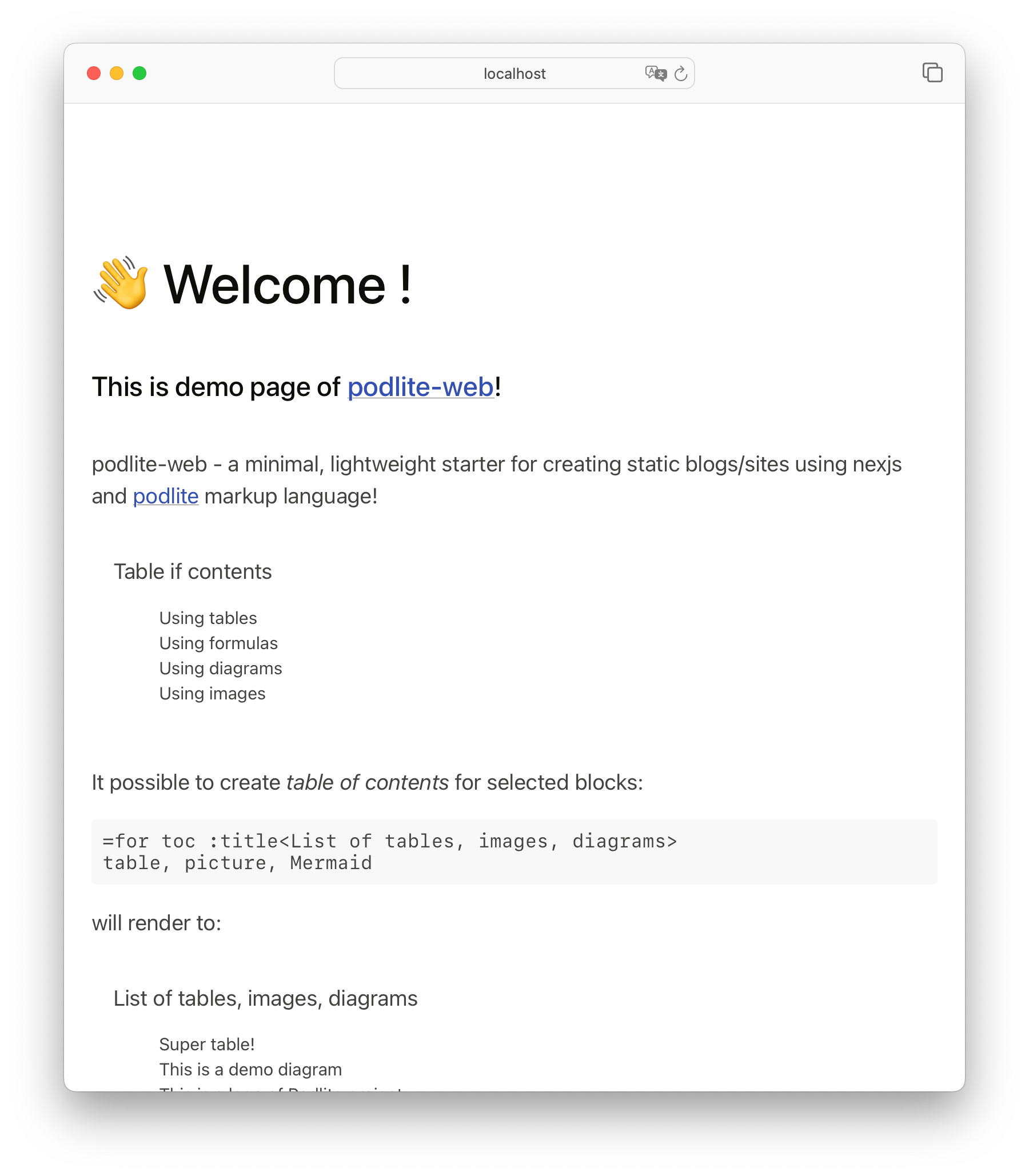
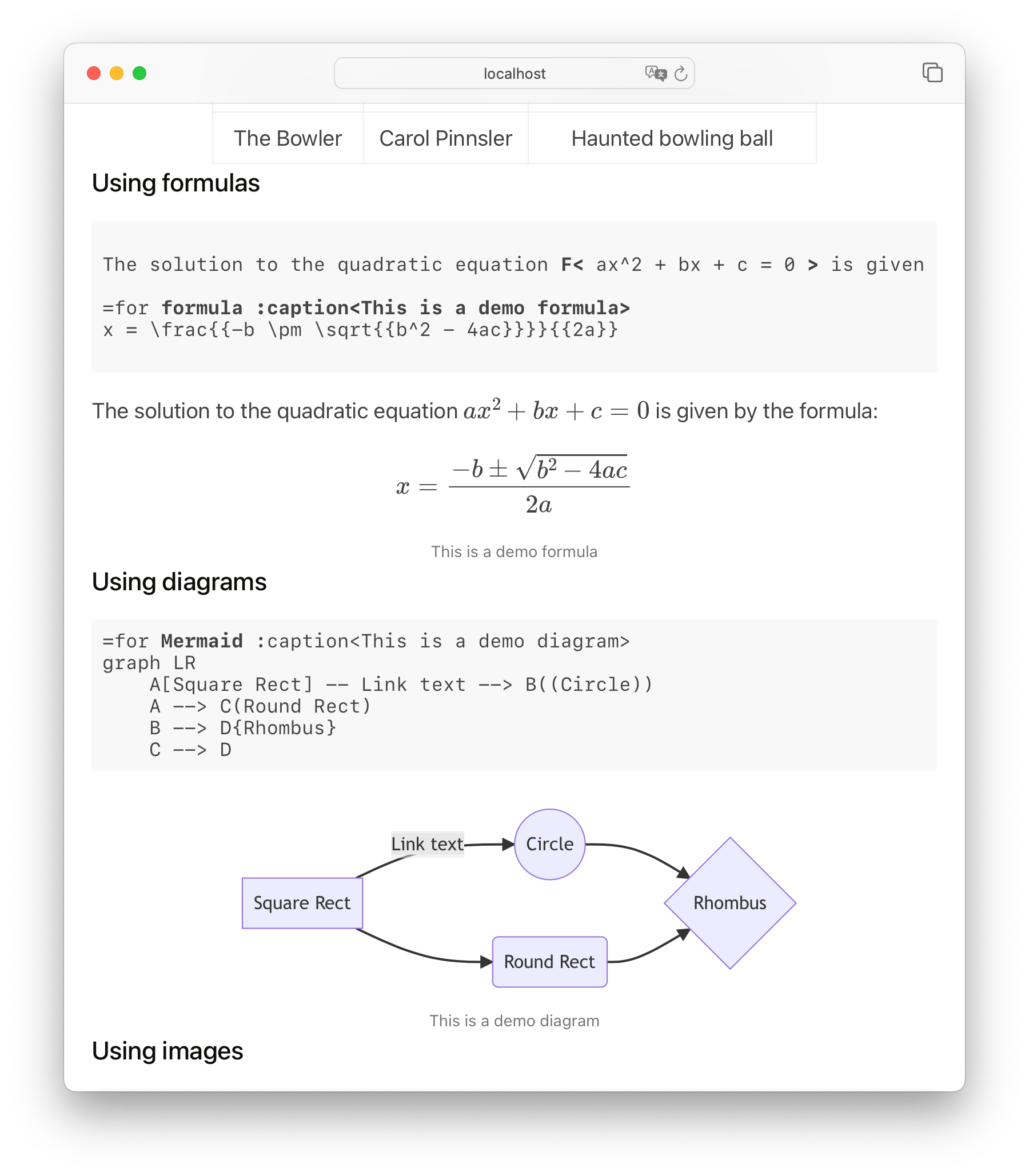
You can edit pub/*.pod6 files and see changes after save.
All features like =Mermaid, =picture , =toc for Podlite editor are available for podlite-web as well:
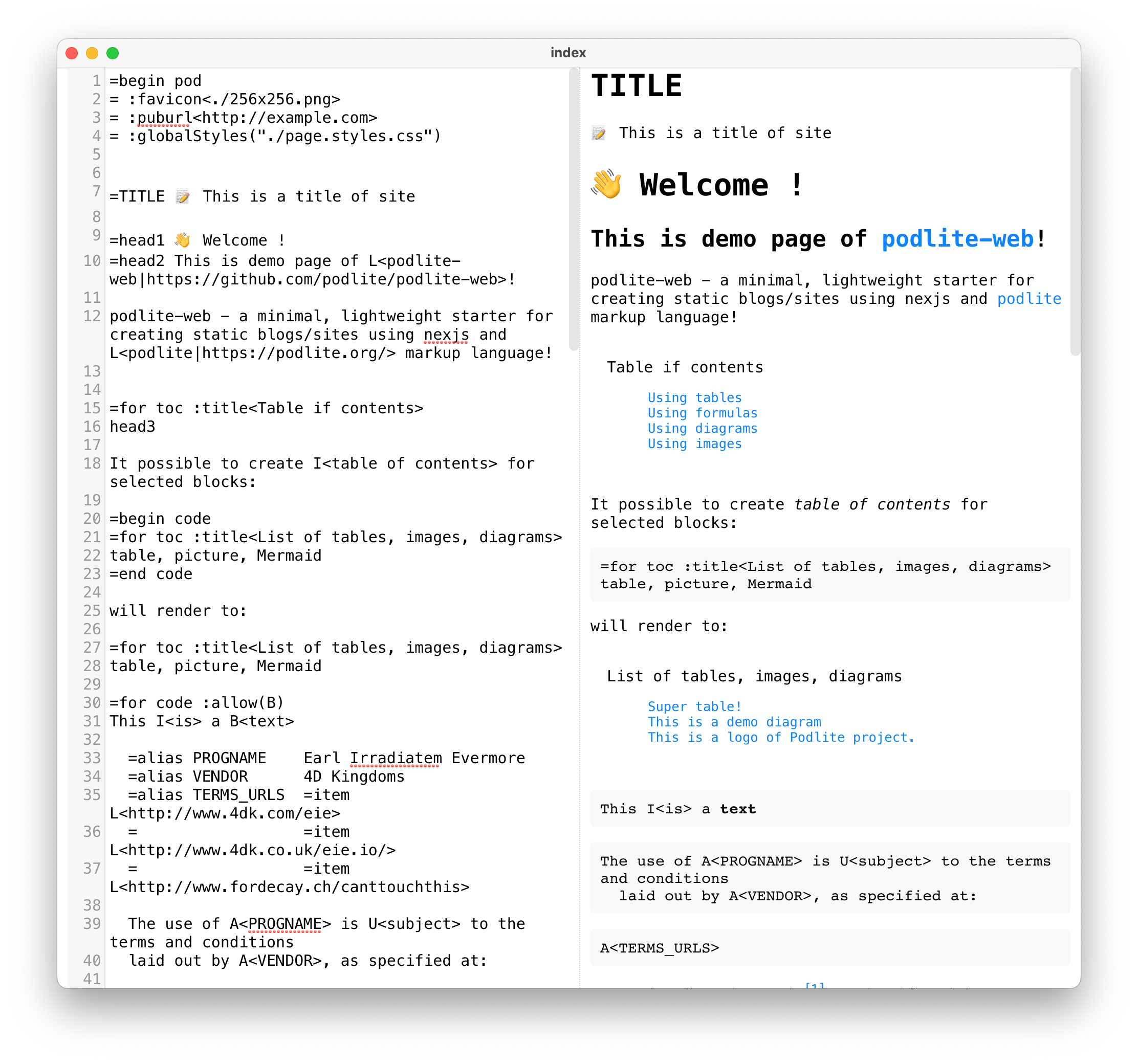
index.pod6 with the following content:=begin pod
=TITLE Personal blog
? Web site is under construction. ?
=end pod
run the command:
docker run -it --rm -v ${PWD}:/app/pub -p 3000:3000 podlite/podlite-web devindex.pod6 web page will reload automaticallydocker run --rm -v ${PWD}:/app/pub podlite/podlite-web export-zip > site.ziphttps://example.com as domain nameindex.pod6 path to subdirectorycd examples/01-minimal
docker run --rm -v ${PWD}:/app/pub -p 3000:3000
-e 'SITE_URL=https://example.com'
-e 'TZ=Europe/London'
podlite/podlite-web export-zip > site.zipPOSTS_PATH='examples/01-minimal' yarn devPOSTS_PATH='examples/02-pages' yarn devThis example contains integration with React components, customize styles and publish notes from Diary document.
POSTS_PATH='examples/03-blog' yarn devyarnyarn dev will spin up the demosite from pub directory and watch changes to the files.
yarn export-zip > file.zipExplore examples dir for get more Podlite insights.
thank you!
specification
| publishing system
| desktop viewer/editor
| online resurces
|
This project is licensed under the terms of the MIT license.







