penn events calendar
v0.5.0

A web application that collects all events happening at the University of Pennsylvania with built-in search and recommendation engine.
We use Gatsby.js as our frontend. The frontend is located in gatsby_site folder. Before running, make sure that you have a recent version of npm installed (NodeJS 8+). If it is the first time, you need to install gatsby-cli.
# only once on first time
npm install -g gatsby-cli
and run frontend application from the gatsby_site folder as follows:
cd gatsby_site
npm install
npm start
Then index given example data to Elasticsearch located in backend/data using:
npm run index-elastic # index data to ElasticsearchBy default, this will concurrently run Gatsby frontend site at port 8000, hug API backend at port 8888, and Elasticsearch at port 9200. For deployment, use npm run deploy instead. This will run the site at port 9000. See gatsby_site, to see how to run on a remote server.
For production see devops folder on how to set up supervisord.
You can customize the site so that it works on your events. Please see backend on how to create your own fetch events script and frontend on how to customize site's metadata and Google Analytics.
Here is an instruction on how to use the web application:
See upcoming events on the main page, search for anything you are interested
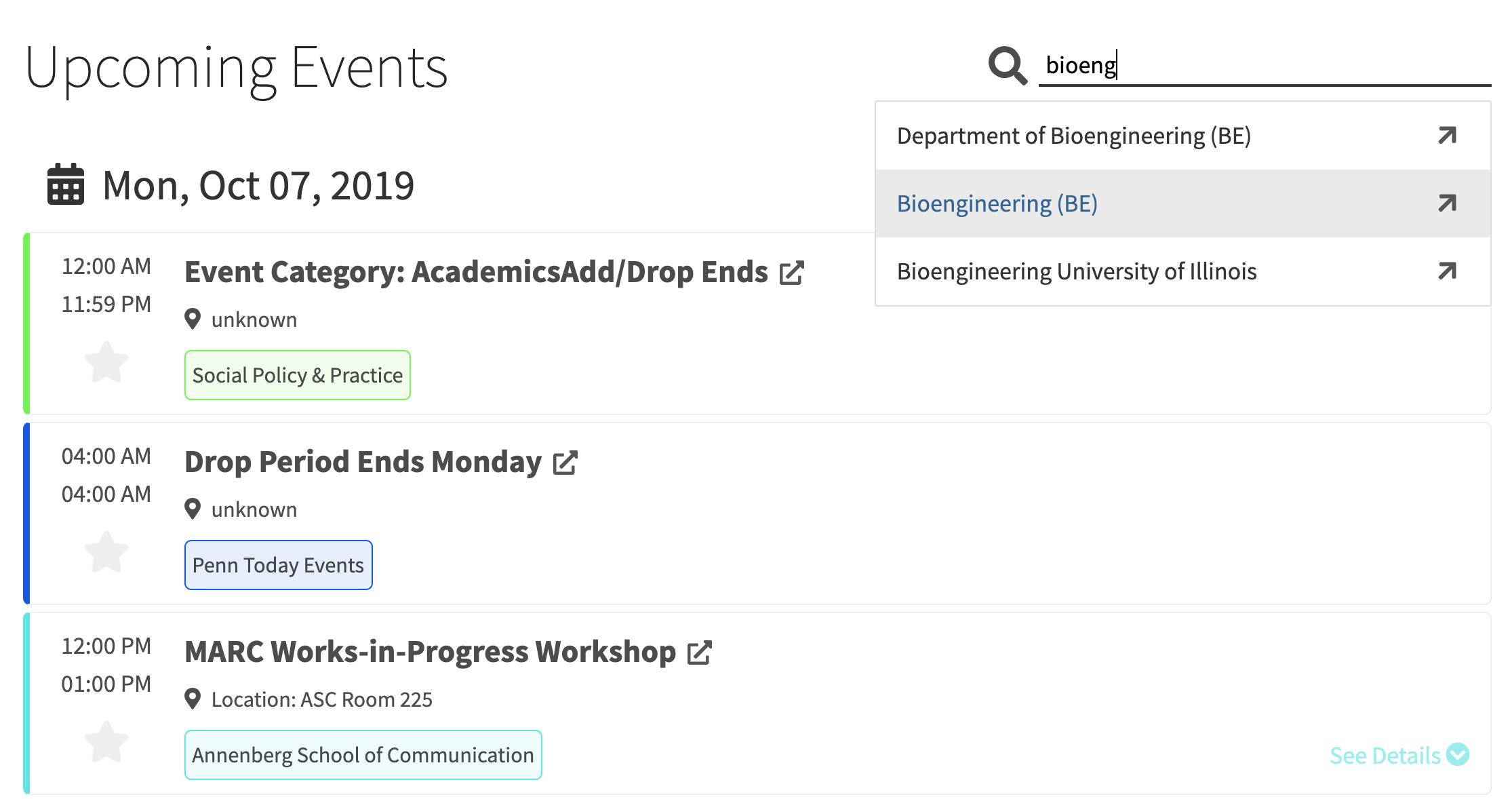
Select events by clicking the star icon
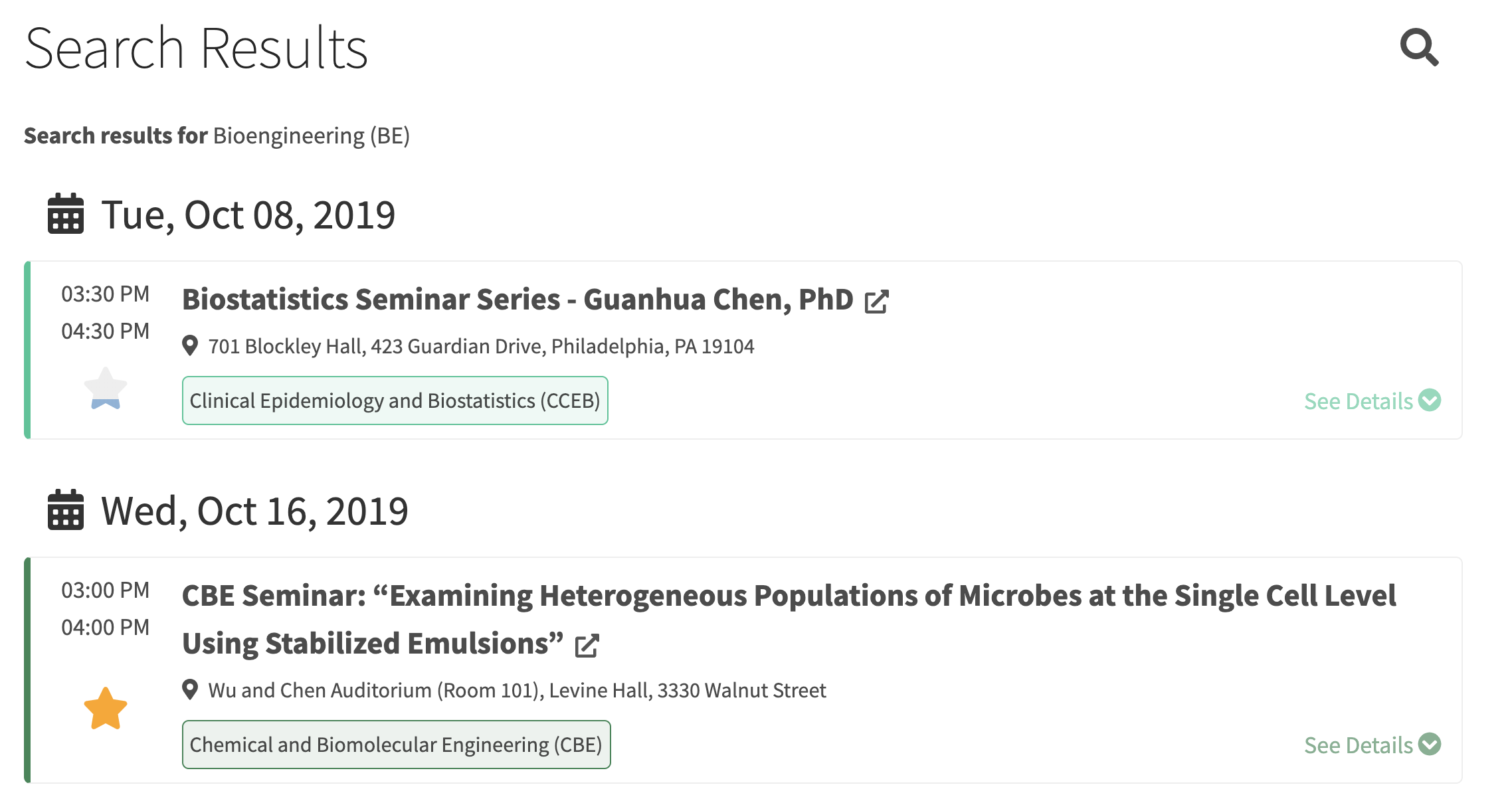
See recommendation based on your selected events

and contributors
This project is sponsored by Department of Bioengineering at the University of Pennsylvania thanks to professor David Meaney and professor Konrad Kording.
We are welcome to all contribution. If you spot any errors, incomplete events or missing events on the web application, please feel free to report them on the issue page.







