prompt tower
1.0.0


A VS Code extension that helps you build prompts with lots of code blocks in them.
Install: https://marketplace.visualstudio.com/items?itemName=backnotprop.prompt-tower&ssr=false#overview
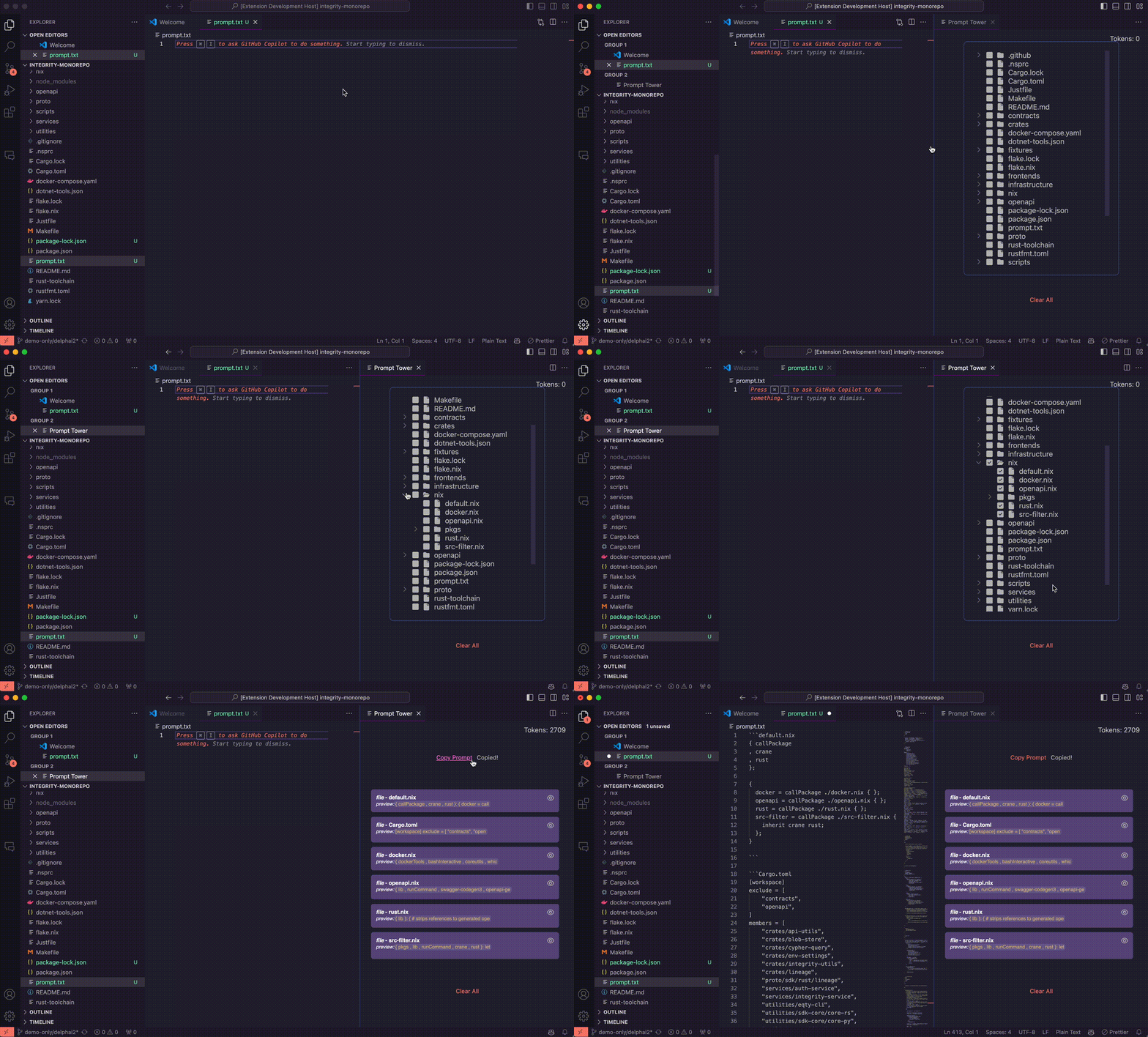
0.1.12 Token count, as seen with batch file selection:
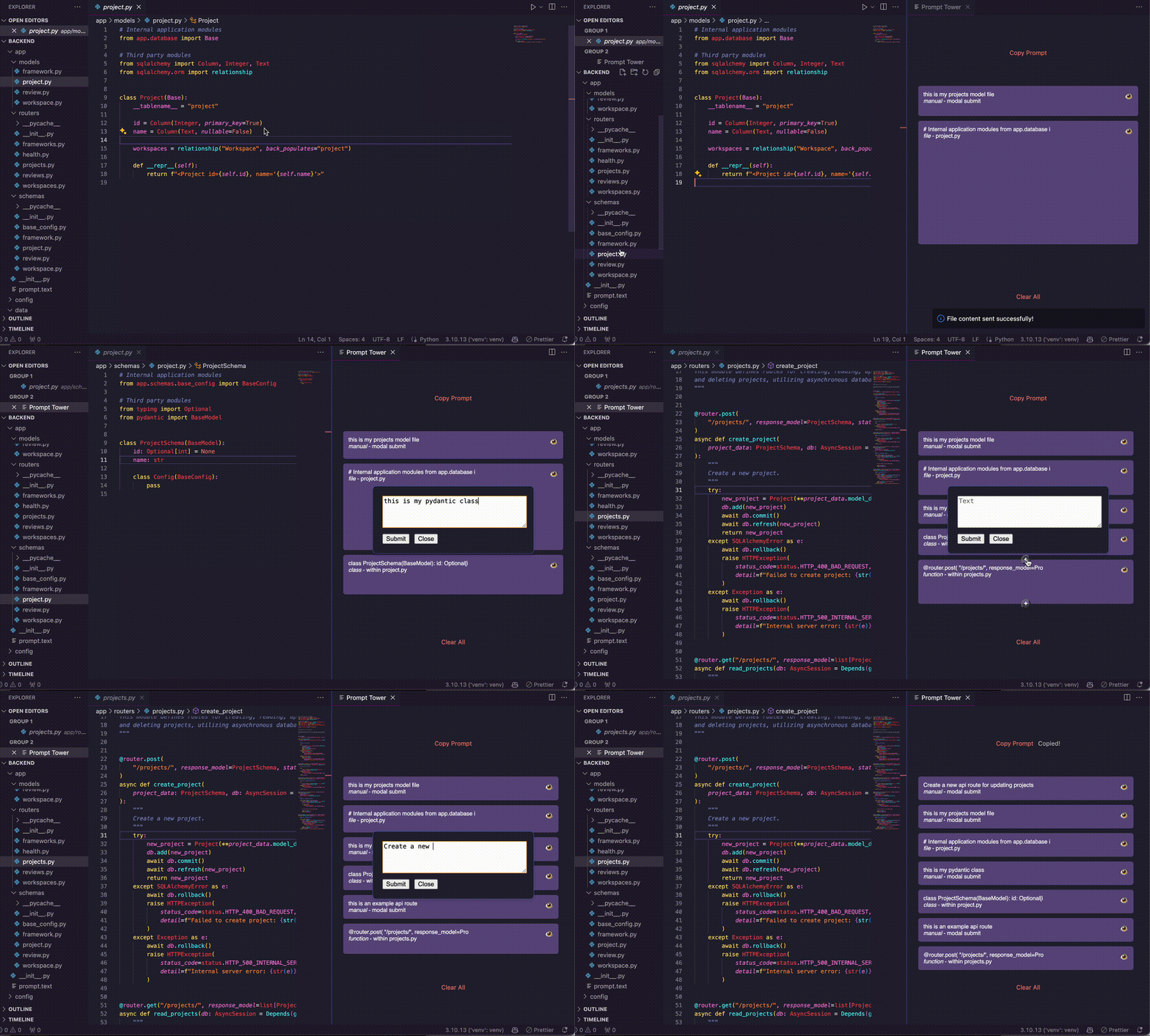
Construct a prompt with multiple code blocks in it.
Commands:
Send File: Send the current file to the prompt.Send Selection: Send the current selection to the prompt.Send Function: Send the current function to the prompt.Send Class: Send the current class to the prompt.Send Class Method: Send the current class method to the prompt.Each code block is added to the tower and is wrapped in ``` ticks, with appropriate newlines. It's height indicates the block size (more code = taller block); until a certain threshold where too many blocks normalizes sizes. Blocks are movable, and its simple to add annotations (as new blocks) above or below each other.
See it in action:
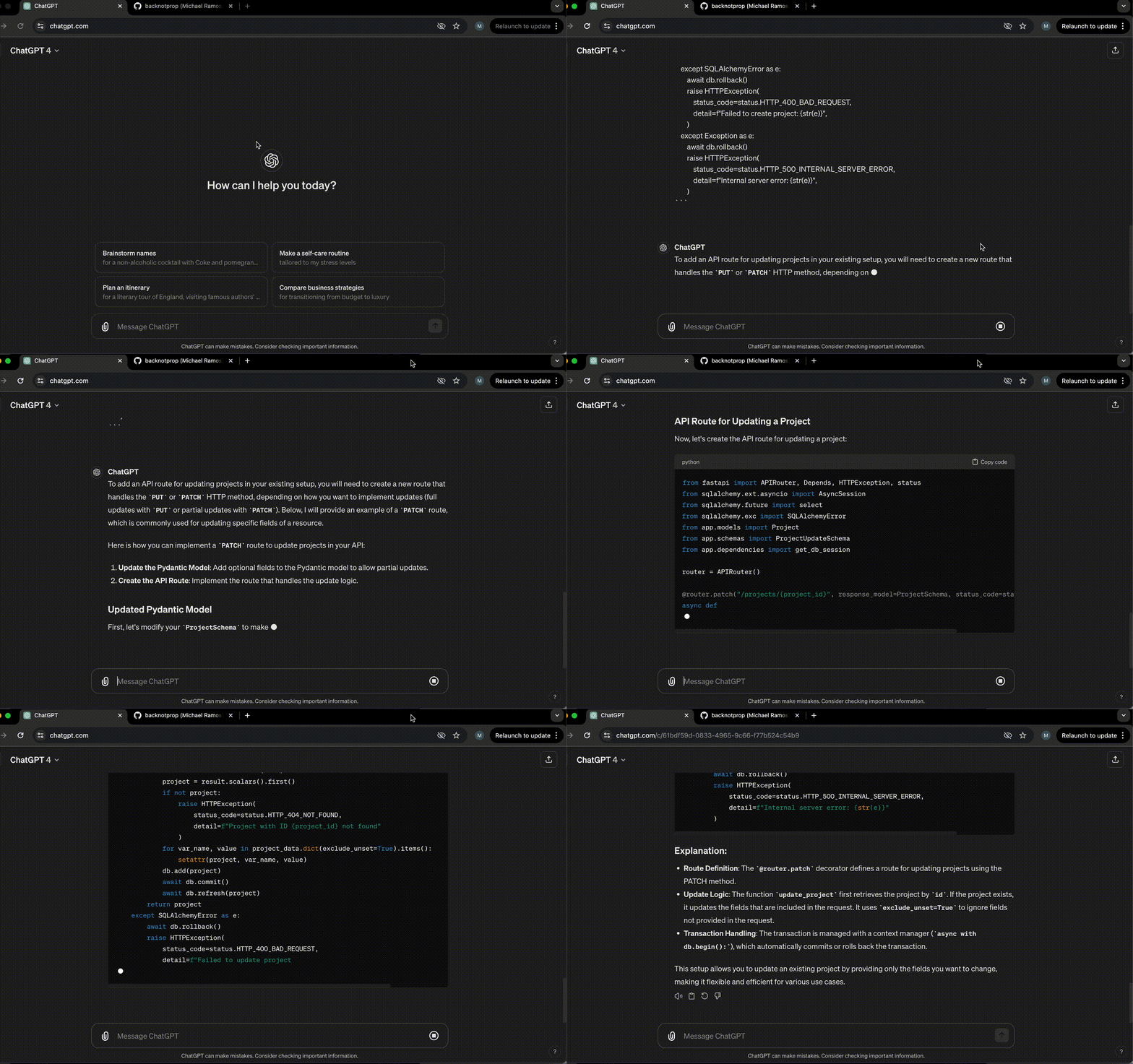
After the prompt is built, it's ready to be sent to gpt:
These are very early releases, please submit issues!
Token Counter added wtih gpt-tokenizer npm package.
Prompt Tower menu condensed in context window, now part of copy/paste group
Minor usability fixes (retain focus in active editor when using Send To Prompt Tower commands)
.gitignore to filter out files and folders.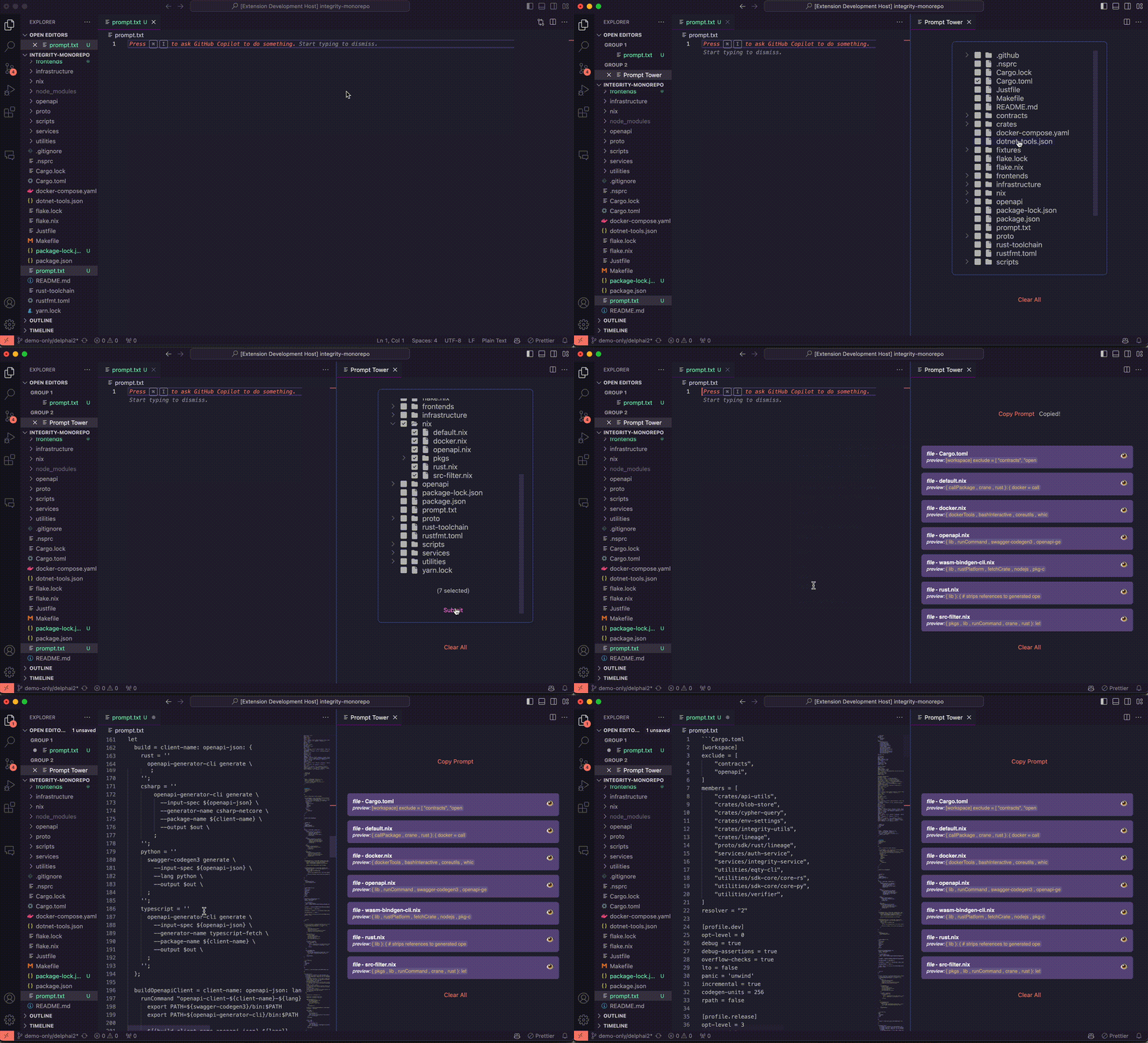
Initial release








