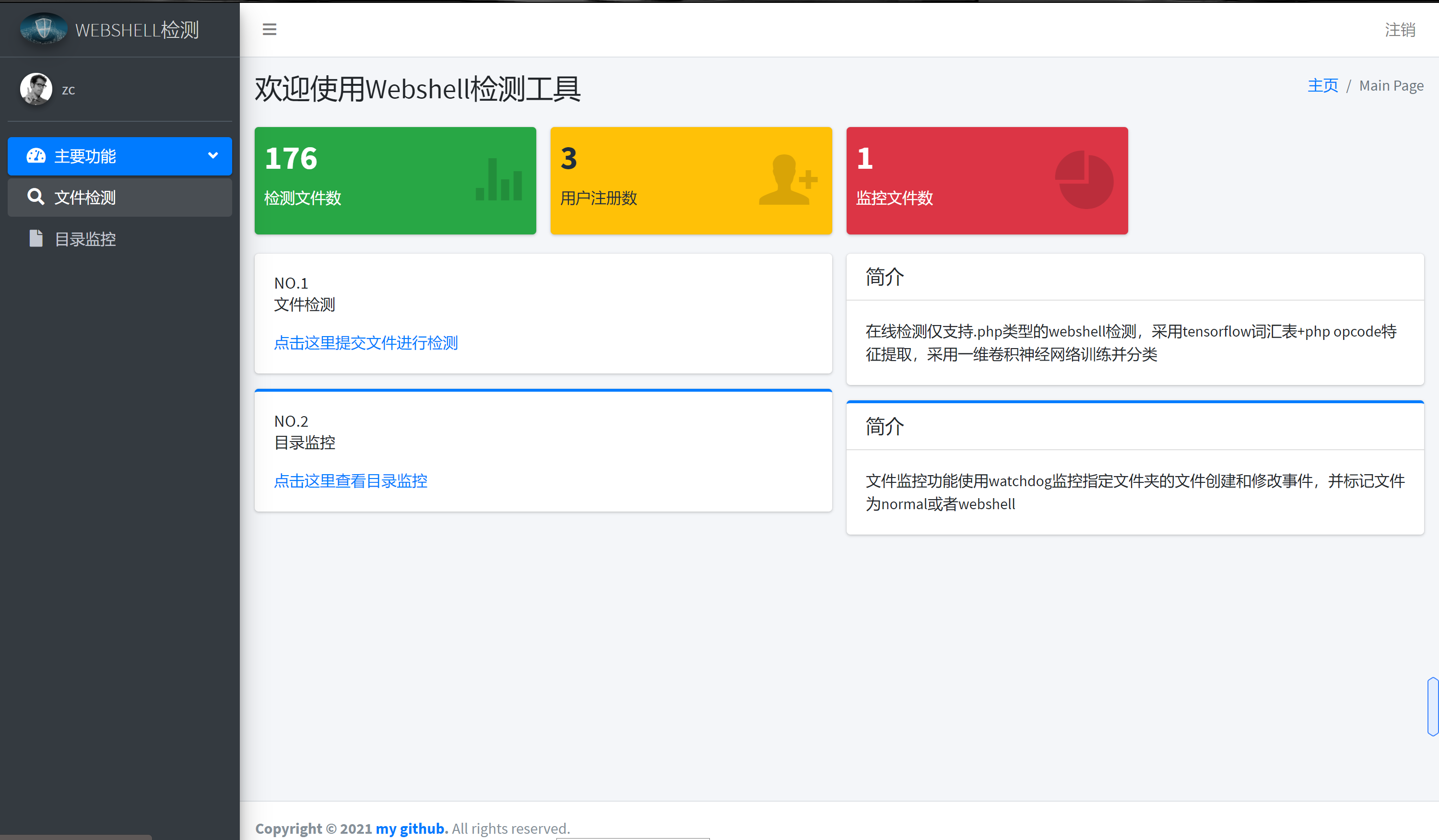
Webshell Detection Tool
1.0.0

This tool is based on Windows, adopts a B/S architecture, the framework adopts Django, and is based on the previous machine learning detection algorithm: https://github.com/zhangchi991022/webshellDetection
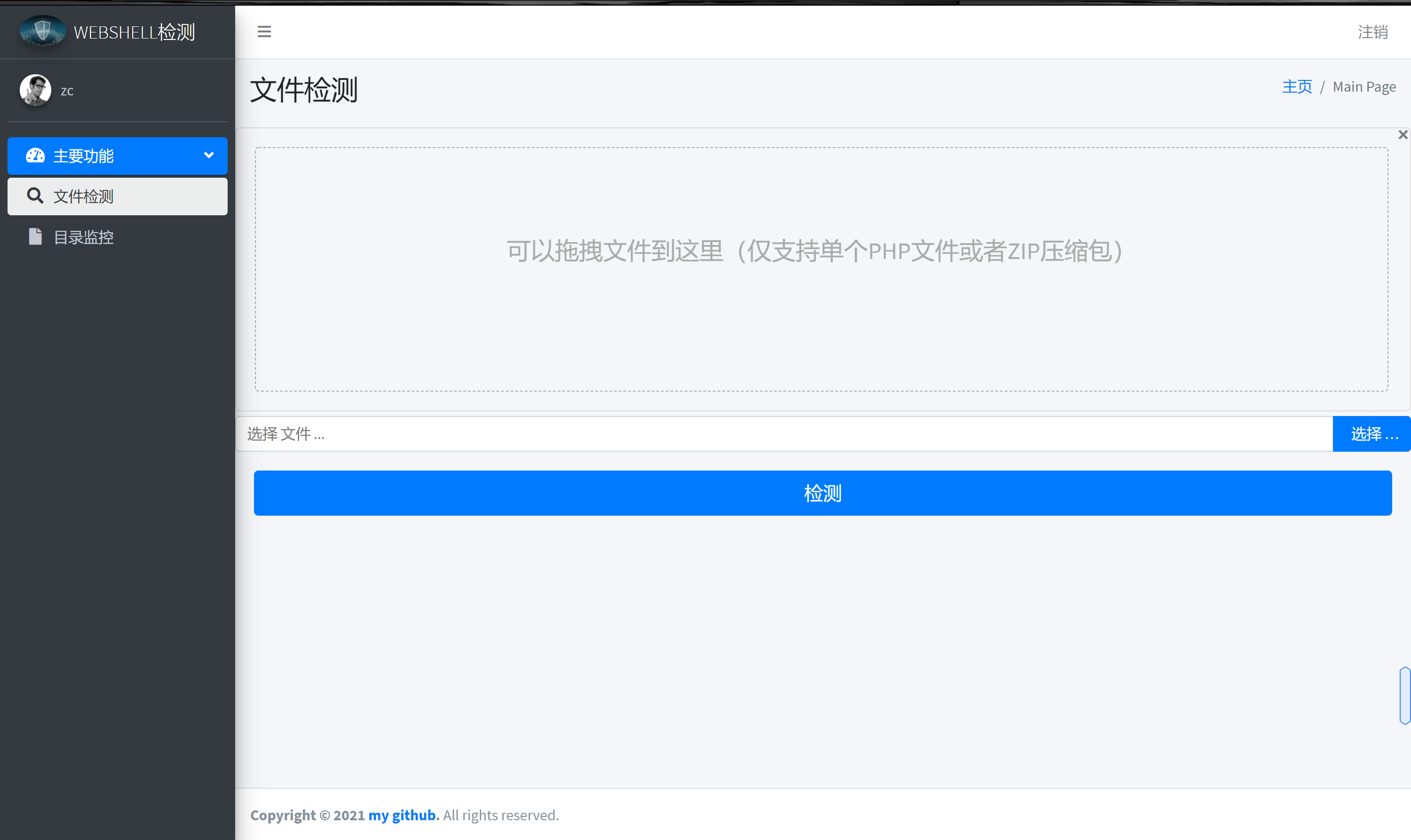
Contains detection of single PHP files and single zip compression packages
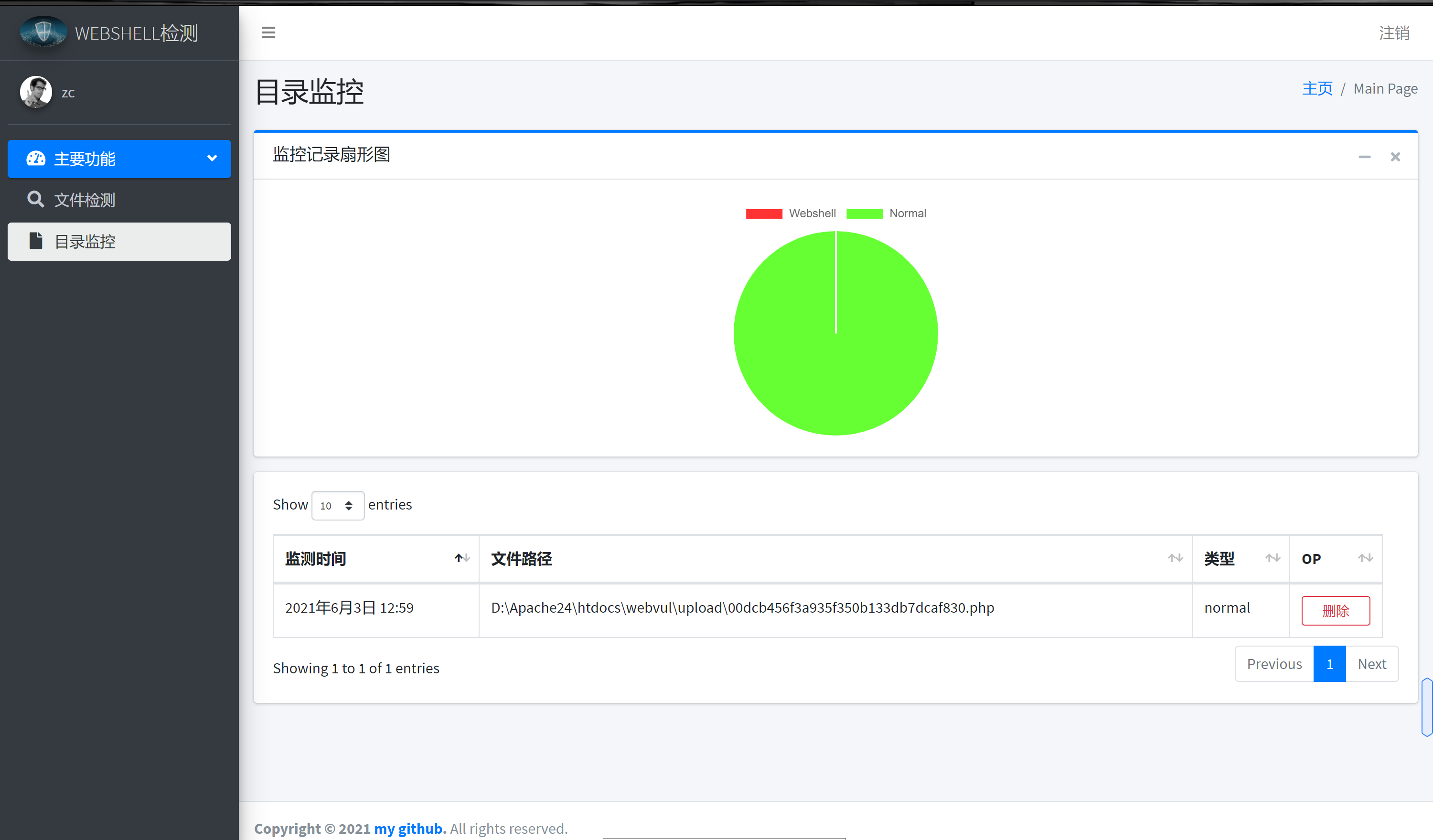
Use python watchdog plug-in to implement monitoring of system-sensitive directories
black-list: PHP blacklist, dataset originated from open source code on GitHub
white-list: PHP whitelist, data set comes from open source software such as PHPmyadmin
uploads: store the file records for detection
index: The main directory of the project, mainly including webshell detection algorithm and Django framework's main interactive code
When running a web application for the first time, you need to train the dataset first. Run train.py in the index directory. The opcode files with black and white lists will be generated, black_opcodes.txt and white_opcodes.txt are stored in this directory and the trained model is saved in the save directory. The subsequent web application will call the model and opcode dataset.
Run the entire web application:
python2 manage.py runserver