Job Search Assistant
1.0.0

A simple Django application developed to help people currently looking for work, gathering vacancies from various sources of different places in one place. (You can receive more functions soon!)
The basic front end of this project was developed using HTML, CSS and JavaScript, while the back end was done with Python, Django and SQLite3 (for a simple storage solution).
Its sources integration modules were carefully made when analyzing the internal operation of the communication between the client and server side (API) of these sources, with the implementation of data extraction techniques and web scraping to extract the desired data.
Job Search Assistant currently has integration with these sources:
️ Warning : Although I have implemented precautionary measures to avoid making many requests and abusing the sources of sources, I am not responsible for anything that happens to you while using this application. Use it aware of this.
    pip install -r requirements.txt
playwright install python auth_setup.py python manage.py migrate (só é necessário usar esse comando uma vez na instalação e mais uma vez toda vez que atualizar o programa, para garantir que tudo foi aplicado corretamente)
python manage.py runserverGet the freshest vacancies : After accessing the web application, click on the symbol of the upper right corner of the screen to receive your order of recent vacancies! If it is the first time you are performing this function, remember to add filters to the settings menu before you execute it to get more attractive vacancies for you!
️ Warning is recommended to perform this once a few days, as it makes many requests and is not as if you need to have thousands of vacancies at the same time. One more thing, avoid using this before or after following a lot of people on LinkedIn, it can make you look a bot to the site.
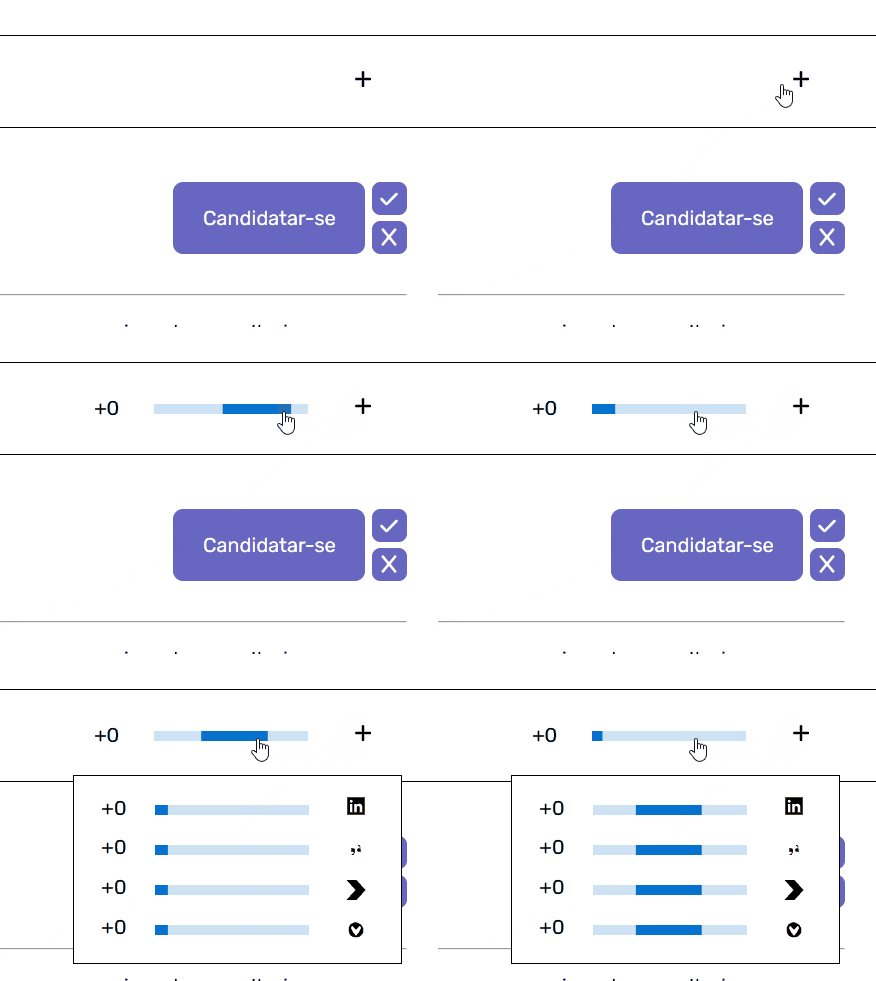
Integration modules will obtain the following groups of vacancies from their sources:
Delete vacancies with certain characteristics : If you are receiving vacancies related to things you have no interest, you can ban certain vacancies from being received in the future by selecting unique words in the title or terms (character chains that may contain several words or that can even be found within other words, if you do not take care) in the vacancy title, and choose which option you want in the menu that will appear.
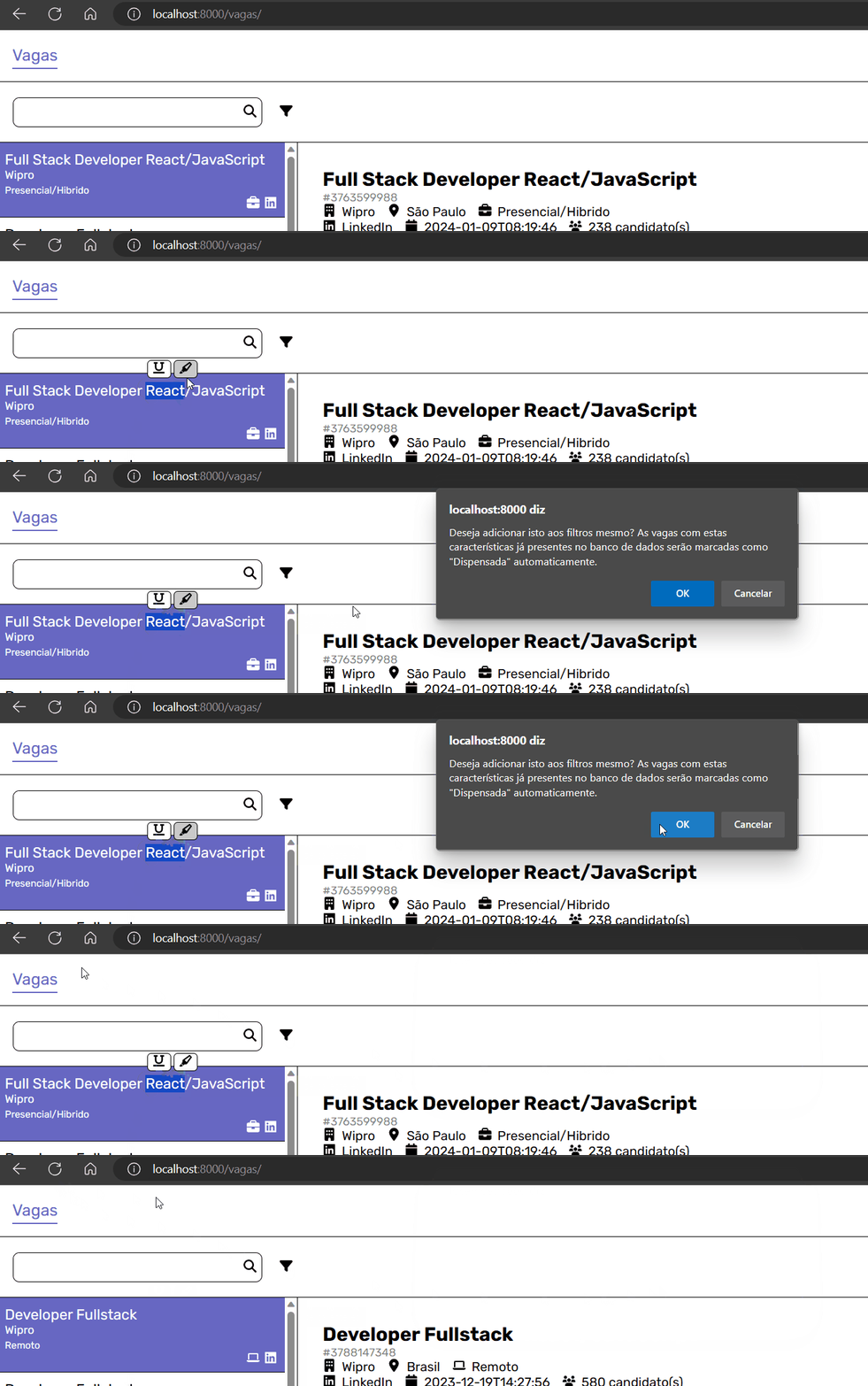
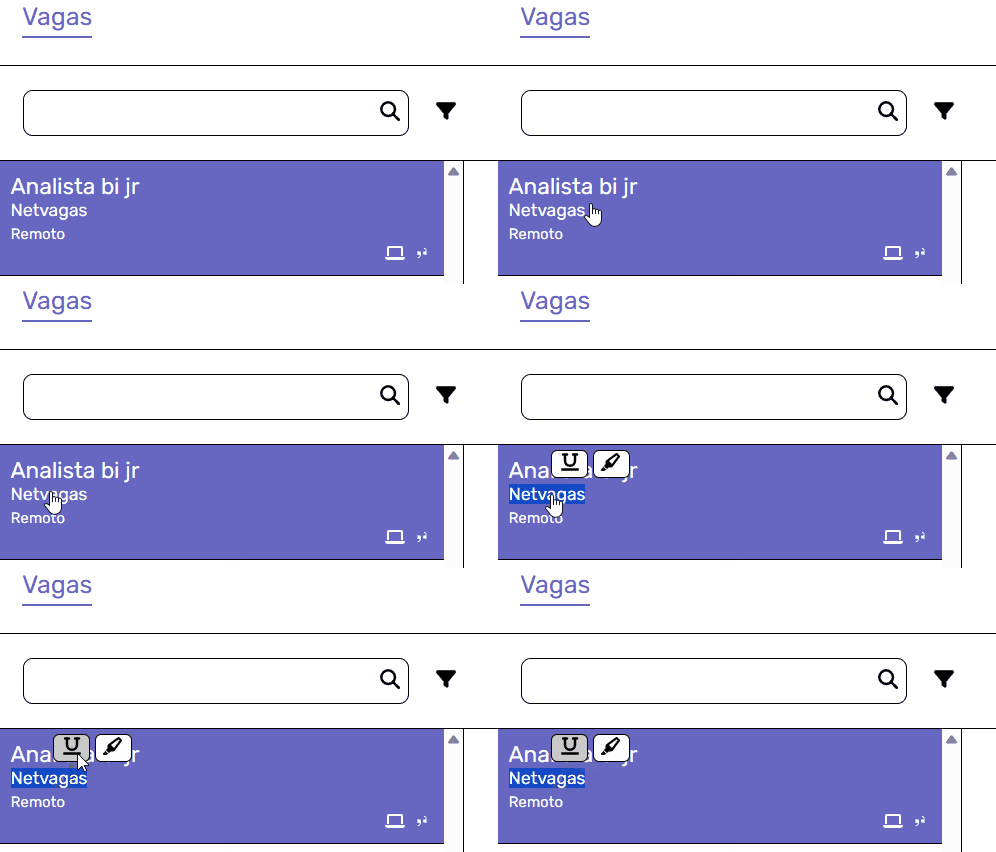
You can also use this functionality to prohibit vacancies of those companies that are sparked by your LinkedIn by selecting their name!
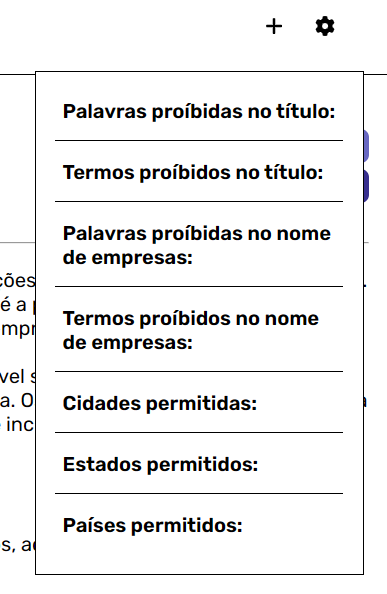
PS: In addition, you can manage what is prohibited or not in the extraction settings menu, which is on the side of the extra right extraction button.
See Local Vacancies : After using this app for a while, you may end up accumulating so many vacancies that you can get difficult to browse and find the right vacancy for you, so you can use our query options to find it in this sea of vacancies!
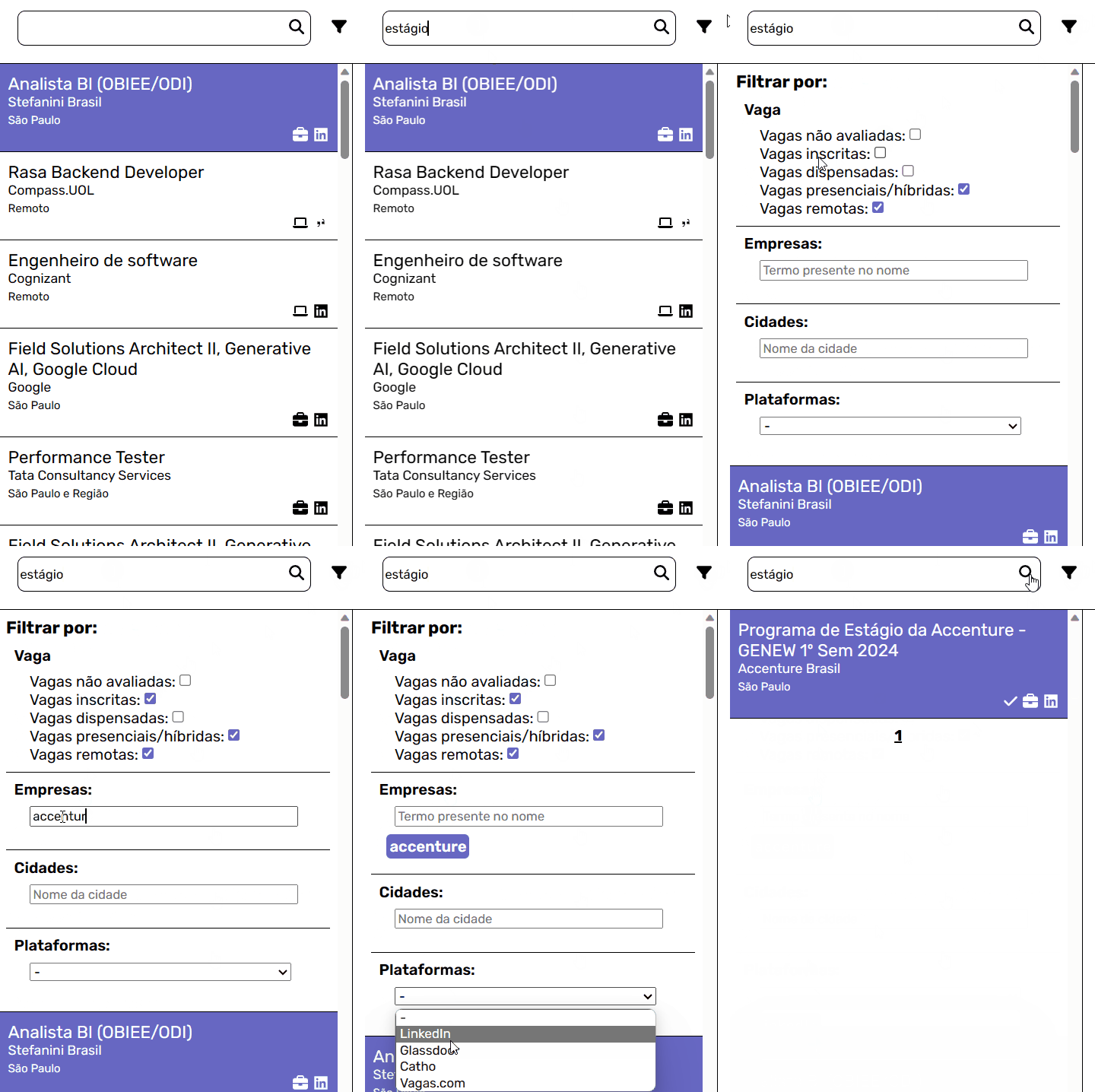
You can also mark vacancies as "inscribed" and "dismissed" using the "register" buttons to help differentiate them!







