wxapkg
v1.5.0

Disclaimer : This tool is limited to learning and researching the design ideas and principles contained in the software, and users assume all legal and related responsibilities arising from the use of this tool! The author shall not bear any legal liability!
--disable-beautify parameter JSON files JavaScript files (it will be a bit slow) Html file, including the <script> tag (it will be a bit slow) 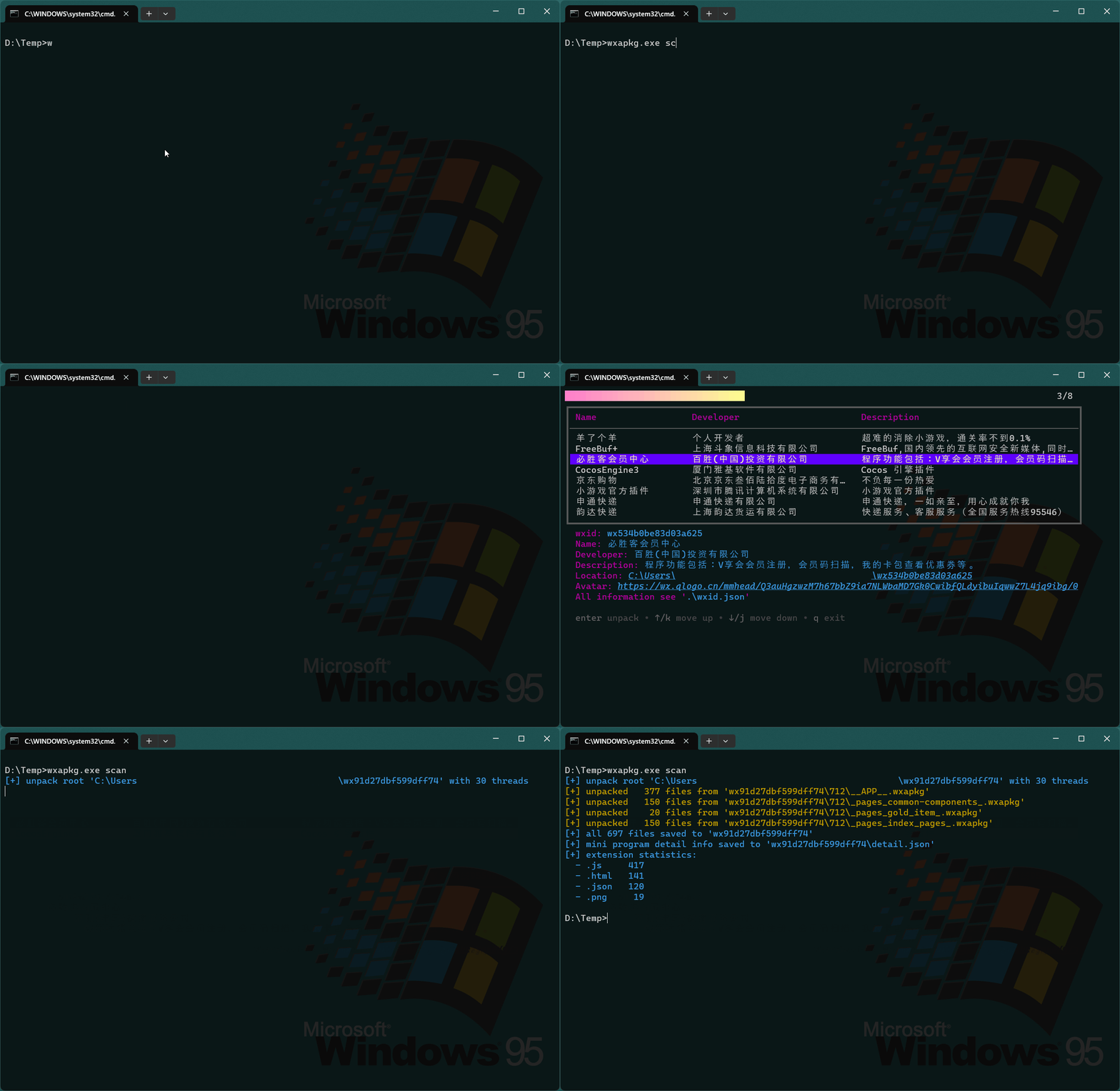
The general usage is as follows, currently only supports Windows systems :
wxapkg.exe scan command to scan all applets. You need to connect to the Internet to obtain the name, path, wxid (for subsequent decryption) and other information of the applet If you want to manually decrypt the specified applet, you can use the wxapkg.exe unpack command. You need to specify the wxapkg file path of the applet and specify wxid of the applet. If wxid is not specified, it will be automatically retrieved from the path using regular expression matching
Download the latest release version release, or use the following command to compile it yourself
go install github.com/wux1an/wxapkg@latest







