sonarlint4netbeans
v3.0.0

This plugin is a sonarlint integration for netbeans.
It requests netbeans in version 13.0 or higher and Java in version 11 or higher.
Support Java, Javascript, PHP, HTML and XML
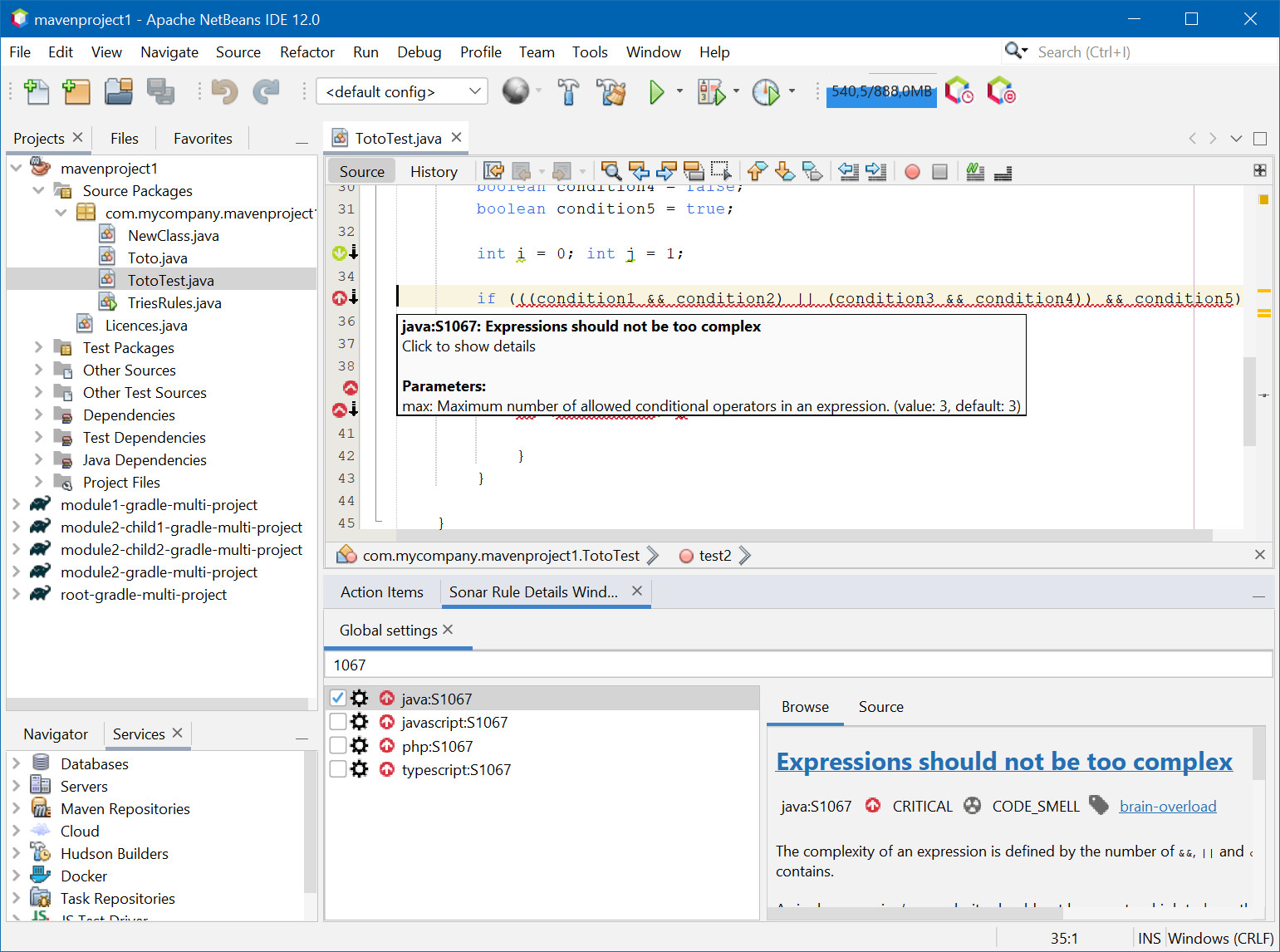
Annotation in editor
Type SonarLint in Action Items
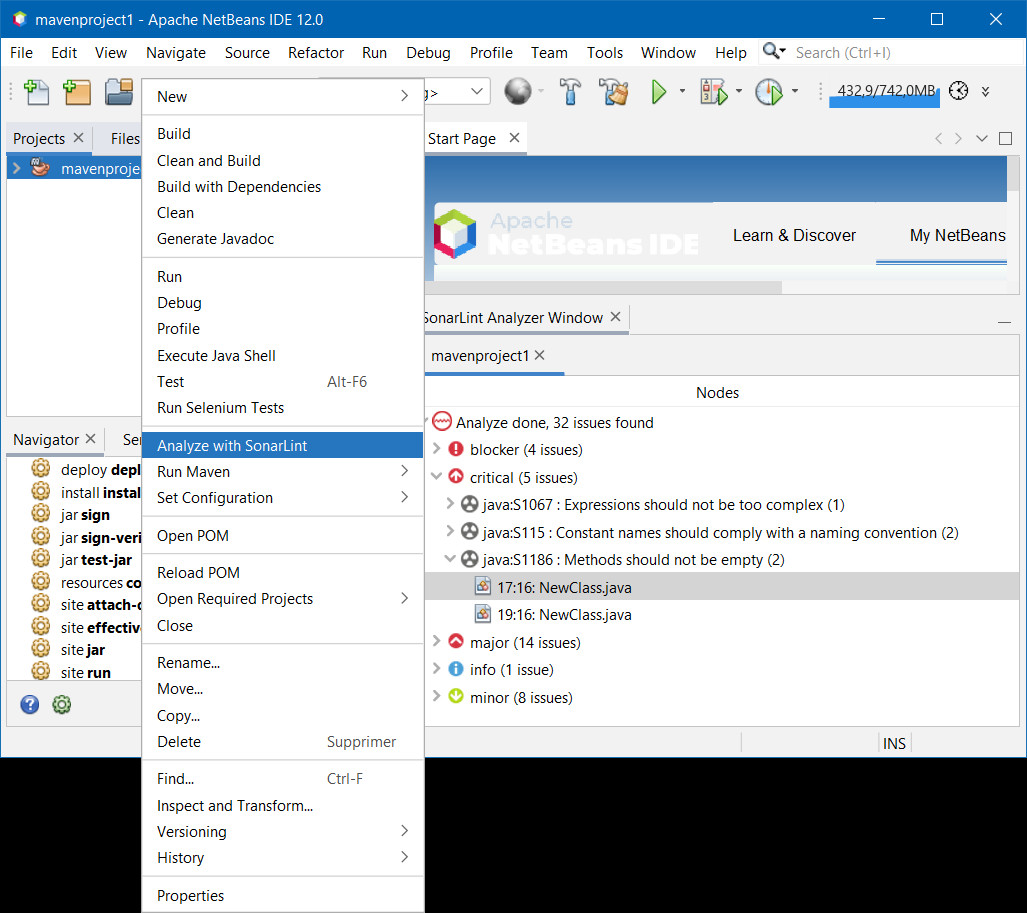
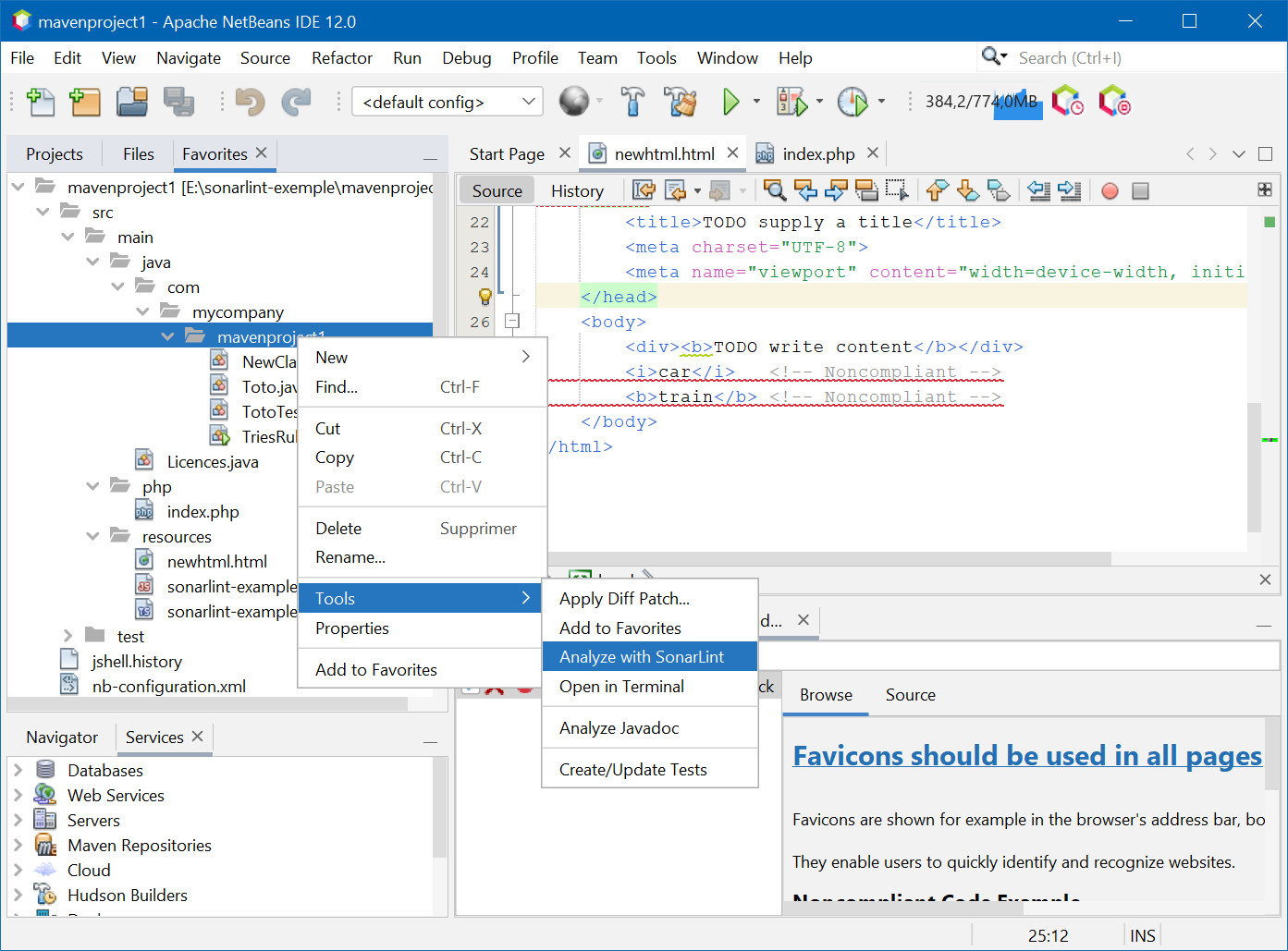
"Analyze with SonarLint" action on Project/package/files, Favorites tab, …
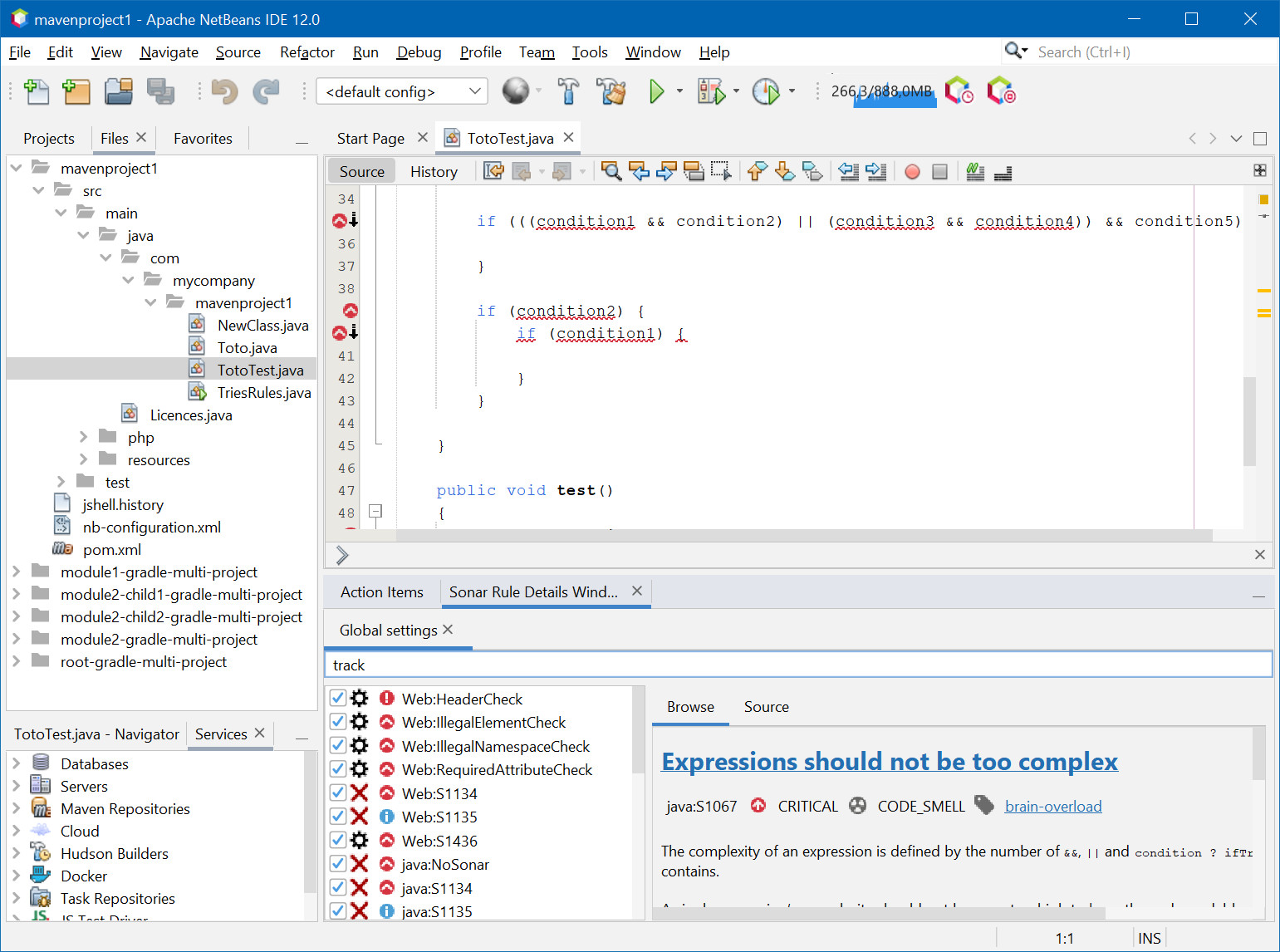
Enable/Disable Rules in Tools/Options/Miscellaneous/SonarLint
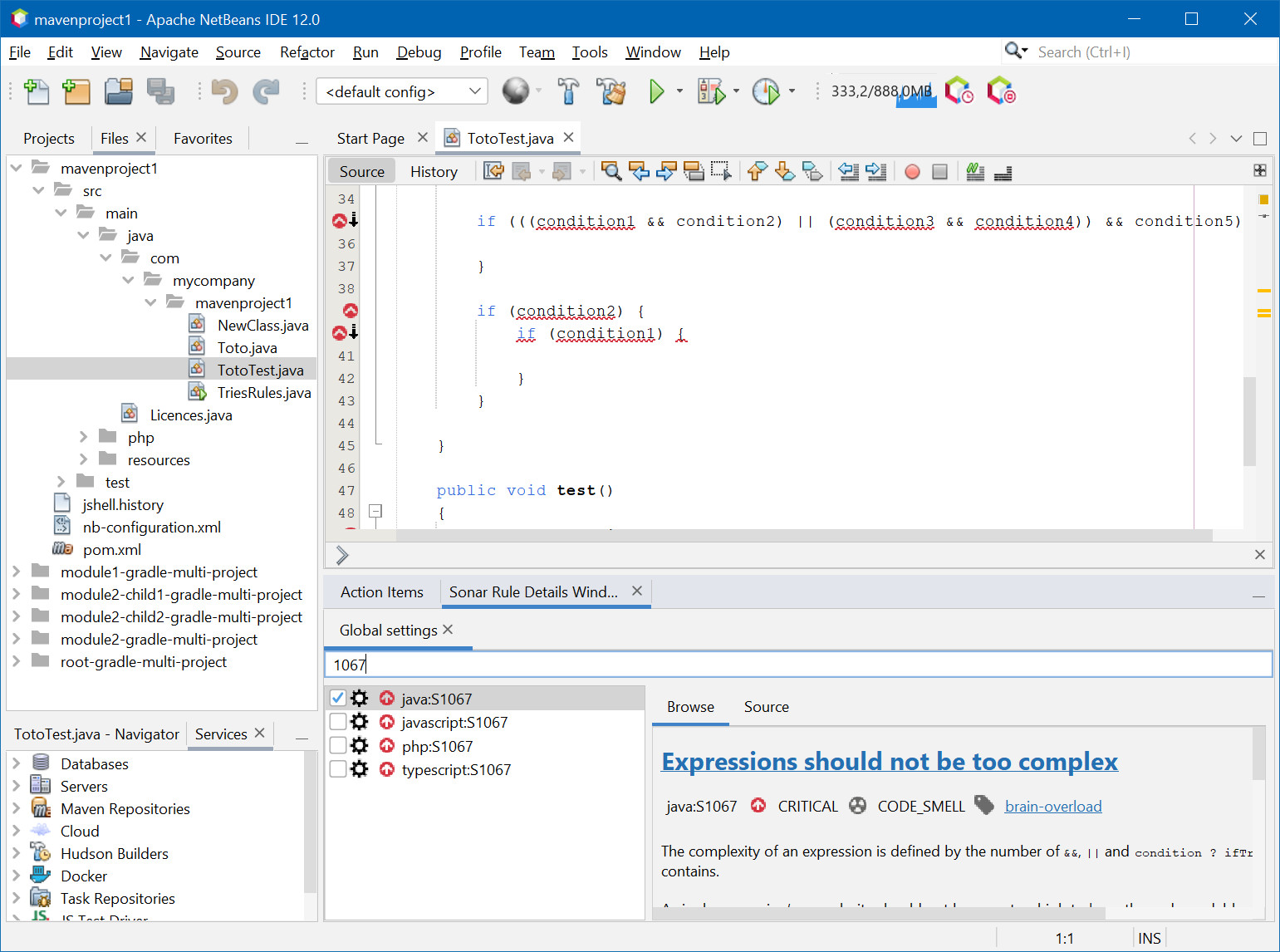
Filter Rules in Tools/Options/Miscellaneous/SonarLint option panel and "Sonar Rule Details" window
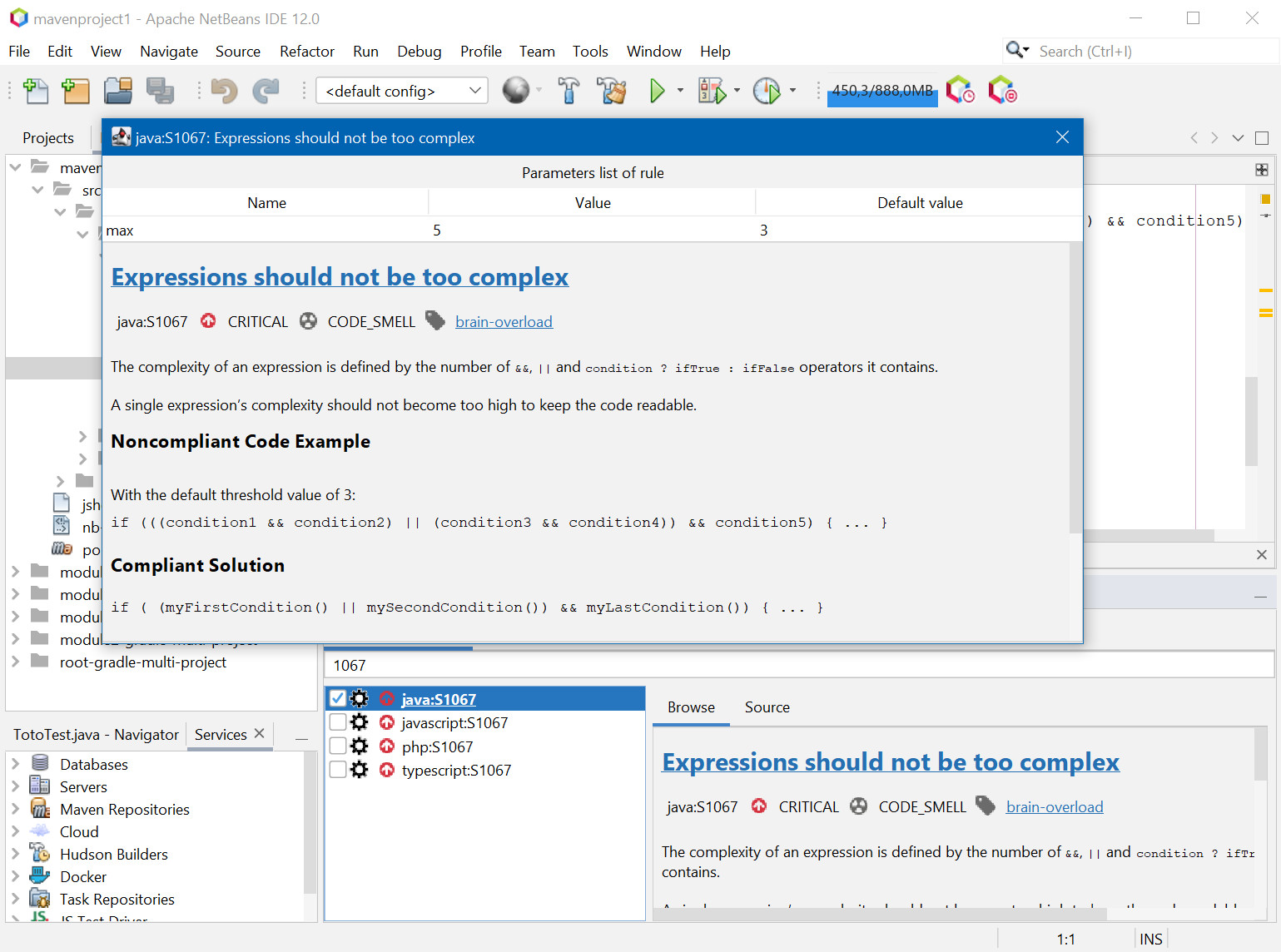
Change rule settings in Tools/Options/Miscellaneous/SonarLint or in "Sonar Rule Details" window
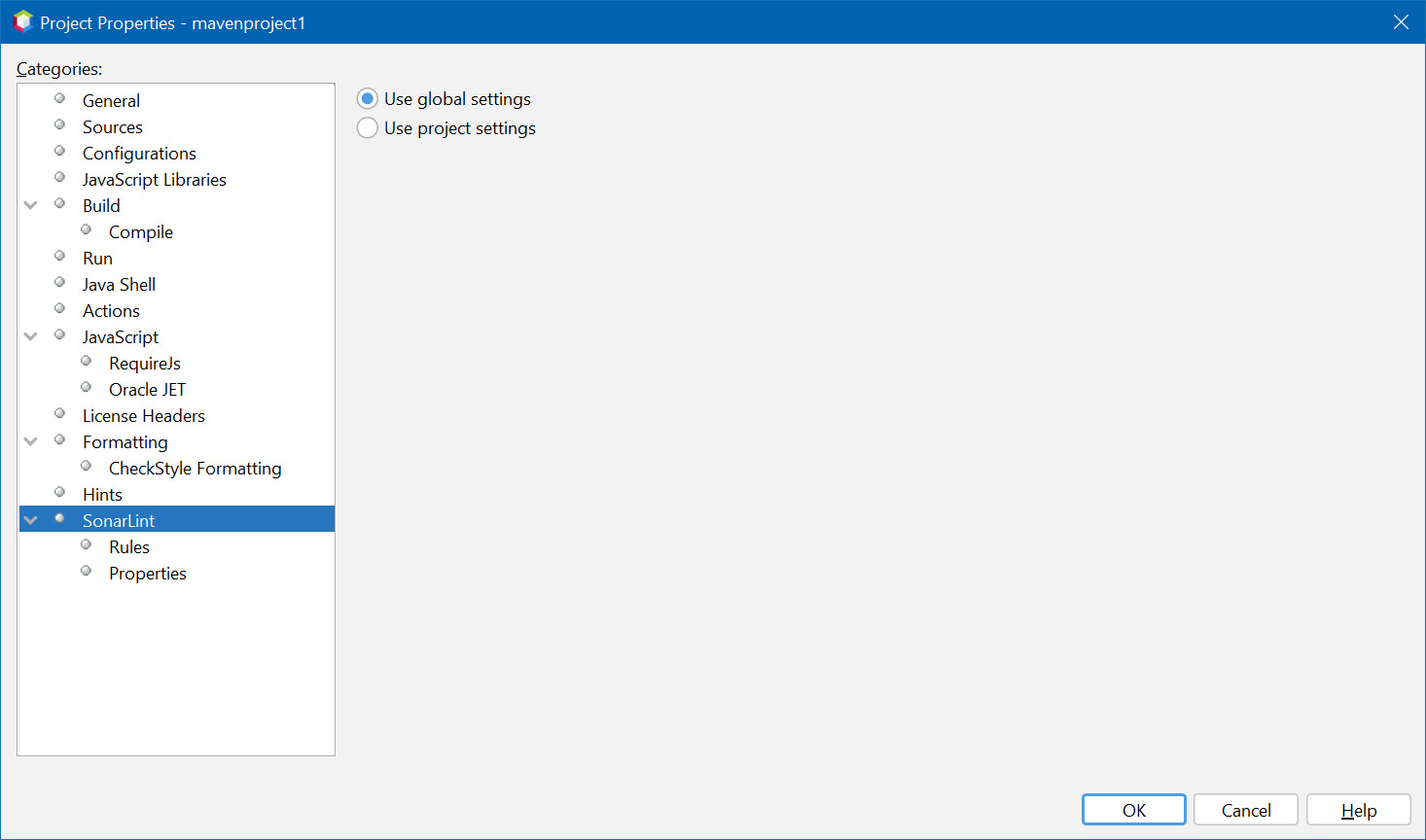
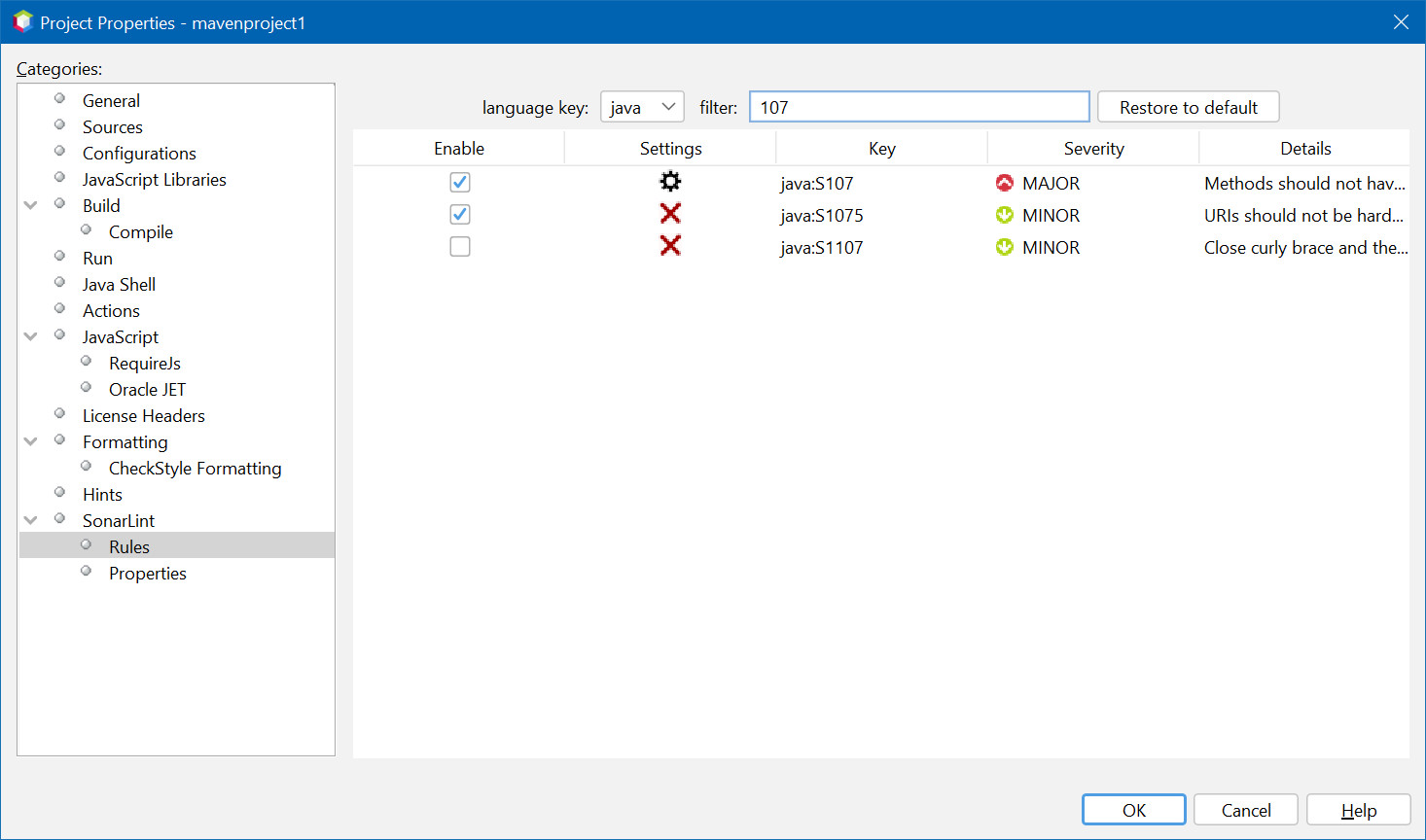
Enable/Disable/Configure Rules by project
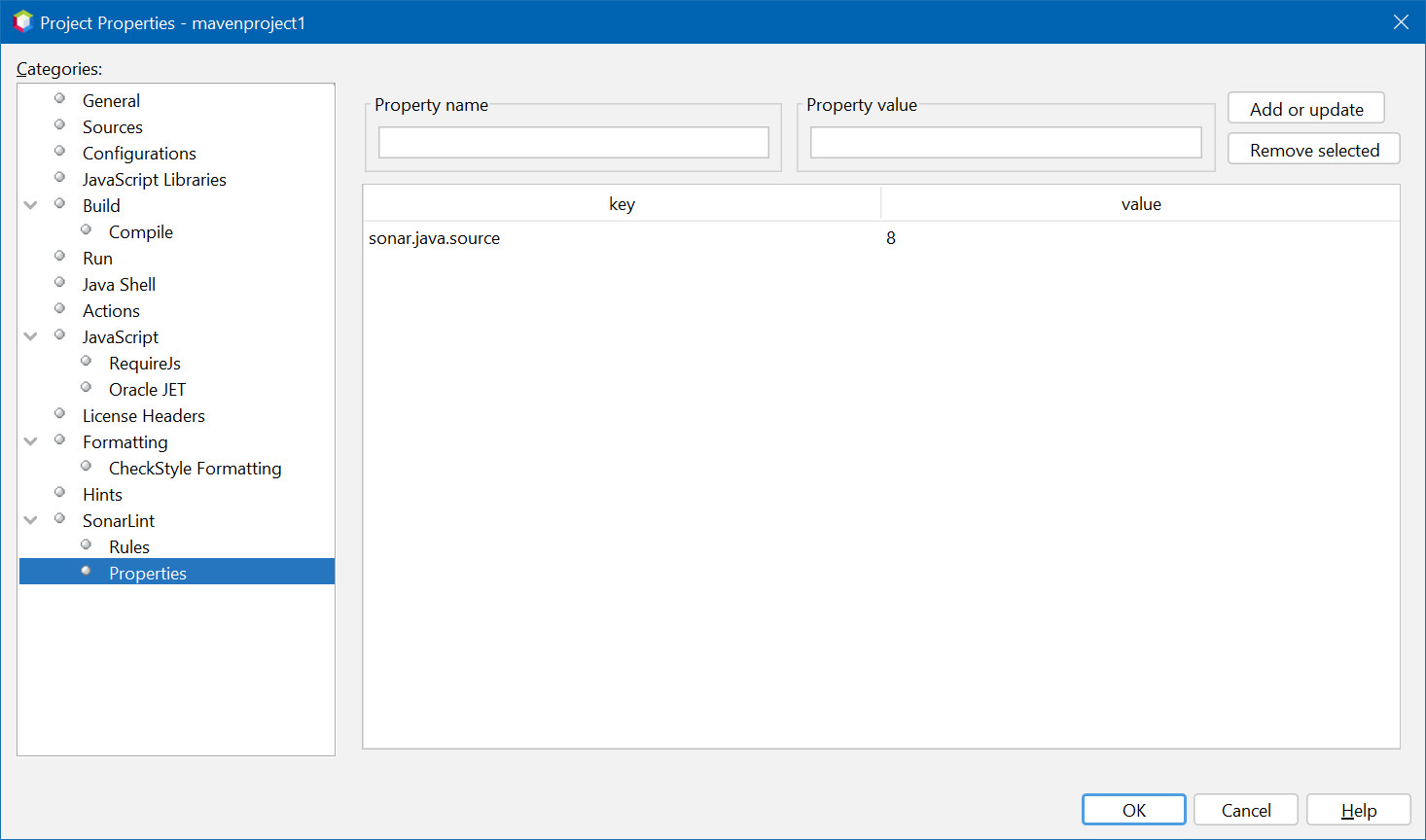
Add or remove analyse properties (global or by project)
Restore selected rule from activated by default
Add or update plugins from configuration
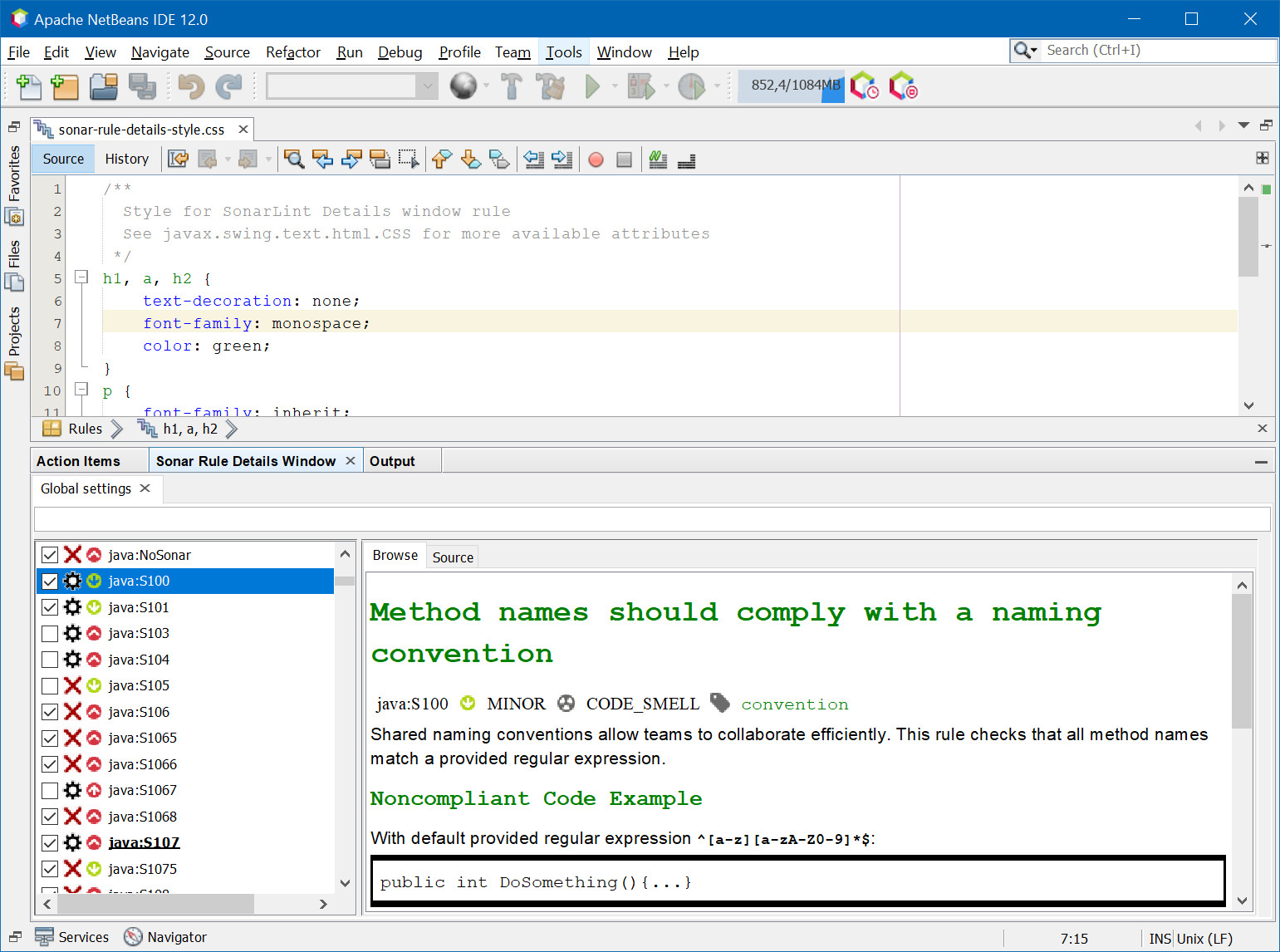
Custom "Sonar Rule Details" window with CSS
Enable or disabled test rules on test files
Severity icons
Partial Support on C/C++ project (show README-CFamily)
SonarLint no longer uses URLs to find plugins but file paths.
You have to update the path to the plugins you added in Tools → Options → Miscelaneous → SonarLint → Plugins.
Now global properties and project properties are merged on files belonging to a project.
${projectDir} is now replaced by the absolute path of the project for files belonging to it.
Release 2.0.0 want publish this plugin in new Netbeans portal based on Maven central repository.
For this, all package are renamed and have
In Netbeans User dirrectory move config/Preferences/fr/philippefichet/sonarlint/netbeans.properties to config/Preferences/com/github/philippefichet/sonarlint4netbeans/netbeans.properties.
You can found Netbeans User directory in menu Help/About.
You can run an "Analyze with SonarLint by context menu (click right) on project, folder, many file, …
This action is visible directly in context menu on through Tools sub menu.
You can change rule settings by left click on this icon  in Tools/Options/Miscellaneous/SonarLint or in "Sonar Rule Details" window.
When a rule has no settings, this icon  is present.
Properties can be added to the analysis by SonarLint, either globally or by project.+
It is possible to add a plugin compatible with SonarLint by indicating a key and the URL of the plugin.
To avoid downloading the plugin each time it is used, it is recommended to download the plugin and use the file scheme
Example:
file:/c:/path/to/plugin.jar (1)
file:/path/to/plugin.jar (2)
On Windows
On Linux or MacOS
You can customize "Sonar rule details" with CSS.
Go to Tools/Options/Miscellaneous/SonarLint and click on "Options" and on button "Edit stylesheet for sonar rule detail window".
|
Important
|
CSS is limited by javax.swing.text.html.CSS, consult the documentation to know the supported properties. |
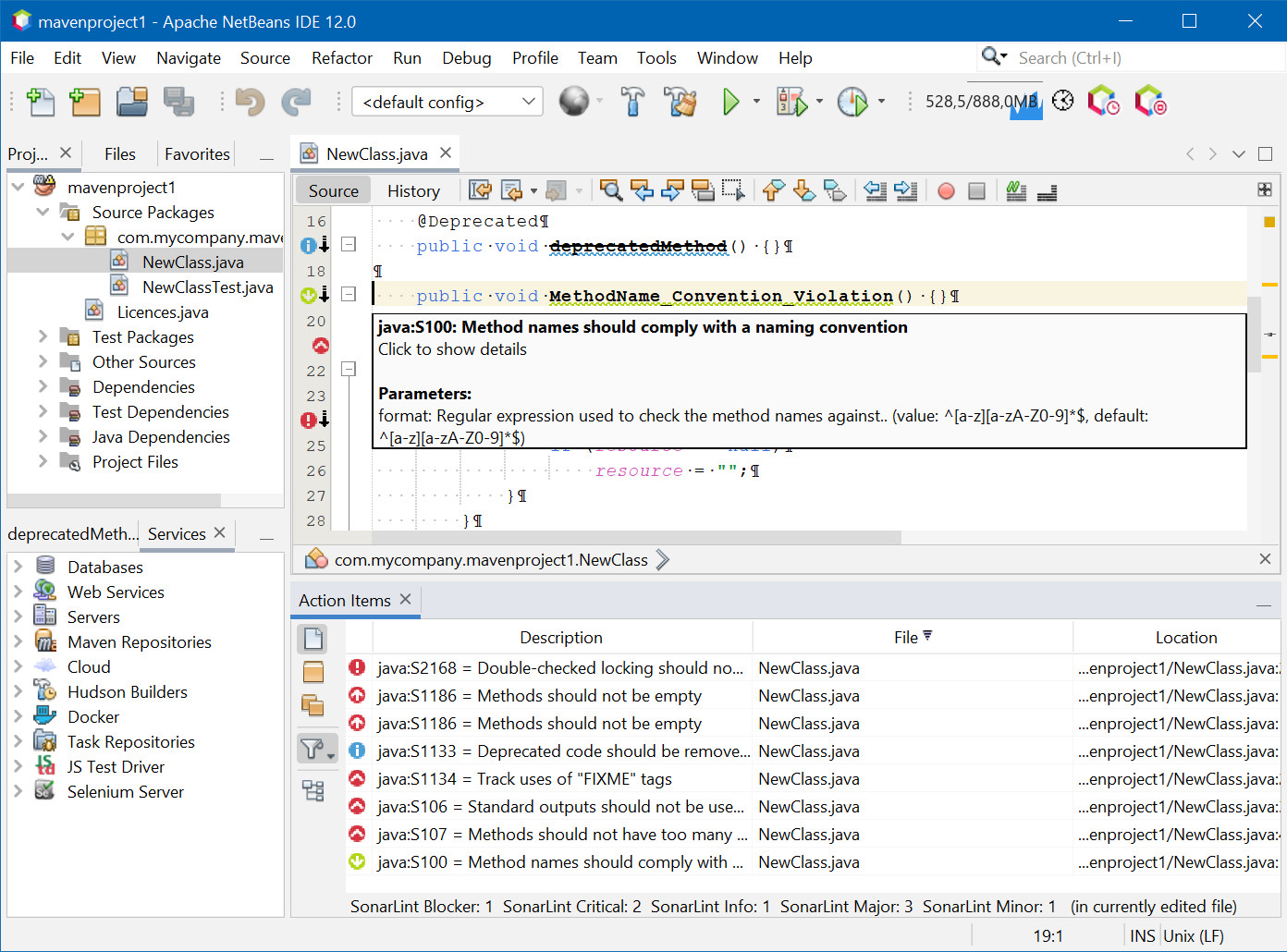
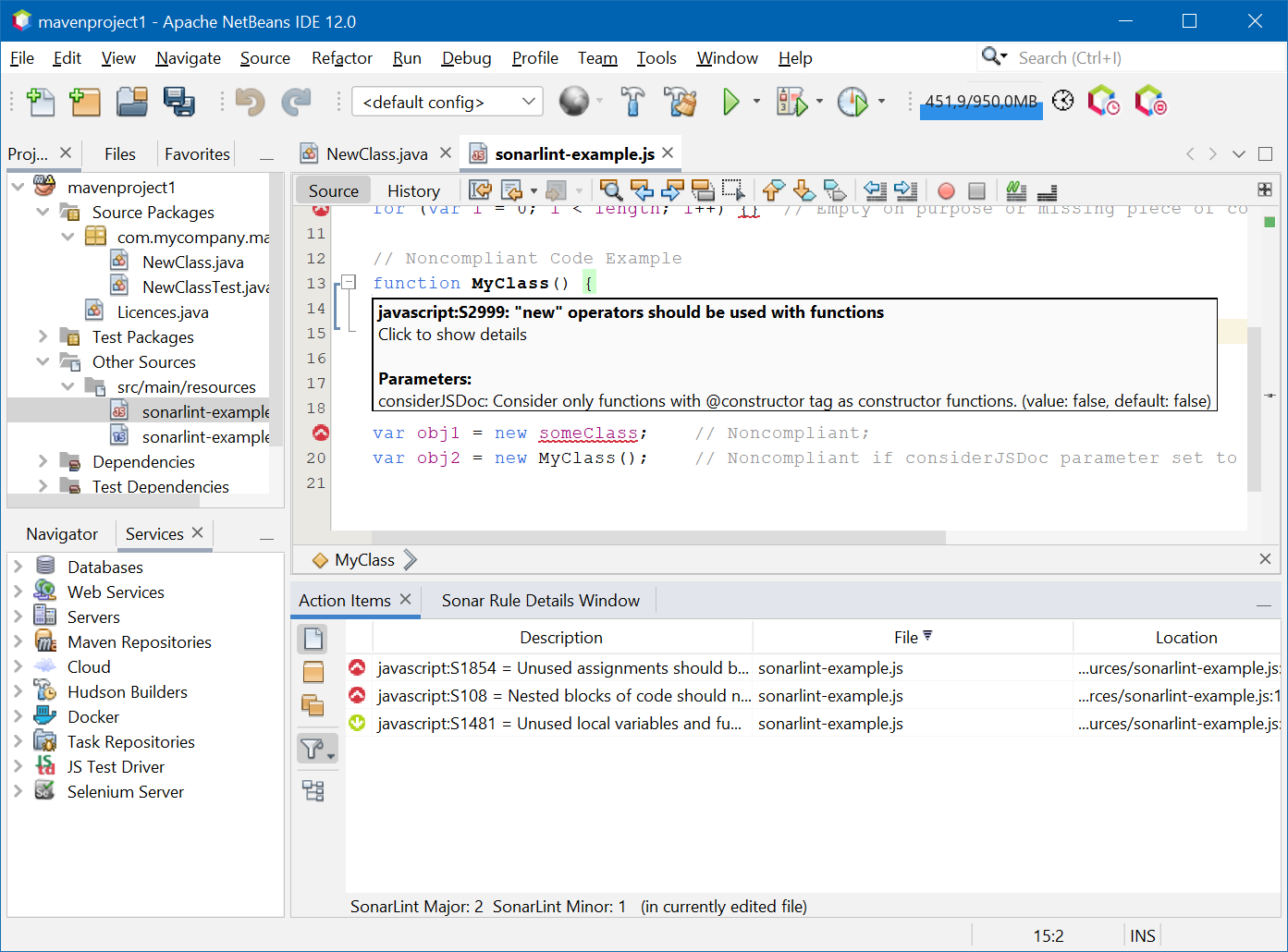
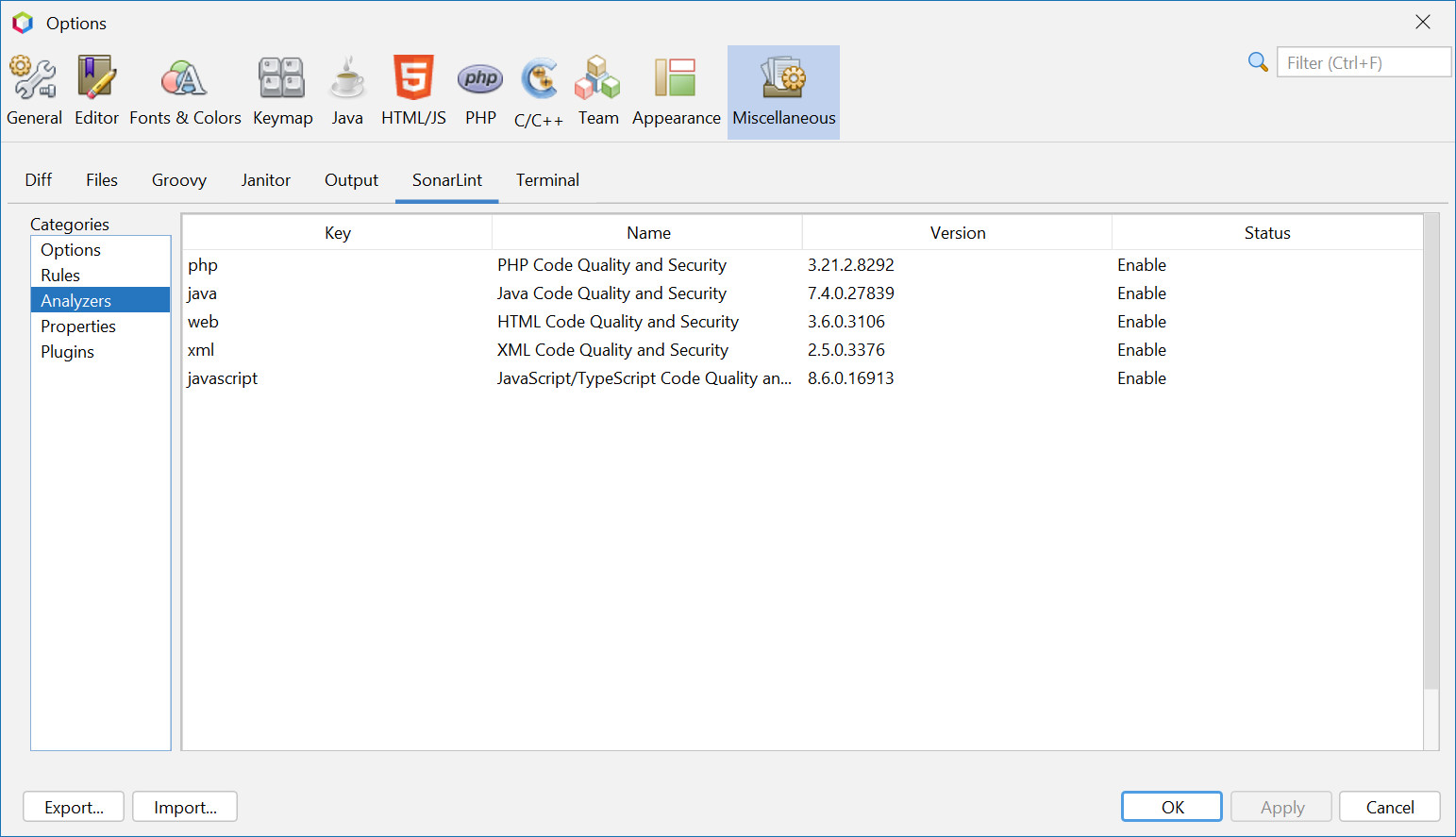
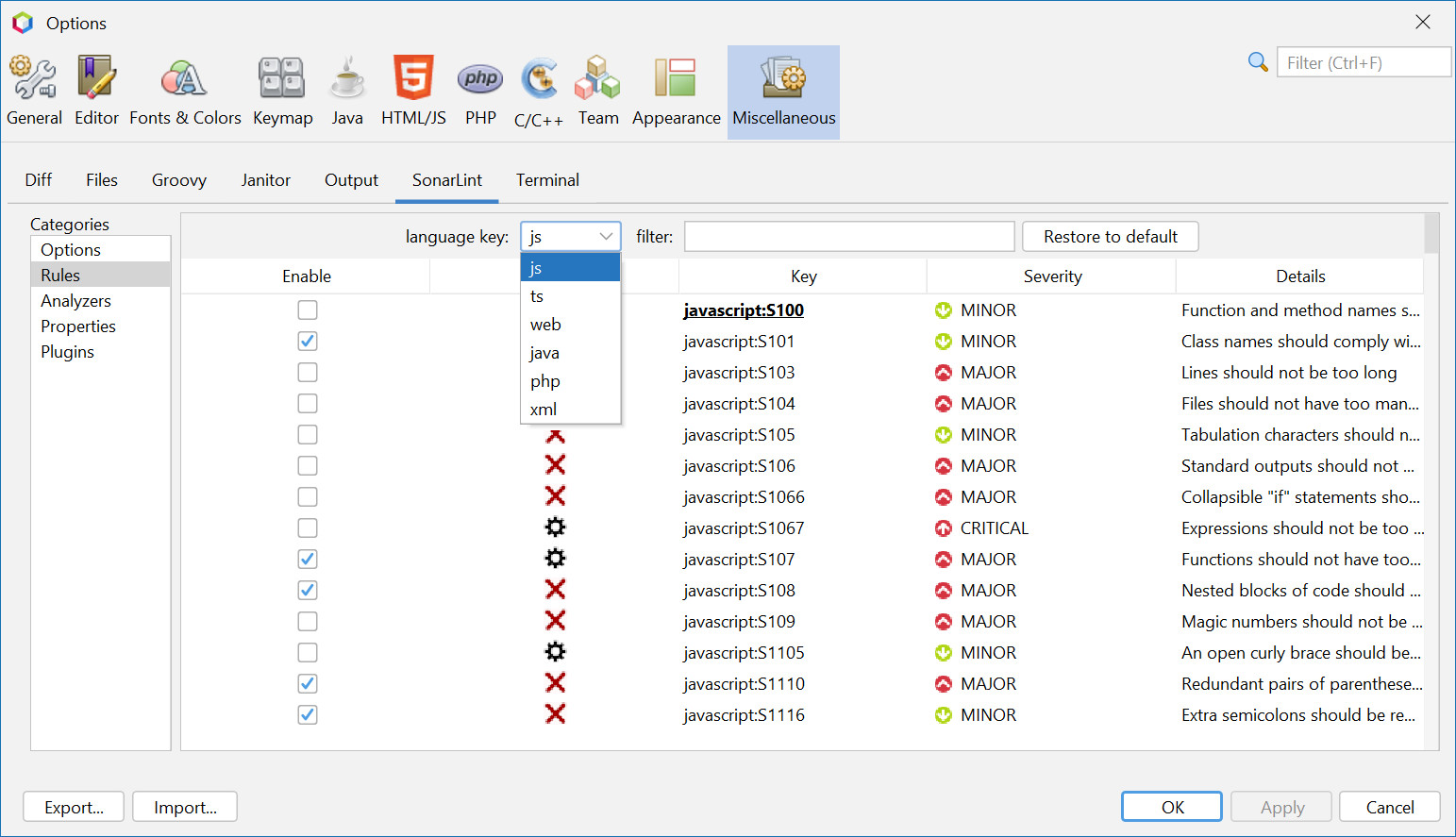
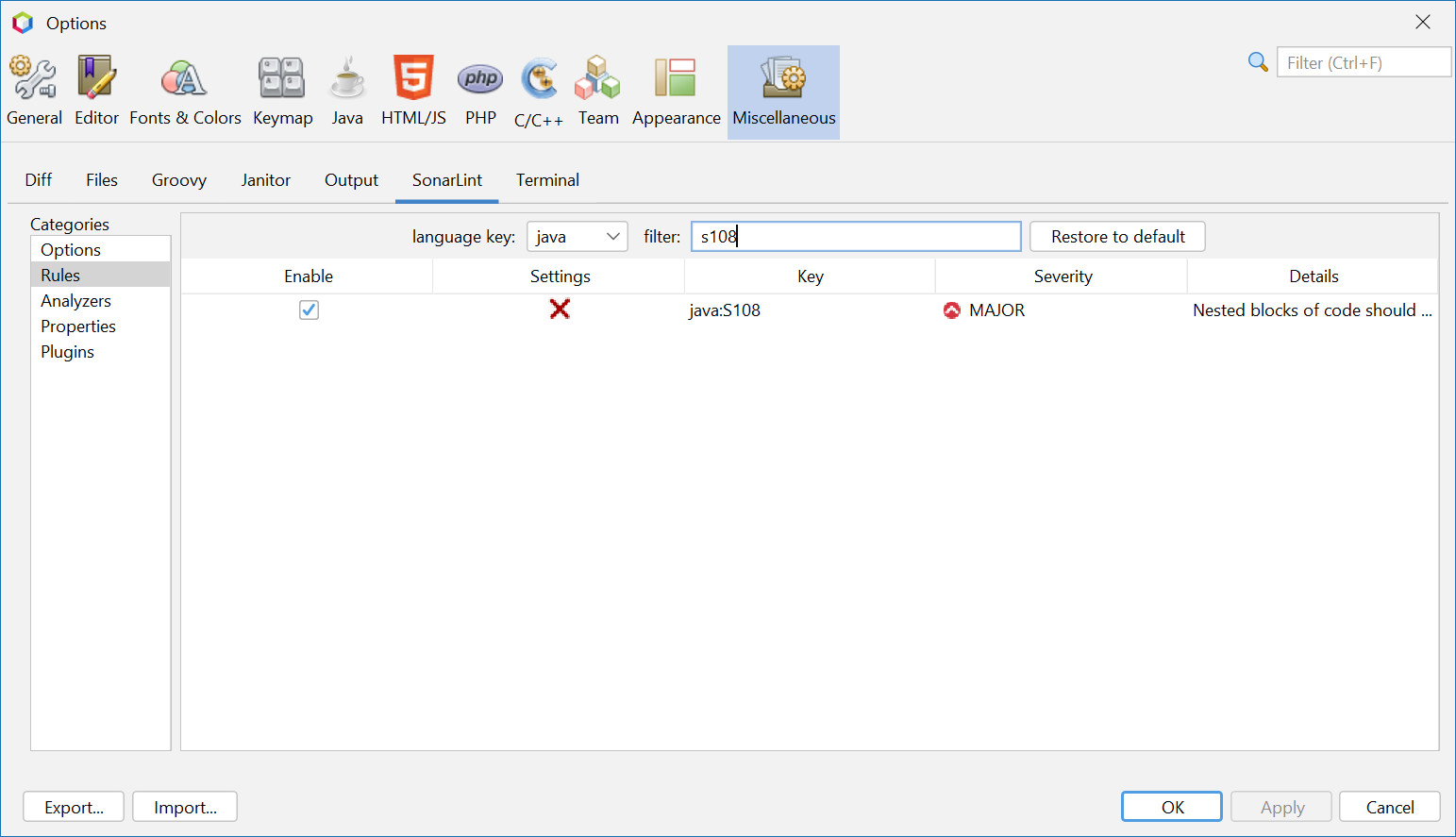
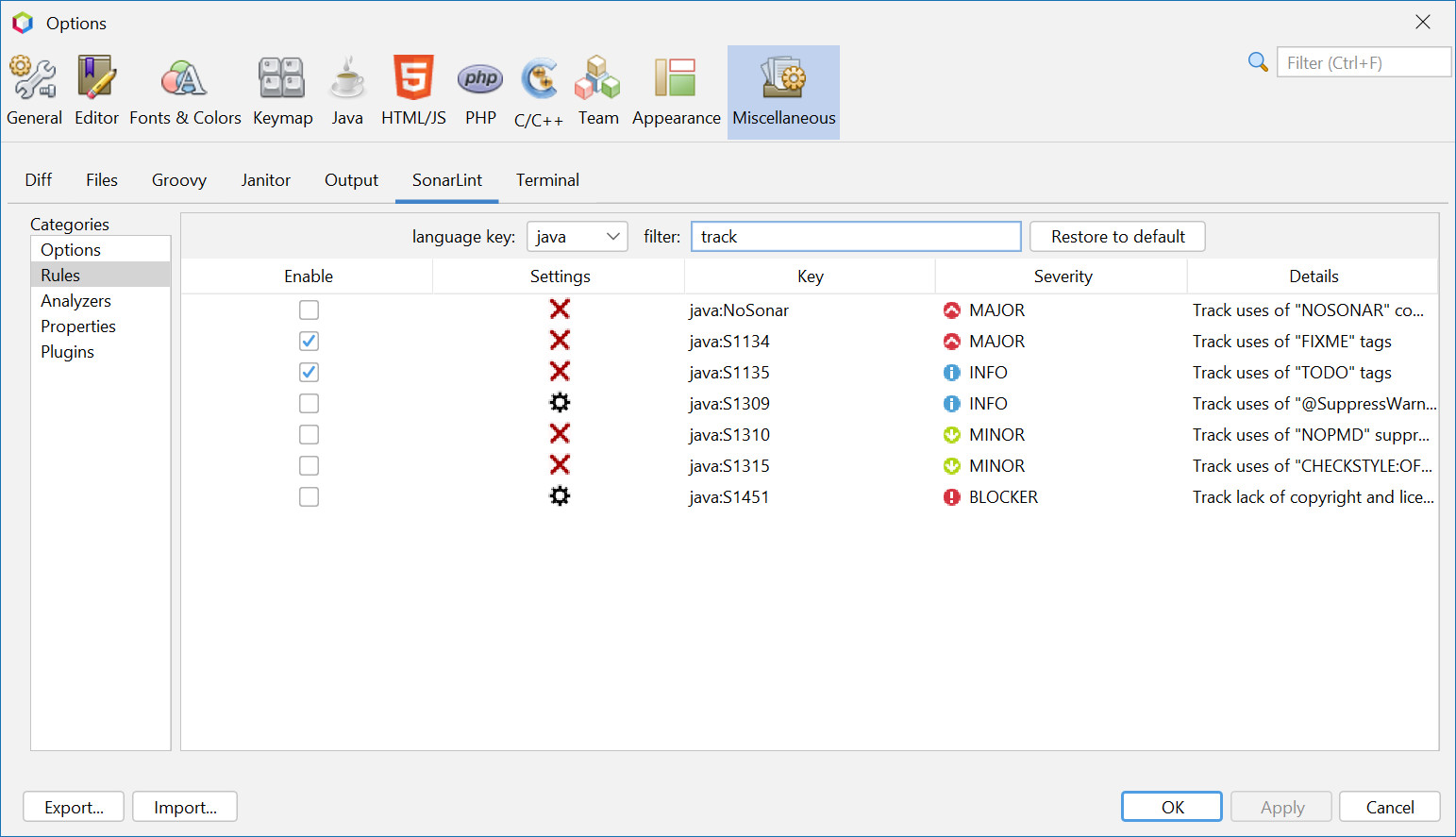
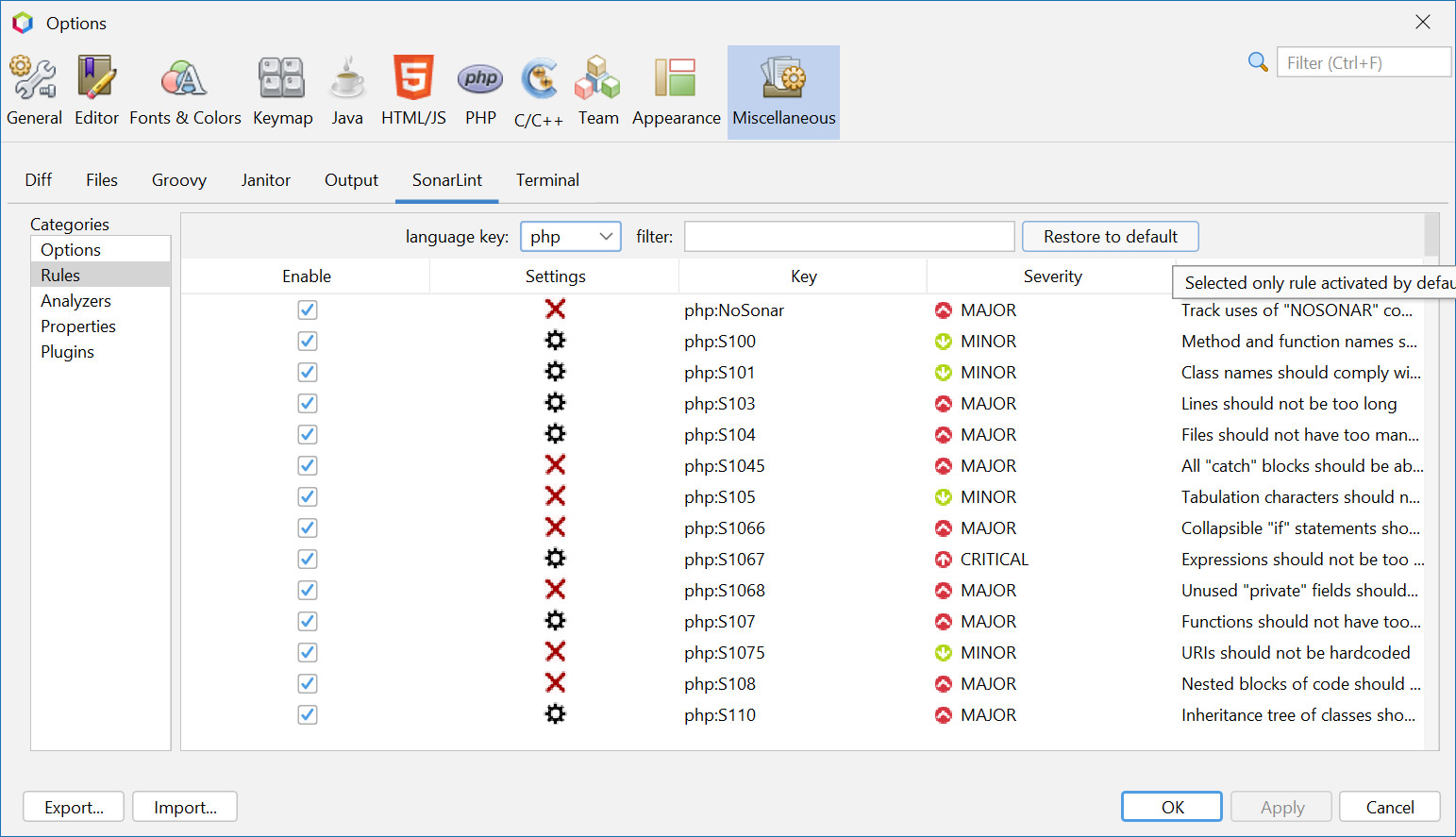
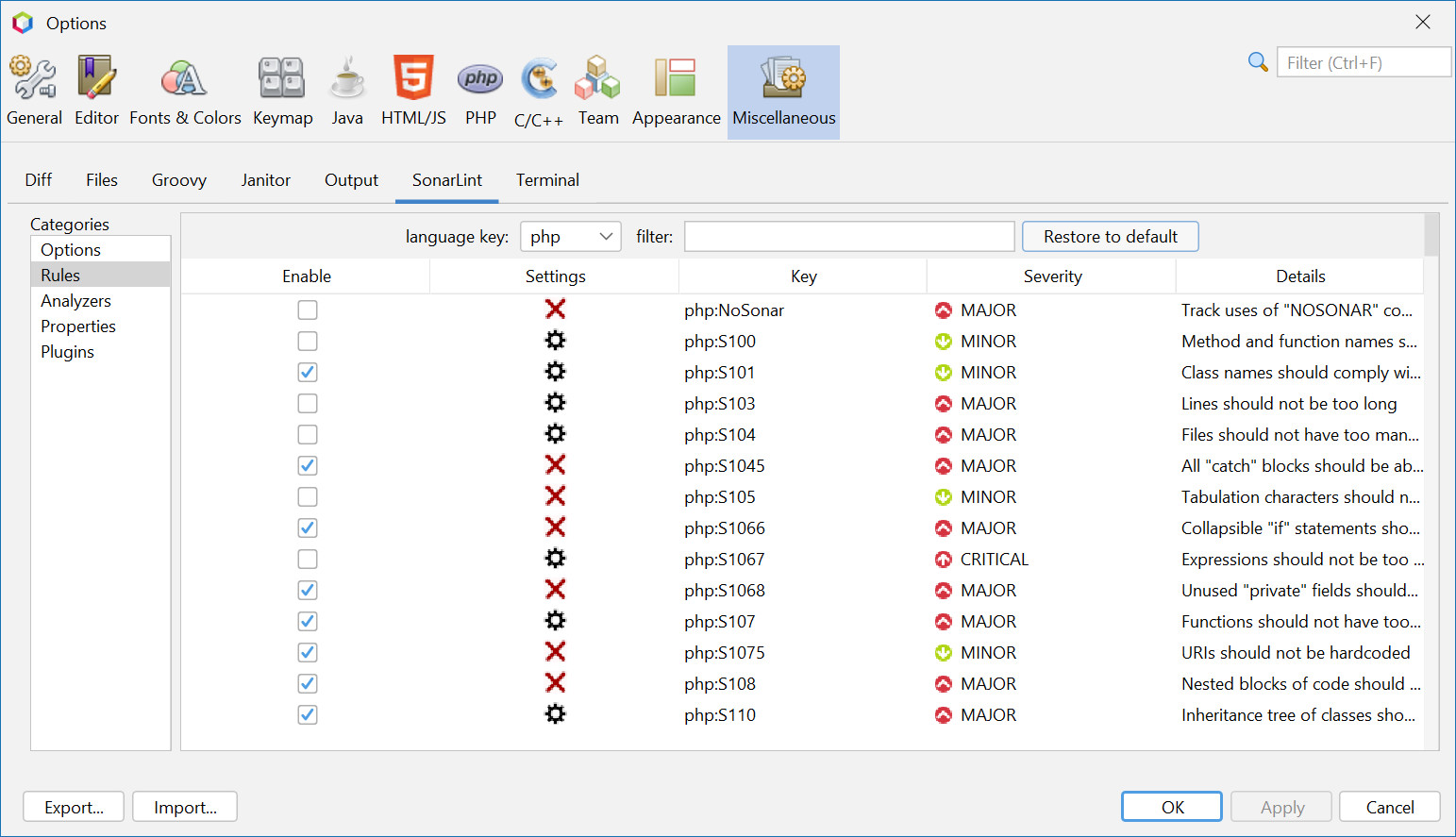
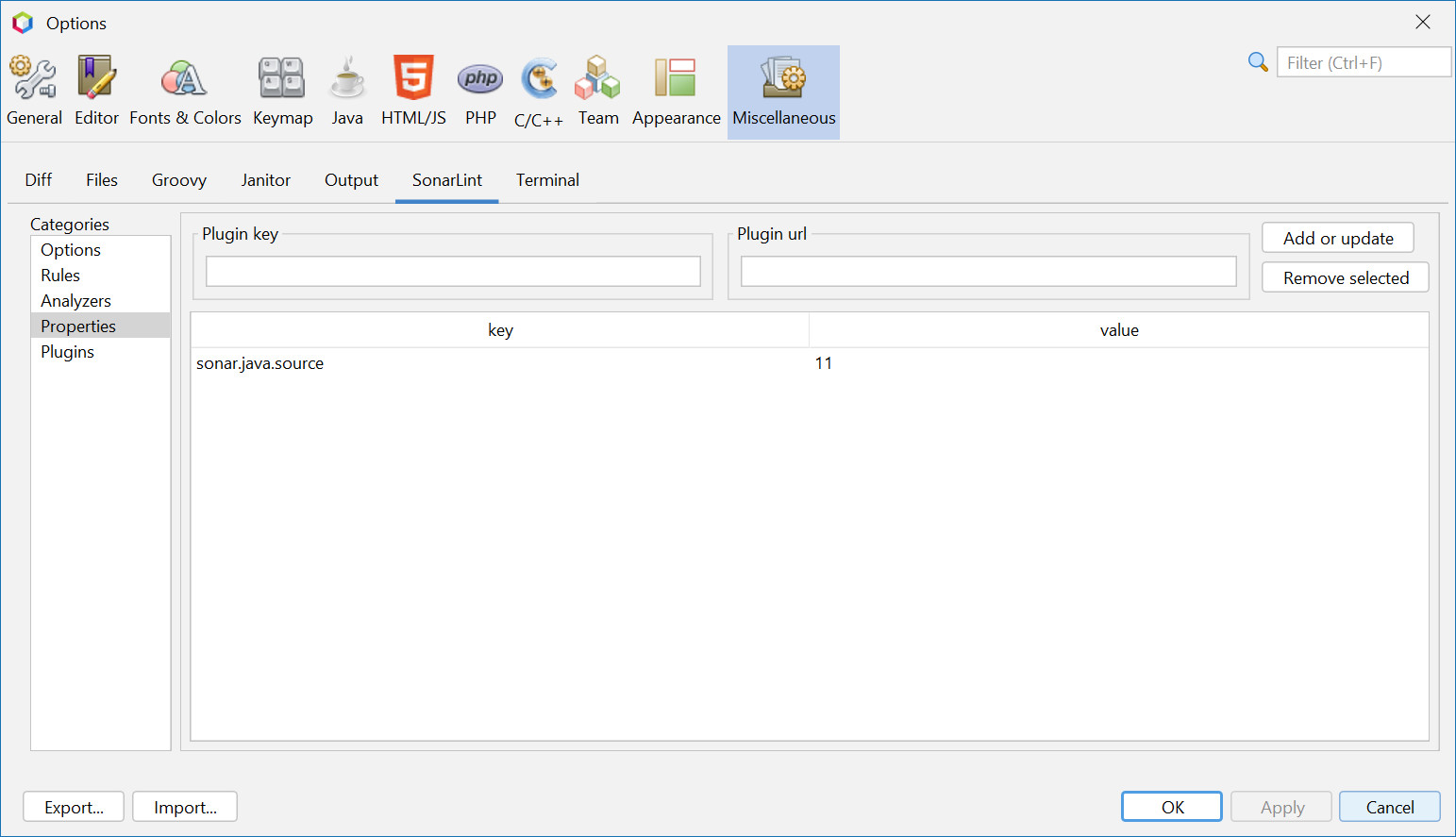
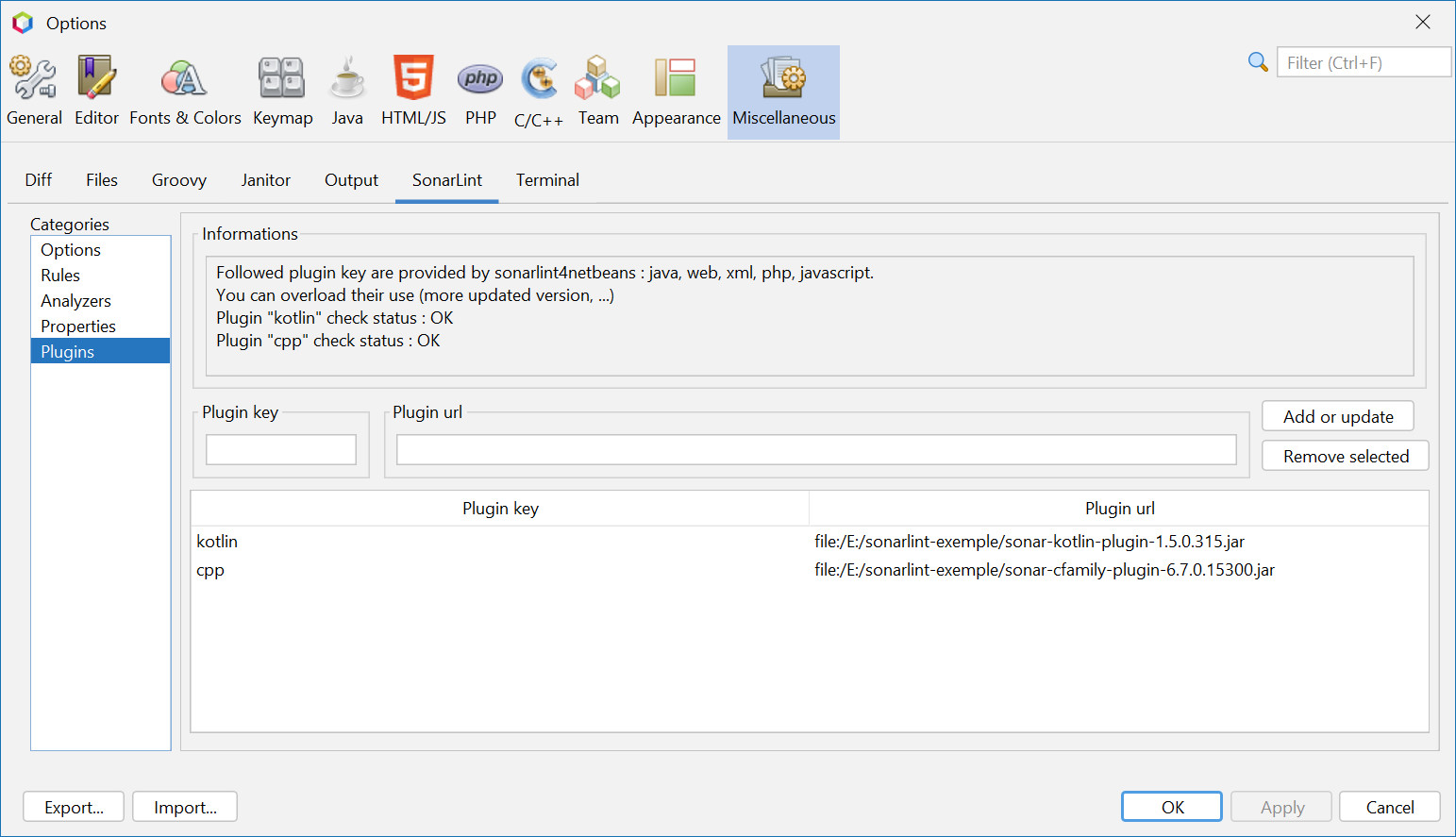
image::docs/OptionsSonarLintOptions