lints
18.0.0

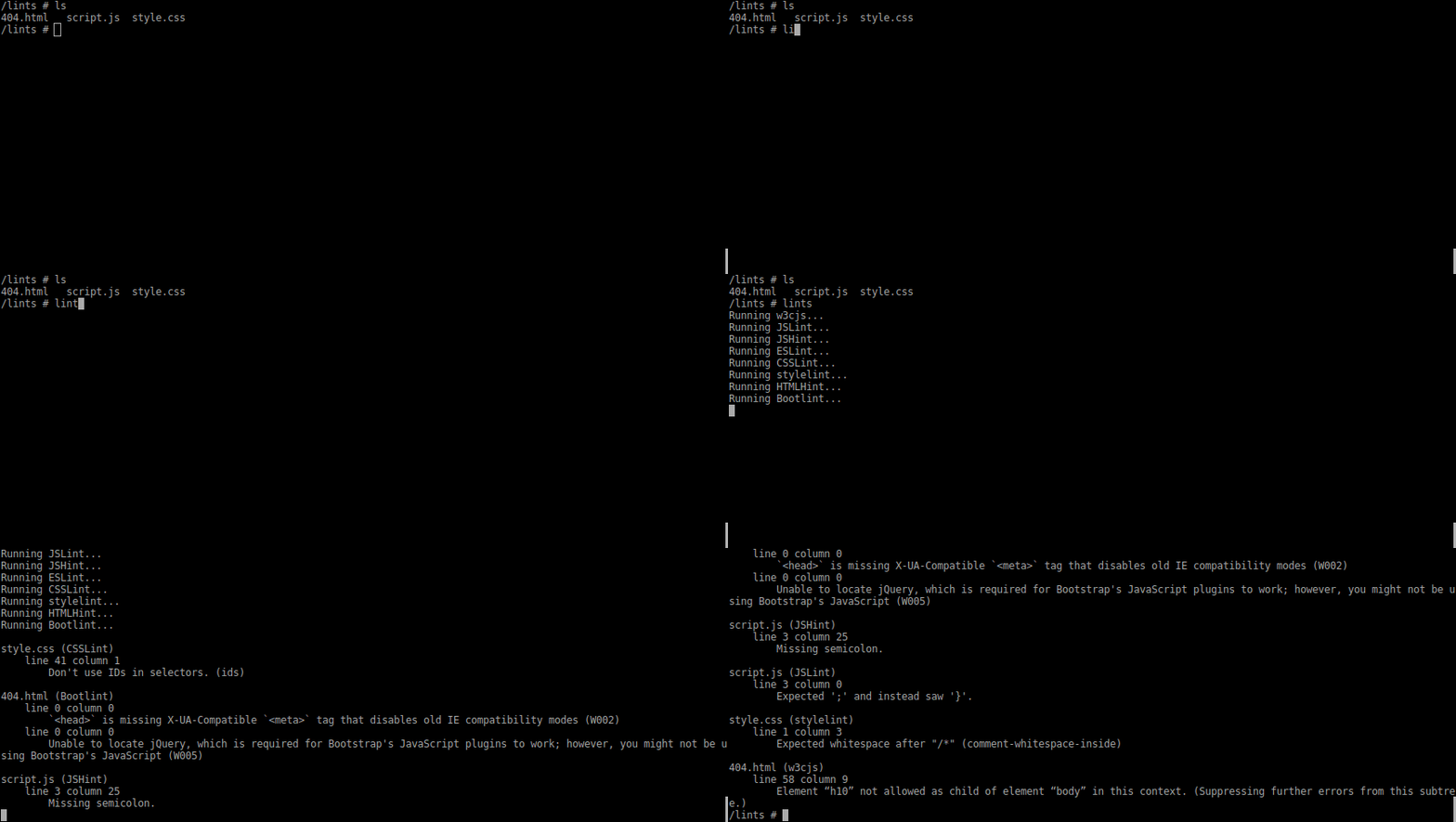
lints comes with:
Install: npm install lints -g
Run: lints
If there are warnings, lints will send them to stdout and exit with a non-zero exit code.
If you want lints to run when you do npm test, then install it as a dev
dependency:
npm install lints --save-devand add it as your pretest script to your package.json:
"scripts": {
    "pretest": "lints"
}To customize lints create the .lints.json file in the root of your project.
You can see the default config in
src/default.lints.json
To customize an individual linter create a respective rc file in the root of your project.
lints is compatible with the "Current" version of Node.js.
You can check whether it is compatible with Node.js 6.0 on the Travis CI page
MIT







