portfolio api
1.0.0

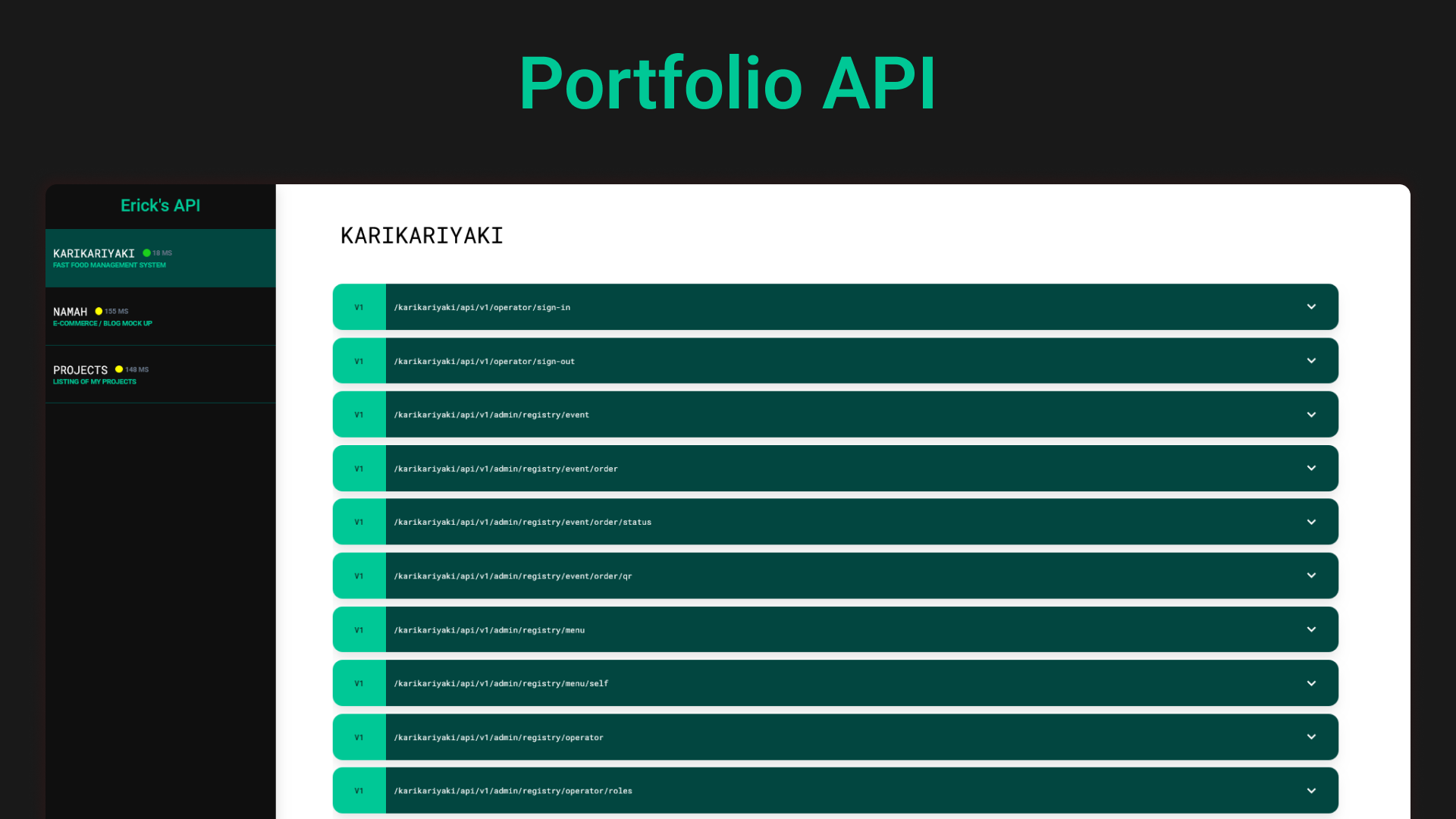
git clone https://github.com/pepeien/portfolio-api.git
cd portfolio-api/
docker-compose up --build
Please reach for the following services to receive a guidance on how to setup the environment:
If you want to deploy this project publicly you will need tweak a few things:
Open up the setup-tls.sh file and replace the placeholder values thar are tagged with the comment # REPLACE WITH VALID DOMAIN;
Reach the nginx/ folder inside this project;
Open up the reverse_proxy.conf file and replace the placeholder values, such as www.example.org;
Reach to the root of the project;
Run the file setup-tls.sh and follow the prompted steps.
Now you are ready to use the project, just issue a docker-compose up --build and you're good to go
If you want to run as a developer:
Follow steps 2 ~ 3 from the Running with SSL section;
Issue a docker-compose up -f docker-compose.dev.yaml --build and you're good to go.
Firstly, this project was to only provide namah project, but as i worked on it, i deciced to be the back-end source for all my portfolio related projects.
You can reach to the Developer Portal to a more hands-on driven information.





