CoreHome
v8.0.4


An open source blog system based on .NET and Alibaba Cloud.
Current personal website,

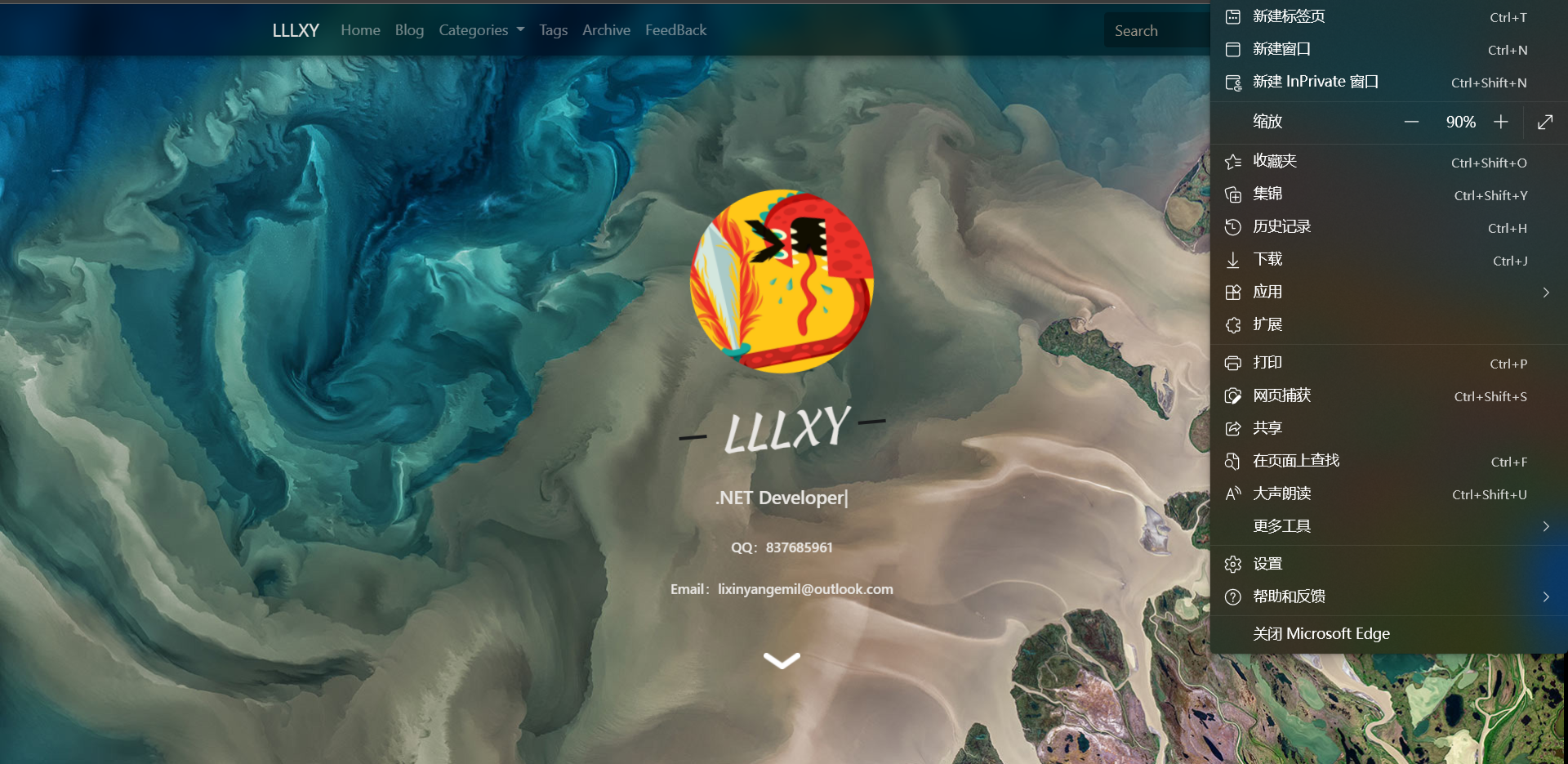
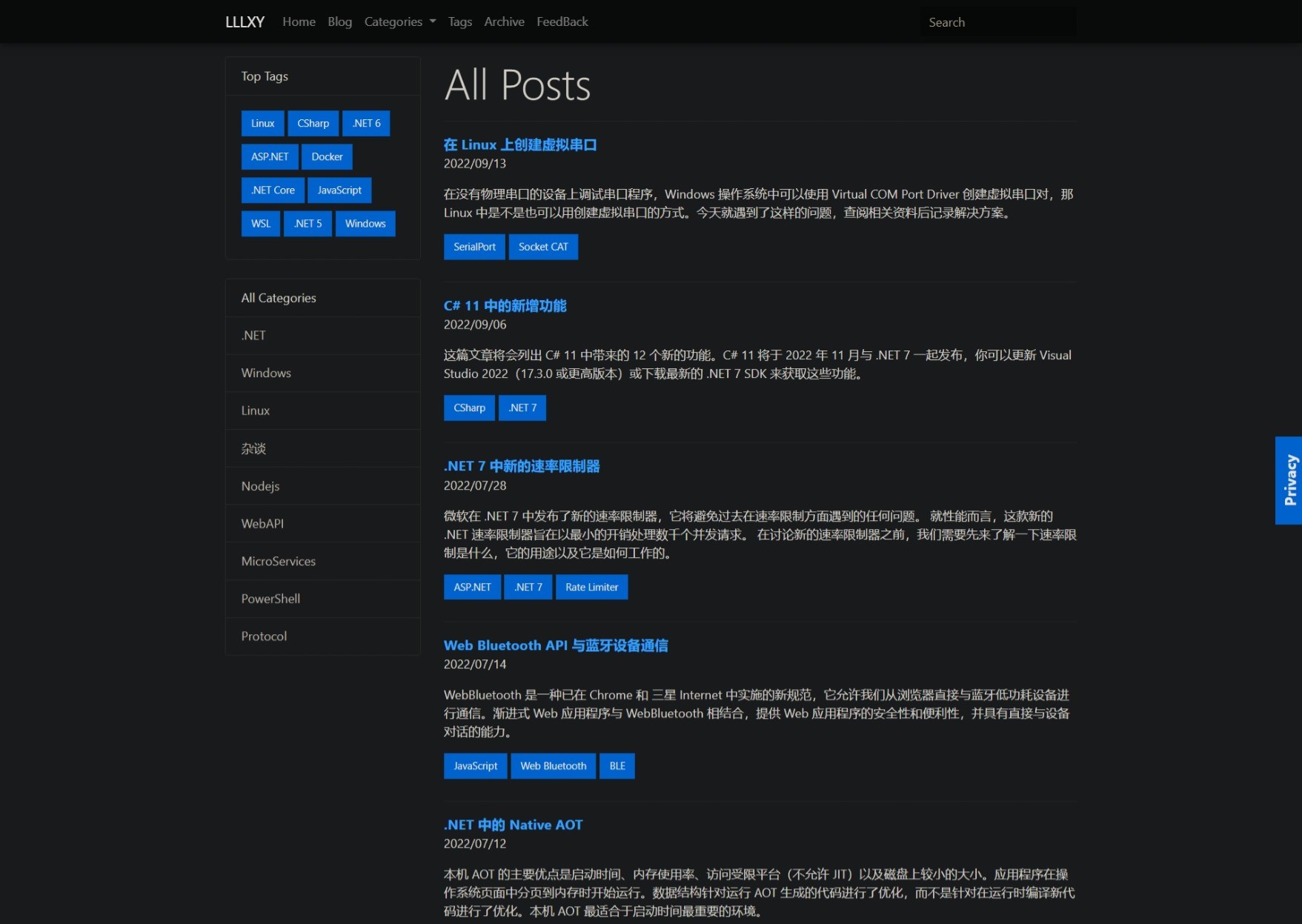
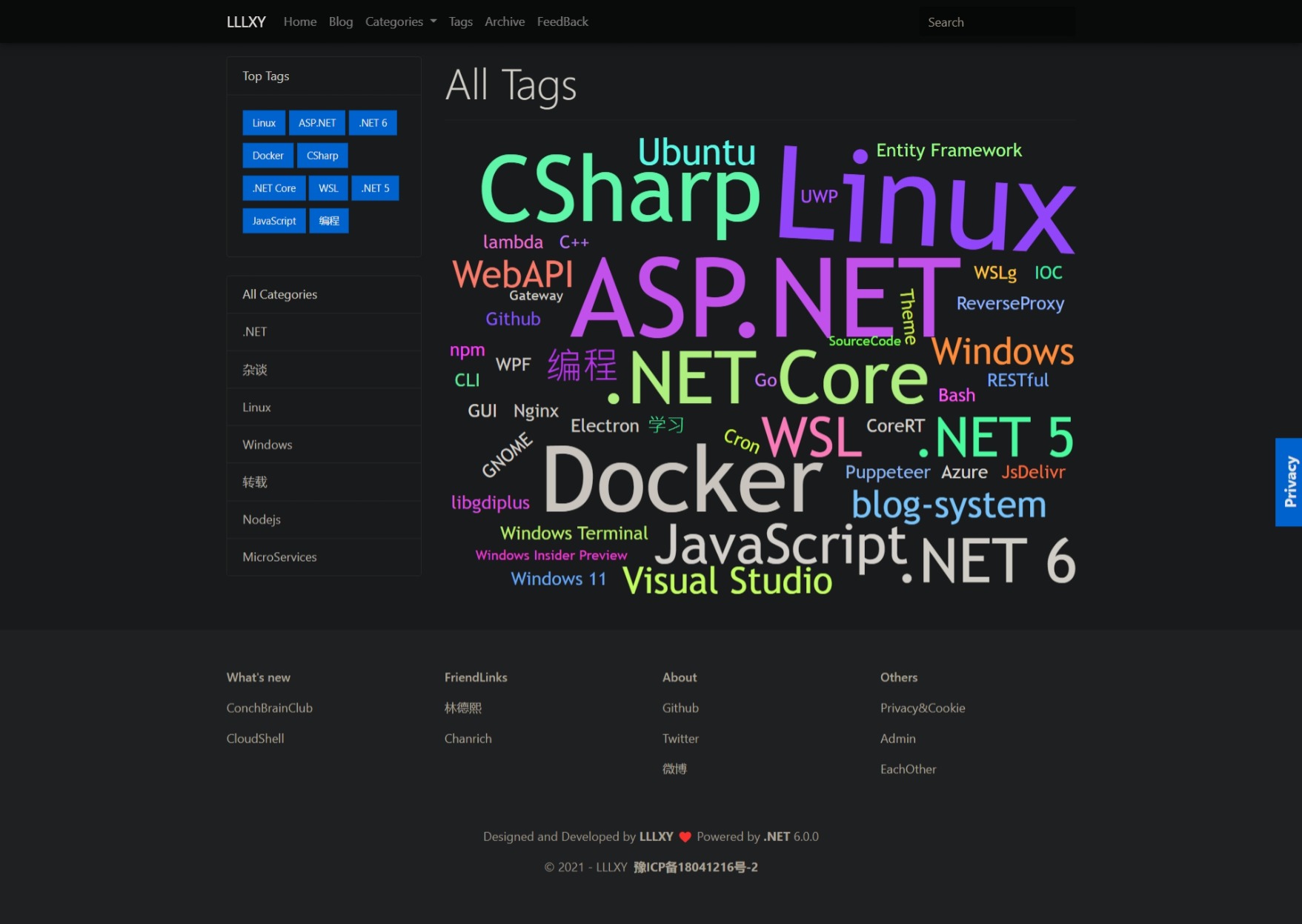
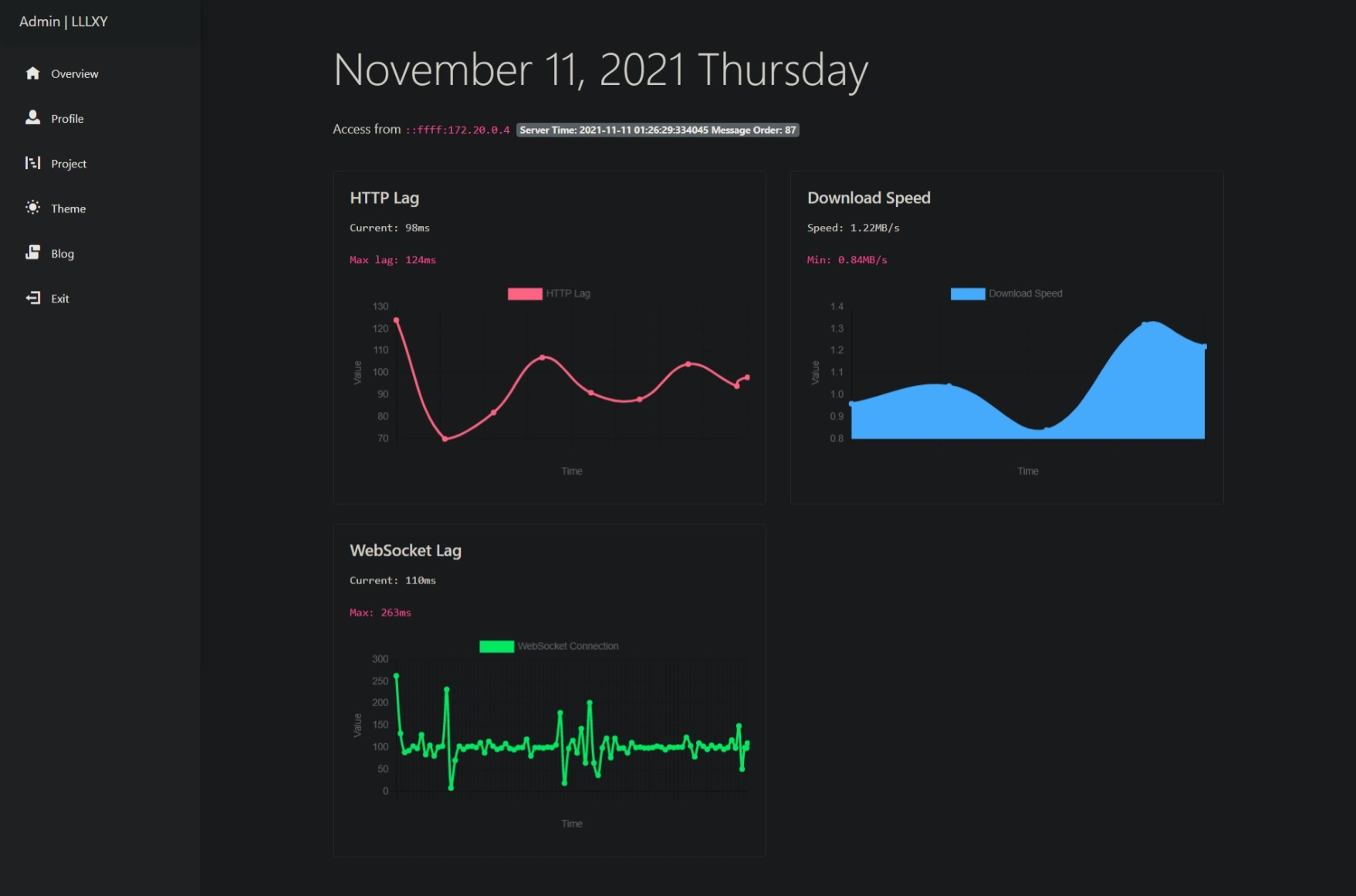
If you use Visual Studio (Not Visual Studio Code), you don't need to install Libman CLI and Entity Framework CLI.
Install Libman CLI:
dotnet tool install -g Microsoft.Web.LibraryManager.CliInstall Entity Framework Core CLI
dotnet tool install -g dotnet-efClone source code
git clone https://github.com/lixinyang123/CoreHome.gitConfiguration
You can refer to this blog to configure.
The content of appsettings.json in
CoreHome.HomePageandCoreHome.Adminis exactly the same, just copy and paste.
Both CoreHome.HomePage and CoreHome.Admin's application.json files should be configured.
"CoreHome": "server=[host];user id=[user];password=[password];database=corehome"
Visual Studio
Visual Studio Code or CLI
dotnet restore in the following directory.
libman restore in the following directory.
Tools -> Nuget Package Manager -> Package Manager Console
Update-DatabaseExecute the following commands in the CoreHome.HomePage and CoreHome.Admin directory.
dotnet-ef database update -p ..CoreHome.DataClick Startup in Solution Explorer or Ctrl+F5.
Execute the following commands in the CoreHome.HomePage and CoreHome.Admin directory.
dotnet runClick Build Dockerfile in Solution Explorer.
Execute the following command in the project root directory.
docker build --file ./CoreHome.Admin/Dockerfile --tag lixinyang/corehome-admin:latest .
docker build --file ./CoreHome.HomePage/Dockerfile --tag lixinyang/corehome-homepage:latest .
docker build --file ./CoreHome.ReverseProxy/Dockerfile --tag lixinyang/corehome-reverseproxy:latest .You can use DockerHome to deploy CoreHome, or you can deploy it manually.
You can refer to this blog to use DockerHome.





