NeovimKeys
vimKeys v2.1

Practice Using Neovim and Moving around with the Keys HJKL.
Using NeovimKeys for 10-20 minutes before using Neovim always helps. With enough practice every day, you should be able to use HJKL in neovim like a pro and be a lot more productive.
This project is a work in progress and I will add a section to update your keybindings and also add more macros for you to be able to entirely simulate productive use of neovim/vim.
.jar file..jar file from the latest releaseNeovimKeys.jar
(if you are on Windows 10 it will give you a prompt asking how you want to run the application like below. Just select the first one that says Java and click ok) 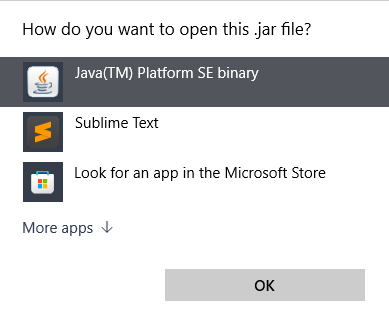
java -jar /path/to/jar/NeovimKeys.jarout/production/NeovimKeys/ directory to see all the compiled classes.jar -cvfm ../../artifacts/NeovimKeys.jar META-INF/MANIFEST.MF Frame.class Node.class style.classout/artifacts/ and can be easily ran by running the command:java -jar path/to/jar/NeovimKeys.jarThis works like how any ordinary Neovim would work.
In Normal Mode (when the cursor is black), to move you use HJKL (H = left, J = down, K = up, L = right)
In Insert Mode (when your cursor is green), you can type text and use arrow keys to move.
You can press Escape to switch from Insert Mode to Normal Mode and i to switch from Normal Mode to Insert Mode
The goal is to move to the blue node with text in the center and type whatever is in the node. After you do that, the blue node will reposition with new text. This will go in an endless cycle and you can practice until you feel fast.
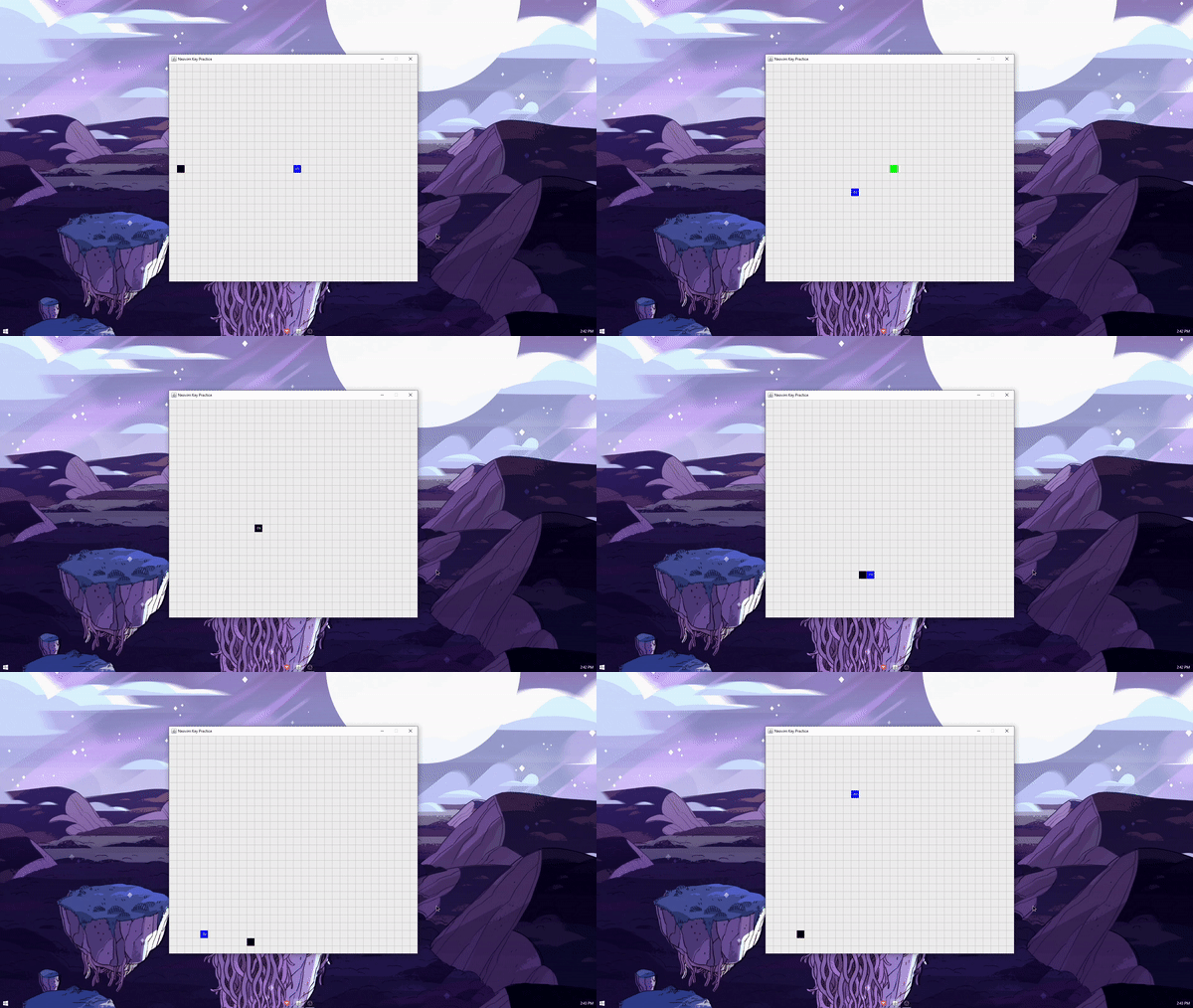
CURSOR (Normal Mode):

CURSOR (Insert Mode):

GOAL:

INDICATORS:

a project by BooleanCube :]





