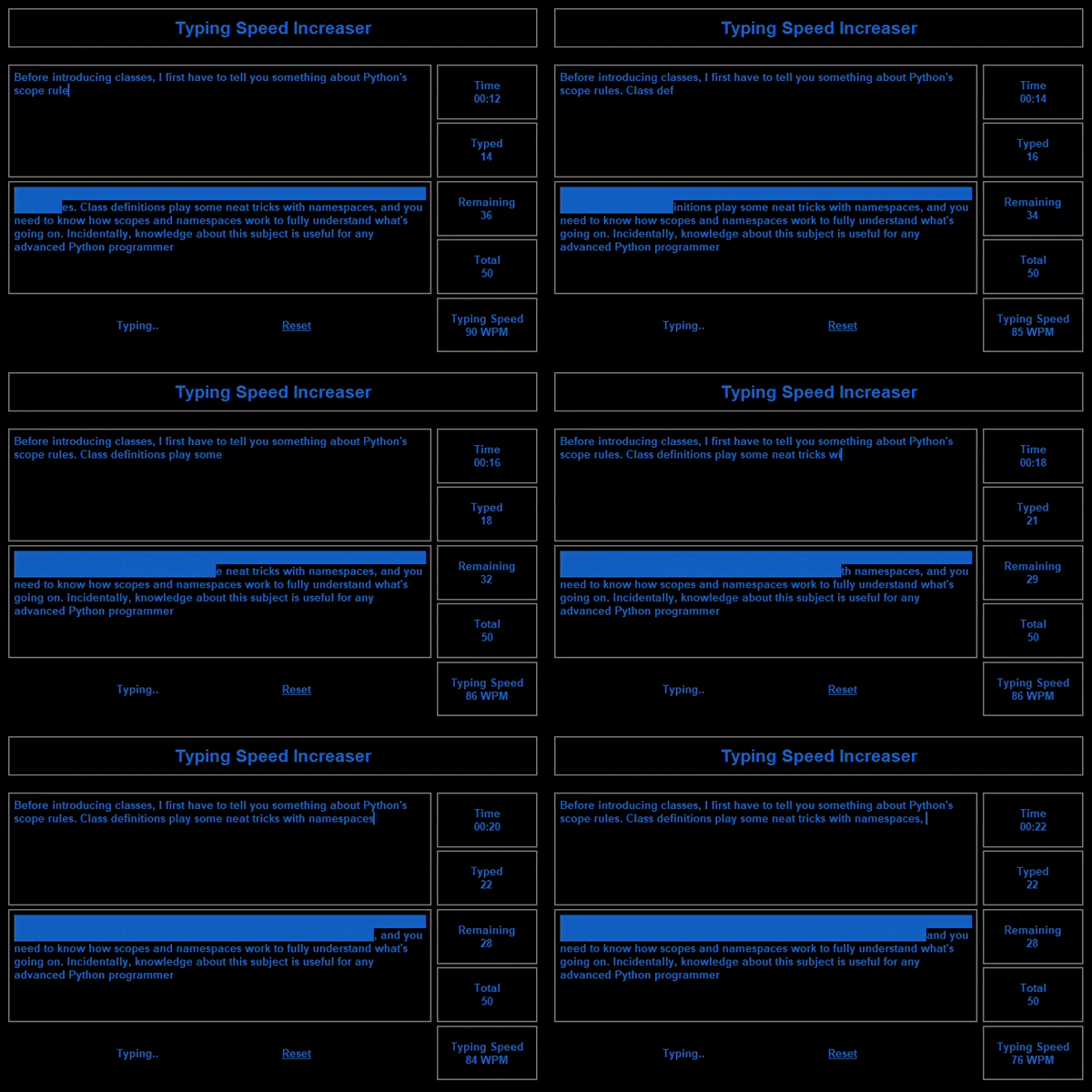
TSI
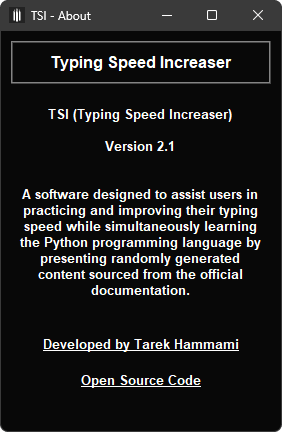
Typing Speed Increaser — A software designed to assist users in practicing and improving their typing speed while simultaneously learning the Python programming language by presenting randomly generated content sourced from the official documentation.
Version History
VERSION 1.0 - December 23, 2019
-
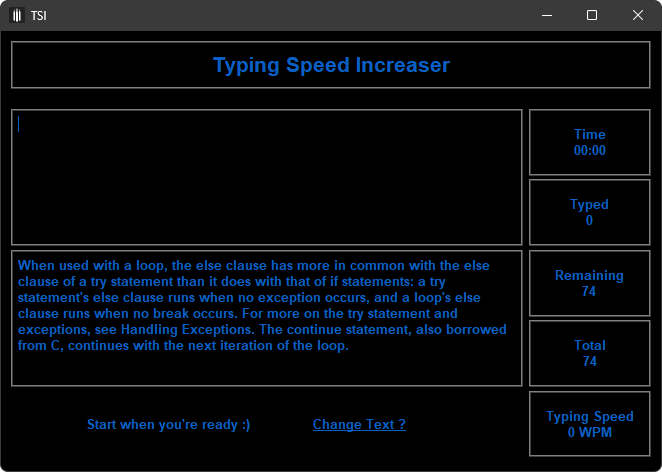
User Interface:
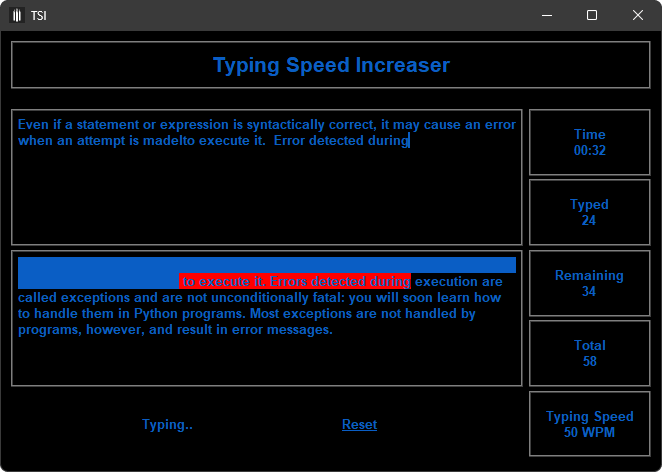
- Top left: Text to type.
- Underneath: Instantly typed text from the user.
- On the right: Typing statistics.
- Introduced total Words Per Minute (WPM) and total Characters Per Minute (CPM).
-
Navigation:
- At the bottom, provided links to settings, about, and more.
-
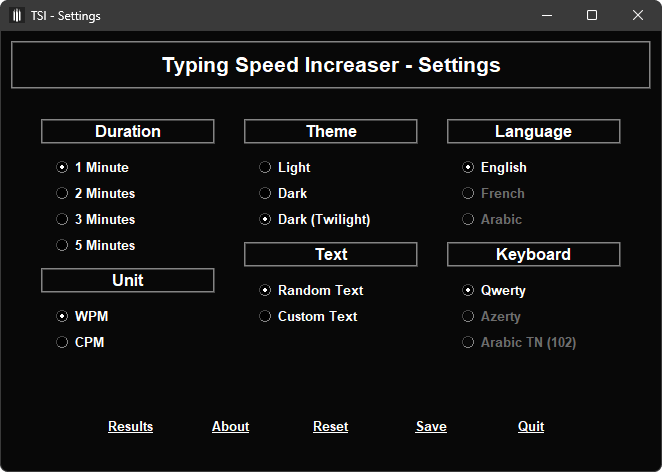
Settings:
- Clicking on the settings link opens a top-level (Settings) page.
- Users can modify settings such as typing minutes and texts.
- Changes in settings require reopening the program for them to take effect.
VERSION 2.0 - New Year's Eve 2019/2020
- Enhancements:
- Improved functionality.
- Results are saved now.
VERSION 2.1 - Mid-December 2023
- Enhancements:
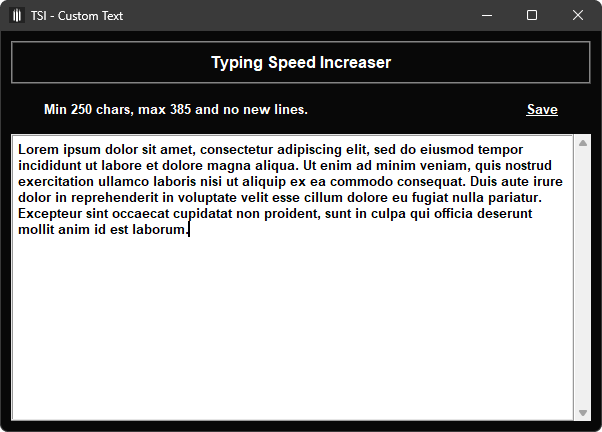
- Support for custom default texts.
How To Run
After cloning this repository, execute the following command:
To access the settings page, use the following command:
Note:
- Python 3.x must be installed.
- Exectuable files will be uploaded in a future commit and python installation will no longer be required to run this program.
Preview
App
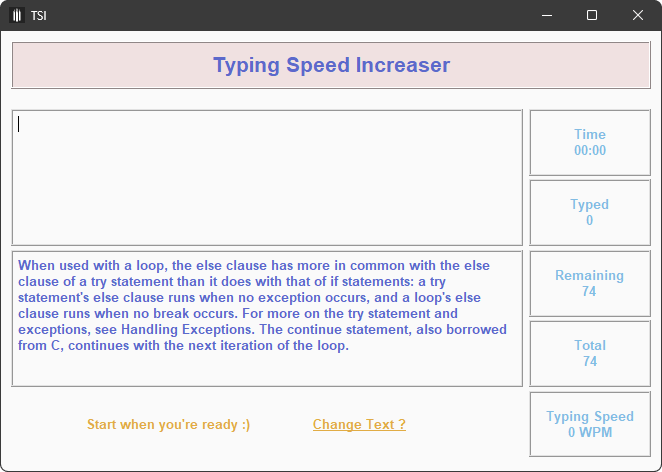
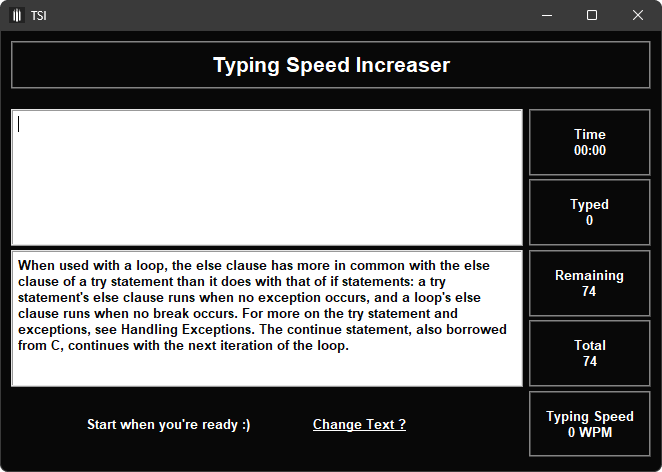
Themes
Settings
Main
Custom Text
Note:
- If no custom text is set, the default randomly displayed texts are sourced from the Python official documentation.
This provides a 2-in-1 benefit, allowing users to simultaneously practice typing and learn Python.
- You can change the default texts in
default-texts.json file with your preferred ones.
Ensure that the file contains an array of strings, and confirm that there is at least one string within the array.
About
Enjoy Typing ?