what in the word
1.0.0

Are you learning a new language? This app will help you remember all the new vocabulary. In this app you will be able to introduce the words you want to memorize with its translation. Every day, when entering to the app you will see that translations have disappeared, and you have to write them again. Repeating this process every day will help you remember anything! There's also a practice mode that will let you test yourself at any time.
Two emojis are used to describe te general purpose of the commits:
➕: Add/create/implement a new feature
: Refactor/small update/fix existing features
# Start Symfony server
symfony server:start

# Create entity
php bin/console make:entity

# db migrations
php bin/console doctrine:migrations:diff
php bin/console doctrine:migrations:migrate

# Compile css
yarn encore dev
yarn run encore dev --watch
The most important things are categories and words. The user can create categories, and these categories are the ones that will contain words. Every word has a main and a translation. For example: hola (main) / hello (translation).
Once logged in, the app will show an empty workspace:
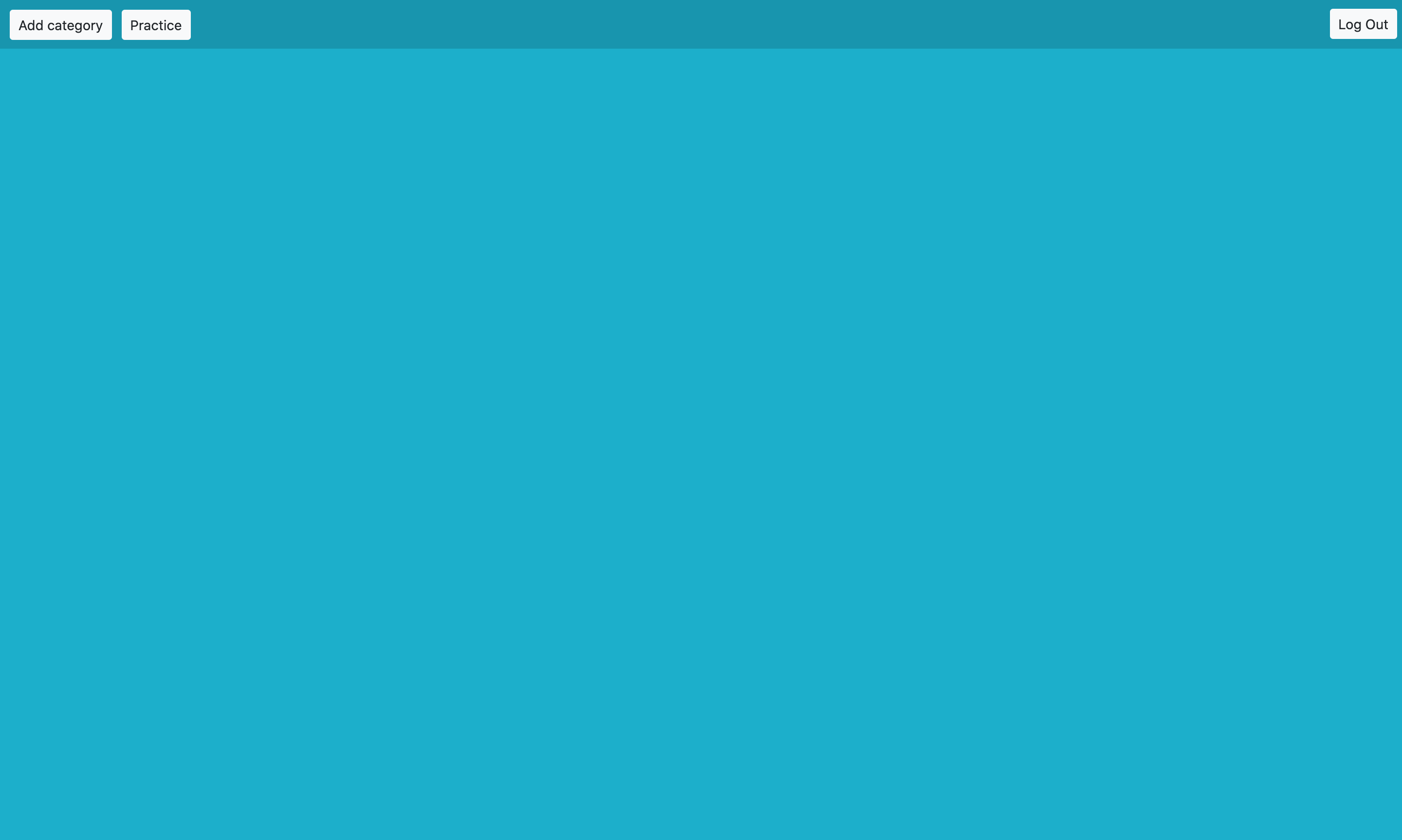
The next step is adding a category. It is as simple as clicking "Add category" button. After that, any name can be put to the category:
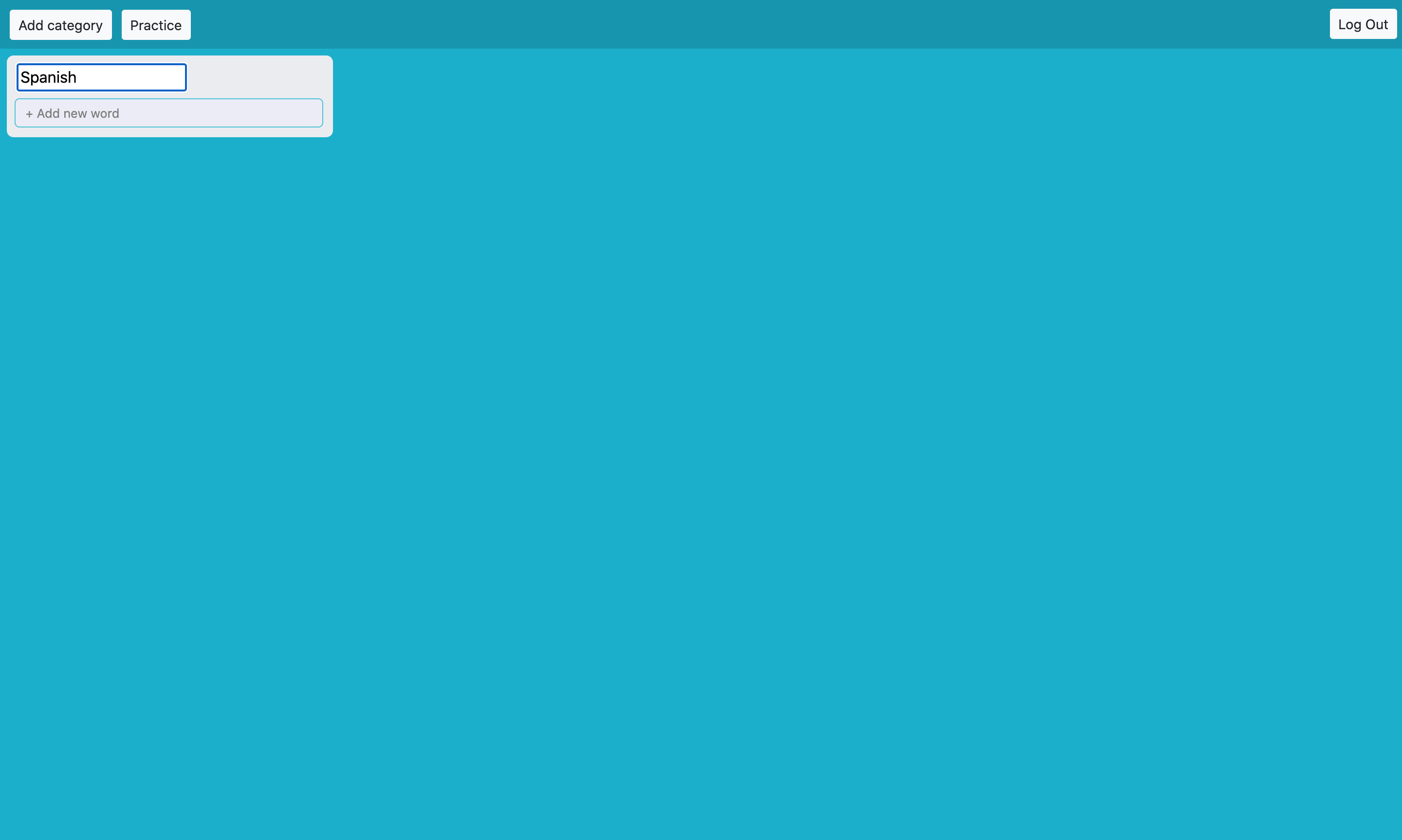
Pressing enter or clicking in any part of the screen will save the name of the category. After creating it, the next step is adding new words. It can be done by clicking the button "+ Add new word". After that, a simple form will turn up:
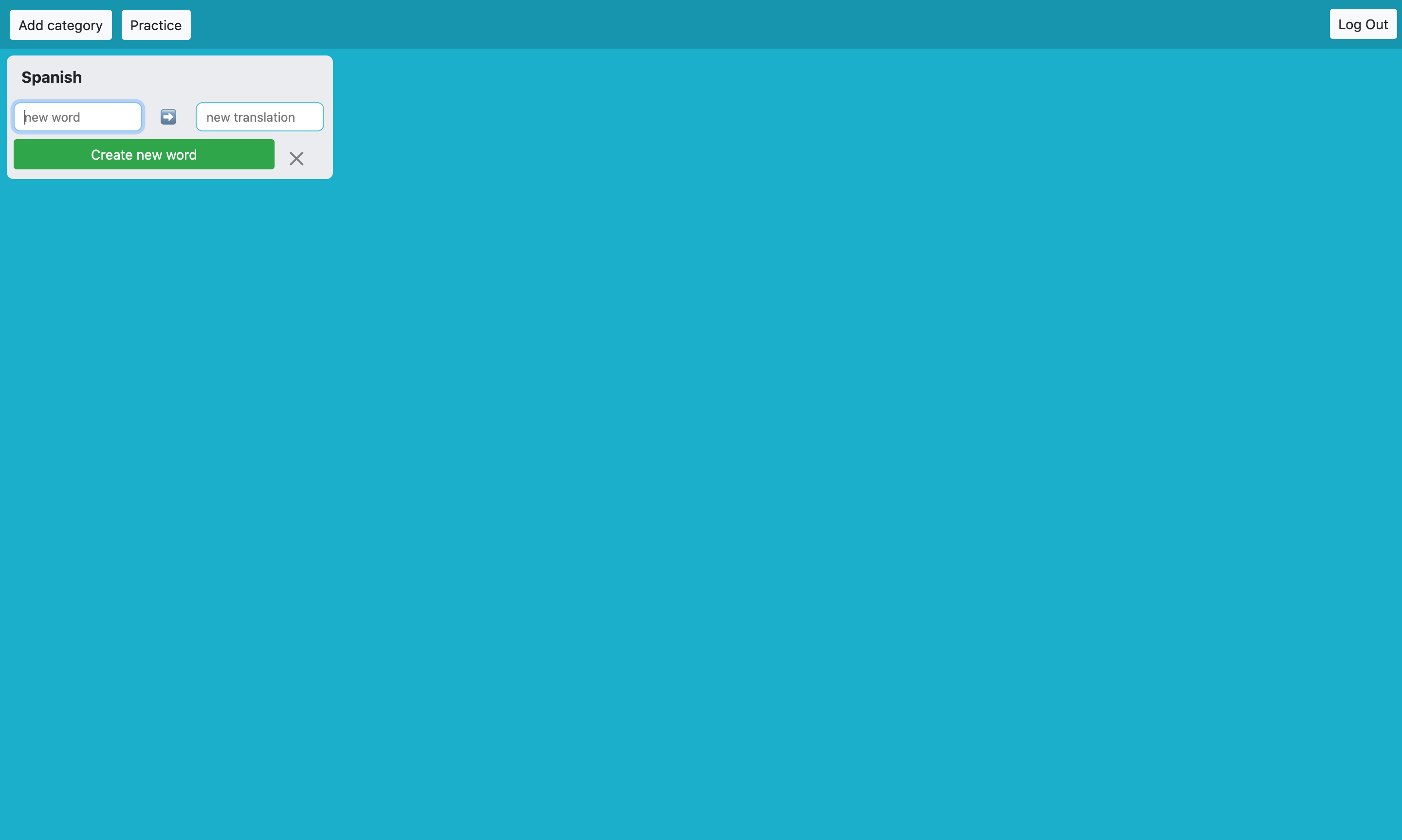
This is the moment to write the main word and the translation. Once done, pressing enter or clicking the button "Create new word" will add the word in the category:
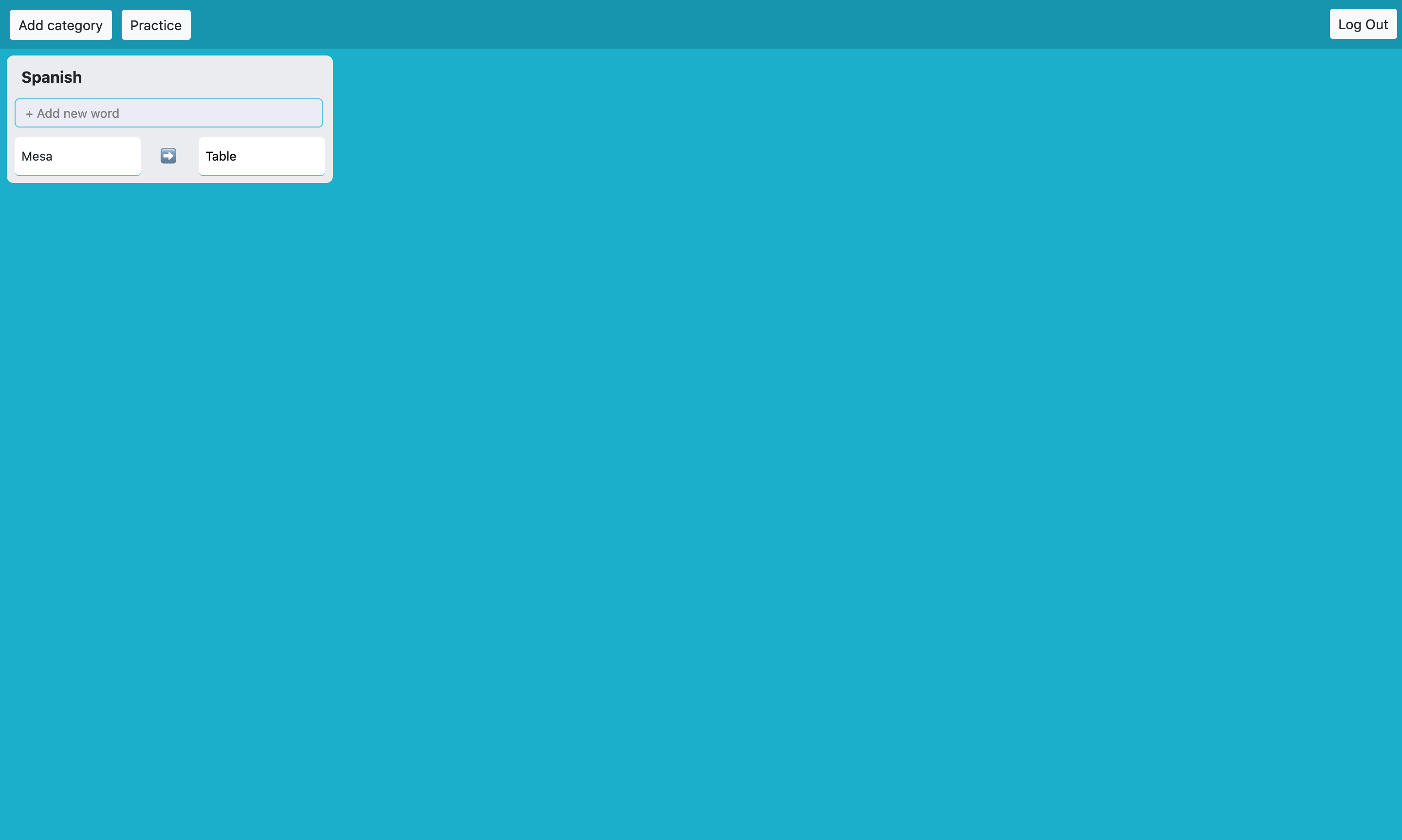
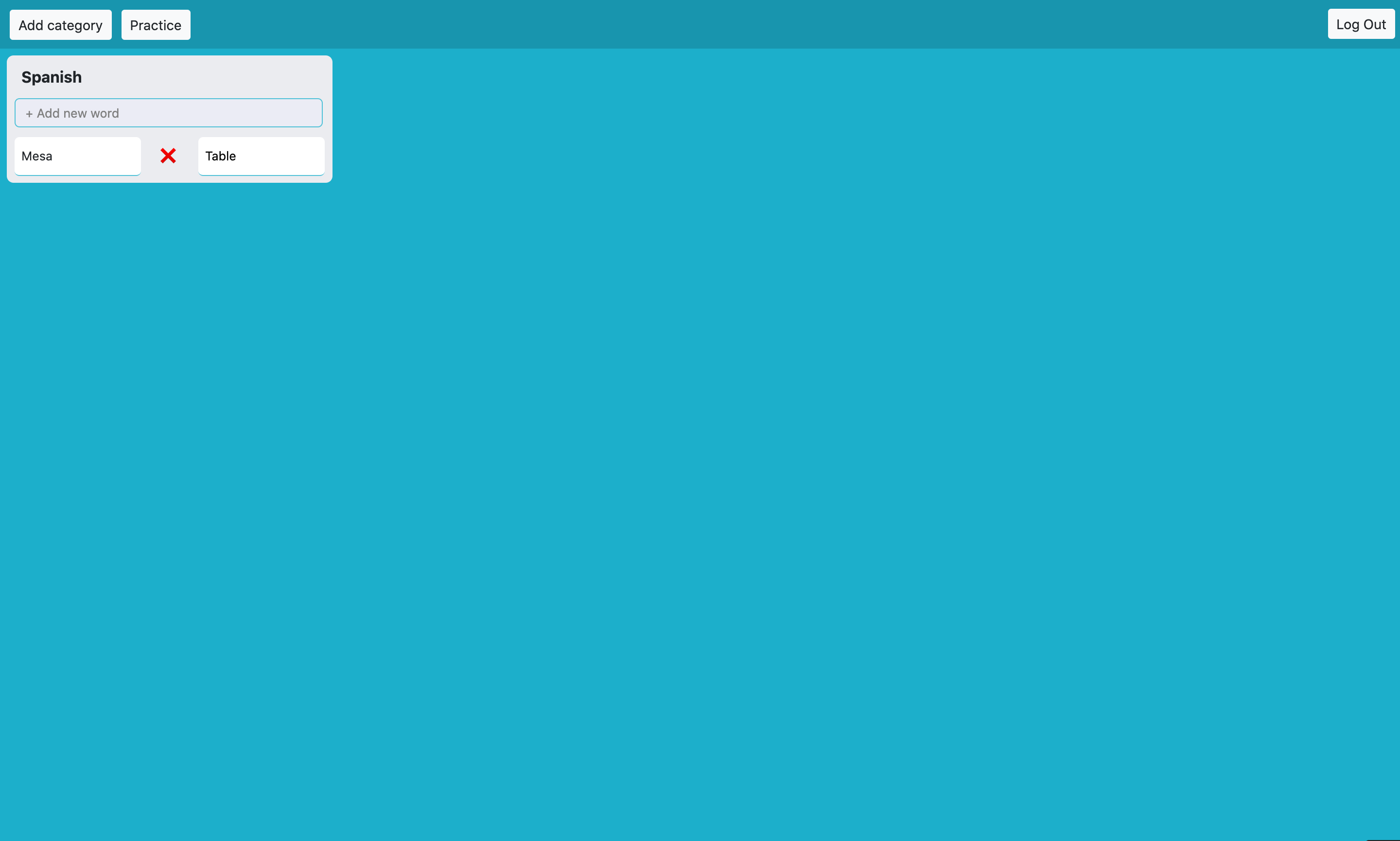
The word can be removed at any time. Hovering over it will turn the ➡️ into a . Once is clicked the word is going to be removed:
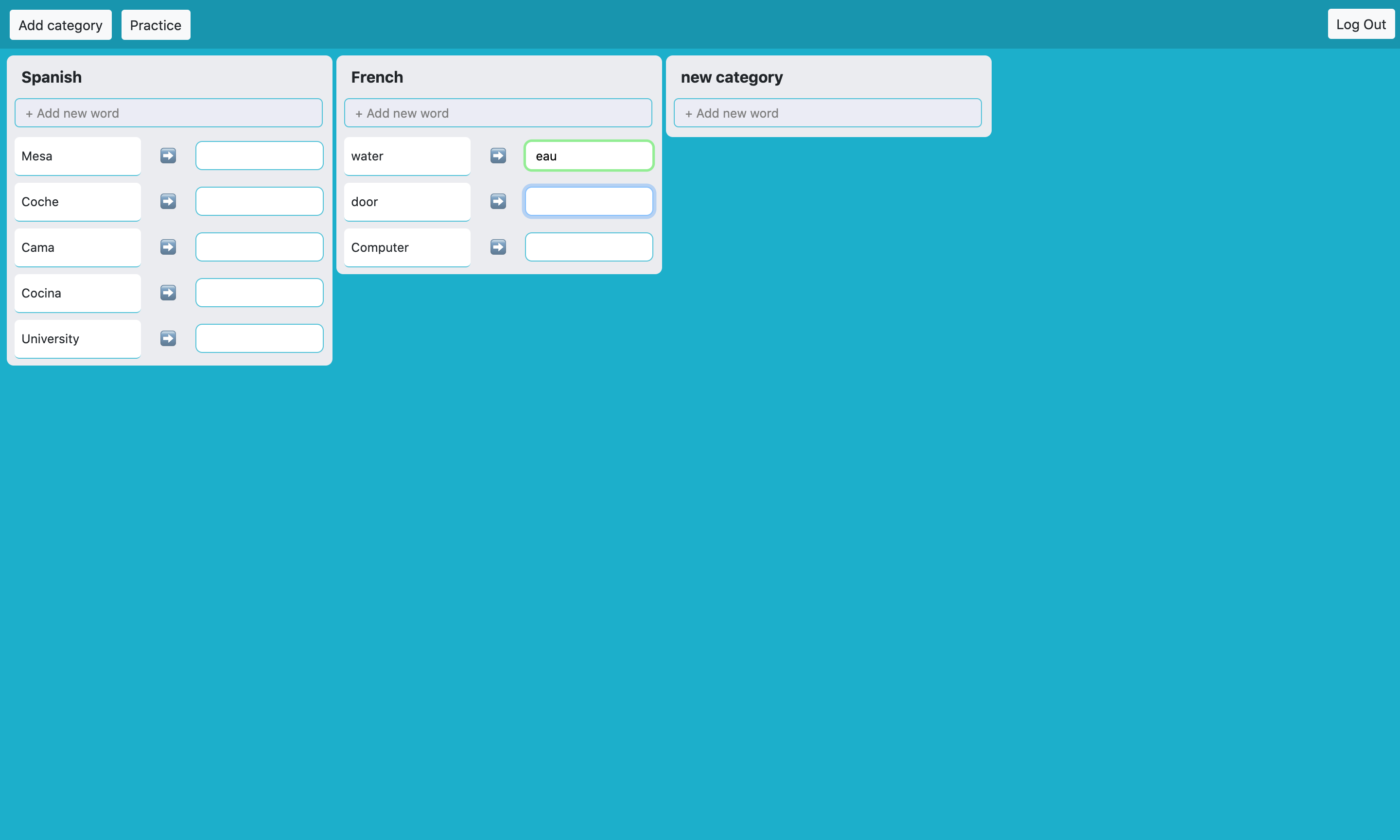
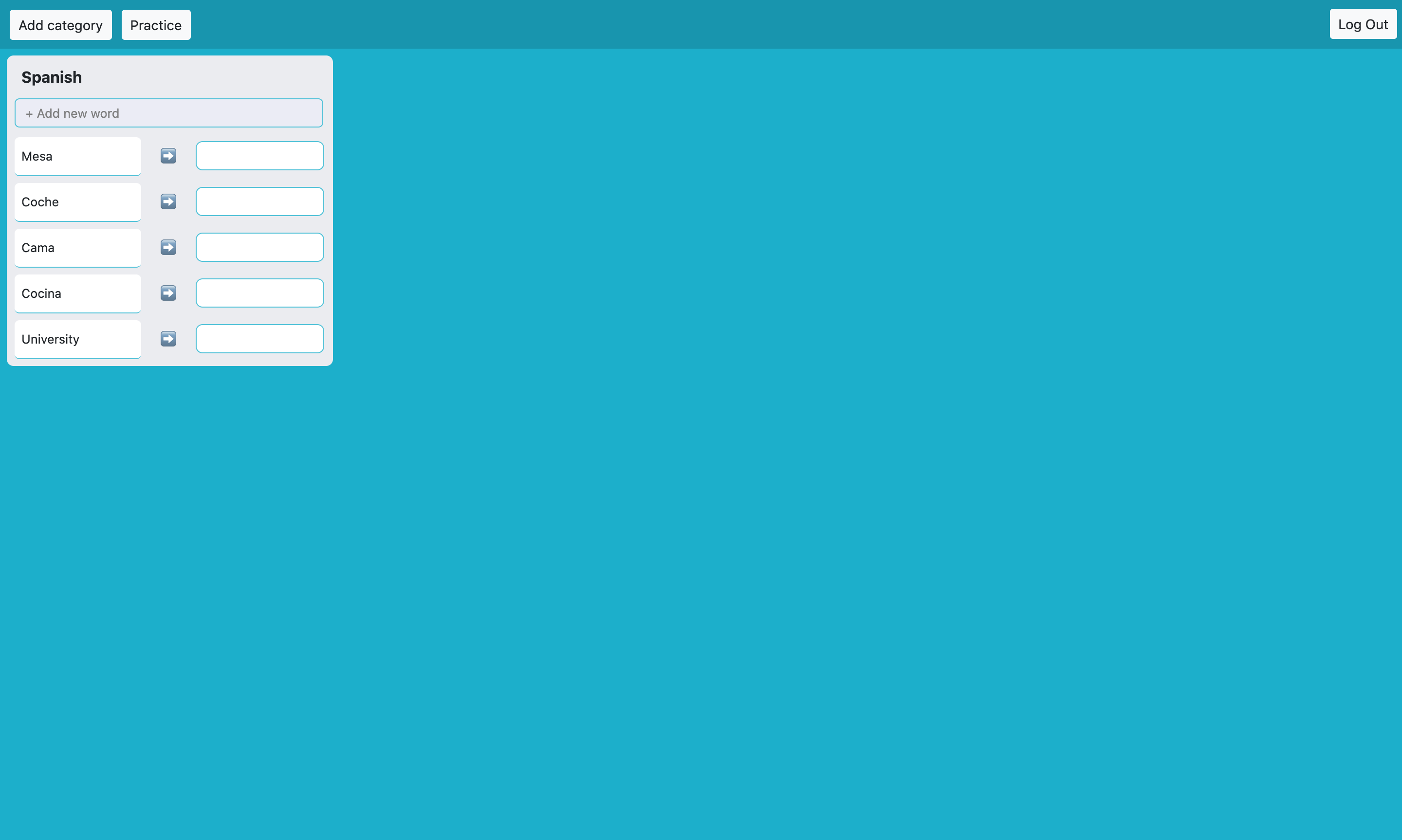
After 12 hours, the translations will disappear, and the user will have to write them again. Also, the "Practice" button will do the same, but without waiting 12 hours, so the user can practice at any time:
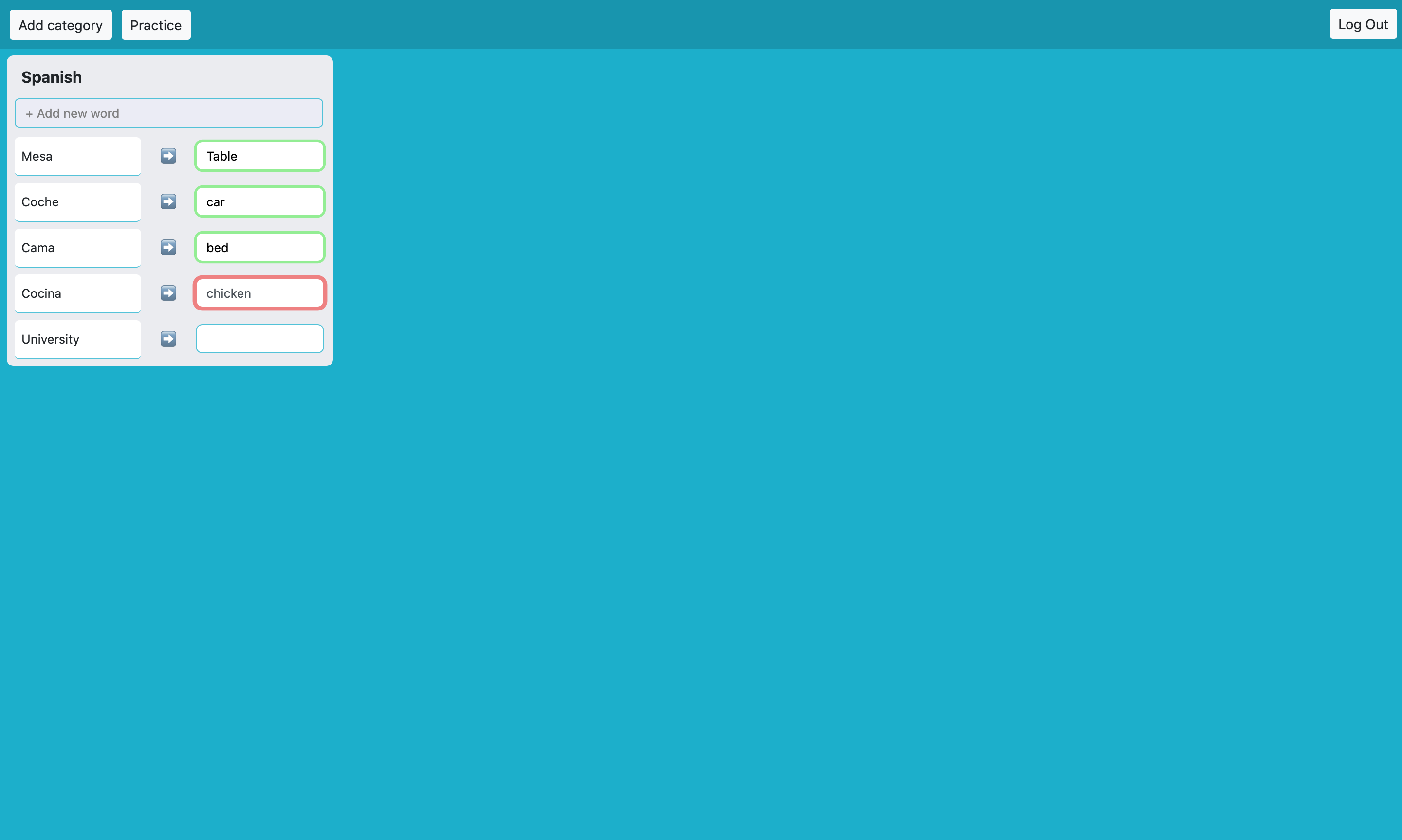
Now the user can practice introducing the translations and pressing enter to check if it's correct:
At any moment, the name of the category can be updated, or if needed, the category can be removed. This can be done by clicking the title of the category:
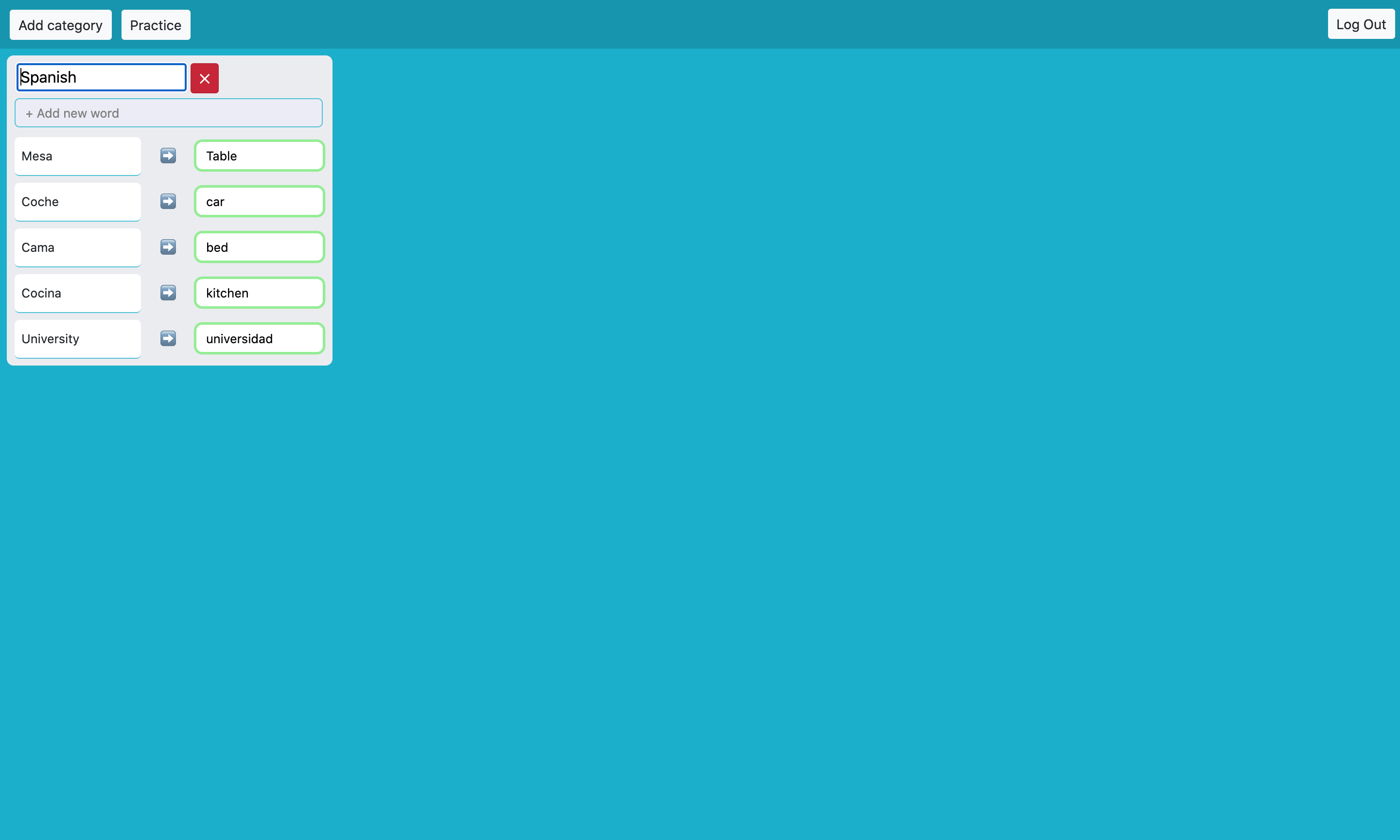 Pressing enter or clicking at any part of the screen will save the new name for the category. Clicking the X button will delete the category and all the words inside it.
There's no limit for adding words or categories: