TempoBuilder
1.0.0

TempoBuilder is a desktop app to help you manage the practicing of musical etudes. Based on the this blog post by Ryan Beach, Tempobuilder does all the heavy lifting to generate a practice plan for the etude you want to practice. TempoBuilder will guide you, day by day through which sections and tempos to practice to get you performance ready. With an inbuilt metronome, and ability to upload sheet music, it is a one stop shop to help optimize your practice sessions.
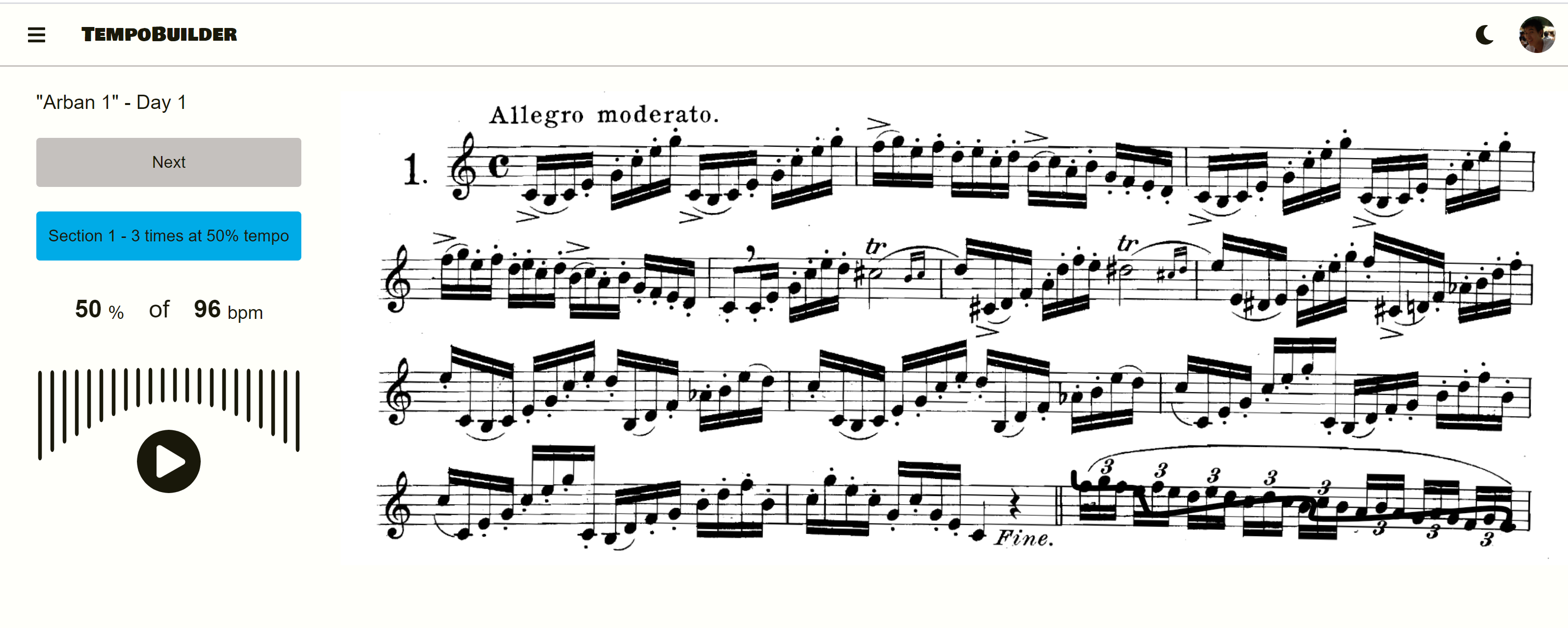
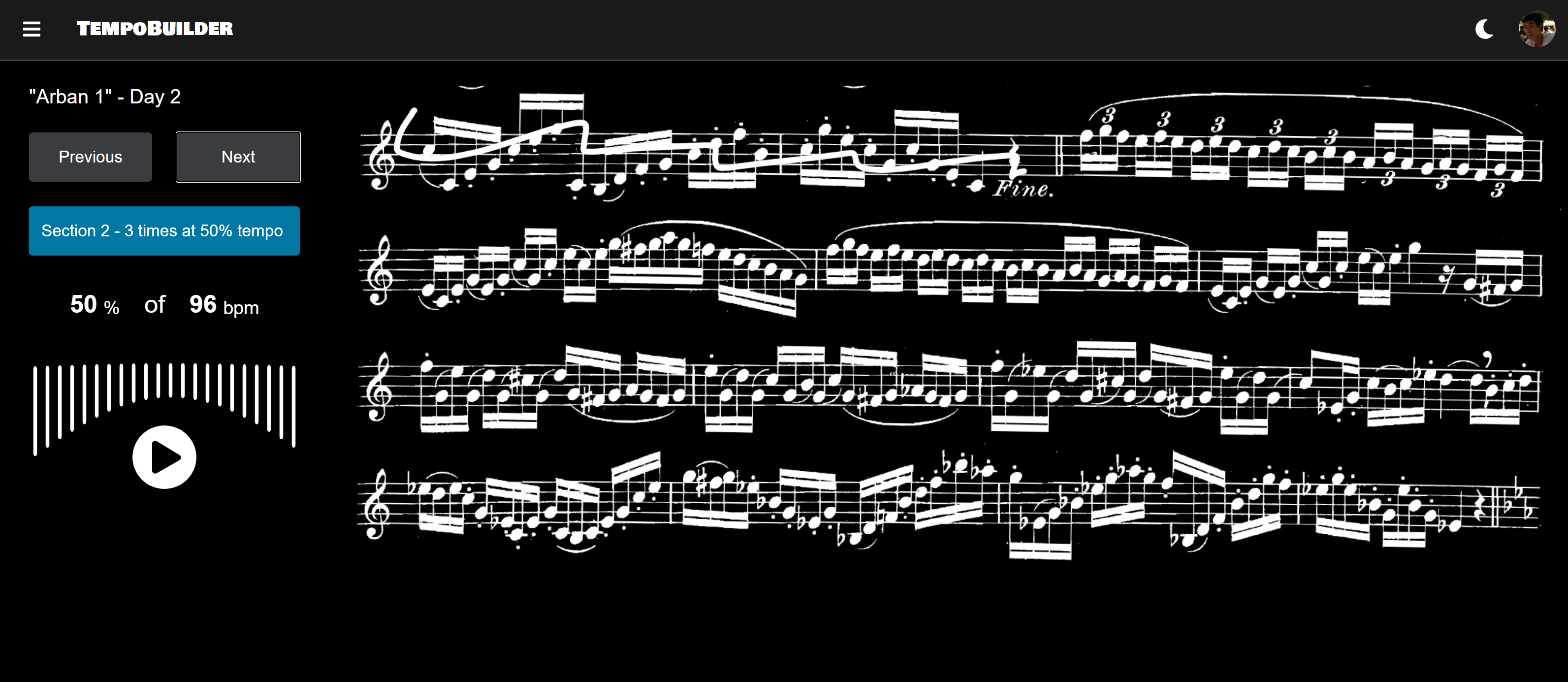
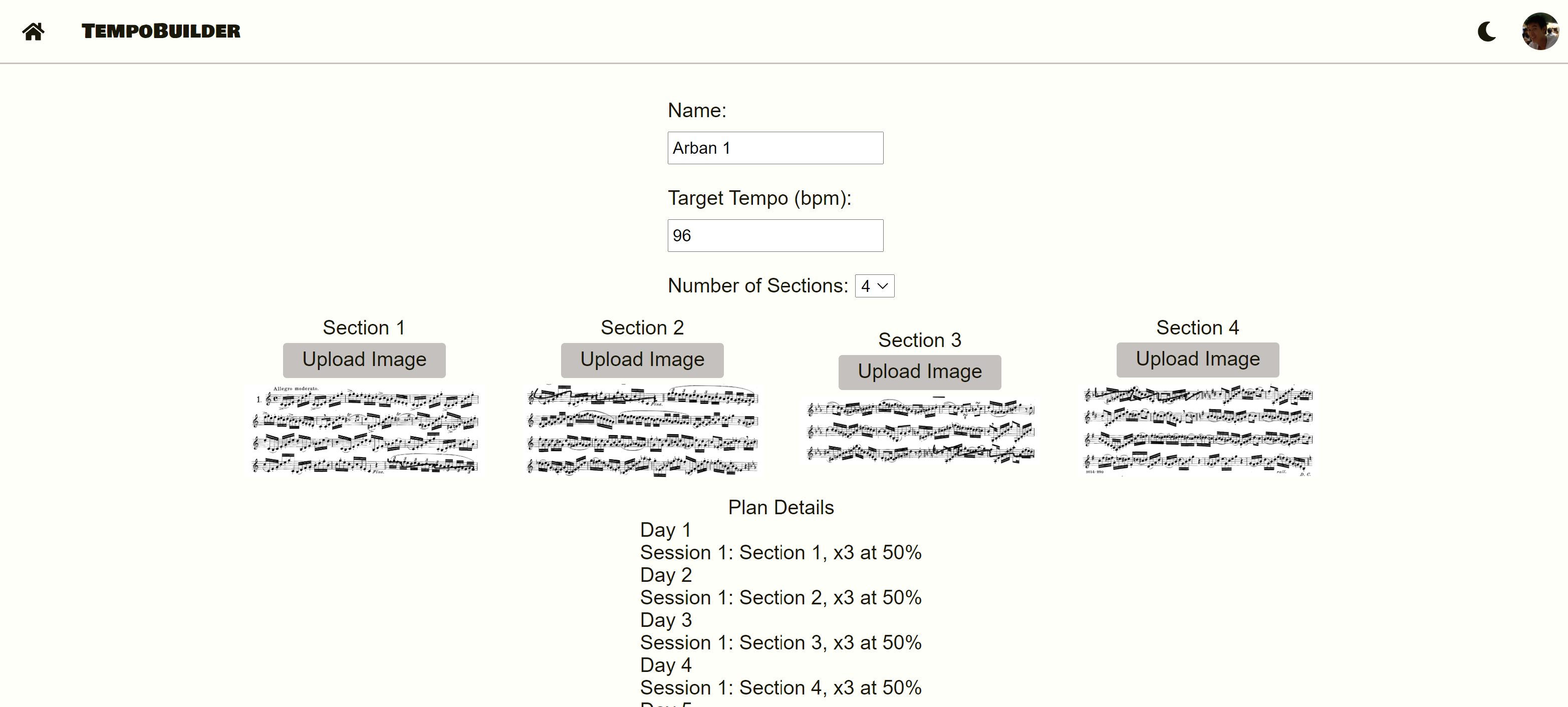
Try it out here: https://tempobuilder.heroku.com/
These instruction will help you setup a local development instance of the app.
git clone https://github.com/ilyadusoleil/tempobuilder.git
cd tempobuilder
npm i
For an example on how to fill in /server/.env see /server/.env.example For an example how to fill /client/.env.local see /client/.env.local.example
Set up a mongoDB database locally or as a hosted service and add the database URI in /server/config/config.env
Set up an keys with Google and update GOOGLE_CLIENT_ID and GOOGLE_CLIENT_SECRET in /server/config/config.env
/server/config/config.envStart client and server in dev mode locally
From the root folder of the project change into /server and npm start
From the root folder of the project change into /client and npm start





