markdown search
1.0.0

Markdown Full Text Search is a Visual Studio Code extension designed for efficient text searching within Markdown files. This extension allows users to effortlessly locate specific text and generate links to it.
Get it from Visual Studio Code marketplace: Markdown Full Text Search
Press Ctrl+Shift+P to open the command palette. Then, search for either the Markdown Search: Search in Markdown files or Markdown Search: Add link from search results commands.
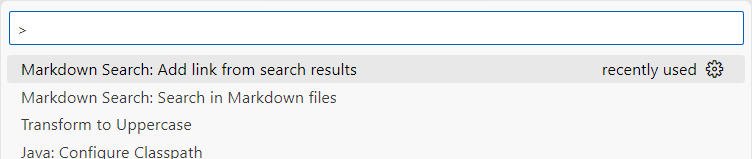
The Search in Markdown files command opens a search box where you can input the text you're seeking. By clicking on a search result or pressing Enter, you'll open the relevant file in the editor.
The Add link from search results command also opens a search box for text entry. Clicking on a search result or pressing Enter will create a link in the editor to the relevant file. The selected text becomes the title of this link.
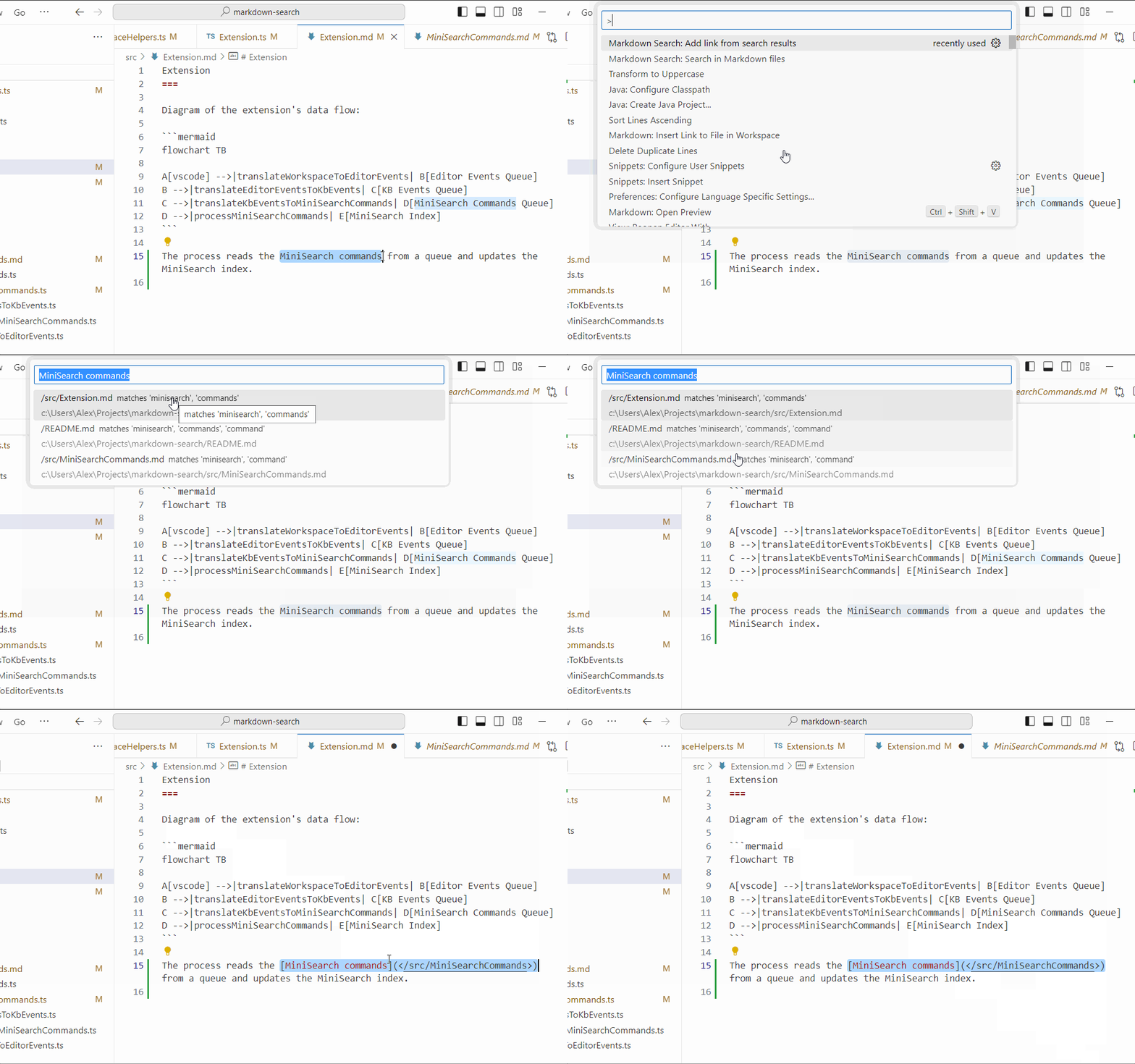
Search results will be displayed immediately if you open the search command with selected text.
Markdown Full Text Search adheres to the project settings for excluding specific files and folders from the project and search operations, i.e. files.exclude and search.exclude in your settings.json file.
Unless the logging level is set to none, the extension creates Markdown Full Text Search output channel and logs its activity there.
Markdown Full Text Search has the following configuration options:
markdown-search.logging.level: The logging level. Possible values are debug, info, notice, warning, error, crit, alert, emerg, none. Default is info.Markdown Full Text Search is created with MiniSearch, a tiny but powerful in-memory fulltext search engine for JavaScript, created by Luca Ongaro.
Markdown Full Text Search is created for you by Alexandrite Software, a software development consultancy based in the United Kingdom.
See the CHANGELOG for the details about the changes in each release.





