article elasticsearch demo
1.0.0

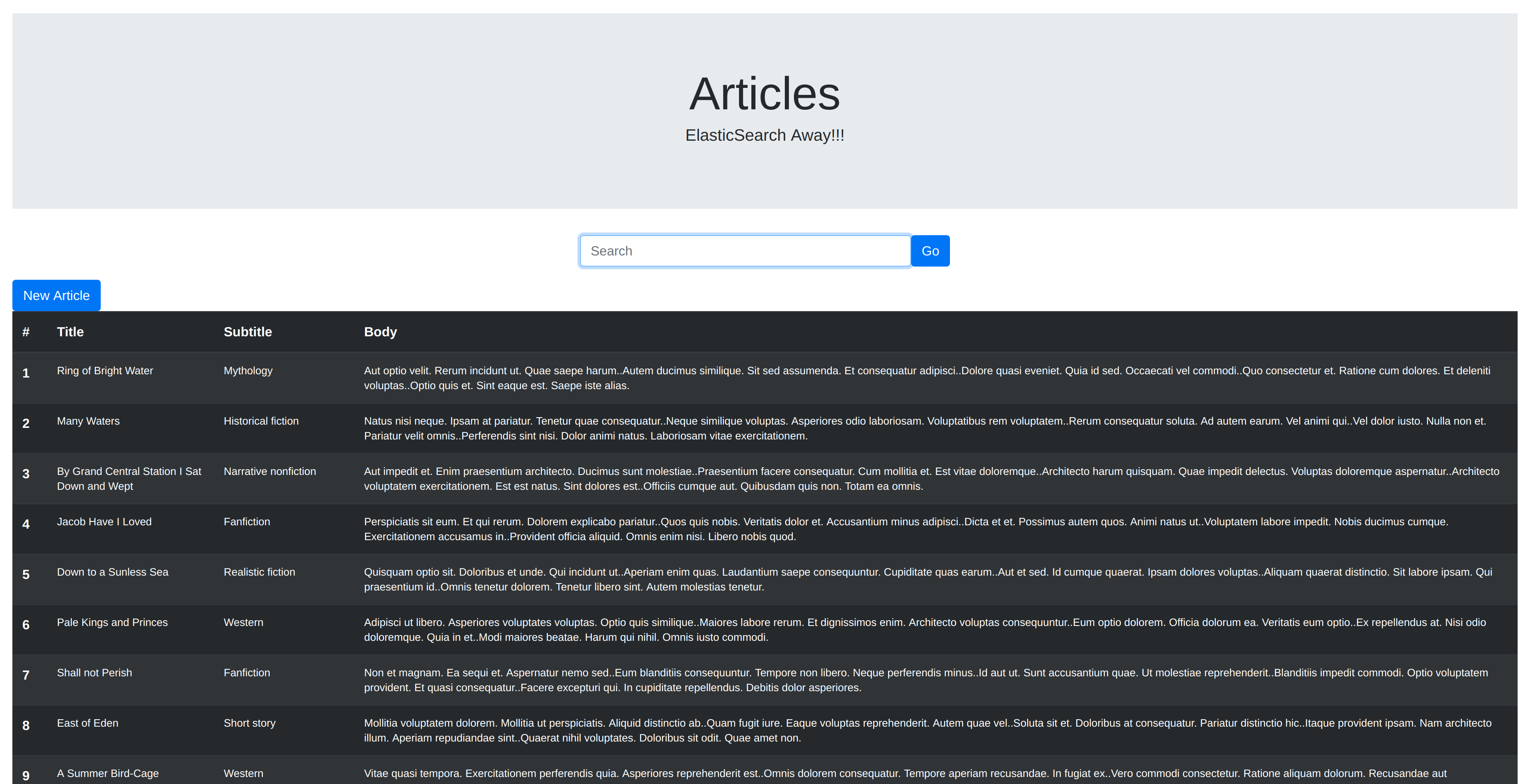
These instructions will get you a copy of the project up and running on your local machine for development and testing purposes.
What things you need to install the software and how to install them
Following steps should get the project up and running:
git clone [email protected]:raafa16/article-elasticsearch-demo.git
bundle install
rake db:create
rake db:migrate
rake db:seed #only in development mode
deb:
sudo apt-get install openjdk-8-jre
curl -L -O https://artifacts.elastic.co/downloads/elasticsearch/elasticsearch-6.0.0.deb
sudo dpkg -i elasticsearch-6.0.0.deb
sudo /etc/init.d/elasticsearch start
rpm:
sudo yum install java-1.8.0-openjdk
curl -L -O https://artifacts.elastic.co/downloads/elasticsearch/elasticsearch-6.0.0.rpm
sudo rpm -i elasticsearch-6.0.0.rpm
sudo service elasticsearch start
mac:
# install Java, e.g. from: https://www.java.com/en/download/manual.jsp
curl -L -O https://artifacts.elastic.co/downloads/elasticsearch/elasticsearch-6.0.0.zip
unzip elasticsearch-6.0.0.zip
cd elasticsearch-6.0.0
./bin/elasticsearch
Verify successful installation by hitting: http://127.0.0.1:9200 from your browser There should a nice output like this:
{
  "name" : "QZQnCeK",
  "cluster_name" : "elasticsearch",
  "cluster_uuid" : "xBi7a3k_Spu4k5iijCwihQ",
  "version" : {
    "number" : "6.0.0",
    "build_hash" : "8f0685b",
    "build_date" : "2017-11-10T18:41:22.859Z",
    "build_snapshot" : false,
    "lucene_version" : "7.0.1",
    "minimum_wire_compatibility_version" : "5.6.0",
    "minimum_index_compatibility_version" : "5.0.0"
  },
  "tagline" : "You Know, for Search"
}rake db:create
rake db:migrate
Before seeding, make sure to comment out the last line: 'Article.import force:true' on article.rb. Then run:
rake db:seed
rails console
Article.import force:true
rails s -p 3000
...and you are good to go!





