MethuselanThucydides
1.0.0


The name is a bit of a joke (albeit an extremley bad one). This app summarized what has been been put on the arxiv, somewhat of a recent history of the literature if you will. Thucydides, being one of the earliest rigorus historian in western culture, seemed to fit. However, Thucydides famously lived a long time ago so would be extremley old and likely physically incabable of summarizing modern academic literature. Methusela was famously very old....
The joke is stretched and the metaphor is poor; however, what you can't say is that its not a unique name.
Much of the install is handled by the Dockerfile. However, in addition to docker you will need
1) milvis
2) postgresql
3) GPT-Retrival-API
Note that you will have to modify the GPT-Retrival-API milvus datastore to include the field document-id. This requires some small modifications to the source files for that. See the bottom of the readme for details.
Place the configuration information for these in the config.py file before building the docker container. Once those are setup you can run the following commands to build and deploy Methuselan Thucydides
git clone [email protected]:tboudreaux/MethuselanThucydides.git
cd MethuselanThucydides
cp config.py.user config.py
vim config.py # Edit the file as needed
export OPENAI_API_KEY=<Your API KEY>
export BEARER_TOKEN=<Your Bearer Token>
export DATASTORE="milvus"
docker build -t mt:v0.5 .
docker run -p 5516:5000 -d --restart always -e "BEARER_TOKEN=$BEARER_TOKEN" -e "OPENAI_API_KEY=$OPENAI_API_KEY" -e "DATASTORE=$DATASTORE" -e "MT_NEW_USER_SECRET=$MT_NEW_USER_SECRET" -e "MT_DB_NAME=databaseName" -e "MT_DB_HOST=host" -e "MT_DB_PORT=port" -e "MT_DB_USER=dbUsername" -e "MT_DB_PASSWORD=dbPassword" --name MethuselanThucydides mt:v0.5
MT_NEW_USER_SECRET is some random string you assign as a enviromental variable. This allows you to register a new user for the first time when you boot up. It also lets you allow others to make their own accounts. As long as they have the secret. Don't share this.
The website will be accessible at 0.0.0.0:5516 (accessible at localhost:5516)
Setup the databases and retrieval plugin in the same manner which you would have for the docker installation. Then
git clone [email protected]:tboudreaux/MethuselanThucydides.git
cd MethuselanThucydides
pip install -r requirments.txt
cp config.py.user config.py
vim config.py # Edit the file as needed
export OPENAI_API_KEY=<Your API KEY>
export BEARER_TOKEN=<Your Bearer Token>
export DATASTORE="milvus"
python app.py
This will run a server in development mode at 0.0.0.0:5515 (accessible at localhost:5515)
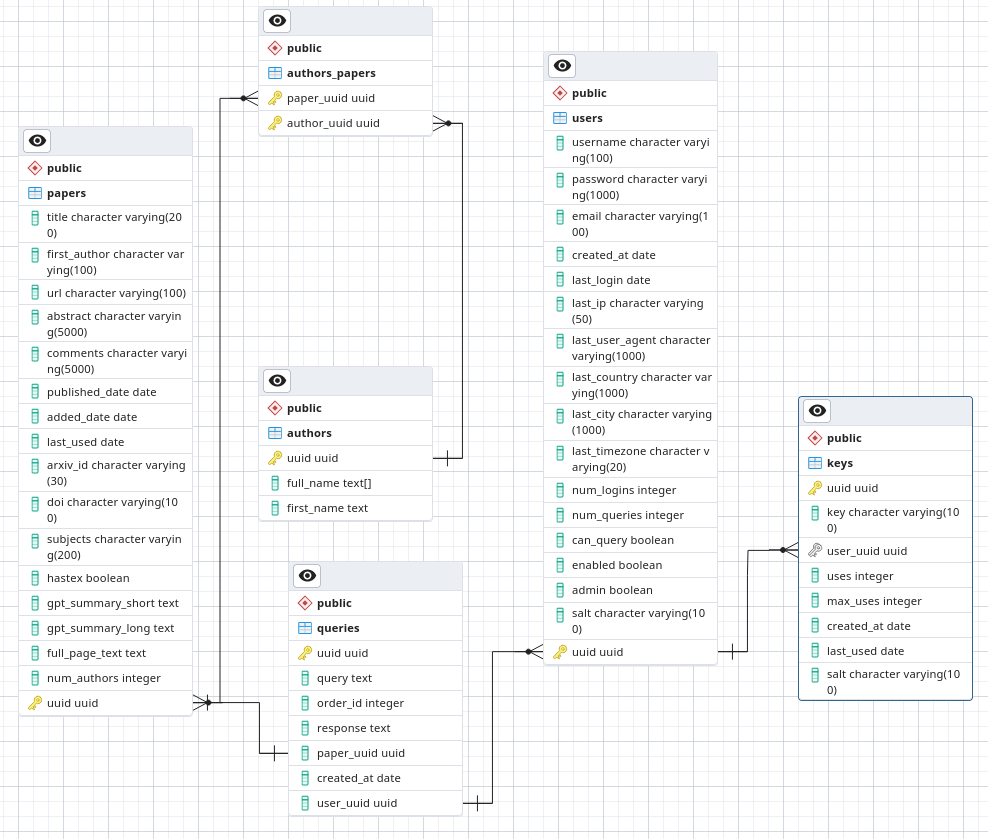
In postgresql make a databse called arxivsummary. Load the schema from the file ./postgres-schema.sql into that database.
I am an astronomer, not a security researcher or even software engineer. This is a hobby project which I am working on and would like to have at least somewhat okay security. However, do not deploy in a low trust environment as I am not willing to guarantee that I am following best security practices.
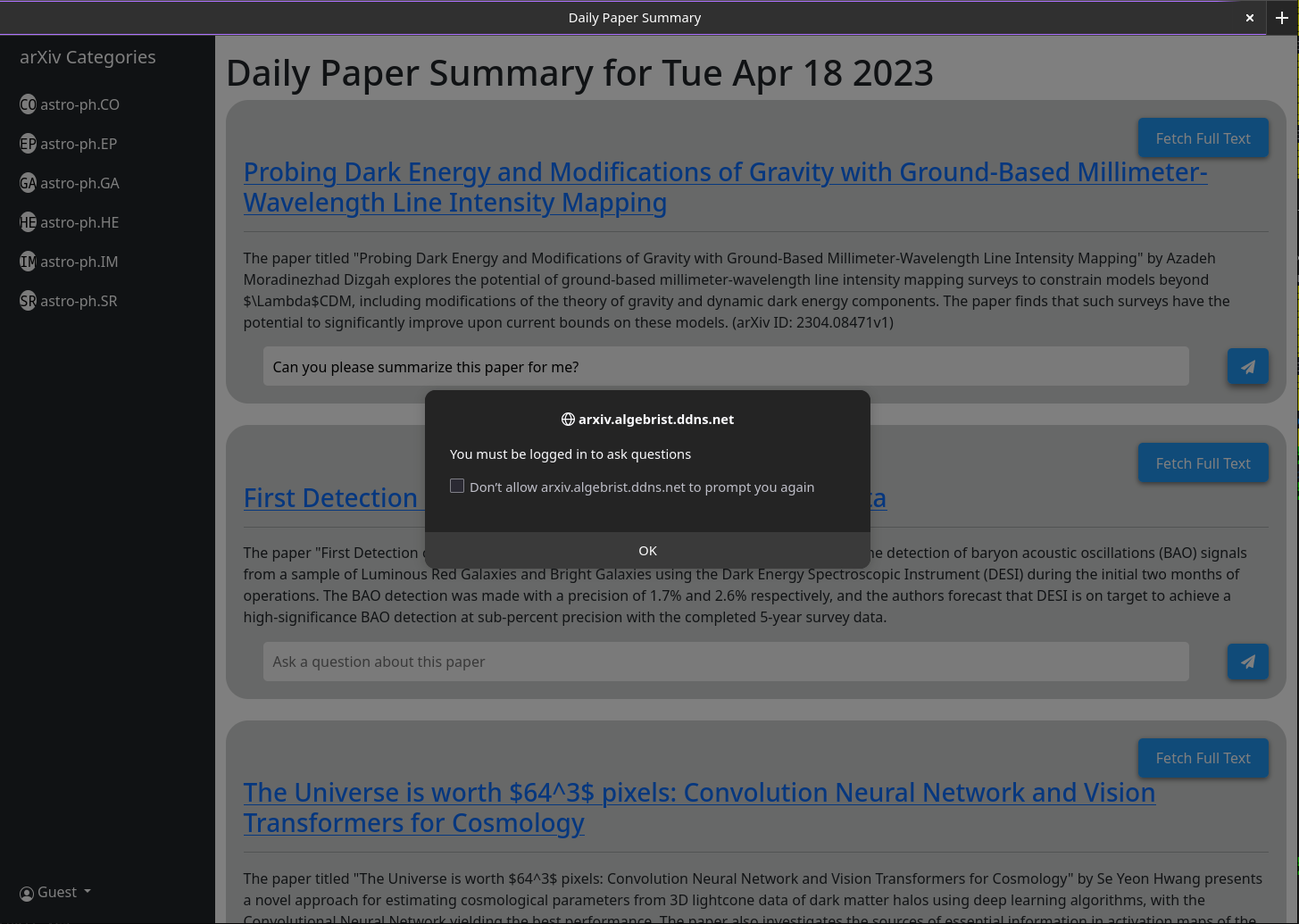
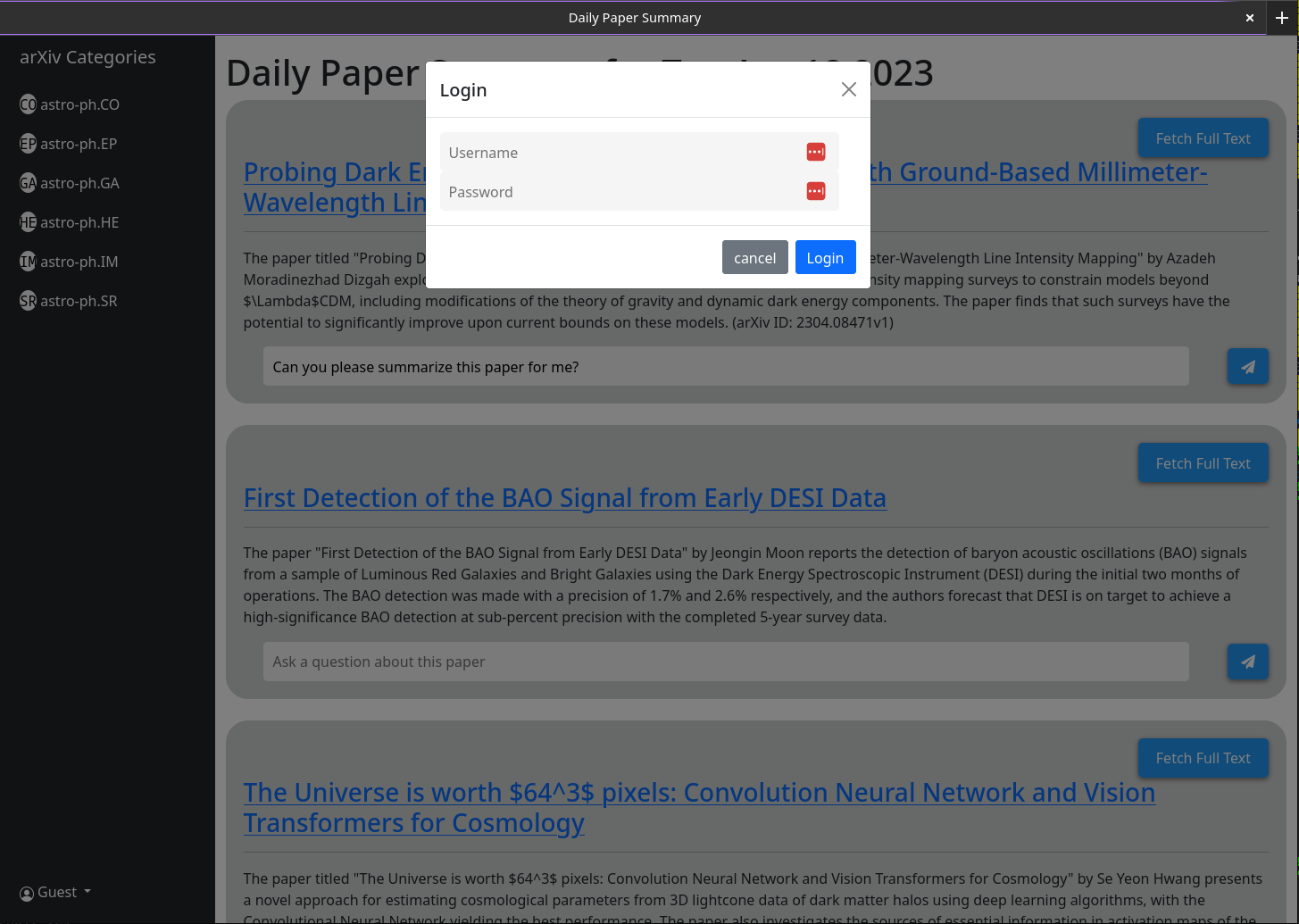
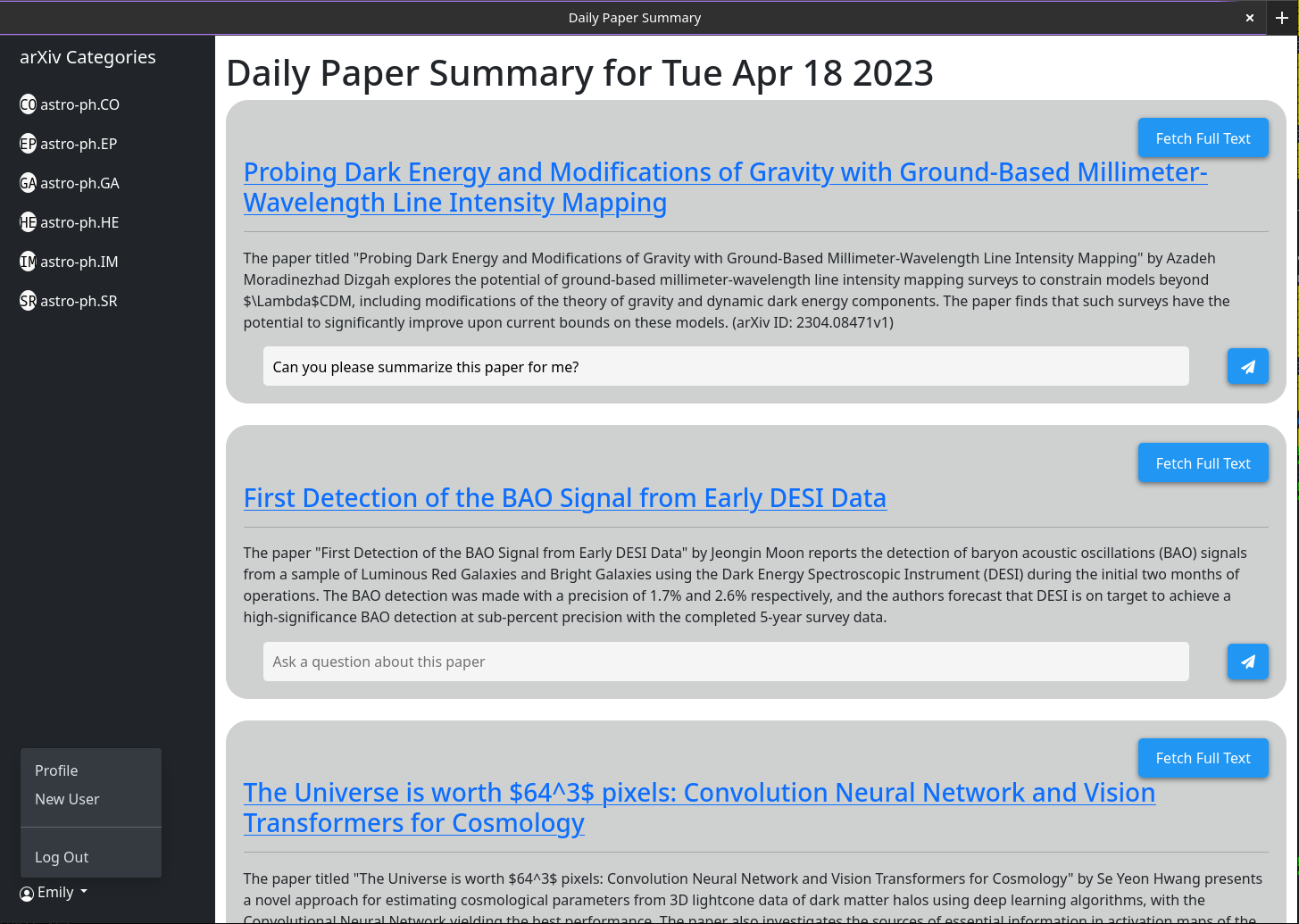
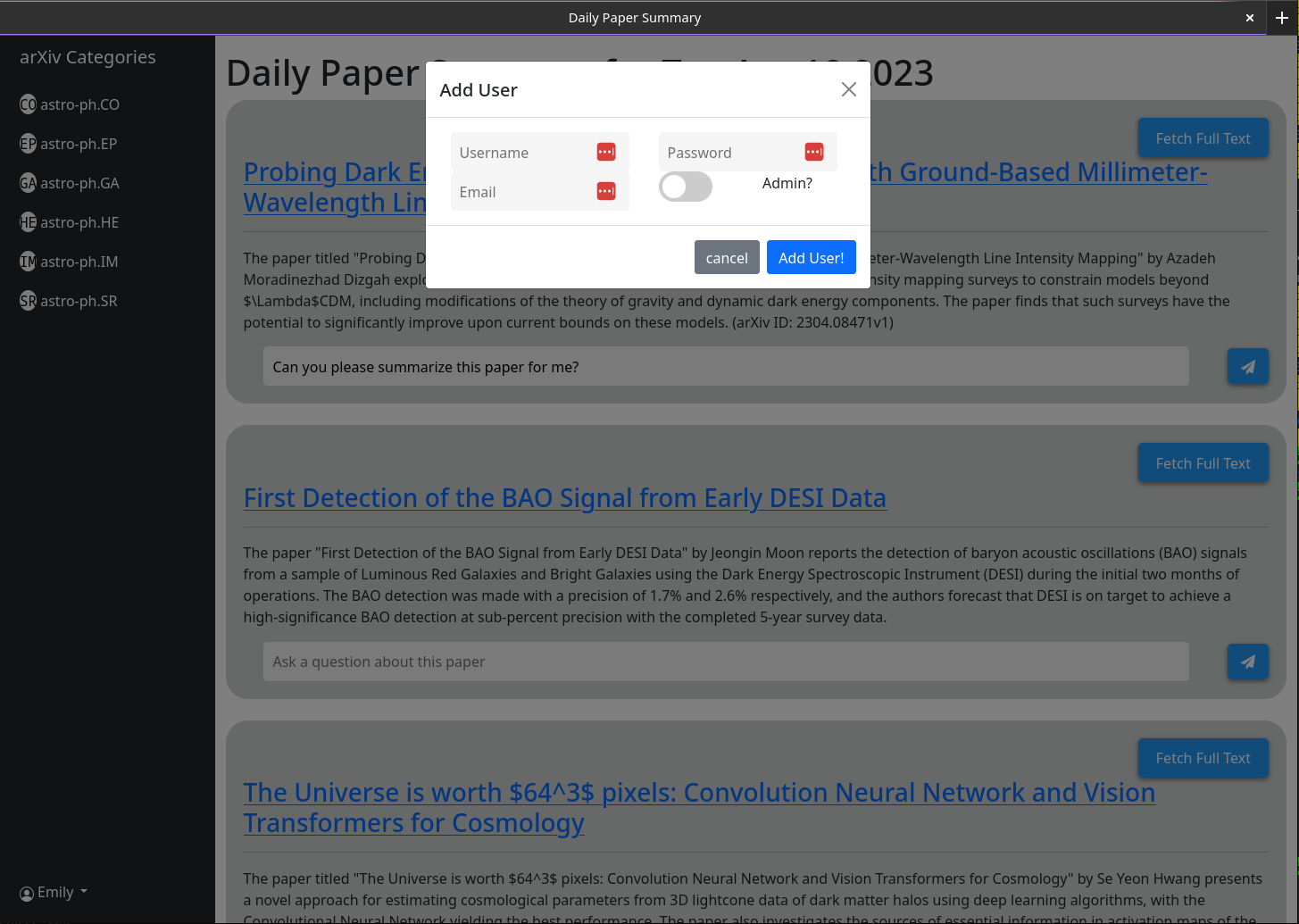
When you open MT you wont have a user account. You will be given the option to make one. Provide a username, password, email, and secret (the environmental variable MT_NEW_USER_SECRET). When you create this user the back-end code will check if any users exist in the database and if not it will make that user an admin (can create new users and new admin users themself). You can now login as that user. The create user button will remain with the same functionality; except that all subsequent users it creates will not have admin privileges.
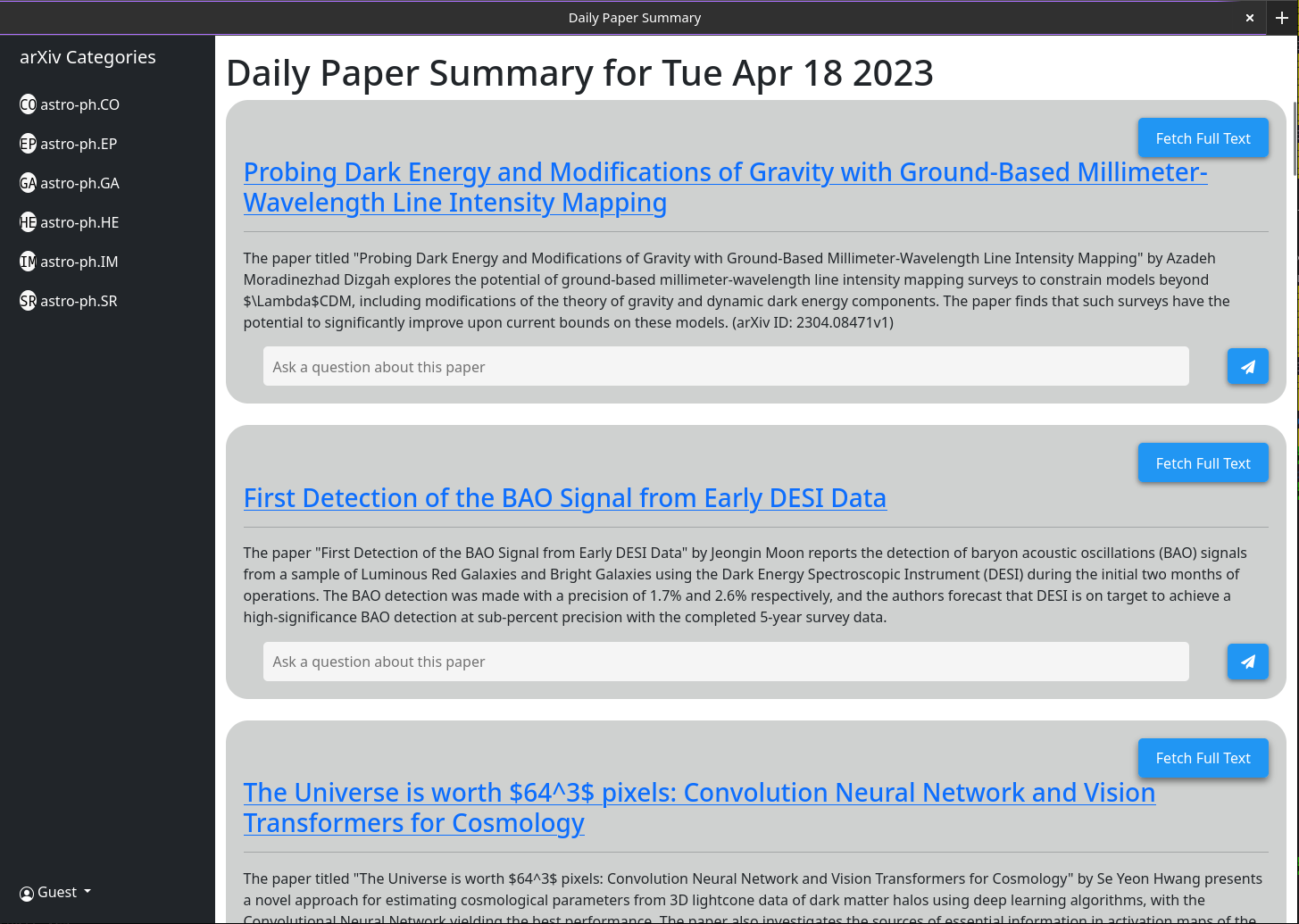
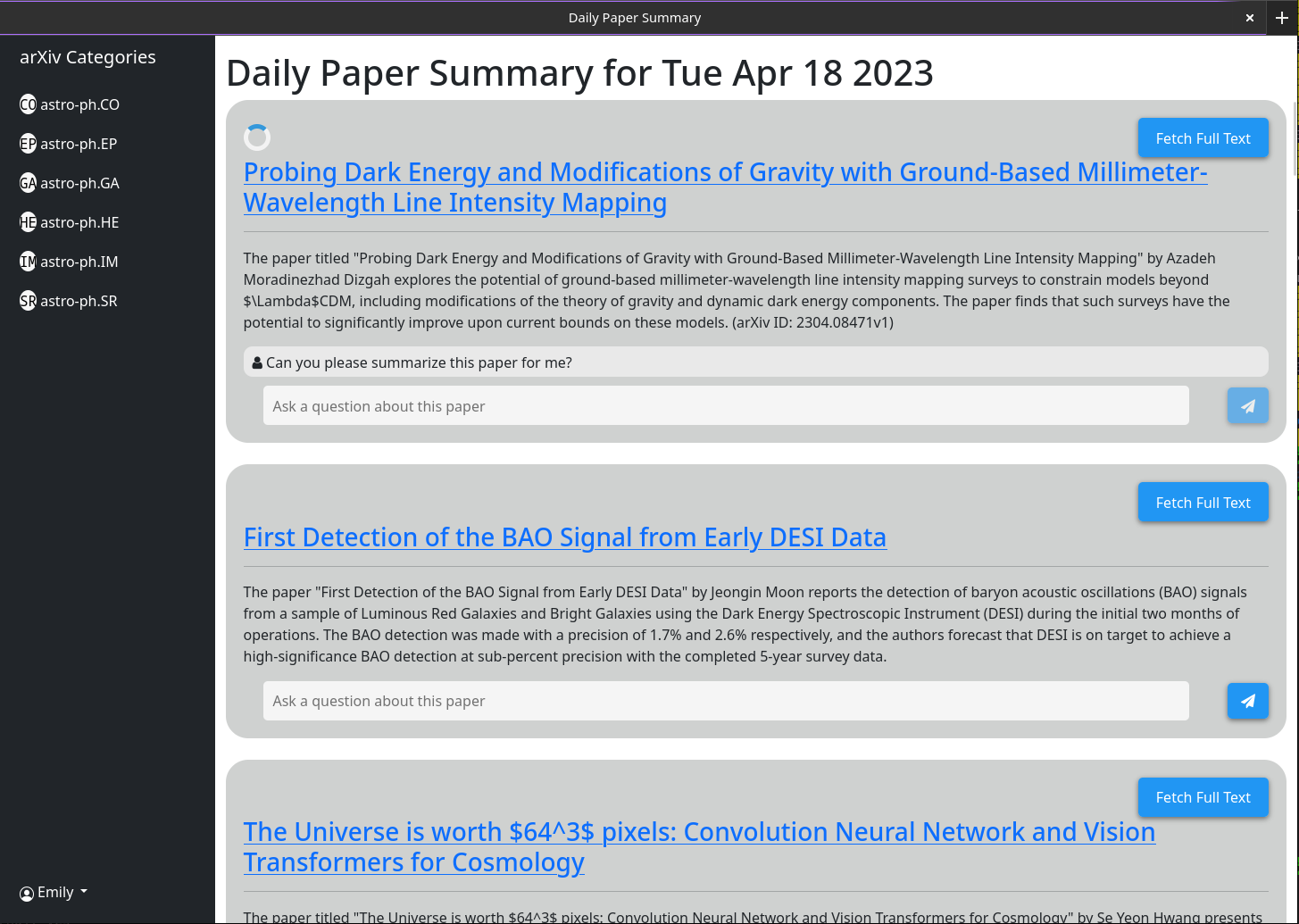
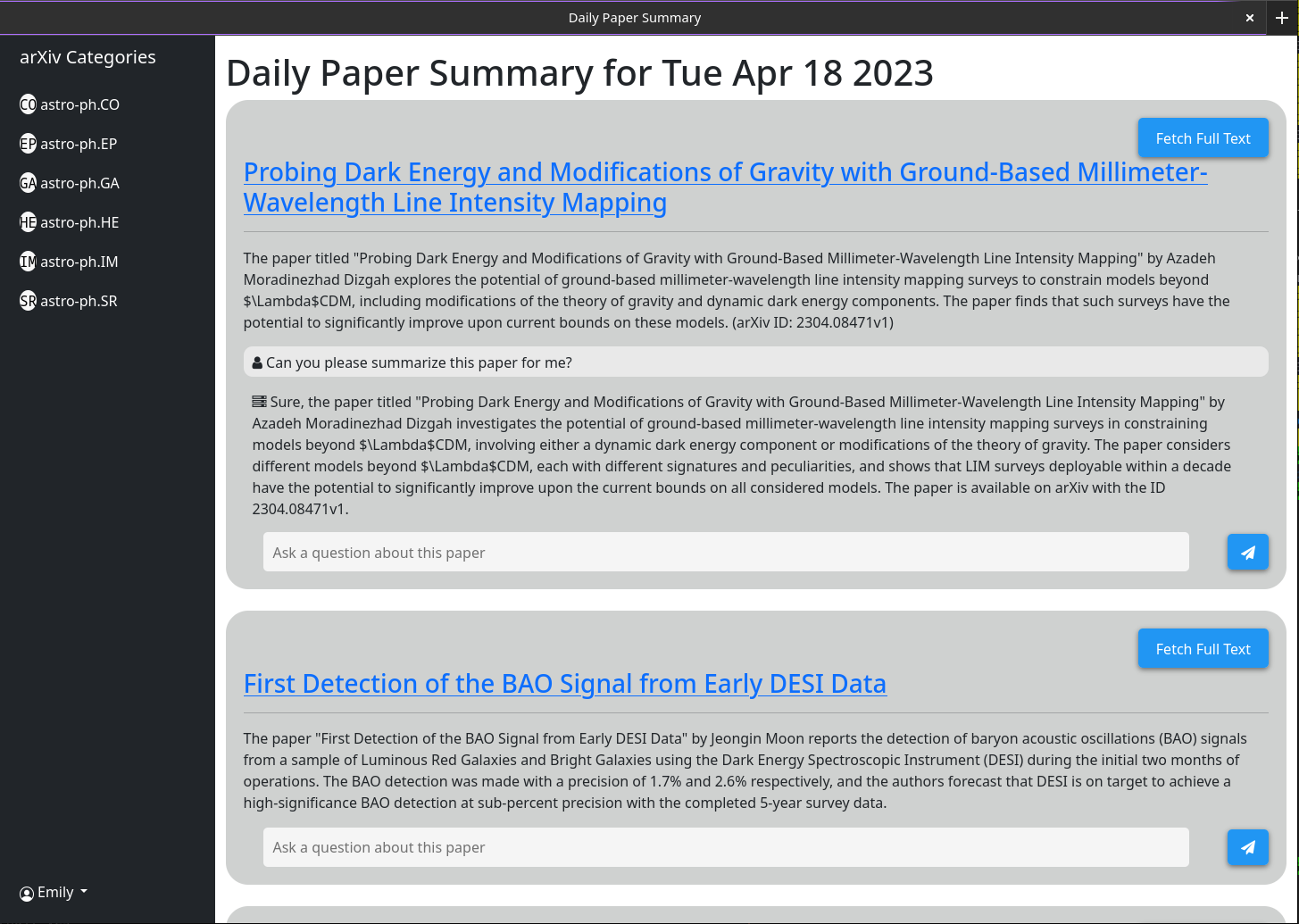
Basic usage should be self explanatory. The idea is that the website served provides a brief summary of each paper posted to the arxiv on the previous day (or over the weekend / Friday). These summaries are generated using gpt-3.5-tubo and the abstract of the paper as listed on arxiv. The interface will default to showing you all papers; however, category filters are shown in a sidebar.
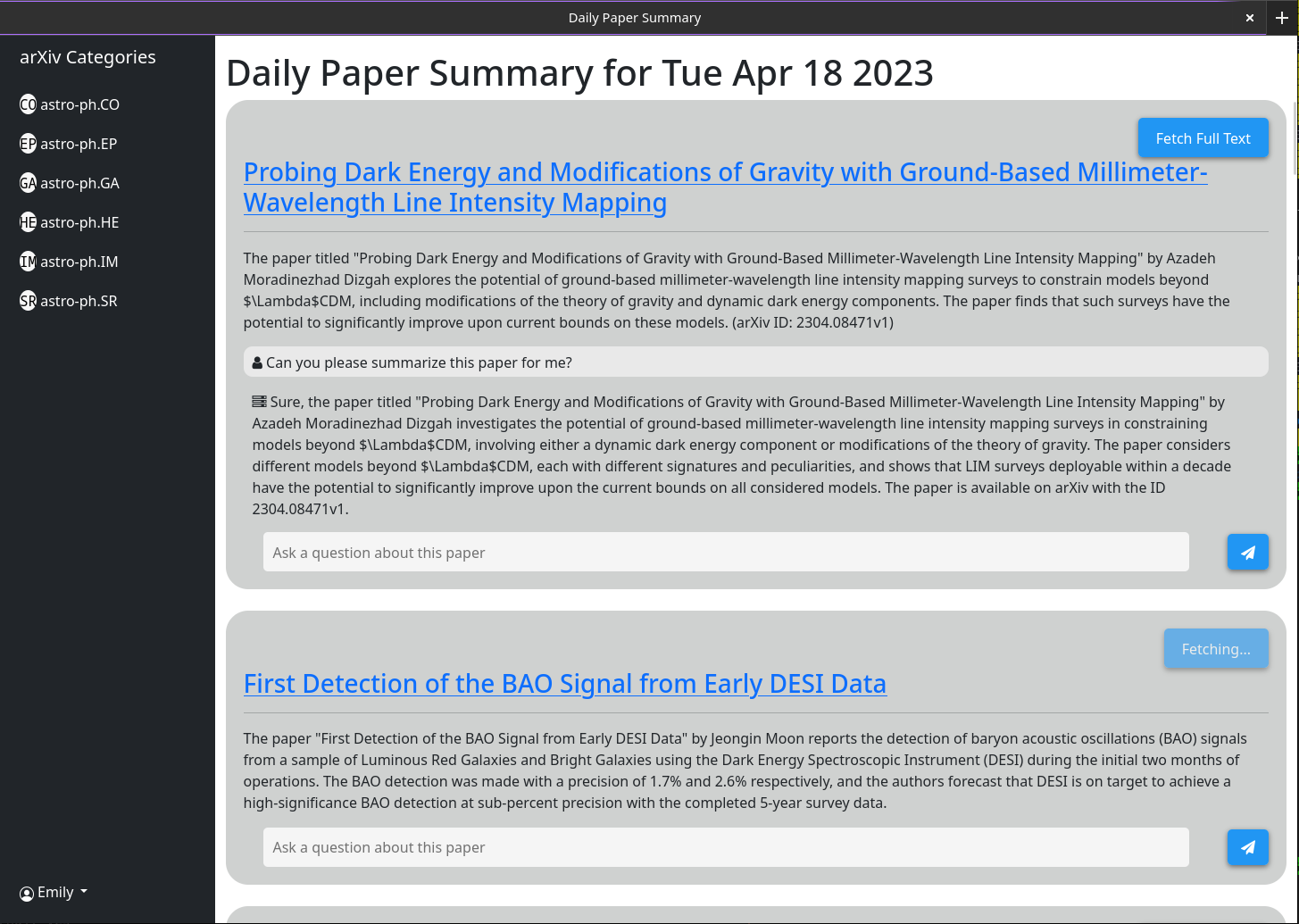
More complex behavior is enabled through the chat box associated to each paper. This chat box is connected to gpt-3.5-turbo and a vector database storing all the currently cached information about the paper (by using the openai-textembedding-ada002 model). When you ask a question the most relevant cached information about that paper is passed to the gpt model along with the question and its response is printed out to the screen. Because by default only the abstract and title are cached the responses gpt can give are limited. However, if you click the "Abstract Mode Only" button and wait a few seconds you will see that it changes to "Full Text Mode" and is no longer clickable. Behind the scenes the full pdf of that paper has been downloaded and parsed into text. That is then embedded into the same vector database. Now when you ask questions the gpt model has far more context to answer them on. Because the full text is stored in the database after anyone clicks the "Abstract Mode Only" button one time it will always be greyed out in the future as that chat box will always then default to considering the entire paper.
Some functionality is intended for programmatic not UI interface (specifically auto summarizing all the latest papers). For this you will need an API key. Only admin users can generate API keys. If you are an admin all you need do in order to get an API key is click on your username > generate API Key > Generate. The key comprises 2 parts, separated by a ":". The first is the key UUID (used for rapid lookup in the key table) and the second is the plain text 16 byte token. On the server side this token has was hashed and salted before being stored.
Make sure to write this key down as it is not stored anywhere and so cannot be retrieved after you have closed the dialogue.
I have tested this running behind a nginx reverse proxy. Its quite straightforward and no special configuration was needed.
Some screenshots of the web interface as of April 18th 2023
1) Currently there is a bug in how I have implimented the arxiv API
   such that it does not actually grab all the papers from a given day.
2) I need to rework the memory model for a single chat to make it more
   robust
3) Papers are currently not pulled automatically every day. A call to the
   /api/fetch/latest must be made manually to fetch the latest papers. This
   will be added as an automated job to the docker container. However for now
   this should be pretty easy to impliment in cron (See below)
4) I want to have chat memory stored server side for users once user
   authentication is enabled.
Basic crontab configuration to tell the server to fetch the latest papers every day at 5 am. This assumes that your server is running at https://example.com
0 5 * * * curl -v https://example.com/api/fetch/latestThis will automatically fetch papers; however, it will not pass them along to gpt for summarization. Another API call can be scheduled for that:
10 5 * * * curl -X GET https://example.com:5515/api/gpt/summarize/latest -H "x-access-key: YOUR-MT-API-KEY"- Adding vector based memory for conversations instances
- Better user management tools
- Improved UI
- Search functionality
- Home page with recommendations based on what papers users have interacted with
- Ability to follow references chains and bring additional papers down those chains in for further context (long term)
- config option to switch between gpt-3.5-turbo and gpt-4 (waiting till I get gpt-4 api access)
- Auto build the schema on first setup so that the schema does not have to be manually built
First modify the file in datastore/providers called milvus_datastore.py to change the SCHEMA_V1 list to the following:
SCHEMA_V1 = [
    (
        "pk",
        FieldSchema(name="pk", dtype=DataType.INT64, is_primary=True, auto_id=True),
        Required,
    ),
    (
        EMBEDDING_FIELD,
        FieldSchema(name=EMBEDDING_FIELD, dtype=DataType.FLOAT_VECTOR, dim=OUTPUT_DIM),
        Required,
    ),
    (
        "text",
        FieldSchema(name="text", dtype=DataType.VARCHAR, max_length=65535),
        Required,
    ),
    (
        "document_id",
        FieldSchema(name="document_id", dtype=DataType.VARCHAR, max_length=65535),
        "",
    ),
    (
        "source_id",
        FieldSchema(name="source_id", dtype=DataType.VARCHAR, max_length=65535),
        "",
    ),
    (
        "id",
        FieldSchema(
            name="id",
            dtype=DataType.VARCHAR,
            max_length=65535,
        ),
        "",
    ),
    (
        "source",
        FieldSchema(name="source", dtype=DataType.VARCHAR, max_length=65535),
        "",
    ),
    ("url", FieldSchema(name="url", dtype=DataType.VARCHAR, max_length=65535), ""),
    ("created_at", FieldSchema(name="created_at", dtype=DataType.INT64), -1),
    (
        "author",
        FieldSchema(name="author", dtype=DataType.VARCHAR, max_length=65535),
        "",
    ),
    (
        "subject",
        FieldSchema(name="subject", dtype=DataType.VARCHAR, max_length=65535),
        "",
    ),
    (
        "file",
        FieldSchema(name="file", dtype=DataType.VARCHAR, max_length=65535),
        "",
    ),
    (
        "source_url",
        FieldSchema(name="source_url", dtype=DataType.VARCHAR, max_length=65535),
        "",
    ),
]
then modify the file models/models.py with the following updated classes (If I havn't listed a class here then leave it the same).
class DocumentMetadata(BaseModel):
    source: Optional[str] = None
    source_id: Optional[str] = None
    url: Optional[str] = None
    created_at: Optional[str] = None
    author: Optional[str] = None
    subject: Optional[str] = None
    file: Optional[str] = None
    source_url: Optional[str] = None


class DocumentChunkMetadata(DocumentMetadata):
    document_id: Optional[str] = None

class DocumentMetadataFilter(BaseModel):
    document_id: Optional[str] = None
    source: Optional[Source] = None
    source_id: Optional[str] = None
    author: Optional[str] = None
    start_date: Optional[str] = None  # any date string format
    end_date: Optional[str] = None  # any date string format
    url: Optional[str] = None
    subject: Optional[str] = None
    file: Optional[str] = None
    source_url: Optional[str] = None




