Habit Tracking App
Overview
The Habit Tracking App is designed to help users effectively manage their daily and weekly habits. With a user-friendly interface and a range of features, users can seamlessly track their progress and stay motivated.
Key Features
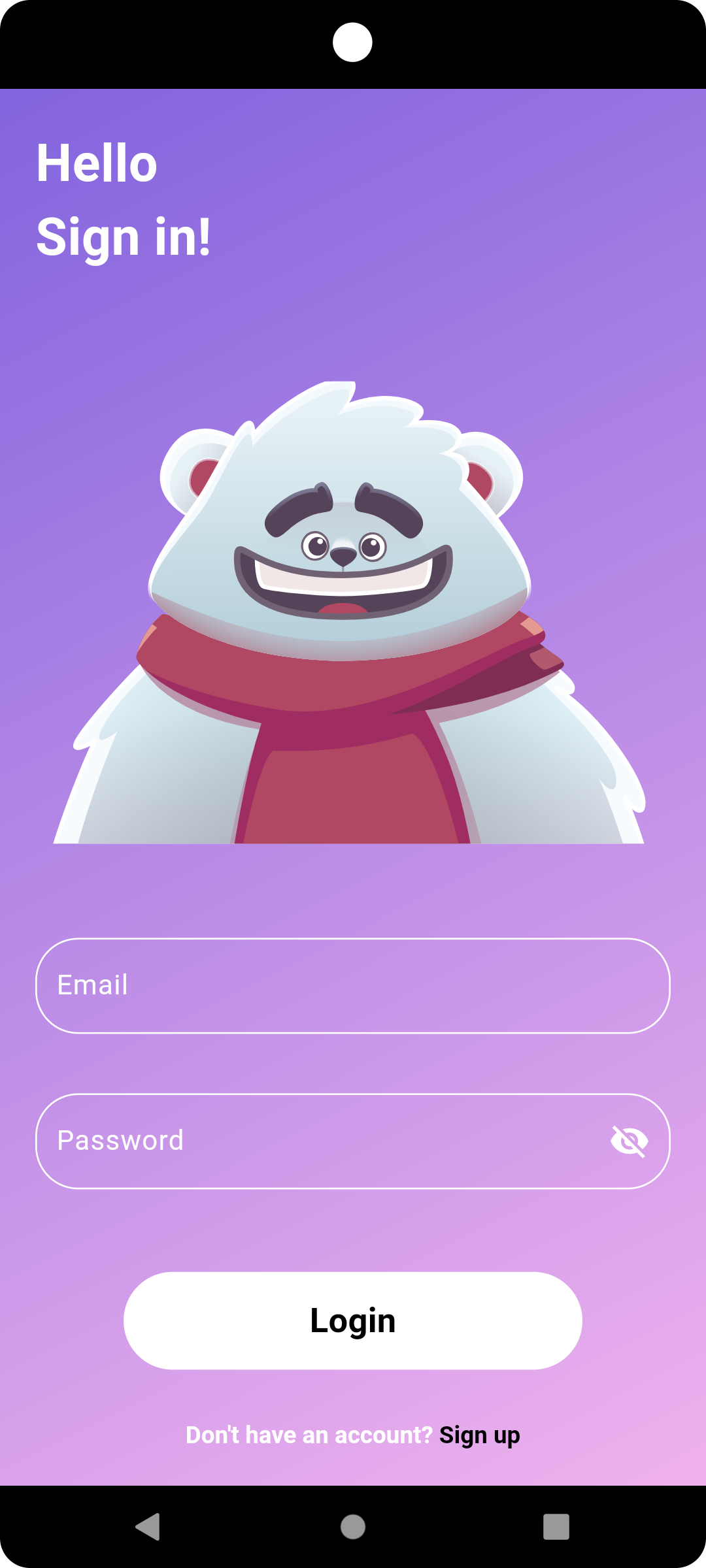
- Secure Login: Authenticate using Google, email, and password. (Note: Facebook and Instagram login options are currently unavailable.)
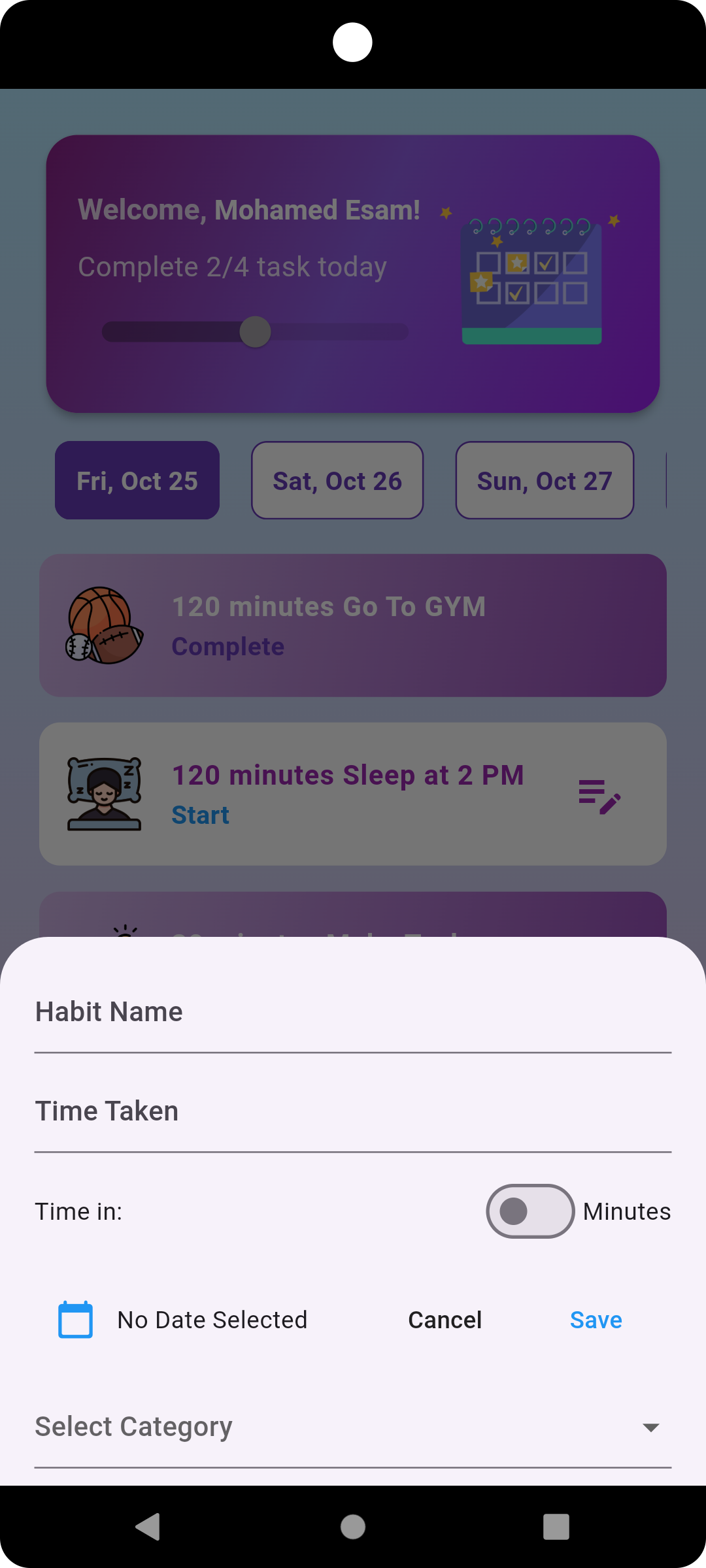
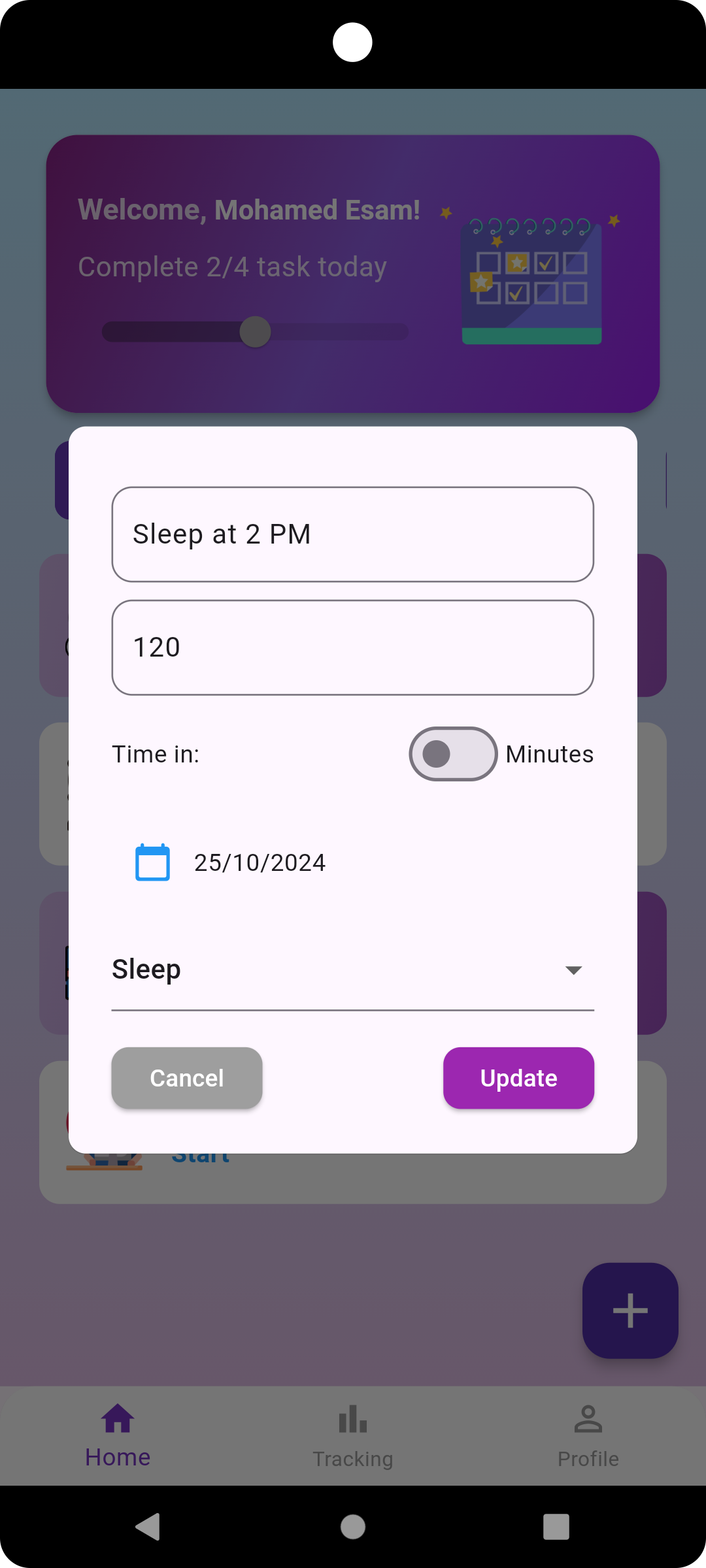
- Detailed Habit Management: Add habits with descriptions, durations, dates, and categories (e.g., Work, Study, Sports).
- Real-Time Progress Tracking: Monitor daily progress on the Home Page.
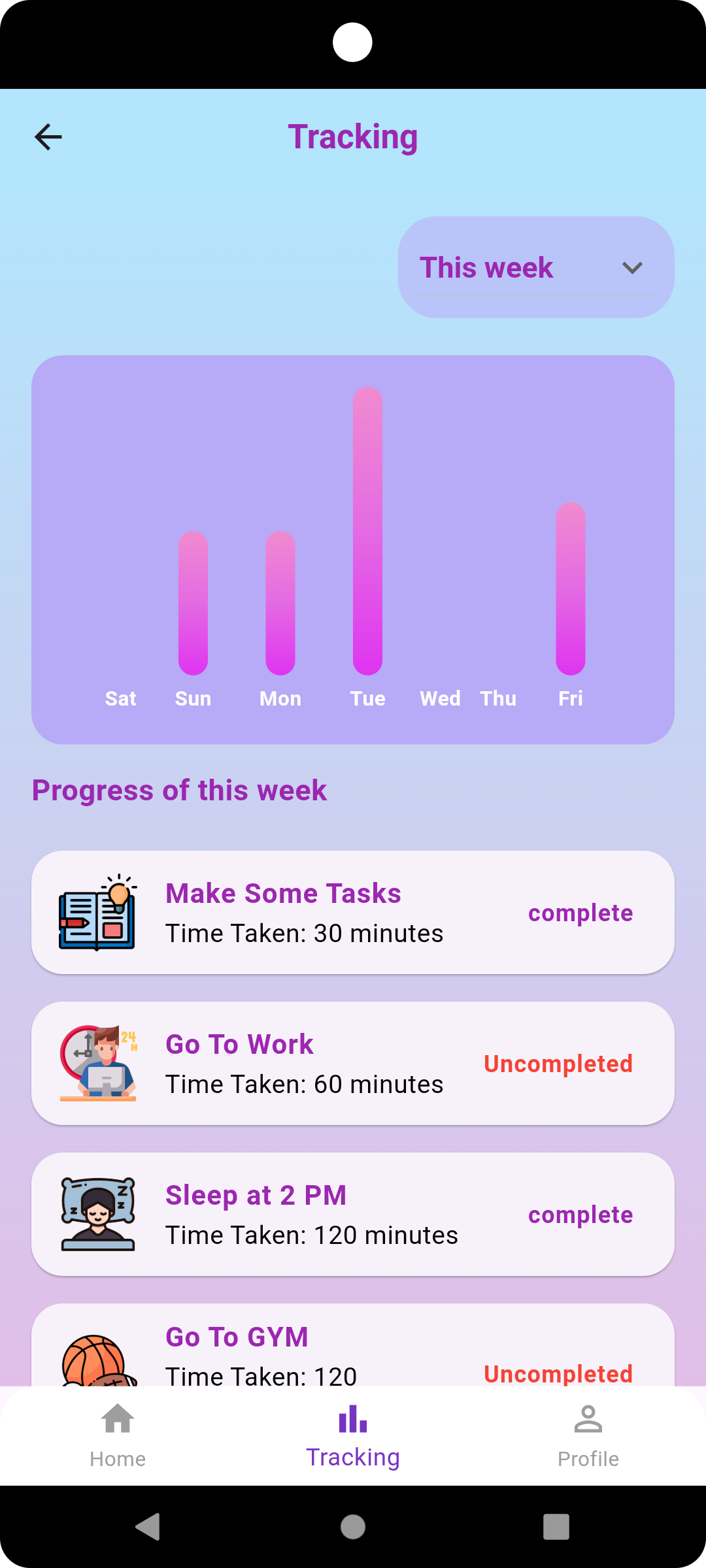
- Weekly Progress Visualization: View progress through visual charts that show the completion rate of habits.
- Daily Notifications: Receive reminders every day at 1 PM to track your habits.
Getting Started
-
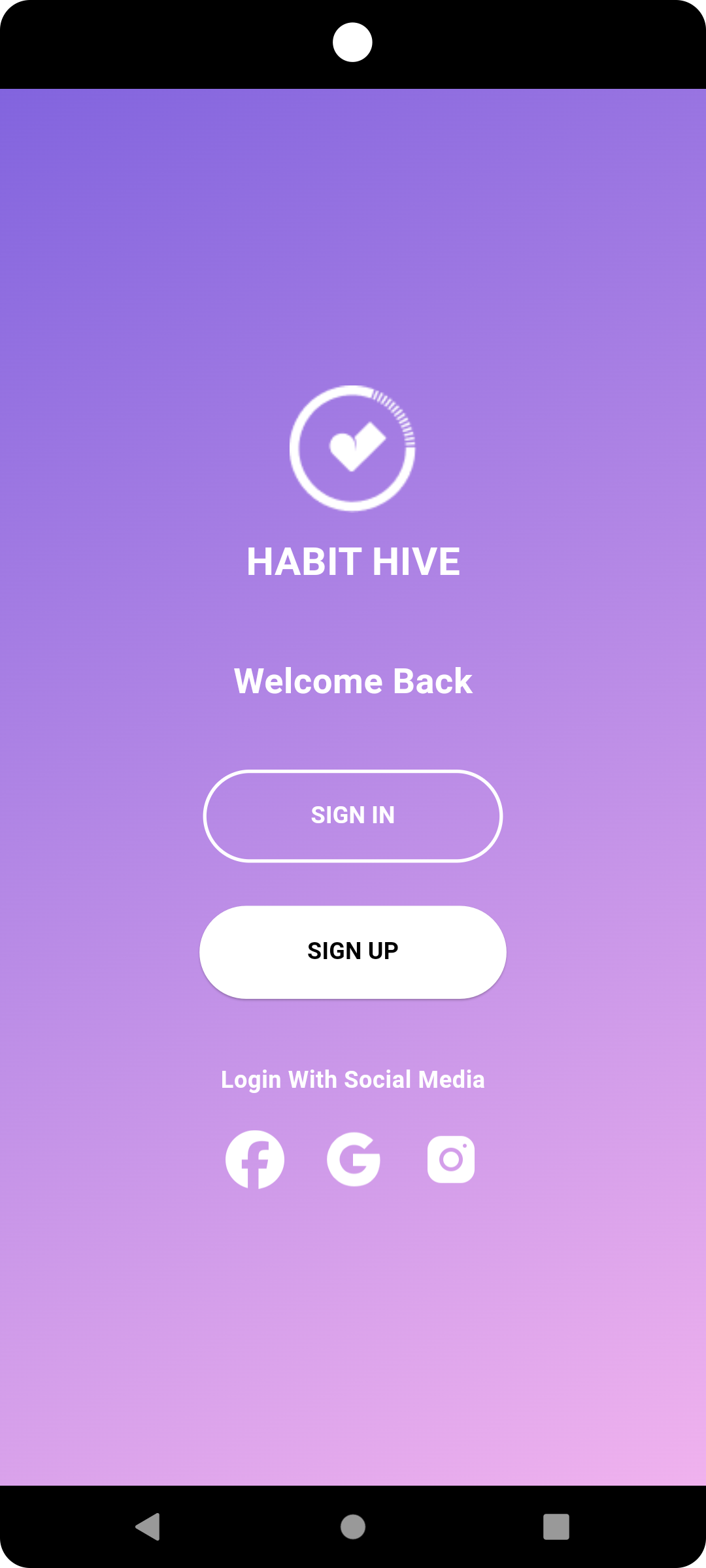
Upon reaching the Welcome Page, you have three options:
- Login with an existing email and password.
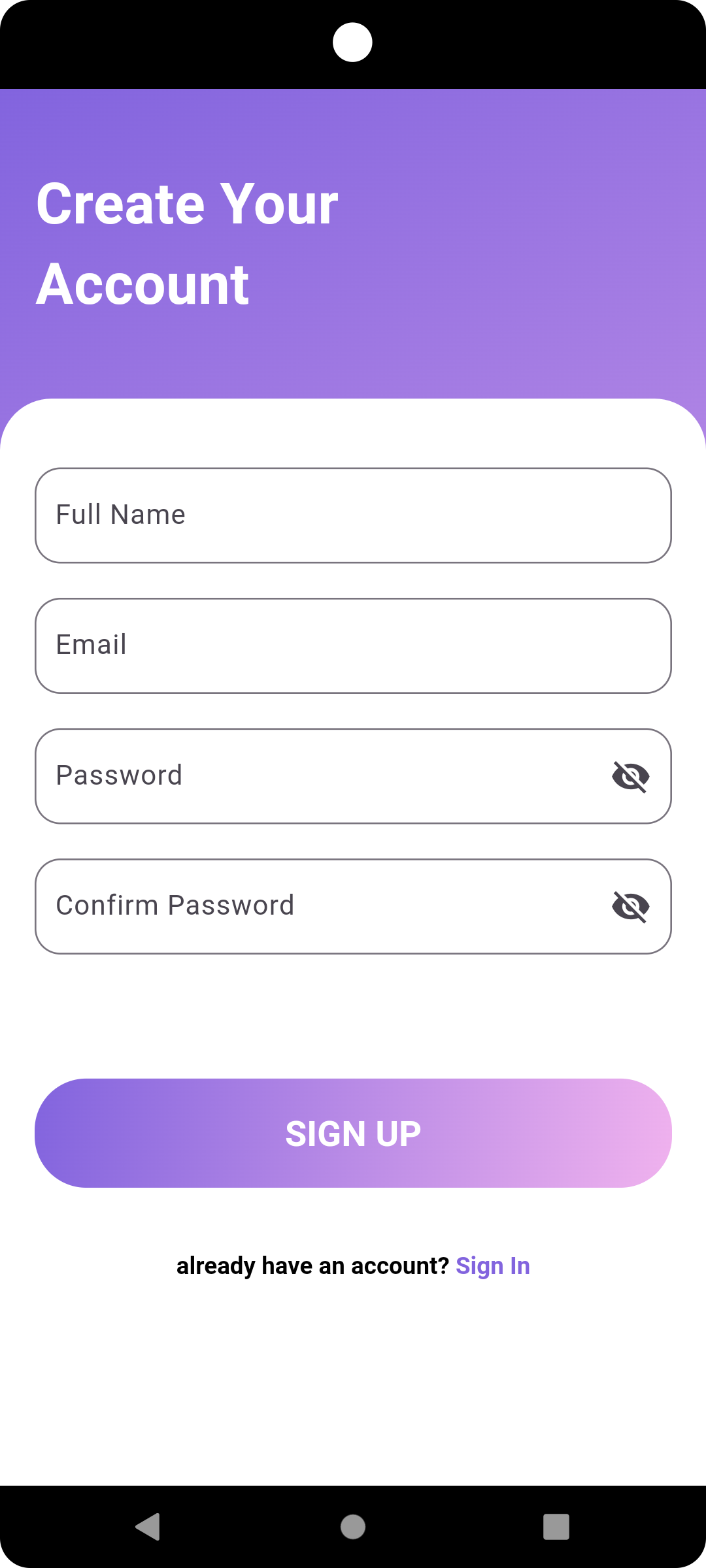
- Sign Up: Enter a valid email address to receive a verification link on Gmail. Note: You must verify your account before logging in.
- Login with Google: Use your Google account for quick access.
-
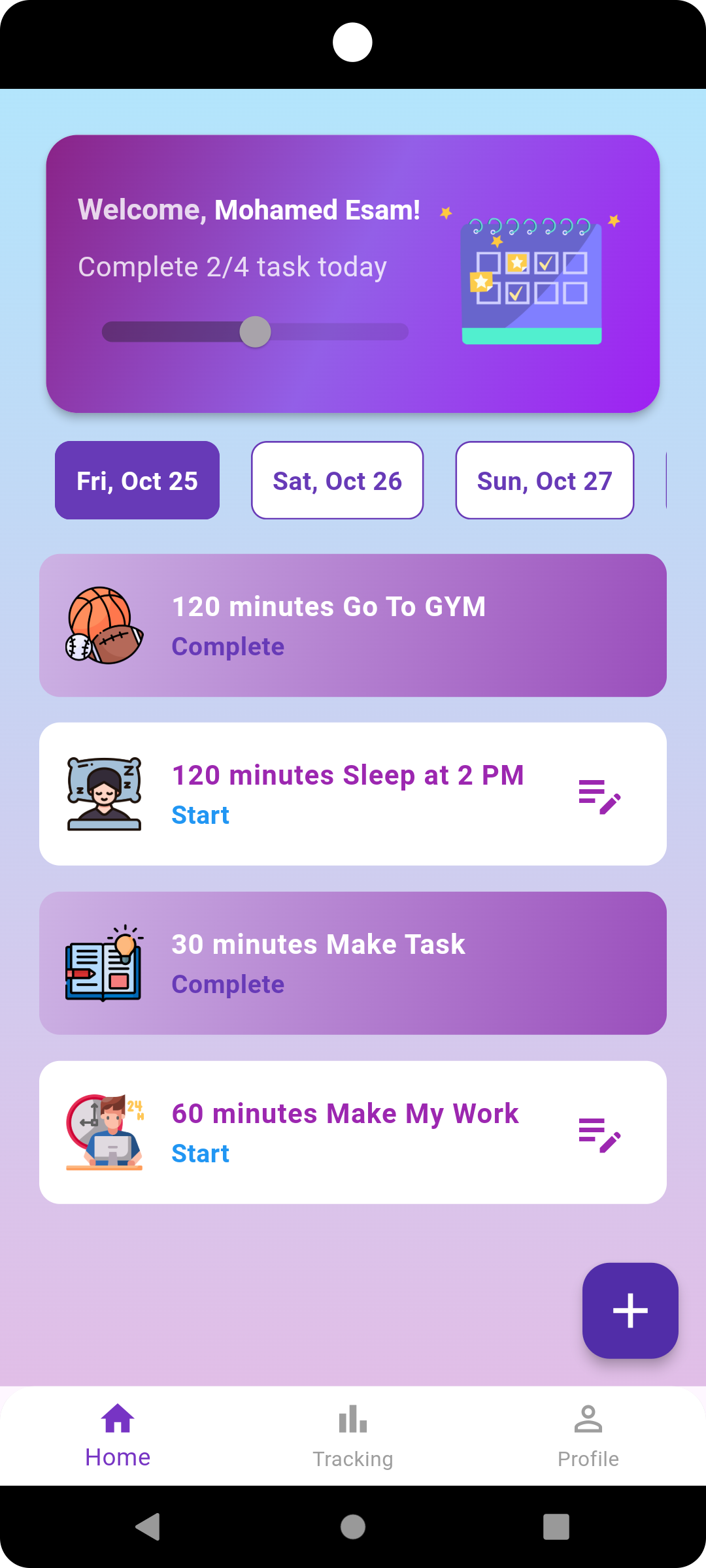
After logging in, you will be directed to the Home Page, where you can:
- Add, edit, or delete habits.
- Track your daily progress.
-
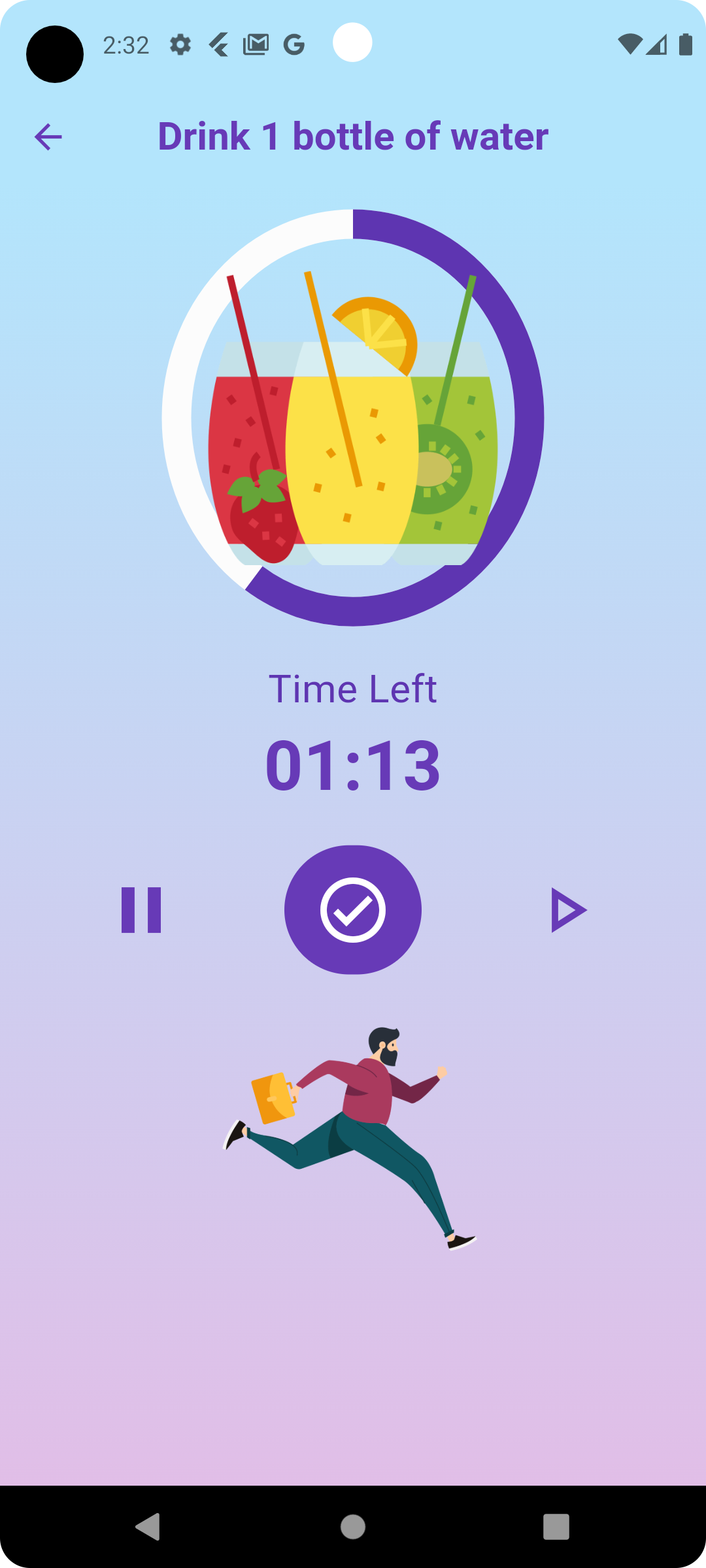
To track a specific habit, click on the description of the habit to navigate to the Habit Tracking page. Here, you can analyze your progress for the current and previous weeks, represented in a chart showing the completion rates of all added habits.
-
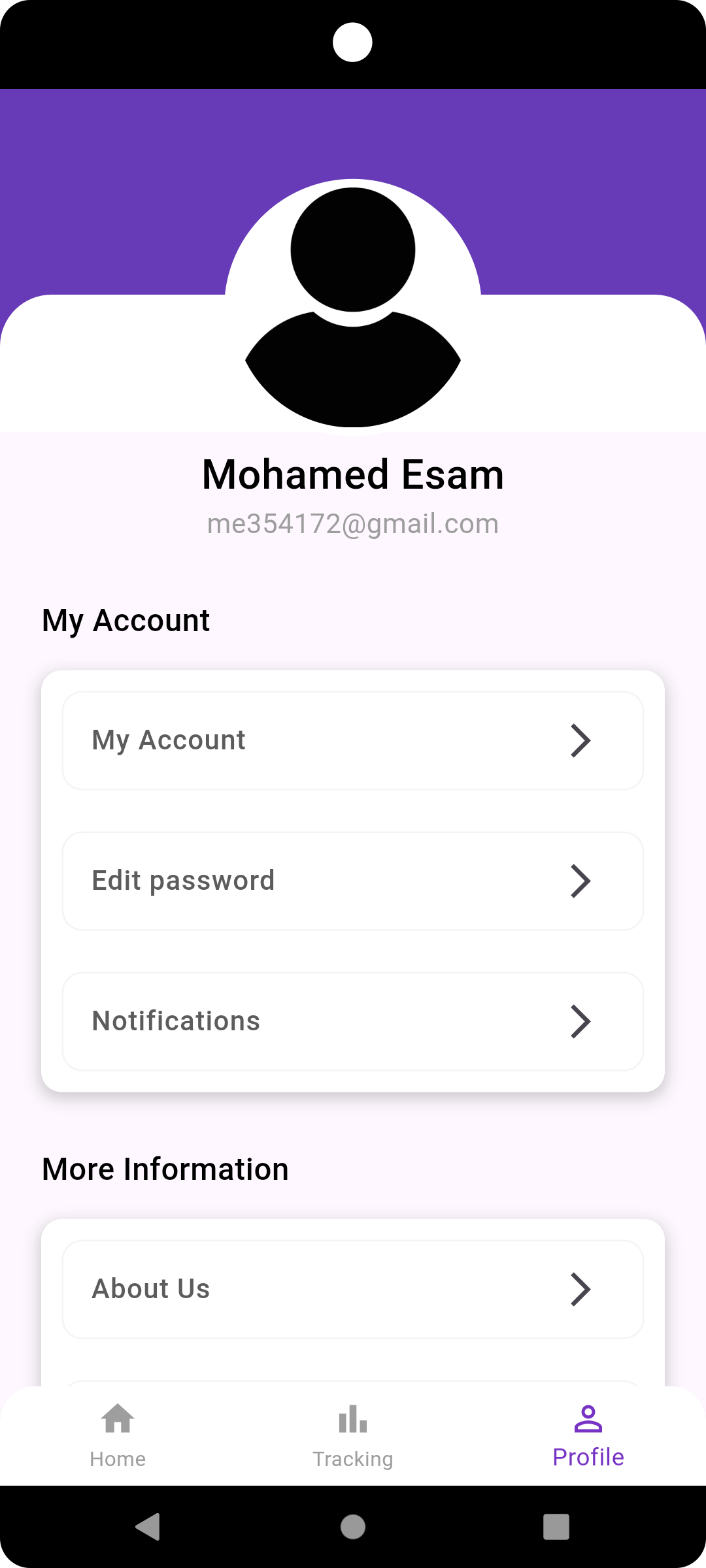
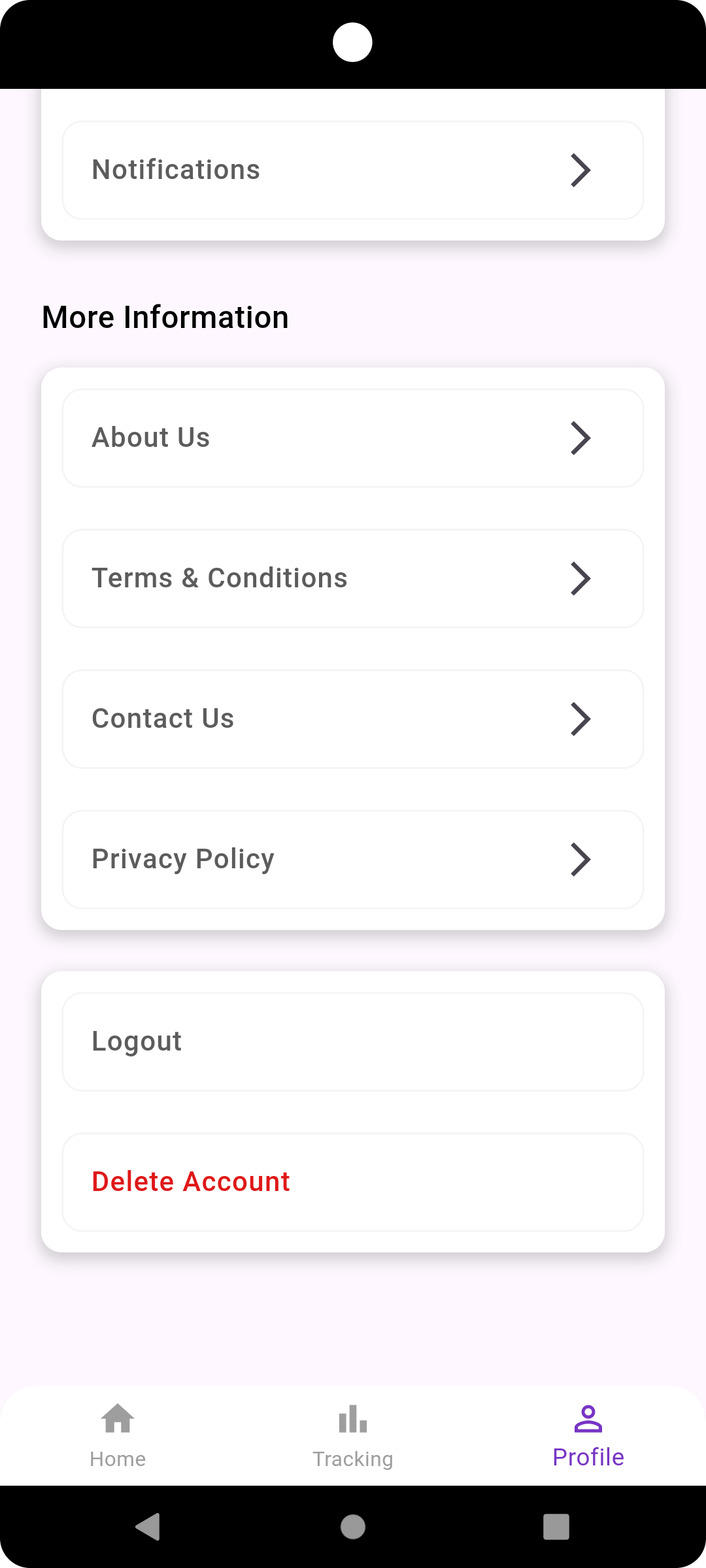
Access the Profile page to view user data, change your password, log out, or permanently delete your account.
Photos of Screens
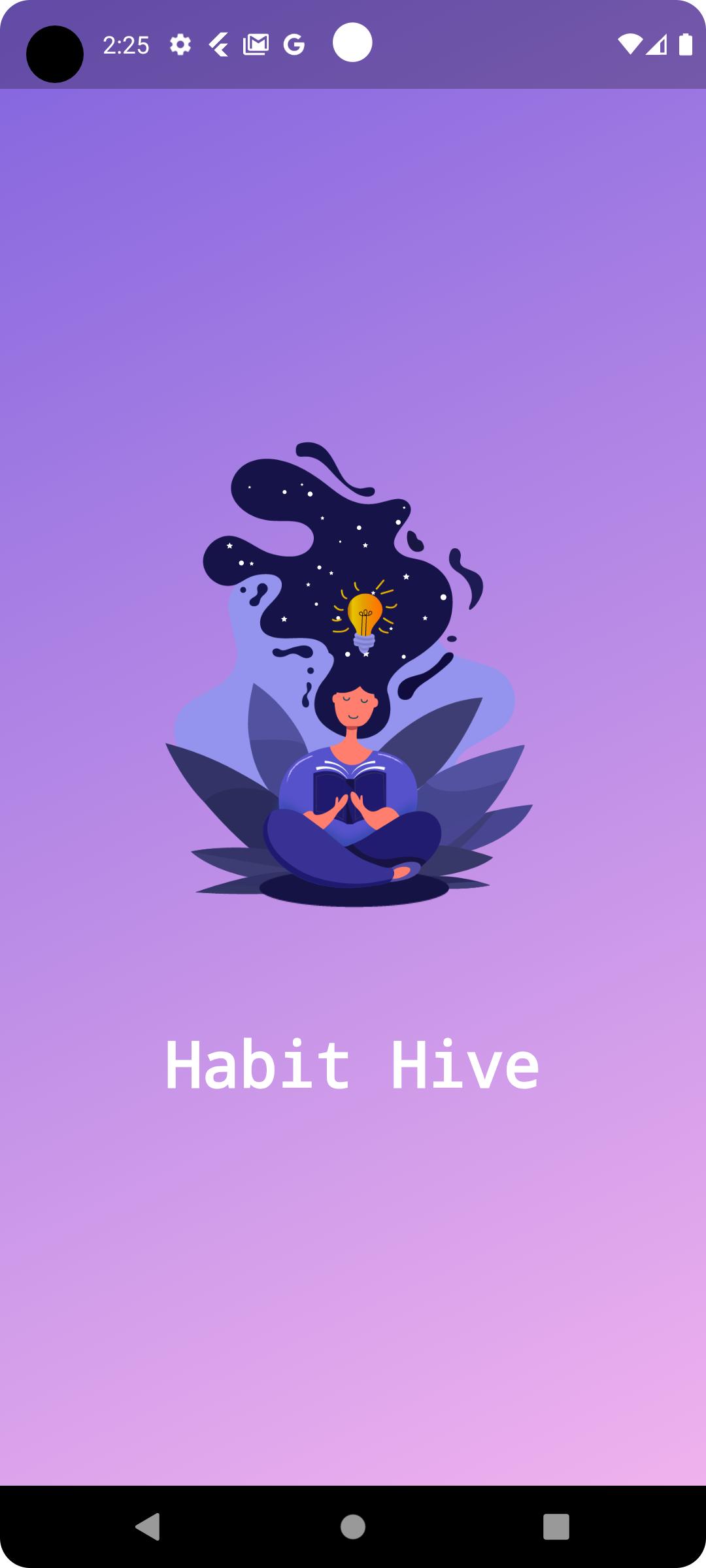
Splash Screen
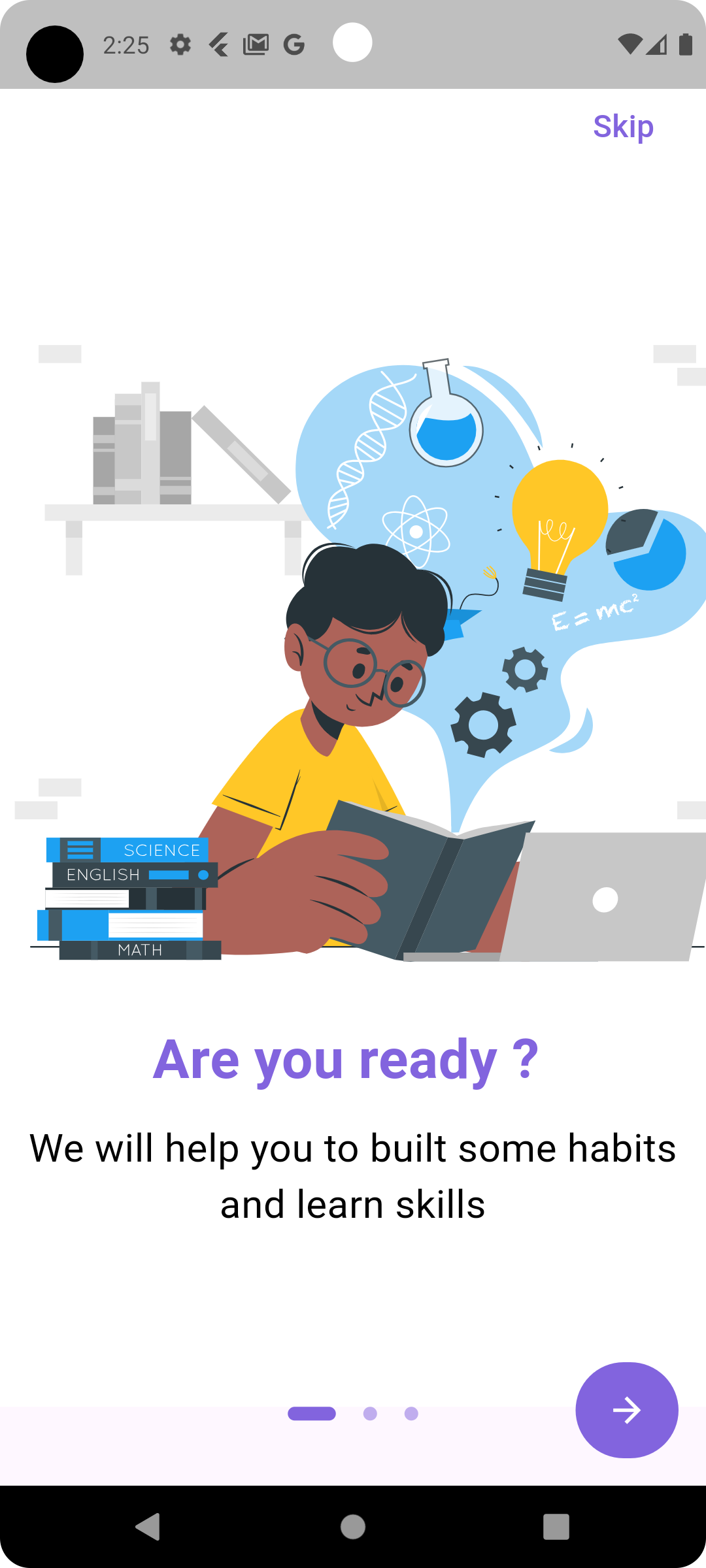
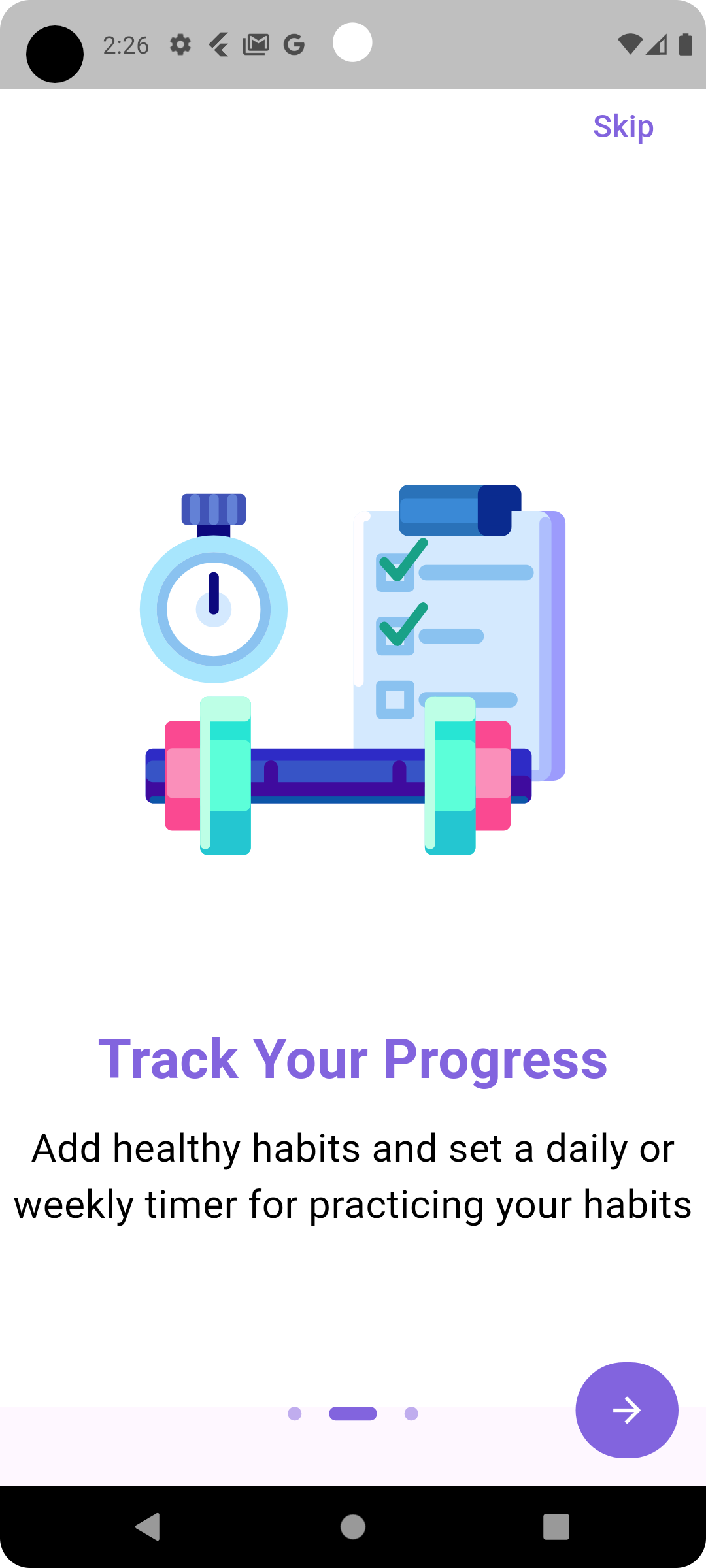
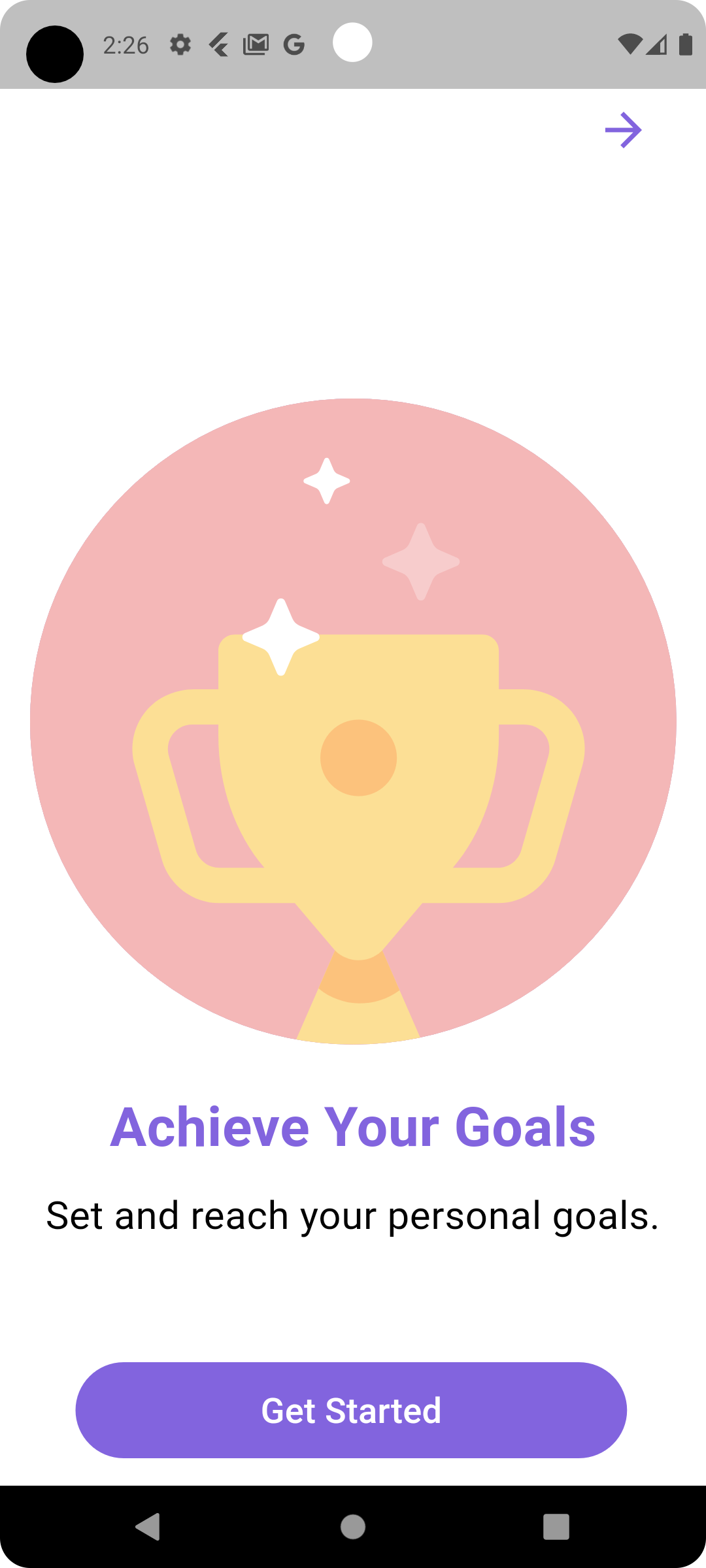
Onboarding Screens
Welcome Screen
Sign In and Sign Up Screens
Home Page
Adding and Editing Habits
Tracking Habits
Profile Screens