expo essentials
1.0.0


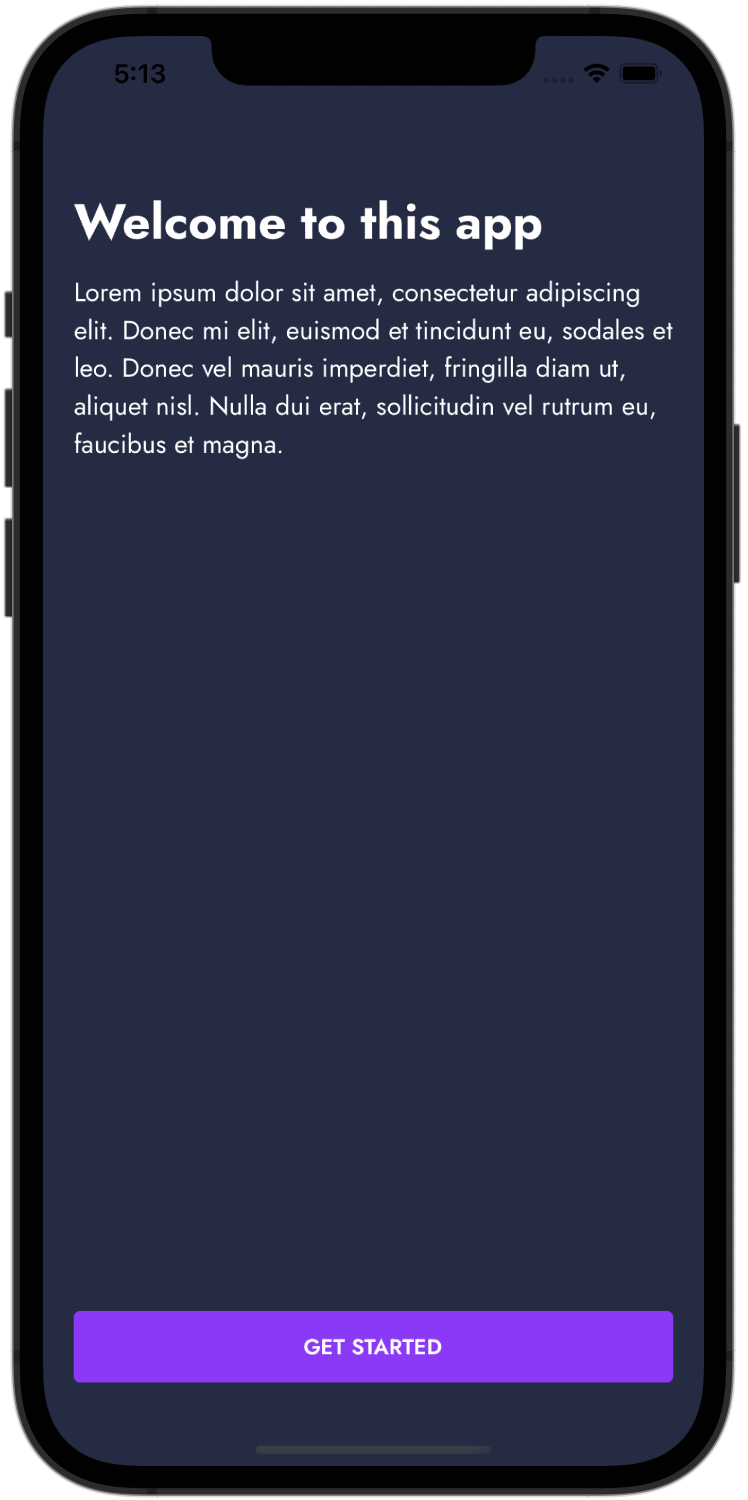
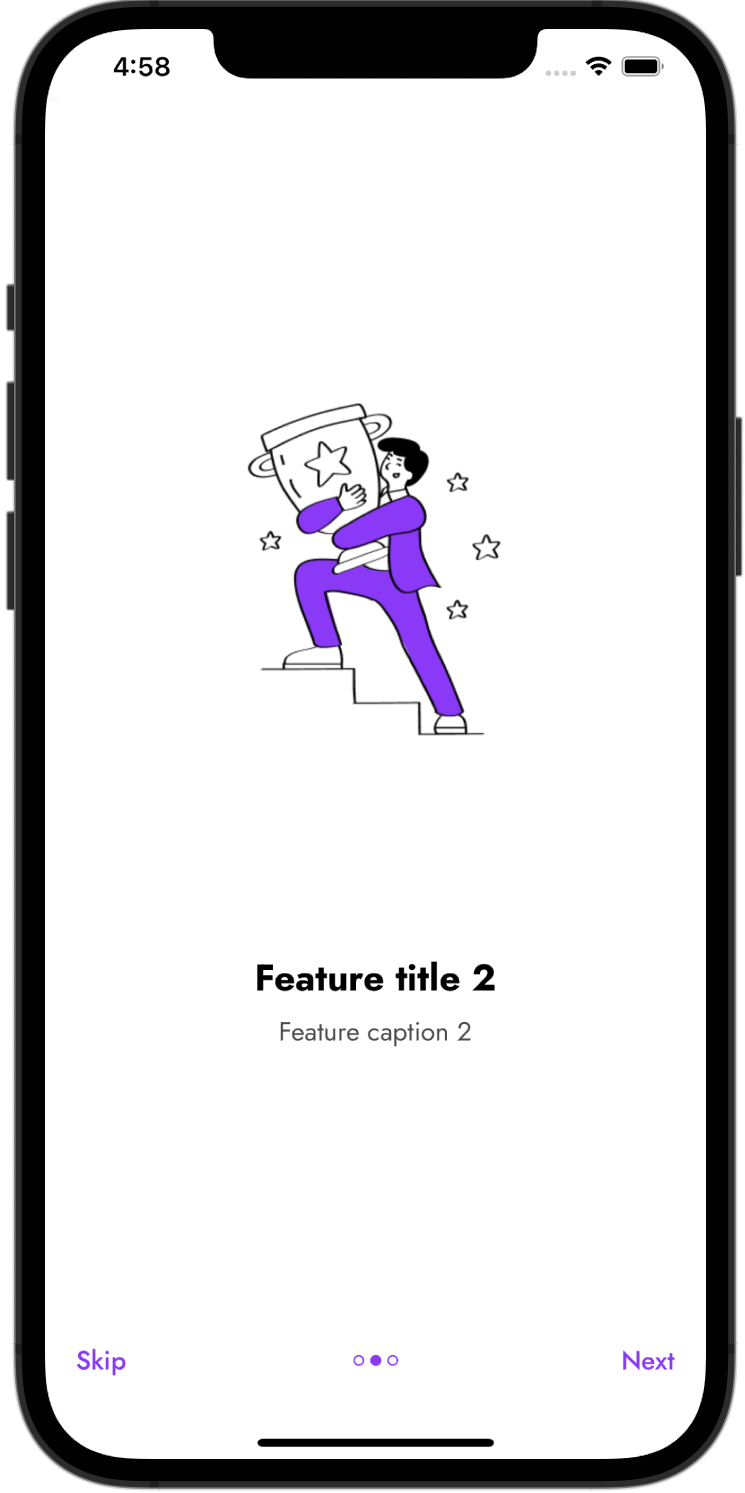
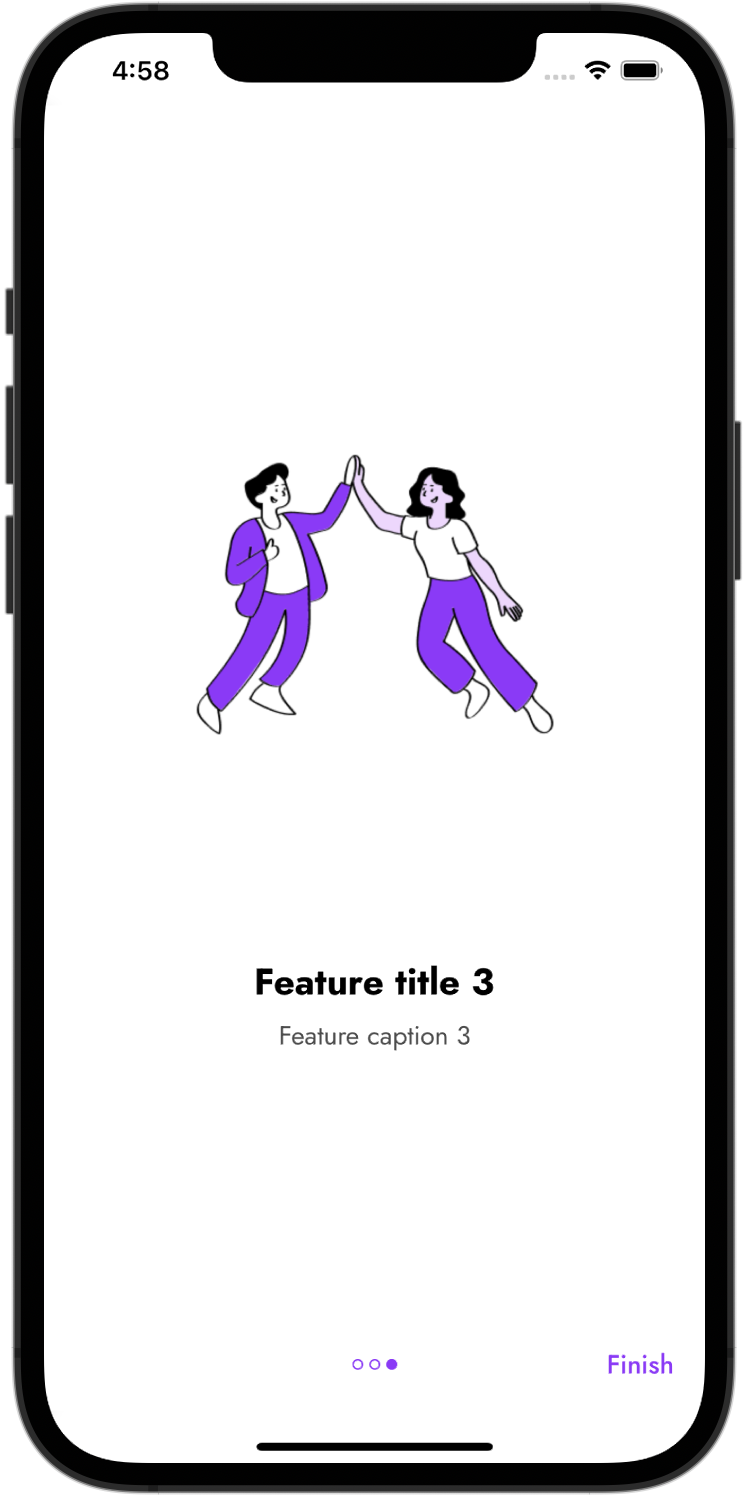
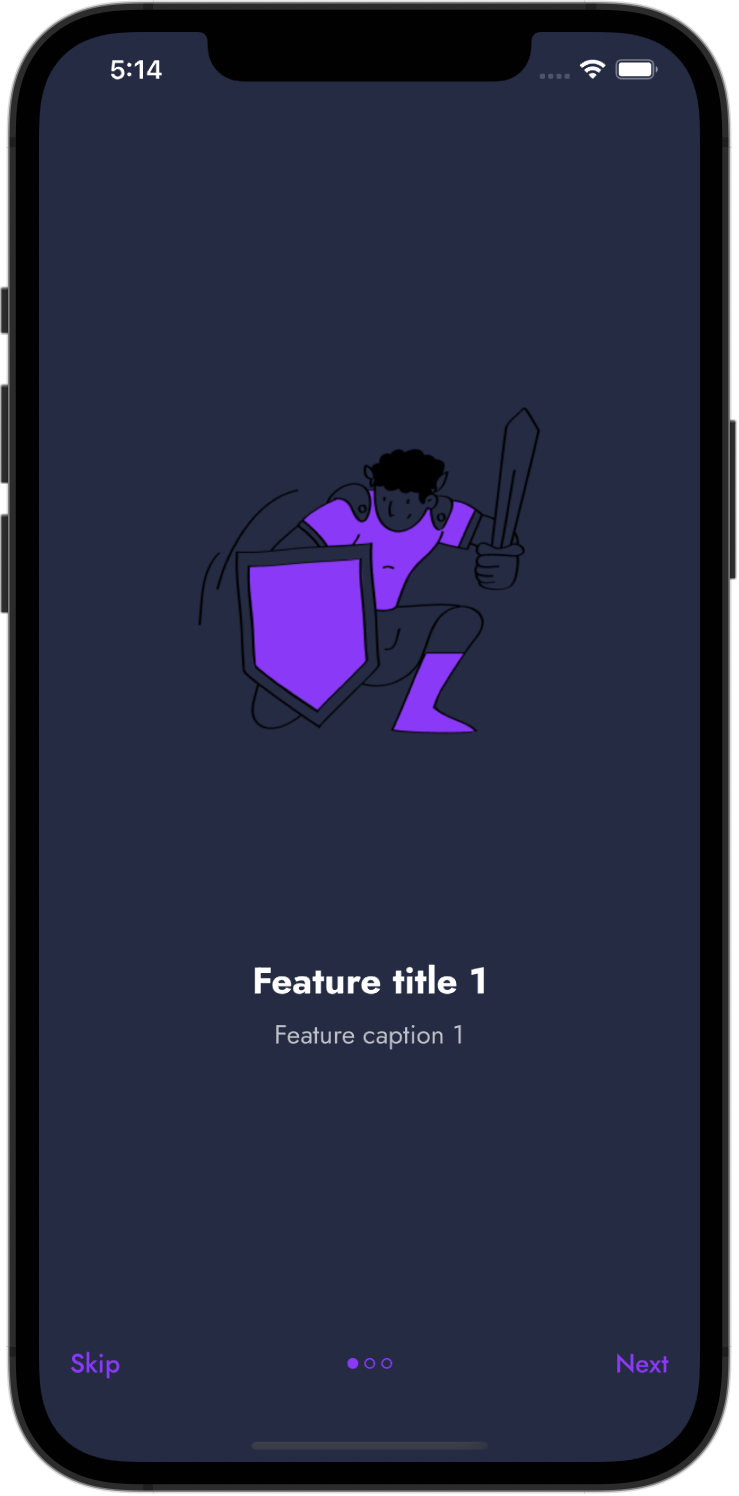
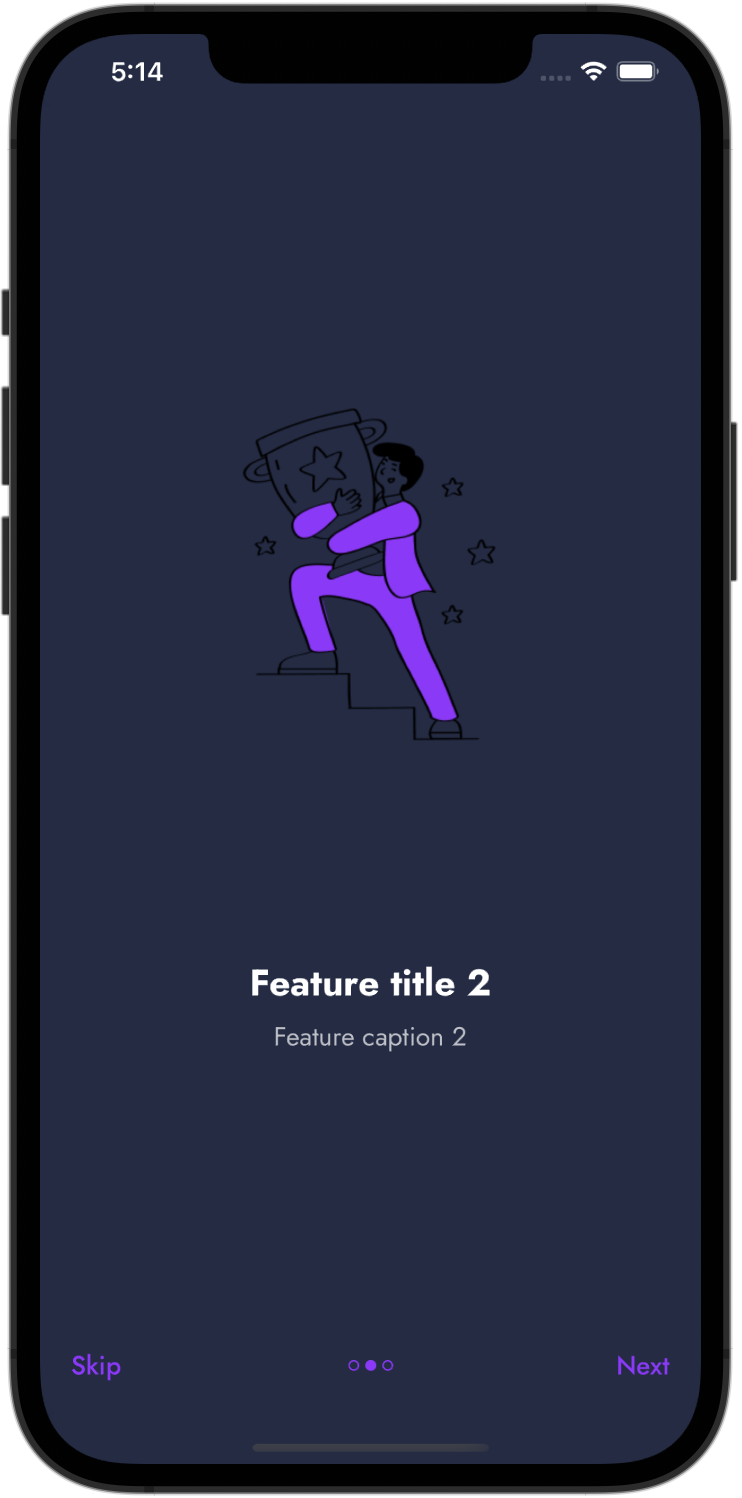
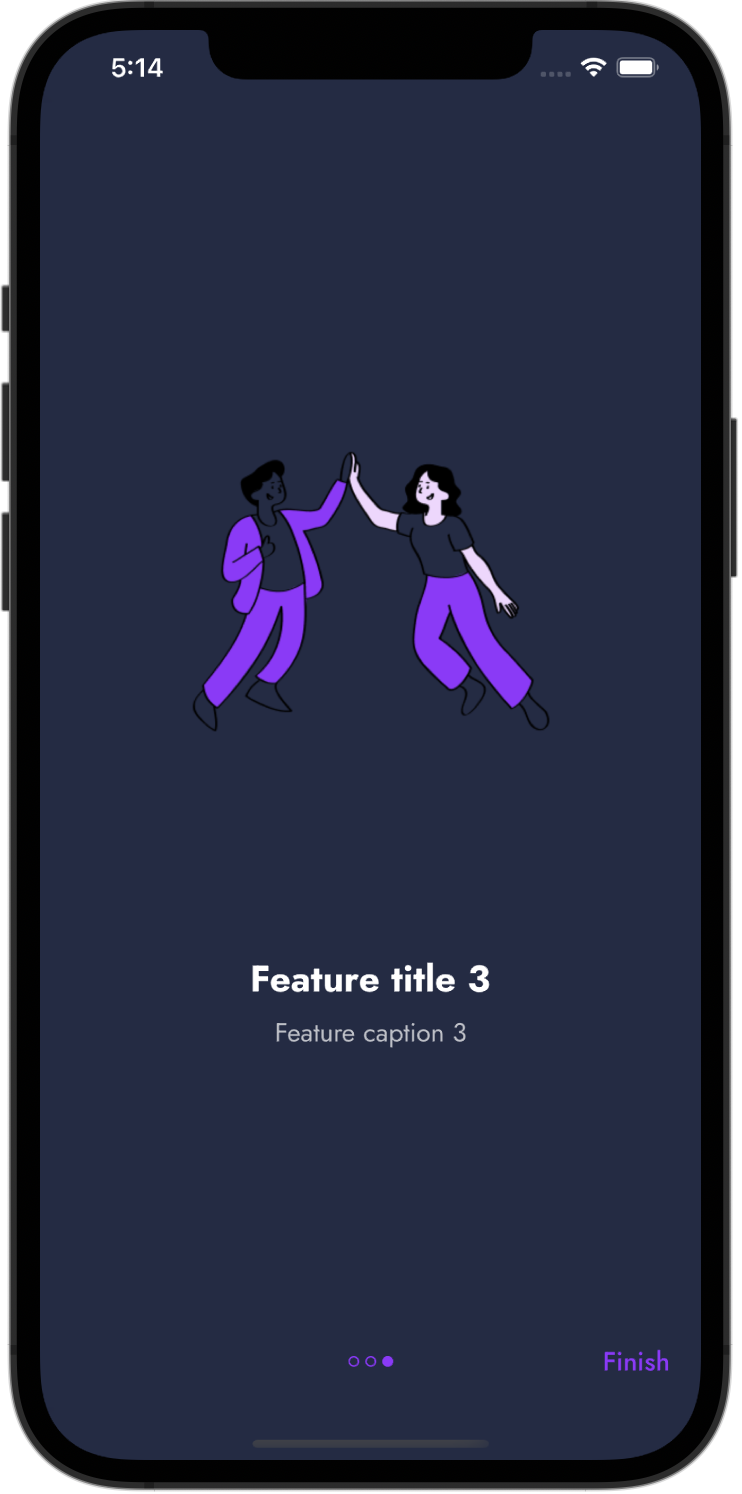
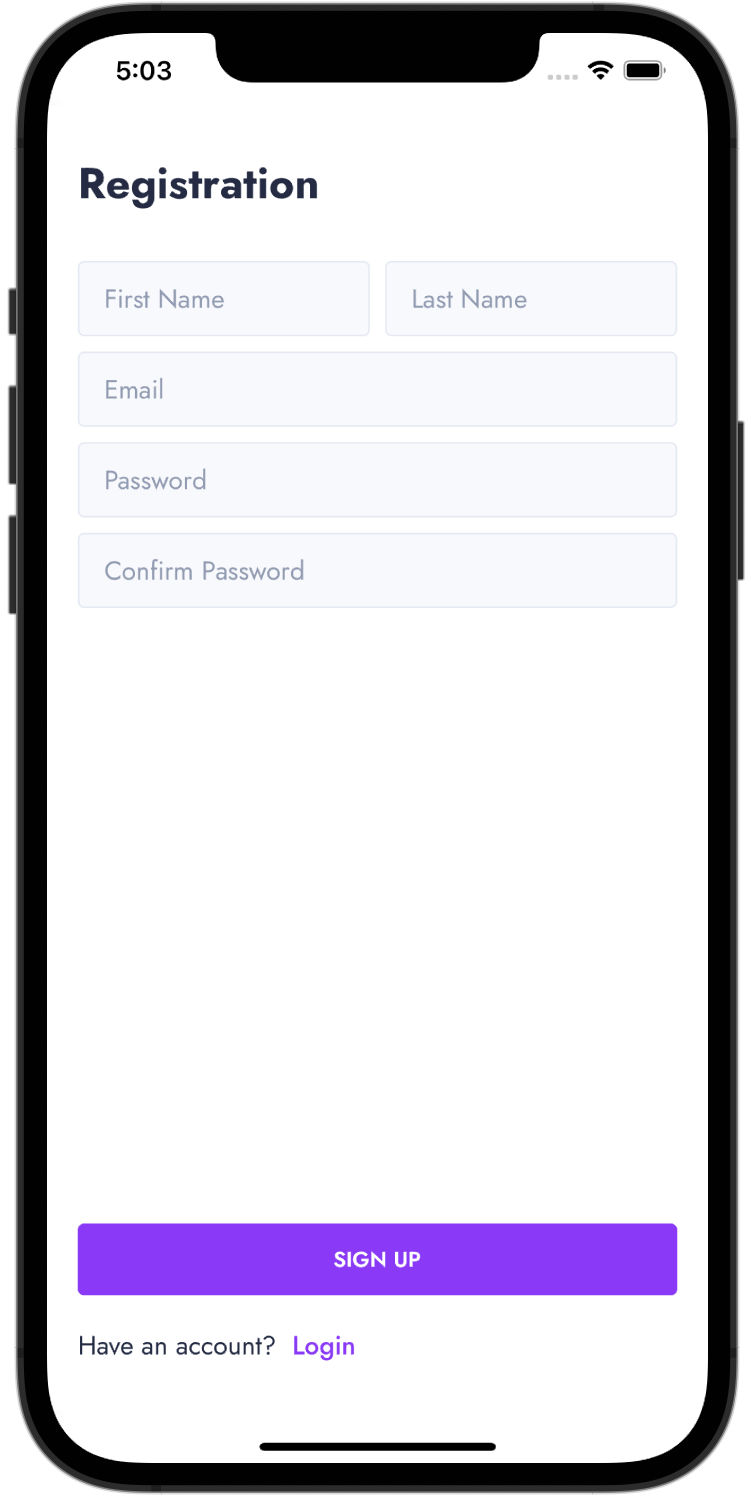
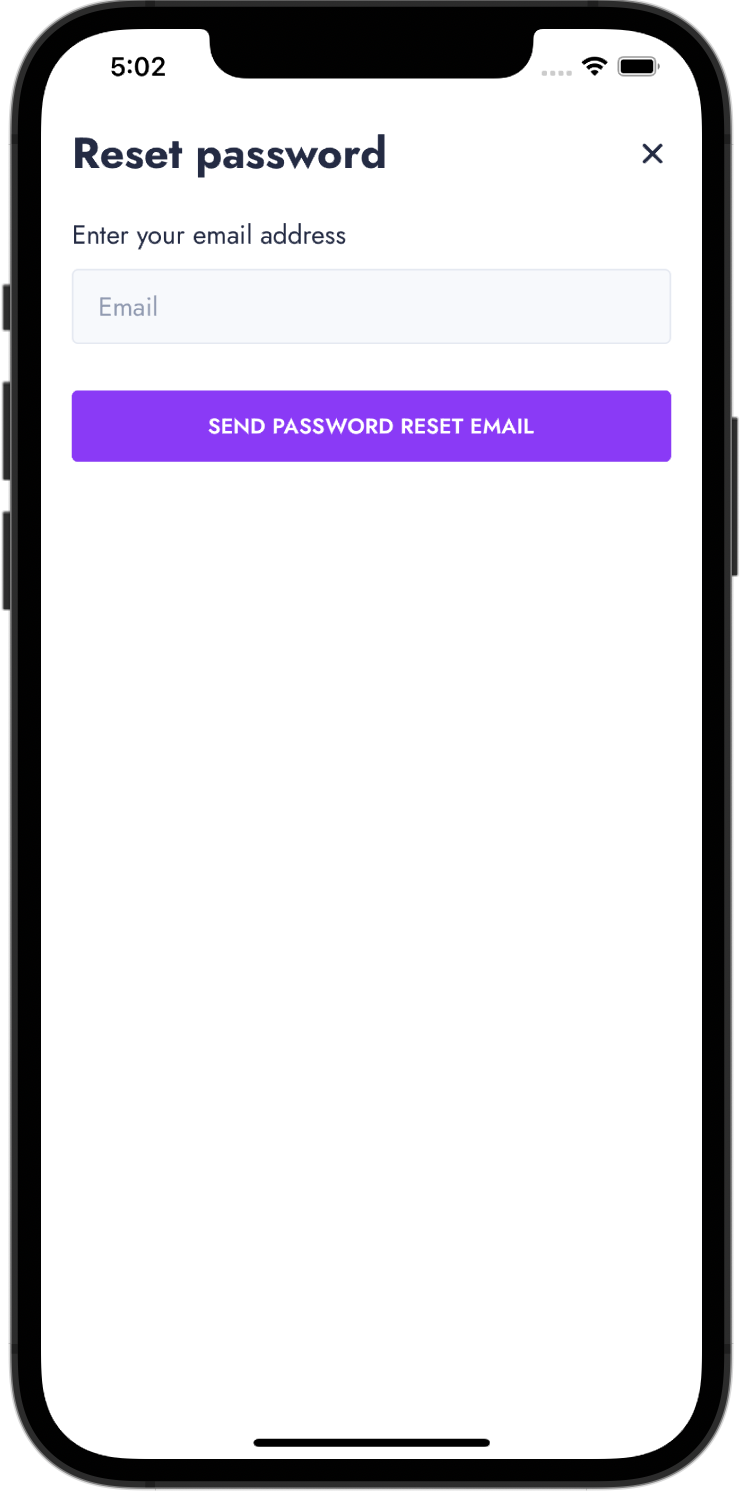
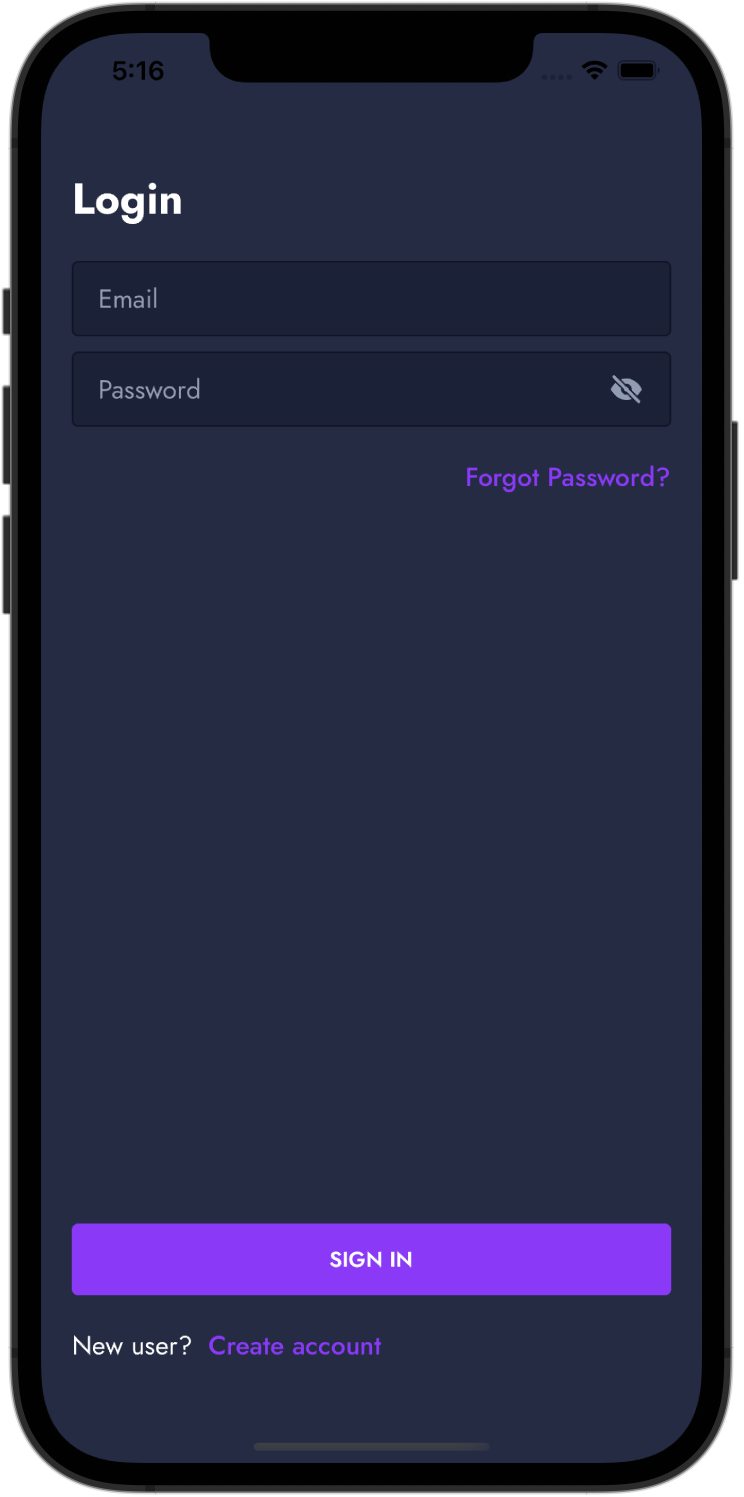
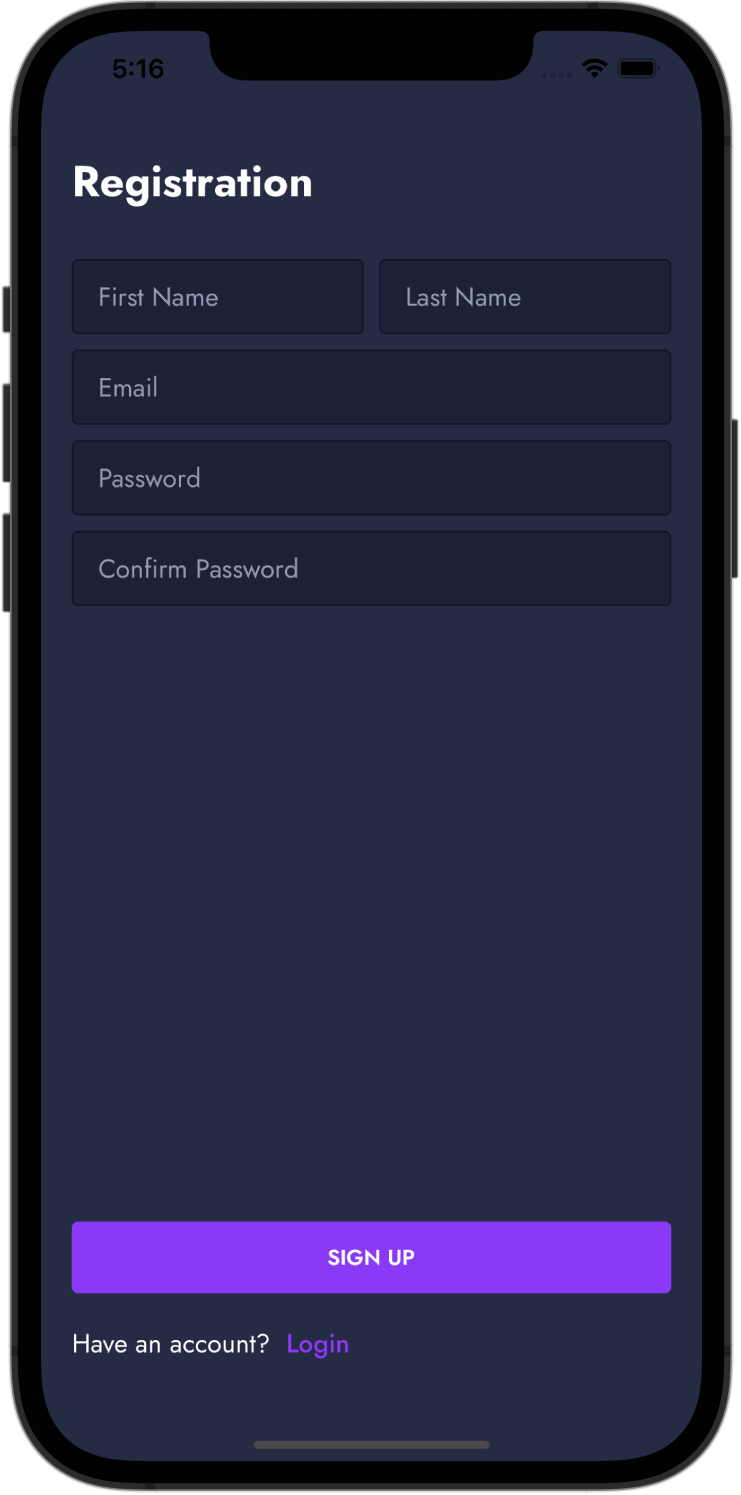
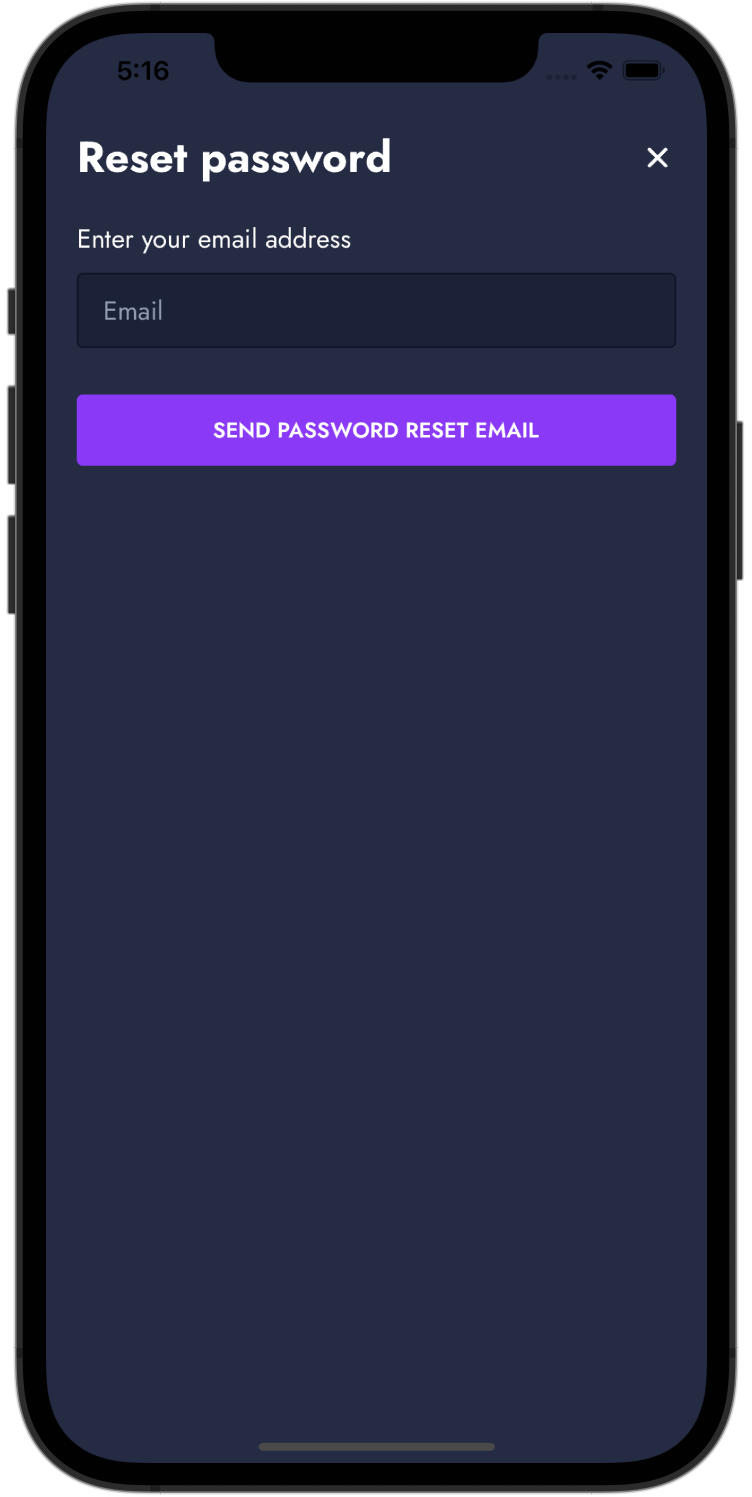
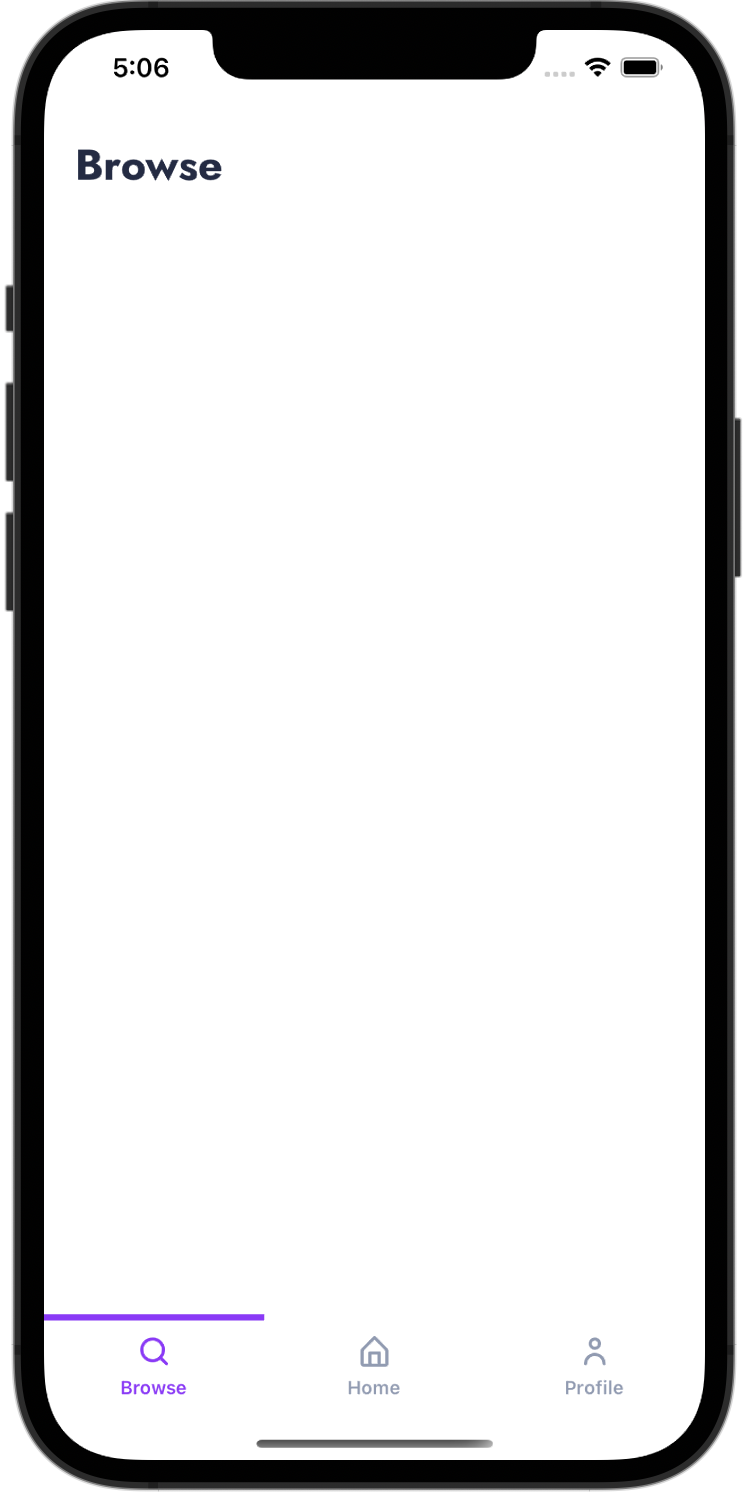
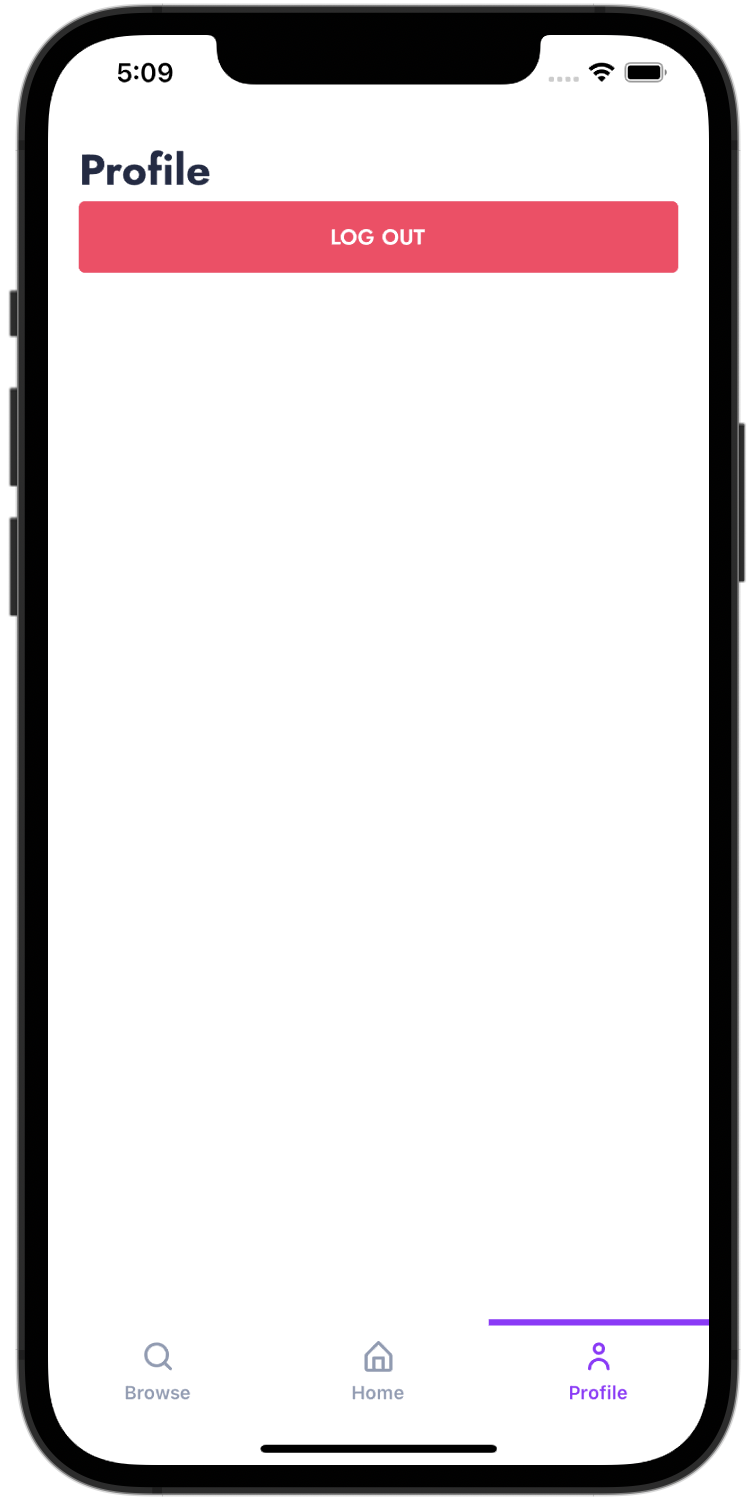
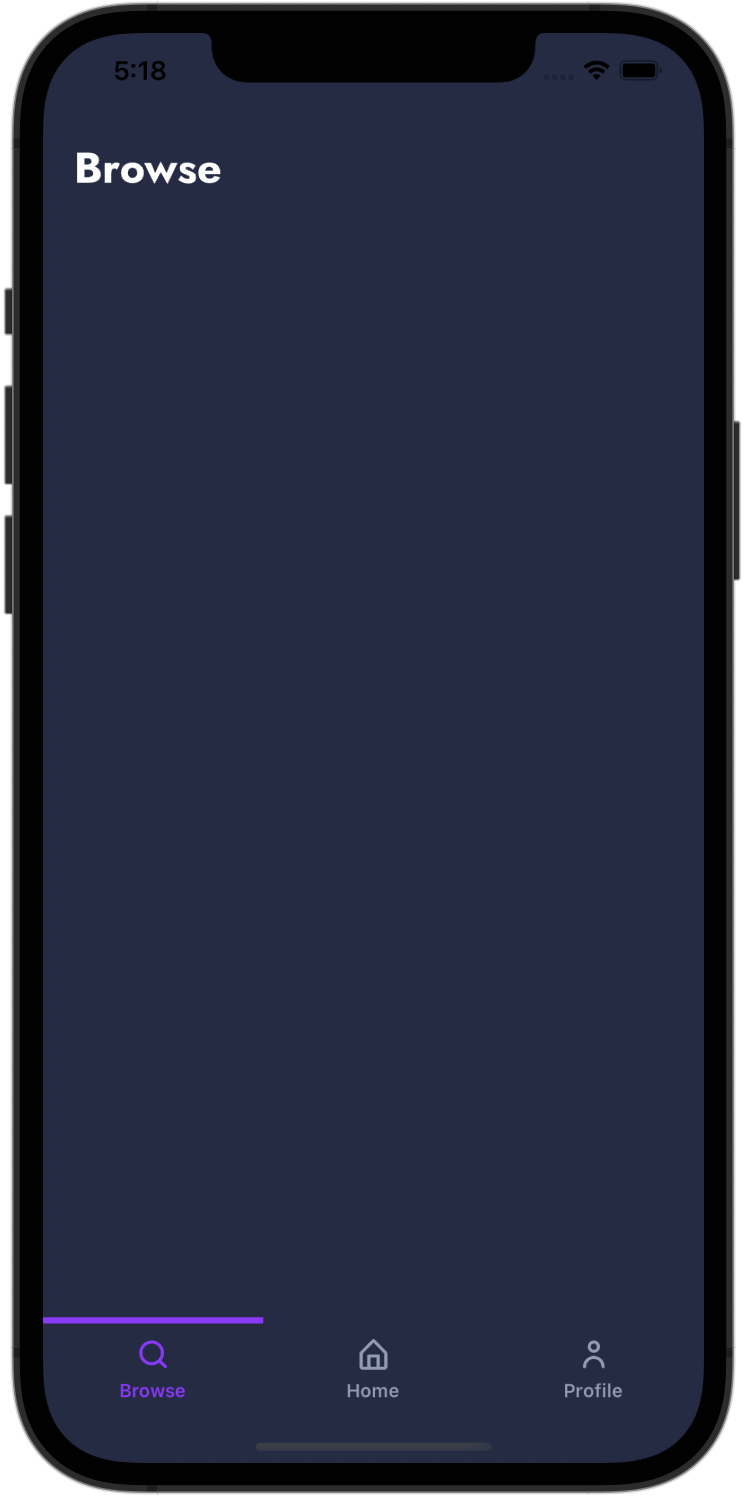
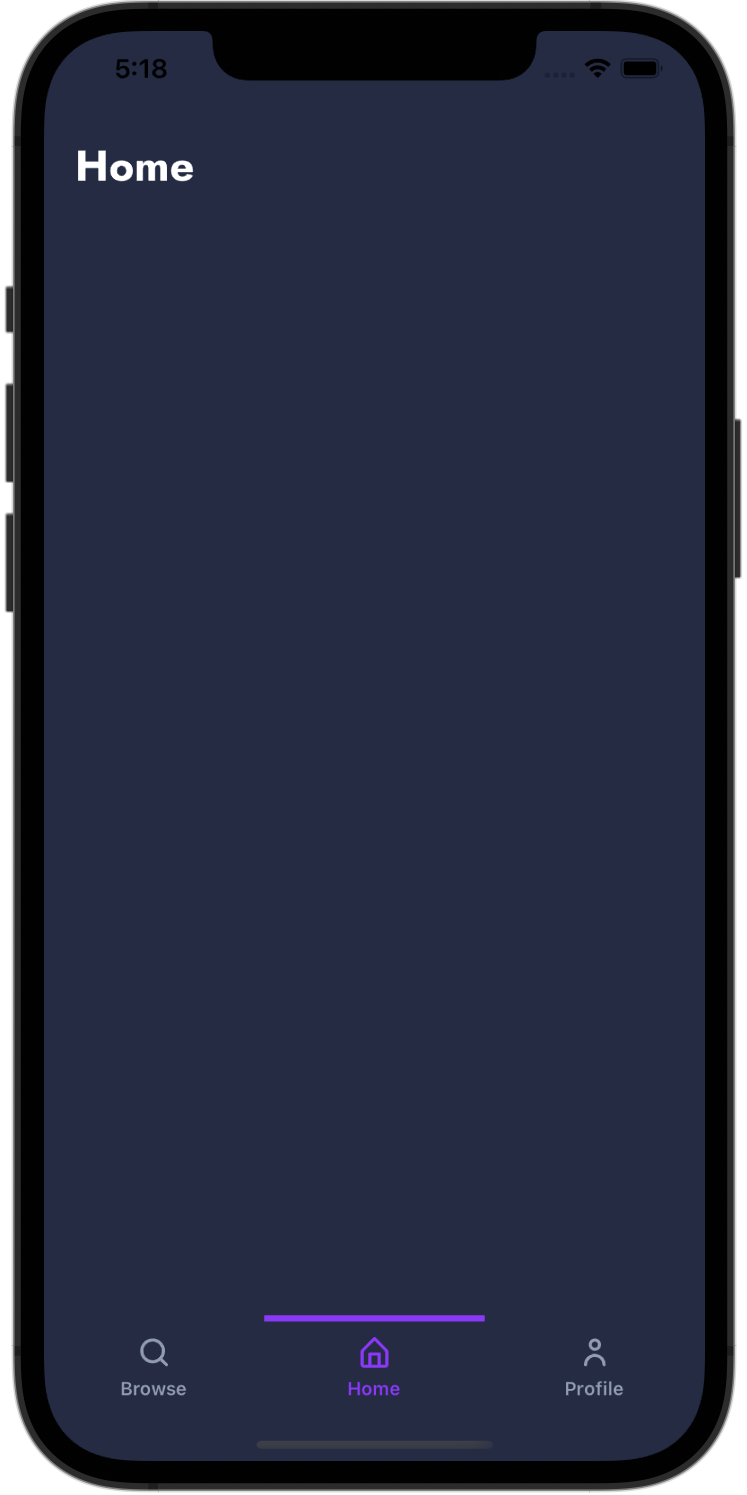
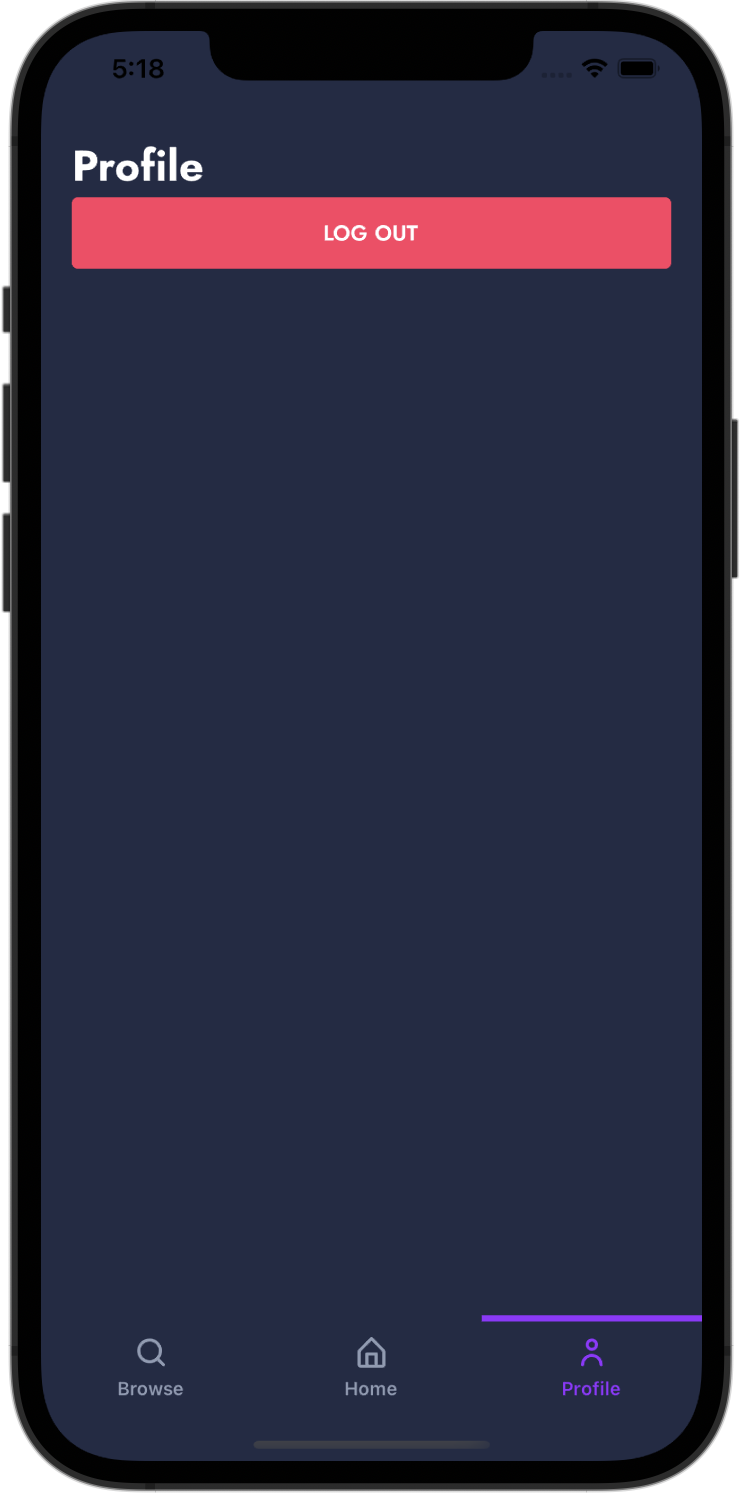
expo-essentials is a kickass template built on top of Expo, containing a manageable folder structure, test suites, and essential features to get you up and running on your next app.
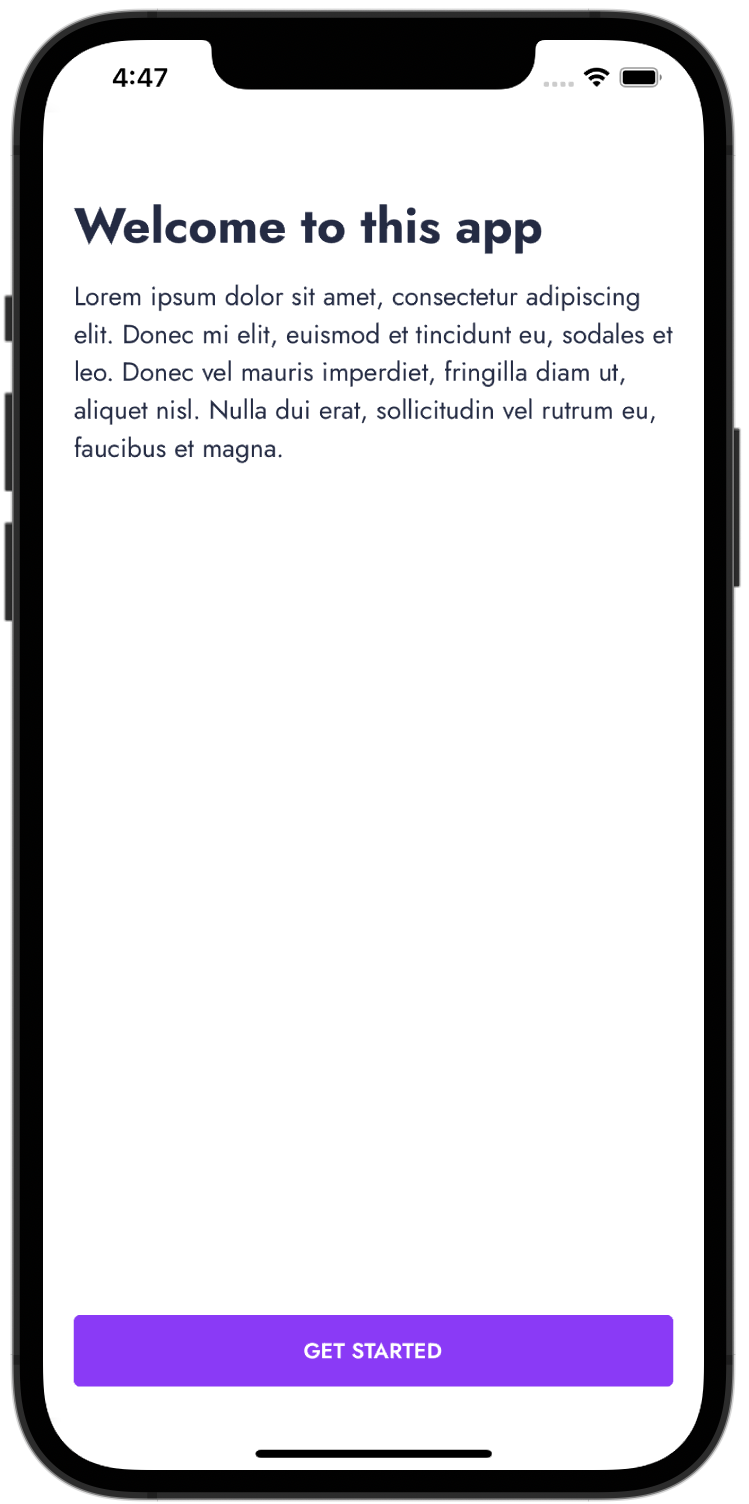
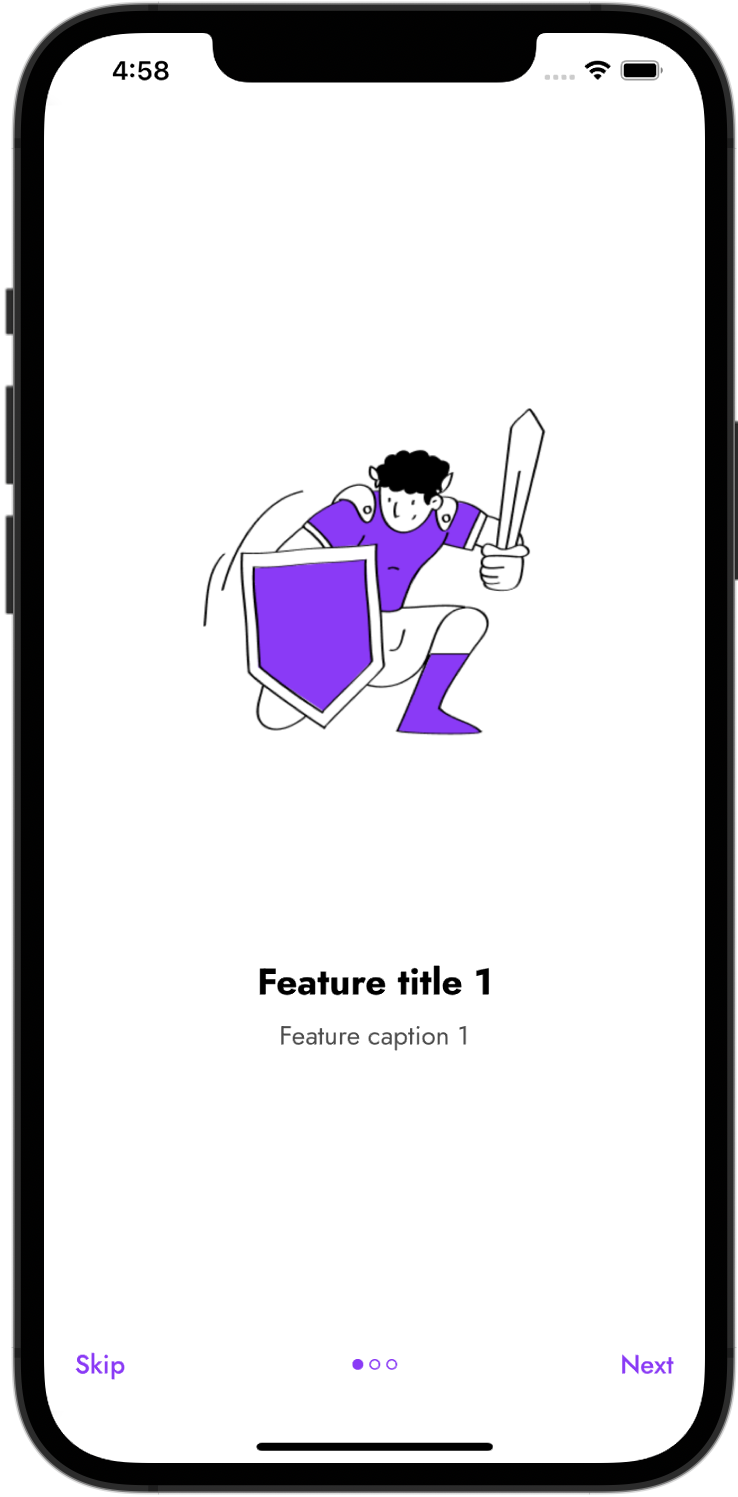
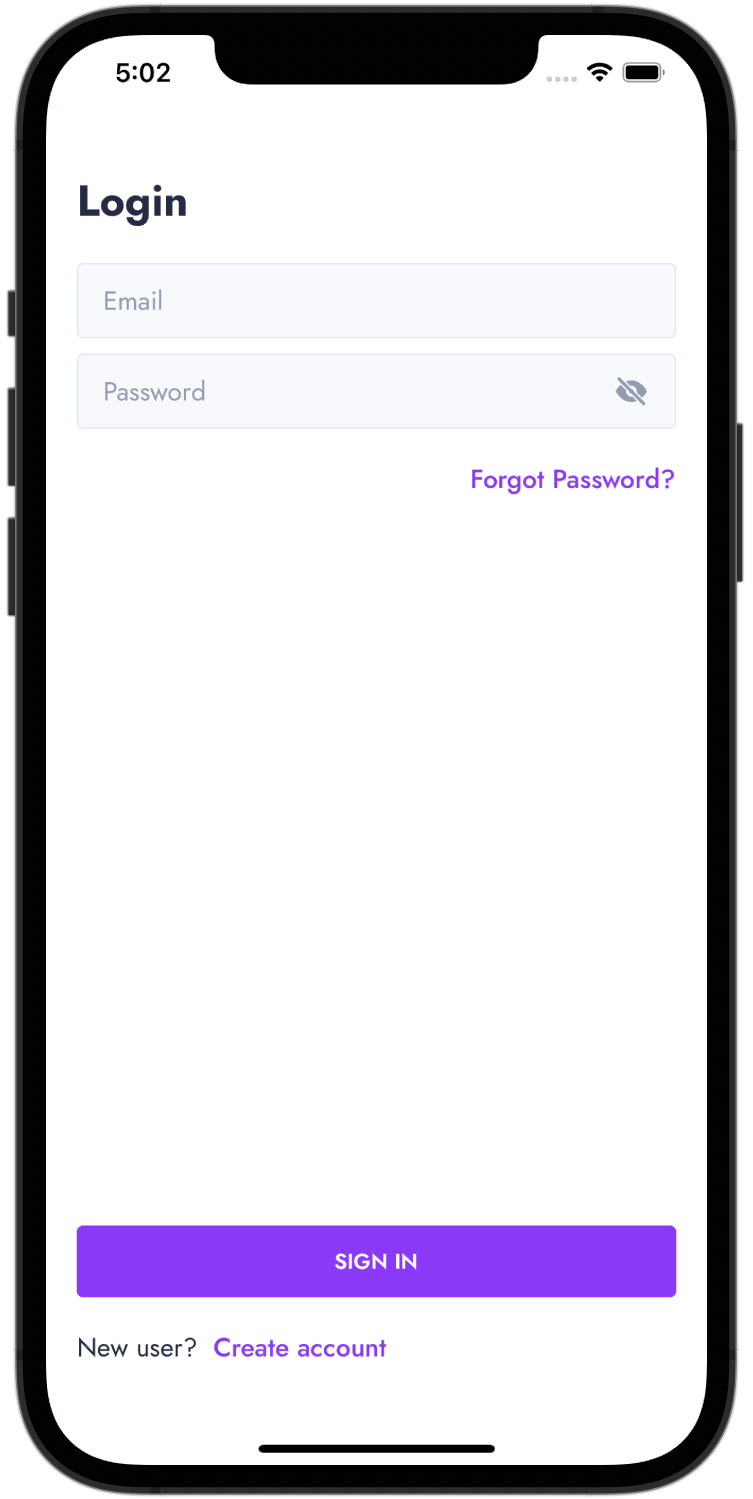
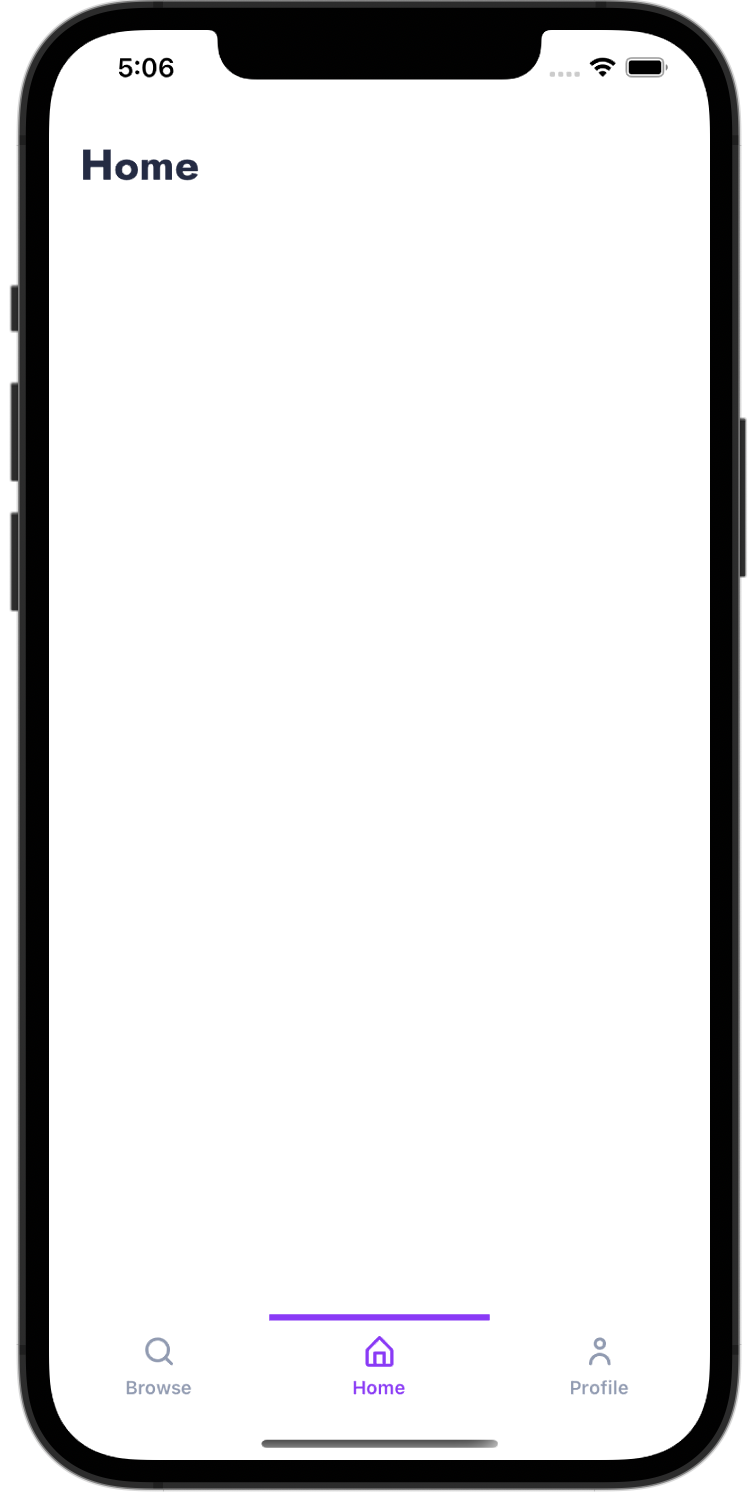
(...and many more coming soon!)
$ cd client
$ npm start
$ docker-compose up --build
| Command | Description |
|---|---|
npm start |
Start Expo metro server |
npm run android |
Starts the app in an android emulator |
npm run ios |
Starts the app in an iOS emulator |
npm run web |
Starts the app in the web browser |
npm run test |
Active development of tests, watch files for changes and re-runs all tests |
npm run testDebug |
Debug, console.logs and only re-runs the file that was changed |
npm run testFinal |
Displays code coverage in cli and updates the code coverage html |
npm run updateSnapshots |
When a screen/component is updated, the test snapshots will throw an error, this updates them |
npm run eject |
Eject the Expo app to native android and ios projects (Caution: This action is irreversible) |
| Command | Description |
|---|---|
npm run start:dev |
Starts the server with the development configuration, restarts server on file changes |
npm run start:staging |
Starts the server with the staging configuration |
npm run start:prod |
Starts the server with the production configuration |
npm run test:watch |
Active development of tests, watch files for changes and re-runs tests |
npm run test |
Displays code coverage in cli and updates the code coverage html |
This template uses UI Kitten for controlling the theme. To read more about it, be sure to visit their docs.
client/app/config/colors.js.ttf or .otf are preferred) in the client/app/assets/fonts folder. (By default, this template uses the Jost font).client/App.js:
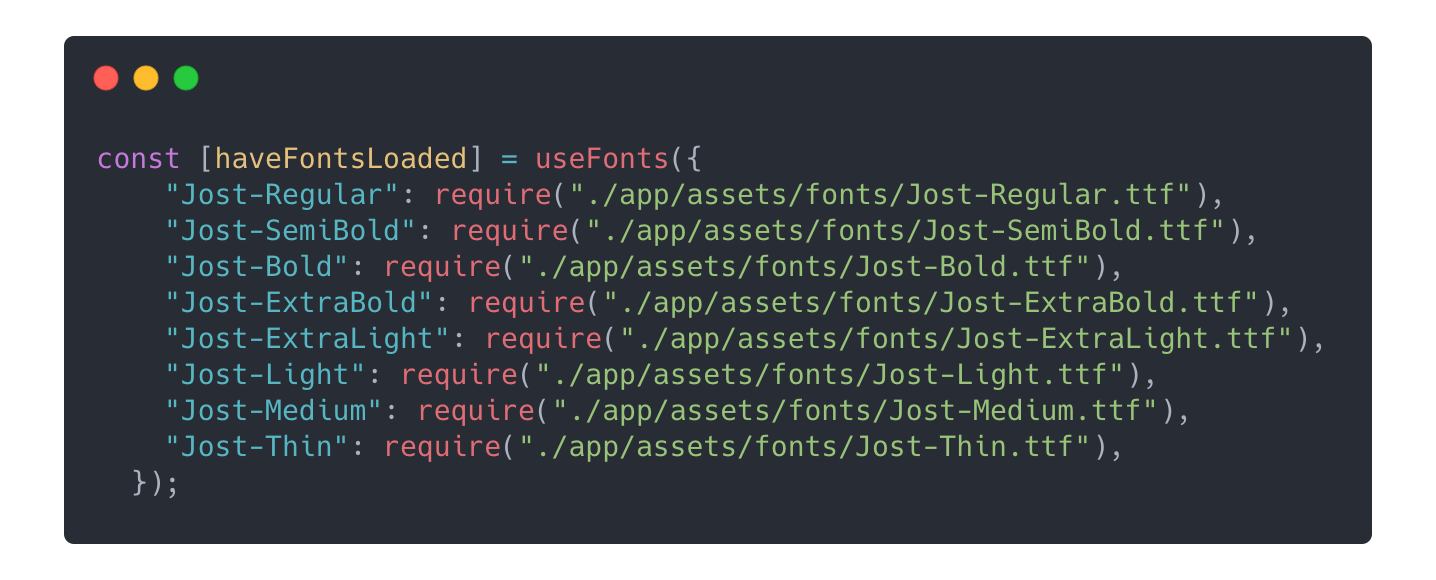
You can specify different colors to be used for light mode and dark mode by updating the values in client/app/config/lightTheme.js and client/app/config/darkTheme.js respectively.
(This method uses React hooks, so make sure you work with functional React components)
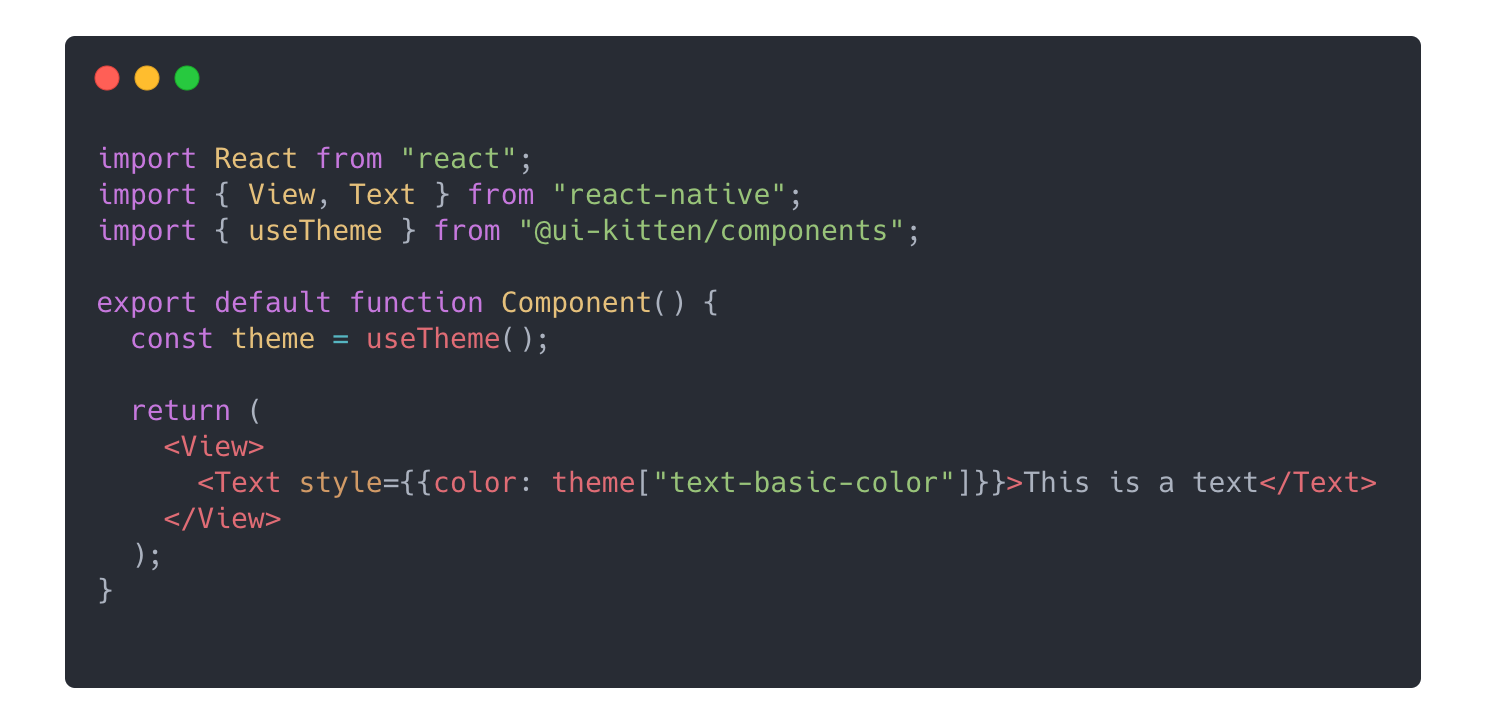
This template supports seamlessly changing configurations for your app based different environment builds (eg. development, staging and production)
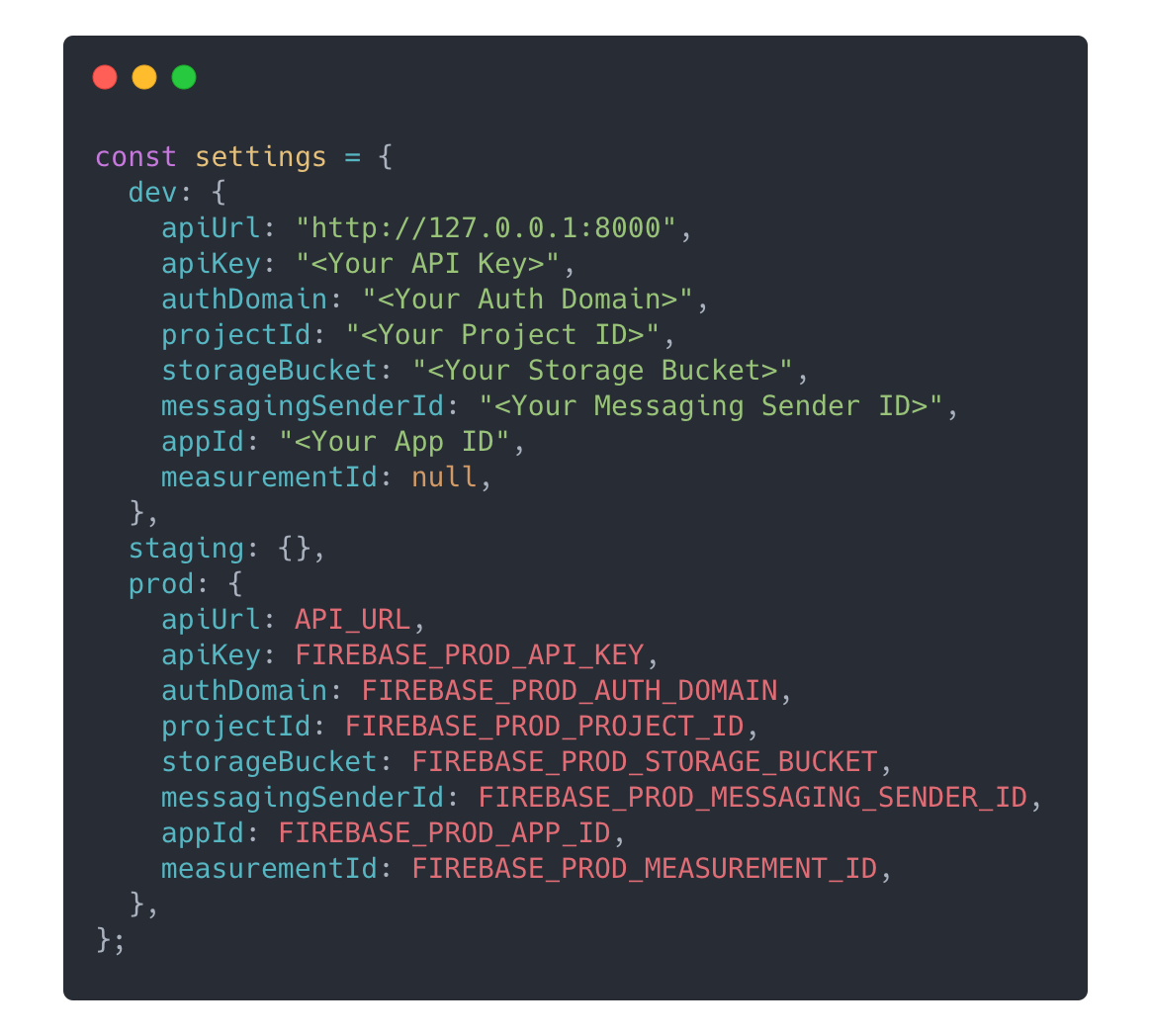
Settings for the mobile app is set in client/app/config/settings.js.
The development configuration should be set in the dev object directly.
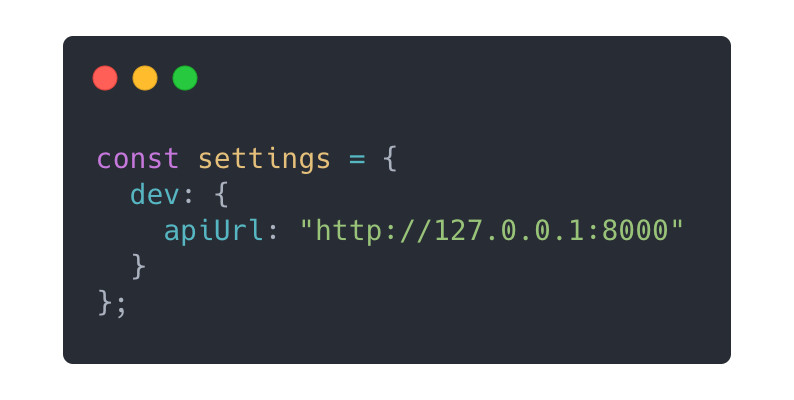
The staging configuration should be set in the staging object. You can either set them directly, or you can add them through the client/.env dot file (If you have sensitive data).
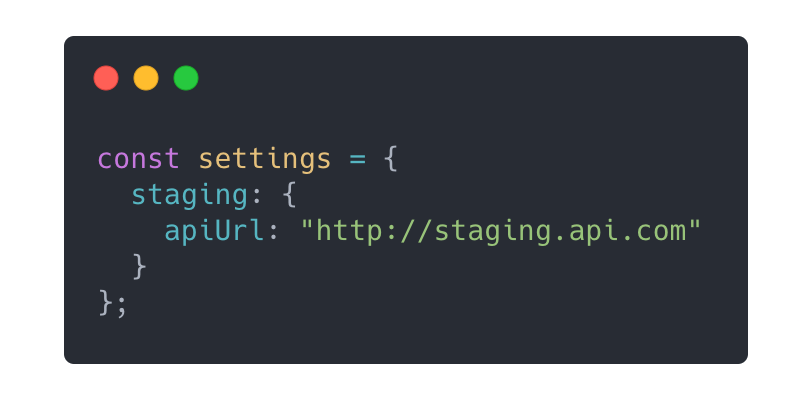
The production configuration should be set in the prod object, and should preferably be added through the client/.env file.
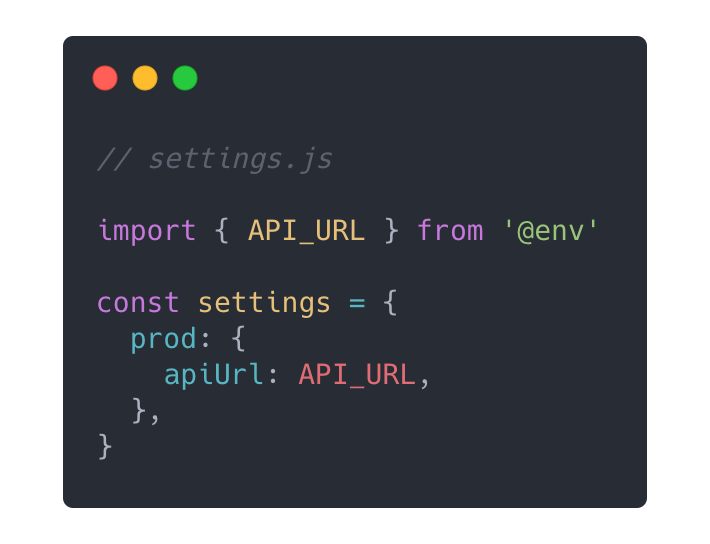
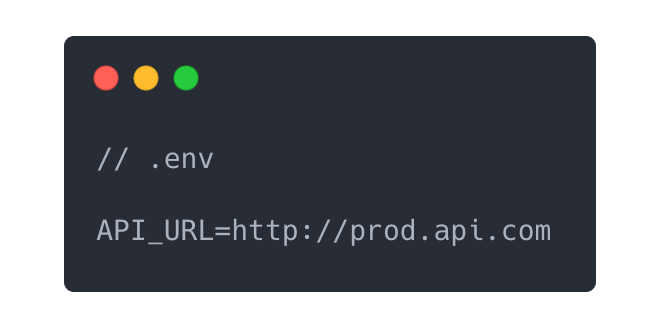
Settings for the server is set in server/config/settings.js. The ExpressJS server runs in a Docker container, so you can specify which environment file gets plugged into the container.
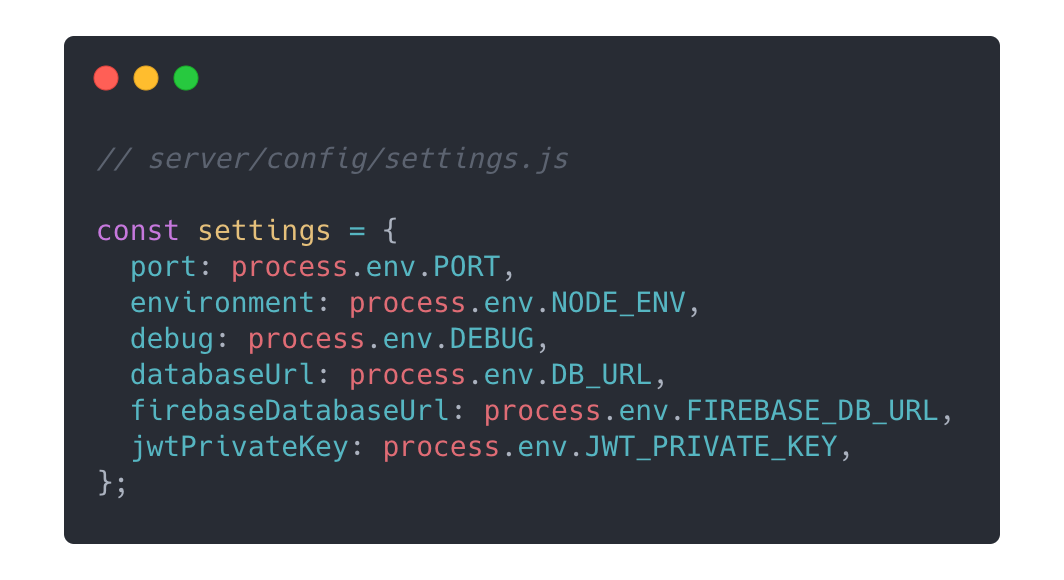
For instance, a development environment configuration can be set as:
server/.env.dev file: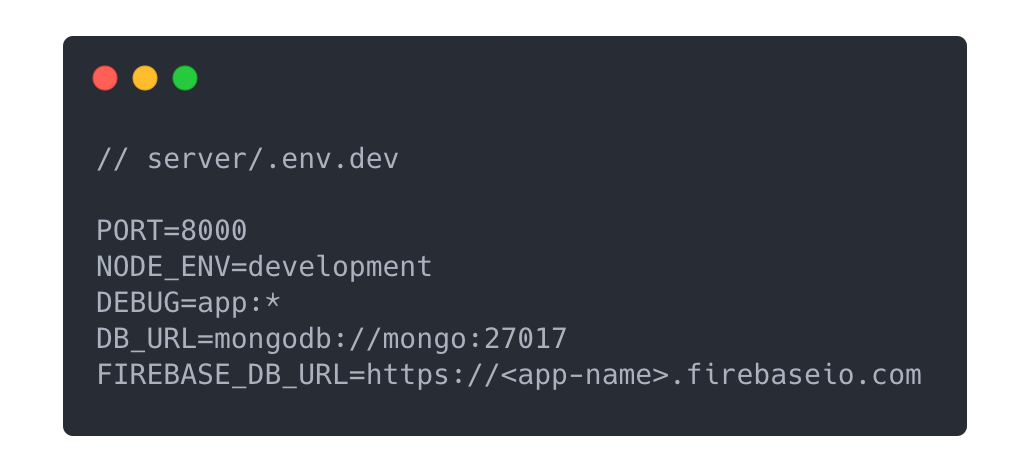
docker-compose.yml file: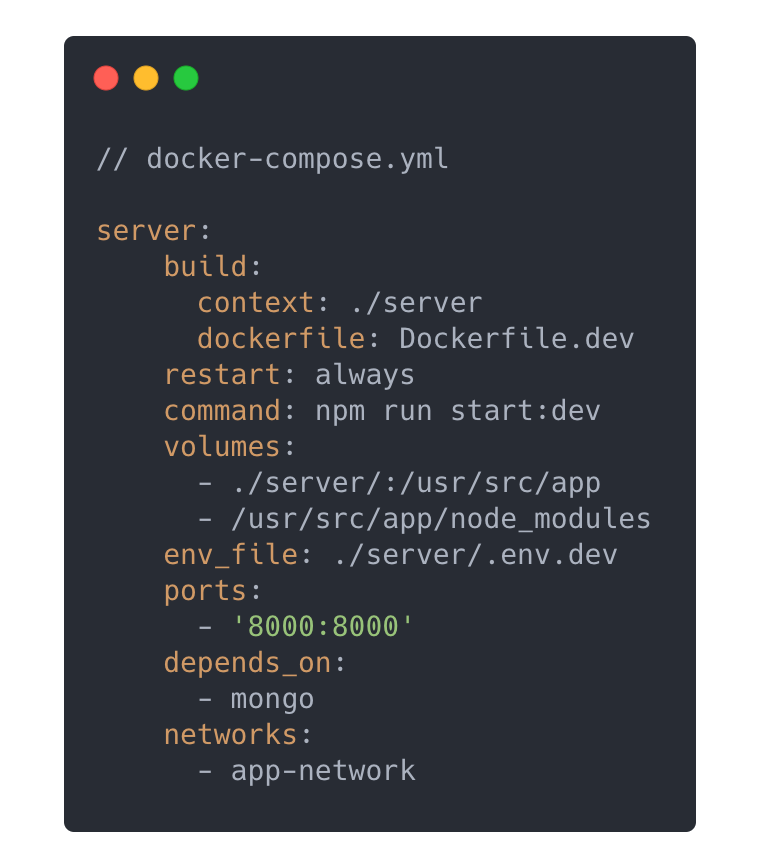
This template uses Firebase for user authentication and management. Firebase offers a rich list of external providers that you would want to add in your app later on. They also handle sending emails for email verification, password reset and email change.
It is suggested that you create 3 separate firebase projects for your app: app-dev, app-staging, and app-prod (For each environment that your app uses). This is to ensure that you can test your environemnts independent of each other, and prevent overlapping data.
Create WebApp configurations in your firebase projects, and add them in the appropriate environment objects.
The server uses the Firebase Admin SDK to do create an authentication middleware. This middleware decodes the JWT token sent from the app through an API request to identify users and their roles.
server/config/firebase-service-account-<environment>.json
server/config/firebase-service-account-dev.json, server/config/firebase-service-account-staging.json, server/config/firebase-service-account-prod.json)