seedscan
v3.2.0

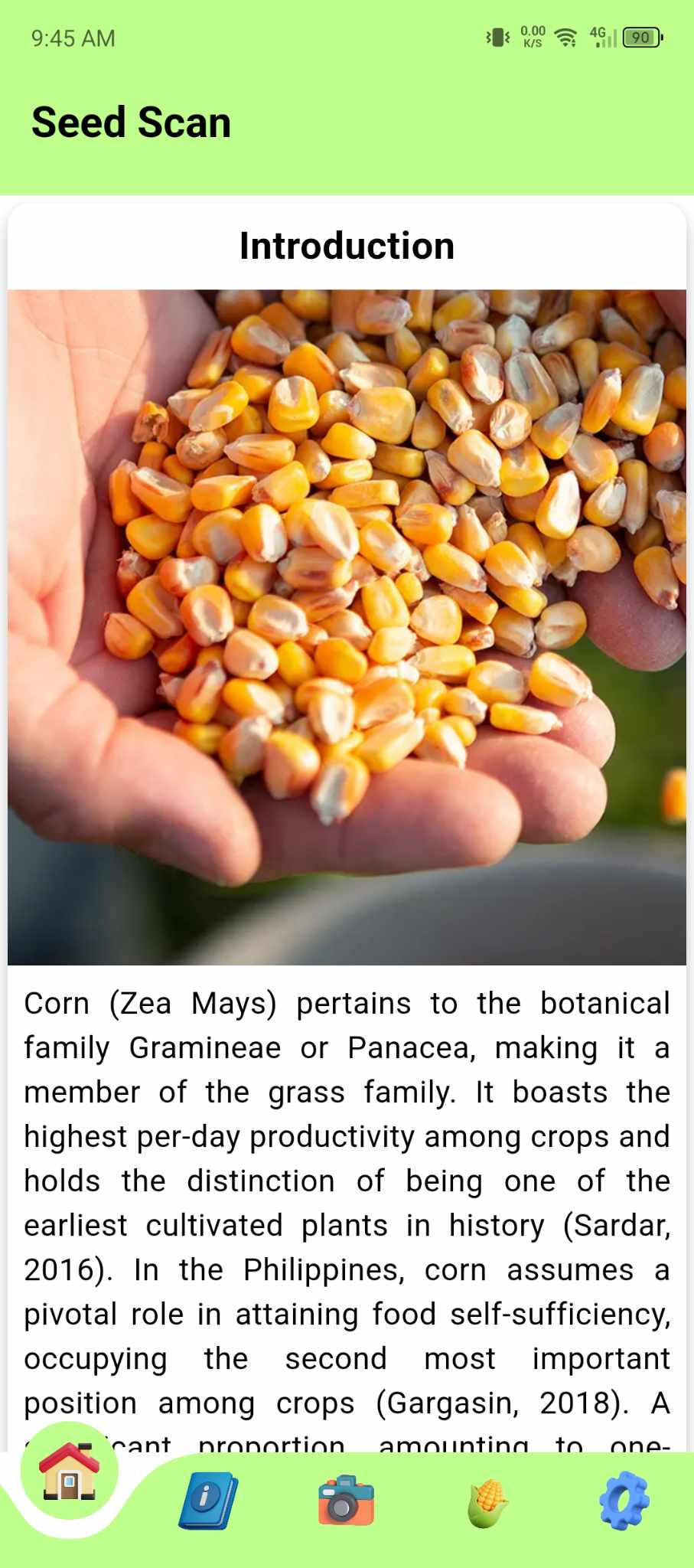
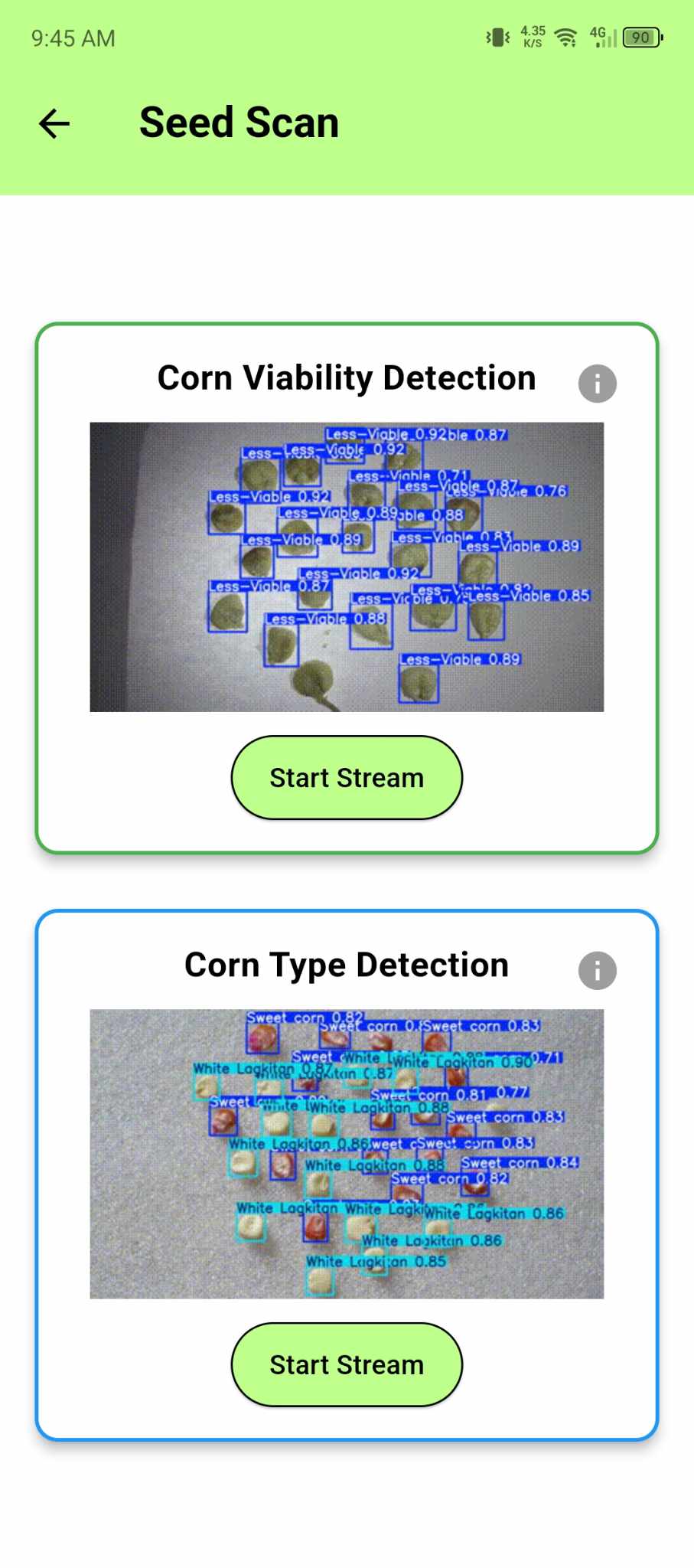
A Flutter application designed to provide a user-friendly interface for selecting and performing tasks like "Corn Viability Detection" and "Corn Type Detection." The app features an intuitive UI with interactive cards and information pop-ups for each task.
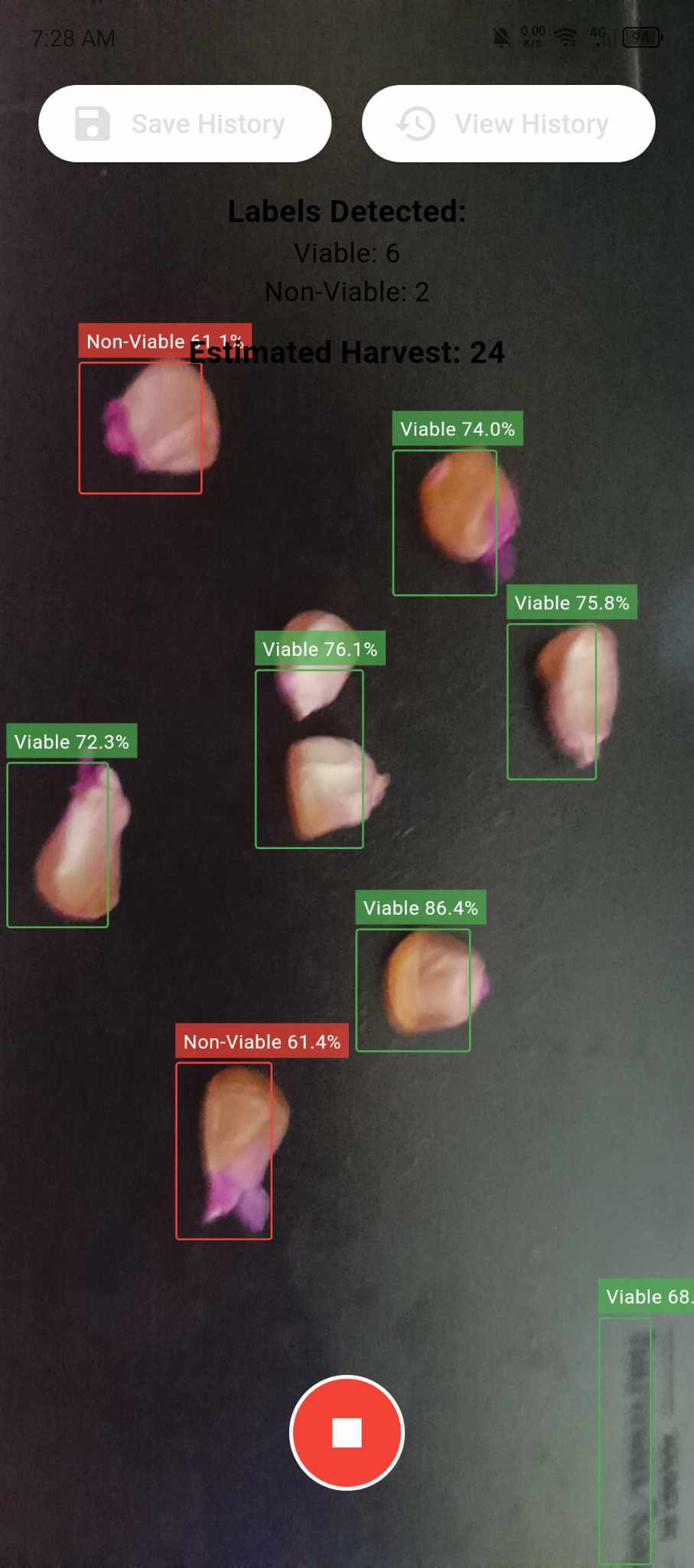
Corn Viability Detection
Users can start the viability detection process for corn.
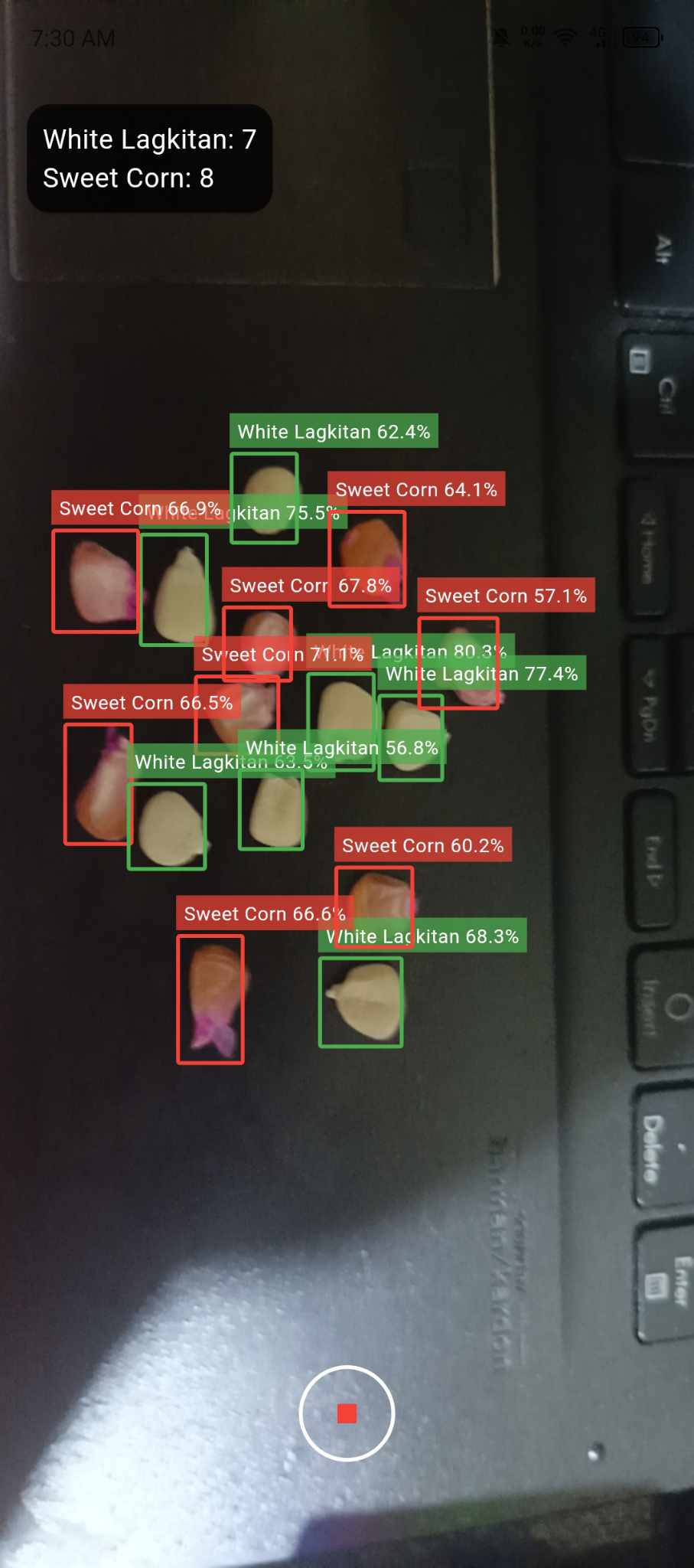
Corn Type Detection
Allows users to determine the type of corn with ease.
Harvest Estimation Features
Allows users to determine the probable number of harvest base on the viability results.
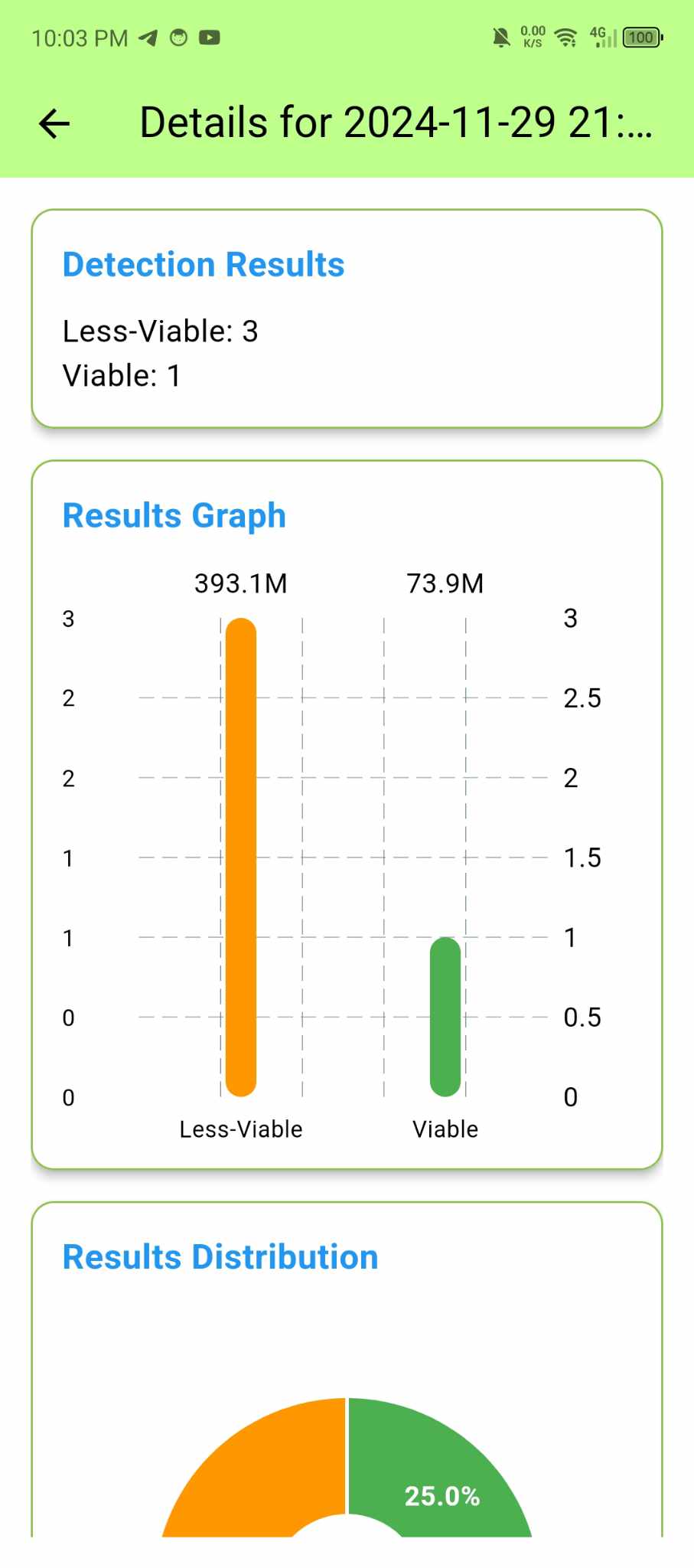
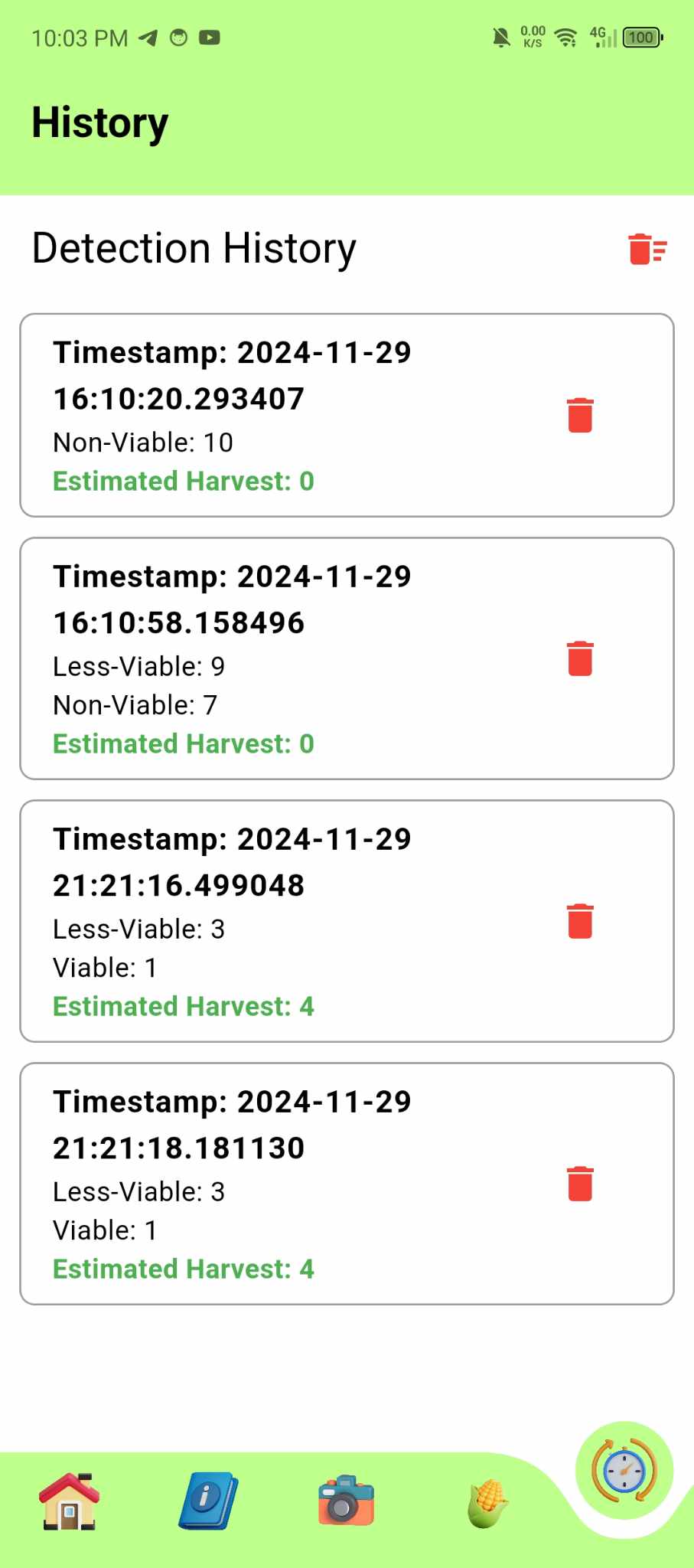
Data History
Allows users to save detection reading.
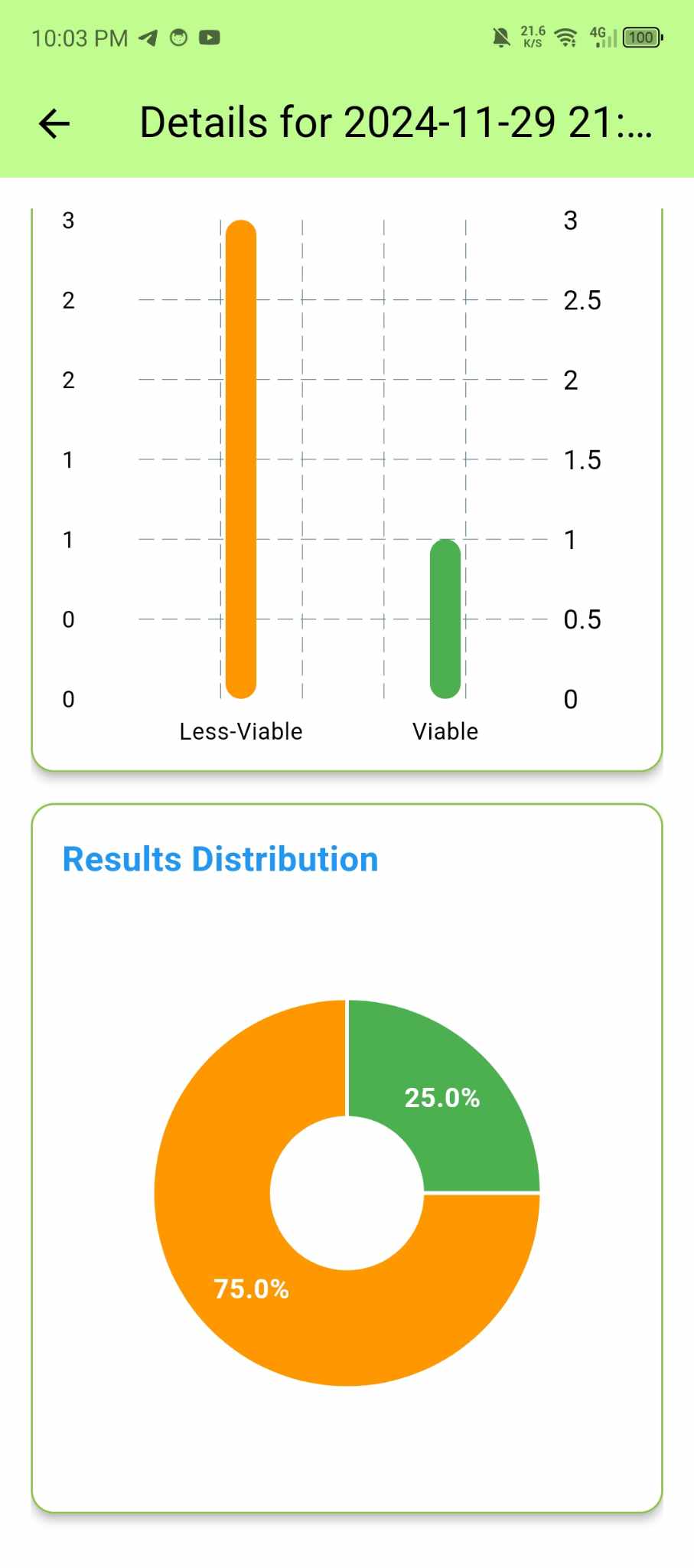
Display Graphical Representations
Can Display data visualization in each readings in a graphical representation.
User Friendly
Allows users to use the app with ease.
Information Pop-Ups
Each detection option includes an info icon that provides additional details about the task.
Download Flutter SDK
Visit the Flutter Website and follow the installation instructions for your operating system.
Verify Installation
Run the following command in your terminal to ensure Flutter is correctly installed:
flutter doctor
Download Android Studio Here and follow the installation instructions for your operating system.
Verify Installation
Setup android studio
Download Emulator
Integrate Virtual Emulator path to your VS code / If you don't want virtual emulator, use physical device
Be sure you have already install git.
Download Git Here and follow the installation instructions for your operating system.
Install and setup git in your computer.
Open command prompt in your computer and type this command and press enter to clone my project repository.
git clone 'https://github.com/lightdarkmaster/seedscan'
cd seedscanflutter pub getflutter run
to reduce app size follow the command below.
flutter build appbundle --target-platform android-arm,android-arm64
Or you can use this:
flutter build appbundle --release --target-platform android-arm64
Or maybe this command:
flutter build apk --release --target-platform android-arm64
But if you want to build the app normally without target platform run this command:
flutter build apk
Build apk for all platform single command:
flutter build apk --target-platform android-arm,android-arm64,android-x64 --split-per-abi
--- end ---





