pokedex android
1.0.0

PokéData is an Android Pokédex powered by a REST API specifically created for it.
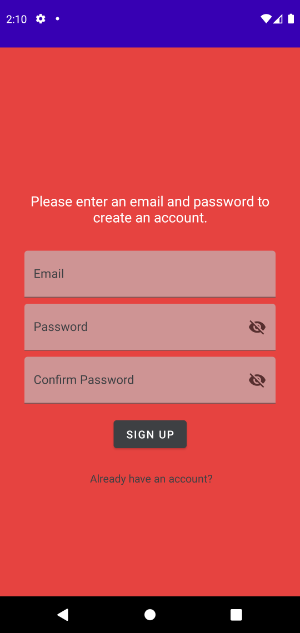
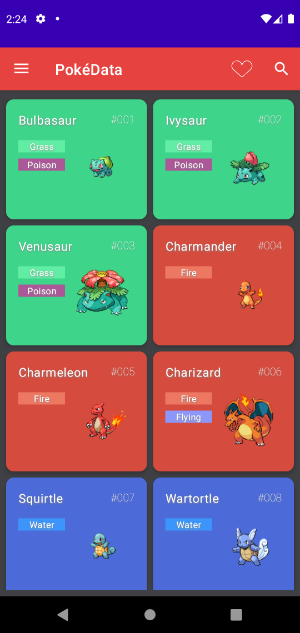
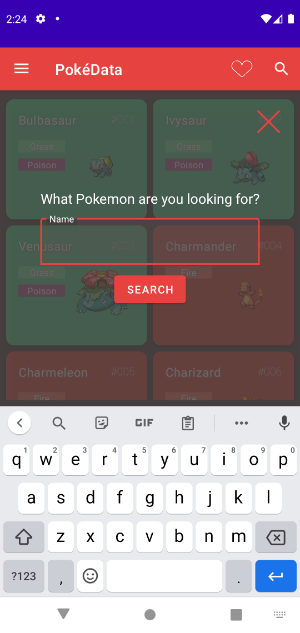
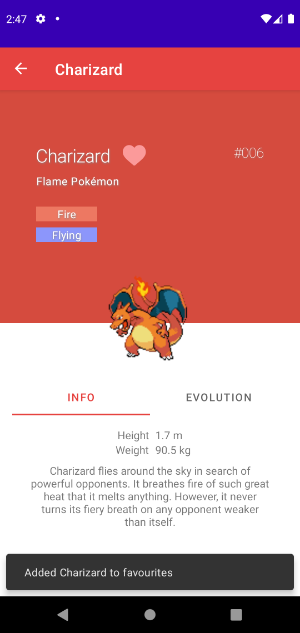
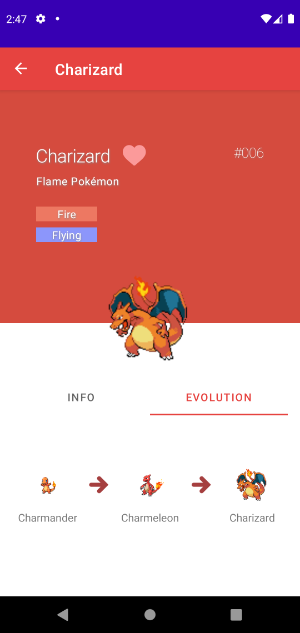
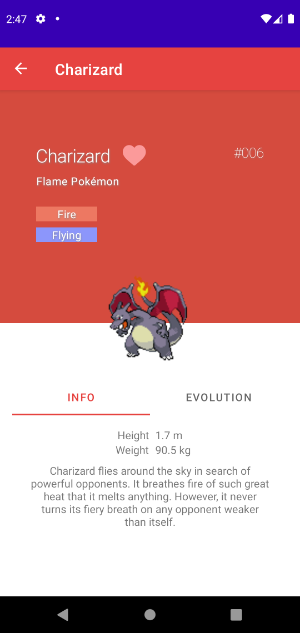
To set up the project, first the PokeData back-end must be set up locally or remotely. Then, this project can be pulled. Opening it in Android Studio should make Gradle download all dependencies.
Once the project has been opened in Android Studio, find PokeDataApiConfig in the "rest" package. Here, you can alter the host and base url of the back-end that the application will connect to. To run the application on a mobile phone, you will probably need to port-forward and use your external IP here.
Because the application uses Firebase for registering and login, a simple Firebase project must be set up for it to work.
To create one, click on "Create a project". Then, once you are on the dashboard, you should be able to register an application. It is important that you enter the correct package name, which is "com.example.pokedata". Name it whatever you want.
A button should appear that will let you download the google.services.json file. This file needs to be dropped into the root of the project /app folder.
Now that the application is registered, you can create a Cloud Firestore to store data. Go to "Cloud Firestore" and click on "Create database". I would recommend starting in test mode for easy access.
Finally, Firebase Authentication must be set up. Go to the Authentication page and enable "Email/Password" for authentication.
With Firebase set up and the back-end running, the project is now set up for use.
To compile and run the application, simply press the run button in Android Studio. You can also compile a .apk file and transfer it to your phone.
There were some features I would have liked to add, but did not because I did not have the time for it. In the future I may return to finish these features.





