student_dio_getx
1.0.0

This Flutter project demonstrates how to use the GetX package for state management, perform API calls, and display data in a Flutter application.
GetX for State Management: We use GetX to manage the application's state. This includes controllers for managing students, text field data, and handling API calls.
API Integration: The project includes an example of making API calls using the Dio package to retrieve a list of students. The API response is then displayed in a ListView.
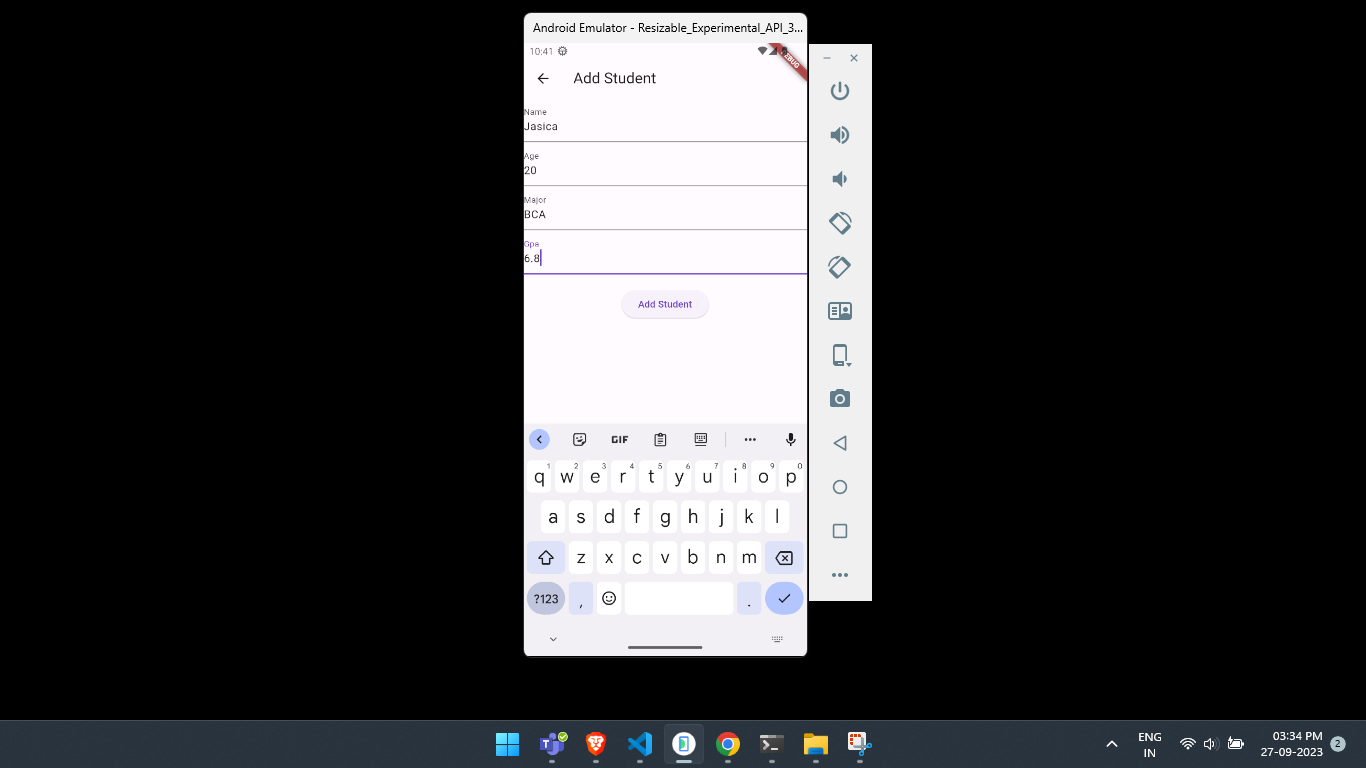
Adding Students: Users can add new students to the list using a form. The form validates input and sends data to the server.
Circular Loader: While fetching data from the API, a circular loader is displayed to indicate that data is being loaded.
No Data Found Message: If the API response is empty, a "No Data Found" message is displayed.
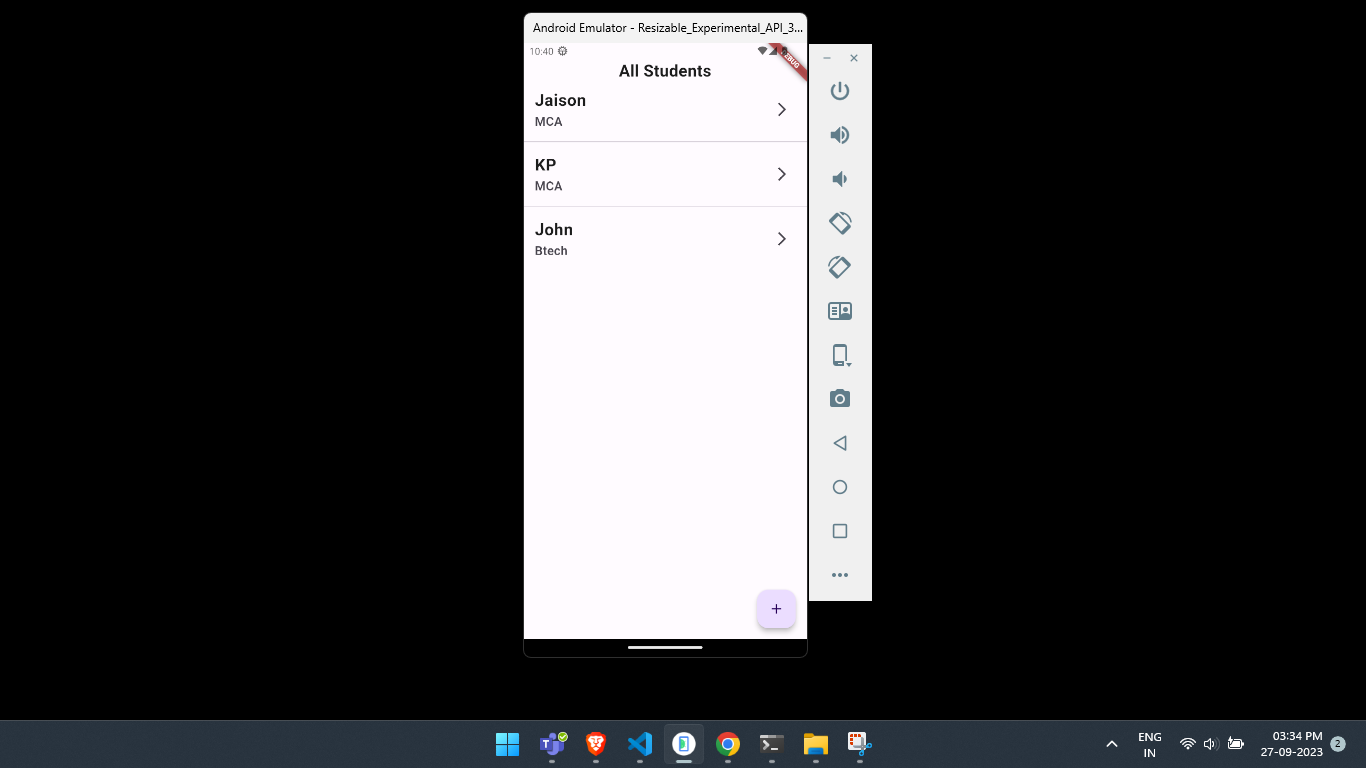
lib/controllers/: Contains the GetX controllers used for state management.lib/views/: Contains the UI views, including the main screen and the student form.lib/main.dart: The entry point of the Flutter app.View all students.
Add a student.
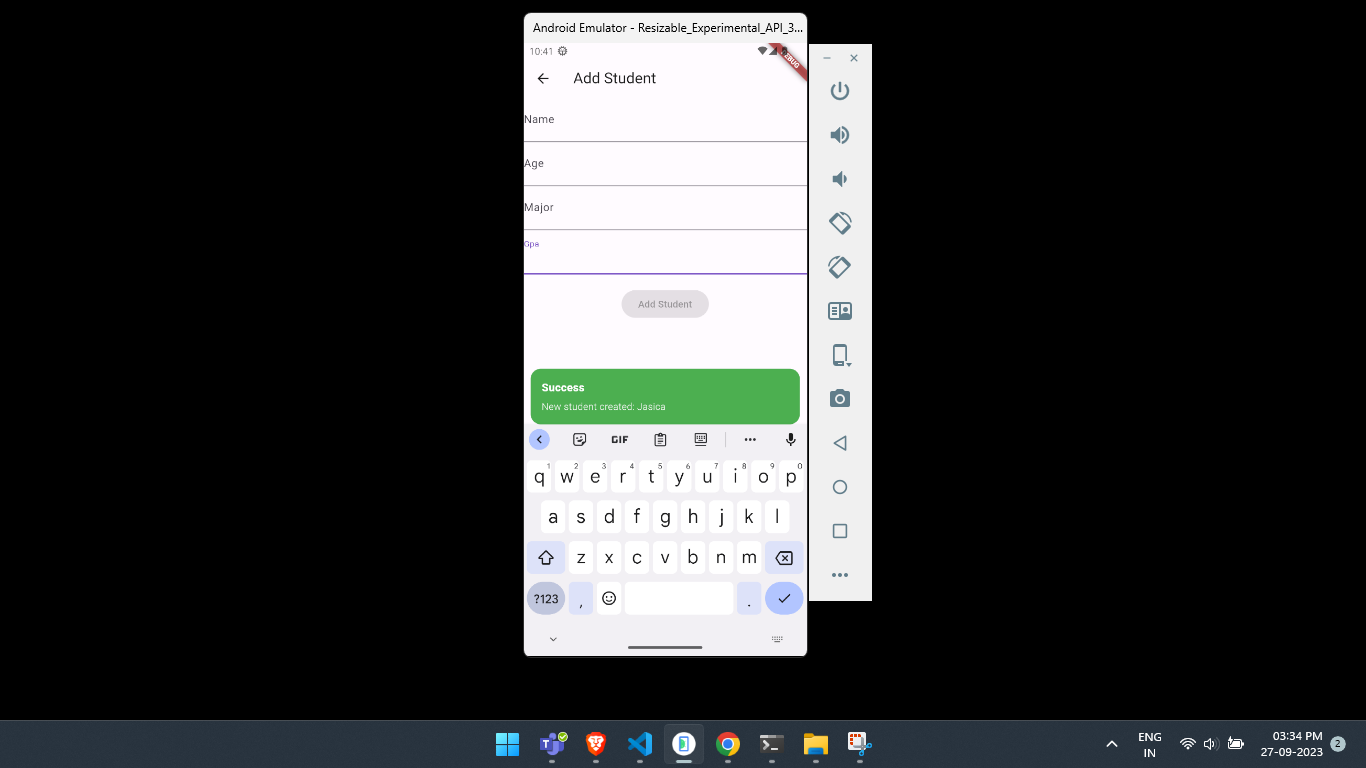
Showing snackbar on success.
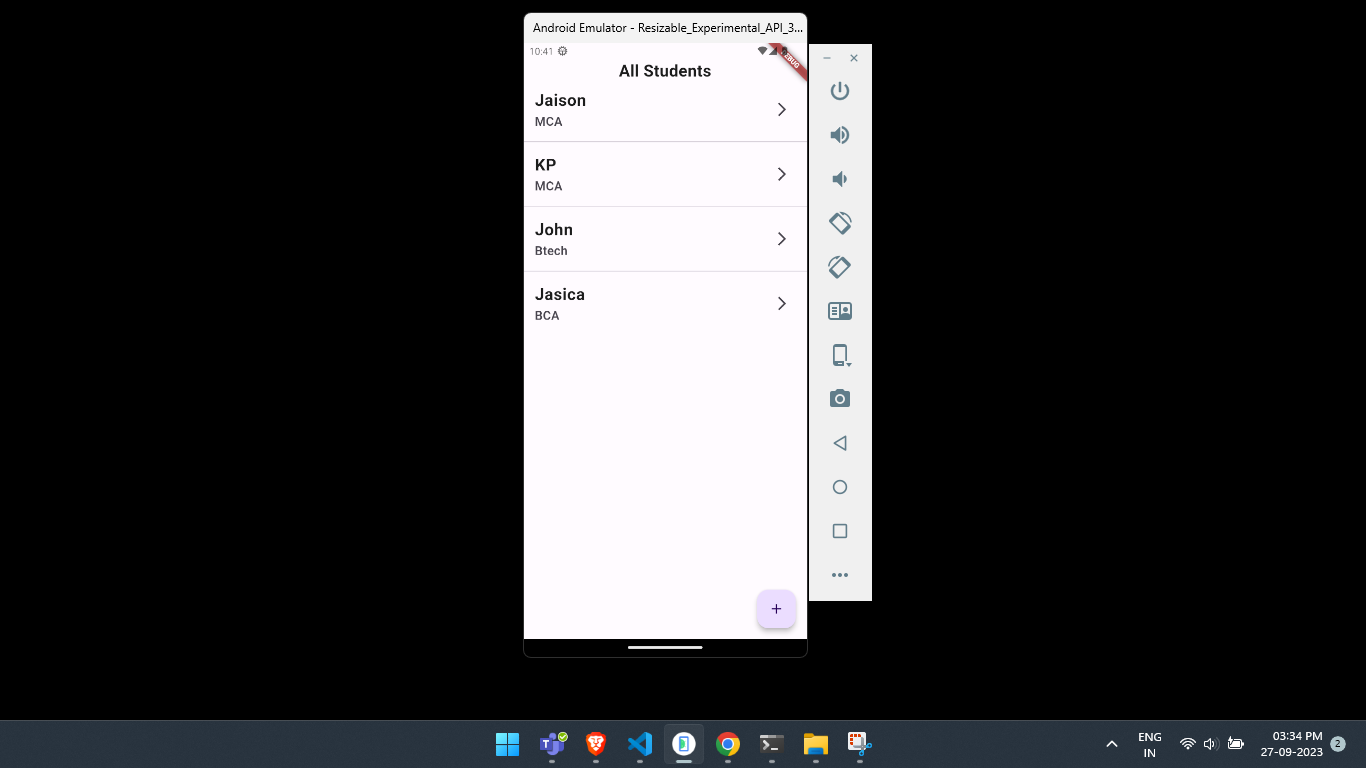
After adding new student.