maui gen
1.0.0

Maui-Gen is a template based code generator for building the scaffolding needed for a data driven .Net Maui application. Using a data schema to describe the required data fields, Maui-Gen then generates the Models, Views, View model and List, edit, detail pages, populated with form elements needed to edit and read the data from the model, as well as SqlLite Crud service for data storage and retrieval. Maui-Gen also creates supporting files and injects singleton and route data where needed.
After moving one of my Xamarin app over to Maui I found myself staring from scratch and this meant recreating Models Model Views Pages ect. I found this to be time consuming i did speed up the process a bit by creating templates but this only worked as a staring point and still had to edit to fit the requirement.
So i decided to write Maui-Gen a tool to help save time writing underlying code needed for Maui data entry forms. I found this a really useful tool so i decided to put it out there for other to use.
Its not pretty or well polished but more of a proof of concept. If there is the interest, then will look at investing the time.
You can apply changes directly to a .net Maui project but at this point i would strongly advised to only do this on a newly created project, so that it does not break your hard work or make sure your project is back up so can restore it.
Use at you own risk on existing project.
a safer option is to generate the code to a new folder and then copy the files over.
you will need to install go 1.20 https://go.dev/doc/install
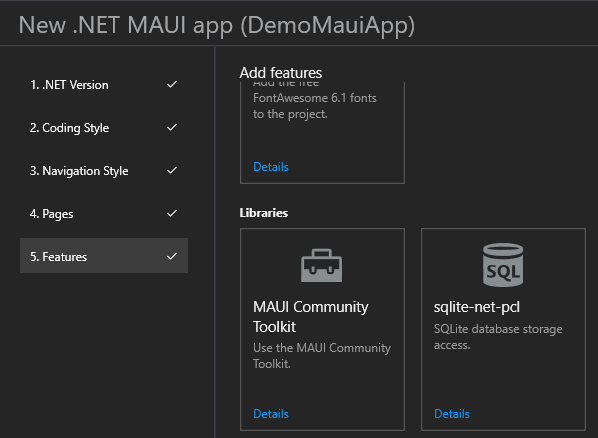
Below are the tools you will need to create and build a .NET Maui application. The MAUI App Accelerator will install the required components such as Maui Community Tool Kit, SQLlite that Maui-Gen needs.
Below are the steps required to install and configure maui-gen ready for use.
go install github.com/Mrpye/maui-genmaui-gen init allBelow will take you thought the steps needed to be performed so that the code genrated by Maui-Gen will run.
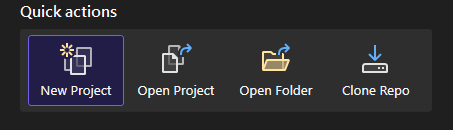
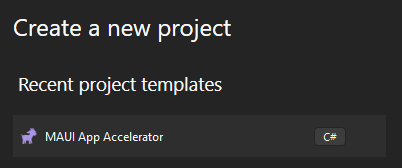
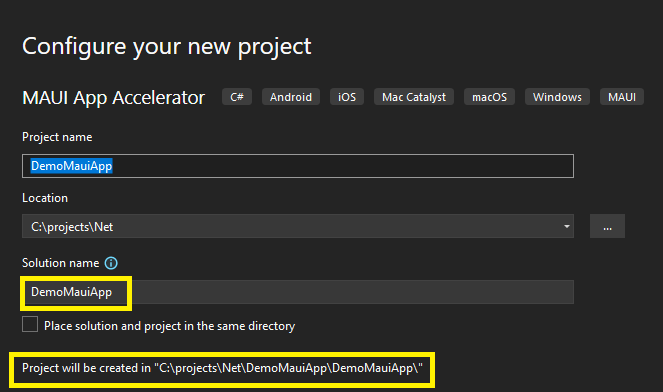
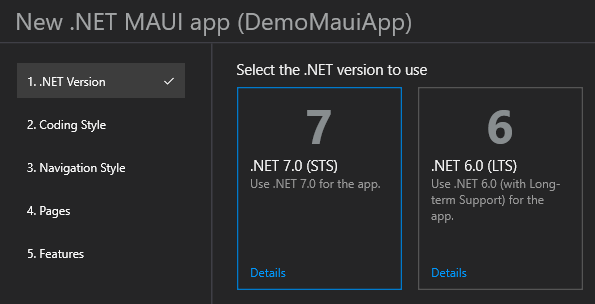
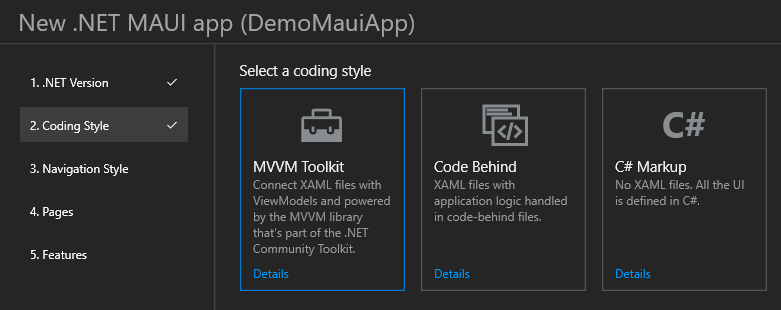
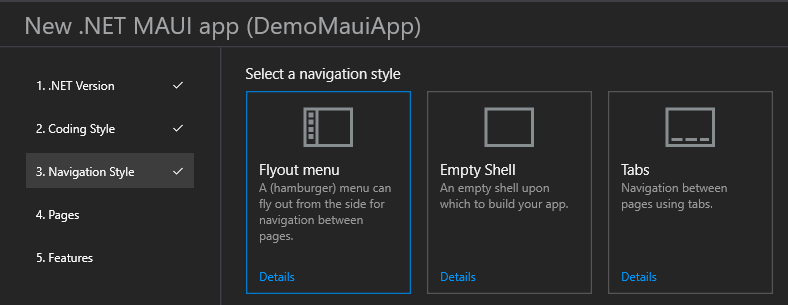
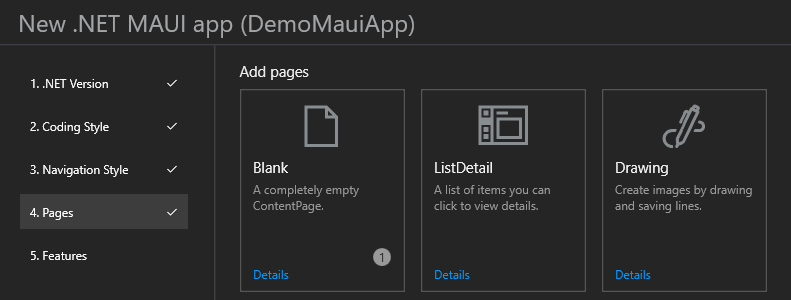
First you will need to create a new project in Visual Studio using the MAUI App Accelerator this will install the required components and setup your project ready for Maui-gen.
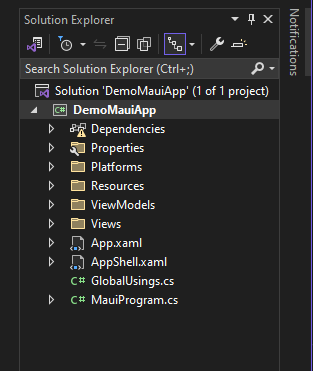
//<%REGISTER_ROUTE%>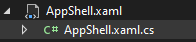
public partial class AppShell : Shell
{
	public AppShell()
	{
		InitializeComponent();

        //<%REGISTER_ROUTE%>
    }
}//<%REGISTER_SINGLETON%
public static class MauiProgram {
    public static MauiApp CreateMauiApp() {
        var builder = MauiApp.CreateBuilder();
        builder
           .UseMauiApp<App()
            .UseMauiCommunityToolkit()
            .ConfigureFonts(fonts = {
                fonts.AddFont("OpenSans-Regular.ttf", "OpenSansRegular");
                fonts.AddFont("OpenSans-Semibold.ttf", "OpenSansSemibold");
            });

        builder.Services.AddSingleton<MainViewModel();

       //<%REGISTER_SINGLETON%

        builder.Services.AddSingleton<MainPage();

        return builder.Build();
    }
}Note! Make sure it is the directory where all the code is, see below.
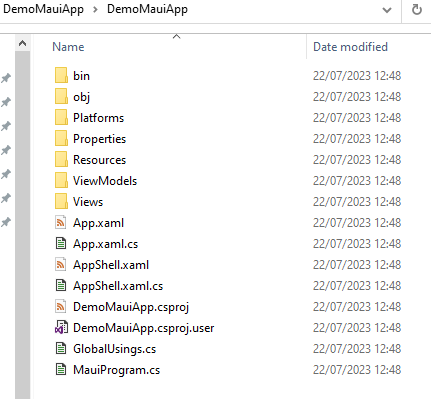
Run the following command to set the output directory. This is where Maui-gen will output the code to.
Adjust the path to point to your project.
maui-gen set output "C:projectsNetDemoMauiAppDemoMauiApp"maui-gen set schema "C:Users[user].maui-genexamplesperson_and_pet.yaml"maui-gen set editmaui-gen nuget install --output [project_path]maui-gen nuget installSQLitePCLRaw.core
SQLitePCLRaw.bundle_green
SQLitePCLRaw.provider.sqlite3
SQLitePCLRaw.provider.dynamic_cdecl
SQLiteNetExtensions
SQLiteNetExtensions.Async
cd C:projectsNetMauiGenDemoAppMauiGenDemoApp

dotnet add C:projectsNetMauiGenDemoAppMauiGenDemoApp package SQLitePCLRaw.core
dotnet add package SQLitePCLRaw.bundle_green
dotnet add package SQLitePCLRaw.provider.sqlite3
dotnet add package SQLitePCLRaw.provider.dynamic_cdecl
dotnet add package SQLiteNetExtensions
dotnet add package SQLiteNetExtensions.Asyncyou can also change the name space in the Data Schema file
name_space: "DemoMauiApp"
resources:
  - App
  - Enums
  - AppShell
  - MauiProgram
maui-gen build --namespace "[solution name]"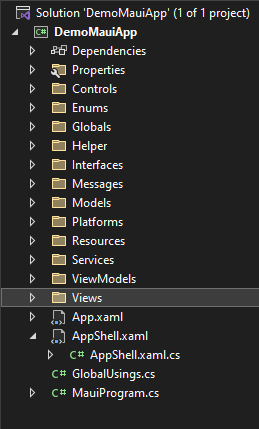
You can now simple run the project and you should see.
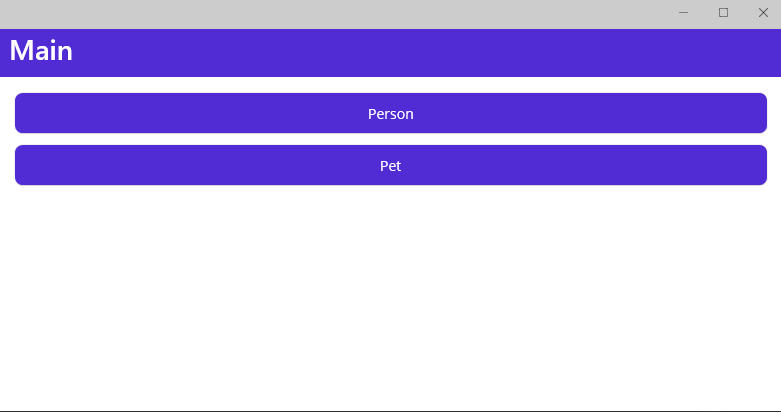
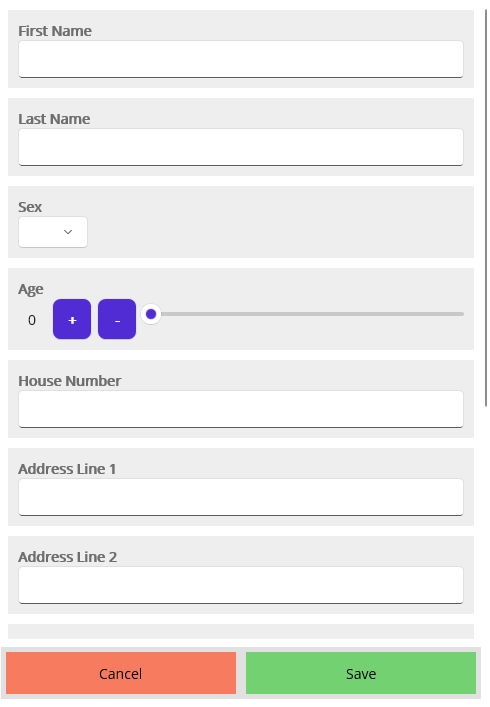
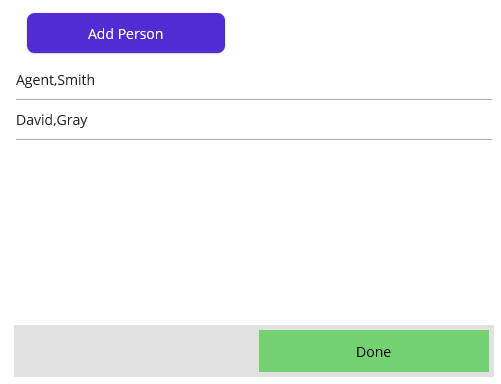
maui-gen CLI documents
# Run maui-get to build template documents
maui-gen gen_docs
You can find the generated documents here.
# Run maui-get to build template documents
maui-gen gen_template_docs
You can find the generated template documents here.
This is just a proof of concept to see if it draws any attention if it does then i'll put some time into it.
If you do use it I would be interested to hear what you think about it.
Maui-gen is Apache 2.0 licensed.





