awesomecode
1.0.0

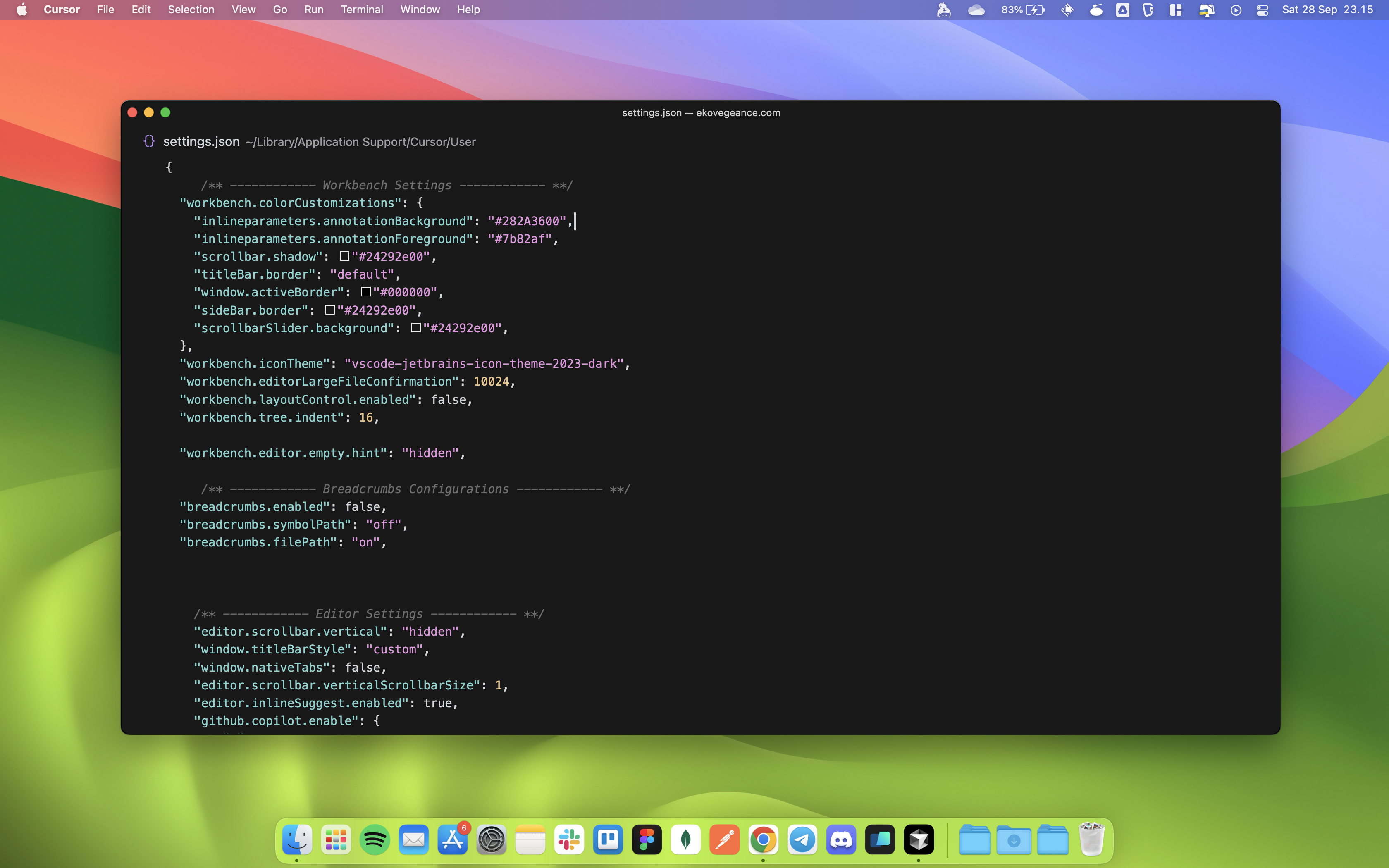
A streamlined and developer-friendly configuration for macOS, designed to enhance productivity and coding efficiency.
This project provides a comprehensive guide for setting up your terminal and VSCode on macOS with powerful tools, themes, and extensions. Whether you're a beginner or an experienced developer, this setup will make your coding experience seamless, aesthetic, and highly optimized for modern workflows.
.zshrc configurations.settings.json for a polished development environment.cd ~.zshrc file:
nano .zshrc.zshrc content provided in this repository and paste it into the file.Ctrl + O, then press Enter, and Ctrl + X to exit).source ~/.zshrcOptional: Install additional tools mentioned in .zshrc (e.g., Oh My Zsh, Starship, etc.) for the best experience.
File > Preferences > Settings (or press Cmd + ,).settings.json content from this repository and paste it into the VSCode settings file.Feel free to submit issues or pull requests to improve this project. Suggestions and contributions are always welcome!
This project is open-source and available under the MIT License.





