
CoinFacts is a feature-rich cryptocurrency tracking app for Android and iOS developed using React Native.
? Screenshots
How To Launch
To run the app on your mobile device, follow these steps:-
- Open this link
- Download the Expo Go app from the Google Play Store/Apple App Store
- Scan the QR code in the link using the Camera app on your mobile device
- The link would redirect you to the Expo app and launch Coinfacts
? Stack
- Expo
- Typescript
- React Native
- React Navigation
- Reanimated 2
- Firebase
- React Native AsyncStorage
- React Native SVG
?️ APIs Used
- CoinGecko API - To retrieve live cryptocurrency and market data, obtain search results, get coin details and fetch trending coins.
- News API - To retrieve latest news data (top 100 international news with keywords "crypto" and "cryptocurrency").
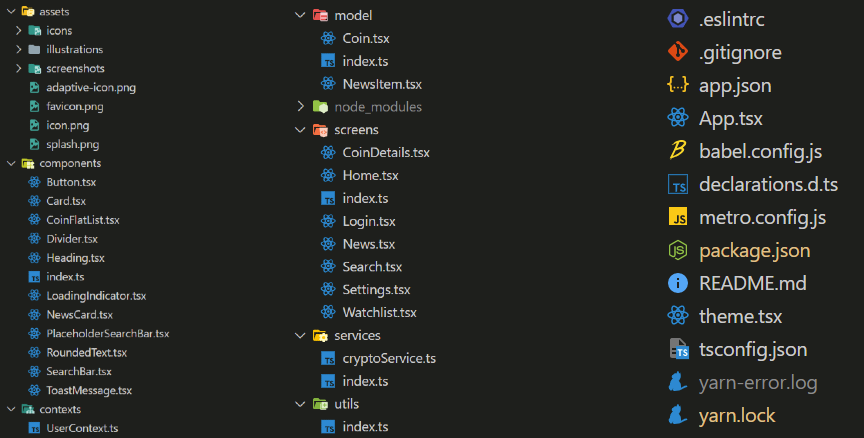
? Architecture
- The project follows the recommended React Native architecture which is simple and easy-to-understand.
- Read more about the recommended project structure here.
Screens
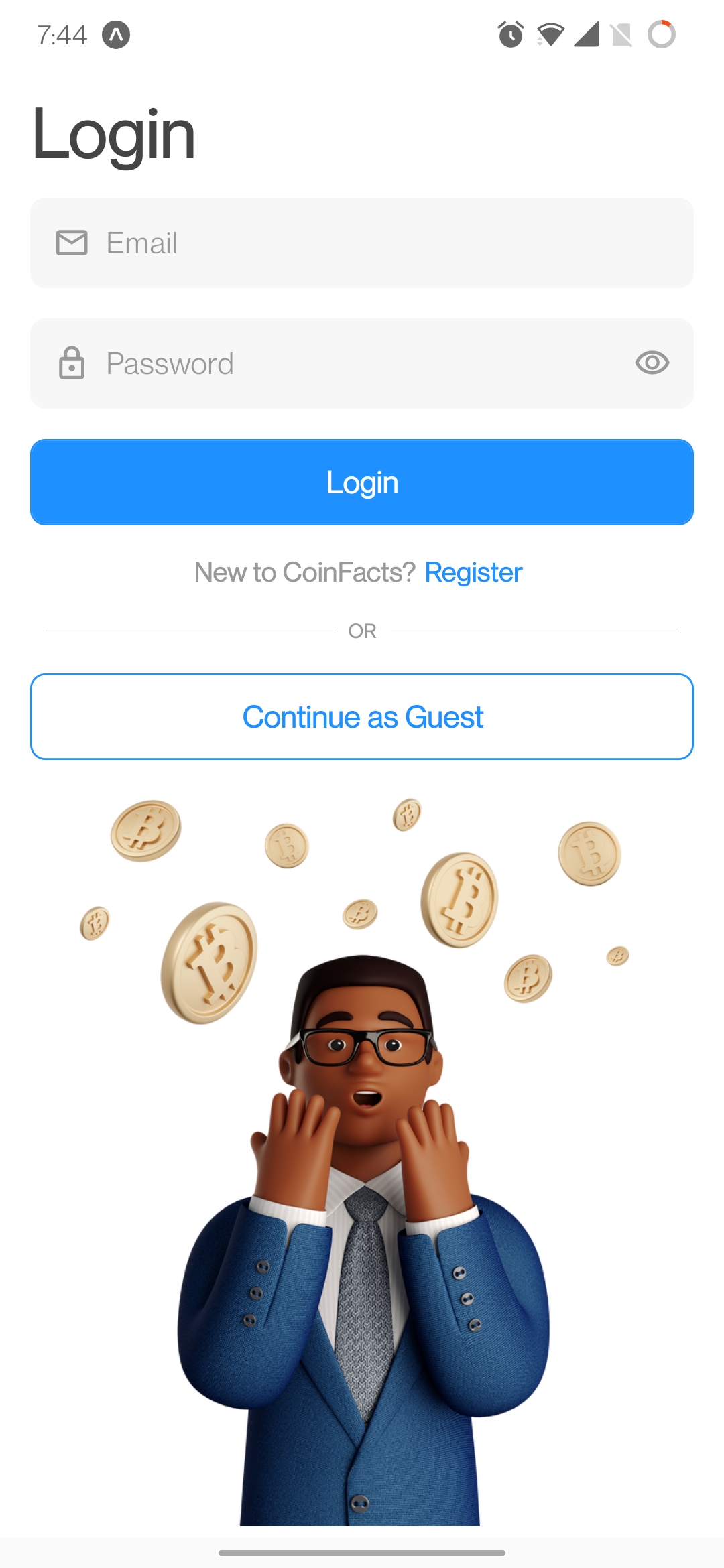
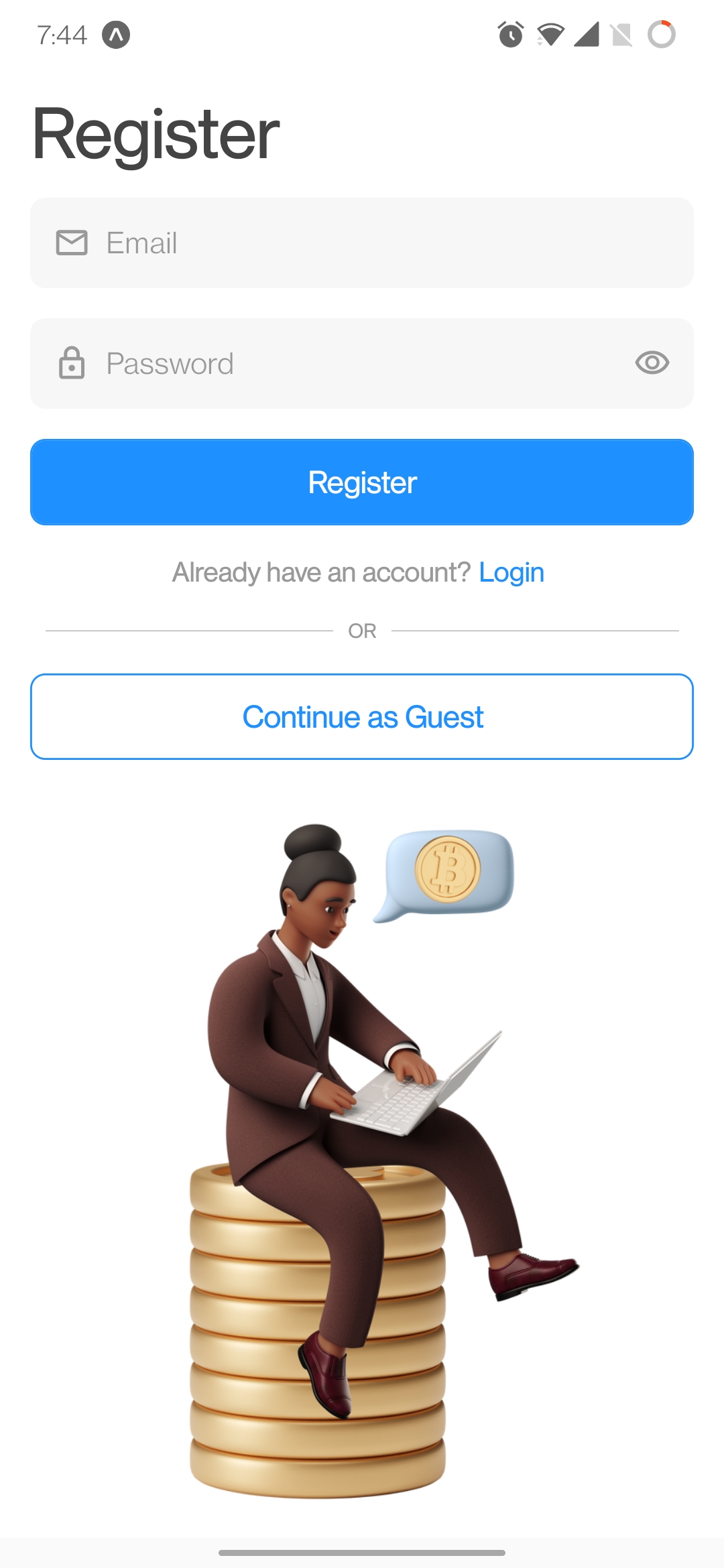
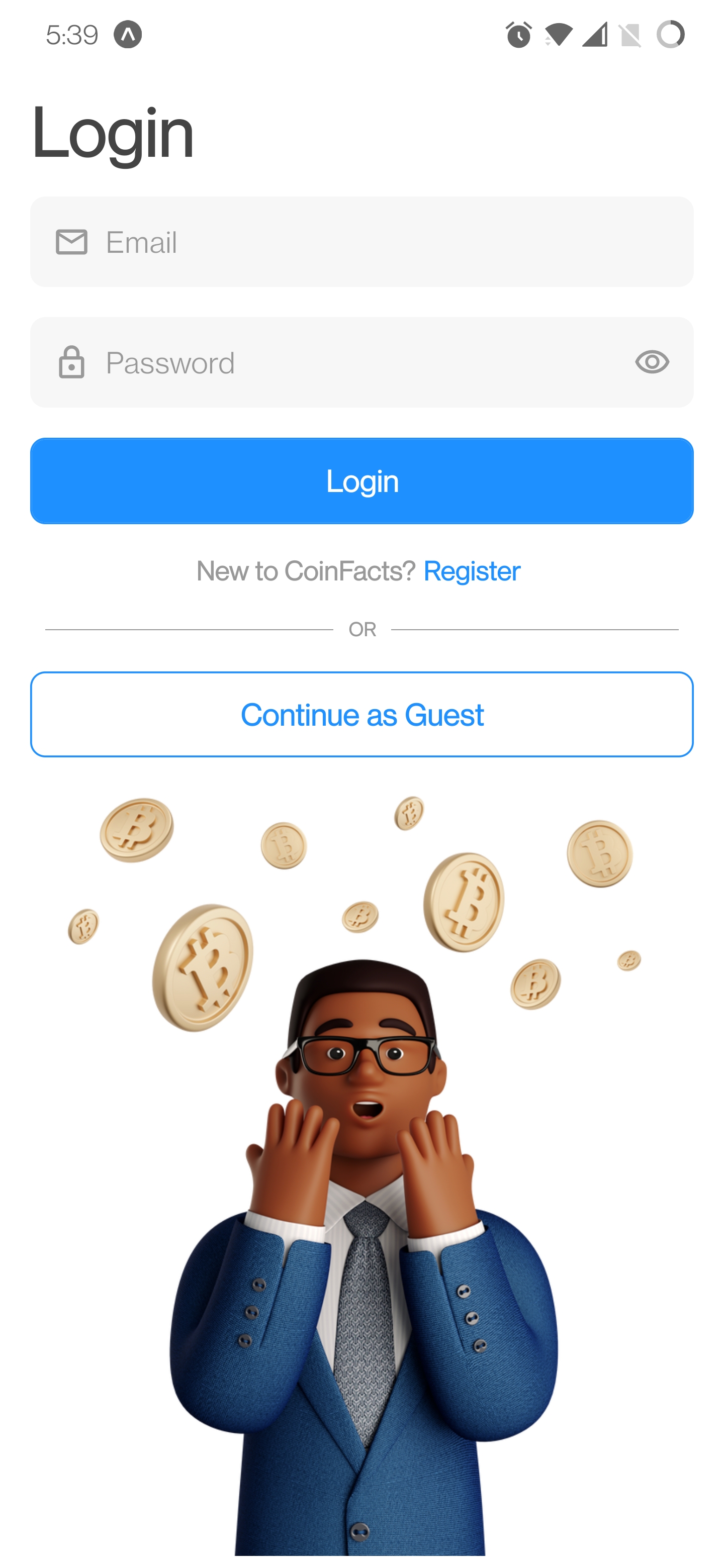
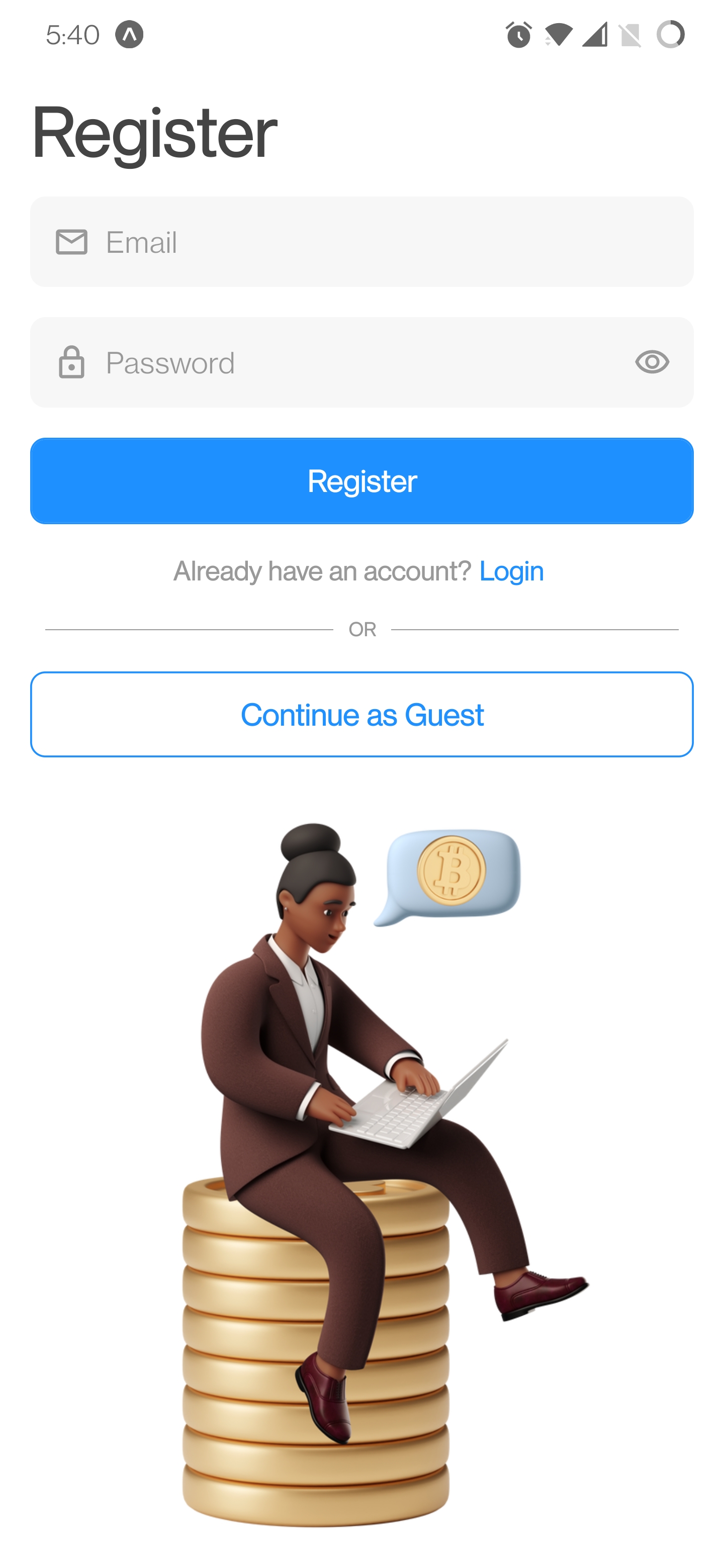
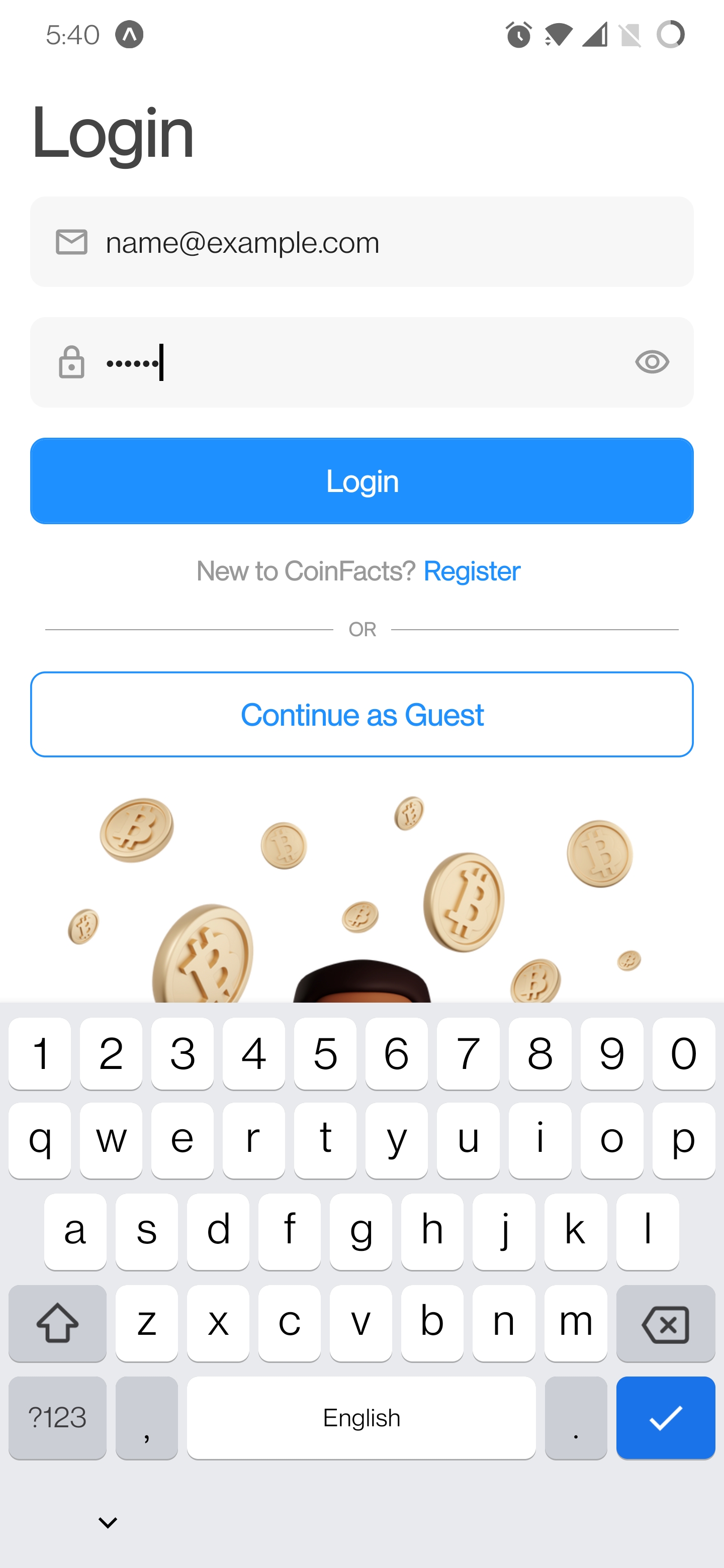
Login/Register Screen
- Allows the user to sign-up/sign-in.
- Signing-in enables the user to save coins to their portfolio/watchlist.
- Sign-up/sign-in is handled by Firebase backend through
Firebase Authentication.
- The user can choose not to sign-up/sign-in by choosing the
Continue as Guest option.
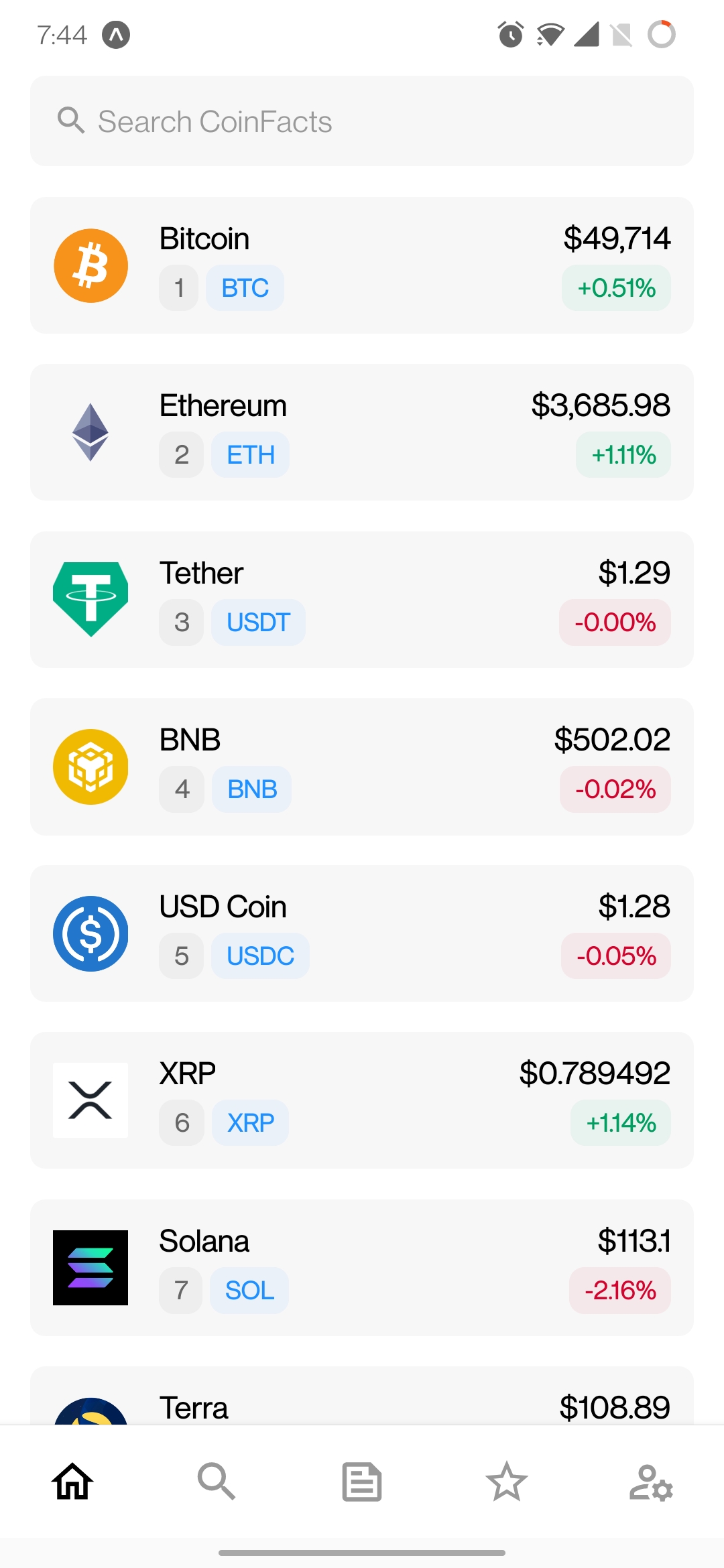
Home Screen
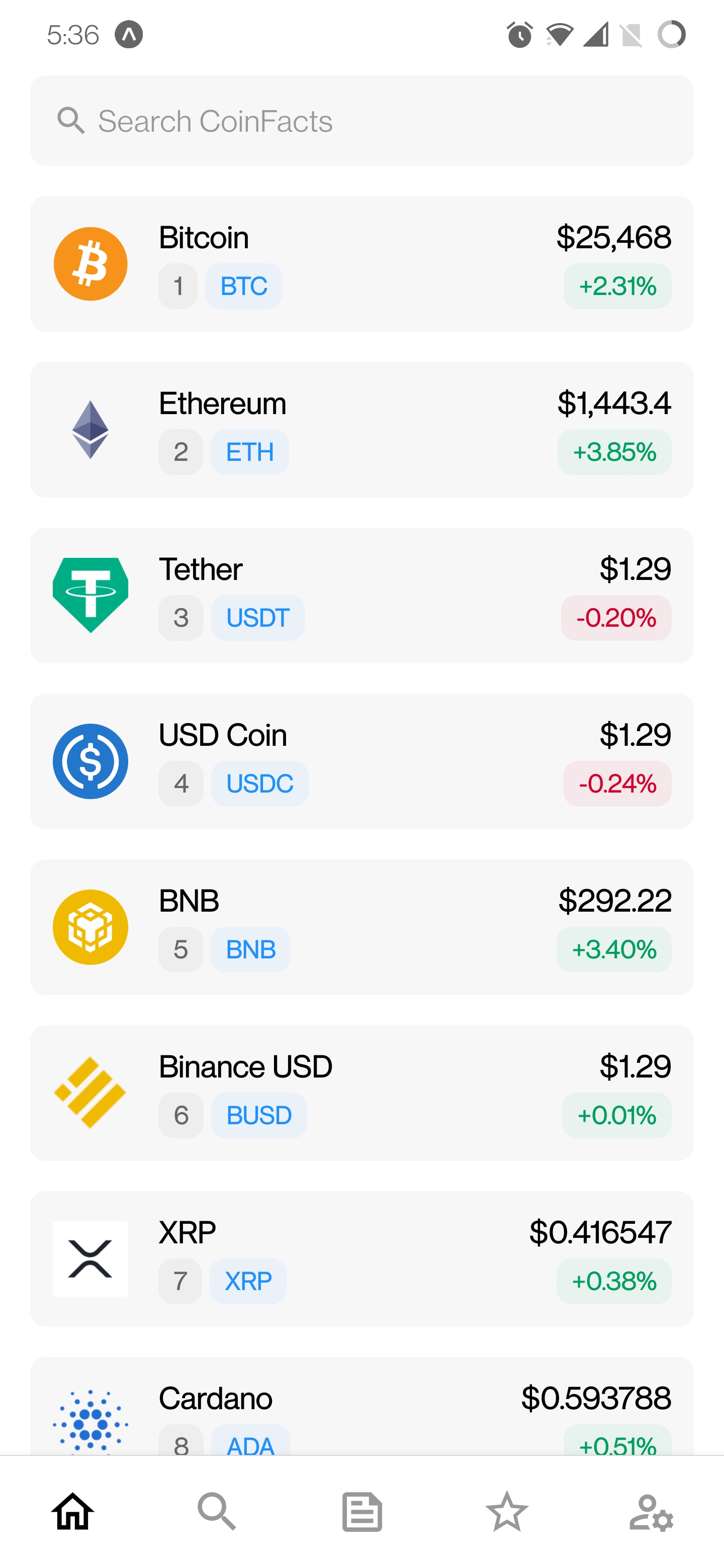
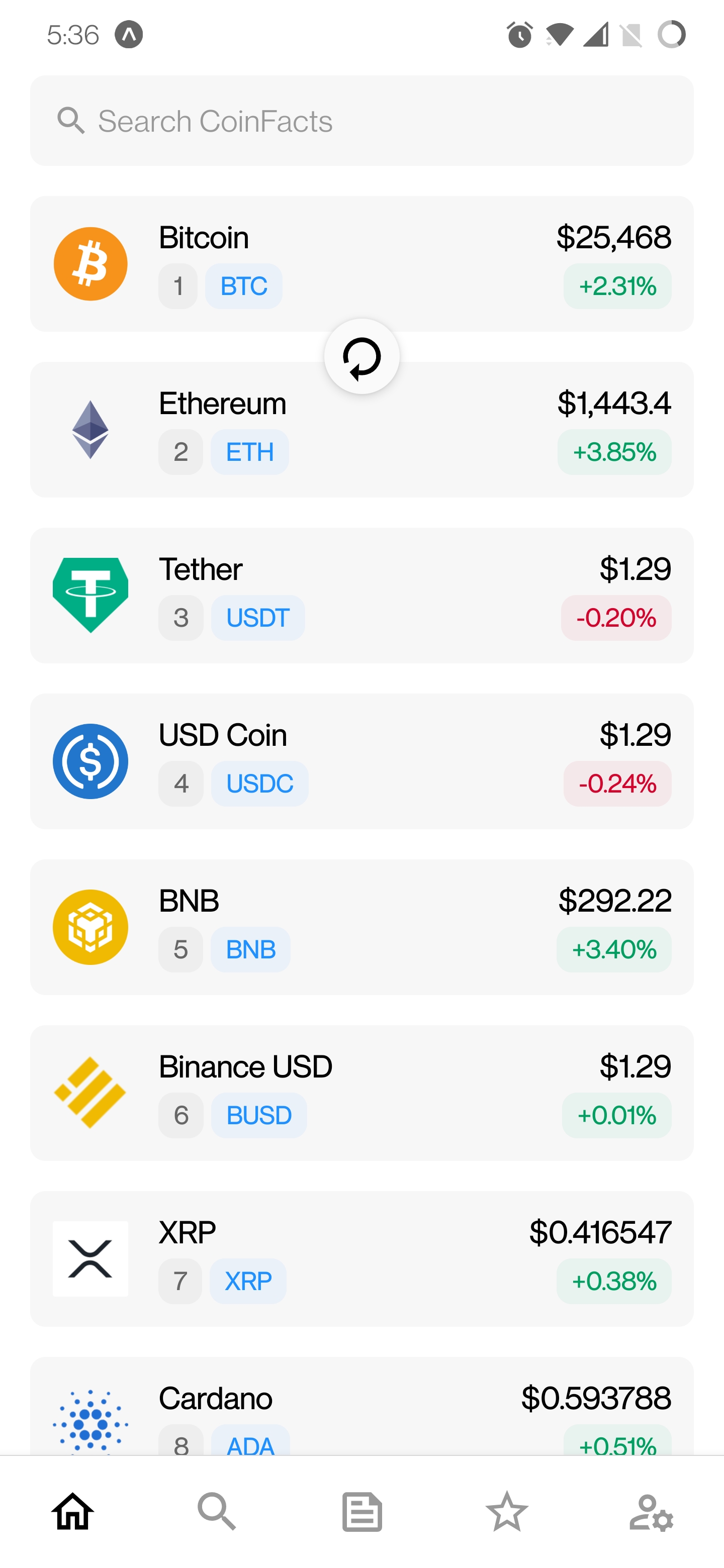
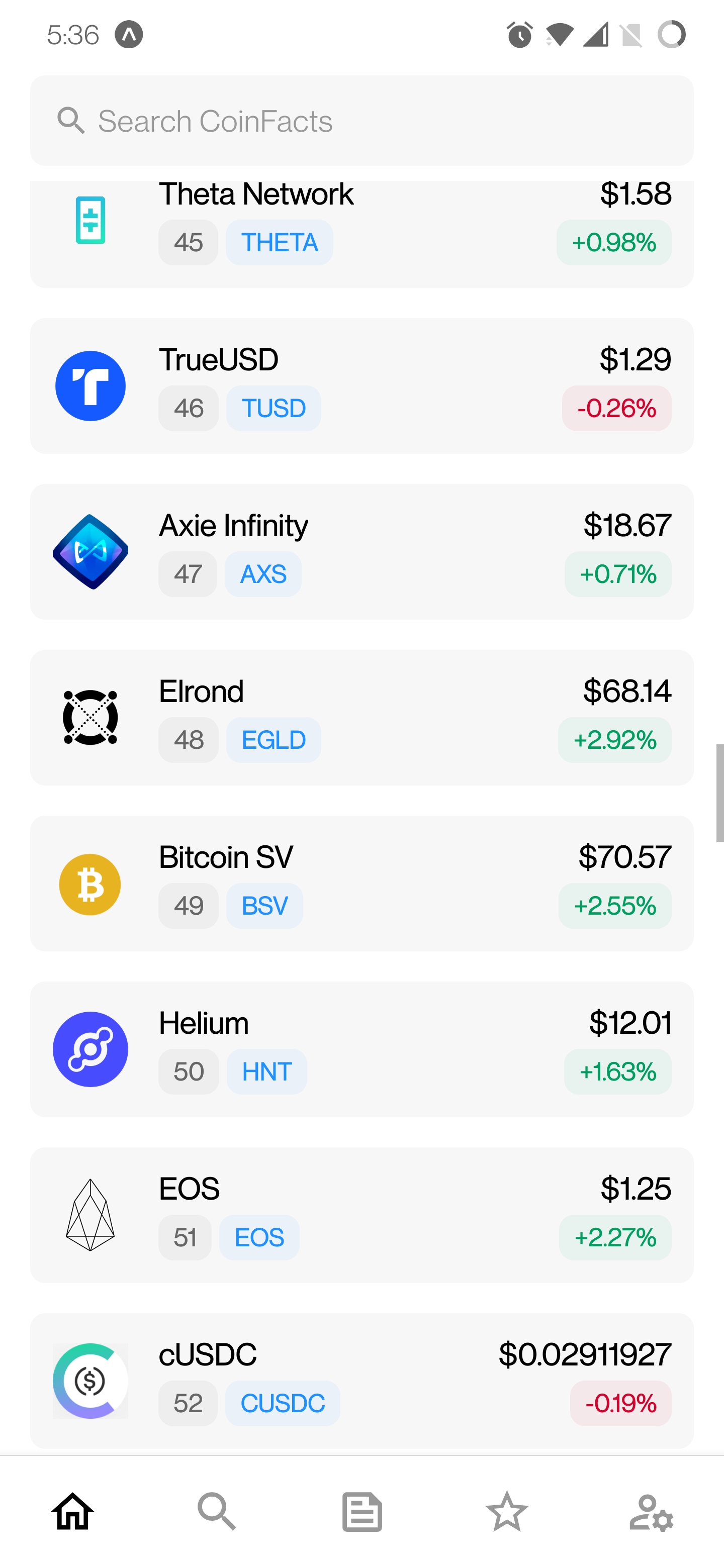
- Displays the top 100 cyptocurrencies (coins) to the user (ranked by market cap).
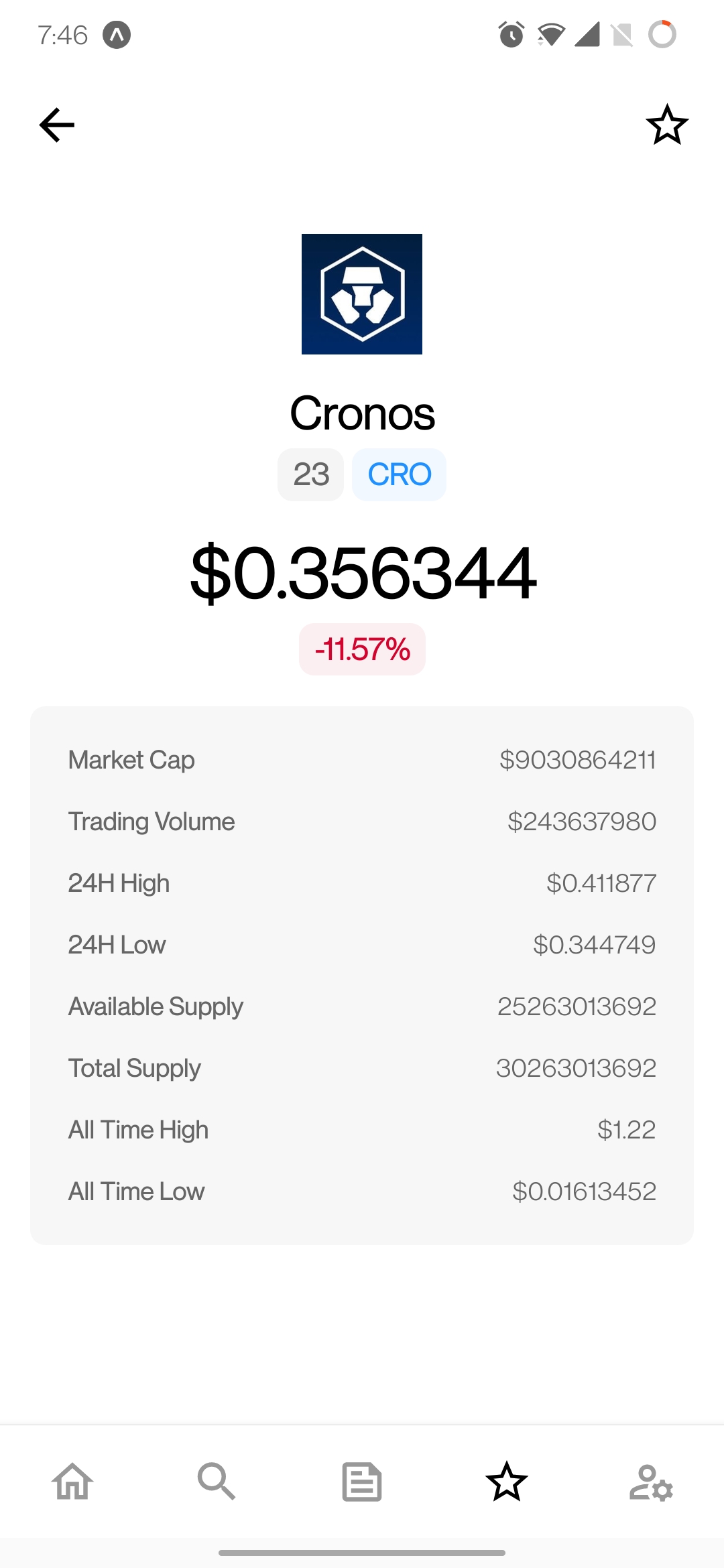
- Clicking on a coin card navigates the app to the
CoinDetails screen.
- A search bar is present on top at all times. Clicking it navigates to the
Search screen.
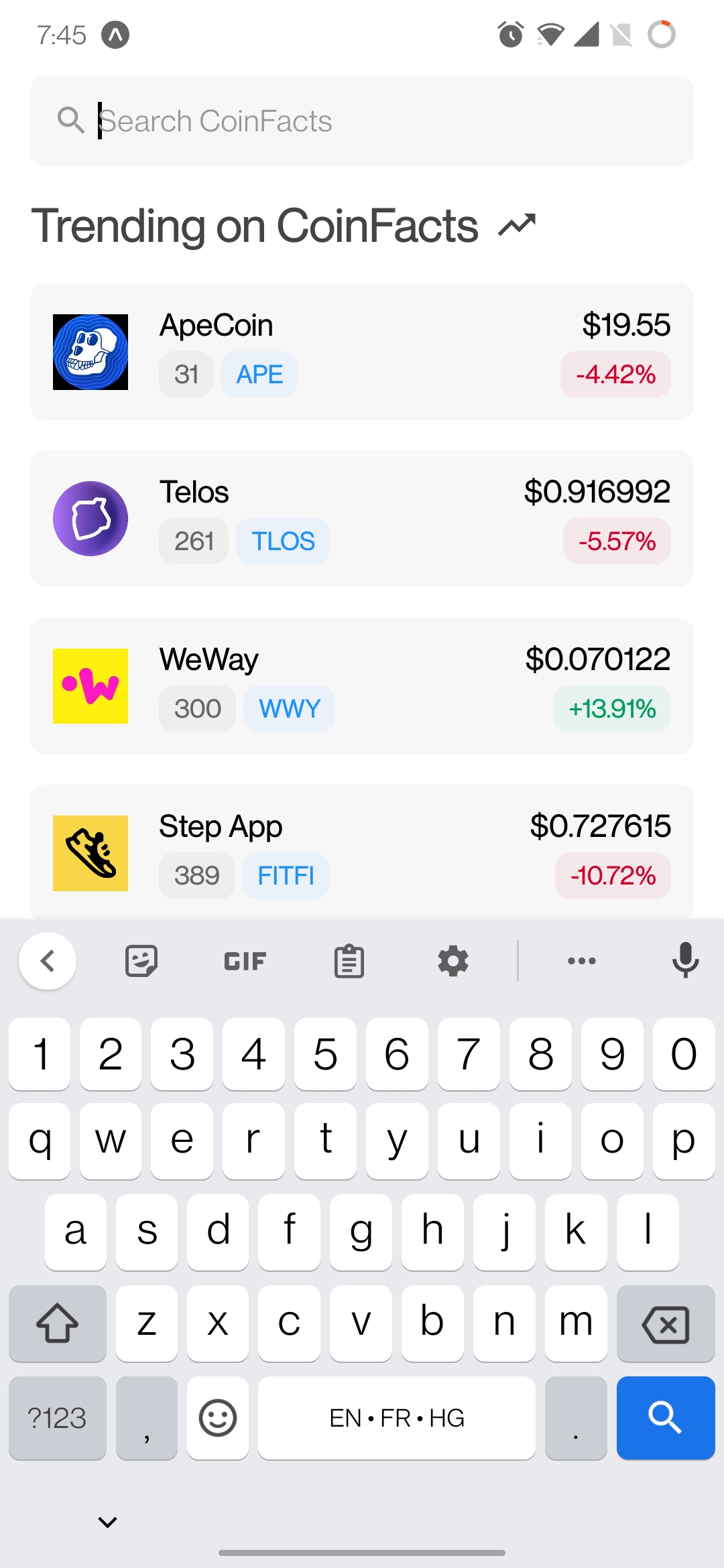
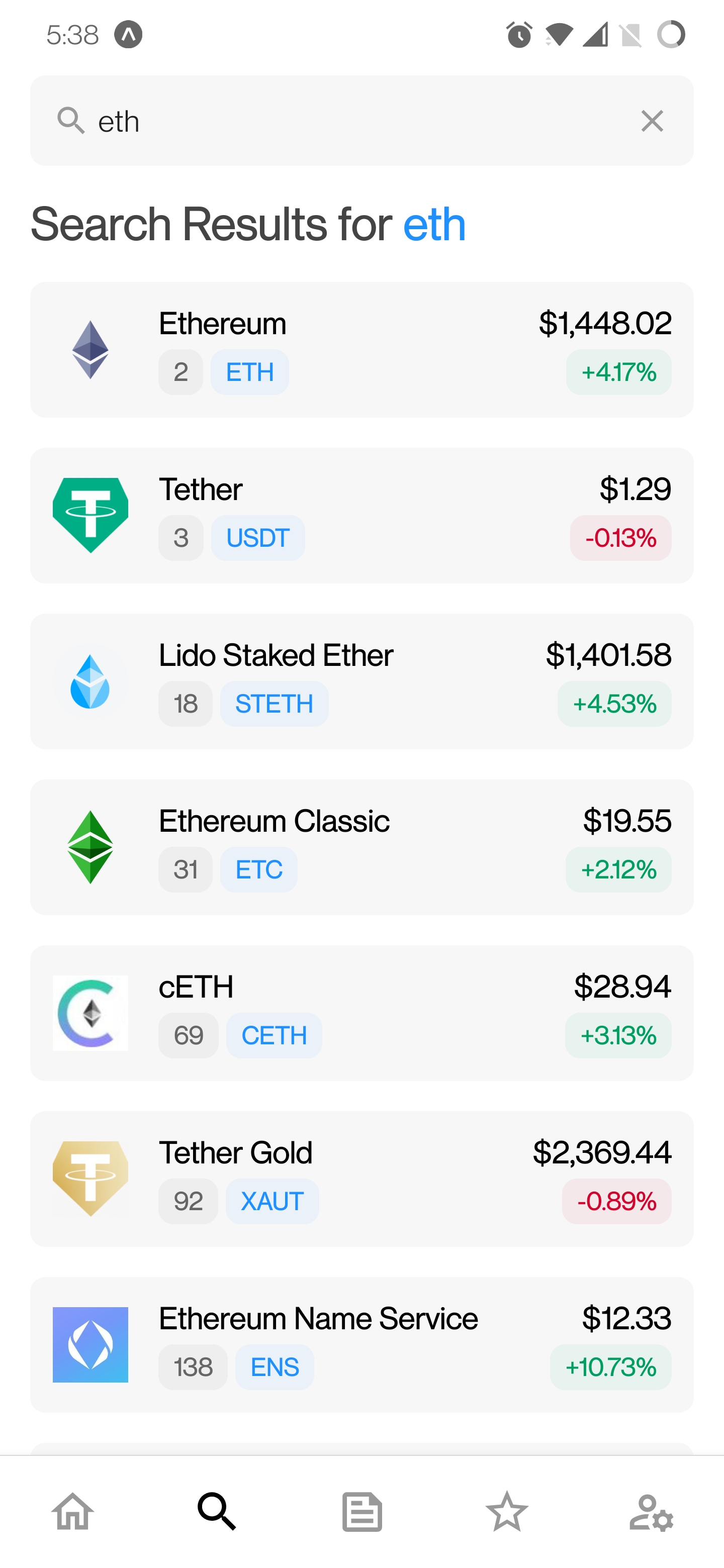
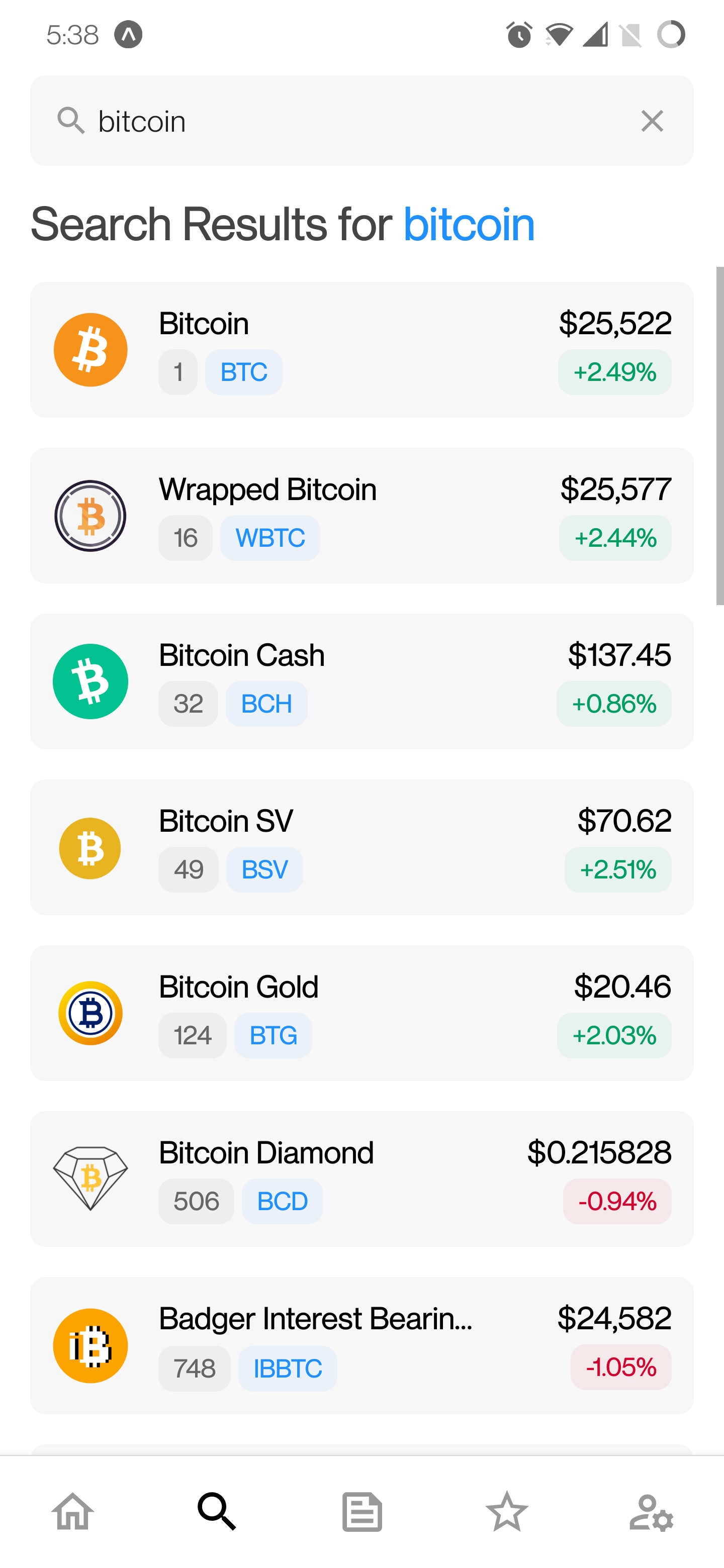
Search Screen
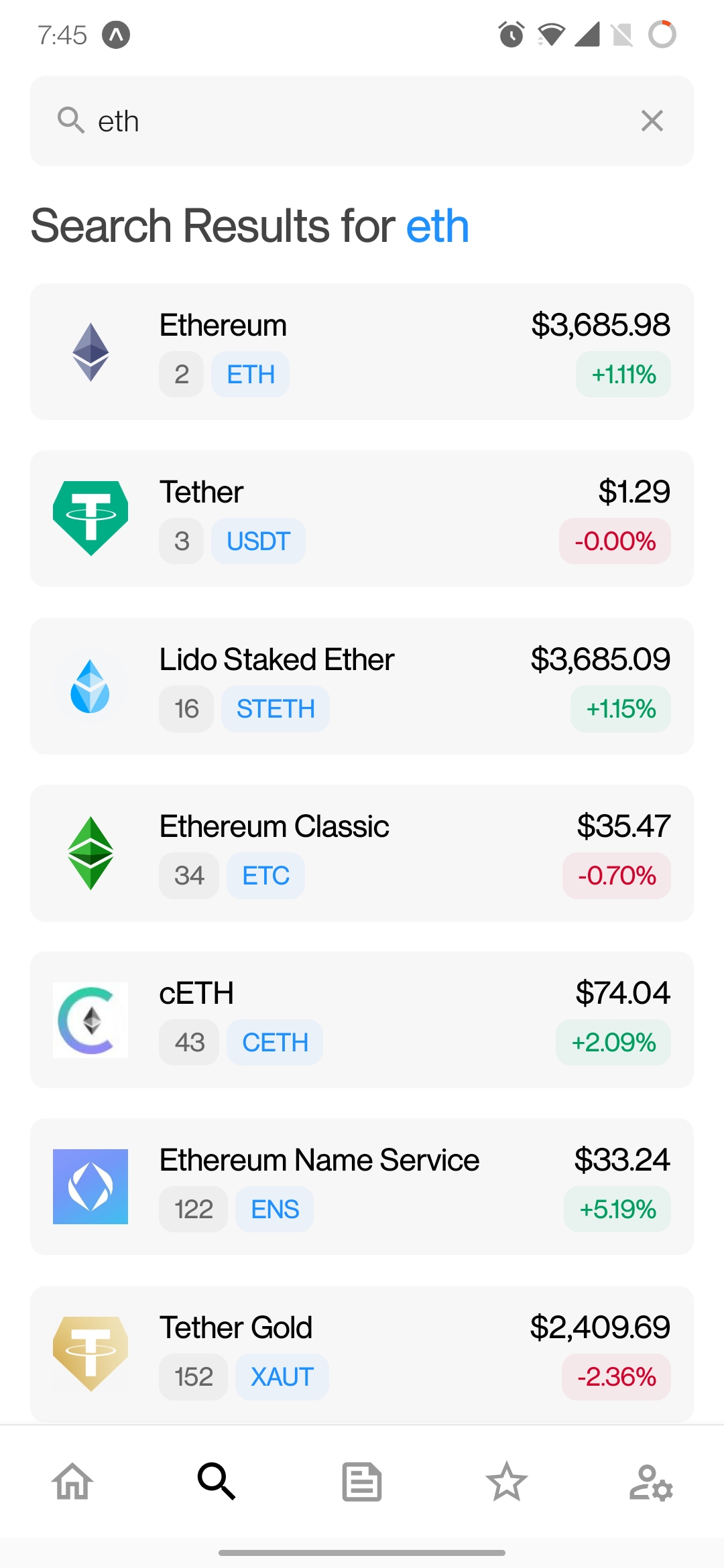
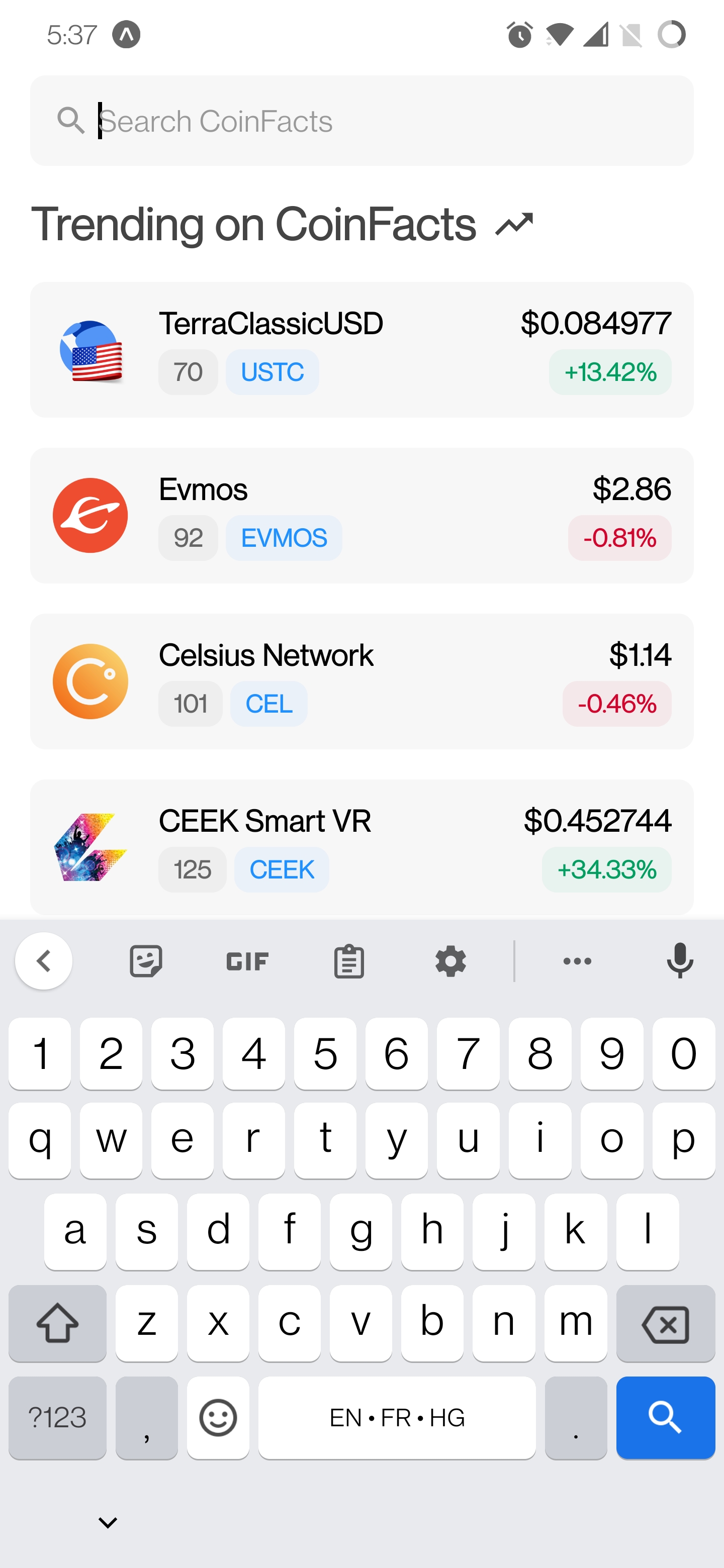
- On navigating to this screen, the user is shown the top 7 trending coins.
- The
SearchBar can be used to search for a coin by its name.
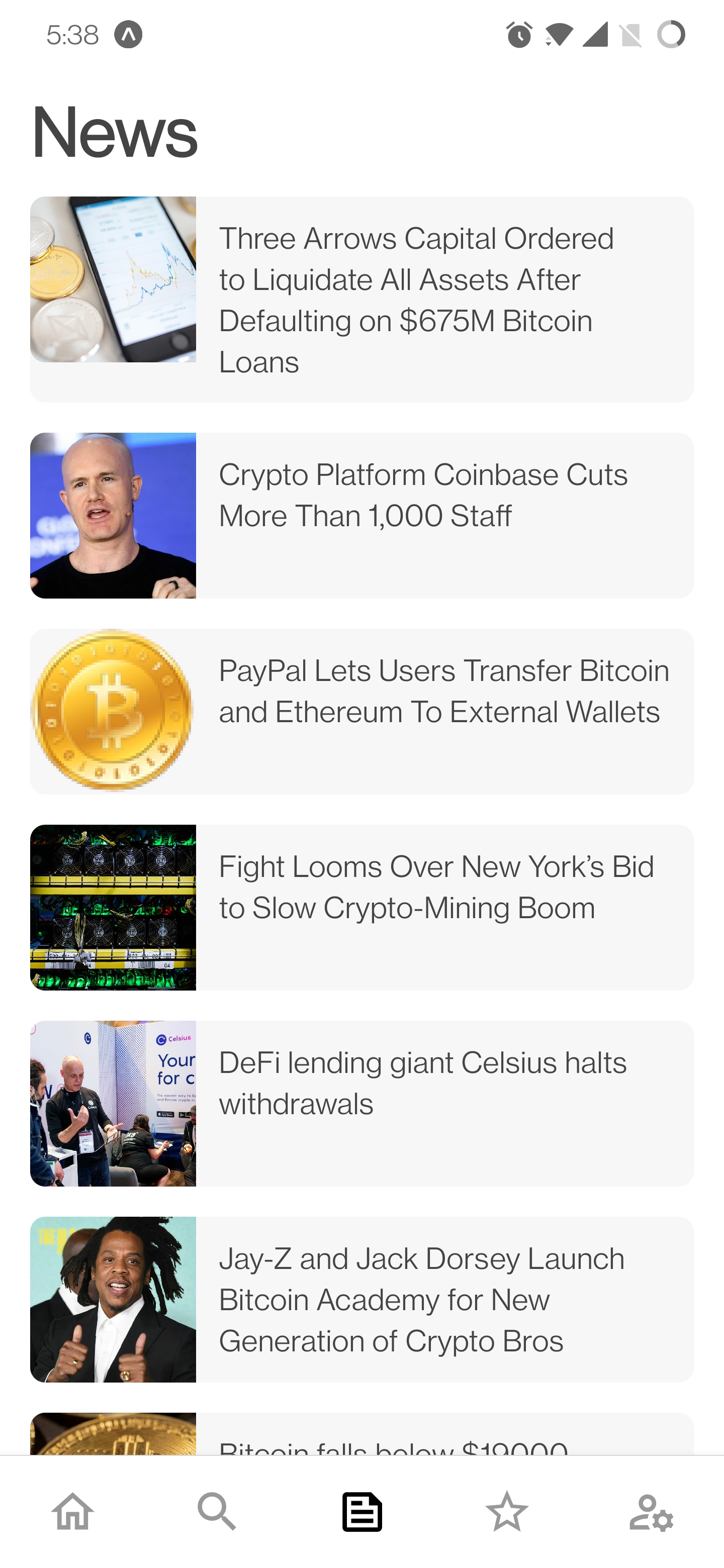
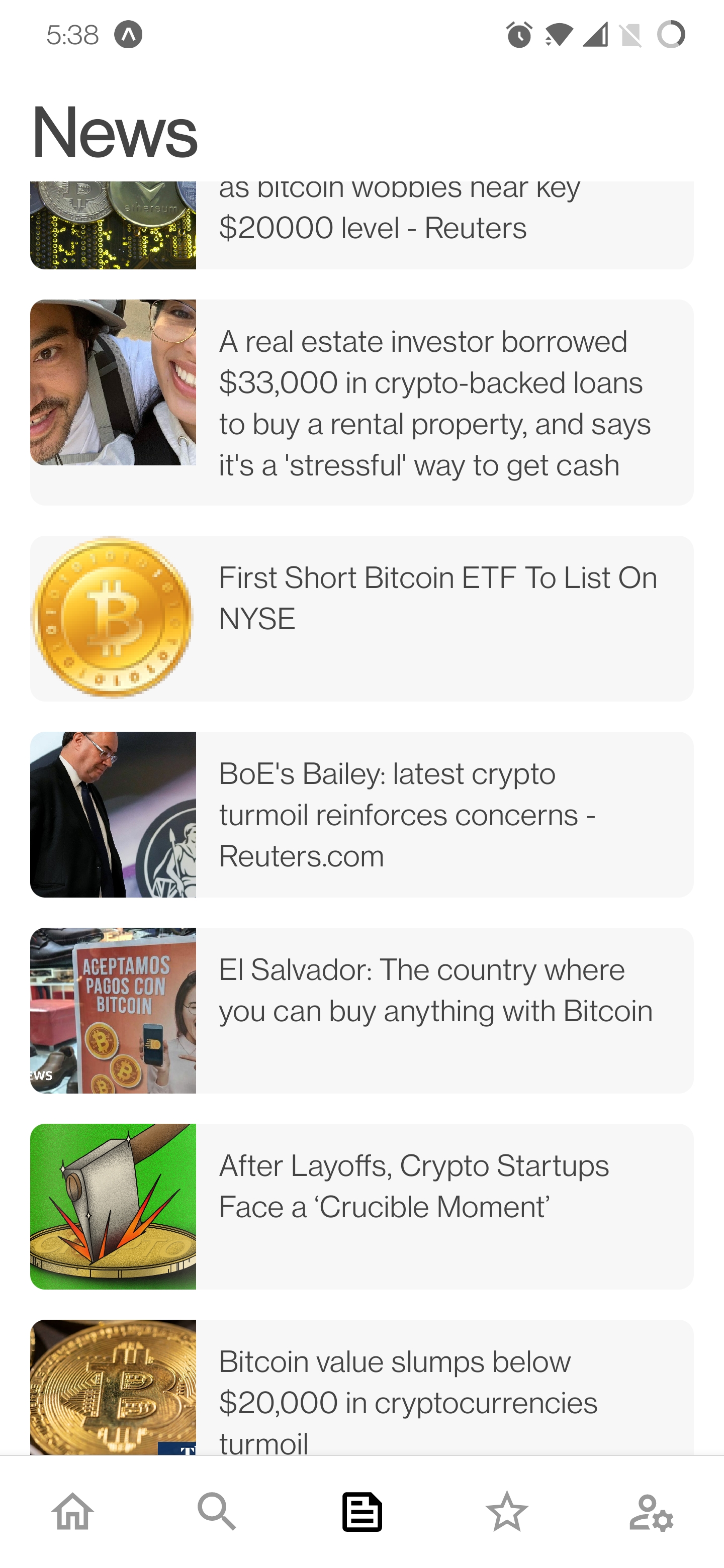
News Screen
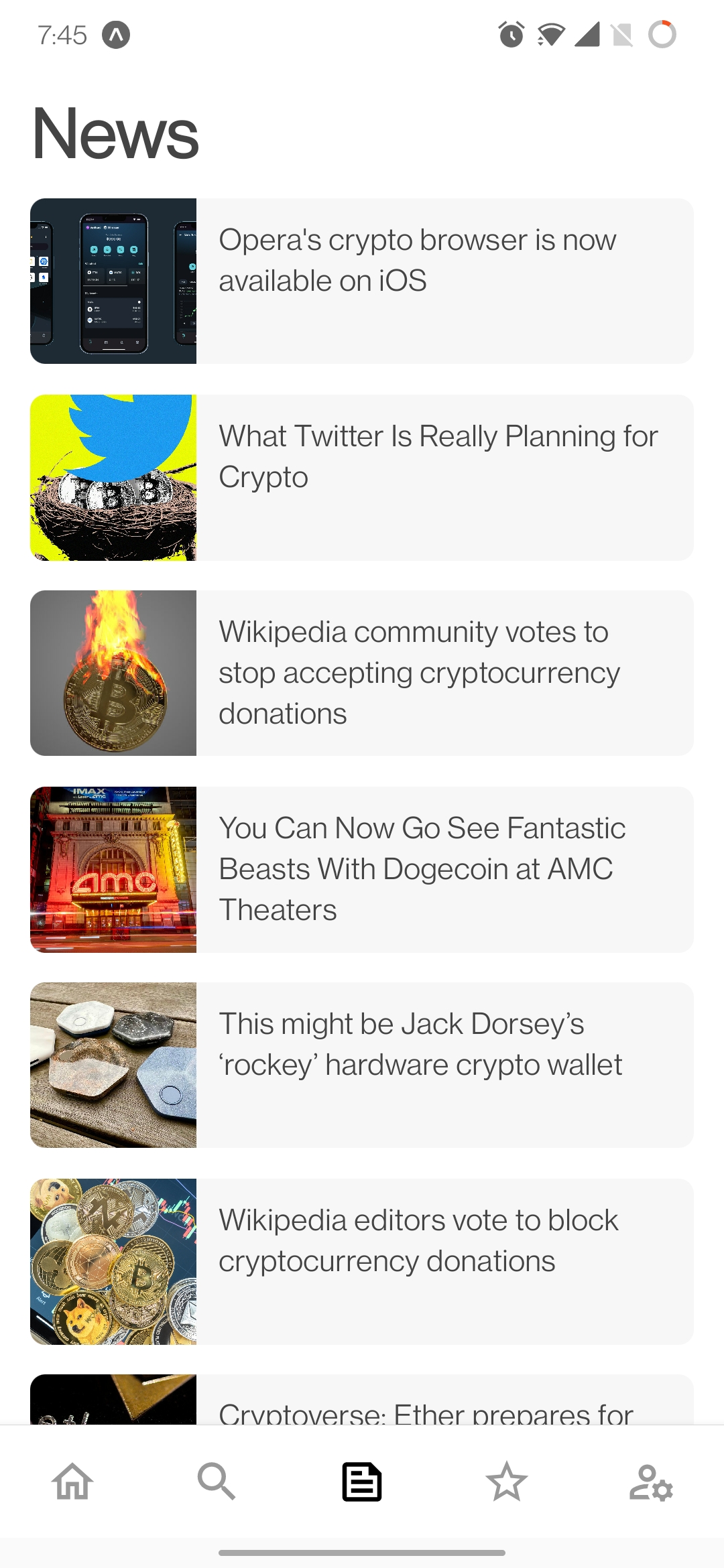
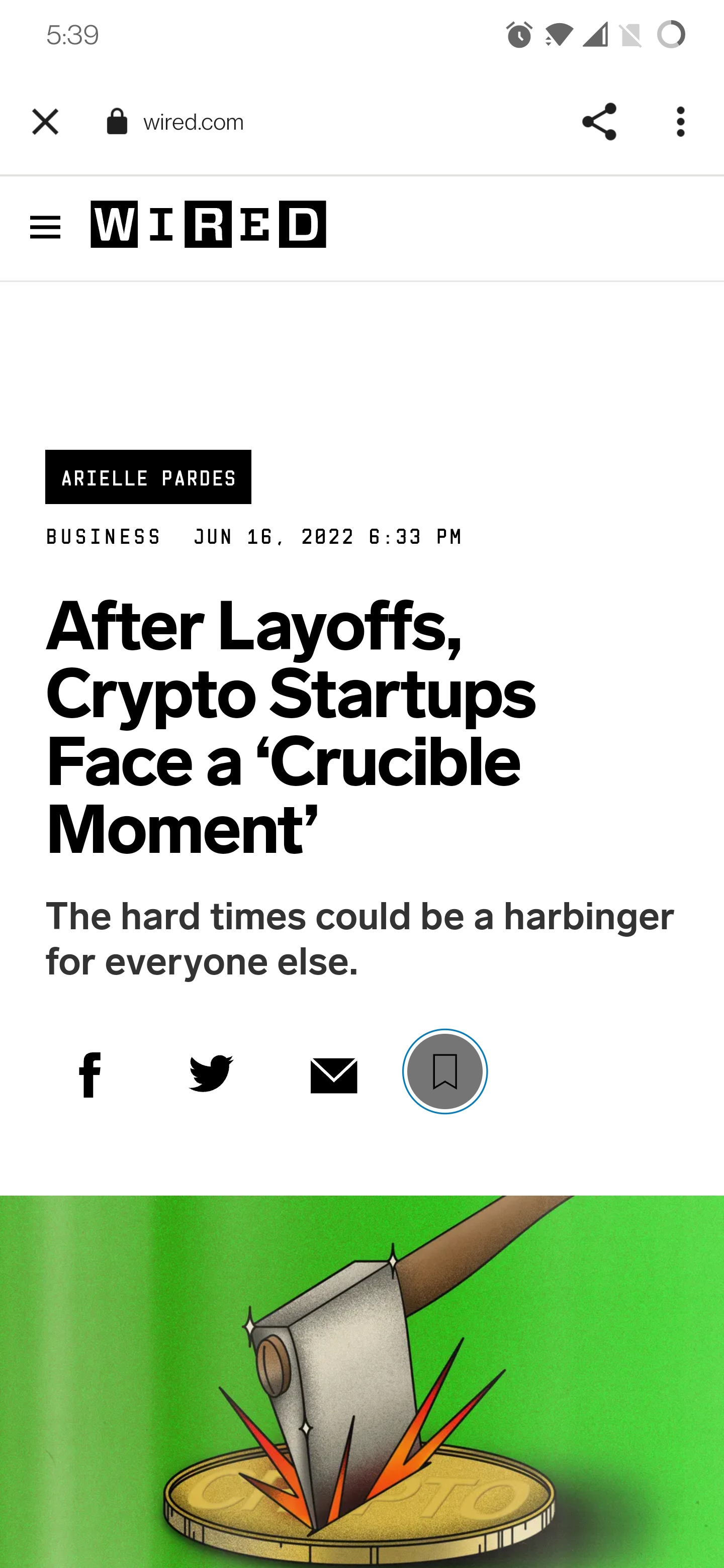
- Presents the top 100 latest news related to
crypto and cryptocurrency to the user.
- Clicking a
NewsCard launches its link in the in-app browser (in a separate window).
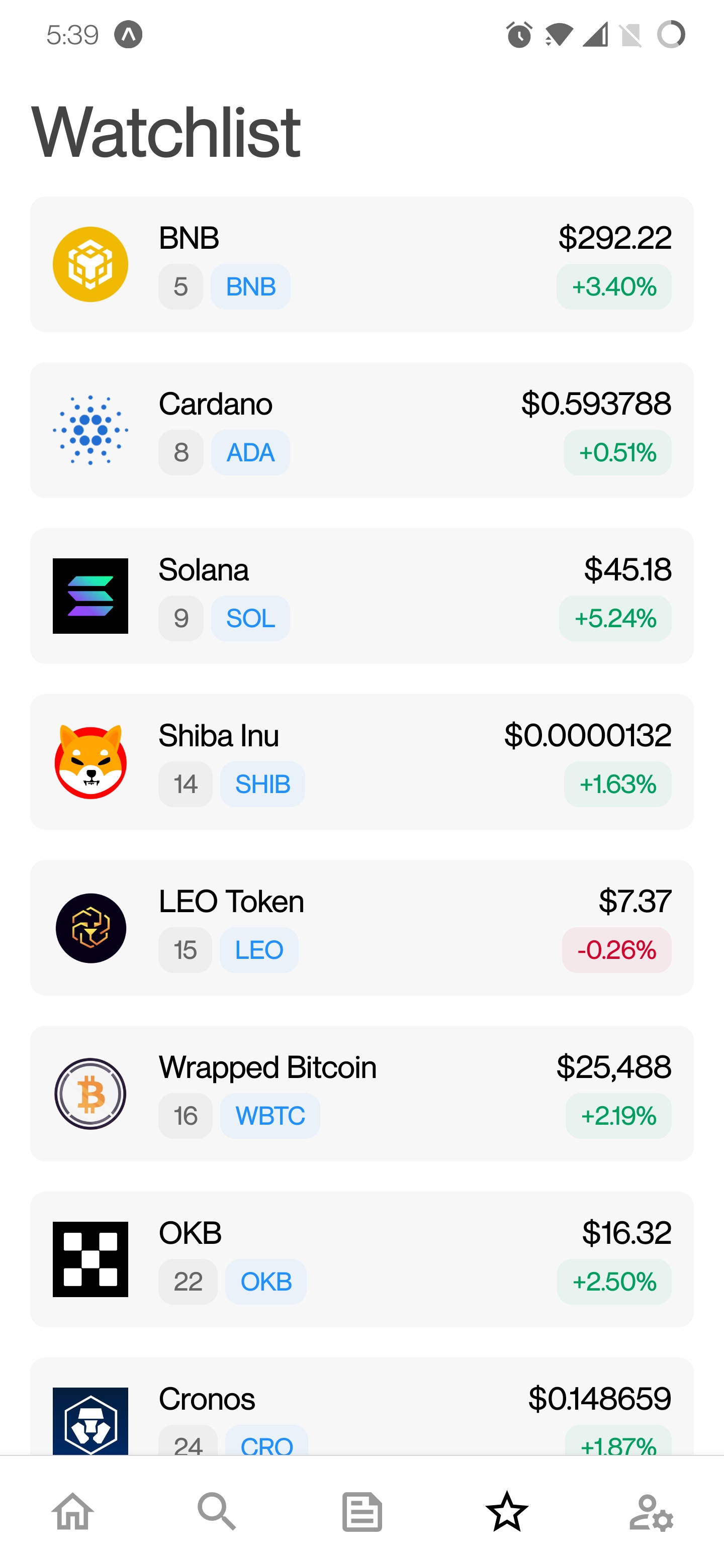
Watchlist Screen
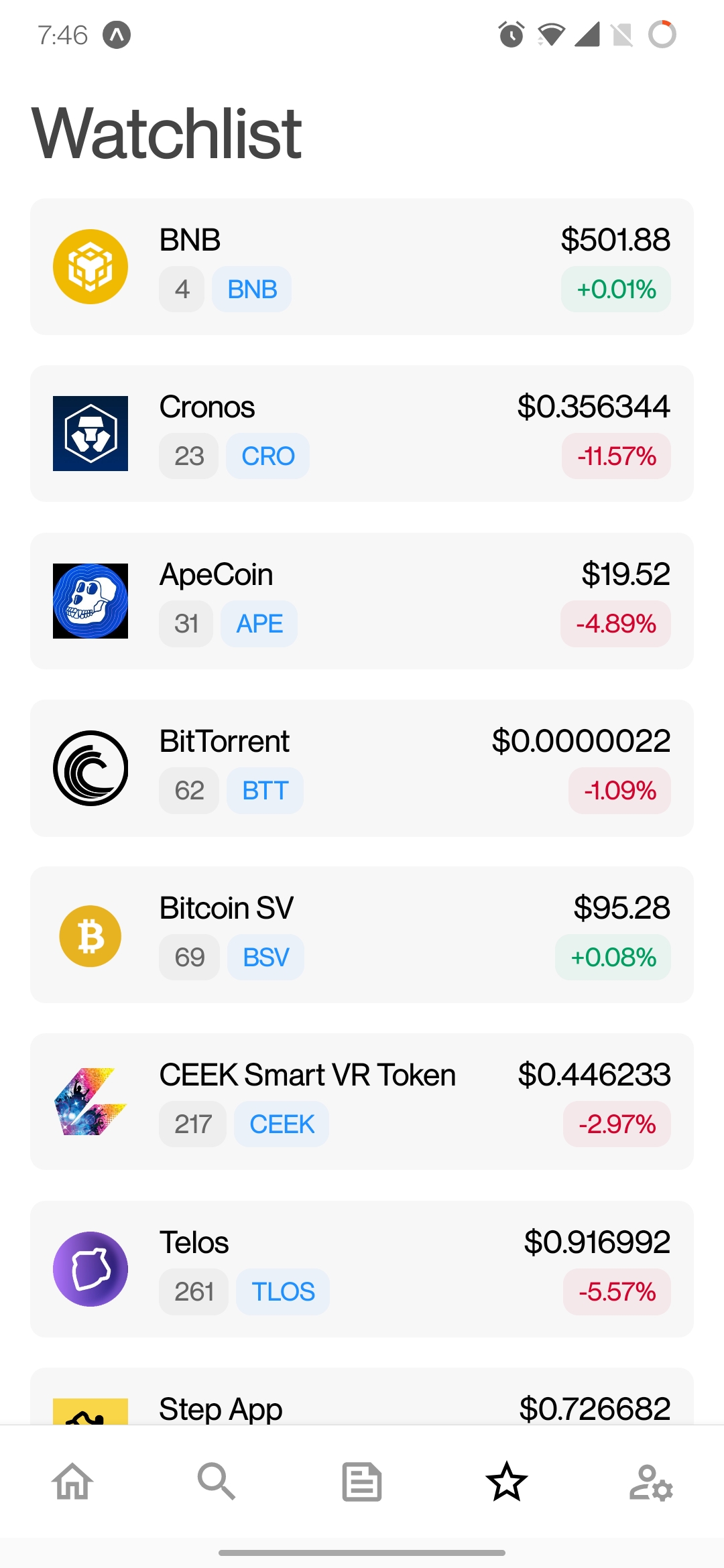
- List all the coins that the user has added to their watchlist/portfolio in the past.
- The user
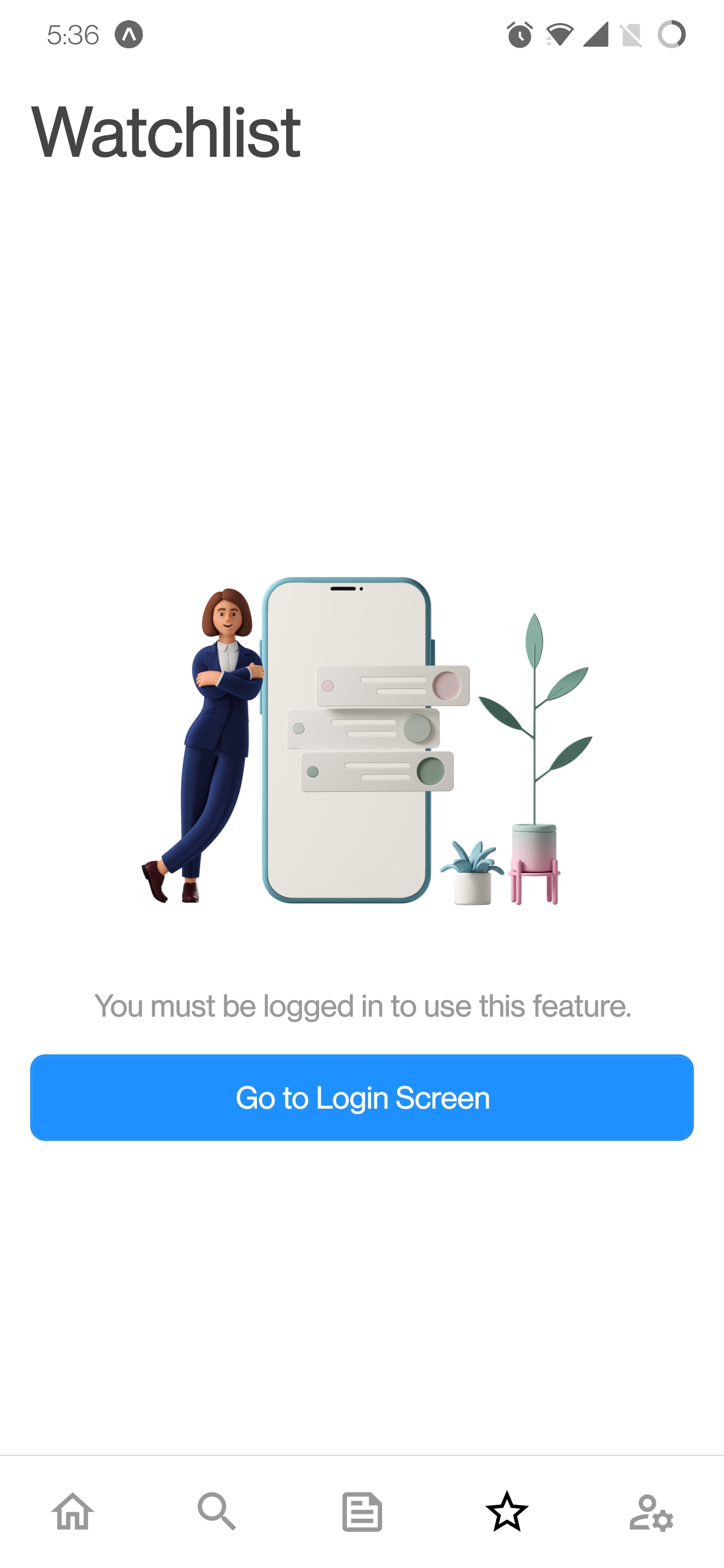
must be logged in to access this feature.
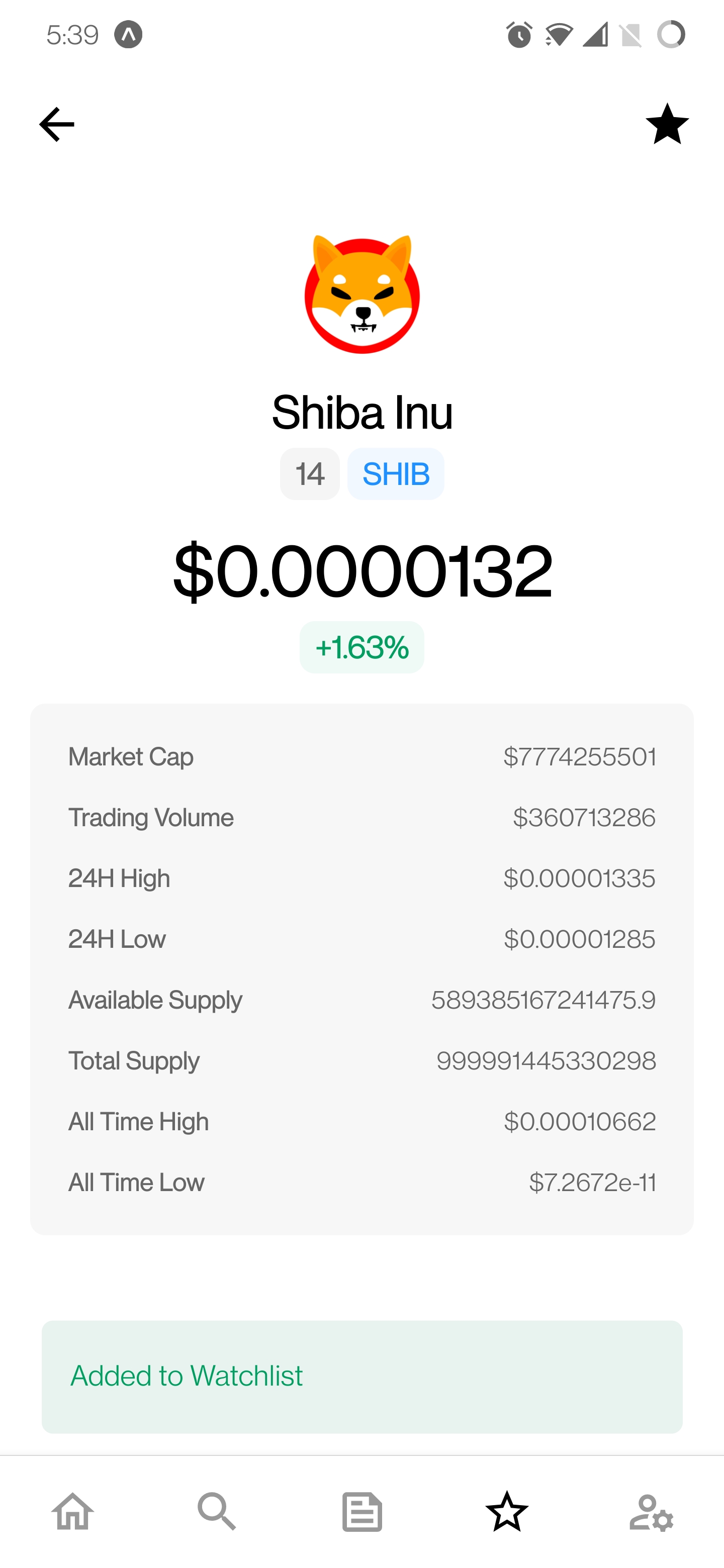
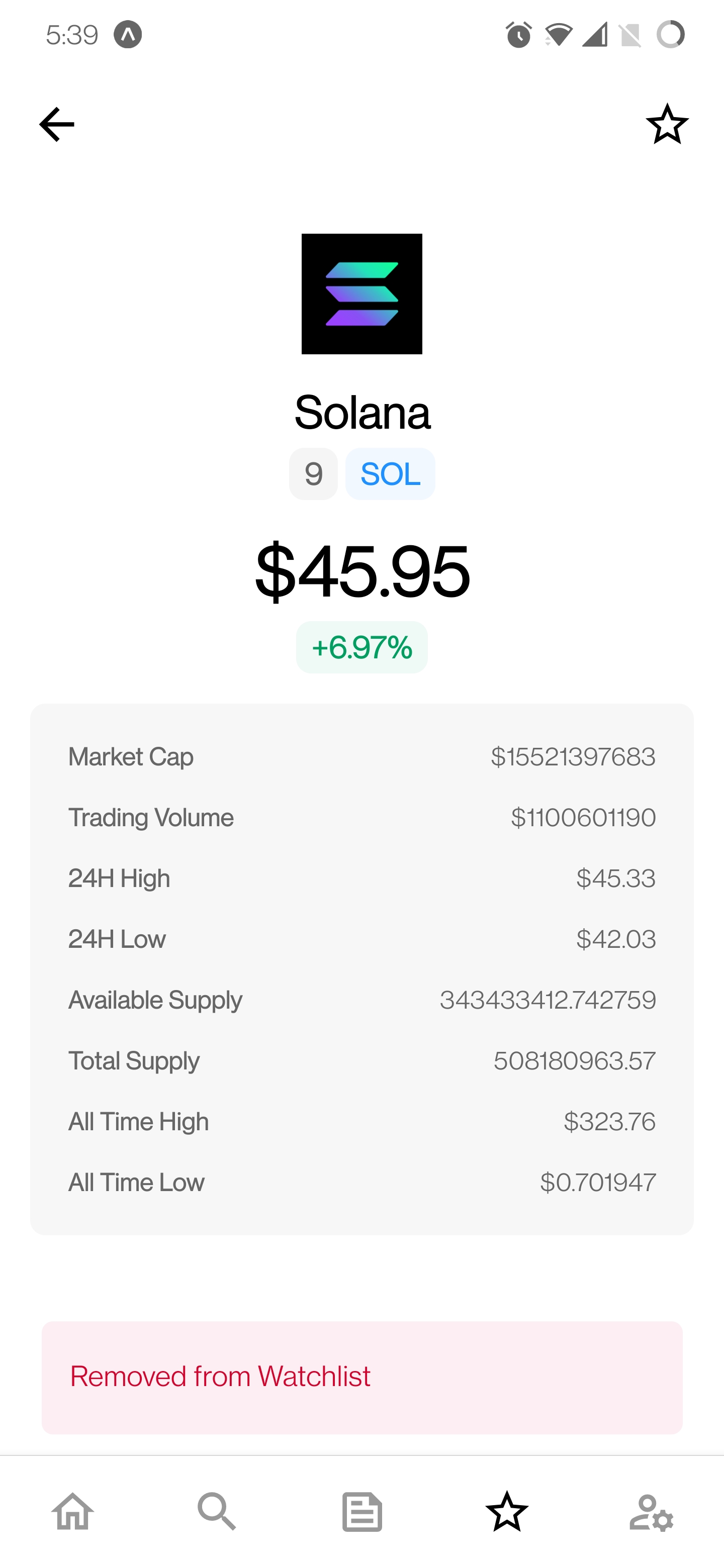
- A watchlist icon is present on the Coin Details screen to quickly add/remove a coin from the watchlist.
Error States
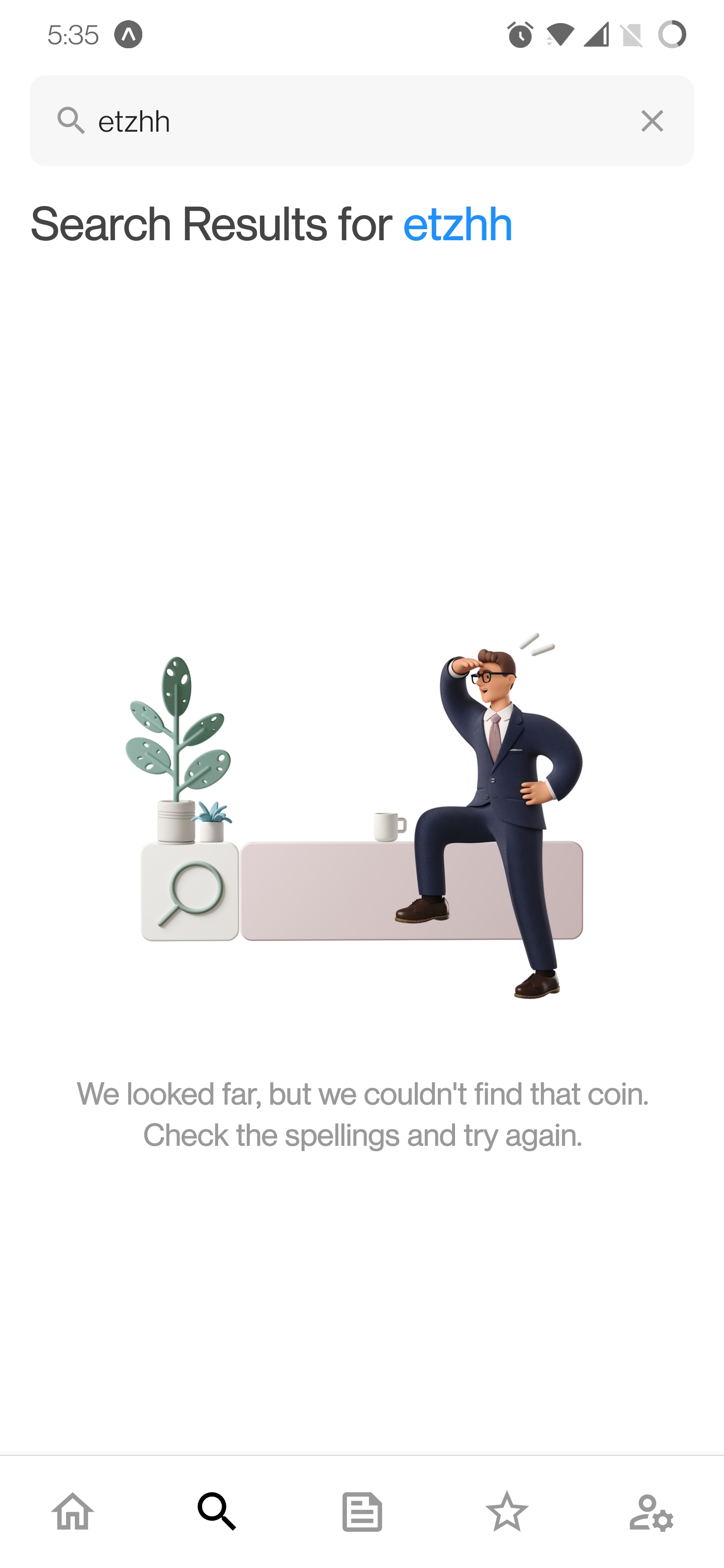
- When the searched query returns no results, an error message is shown to the user indicating this.
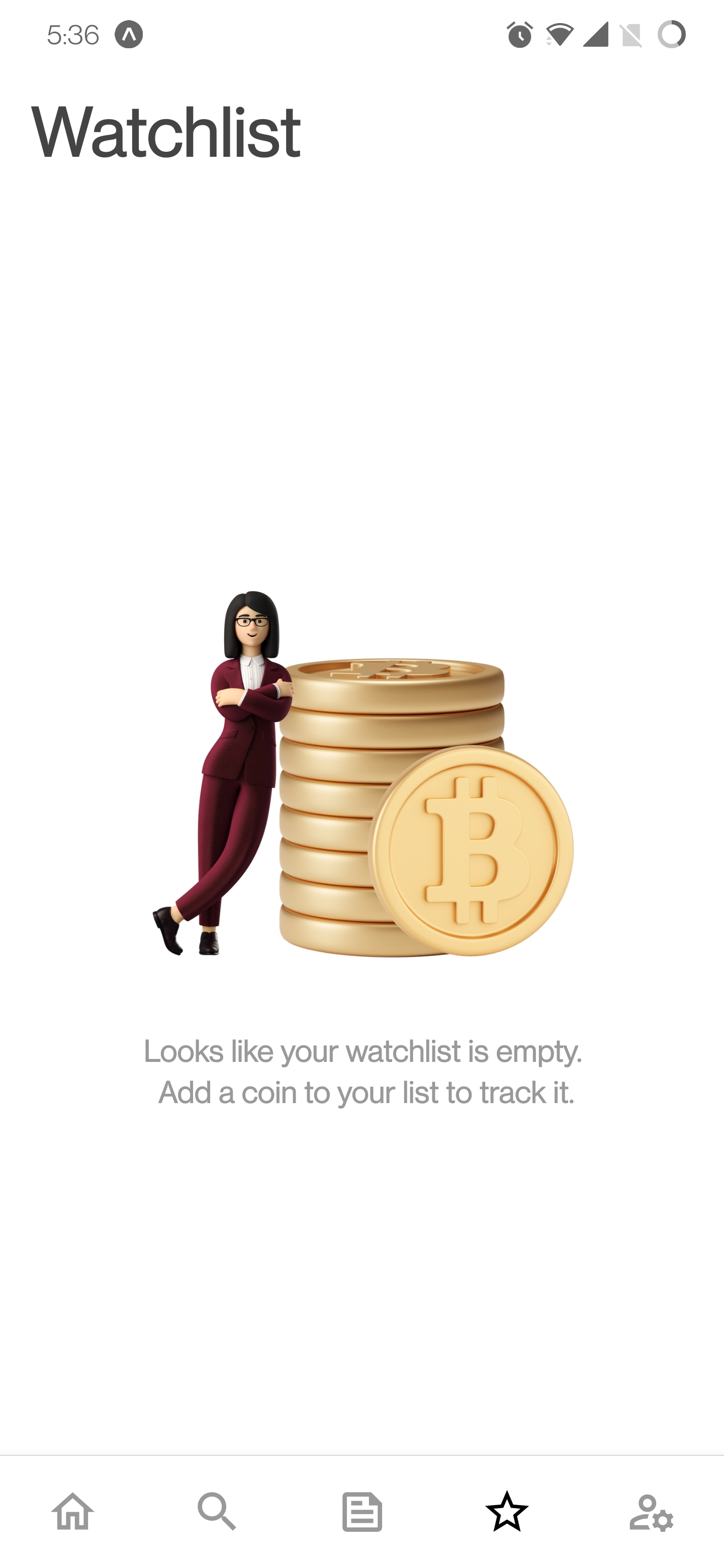
- When the user's watchlist is empty, a message is presented to inform the user of this case.
- An error screen is presented to the user when they try to add a coin to their watchlist when they are logged in as Guest.
? Google Play Store and Apple App Store Link
Coming soon!






