pixel weather
v1.0.1

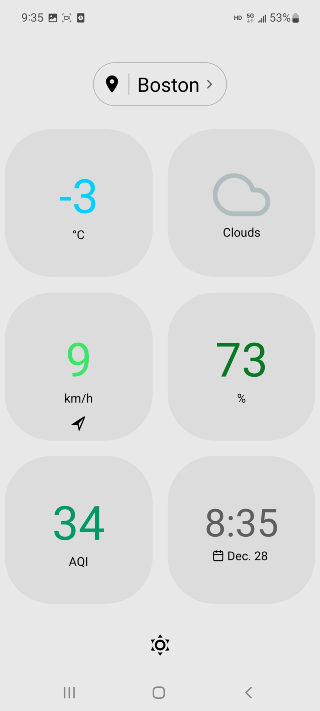
Pixel Weather is a minimal weather app, built with Expo and React Native.
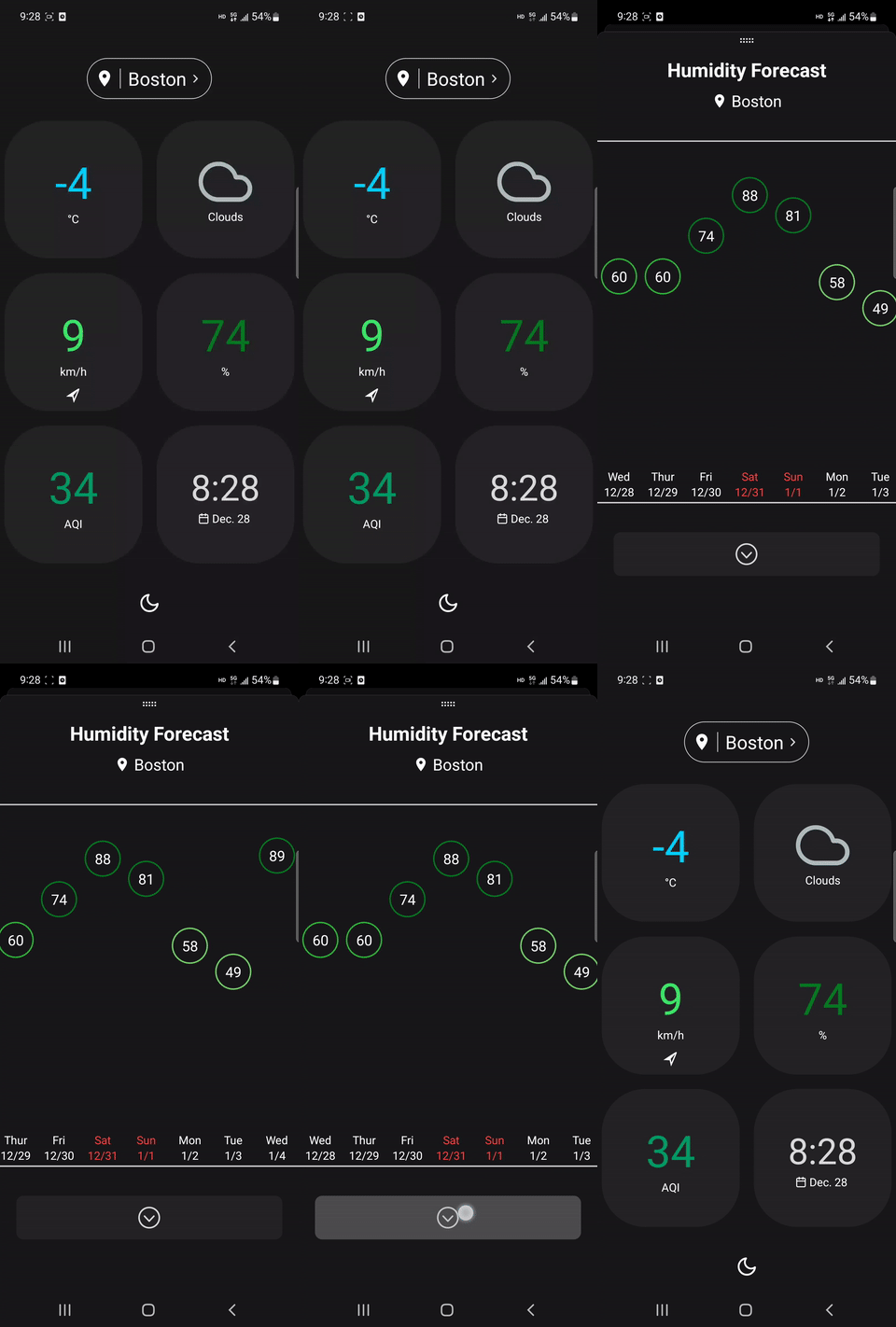
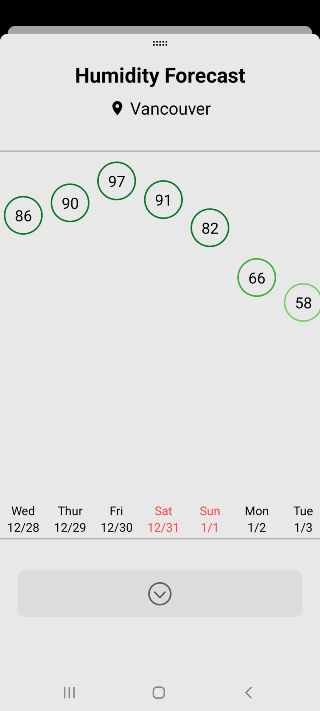
On start, the app asks for user's current location. If granted, the app will fetch and display weather data for that location. Users can tap each stat to see corresponding weather forecasts.
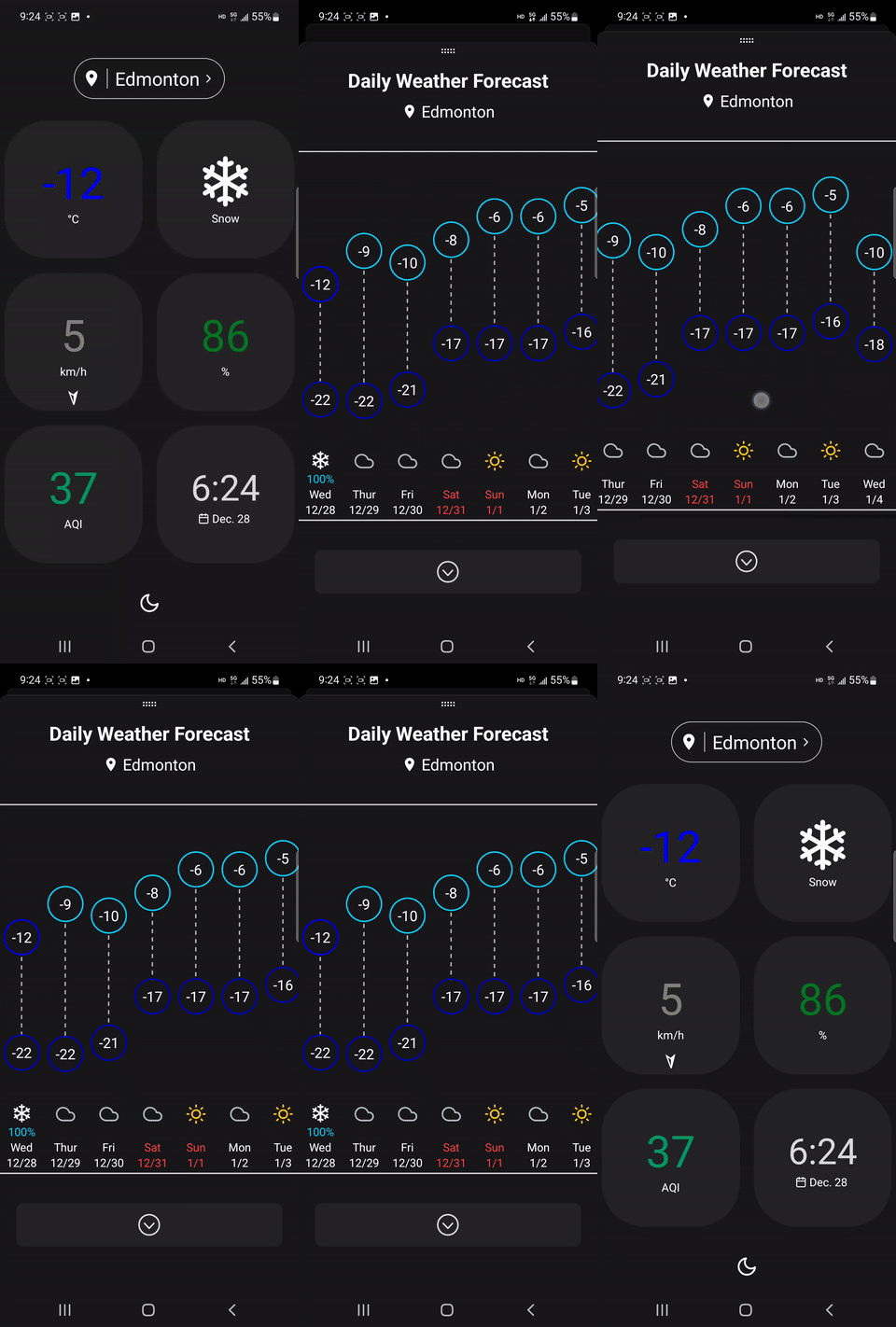
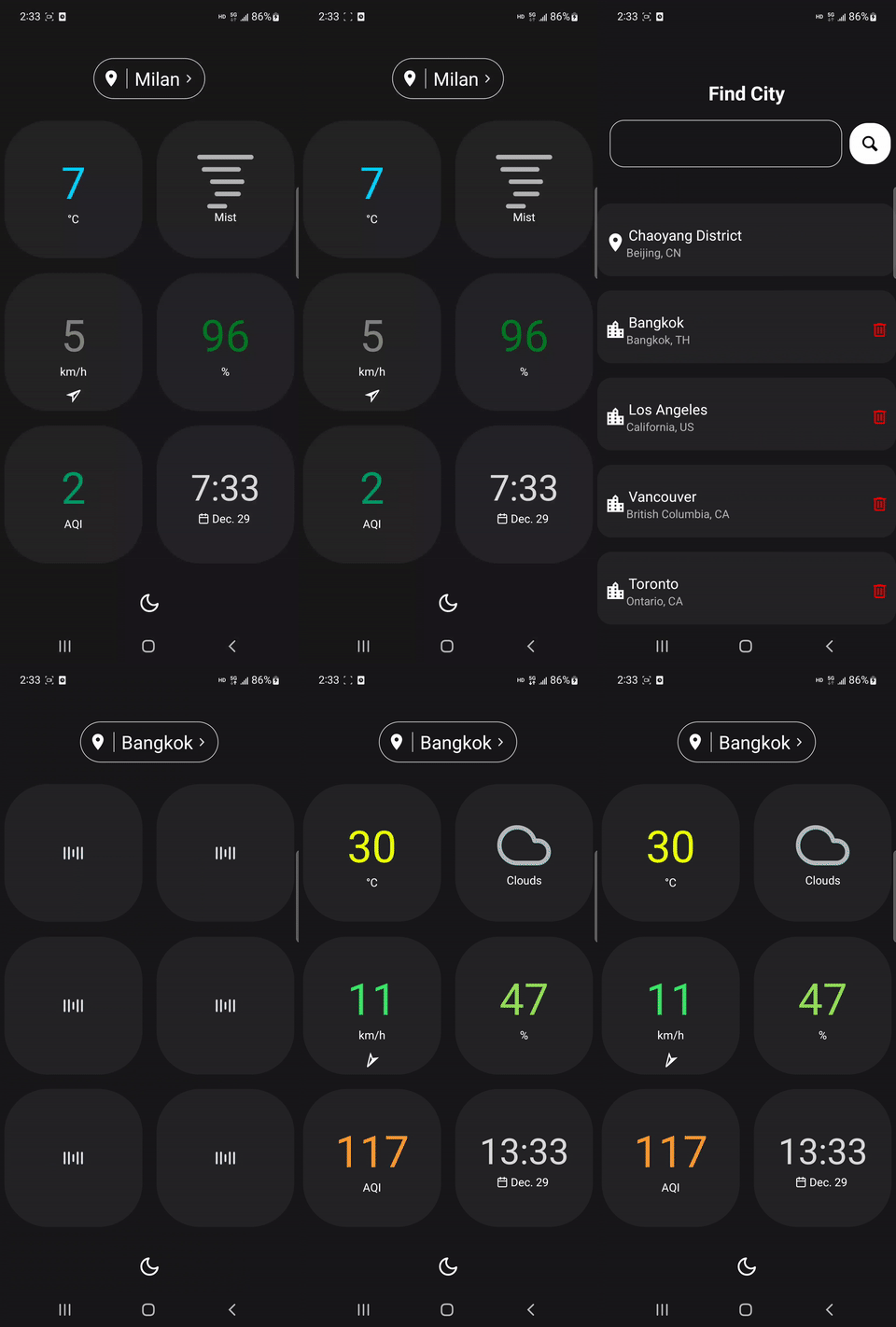
This project uses the following packages and libraries:
React Navigation, for navigating different screens.expo-location, for getting user's current location.axios, for making API requests.AsyncStorage, for saving locations locally on user's phone.lottie-react-native, for loading animation during data fetching.react-native-flash-message, for displaying messages.Sentry, for error logging in production.This weather app uses data from the following two sources:
git clone this repo to your local machine.
cd to the folder. Run
npm installto install all dependencies.
Apply for API keys from the two data source providers mentioned above. You may need to provide your credit card info for weather data subscription. Create .env in the root folder, and put your API keys into this file, like
WEATHER_KEY=your-key-string
AIR_KEY=your-key-string
Run
npm startor
expo startYou will then see a QR code in the terminal. Open the Expo Go app, scan the QR code to run this project on your phone.
Run
eas build --profile preview --platform androidto build the android app. After completion, go to expo.dev to download the .apk file.
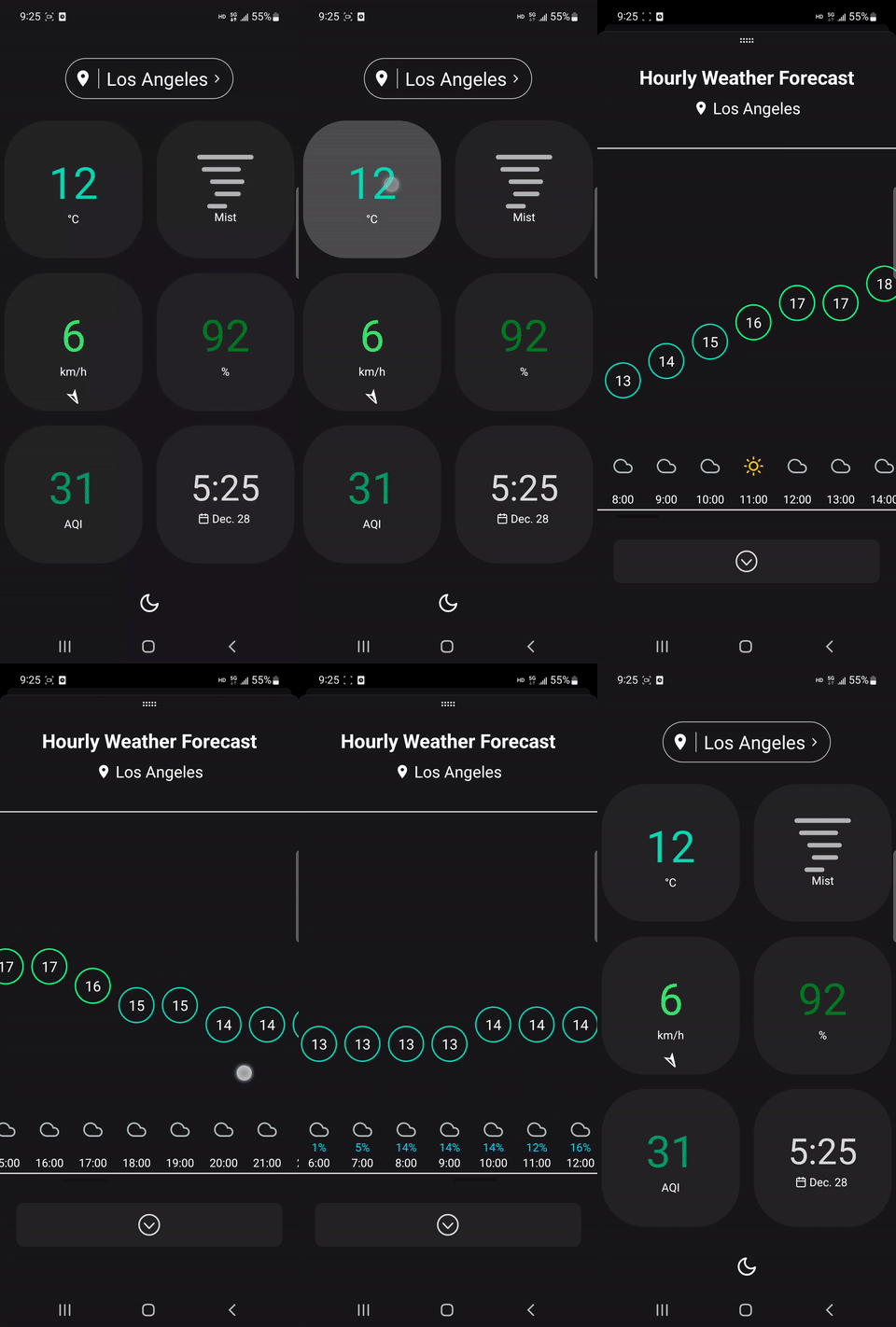
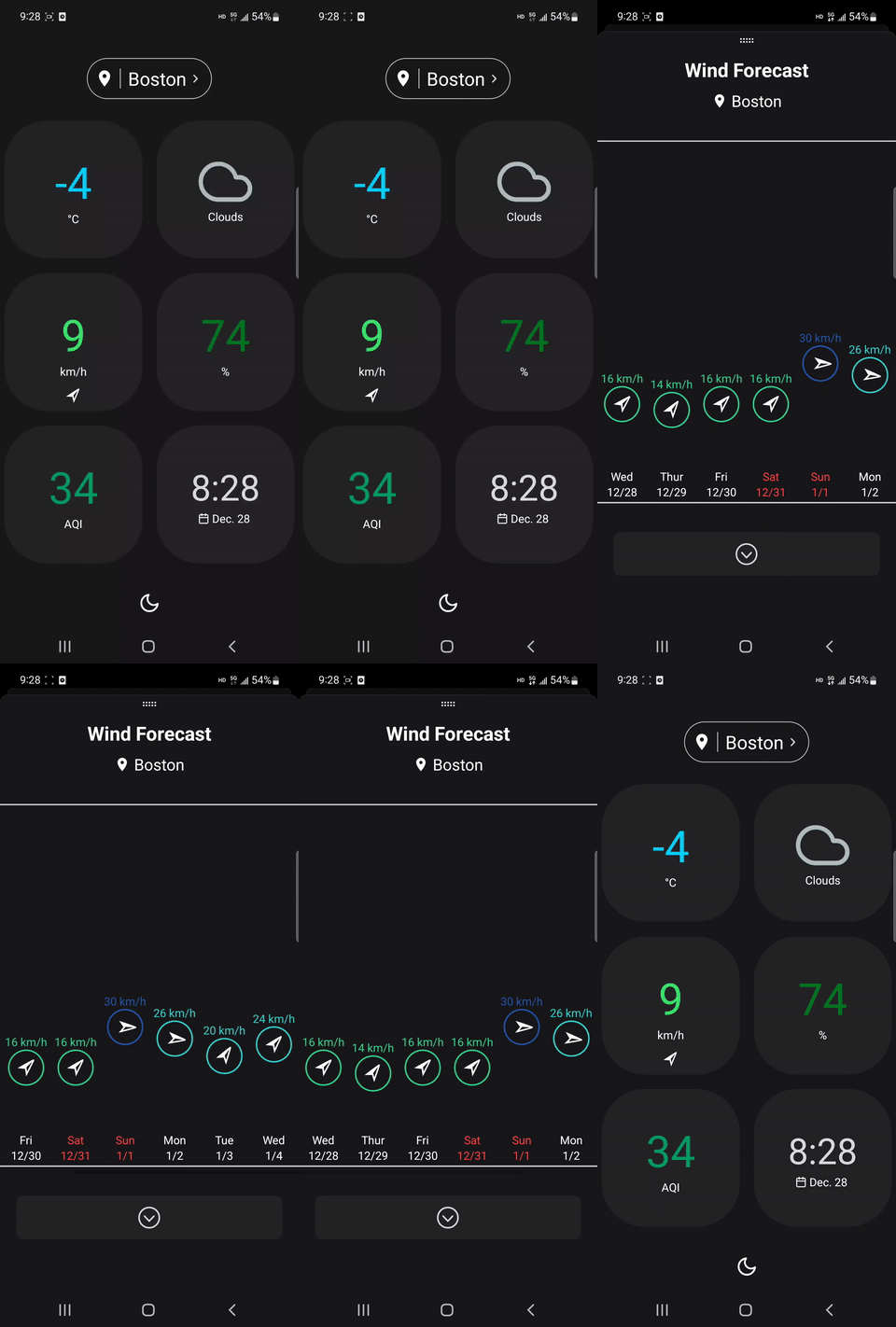
| Hourly Forecast | Wind Forecast | Humidity Forecast |
|---|---|---|
 |
 |
 |
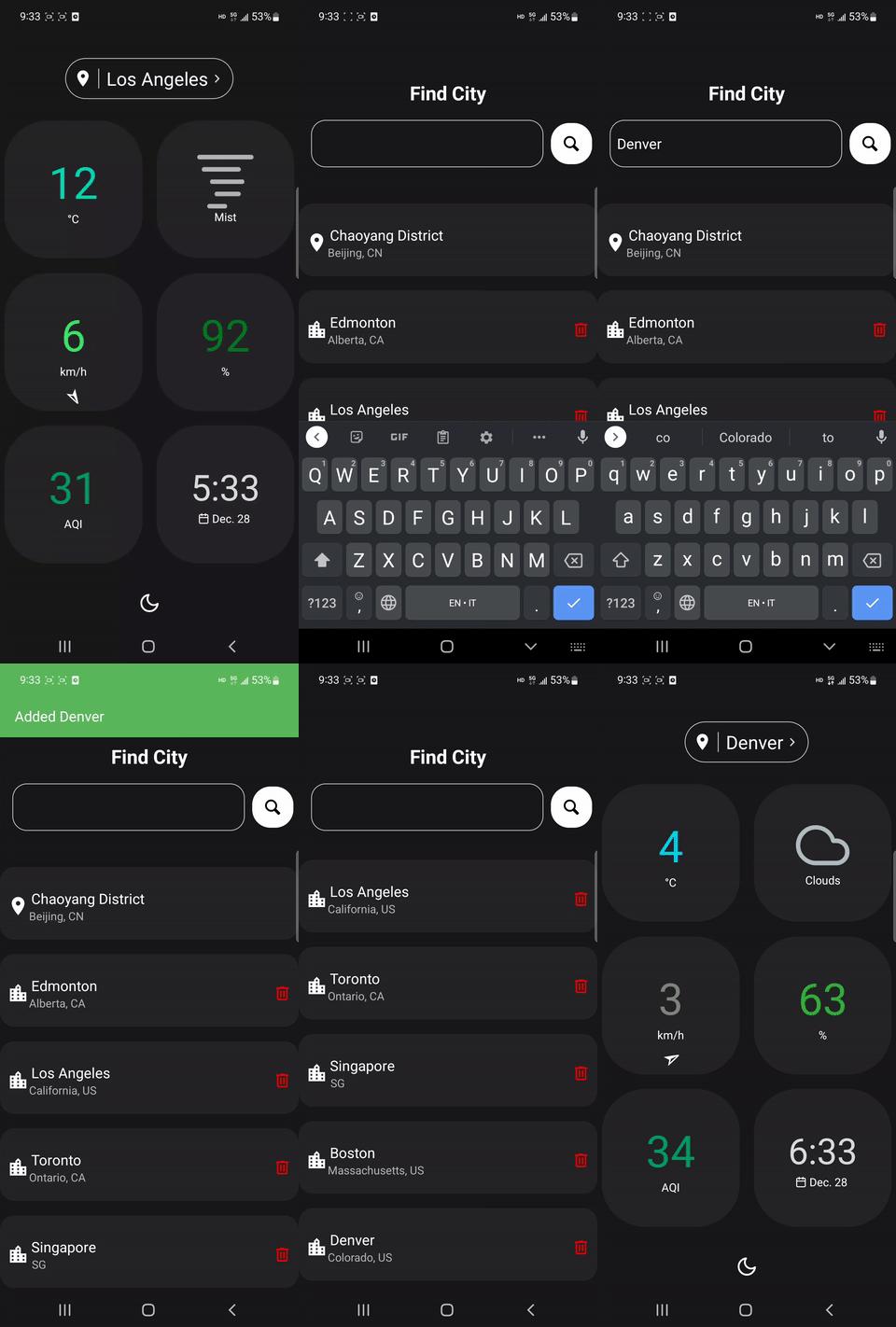
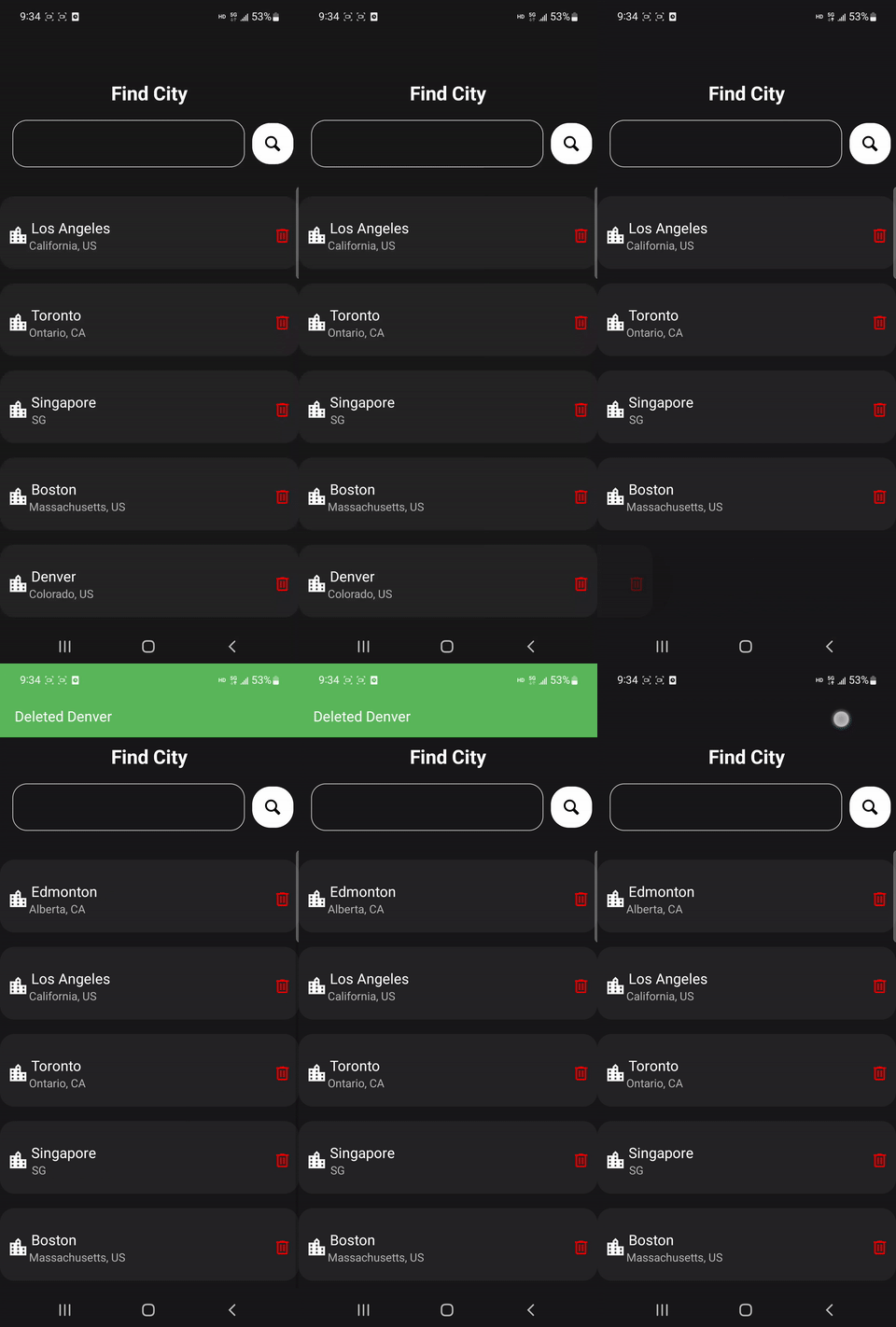
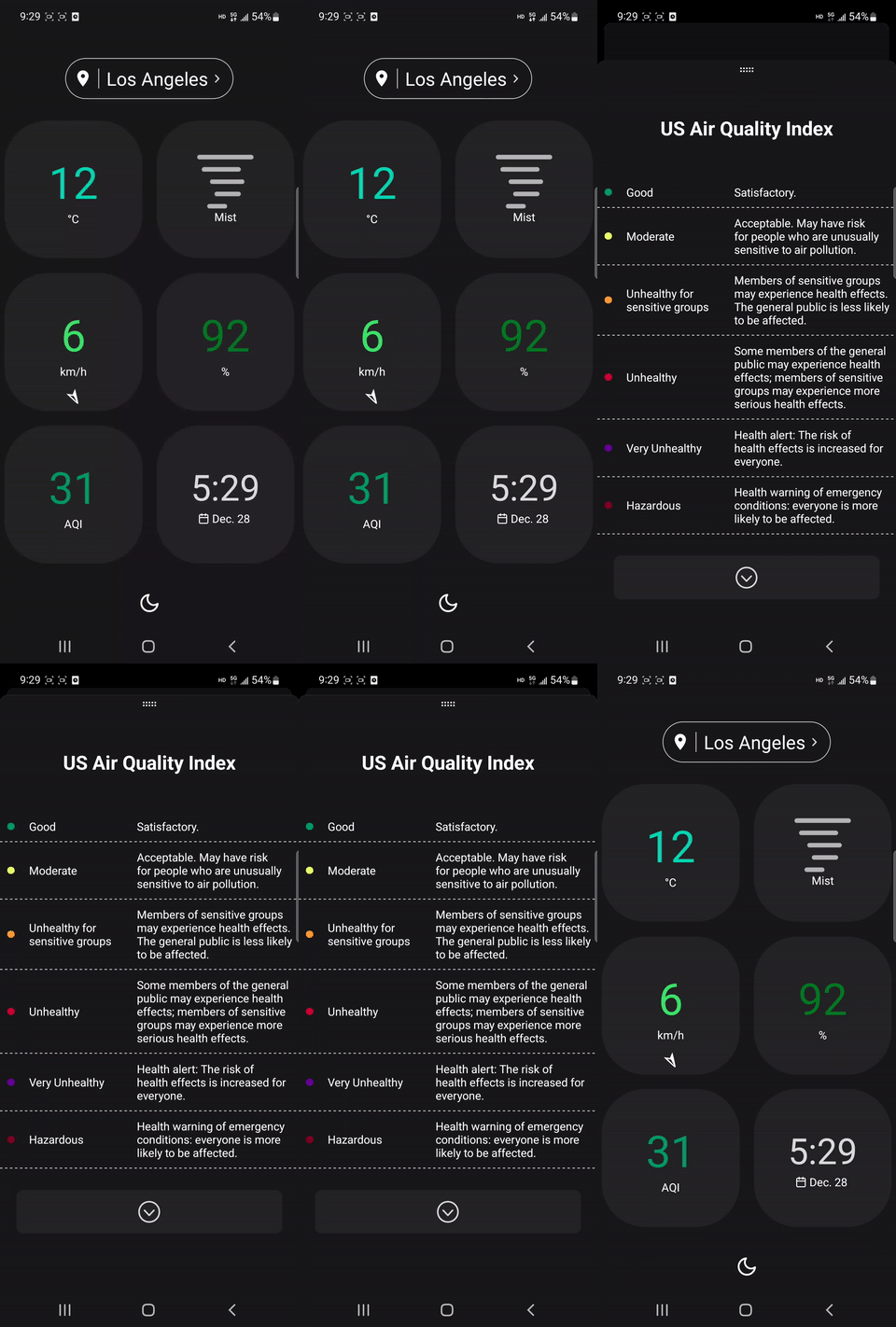
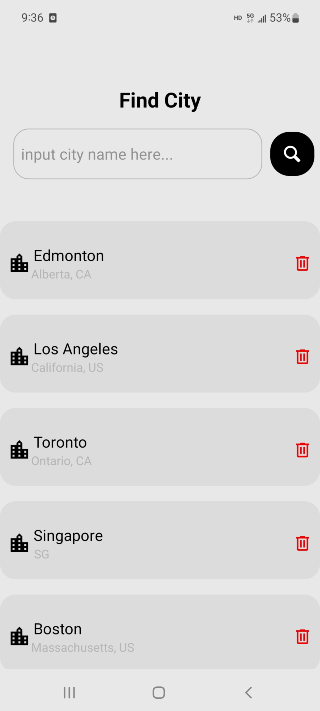
| Add City | Delete City | AQI Info |
|---|---|---|
 |
 |
 |
| Light theme - home | Light theme - humidity forecast | Light theme - location panel |
|---|---|---|
 |
 |
 |





