WizardConky
1.0.0

One of my favourite Conky desktops. I run this on Manjaro but should work with any Linux desktop providing it supports the Conky package.
Depending on what OS you are running...
RedHat based systems:
yum install conky
Debian based systems:
apt-get install conky-all
Arch based systems:
pacman -Sy --noconfirm conky
...you can figure out the rest.
Create the Conky config directory:
mkdir -p ~/.config/conky
Create an emppty Conky config file:
touch ~/.config/conky/conky.conkyrc
and paste the contents from my conky.conkyrc file.
Create a a script to run Conky at boot:
echo -e '#!/bin/bash n sleep 10 && conky -d -c ~/.config/conky/conky.conkyrc &' >> conky_start.sh
It's up to you to figure out how to trigger the conky_start.sh script at boot. This is dependent on your OS and/or desktop environment.
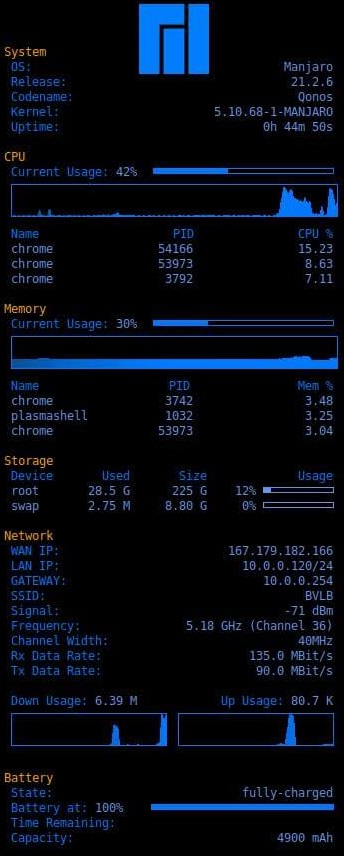
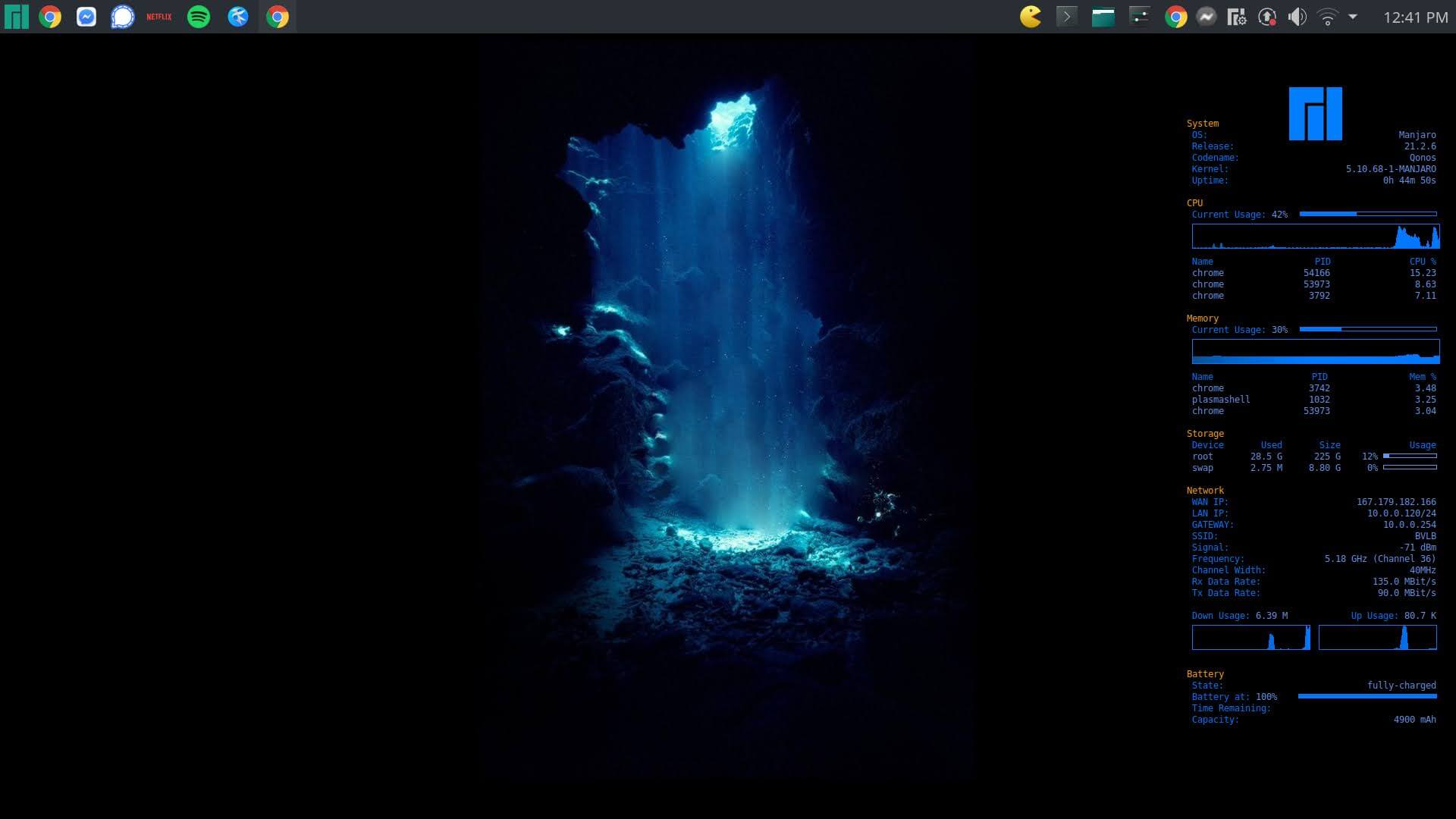
df at the terminal.ip link show athe the terminal.execi <frequency_in_sec> nmcli <shell_command> to output native linux commands to the desktop.




