historian
v1.1.0

Historian is a clipboard manager designed for Linux, built with Flutter. It provides an intuitive user interface and powerful features to manage clipboard history efficiently.
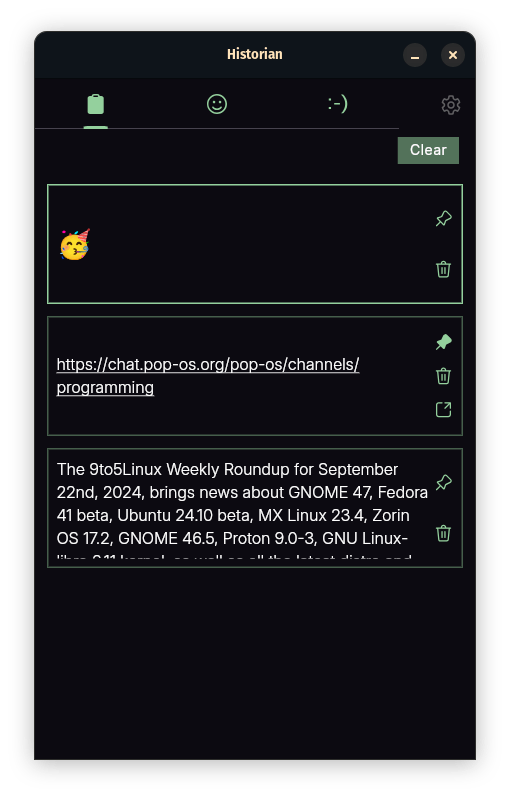
git clone https://github.com/iamkartiknayak/Flutter_Historian.gitmv Flutter_Historian historiancd historianflutter pub getflutter runwl-clipboard-rs & x11-clipboard. [BUG: Dart clipboard listener doesn't work in wayland unless app is focused right after copy].Clipboard History: Displays a list of items copied to the clipboard.
Quick Copy: Clicking on an item instantly copies it to the clipboard.
Pin/Unpin Items: Pin important items to prevent them from being cleared.
Delete & Undo: Remove items with the option to undo.
Clear Clipboard: Remove all unpinned items.
Web Search: Copied links will be auto detected & can be launched directly.
Keyboard Shortcuts:
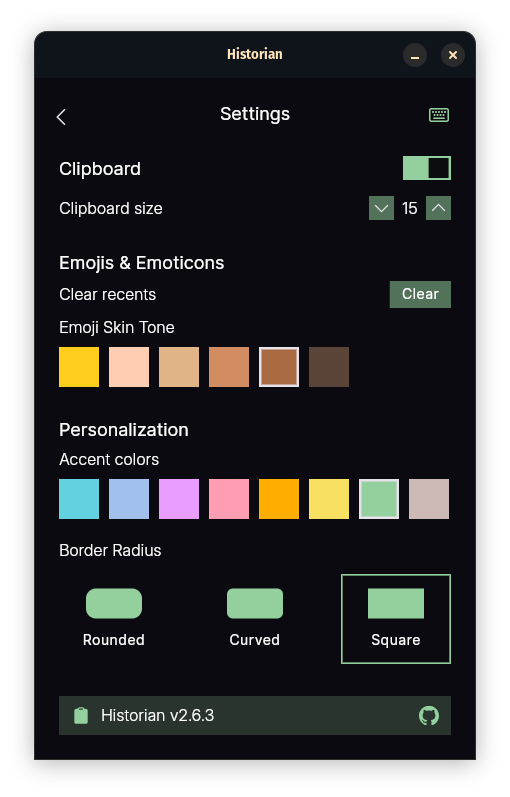
arrow-up /-down: Navigate through clipboard items. Selected item is highlighted.Ctrl+C: Copies the currently selected item to the clipboard.Ctrl+D: Deletes the currently selected item.Ctrl+S: Saves the currently selected image itemCtrl+P: Toggles the pin status of the selected item.Ctrl+U: Undoes the last delete action, restoring the most recently deleted item.Ctrl+L: Clear all unpinned items in clipboard.Ctrl+S: Toggles the visibility of the searchbar.Ctrl+S: Toggles the visibility of the searchbar.Access the settings page through the settings button, offering various customization and control options:
Clipboard Settings:
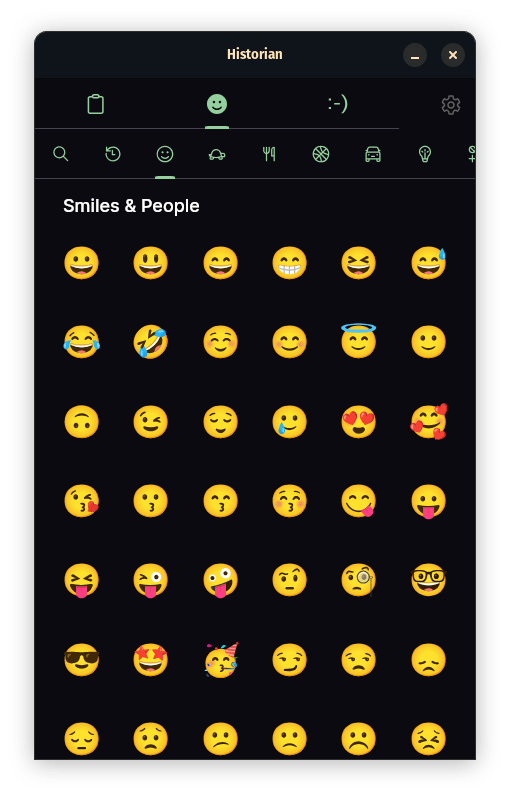
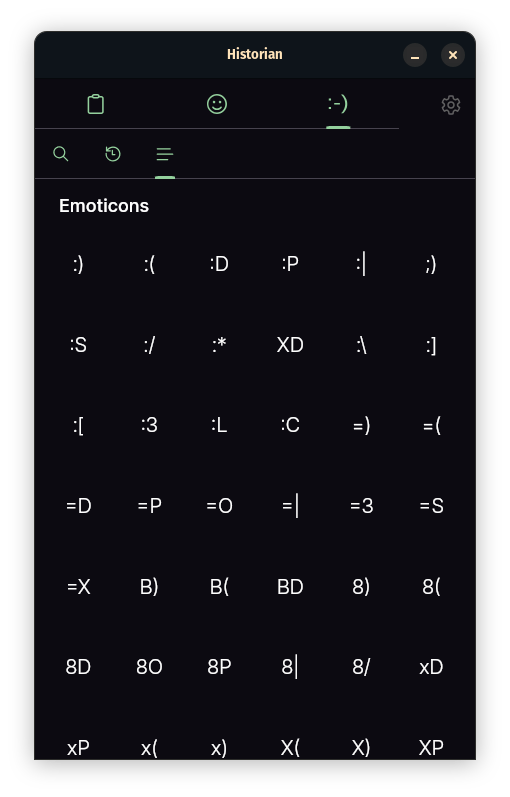
Emojis & Emoticons:
Personalization Settings:
All configurations are saved and automatically loaded on the next app launch.
Historian app continue running in the bg while showing a tray icon for quick access and controls:
This project is licensed under the GPL3 License.
The development of this app was made possible by the Flutter community's extensive resources. Special thanks to all those who contribute to the Flutter framework and its ecosystem.
Stay healthy and enjoy using the Historian app!





